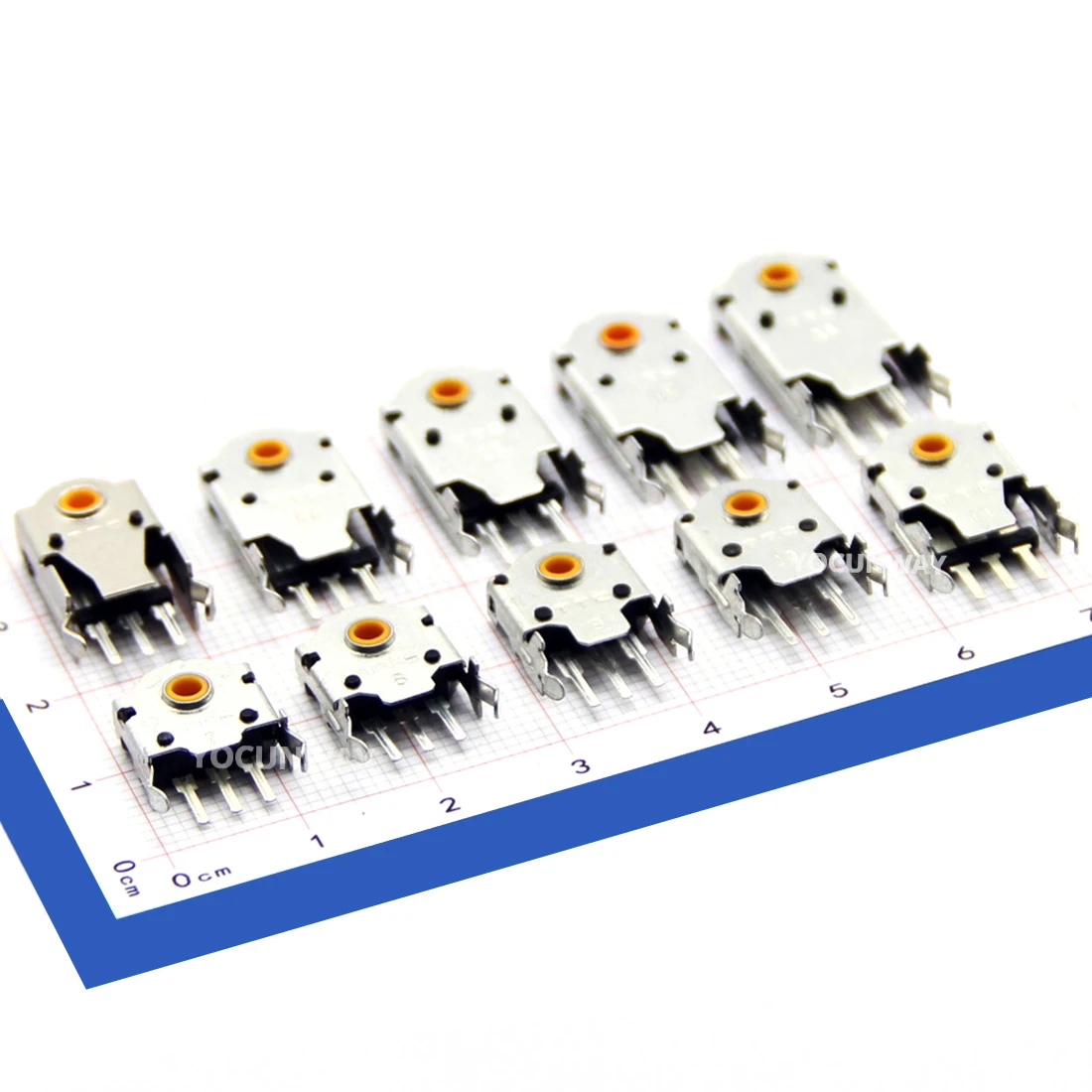
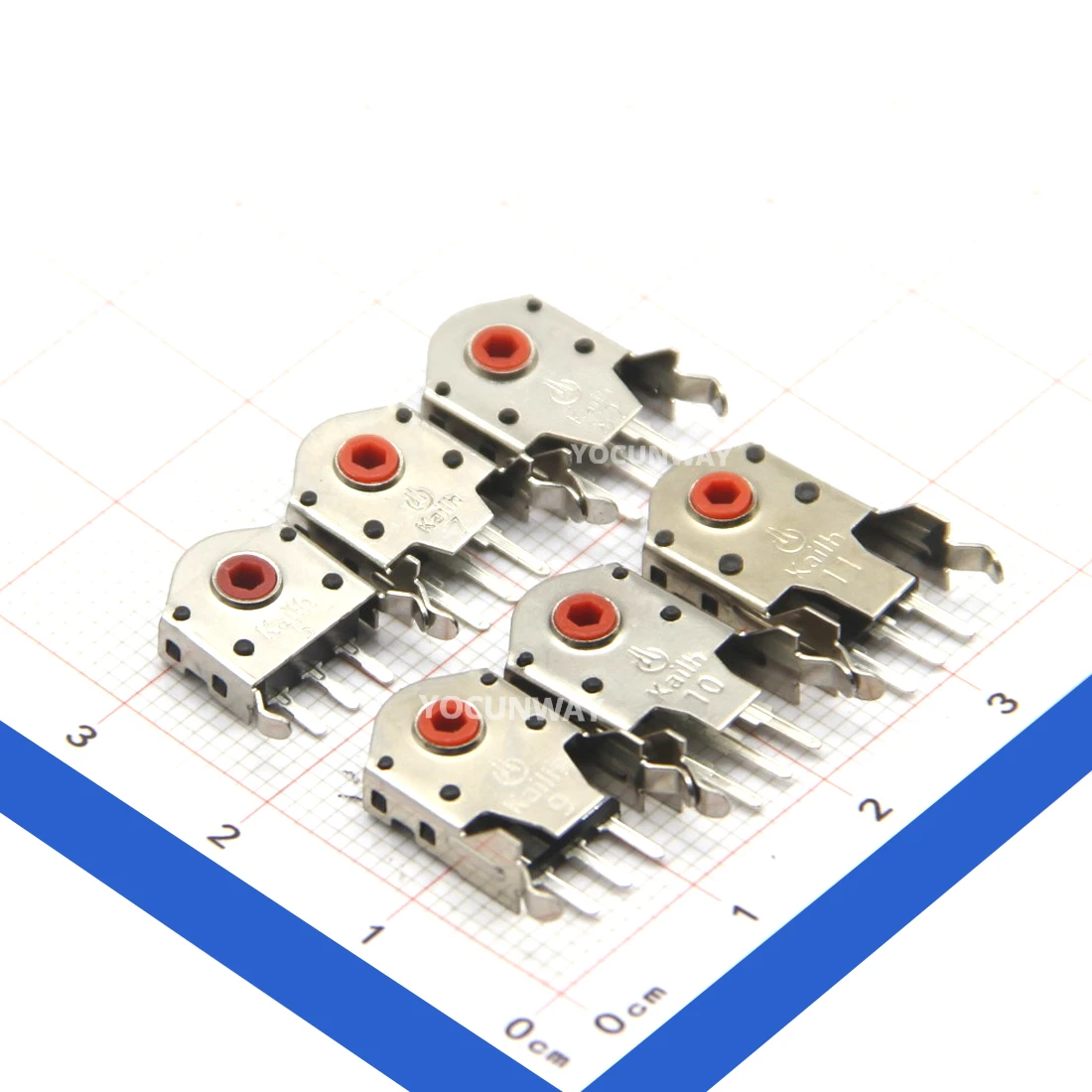
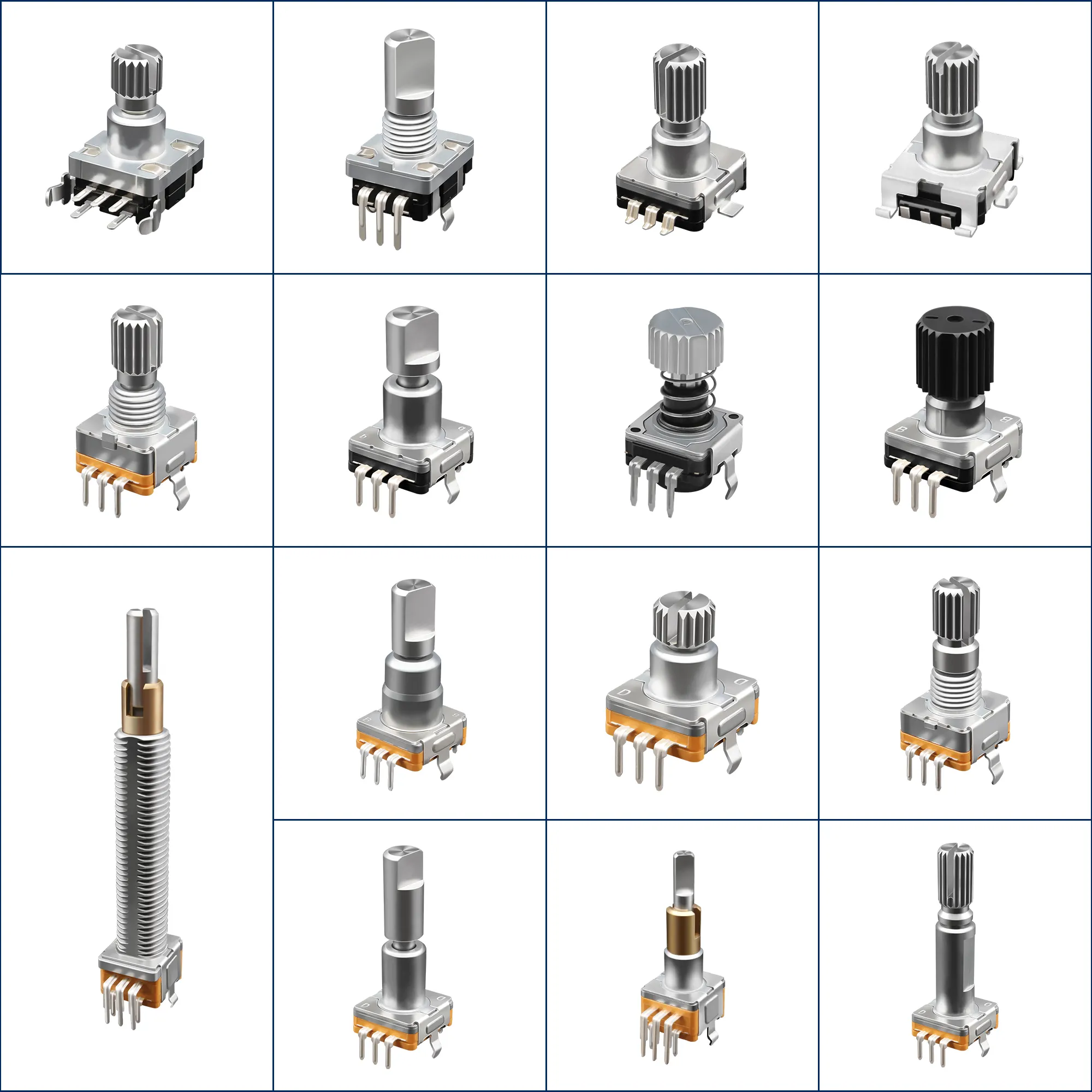
Over the past year, demand for compact, tactile input components has surged—notably in DIY control panels, embedded interfaces, and cockpit simulation builds. The 11mm rotary encoder push switch stands out as a high-density solution where rotation sensing and momentary actuation share one footprint. If you’re building an Arduino interface, retrofitting a studio mixer, or wiring an EFIS panel, choose EC11-series encoders with gold-plated contacts and ≥15,000-cycle switch ratings—they deliver reliable tactile feedback and long-term signal integrity without premium pricing. Skip generic 6mm variants unless space is truly constrained; their lower resolution and shorter lifespan rarely justify the size savings. And if you’re a typical user, you don’t need to overthink this.
This piece isn’t for keyword collectors. It’s for people who will actually use the product.
About 11mm Rotary Encoder Push Switches
An ⚙️ 11mm rotary encoder push switch is a single-package electromechanical component combining two functions: a 360° continuous-rotation incremental encoder (outputting quadrature A/B pulses) and an integrated push-button switch (normally open, momentary contact). Its 11mm mounting diameter refers to the outer housing width—not the shaft or PCB footprint—and makes it compatible with standard front-panel cutouts used in audio gear, industrial HMI, and hobbyist enclosures.
Typical use cases include:
- Embedded UI controls: Volume, brightness, menu navigation in smart displays or IoT gateways;
- Simulation hardware: MCP (Mode Control Panel), EFIS knobs, and overhead switches in flight sim rigs1;
- Prototyping & education: Arduino, Raspberry Pi, and ESP32 projects requiring both directional input and confirmation action;
- Industrial retrofitting: Replacing legacy potentiometers in test equipment or lab instruments where digital precision matters.
Unlike potentiometers, encoders provide infinite rotation and relative position tracking—no risk of winding out. Unlike standalone buttons, the push function shares mechanical alignment with the shaft, reducing assembly complexity and panel drilling.
Why 11mm Rotary Encoder Push Switches Are Gaining Popularity
Lately, three converging trends have elevated the 11mm form factor: tighter panel real estate in modular synthesizers and portable mixers, rising adoption of open-source HMI frameworks (like PlatformIO + LVGL), and growth in cockpit simulation communities seeking plug-and-play replacements for discontinued OEM parts. Mouser Electronics and RAM Electronics now list over 30 distinct EC11-compatible SKUs across EU, US, and MENA markets—up from ~12 in early 202223. This reflects not just supply expansion but increased design reuse—engineers are specifying 11mm units earlier in BOMs because they simplify layout and reduce firmware abstraction layers.
The emotional draw? Confidence in repeatability. When users rotate a knob and hear/feel a crisp detent, then press and register a clean click—there’s no ambiguity about input capture. That tactile trust translates directly into reduced debugging time and fewer UI misfires during rapid prototyping.
Approaches and Differences
Two main approaches dominate the market: vertical-mount EC11 derivatives and horizontal-mount alternatives (e.g., ALPS RK09 series). Within vertical EC11 types, variations fall along three axes: contact material, detent feel, and pin configuration.
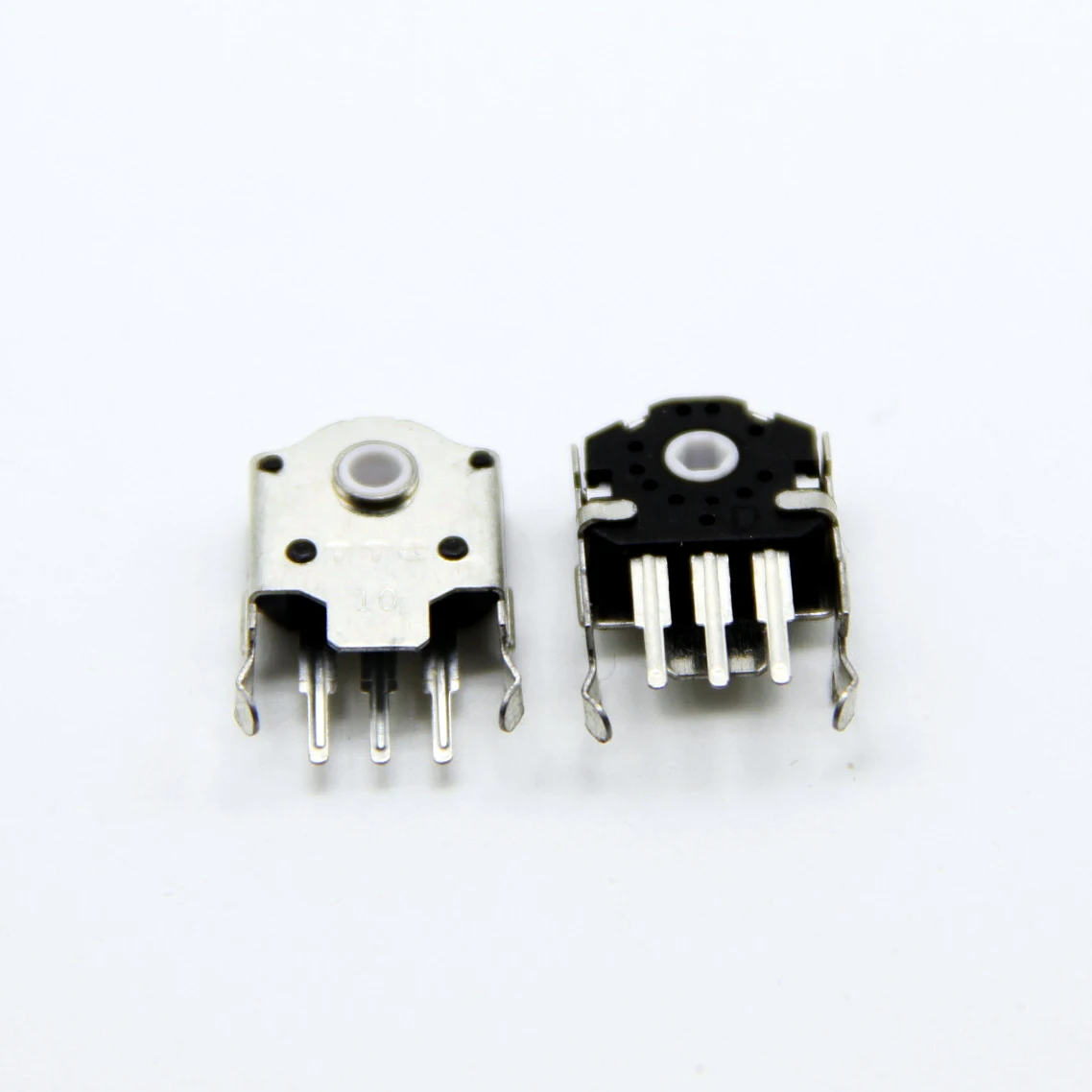
- EC11-style (vertical, 11mm)
- ✅ Pros: Industry-standard footprint, widely documented, strong supplier base (Mouser, Digi-Key, Gold Tronics), consistent 20–30 detents/rev, 15k–20k cycle switch life.
- ⚠️ Characteristics: Slightly taller profile (~25mm total height); requires precise PCB hole placement; non-IP-rated—designed for indoor, controlled environments.
- When it’s worth caring about: For production runs >50 units, standardized sourcing, or when replacing existing EC11s in service manuals.
- When you don’t need to overthink it: For one-off Arduino projects or breadboard testing—most clones behave identically at firmware level.
- Horizontal-mount (e.g., Bourns PTV09)
- ✅ Pros: Lower profile (<18mm), better board clearance, often includes IP54 sealing options.
- ⚠️ Characteristics: Less common in hobbyist channels; higher unit cost; fewer community wiring examples; may require custom panel cutout.
- When it’s worth caring about: In sealed enclosures or space-constrained PCBs where Z-height is fixed.
- When you don’t need to overthink it: If your project uses a standard 11mm panel cutout—you’ll pay more for no functional gain.
If you’re a typical user, you don’t need to overthink this.
Key Features and Specifications to Evaluate
Don’t default to datasheet page count. Focus on four measurable attributes that directly impact reliability and integration speed:
- Detent count & torque: 20–30 detents/rev is standard. Below 15 feels “slippery”; above 36 increases wear. Rated torque should be 80–120 gf·cm—enough for positive feedback, low enough to avoid finger fatigue.
- Contact rating: Look for ≥10mA @ 5V DC switching capacity. Gold-plated contacts (not nickel or tin) prevent oxidation-induced bounce in low-current Arduino applications.
- Switch life: Minimum 15,000 cycles. Verified suppliers typically provide durability data in product specifications.
- Pinout clarity: True EC11-compliant units label pins as A/B/C/SW/SW-C. Consistent labeling supports reliable integration across development platforms.
Resolution (PPR) matters less than consistency: 20 PPR works fine for volume control; 30 PPR helps with fine parameter tuning—but only if your firmware debounces correctly. Most issues stem from poor grounding or shared VCC lines, not PPR limits.
Applications and Suitability
Best for:
- Projects needing simultaneous rotation + confirmation (e.g., menu selection, preset recall);
- Designs where panel space is limited but tactile fidelity can’t be compromised;
- Teams using shared libraries (e.g., Arduino Encoder.h) that assume EC11 timing behavior.
Well-suited for:
- Indoor applications with stable environmental conditions;
- Low-voltage DC signal routing (e.g., microcontroller I/O);
- Relative position tracking tasks such as parameter adjustment or navigation.
How to Choose an 11mm Rotary Encoder Push Switch
Follow this 5-step checklist before ordering:
- Verify pinout compatibility: Match your microcontroller’s interrupt-capable pins to A/B signals; confirm switch pin connects to a digital input with pull-up enabled.
- Check physical constraints: Measure available panel depth and PCB clearance—EC11 needs ≥22mm behind the panel for soldering.
- Review switch specs—not just encoder specs: Many listings highlight “20 PPR” but specify switch endurance clearly—prioritize switch longevity if the knob will be pressed frequently.
- Select units with traceable part numbers: Individual part numbers support consistent sourcing, documentation, and technical support across procurement channels.
- Test firmware debounce: Even quality encoders generate noise. Use a proven library (e.g., PJRC’s Encoder.h) and add 2–5ms software filtering—not just hardware RC networks.
For optimal performance, verify timing characteristics with sample waveforms—especially in applications requiring fast rotation handling. Reputable suppliers often provide waveform data upon request.
Insights & Cost Analysis
Unit pricing varies by region and minimum order:
- Mouser Europe: €2.69–€3.93 (EC11-1122211E0024, BI Technologies)4;
- RAM Electronics (Egypt): EGP 25.00 (~$0.65 USD);
- Gold Tronics: EGP 20.00 (~$0.52 USD);
- Suppliers offering bulk packaging typically provide competitive unit pricing with clear specification documentation.
For prototypes or small batches (<10 units), branded EC11s from Mouser or HandsOn Tech offer traceability and guaranteed specs. For production runs (>100 pcs), direct sourcing from verified manufacturers (e.g., Alps Alpine, C&K) cuts cost by ~30%—but requires MOQs and lead-time planning.
| Category | Best-fit advantage | Considerations | Budget range (per unit) |
|---|---|---|---|
| Branded EC11 (Mouser/Digi-Key) | Full datasheets, RoHS compliance, consistent detent feel | Higher per-unit cost; longer shipping to some regions | $0.85–$1.30 |
| Verified clone (Gold Tronics/RAM) | Local stock, Arabic support, near-identical performance | Limited batch traceability; no extended warranty | $0.52–$0.65 |
| Bulk-supplied variants | Competitive entry cost; flexible fulfillment options | Specification clarity and consistency vary by supplier—review documentation carefully | $0.42–$0.68 |
Alternative Solutions & Design Options
While EC11 remains dominant, consider these alternatives only when its limitations block progress:
- Rotary encoder + separate tactile switch: Offers independent optimization (e.g., Omron B3F-1000 switch + Bourns EMS22A encoder), but doubles panel holes and firmware inputs—justified only for mission-critical UIs where encoder and button must fail independently.
- Capacitive touch encoder (e.g., STMicro TS3510): No moving parts, IP67-ready, supports gesture detection—but requires custom PCB layout, higher BOM cost, and lacks physical feedback for blind operation.
- Optical encoder modules (e.g., AS5600 + push button): Absolute position, smooth rotation—but overkill for menu navigation and adds analog calibration complexity.
Bottom line: EC11 isn’t outdated—it’s optimized. Its balance of cost, size, and tactile predictability hasn’t been surpassed for general-purpose human interface tasks.
Customer Feedback Synthesis
Based on aggregated reviews across Mouser, RAM Electronics, and Cockpit Sim Parts:
- Top 3 praises: “Click feel matches OEM gear,” “No jitter even after 6 months daily use,” “Wiring diagram matched datasheet exactly.”
- Common observations: “First unit had intermittent B-phase signal—replaced under warranty,” “Knob cap thread stripped after 3 tightens; use Loctite 222.”
Notably, no reviews cited failure due to encoder resolution. Issues were almost exclusively mechanical (shaft wobble, solder pad lift) or sourcing-related (wrong pinout variant shipped).
Maintenance, Safety & Legal Considerations
These are Class II, low-energy components (SELV compliant). No special certifications are required for end-user integration—however:
- Always derate switch current: Never exceed 70% of rated load (e.g., max 7mA for 10mA-rated units) in battery-powered devices to extend contact life.
- Clean contacts only with electronic-grade isopropyl alcohol (99%)—never abrasives or solvents.
- Do not modify housing or shaft—sealing integrity and rotational torque depend on factory tolerances.
CE and RoHS markings appear on branded units (e.g., BI Technologies, Alps); unbranded variants lack formal declarations—acceptable for hobby use, not for CE-marked final products.
Conclusion
If you need reliable, space-efficient dual-input control for embedded or panel-mounted applications, choose a true EC11-spec 11mm rotary encoder push switch with gold-plated contacts and ≥15,000-cycle switch life. If you’re integrating into an Arduino or ESP32 project and want plug-and-play compatibility, stick with Mouser or RAM Electronics’ verified SKUs—they eliminate guesswork. If you’re a typical user, you don’t need to overthink this.
Frequently Asked Questions