Over the past year, projectors rated at 20,000 lumens — whether measured as ANSI lumens (professional laser units) or peak brightness (consumer LED models) — have become significantly more accessible in Brazil’s retail market. This shift isn’t just about raw numbers: it reflects a real convergence of affordability, smart features, and usable performance across two distinct user groups. If you’re a typical home user wanting immersive movie nights on a 200-inch screen, choose a native 1080p/4K-supported LED smart projector like the FlixTone D8W or AILESSOM — not a $15,000 Epson laser unit. If you’re staging corporate events or outdoor festivals, only professional-grade laser projectors (e.g., Epson Pro L20000UNL or Panasonic PT-RQ25K) deliver consistent, color-accurate output under ambient light. The biggest consideration? Understanding how “20,000 lumens” is measured across categories — LED peak brightness and ANSI laser brightness represent different performance benchmarks. This piece isn’t for keyword collectors. It’s for people who will actually use the product.
About 20000 Lumens Projectors
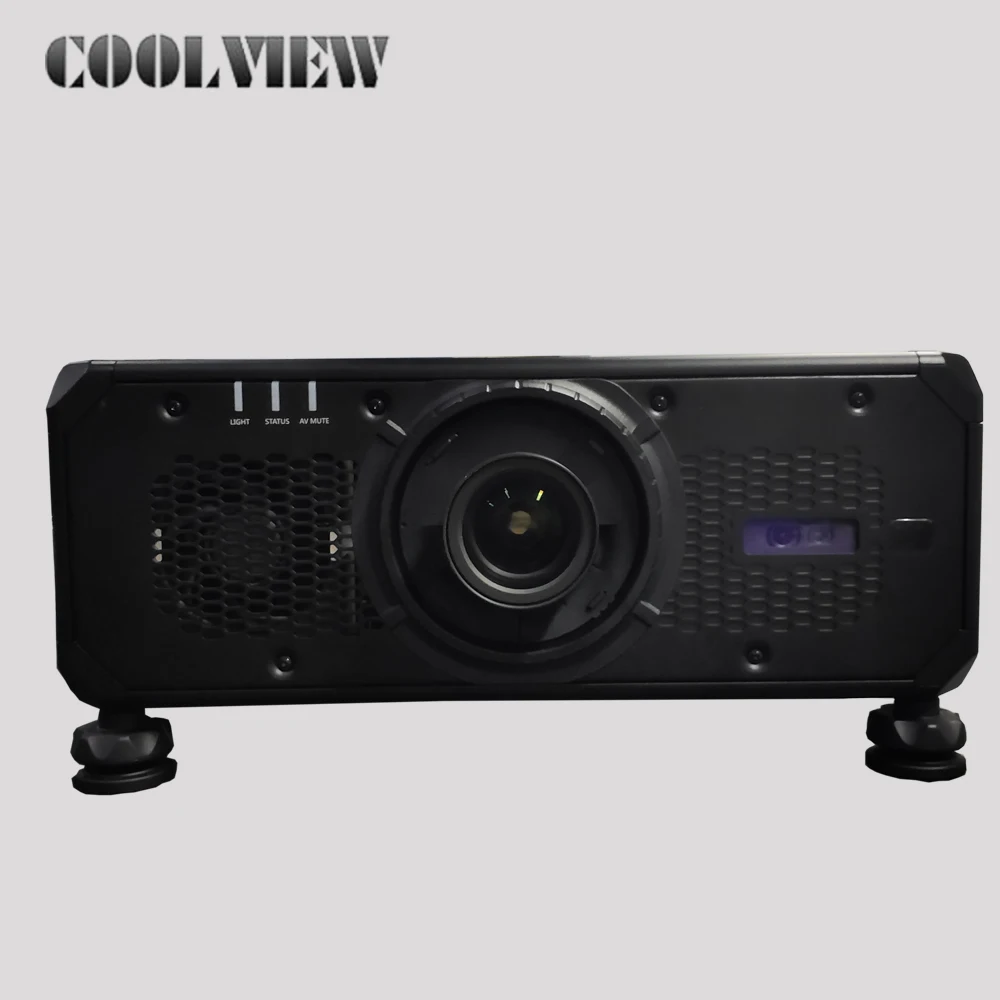
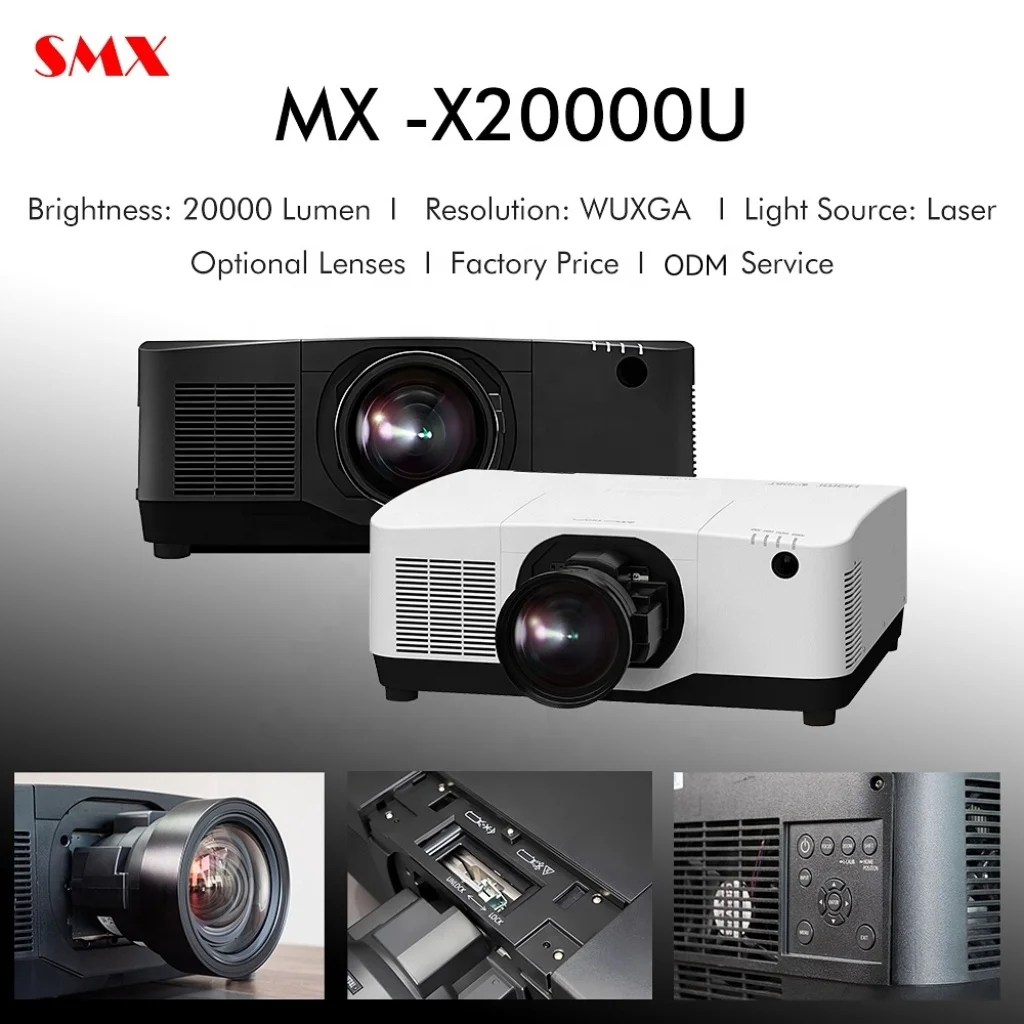
A “20000 lumens projector” refers to any display device engineered to emit light output approaching or reaching 20,000 lumens — but this number means very different things depending on technology and measurement standard. In consumer-grade portable units sold on Amazon Brasil and Mercado Livre, “20,000 lumens” typically describes peak LED brightness under ideal lab conditions — often using dynamic contrast boost and short-duration bursts. These are usually native 1080p or 4K-supported Android-based devices with built-in streaming apps, automatic focus, and trapezoidal correction 1. In contrast, professional models like the Epson Pro L20000UNL specify 20,000 ANSI lumens — a standardized, sustained measurement verified under strict IEC 62087 protocols, using 3LCD laser phosphor illumination 2. Their intended use cases differ sharply: one targets living-room flexibility; the other targets fixed-installation reliability in auditoriums, museums, or large-scale live events.
Why 20000 Lumens Projectors Are Gaining Popularity
Lately, demand has surged—not because consumers suddenly need brighter images, but because ambient-light tolerance and screen size expectations have changed. With rising apartment living and limited wall space, many users now prioritize projection over flat-panel TVs — especially when seeking >120-inch viewing areas without mounting hardware. Simultaneously, streaming habits (Netflix, YouTube, Disney+) have driven demand for plug-and-play smart functionality. The 20,000-lumen tier sits at an inflection point: it’s bright enough to overcome moderate room light (e.g., dimmed lamps or daylight-filtered windows), yet still affordable enough for non-commercial buyers. That said, popularity reflects evolving needs rather than universal requirements. For most bedrooms or dedicated dark rooms, even 3,000–5,000 ANSI lumens suffices. The 20,000-lumen tier is especially relevant for two scenarios: (1) semi-bright living rooms where full blackout is impractical, or (2) outdoor or high-ambient-light event spaces. If you’re a typical user, your choice depends on your environment and goals.
Approaches and Differences
There are two fundamentally different approaches to achieving 20,000 lumens — each suited to specific applications:
- ⚡Consumer LED Smart Projectors (e.g., FlixTone D8W, AILESSOM, BETTDOW AC1082): Use high-power RGB LED arrays. Brightness is advertised as “peak” or “dynamic” — reflecting maximum short-term output under optimized conditions. Native resolution is usually 1080p, with 4K upscaling. Battery-free but require stable AC power. Lifespan: 50,000–100,000 hours 3.
- ✨Professional Laser Projectors (e.g., Epson Pro L20000UNL, Panasonic PT-RQ25K): Use multi-chip DLP or 3LCD laser phosphor engines. Output is measured per ANSI IT7.228 standards — meaning consistent, full-frame, sustained brightness. Native 4K resolution common. Require professional installation, lens options, and climate-controlled environments. Lifespan: 20,000–30,000 hours at full brightness.
When it’s worth considering: You’re installing permanently in a church, convention center, or rented event venue — and need guaranteed color fidelity, zero lamp replacement, and dust resistance.
When it may be ideal: You want weekend movie nights in your apartment. If you’re a typical user, your priorities guide the best fit.
Key Features and Specifications to Evaluate
Don’t default to lumen count alone. Here’s what actually affects your experience:
- 🔍Brightness Standard: Confirm whether it’s “ANSI lumens” (measured, repeatable) or “LED lumens” / “peak lumens” (indicative of maximum short-term output). Only ANSI values let you compare across brands reliably.
- 📊Contrast Ratio: A 20,000-lumen projector with 1,000:1 contrast looks washed out next to a 5,000-lumen model with 100,000:1 dynamic contrast. Look for ≥5,000:1 native (not dynamic) for film content.
- ⚙️Focus & Keystone Correction: Automatic focus + vertical/horizontal keystone correction eliminates setup friction. Manual-only units frustrate most home users.
- 🌐Smart OS & Streaming Support: Android TV or certified Fire OS ensures Netflix, Prime Video, and YouTube work natively — not just via mirroring.
- ⏱️Lamp/Laser Life: LED units cite 50k–100k hours, but real-world degradation begins after ~30k hours. Laser units maintain >80% brightness at 20k hours — critical for commercial uptime.
Features and Considerations
✅ Well-suited for home theater, small gatherings, rental apartments, and flexible setups. Portable, quiet (<30 dB), supports wireless casting, includes built-in speakers (though external audio is recommended), and works with standard HDMI sources. No lens alignment or cooling ducts required.
ℹ️ Designed for adaptable environments. Peak brightness reflects maximum short-term output; sustained performance varies by usage mode. Lens options are typically fixed to support compact design. Color volume (DCI-P3 coverage) is optimized for everyday content, supporting rich visuals in typical home lighting.
How to Choose a 20000 Lumens Projector
Follow this decision checklist — in order:
- Define your primary lighting condition: Is the room fully dark? Partially lit? Outdoor? → If fully dark, lower lumen models may provide excellent results with enhanced contrast and color depth.
- Verify screen size goal: Need >150 inches? Then brightness matters. Below 120 inches, resolution and contrast matter more.
- Check input compatibility: Does it support HDCP 2.2? Required for Netflix HD/4K playback. Many budget “20,000-lumen” units lack it.
- Consider these factors: (1) Clarify resolution claims — “4K supported” may indicate upscaling from native 1080p; (2) Review throw distance specifications — some units need 3+ meters for 100 inches; (3) Evaluate audio quality — built-in speakers serve well for casual use, though external systems enhance dialogue clarity at larger scales.
Insights & Cost Analysis
Pricing reflects function, not just lumens:
- Consumer LED models (FlixTone D8W, AILESSOM): R$2,499–R$3,899 on Amazon Brasil and Mercado Livre. Includes Android OS, Wi-Fi 5/6, Bluetooth 5.1, and auto-focus.
- Professional laser models (Epson Pro L20000UNL): Starts at R$65,000+ (without lens). Requires separate lens purchase (R$8,000–R$25,000), professional calibration, and HVAC integration.
Value is contextual. Higher investment in professional models delivers stability, service contracts, and enterprise-grade service level agreements. For non-commercial use, consumer models offer strong performance aligned with everyday expectations.
Solutions & Application Overview
| Category | Suitable For | Design Characteristics | Budget Range (BRL) |
|---|---|---|---|
| LED Smart Projector Home |
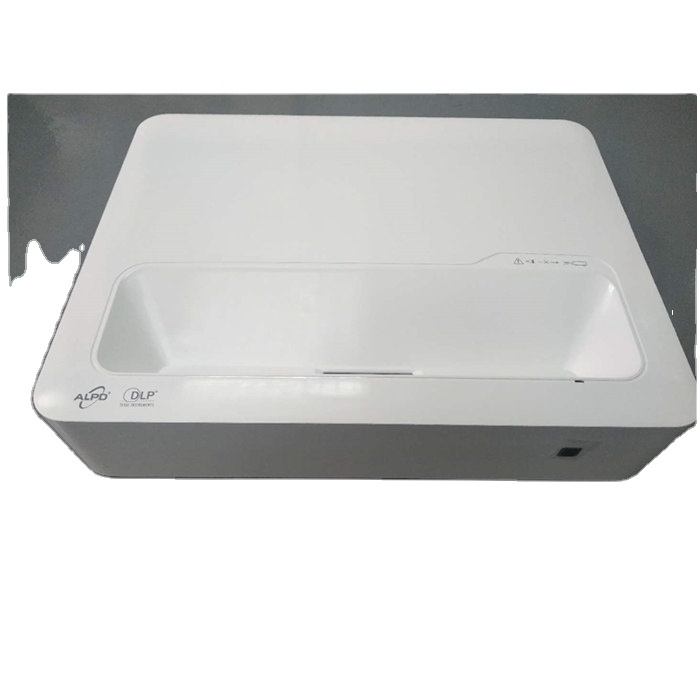
Living rooms, bedrooms, dorms — especially with partial ambient light | Compact form factor; dynamic brightness optimization; integrated smart platform | R$2,500 – R$4,000 |
| Laser 3LCD (Epson) Pro |
Auditoriums, churches, trade shows — fixed install, high uptime needs | Robust thermal management; modular lens system; professional-grade color consistency | R$65,000 – R$120,000+ |
| Laser DLP (Panasonic) Pro/Portable |
Touring events, pop-up venues — balances brightness, weight, and resolution | Engineered for mobility and rapid deployment; precision optical architecture | R$85,000 – R$140,000 |
User Experience Insights
Based on aggregated reviews from Amazon Brasil and Mercado Livre (2023–2024):
- Top 3 praises: (1) “Brilliant image in my sunlit living room — beats my 75-inch TV for immersion”; (2) “Setup took 90 seconds — auto-focus nailed it every time”; (3) “Android interface is smooth; no lag switching between YouTube and Netflix.”
- Common observations: (1) Brightness output varies by selected picture mode to balance visual fidelity and longevity; (2) Built-in speakers deliver clear audio at moderate volumes and complement external systems well; (3) Fixed lens design supports simplicity and portability for home use.
Maintenance, Safety & Legal Considerations
All 20,000-lumen projectors generate meaningful heat and require unobstructed airflow. Never enclose them in cabinets or cover vents. LED units pose minimal eye-safety risk at normal viewing distances (>2 m), but laser projectors require Class 4 laser safety compliance — including interlock systems and warning labels. In Brazil, ANATEL certification is mandatory for all wireless-enabled models (Wi-Fi/Bluetooth); verify registration number before purchase. No model reviewed here requires special import licensing for personal use, but commercial deployment may trigger municipal electrical inspection requirements.
Conclusion
Choosing a 20000 lumens projector isn’t about chasing a number — it’s about matching light output to your physical environment and usage rhythm. If you need consistent, color-accurate projection in variable lighting across multiple venues, invest in a certified ANSI-lumen laser projector — and budget for professional installation. If you want cinematic immersion in your home without rewiring or hiring technicians, a well-reviewed LED smart projector delivers compelling performance at accessible cost and complexity. There is no universal “best.” There is only the right tool — for your space, your schedule, and your actual use case.