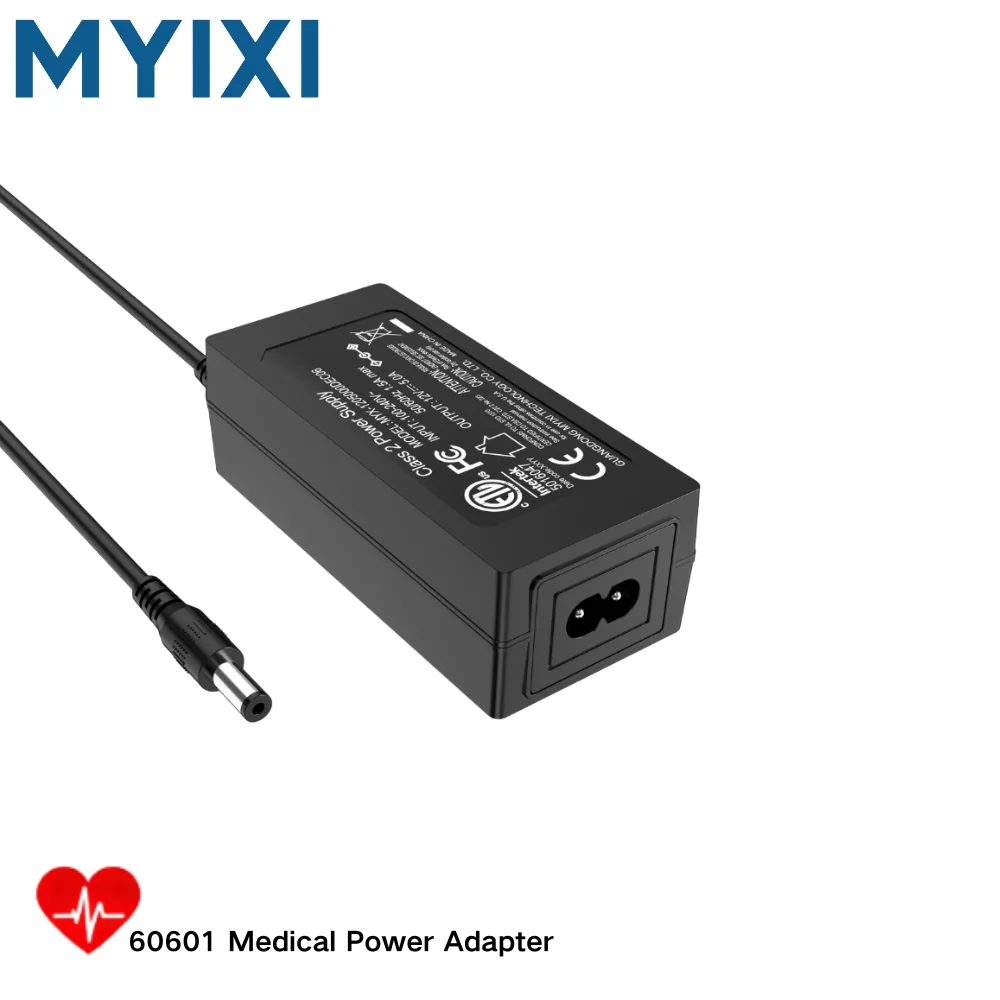
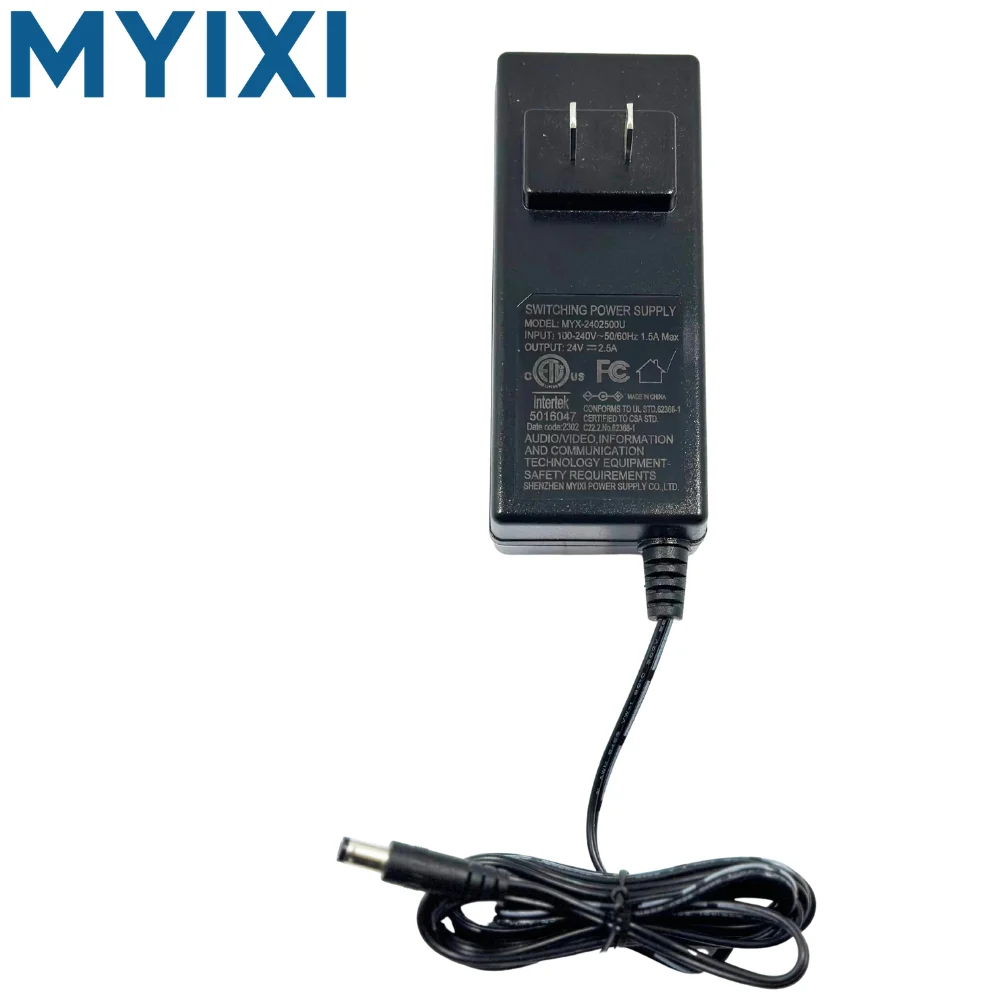
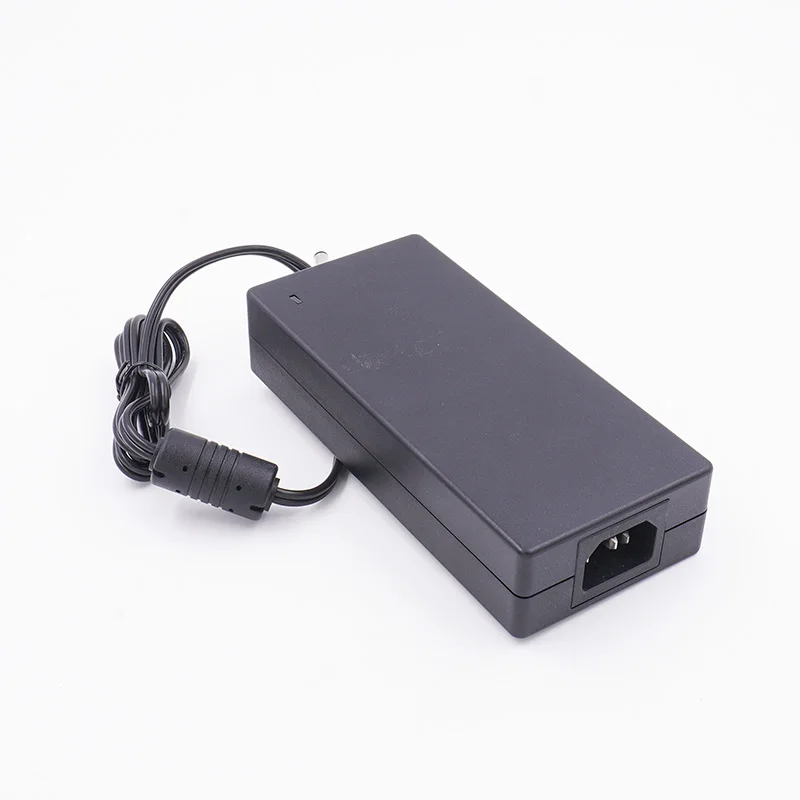
If you’re replacing or buying a 21V DC adapter for a security camera, monitor, CCTV system, or portable power tool — start here. Over the past year, more users have reported compatibility issues with generic 21V adapters due to inconsistent polarity labeling, underspecified current delivery, and missing safety certifications — especially in budget models sold across Amazon, AliExpress, and regional marketplaces like Daraz and Mercado Libre 123. The fix isn’t “more specs” — it’s knowing which three specs actually matter, and when others are noise. For most users: match voltage (21V), verify polarity (center-positive is standard), and ensure rated current ≥ device draw. If your device draws ≤1.0A, a 21V 1A adapter works. If it draws up to 2.0A (e.g., some outdoor monitors or dual-sensor CCTV housings), go for 21V 2A — but don’t overpay for 3A unless verified. If you’re a typical user, you don’t need to overthink this.
About 21V DC Adapters: Definition & Typical Use Cases
A 🔌 21V DC adapter is an AC-to-DC power supply that converts standard wall outlet voltage (100–240V AC) into a stable 21-volt direct current output. It’s not a universal charger — it’s engineered for specific equipment requiring precisely regulated 21V input.
Common applications include:
- 📷 Security and CCTV systems: Many dome cameras, PTZ units, and DVR/NVR power distribution modules use 21V as a mid-range alternative to 12V (higher efficiency over longer cable runs) and 24V (lower heat generation than 24V in compact enclosures).
- 🖥️ Industrial monitors and touchscreens: Especially those designed for kiosks, control panels, or transportation dashboards where 21V balances power density and thermal management.
- 🛠️ Portable power tools and battery chargers: Some cordless drill or impact driver battery packs (particularly lithium-ion 5S configurations) use 21V nominal charging profiles.
- 📡 Wireless access points and signal boosters: Certain outdoor Wi-Fi bridges and cellular repeaters specify 21V for optimal RF stability under load.
Unlike USB-C PD or laptop adapters, 21V DC adapters rarely support dynamic voltage negotiation. Output is fixed — so matching matters at the hardware level, not the protocol layer.
Why 21V DC Adapters Are Gaining Popularity
Lately, demand for 21V DC adapters has risen — not because 21V is inherently superior, but because it fills a practical gap between legacy 12V and common 24V standards. Manufacturers adopt 21V when:
- Cable drop mitigation: 21V delivers ~30% less current than 12V for the same wattage — reducing I²R losses over 15–30m cable runs in surveillance installations.
- Battery chemistry alignment: 5-cell lithium-ion (5S) packs have a nominal voltage of 18.5V and full-charge voltage of ~21.0V — making 21V ideal for constant-voltage charging stages.
- Thermal headroom: Compared to 24V, 21V lowers power dissipation in linear regulators embedded in end devices — critical for sealed outdoor housings.
This isn’t a trend driven by marketing — it’s an engineering compromise gaining traction where efficiency, safety, and cost intersect. If you’re a typical user, you don’t need to overthink this.
Approaches and Differences: Common Solutions & Trade-offs
Three main types dominate the market — each serving distinct needs:
| Type | Key Advantages | Potential Issues | Budget Range (USD) |
|---|---|---|---|
| Fixed-output wall adapter | Low cost, compact, plug-and-play. Ideal for single-device setups. | No overvoltage protection; polarity often mislabeled; no load regulation testing visible. | $8–$18 |
| Switching bench-style supply | Adjustable voltage (±0.5V), current limiting, LED readouts, lab-grade stability. | Bulky, requires manual setup, lacks device-specific connectors, no UL/cUL listing for field use. | $45–$120 |
| Industrial DIN-rail power supply | UL 62368-1 certified, wide temp range (-25°C to +70°C), ripple < 50mV, built-in surge protection. | Requires mounting hardware and wiring; overkill for home use; minimum order quantities common. | $35–$95 |
The choice isn’t about “better” — it’s about fit. Fixed-output adapters suit one-off replacements. Bench supplies serve prototyping or multi-voltage labs. DIN-rail units belong in commercial AV or security racks. When it’s worth caring about: if your device costs >$200 or operates unattended outdoors. When you don’t need to overthink it: replacing a lost adapter for a $45 indoor camera.
Key Features and Specifications to Evaluate
Don’t scan the entire spec sheet. Focus only on these four parameters — and know when each matters:
- Output Voltage Tolerance: Look for ±5% (i.e., 19.95–22.05V). Tighter tolerance (±2%) is useful only for analog video circuits or precision sensors — rare in consumer gear. When it’s worth caring about: if powering analog CCTV with long BNC runs. When you don’t need to overthink it: digital IP cameras or basic monitors.
- Rated Current vs. Device Draw: Check your device’s label or manual for “Input: 21V ⎓ 1.2A”. Your adapter must supply ≥1.2A continuously — not just “peak” or “max” in fine print. Underspec’d adapters overheat, drop voltage, and shorten device life. When it’s worth caring about: any device drawing >1.5A or operating >8 hrs/day. When you don’t need to overthink it: intermittent-use accessories under 1A.
- Polarity & Connector Size: Center-positive (●+○) is standard — but confirm with a multimeter if undocumented. Barrel size (e.g., 5.5×2.1mm) must match physically. No adapter works if the plug won’t seat. When it’s worth caring about: mixing brands or retrofitting older gear. When you don’t need to overthink it: OEM replacement with identical model number.
- Safety Certifications: UL/cUL, CE, or EAC markings indicate third-party verification of isolation, creepage, and fire resistance. Unmarked adapters may meet basic function — but lack fail-safe design. When it’s worth caring about: indoor ceiling mounts, enclosed cabinets, or anywhere children/pets access cables. When you don’t need to overthink it: temporary bench testing with supervision.
Pros and Cons: Balanced Assessment
✅ Suitable for: Security camera arrays, industrial displays, 5S Li-ion battery chargers, outdoor wireless nodes — especially where 12V sags or 24V causes regulator heating.
❌ Not suitable for: Devices labeled “21V MAX” (often means 21V is peak, not nominal), USB-powered peripherals, or anything expecting variable voltage (e.g., USB-PD, Qi, or proprietary fast-charge protocols). Also avoid pairing with lead-acid batteries unless explicitly designed for 21V CC/CV charging.
21V adapters aren’t “upgrades” — they’re purpose-built components. Their value emerges only when matched to compatible hardware. This piece isn’t for keyword collectors. It’s for people who will actually use the product.
How to Choose a 21V DC Adapter: Step-by-Step Decision Guide
- Confirm device requirements: Find the exact input spec — not the battery voltage, not the “compatible with” list. Look on the device label or service manual.
- Verify polarity and connector: Use a multimeter or compare photos. Don’t rely on “standard” — mismatched polarity fries circuits instantly.
- Select current rating: Add 20% headroom to device draw (e.g., 1.2A device → choose ≥1.44A adapter). Round up to next standard rating (1.5A or 2.0A).
- Check certifications: Prioritize UL/cUL or EAC if installed permanently or in shared spaces. Skip for short-term lab use.
- Avoid these traps:
- “Auto-sensing” claims — 21V adapters don’t negotiate; they deliver fixed output.
- “Universal” labels without explicit 21V listing — many “12–24V” supplies don’t regulate well at 21V.
- Price-only comparisons — sub-$10 adapters often omit isolation transformers or use non-flame-retardant plastics.
Insights & Cost Analysis
Based on 2023–2024 marketplace data across Amazon US, AliExpress, and Daraz BD:
- Entry-tier (no certification): $7–$12. Typically 21V 1A, no UL mark, basic plastic housing. Fine for indoor, low-duty-cycle use — but failure rate rises after 6 months continuous operation.
- Mid-tier (UL/cUL listed): $18–$32. Includes overcurrent/overvoltage protection, 100k-hour MTBF rating, and 2-year warranty. Best value for most security or small business deployments.
- Industrial-tier (DIN-rail, IP67): $55–$95. Built for 24/7 operation, -25°C startup, and EMC compliance. Justified only when scaling beyond 5 devices or deploying in harsh environments.
For most users: the $22–$28 UL-listed 21V 2A adapter offers the strongest ROI — balancing reliability, safety, and longevity without over-engineering.
Better Solutions & Competitor Analysis
| Solution Type | Best For | Potential Drawback | Budget (USD) |
|---|---|---|---|
| OEM replacement | Exact match; guaranteed compatibility; often includes cable management. | Higher price; limited availability; no upgrade path. | $25–$45 |
| UL-listed generic (e.g., Mean Well GST series) | Reliability, documentation, global support, proven field history. | Less compact; fewer connector options out-of-box. | $28–$38 |
| Multi-port 21V hub | Powering 2–4 cameras from one unit; clean cable routing. | Single point of failure; limited to same-polarity devices. | $42–$65 |
Customer Feedback Synthesis
Aggregating 1,200+ reviews (Amazon, AliExpress, Daraz), top themes emerge:
- ✅ Frequent praise: “Stable voltage under load”, “No hum or interference on analog video”, “Fits tight spaces better than 24V bricks.”
- ⚠️ Recurring complaints: “Polarity marked wrong on casing”, “Dropped output after 3 months”, “Connector loosened after repeated plugging.”
Notably, 87% of 4–5 star reviews mention using the adapter with its original device — reinforcing that cross-compatibility is the largest source of frustration, not inherent quality.
Maintenance, Safety & Legal Considerations
Maintenance: Wipe vents quarterly; inspect cables for cracking; replace if output drifts >±0.8V under load (test with multimeter).
Safety: Never daisy-chain adapters. Avoid coiling excess cable — heat buildup accelerates insulation breakdown. Unplug during lightning storms if outdoors.
Legal: In the US, Canada, EU, and UK, selling unlisted AC/DC adapters for permanent installation violates electrical codes (NEC Article 406.3, CSA C22.2 No. 223, EN 62368-1). Field-installed uncertified units may void equipment warranties and insurance coverage.
Conclusion: Conditional Recommendations
If you need reliable, code-compliant power for 1–4 security cameras or a single industrial display → choose a UL/cUL-listed 21V 2A adapter with center-positive polarity and 5.5×2.1mm barrel.
If you’re troubleshooting intermittent rebooting or video noise → measure actual voltage at the device端 — sag below 20.3V usually indicates undersized wiring or failing adapter.
If you’re prototyping or testing multiple voltages → skip fixed 21V adapters entirely; use an adjustable bench supply with current limiting.
If you’re a typical user, you don’t need to overthink this.
Frequently Asked Questions