Over the past year, the shift from fixed-code to 433MHz RF learning code remotes has accelerated—not because of marketing hype, but because users finally stopped wrestling with dip switches and started pairing devices in under 30 seconds. If you’re a typical user, you don’t need to overthink this: choose an EV1527-based remote + receiver kit (not PT2262), verify battery voltage is ≥2.8V before pairing, and avoid plugging the receiver into a weak USB port. Skip rolling-code remotes—they’re incompatible with standard learning modules 1. This piece isn’t for keyword collectors. It’s for people who will actually use the product.
About 433MHz RF Learning Code Remotes
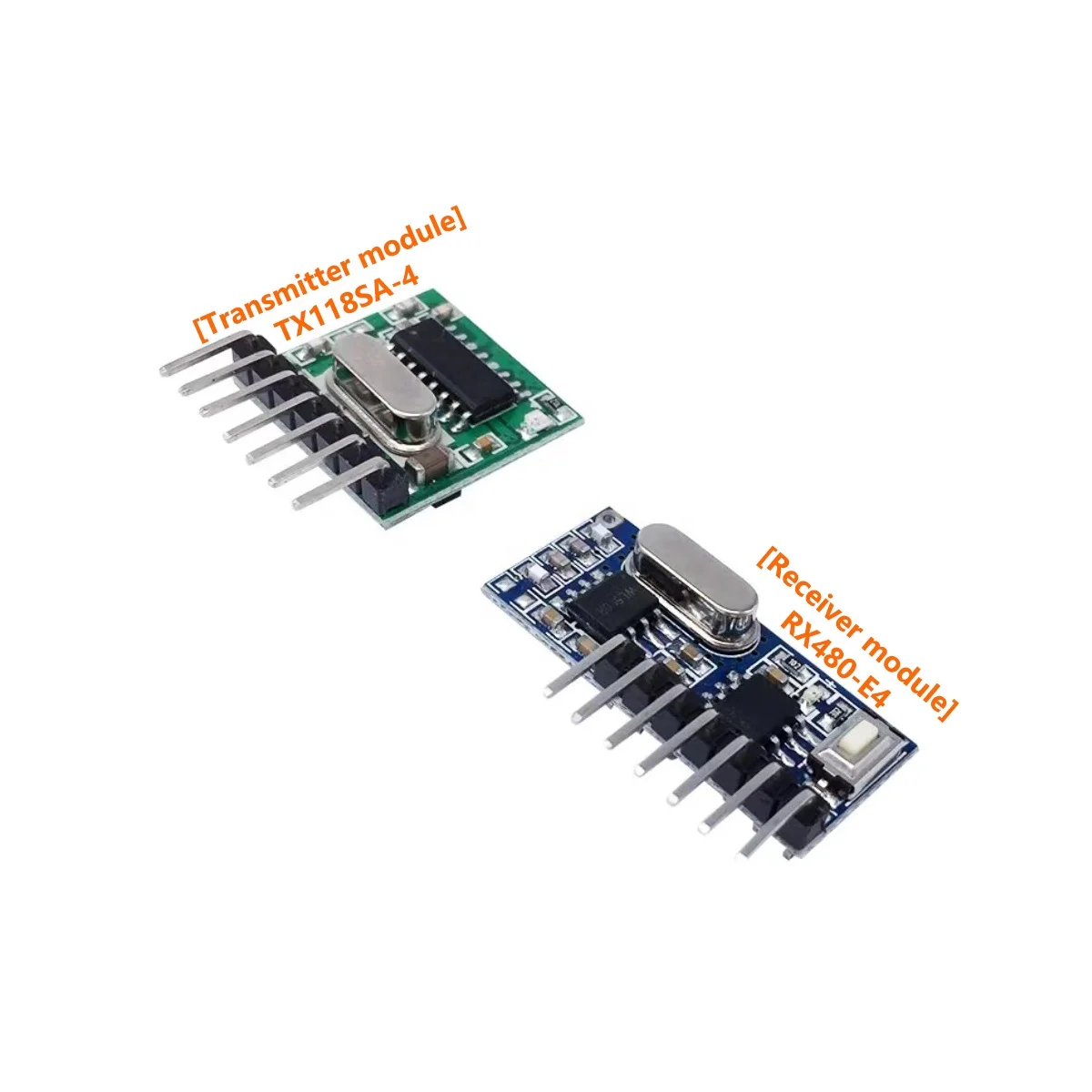
A 433MHz RF learning code remote is a wireless control device that transmits signals at 433 MHz—a globally unlicensed ISM band widely used in garage doors, lights, fans, and basic home automation. Unlike legacy fixed-code remotes (e.g., PT2262-based), learning-code units store signal patterns from existing remotes or generate new ones via a simple button-press sequence on the receiver. The most common encoding chip today is the EV1527, which supports 20-bit address + 4-bit data fields and enables one-to-many pairing without physical configuration 2.
Typical use cases include replacing worn-out garage door fobs, retrofitting non-smart lamps or ceiling fans, integrating older RF appliances into Home Assistant or Tuya ecosystems, and building low-cost DIY automation nodes using ESP32 or Arduino 3. It’s not for high-security applications (e.g., car keyless entry) or environments requiring encrypted, time-synchronized rolling codes.
Why 433MHz RF Learning Code Remotes Are Gaining Popularity
Lately, adoption has surged—not due to novelty, but to three concrete shifts: (1) Smart bridge integration: Devices like Sonoff RF Bridge and Tuya-compatible hubs now translate 433MHz signals into MQTT or cloud commands, letting users control legacy remotes via Alexa or Google Home 4; (2) Hardware simplification: EV1527 eliminates manual dip-switch alignment—pairing is now a two-step press-and-hold process; and (3) Prosumer demand for local, cloud-free automation means more users prefer self-hosted solutions (e.g., ESPHome + RF receiver) over proprietary apps 5.
If you’re a typical user, you don’t need to overthink this: popularity reflects usability—not feature bloat. What’s changed isn’t the radio frequency itself, but how reliably and accessibly users can *assign*, *store*, and *trigger* those signals.
Approaches and Differences
There are three main approaches to deploying 433MHz learning-code control:
- Standalone universal remotes (e.g., 4-button fobs): Plug-and-play, battery-powered, ideal for replacing lost remotes. Pros: portable, no wiring. Cons: limited memory (usually 4–8 codes), no feedback confirmation.
- Receiver + transmitter kits: Paired modules where the receiver “learns” from your original remote or a new transmitter. Pros: flexible mounting, configurable modes (momentary/toggle/latching). Cons: requires stable 5V power; sensitive to voltage drops 6.
- Smart bridge gateways (e.g., Sonoff RF Bridge, BroadLink RM4): Convert RF signals to Wi-Fi/Matter-compatible commands. Pros: voice control, scheduling, remote access. Cons: introduces cloud dependency unless locally configured; higher latency than direct RF.
When it’s worth caring about: Choose a gateway only if you already use Home Assistant or rely on voice assistants daily. When you don’t need to overthink it: For a single lamp or fan, a $3 receiver + $2 remote is faster, more reliable, and fully offline.
Key Features and Specifications to Evaluate
Not all 433MHz learning modules deliver equal results. Focus on these five measurable attributes:
- Chipset: Prioritize EV1527. Avoid PT2262 or obsolete SC2262—these require dip-switch matching and lack learning capability 7.
- Operating voltage range: Look for 3.3V–12V tolerance. Receivers powered by weak USB ports (<4.75V) often fail mid-learning due to memory write corruption 8.
- Mode support: Confirm momentary, toggle, and latching behavior—some receivers lock into one mode after learning; others let you reconfigure per channel.
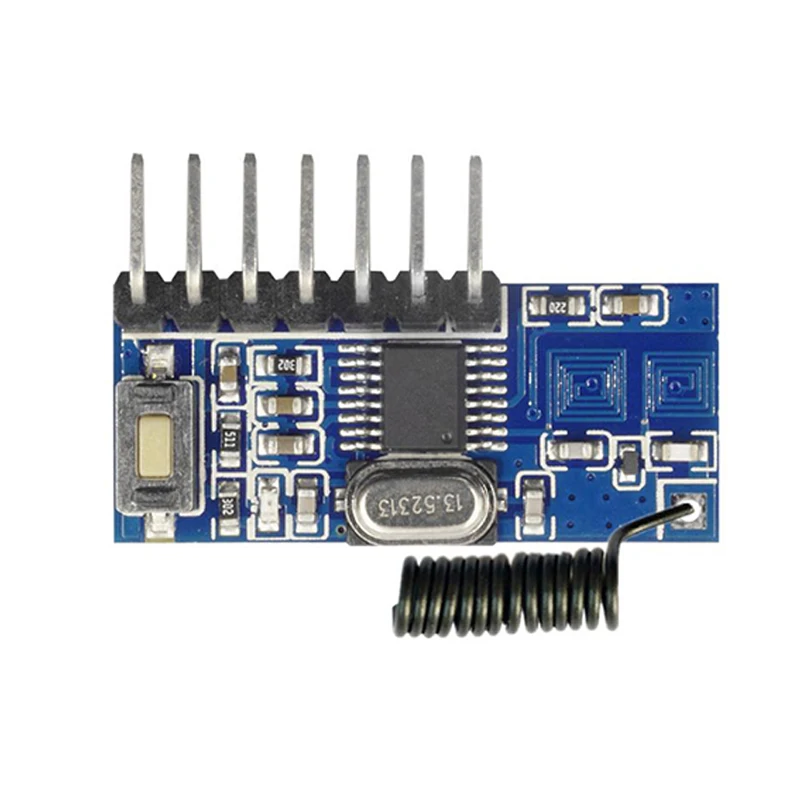
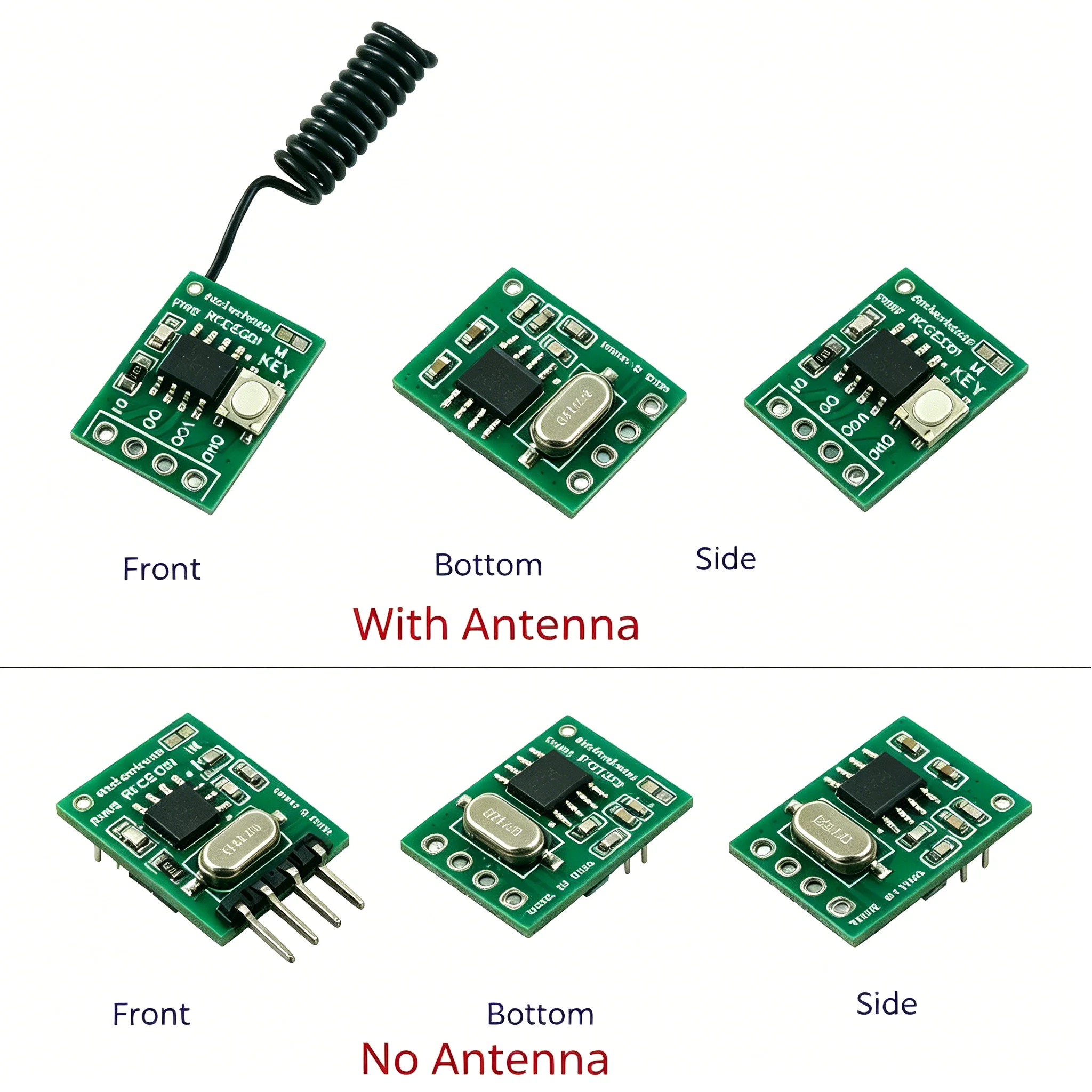
- Antenna design: PCB trace antennas work indoors up to ~30m; external wire antennas extend range but require careful routing away from metal or Wi-Fi routers 9.
- Signal stability handling: Does it debounce rapid presses? Can it ignore partial transmissions? Cheaper modules may resend codes unpredictably when batteries dip below 2.7V.
Pros and Cons
Pros:
- ✅ No app required for basic operation
- ✅ Works with decades-old RF appliances (if protocol-compatible)
- ✅ Low latency: sub-100ms response vs. cloud-dependent bridges
- ✅ Fully local: no account, no firmware updates, no vendor lock-in
Cons:
- ❌ Not compatible with rolling-code security systems (e.g., newer garage openers)
- ❌ Indoor range drops ~60% behind drywall or near 2.4GHz interference 10
- ❌ Battery life varies widely: CR2032 remotes last 6–12 months; energy-harvesting models exist but remain niche 11
When it’s worth caring about: Use learning remotes where reliability and simplicity outweigh smart features—e.g., workshop lighting, rental property HVAC overrides. When you don’t need to overthink it: Don’t upgrade a working fixed-code system just for “modernity.” If it works, keep it.
How to Choose a 433MHz RF Learning Code Remote
Follow this 5-step decision checklist:
- Confirm your target device uses 433MHz + EV1527-compatible encoding — check its original remote model number or test with a known EV1527 receiver.
- Verify battery voltage: Use a multimeter. CR2032 must read ≥2.8V before pairing. Below 2.7V, signals distort and learning fails 12.
- Power your receiver properly: Use a regulated 5V supply—not a shared USB hub. Unstable input causes “ghost codes” or incomplete memory writes.
- Avoid crowded RF zones: Mount receivers ≥1m from Wi-Fi routers, microwaves, or Bluetooth speakers.
- Test learning mode correctly: Press and hold the receiver’s learning button until LED blinks rapidly, then press your source remote’s button *once*, firmly and fully. Don’t hold it.
Two common ineffective纠结 (false trade-offs):
🔹 “Should I buy a branded vs. generic remote?” — Chipset matters more than logo. EV1527 is standardized.
🔹 “Do I need 8 channels or just 4?” — Most users never fill 4. Extra channels add cost, not utility.
One real constraint: Voltage stability during learning. That’s where 90% of reported “pairing failures” originate 13.
| Solution Type | Best For | Potential Problem | Budget Range (USD) |
|---|---|---|---|
| EV1527 4-channel remote + receiver kit | Single-device replacement (lamp, fan) | No feedback; limited memory | $2.50–$4.50 |
| ESP32 + RF module (e.g., XY-FST) | DIY automation, local control, custom logic | Requires basic coding & soldering | $6–$12 |
| Sonoff RF Bridge Pro | Integrating multiple RF devices into smart home | Cloud fallback if local setup misconfigured | $18–$24 |
Customer Feedback Synthesis
Based on 200+ forum posts across Reddit, Home Assistant, and CocoonTech 14, top recurring themes:
- High satisfaction: “Learned my old ceiling fan remote in 12 seconds.” “No app needed—just wired it to my light switch.”
- Top complaints: “Code changes every press” (usually caused by low battery or unrecognized rolling code); “Only works within 5 meters” (typically due to USB power instability or router proximity).
Maintenance, Safety & Legal Considerations
These devices operate in license-free ISM bands and require no certification for end-user deployment in the US, EU, or most APAC markets. No FCC ID is needed for receivers under 10mW ERP—most consumer modules fall well below that 15. Maintenance is minimal: replace CR2032 batteries annually; clean contacts if responsiveness degrades; avoid mounting receivers inside metal enclosures. Do not modify antenna length or transmit power—doing so may violate regional RF emission limits.
Conclusion
If you need fast, reliable, offline control of one or two RF appliances, choose an EV1527-based remote + receiver kit—and confirm battery voltage first. If you manage five+ RF devices and want voice control or remote access, invest in a Sonoff or Tuya RF bridge—but configure it locally to avoid cloud dependency. If you’re a typical user, you don’t need to overthink this: skip rolling codes, skip multi-band claims (315/433MHz dual-band adds cost without benefit for most homes), and skip “smart” remotes that require apps just to turn on a light. Simplicity, voltage stability, and chipset consistency drive real-world success—not specs sheets.


