Over the past year, industrial field teams have increasingly replaced thermal receipt printers with 58mm Bluetooth mobile dot matrix printers—not for novelty, but because they solve three persistent problems: carbon-copy reliability in delivery manifests, legibility after hours in direct sun or oily hands, and zero paper fade over time. If you’re managing logistics documentation, government forms, or multi-part field logs—and need permanent, impact-printed output—this guide cuts through confusion. You don’t need to compare every spec first. Start here: choose a triple-interface (Bluetooth + USB + RS232), 345g–500g model with ≥130gf impact force if you print 2- or 3-part forms regularly. If you’re a typical user, you don’t need to overthink this. Thermal printers win for speed and quietness at point-of-sale; dot matrix wins where permanence, duplication, and environmental resilience matter more than aesthetics. This piece isn’t for keyword collectors. It’s for people who will actually use the product.
About 58mm Bluetooth Mobile Dot Matrix Printers
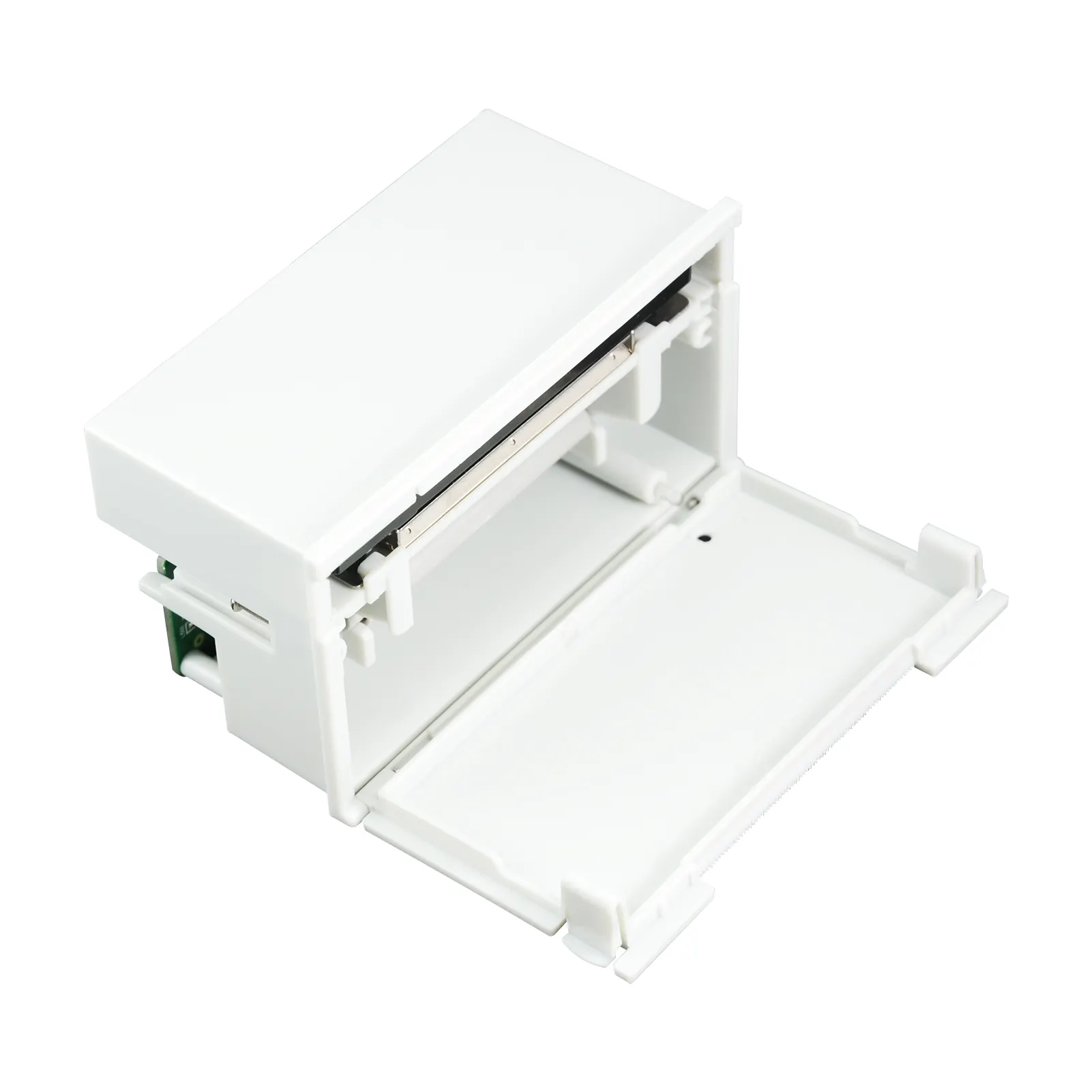
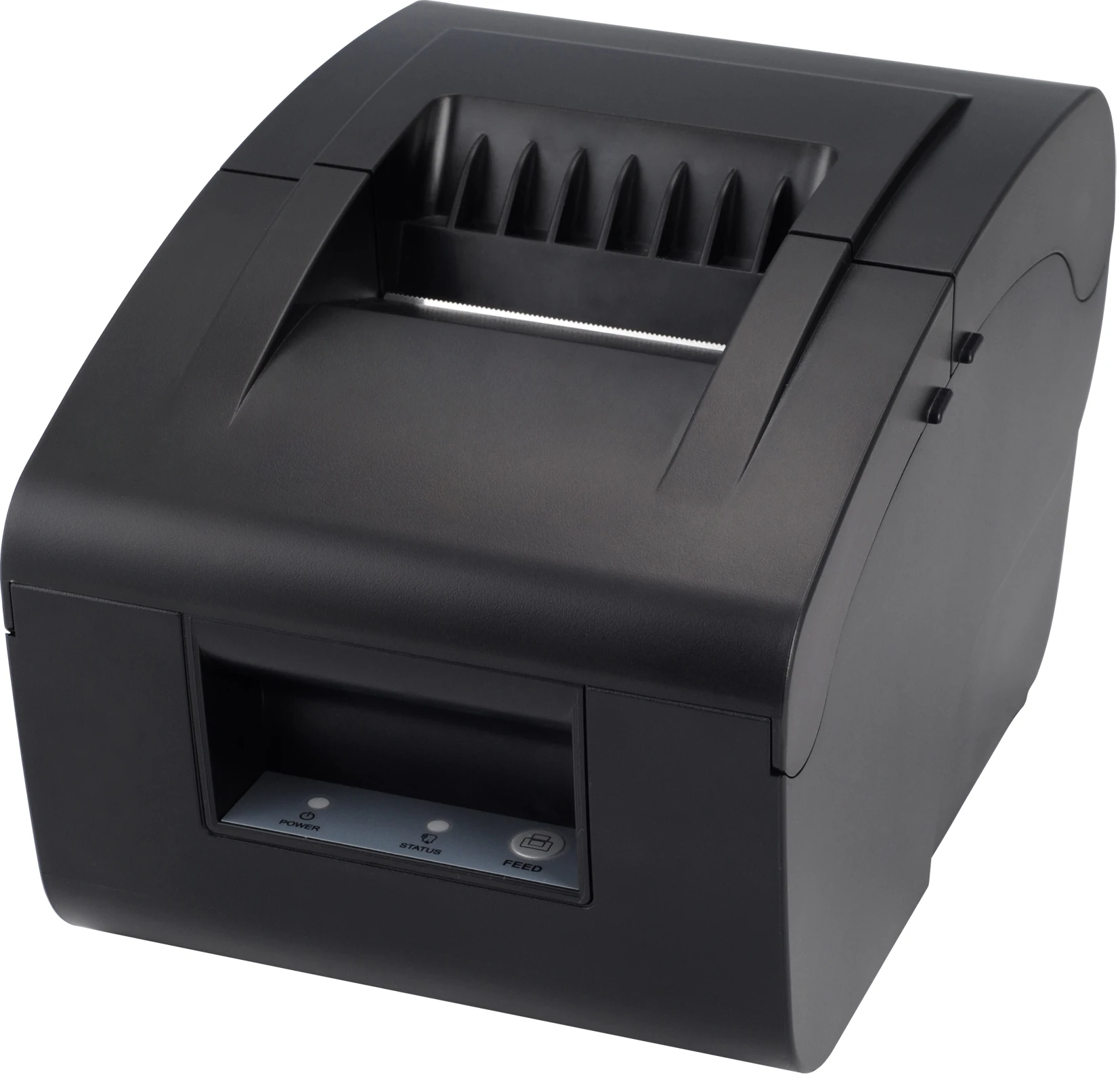
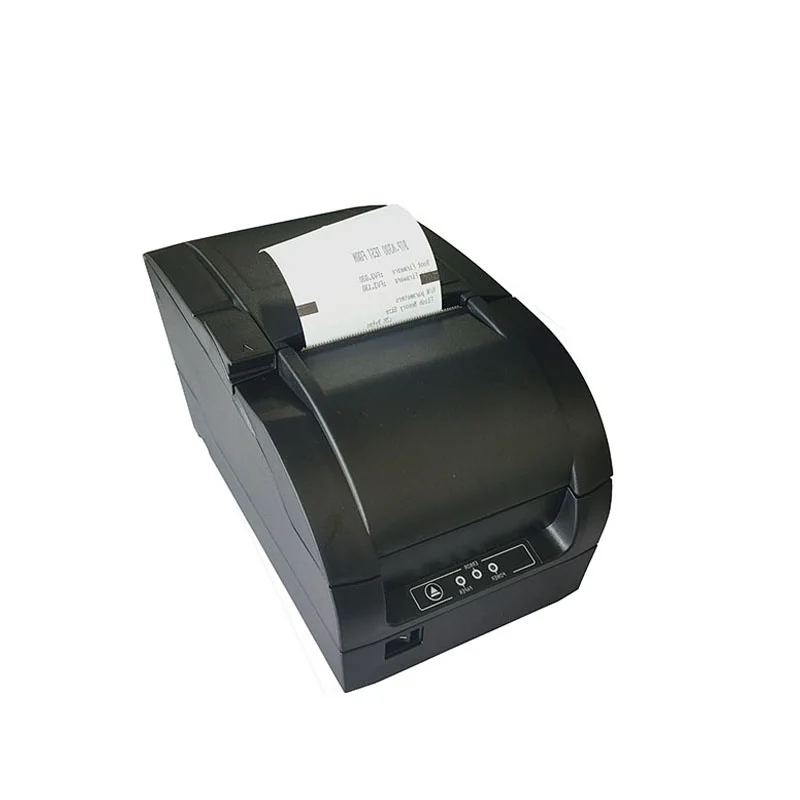
A 58mm Bluetooth mobile dot matrix printer is a compact, battery-powered impact printer that uses pins to strike an inked ribbon against paper—producing characters by physical force rather than heat. Its 58mm paper width matches standard receipt and waybill formats. Unlike thermal printers, it prints directly onto plain paper (or carbonless multipart forms) and generates true physical copies without needing special thermal-sensitive stock. These devices are engineered for mobility: most weigh under 500g, run 4–5.5 hours per charge, and support Bluetooth 5.0+ for stable pairing with Android, iOS, and rugged handhelds 1.
Typical use cases include:
- 🚚 Logistics & last-mile delivery: Printing multi-part delivery confirmations inside vans or at customer doors—even in rain or dust.
- 🏛️ Government & legal field operations: Generating auditable, non-fading documents requiring wet-ink signatures or long-term archival.
- 🛢️ Oilfield, aviation, and warehouse data logging: Where heat, vibration, or UV exposure would degrade thermal prints within days 2.
Why 58mm Bluetooth Mobile Dot Matrix Printers Are Gaining Popularity
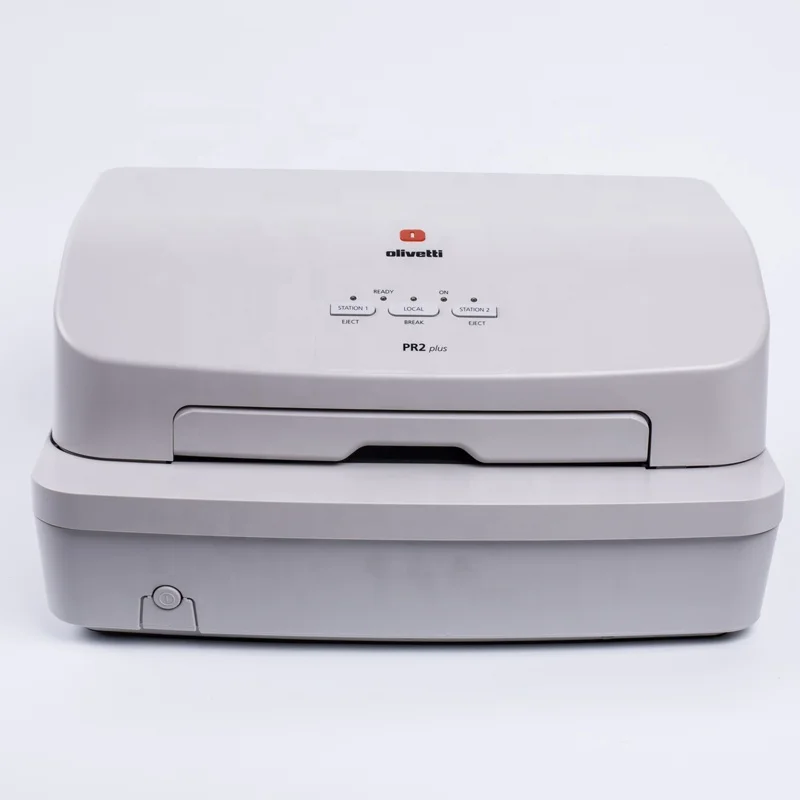
Lately, demand has shifted—not toward retro tech nostalgia, but toward functional durability. The global market is projected to reach $4.06 billion by 2032, growing at a steady 4.20% CAGR 3. This growth reflects a quiet but decisive pivot in field operations: companies are abandoning thermal printers not because they’re “outdated,” but because their limitations became operational liabilities. When a delivery driver hands a customer a receipt that fades after two weeks—or fails to imprint all layers of a 3-part manifest—the cost isn’t just rework—it’s compliance risk and customer trust erosion.
The change signal? Hybrid connectivity. Modern units now ship with “triple interface” support (Bluetooth + USB + RS232), letting them integrate into legacy fleet systems while also connecting wirelessly to modern tablets. That convergence—impact reliability plus digital flexibility—is what makes this category newly relevant. If you’re a typical user, you don’t need to overthink this.
Approaches and Differences: Dot Matrix vs. Thermal Mobile Printers
Two technologies dominate portable receipt printing—but they serve fundamentally different needs. Here’s how they differ in practice:
| Feature | 58mm Bluetooth Mobile Dot Matrix | 58mm Bluetooth Thermal Printer |
|---|---|---|
| Print medium | Plain paper or carbonless multipart forms (2–3 parts) | Thermal paper only (no carbon copies) |
| Output permanence | Archival-grade: no fading from heat, light, or oils | Fades in sunlight, heat, or contact with plastic/grease 4 |
| Impact force | 120–150gf (enables full imprint across 3 layers) | N/A (no physical impact) |
| Noise level | Moderate (mechanical striking sound) | Silent |
| When it’s worth caring about | When you need legally valid, multi-part, permanent records—especially outdoors or in regulated environments. | When speed, silence, and low maintenance matter more than longevity or duplication (e.g., retail POS). |
| When you don’t need to overthink it | If your workflow involves only single-sheet receipts and indoor use, dot matrix adds unnecessary complexity. | If you require carbon copies or work in high-heat/dusty conditions, thermal won’t meet core requirements—no amount of firmware update fixes physics. |
Key Features and Specifications to Evaluate
Not all 58mm mobile dot matrix printers deliver equal performance in field conditions. Prioritize these five specs—ranked by real-world impact:
- Impact force (gf): Minimum 130gf for reliable 2-part forms; 150gf recommended for 3-part carbonless sets. Below 120gf risks incomplete impressions 5.
- Triple interface support: Bluetooth 5.0+ (for range/stability), USB-C (for fast charging & tethering), and RS232 (for legacy system integration). Avoid models missing any one if your environment mixes old and new hardware.
- Battery endurance: Look for ≥4.2 hours of continuous printing—not standby time. Real-world tests show 4.5–5.5 hours is achievable with 30% duty cycle 6.
- Weight & ergonomics: Optimal range is 345g–480g. Units above 600g cause fatigue during extended handheld use.
- Ruggedization: IP54 rating (dust- and splash-resistant) is now standard among top-tier field models—not optional 7.
Pros and Cons: Balanced Assessment
✅ Pros
- 📄 Produces true, legally accepted carbon copies—no scanning or digital duplication needed.
- ☀️ Output remains readable for years, unaffected by UV, heat, or humidity.
- 🔌 Works with standard plain paper—no recurring thermal-paper costs or supply-chain dependencies.
- ⚙️ High mechanical tolerance: field reports show 40% fewer reprint requests versus thermal in mixed-environment deployments 8.
❌ Cons
- 🔊 Audible during operation—unsuitable for quiet office counters or library settings.
- 🔋 Requires periodic ribbon replacement (every ~1 million characters), adding minor maintenance overhead.
- 📏 Slightly slower max speed (30–350 cps) than thermal (up to 200 mm/sec), though rarely a bottleneck for field documentation.
How to Choose a 58mm Bluetooth Mobile Dot Matrix Printer: A Step-by-Step Decision Guide
Follow this checklist before purchasing—designed to eliminate common missteps:
- Confirm your form type: Do you print 2-part or 3-part carbonless forms? If yes → prioritize ≥140gf impact force. If no → reconsider whether dot matrix is necessary.
- Map your connectivity ecosystem: Do you need RS232 for legacy fleet terminals? Will drivers pair via Android tablets? Verify triple-interface compatibility—don’t assume “Bluetooth-enabled” means full interoperability.
- Test battery claims: Manufacturer specs often cite “standby time.” Ask for independent test data on continuous print time at 30% duty cycle. If unavailable, default to models with documented ≥4.5-hour field runtime.
- Avoid “lightweight-only” trade-offs: Some sub-300g models sacrifice impact force or battery capacity. Weight matters—but never at the cost of copy fidelity.
- Verify IP rating: IP54 is baseline for outdoor/warehouse use. Skip IP20 or unrated units unless used exclusively indoors.
Two frequent, ineffective decision traps:
- “Which brand has the most Amazon reviews?” — Irrelevant. Most reviews reflect thermal printer experiences or unverified reseller bundles.
- “Does it support my specific app?” — Overstated concern. Standard ESC/POS command emulation works across 95%+ Android/iOS logistics apps. Focus on driver stability—not app-specific SDKs.
The one constraint that *actually* determines success: whether your existing forms are carbonless multipart or single-sheet thermal paper. That physical requirement—not software, not branding—drives the technical choice. If you’re a typical user, you don’t need to overthink this.
Insights & Cost Analysis
Entry-level 58mm Bluetooth mobile dot matrix printers start around $129–$169 (FOB China); mid-tier ruggedized units (IP54, 150gf, triple interface) range $199–$279. While thermal equivalents cost $65–$119, total cost of ownership differs:
- Ribbon cost: ~$8–$12 per roll (lasts ~1M chars; ~3–6 months per driver).
- Paper cost: Plain 58mm paper: $0.0025–$0.0035 per sheet (vs. $0.006–$0.011 for thermal rolls).
- Reprint savings: Field data shows ~$220/year saved per unit in avoided reprints, corrections, and compliance follow-ups 9.
For teams deploying ≥10 units, bulk sourcing from Xiamen or Shenzhen suppliers reduces landed cost by 18–22%—but only if minimum order quantities (MOQs) align with deployment scale.
Better Solutions & Competitor Analysis
For mission-critical field use, three configurations stand out—not by brand, but by validated capability:
| Configuration Type | Best For | Potential Issue | Budget Range (USD) |
|---|---|---|---|
| Standard Triple-Interface (130gf) | Indoor/outdoor delivery manifests, 2-part forms | May under-imprint third layer of carbonless sets | $149–$199 |
| Rugged IP54 + 150gf | Oilfield, aviation, warehouse floor use | Slightly heavier (480–520g); higher initial cost | $229–$279 |
| Legacy-RS232 Focused | Fleet terminals, older dispatch systems | May lack latest Bluetooth stack optimizations | $179–$219 |
Customer Feedback Synthesis
Based on aggregated feedback from logistics managers (Alibaba, industry forums, field deployment reports):
- Top 3 praised attributes: (1) “No more faded receipts handed to customers,” (2) “Ribbon lasts months—no thermal-paper stockouts,” (3) “Works in rain, dust, and 45°C cab heat.”
- Top 2 recurring complaints: (1) “Loud click sound startled new drivers,” (2) “Some Android apps require manual ESC/POS command tuning”—both solvable via brief onboarding.
Maintenance, Safety & Legal Considerations
These printers require minimal maintenance: replace ribbons every 1–2 months (depending on volume), clean print head monthly with lint-free cloth and isopropyl alcohol, and store in dry conditions. No regulatory certifications (e.g., FCC, CE) are waived—ensure units carry valid marks for your region. Crucially, because impact printing produces original-signed documents *at point of creation*, many jurisdictions accept dot matrix output as primary evidence in disputes—unlike thermal prints, which courts have occasionally excluded due to degradation concerns 10. Always verify local evidentiary rules if used for legal documentation.
Conclusion
If you need permanent, multi-part, environmentally resilient documentation—and your workflow includes carbonless forms, outdoor use, or regulatory retention requirements—then a 58mm Bluetooth mobile dot matrix printer is the functionally correct choice. If you only print single-sheet receipts indoors, thermal remains simpler and quieter. If you’re a typical user, you don’t need to overthink this. Prioritize impact force (≥130gf), triple interface, IP54 rating, and verified battery runtime—not brand name or feature bloat. The right unit won’t feel like “old tech.” It’ll feel like infrastructure that just works—quietly, reliably, and permanently.