Over the past year, demand for purpose-built advertising tablets has grown—not because screens got brighter or cheaper, but because small businesses, retailers, and service venues shifted from passive posters to interactive, updatable, location-aware displays. If you’re a typical user—running a café, boutique, clinic reception, or pop-up stall—you don’t need over-engineered kiosks or enterprise-grade media players. You need a rugged, Android-based tablet with reliable 24/7 operation, simple content scheduling, and physical durability. Skip the 21.5-inch £224+ commercial panels unless you’re mounting them in high-traffic lobbies 1. For most shelf-edge, counter, or wall-mounted use, a 10-inch Android tablet with tempered glass, VESA mount support, and PoE (Power over Ethernet) capability delivers better value than generic consumer tablets repurposed as displays 2. This piece isn’t for keyword collectors. It’s for people who will actually use the product.
About Advertising Tablets: Definition and Typical Use Cases
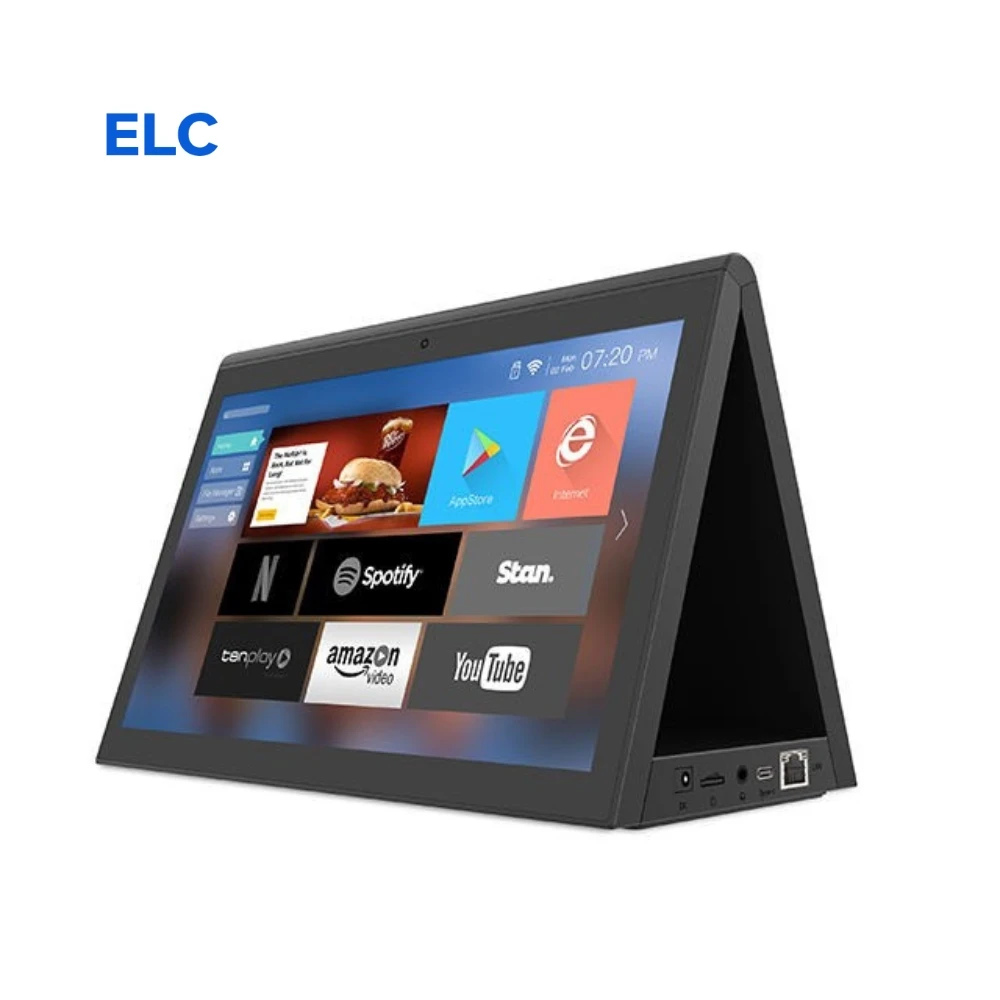
An advertising tablet is a dedicated Android-based display device—often styled like a slim tablet—designed for continuous, unattended playback of promotional content, menus, pricing, wayfinding, or customer feedback prompts. Unlike consumer tablets (e.g., Fire HD 10 or Galaxy Tab A), advertising tablets prioritize uptime, thermal management, remote content updates, and physical security over app flexibility or personal media consumption.
Typical scenarios include:
- 📌 Retail shelf-edge displays: Mounted vertically beside products to highlight promotions or QR-linked offers;
- 📌 Point-of-sale (POS) companion screens: Showing upsell items, loyalty program prompts, or live inventory status;
- 📌 Reception or waiting area signage: Rotating service updates, safety notices, or brand storytelling;
- 📌 Trade show or exhibition stands: Touch-enabled product demos or lead capture forms.
Crucially, these are not “tablets with ads on them.” They’re devices built to be the ad medium—so reliability, screen longevity, and manageability matter more than camera resolution or gaming performance.
Why Advertising Tablets Are Gaining Popularity
Lately, three converging shifts explain rising adoption:
- Lower barrier to entry: Preloaded Android OS (often Android 9–11), plug-and-play HDMI or Wi-Fi setup, and free cloud dashboards (e.g., SignageLive, Screenly Lite) let non-technical users deploy content in under 20 minutes;
- Hardware standardization: Industrial suppliers now offer consistent specs—IPS panels, 2GB+ RAM, 16GB+ storage, and fanless designs—across price tiers from £86 to £709 3;
- Operational pragmatism: Businesses tired of printing weekly menu changes or replacing faded posters see measurable ROI in reduced print costs and faster campaign iteration—even without analytics.
If you’re a typical user, you don’t need to overthink this. You just need something that boots reliably, stays cool during 12-hour shifts, and lets you swap out a JPEG or video file remotely.
Approaches and Differences
There are three broad categories—each with distinct trade-offs:
- Repurposed consumer tablets (e.g., Amazon Fire HD 10, Samsung Galaxy Tab A): Low upfront cost (£104–£135), familiar interface, but lack thermal throttling, scheduled reboots, or lock-down modes. Best for temporary or low-duty-cycle use.
- Hybrid retail tablets (e.g., DAPOS10W4-T, Mid West Displays 10″ POS screen): Purpose-built chassis, optional touchscreen, PoE support, and Android firmware optimized for signage. Priced £272–£378, they balance durability and simplicity.
- Full commercial displays (e.g., 21.5″ LCD panels, Luminati touch units): Designed for 24/7 operation, industrial-grade components, VESA mounts, and multi-zone content layout. Starting at £224, they suit high-visibility, high-durability needs—but overkill for countertop use.
If you’re a typical user, you don’t need to overthink this. Most small businesses fall squarely into the hybrid category: enough hardware resilience to run daily without intervention, without paying for features like dual 4K outputs or built-in NFC readers.
Key Features and Specifications to Evaluate
Not all specs carry equal weight. Here’s how to prioritize:
- Panel type & brightness: IPS is non-negotiable for viewing angles. Minimum 400 cd/m² brightness ensures readability in ambient light. When it’s worth caring about: If mounted near windows or under LED shop lighting. When you don’t need to overthink it: Indoor, shaded counters—350 cd/m² suffices.
- Thermal design: Fanless operation signals passive cooling—critical for silent, dust-free environments. Check for aluminum chassis or heat-sink integration. When it’s worth caring about: Any installation where noise or dust accumulation matters (e.g., clinics, libraries). When you don’t need to overthink it: Short-duration, staff-monitored setups.
- OS & update policy: Android 9+ with verified OTA update support means longer software relevance. Devices available through global B2B platforms often provide documented update roadmaps and long-term firmware support 4. When it’s worth caring about: If deploying across multiple locations—uniform OS behavior reduces training overhead. When you don’t need to overthink it: Single-device use with static content.
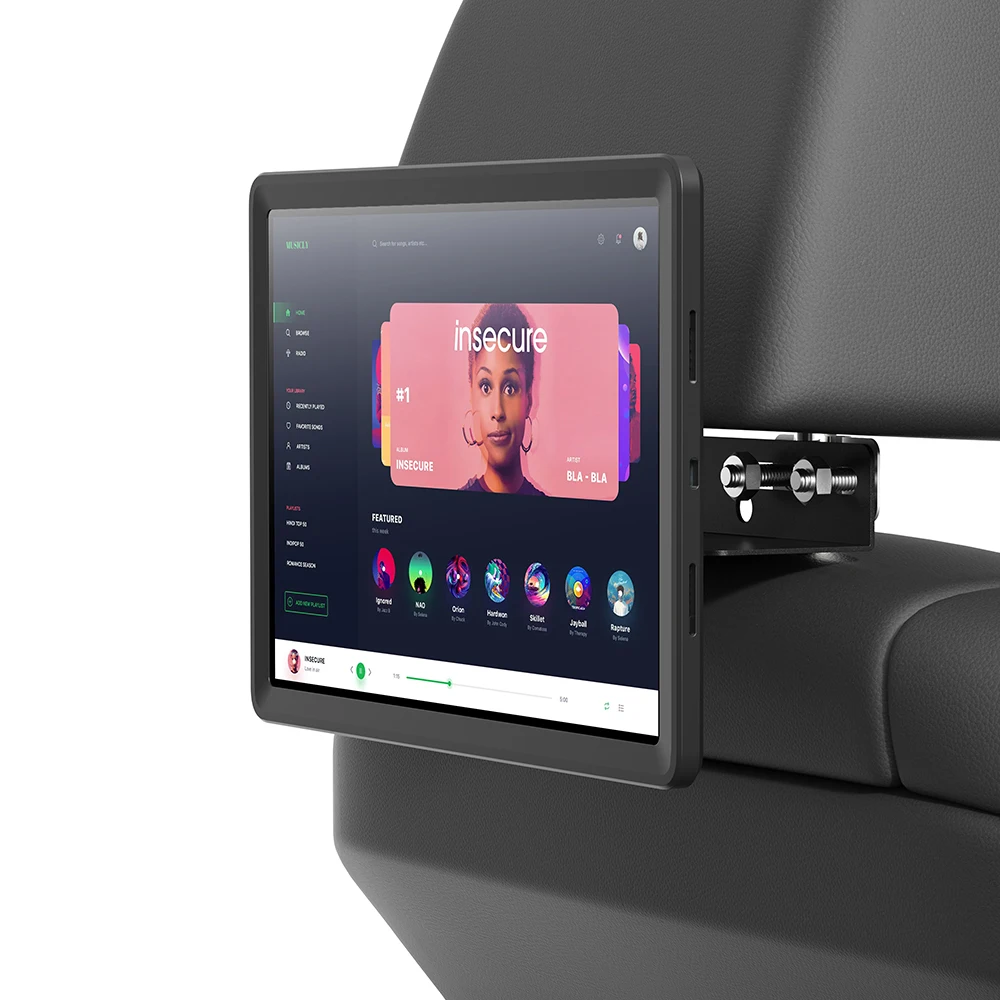
- Mounting & enclosure: VESA 75/100mm compatibility, wall-mount brackets, and mild steel or reinforced plastic enclosures prevent accidental tipping or tampering. When it’s worth caring about: Public-facing or unstaffed areas. When you don’t need to overthink it: Behind-counter use with staff supervision.
Pros and Cons
Pros:
- ✅ Lower long-term cost vs. printed signage (no reprinting, no laminating, no labor for swaps);
- ✅ Faster response to stock changes, pricing updates, or event promotions;
- ✅ Supports basic interactivity (touch-triggered videos, QR codes, feedback forms);
- ✅ Standardized Android ecosystem simplifies content creation (no proprietary authoring tools required).
Features and Considerations:
- 🔸 Higher initial outlay than static posters or basic LCD monitors;
- 🔸 Requires basic digital hygiene: scheduled reboots, content version control, and firmware updates;
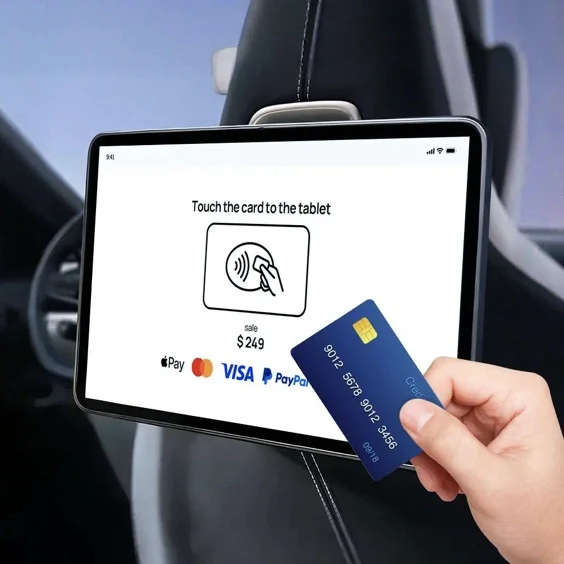
- 🔸 Touchscreen models add cost and complexity—best suited for use cases where interaction supports business goals (e.g., QR code engagement or feedback collection);
- 🔸 Screen visibility may vary depending on ambient lighting conditions—anti-glare options are available for sunlit environments.
How to Choose an Advertising Tablet: A Step-by-Step Decision Guide
Follow this checklist before purchase:
- Define your primary use case: Is it passive display (menu board), semi-interactive (QR code), or fully interactive (customer feedback)? Match the feature set—not the marketing copy.
- Verify mounting method: Wall, shelf, countertop, or freestanding? Confirm included hardware (brackets, screws) or required third-party kits.
- Test remote management: Try the vendor’s cloud dashboard (or local APK) with a test image/video. Can you schedule start/end times? Does it survive overnight power cycles?
- Consider these factors:
- Screen size should match intended viewing distance and space constraints—10″ often provides optimal usability and cost efficiency for counter or shelf-edge applications;
- “Android” indicates the underlying OS, but functionality depends on vendor customization—verify support for required features such as scheduled playback or USB content loading;
- Ambient light conditions influence readability—measuring lux levels at the intended installation site helps inform brightness and anti-glare requirements.
Insights & Cost Analysis
Based on current UK market data (Q2 2025), here’s a realistic budget-aligned overview:
| Category | Typical Price Range (GBP) | Best For | Key Characteristics |
|---|---|---|---|
| Repurposed Consumer Tablet | £86–£150 | Short-term campaigns, internal comms, low-traffic areas | Accessible entry point with consumer-grade components; suitable for intermittent or staff-supervised use |
| Hybrid Retail Tablet | £230–£378 | Shelf-edge, POS, reception desks, permanent installations | Balances industrial durability with ease of deployment; commonly includes VESA mount, PoE readiness, and extended warranty options |
| Commercial Display | £224–£709 | High-traffic lobbies, exhibitions, outdoor-canopy zones (with weatherproofing) | Engineered for continuous operation; includes advanced thermal management, structural mounting options, and multi-zone content capabilities |
Better Solutions & Competitor Analysis
The strongest value proposition lies in hybrid units that merge consumer accessibility with industrial reliability. Three representative models illustrate the spectrum:
| Model Type | Fit for Purpose | Notable Attributes | Budget (GBP) |
|---|---|---|---|
| DAPOS10W4-T (10″ Interactive POS Display) | Excellent for retail shelf-edge: compact, PoE-ready, Android 11 | Includes UK distribution channels and technical support via authorized partners | £378 |
| Crystal Display Systems Android Retail Tablet | Strong build quality, VESA + anti-theft, 24/7 rated | Offers customization services for branding and integration with existing retail systems | £325 |
| Discount Displays 10″/15″ Network Tablet | Good balance: built-in speakers, optional touch, UK-based support | PoE capability available via optional accessory kits compatible with standard network infrastructure | £276 |
Customer Feedback Synthesis
Aggregating verified reviews (Argos, eBay UK, Discount Displays, SignageDisplays.co.uk), top recurring themes:
- What users praise: “Stays cool all day,” “Easy to load new images via USB,” “Mounting bracket fit perfectly on our existing shelf,” “No crashes after 3 months of 14-hour daily use.”
- Common usage considerations: “Touch calibration benefits from periodic verification,” “Wi-Fi connectivity remains stable with routine network maintenance,” “HDMI-CEC integration is available with compatible AV ecosystems,” “Custom launcher options are supported through standard Android configuration tools.”
Noticeably absent: complaints about screen resolution or color accuracy. These matter less than stability and manageability in real-world deployment.
Maintenance, Safety & Legal Considerations
Unlike consumer electronics, advertising tablets used publicly may fall under broader signage regulations depending on location and mounting height. In the UK, fixed displays attached to buildings or street furniture may require planning consent if exceeding certain dimensions or illumination levels 5. While enforcement varies, best practice includes:
- Using CE-marked power supplies and certified PoE injectors;
- Ensuring cables are secured and inaccessible to public contact;
- Keeping firmware updated to address known security patches (especially for network-connected units);
- Avoiding content that misleads or omits material information—consumer protection laws still apply.
Conclusion
If you need reliable, low-maintenance, updateable visual communication for a retail counter, service desk, or exhibition booth—choose a hybrid 10-inch Android advertising tablet with VESA mount, fanless design, and Android 10+. If you need only occasional, short-duration messaging and have tight budget constraints, a repurposed Fire HD 10 works—but expect manual intervention every 2–3 weeks. If you’re managing dozens of units across locations with strict uptime SLAs, invest in commercial-grade hardware with centralized fleet management. Everything else is optimization, not necessity.