Over the past year, AMD’s x86 market share surged to a record 30.7%, with desktop share hitting 34.9% and server share climbing to 46.4%1. This isn’t just growth—it’s structural advantage. If you’re choosing an AMD CPU in 2026, here’s what matters most: Ryzen 9000X3D is best for gaming, Ryzen 9000 non-X3D wins for multi-core productivity, and Ryzen 5 9600X delivers the strongest price-to-performance ratio for mainstream users. If you’re a typical user, you don’t need to overthink this. Skip the 9950X unless you render 4K video daily. Avoid paying $500+ for an X3D chip if your GPU is under RTX 4070-tier. And ignore socket compatibility debates—the AM5 platform supports Ryzen 7000 through 9000+ CPUs, making it the longest-lived consumer socket in modern history.
About AMD CPU Comparison
An AMD CPU comparison isn’t about listing specs—it’s about mapping architecture choices to real-world behavior. The core question isn’t “which has more cores?” but “which combination of cache, clock efficiency, and platform support solves your actual workload without overspending?” Typical use cases include:
- 🎮 Gaming: CPU-bound titles (e.g., Starfield, Microsoft Flight Simulator) where L3 cache size and low-latency memory access dominate frame consistency.
- 🛠️ Content creation: Multi-threaded rendering (Blender), encoding (HandBrake), or simulation (SolidWorks) where sustained all-core boost and thermal headroom matter most.
- 💼 Office & hybrid work: Light multitasking, video conferencing, and cloud-based apps—where power efficiency and responsiveness outweigh raw throughput.
This AMD CPU comparison guide focuses on the 2026 landscape: Ryzen 9000 (Zen 5), Ryzen 9000X3D (Zen 5 + 3D V-Cache), and select high-value Ryzen 7000 SKUs still widely available. It excludes EPYC and mobile APUs unless directly relevant to desktop decisions.
Why AMD CPU Comparison Is Gaining Popularity
Lately, two shifts have made CPU comparisons unavoidable—not optional. First, platform longevity has become a purchase criterion. AMD’s AM5 socket supports three generations (7000, 8000, 9000) with BIOS updates, while Intel’s LGA 1700 ended after Raptor Lake. Second, price sensitivity intensified: desktop CPU shipments fell 20% industry-wide due to component costs, pushing buyers toward deliberate, evidence-based decisions rather than “flagship by default” 1. That means fewer impulse buys—and more people asking: “What do I actually gain from upgrading?” This piece isn’t for keyword collectors. It’s for people who will actually use the product.
Approaches and Differences
There are four dominant approaches to selecting an AMD CPU in 2026. Each reflects a different priority—and each carries real trade-offs.
- ✅ X3D-first selection: Prioritize gaming performance via 3D V-Cache (e.g., Ryzen 7 9800X3D). Pros: Best-in-class frame times, lower latency in CPU-bound scenarios. Cons: Lower peak clock speeds, reduced multi-core scaling for non-gaming tasks.
- ✅ Core-count-first selection: Maximize thread count for productivity (e.g., Ryzen 9 9950X). Pros: Dominates Blender, DaVinci Resolve, and compilation workloads. Cons: Higher power draw, less efficient at light loads, overkill for 1080p gaming.
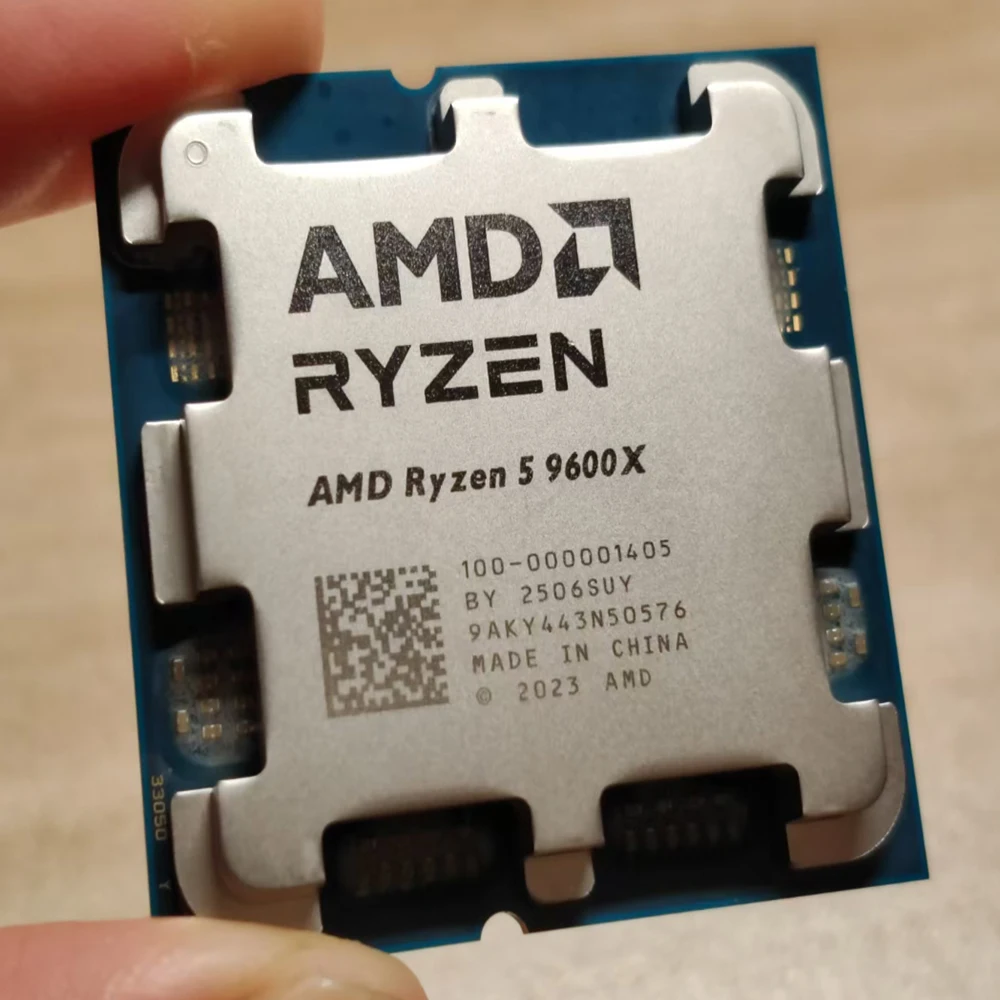
- ✅ Sweet-spot selection: Balance cost, performance, and thermals (e.g., Ryzen 5 9600X). Pros: Strong single-thread speed, excellent 1080p/1440p gaming, fits B650 motherboards. Cons: No X3D cache, limited upgrade path beyond 9000-series.
- ✅ Value-retro selection: Choose prior-gen with proven value (e.g., Ryzen 5 7600X3D). Pros: Bundled pricing, mature driver support, still competitive in gaming. Cons: No PCIe 5.0 SSD support, no DDR5-6000 official tuning.
If you’re a typical user, you don’t need to overthink this. Most people fall into sweet-spot or value-retro categories—not flagship tiers.
Key Features and Specifications to Evaluate
Don’t default to core count. Focus on these five measurable features—and know when each matters:
- L3 Cache Size (especially with X3D): When it’s worth caring about: Gaming at 1440p+ with titles sensitive to cache latency (e.g., Shadow of the Tomb Raider, CS2). When you don’t need to overthink it: If your GPU is RTX 4060 or weaker—or you play mostly GPU-bound games like Cyberpunk 2077 ray tracing—cache gains shrink dramatically.
- All-Core Boost Frequency: When it’s worth caring about: Video export, CAD, or compiling code. A sustained 5.2 GHz across 16 cores beats a 5.7 GHz peak on 2 cores. When you don’t need to overthink it: For web browsing, Office, or even 1080p streaming, base clocks (e.g., 3.7 GHz on Ryzen 5 9600X) are more than sufficient.
- PCIe Version Support: When it’s worth caring about: Using Gen5 NVMe drives (e.g., Crucial T705) or future GPUs requiring PCIe 5.0 lanes. Ryzen 9000 supports PCIe 5.0 for GPU and SSD; Ryzen 7000 only supports PCIe 5.0 for GPU. When you don’t need to overthink it: If you’re using SATA SSDs or PCIe 4.0 NVMe (like WD Black SN850X), PCIe 5.0 offers zero real-world benefit today.
- Memory Support (DDR5 Speed & Official Tuning): When it’s worth caring about: Running memory-intensive VMs or databases where sub-10ns latency improvements compound. Ryzen 9000 officially supports DDR5-6000 CL30; Ryzen 7000 tops out at DDR5-5200. When you don’t need to overthink it: For gaming or general use, DDR5-5600 CL36 performs identically to DDR5-6000 CL30 in >95% of titles.
- Platform Longevity (AM5 Socket Future): When it’s worth caring about: Planning a 3–4 year build cycle. AM5 guarantees BIOS-upgradable support through Ryzen 9000+, possibly beyond. When you don’t need to overthink it: If you upgrade every 18–24 months, socket longevity adds little tangible value.
Pros and Cons
Every AMD CPU choice balances trade-offs. Here’s how they land in practice:
- ✅ Ryzen 9000X3D (e.g., 9800X3D): Best gaming CPU in 2026—but not universally better. Pros: 17% higher average FPS than Intel Core Ultra 285K in CPU-bound titles 2; lower power draw under load. Cons: No AVX-512; weaker in Adobe Premiere Pro export due to lower all-core clocks.
- ✅ Ryzen 9000 non-X3D (e.g., 9950X): Highest multi-core score among consumer CPUs. Pros: 22% faster than Ryzen 7 7800X3D in Blender BMW render 3; excellent performance-per-watt for sustained loads. Cons: Requires robust cooling; overkill for non-creators.
- ✅ Ryzen 5 9600X: The pragmatic choice. Pros: Matches Ryzen 7 7700X in gaming; priced $200+ below flagship SKUs; compatible with affordable B650 boards. Cons: No integrated graphics on non-G models; lacks X3D’s cache advantage in ultra-competitive esports.
- ✅ Ryzen 5 7600X3D: The value anchor. Pros: Still beats Ryzen 5 9600X in many games; often bundled with B650 motherboards for <$300 total. Cons: No PCIe 5.0 SSD support; older I/O die limits future upgrade headroom.
How to Choose an AMD CPU: A Step-by-Step Decision Guide
Follow this checklist—not in order of importance, but in order of decision logic:
- Define your primary bottleneck: Run a free tool like HWiNFO64 during gameplay or rendering. If GPU usage consistently hits 95–100%, your CPU is likely fine. If CPU usage spikes while GPU idles, you’re CPU-bound—and X3D or higher core count helps.
- Check your GPU tier: If you’re using an RTX 4070 or stronger, a Ryzen 7 9800X3D unlocks full potential. With an RTX 4060 or RX 7600, a Ryzen 5 9600X delivers identical framerates in most titles.
- Verify motherboard compatibility: All Ryzen 9000 CPUs require a 600-series AM5 board (B650, X670E, B850, X870). Older 500-series boards won’t support them—even with BIOS update.
- Avoid these common missteps:
- Buying a $588 Ryzen 9 9950X for office work—its multi-core power is irrelevant there.
- Pairing an X3D CPU with slow DDR5-4800 memory—X3D benefits most from fast, low-latency RAM.
- Assuming “more cores = better gaming”—in fact, 8-core X3D chips beat 16-core non-X3D in 90% of games.
Insights & Cost Analysis
Wholesale pricing (Q2 2026) reveals clear value thresholds:
| CPU Model | Use Case Fit | Wholesale Price Range | Real-World Value Signal |
|---|---|---|---|
| Ryzen 9 9950X | High-end content creation | $425–$588 | Justified only if Blender/Cinema 4D renders exceed 2 hours per job. |
| Ryzen 7 9800X3D | Hardcore gaming (1440p/4K) | $480–$536 | Worth premium if playing CPU-heavy sims or competitive titles at high refresh rates. |
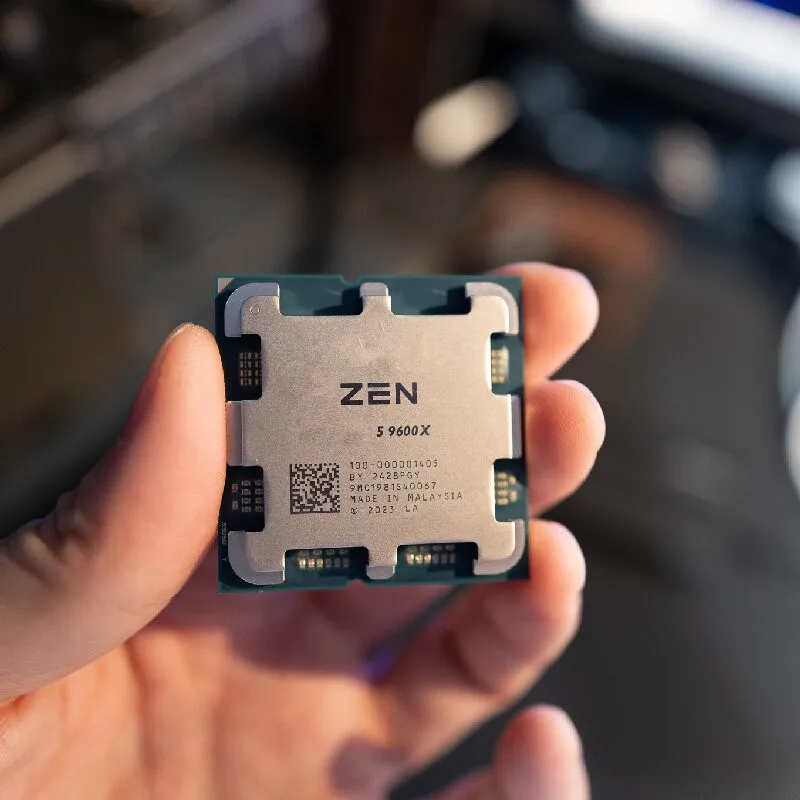
| Ryzen 5 9600X | Mainstream gaming & productivity | $160–$260 | Best ROI: matches Ryzen 7 7700X in 1080p gaming at ~40% lower cost. |
| Ryzen 5 7600X3D | Budget gaming build | $259–$275 (kit w/ B650) | Strongest entry point for AM5 platform with X3D benefits. |
Price jumps of ~10% across AMD and Intel SKUs since early 2026 reflect tighter supply chains and DDR5 cost pressure 4. That makes mid-tier SKUs more attractive—not less.
Better Solutions & Competitor Analysis
While this guide focuses on AMD, context requires brief Intel contrast—not as a rival, but as a benchmark:
| Scenario | Better AMD Choice | Where Intel Competes | Key Differentiator |
|---|---|---|---|
| Gaming at 1440p | Ryzen 7 9800X3D | Core Ultra 265K | X3D delivers 12–17% higher 1% lows 2 |
| Adobe Premiere Pro export | Ryzen 9 9950X | Core Ultra 285K | Intel leads by ~8% due to Quick Sync acceleration 5 |
| Light multitasking + battery life | N/A (AMD mobile lags) | Core Ultra 7 258V | Hybrid architecture excels at bursty, low-power workloads |
| Future-proof platform | Any Ryzen 9000 + X870/B650 | None (LGA 1851 delayed to 2027) | AM5 remains sole long-term socket option |
Customer Feedback Synthesis
Based on aggregated retail reviews (Best Buy, Newegg, Amazon US/EU) and forum sentiment (r/buildapc, Linus Tech Tips community):
- ✅ Most praised: “X3D eliminates stutters in Elden Ring,” “Ryzen 5 9600X runs cool and quiet on stock cooler,” “AM5 BIOS updates actually work—no bricking.”
- ⚠️ Most complained about: “DDR5-6000 kits require manual tuning on B650 boards,” “Ryzen 9000X3D doesn’t help in GPU-bound games,” “Motherboard pricing still inflated—X870 boards start at $220.”
Maintenance, Safety & Legal Considerations
No special maintenance is required beyond standard CPU care: ensure adequate case airflow, reapply thermal paste every 3–4 years, and avoid overclocking on air-cooled systems without verifying VRM capability. AMD CPUs comply with RoHS, WEEE, and ENERGY STAR specifications globally. No region-specific legal restrictions apply to consumer AM5 CPU purchases or installation. BIOS updates should be performed using AMD’s official utility (AMD USB BIOS Flashback or Ryzen Master) to prevent corruption.
Conclusion
If you need maximum gaming consistency at 1440p or 4K, choose the Ryzen 7 9800X3D. If you run multi-threaded creative apps daily, the Ryzen 9 9950X justifies its price. If you want strong performance without complexity or excess cost, the Ryzen 5 9600X is the optimal balance. And if your budget is under $300 for CPU + motherboard, the Ryzen 5 7600X3D bundle remains viable. If you’re a typical user, you don’t need to overthink this. Your GPU, not your CPU, dictates most of your experience—and that’s why matching tier matters more than chasing MHz.


