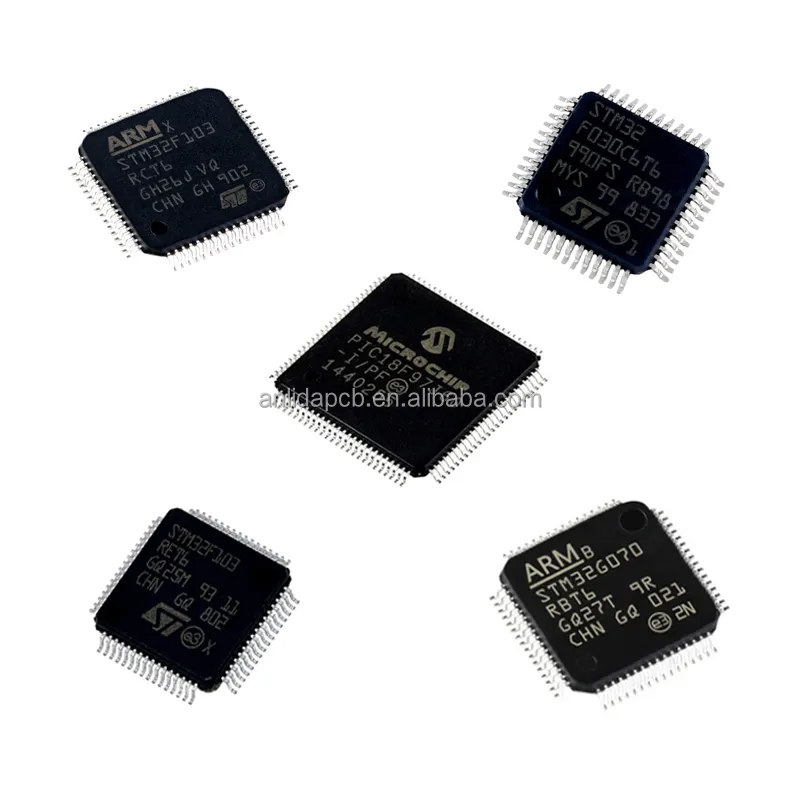
Over the past year, searches for "AMI computers" have shifted noticeably — not toward consumer laptops or desktops, but toward firmware identity: users now routinely confuse "AMI" with a device brand when it’s actually a foundational software layer inside most modern PCs. If you’re troubleshooting boot issues, configuring server BMCs, or evaluating motherboard firmware security, you don’t need an AMI-branded computer — you need to understand what AMI *does*, and whether its implementation supports your goals. This guide cuts through the noise: we clarify AMI’s role in real-world computing, separate firmware from hardware, and tell you exactly when it matters — and when it doesn’t. For typical end users setting up a new laptop or building a home PC, If you’re a typical user, you don’t need to overthink this.
About AMI Computers: Not a Product Category — A Technical Layer
There is no such thing as an "AMI computer" in the consumer sense — no retail SKU, no Amazon listing for "AMI Laptop Pro." Instead, AMI refers to American Megatrends, Inc., a U.S.-based firmware and systems software company founded in 1985 1. Its core products are low-level platform software: Aptio® UEFI BIOS, MegaRAC® BMC firmware, and secure boot orchestration tools used by OEMs like Dell, HP, Lenovo, Supermicro, and ASUS.
So when someone searches "AMI computers," they’re usually encountering one of three scenarios:
- Boot screen confusion: Seeing "AMI BIOS" or "American Megatrends" during startup and assuming it’s a brand;
- Server or enterprise management: Configuring IPMI/BMC interfaces where "AMI MegaRAC" appears in the web UI;
- Firmware update needs: Searching for "AMI Aptio BIOS download" after a failed update or security advisory.
This piece isn’t for keyword collectors. It’s for people who will actually use the product.
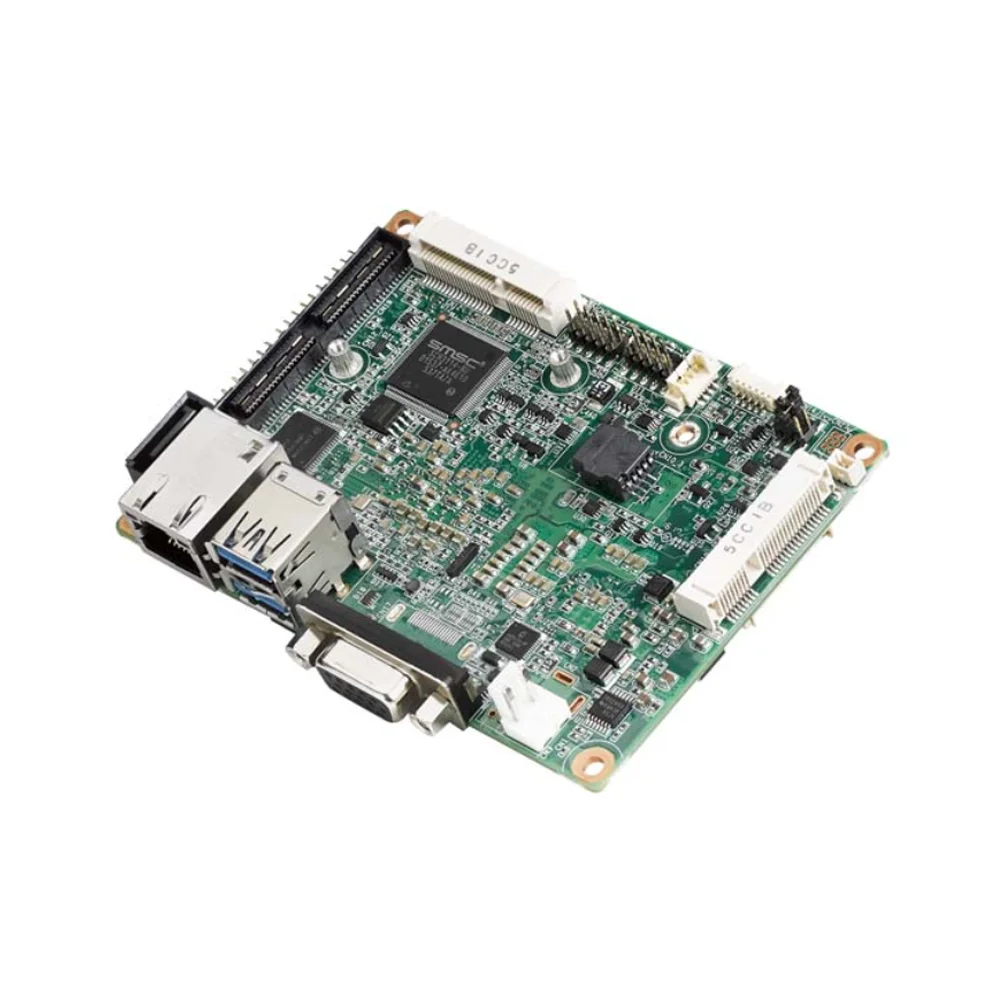
Why "AMI Computers" Is Gaining Popularity (and Why That’s Misleading)
Lately, interest in AMI-related terms has spiked — but not because consumers are buying AMI hardware. Rather, two converging signals drive the trend:
- Rising firmware-awareness: High-profile vulnerabilities (like CVE-2023-2640 and CVE-2023-38408) exposed risks in UEFI implementations, prompting IT admins and security-conscious builders to audit their firmware stack — and recognize AMI as a major vendor;
- Open-source firmware momentum: Projects like Coreboot and SlimBootloader now offer alternatives to proprietary UEFI, making comparisons between AMI Aptio, InsydeH2O, and Phoenix more common in technical forums 2.
The search volume jump reflects deeper engagement — not broader product adoption. Users aren’t shopping for AMI. They’re diagnosing, securing, or optimizing systems where AMI firmware runs invisibly underneath.
Approaches and Differences: Firmware vs. Hardware Confusion
When users type "AMI computers," they often conflate three distinct concepts. Here’s how they differ — and why distinguishing them supports informed decisions:
| Approach | What It Is | Key Characteristics | Typical Use Context |
|---|---|---|---|
| AMI Firmware (Aptio / MegaRAC) | Low-level software embedded on motherboards and server baseboard management controllers | Industry-standard stability; mature remote management (IPMI/KVM); strong Secure Boot & TPM integration | Data centers, enterprise infrastructure, firmware validation workflows |
| "AMI-branded" Hardware (e.g., amicomputer.in) | Indian reseller using "AMI" in domain name — sells generic desktops, servers, printers (unaffiliated with American Megatrends) | Local support; bundled configurations; price transparency | Regional procurement for small business or education environments |
| Citroën Ami (often misindexed) | Electric microcar sold in Europe/Latin America — shares acronym but zero technical relation | Urban mobility solution; low entry cost (~R$45,181 in Brazil) | Personal transportation; unrelated to computing |
When it’s worth caring about: If you manage data center infrastructure, deploy bare-metal Kubernetes clusters, or audit supply-chain firmware integrity, AMI’s BMC and UEFI capabilities directly impact uptime, compliance, and attack surface.
When you don’t need to overthink it: If you’re replacing a failed laptop fan or upgrading RAM on a consumer Dell XPS, the underlying AMI firmware is irrelevant — you’re interacting with Windows or macOS, not the BIOS.
Key Features and Specifications to Evaluate
For those who *do* need to assess AMI’s relevance, focus on these measurable attributes — not marketing claims:
- UEFI Module Support: Does the implementation support Secure Boot with custom keys, Measured Boot, and TPM 2.0 attestation? (Critical for Zero Trust deployments)
- BMC Capabilities: Does MegaRAC support Redfish API v1.12+, KVM-over-IP with HTML5 client, and TLS 1.3? (Not all OEM builds enable full feature sets)
- Update Mechanism: Is firmware updated via signed capsule images (standard), or only through OEM-specific utilities? (Latter limits automation)
- Open Standards Alignment: Does the platform expose ACPI tables, SMBIOS, and PCIe ACS correctly? (Affects VM passthrough and GPU compute workloads)
When it’s worth caring about: In regulated environments (healthcare IT, financial services), validated UEFI signing chains and audit logs are mandatory — AMI’s Aptio SecureCore module meets NIST SP 800-193 requirements 3.
When you don’t need to overthink it: For gaming rigs or creative workstations, default Aptio settings rarely affect performance. Overclocking menus and RGB control matter far more than firmware version minor numbers.
Capabilities and Implementation Considerations
AMI firmware excels where reliability, standardization, and enterprise tooling converge — offering consistent behavior across diverse hardware platforms.
✅ Key Strengths:
- Proven scalability across large-scale deployments;
- Strong OEM partnerships mean broad hardware compatibility;
- Long-term support (LTS) firmware branches available for mission-critical systems.
💡 Implementation Notes:
- UI design prioritizes functional access and system stability over consumer-oriented aesthetics;
- Customization is managed through OEM channels to ensure compatibility and security;
- Hardware feature support (e.g., USB-C power delivery, Thunderbolt enumeration) depends on OEM integration and platform generation.
If you’re a typical user, you don’t need to overthink this. Unless your workflow involves firmware-level debugging, hardware root-of-trust validation, or out-of-band server provisioning, AMI’s presence is background infrastructure — not a purchase criterion.
How to Choose the Right AMI-Related Solution
Follow this decision checklist — designed to eliminate common missteps:
- First, confirm you actually need AMI: Are you managing servers, evaluating firmware supply chain risk, or responding to a CVE? If your goal is "make my PC faster" or "fix Wi-Fi dropouts," skip to driver updates — not BIOS versions.
- Identify your vendor layer: AMI doesn’t sell direct to consumers. Your motherboard or server manual lists the OEM (e.g., Supermicro H13SSL-N). Go there first for validated firmware.
- Obtain firmware from authorized sources: Always use the OEM’s official support portal for firmware updates — even if it redirects to ami.com. This ensures authenticity and compatibility.
- Check Redfish/REST API docs: If automating BMC tasks, verify your exact firmware revision supports the endpoints you need. Not all MegaRAC builds expose full functionality.
- Focus on implementation rather than vendor comparison: Both AMI Aptio and competing UEFI solutions meet industry baselines. Real-world outcomes depend more on OEM engineering rigor than vendor selection alone.
Two most common ineffective纠结 (overthinking traps):
- "Should I flash the latest Aptio version for better gaming performance?" → No. UEFI updates rarely affect FPS, latency, or thermal behavior. They fix bugs or add security patches — not features.
- "Is AMI more secure than Phoenix?" → Security posture depends on implementation depth, update discipline, and OEM validation — not vendor name alone. Well-configured firmware from any major provider can meet rigorous security standards.
The one constraint that truly impacts outcomes: OEM firmware governance. Even if AMI provides the base code, Dell or Lenovo controls signing keys, update cadence, and feature gates. You inherit their policies — not AMI’s.
Insights & Cost Analysis
There is no consumer price for "AMI firmware." It’s licensed to OEMs, not sold at retail. However, cost implications exist indirectly:
- Server BMC licensing: Some vendors charge premium tiers for advanced MegaRAC features (e.g., automated firmware rollback, AI-driven health analytics). Expect $100–$300/year per node for full suites.
- Support contracts: AMI offers direct firmware support — but only to OEMs and large enterprises (minimum $50k annual contract).
- Reseller hardware (amicomputer.in): Desktops start at ~$420 USD; servers begin around $1,100. These include AMI firmware but provide localized service and regional logistics — comparable to equivalent OEM offerings.
Value isn’t in AMI itself — it’s in how your OEM leverages it. A $2,500 Supermicro server with AMI MegaRAC delivers ROI via reduced admin time; a $500 white-box desktop with Aptio gains nothing extra.
Alternative Solutions & Ecosystem Overview
While AMI holds significant share in enterprise UEFI/BMC markets, other solutions serve specific architectural or operational needs:
| Solution Type | Best For | Implementation Characteristics | Licensing Model |
|---|---|---|---|
| AMI Aptio + MegaRAC | Large-scale, heterogeneous infrastructure requiring standardized IPMI/Redfish | OEM-integrated; mature tooling; widely adopted in production environments | Embedded — licensed to OEMs |
| Coreboot + Tianocore | Security researchers, open-hardware projects, custom SoC bring-up | Open source; high customization potential; limited hardware support matrix | Free (open source) |
| InsydeH2O | Thin clients, embedded systems, ARM-based laptops | Lightweight footprint; optimized for constrained environments | Embedded — licensed to OEMs |
| LinuxBoot | Cloud providers prioritizing boot speed and minimal attack surface | Kernel-based initialization; requires deep platform expertise | Open source with commercial support options |
Customer Feedback Synthesis
Based on aggregated forum analysis (Reddit r/homelab, ServeTheHome, Spiceworks) and OEM support ticket trends:
Top 3 Positive Signals:
- "Consistent IPMI responsiveness across firmware versions" (server admins)
- "Reliable TPM initialization during cold boot" (compliance teams)
- "Clear separation between setup and runtime modes prevents accidental misconfiguration"
Top 2 Frequently Observed Implementation Notes:
- "OEM-specific hotkeys may differ from standard UEFI shortcuts (e.g., F2 for setup) — varies by manufacturer"
- "BMC update processes vary by OEM; some implementations include recovery options accessible via serial console"
Note: User feedback typically references OEM-branded management interfaces (e.g., Dell iDRAC, HPE iLO, Lenovo XClarity) — all powered by AMI firmware under the hood — reflecting real-world deployment contexts.
Maintenance, Safety & Legal Considerations
Firmware maintenance carries higher stakes than OS updates:
- Safety: Never interrupt a BIOS/BMC flash. Power loss during update may permanently disable the board. Use UPS-backed systems for updates.
- Legal: AMI firmware is subject to export controls (EAR99). Modifications or redistribution violate license terms — even for internal use.
- Maintenance Cadence: Enterprise servers typically receive firmware updates quarterly; consumer motherboards may go 12–18 months between releases. Don’t chase every patch — prioritize CVE fixes and critical stability updates only.
Conclusion: Conditional Recommendations
If you need standardized, auditable, remotely manageable firmware for production infrastructure — AMI Aptio and MegaRAC remain top-tier choices, especially when sourced through reputable OEMs.
If you’re selecting a laptop, desktop, or gaming rig — ignore "AMI" as a differentiator. Focus on CPU, RAM, storage, and thermal design instead.
If you see "AMI" on a retail product page outside enterprise channels — verify whether it’s firmware (legitimate) or rebranded hardware (potentially confusing).
If you’re a typical user, you don’t need to overthink this.