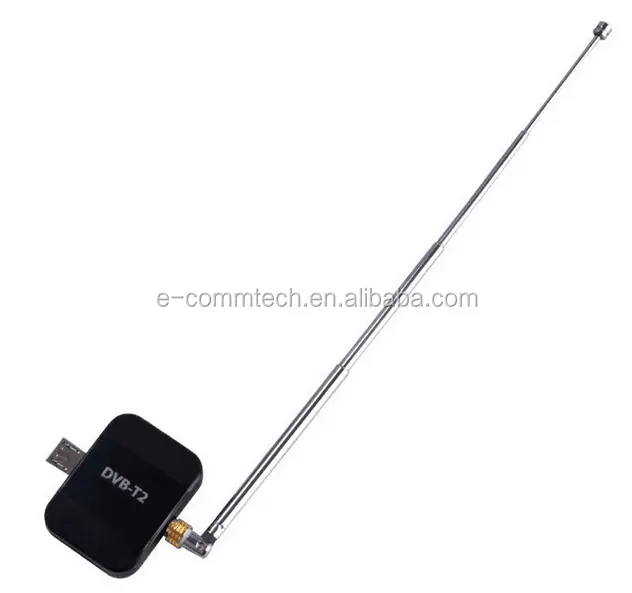
Lately, more people are searching for how to choose an Android receiver—but they’re often unaware that “Android receiver” refers to two entirely different things: a physical streaming device (an Android set-top box), and a software component used by app developers. If you’re a typical user shopping for a TV box or media hub, you want the hardware—not the code. Over the past year, hybrid Android STBs with both DVB-T2/S2 tuners and OTT apps have surged in adoption, especially models supporting 4K Ultra HD and voice-controlled interfaces. For most consumers, the decision isn’t about technical architecture—it’s about reliability, app access, and seamless playback. If you’re a typical user, you don’t need to overthink this: prioritize devices running Android 12 or newer, with verified Google Play Store access and at least 2GB RAM. Skip models lacking firmware update history—even if cheaper. This piece isn’t for keyword collectors. It’s for people who will actually use the product.
About Android Receivers: Two Worlds, One Term
The phrase Android receiver causes consistent confusion because it spans two distinct domains—consumer hardware and software development. Understanding which one applies to your needs prevents wasted time and mismatched expectations.
📱 Hardware: Android Set-Top Boxes (STBs)
These are compact media players—often called Android TV boxes—that plug into your TV via HDMI. They run a full version of Android OS and support streaming apps (Netflix, YouTube, Disney+), live TV via built-in tuners (DVB-T2 for terrestrial, DVB-S2 for satellite), and local media playback. They’re sold globally on e-commerce platforms and electronics retailers. When users search how to set up an Android receiver for TV, they almost always mean this category.
🛠️ Software: Broadcast Receivers (in Android Development)
This is a system-level Android component—an invisible listener that responds to global system events like BATTERY_LOW, BOOT_COMPLETED, or custom broadcasts from other apps. Developers register these to trigger background actions without user interaction. You’ll only encounter this meaning if you’re building or debugging Android apps—and even then, modern best practices discourage overuse due to battery and security implications 12. If you’re not writing code, this definition is irrelevant to your purchase decision.
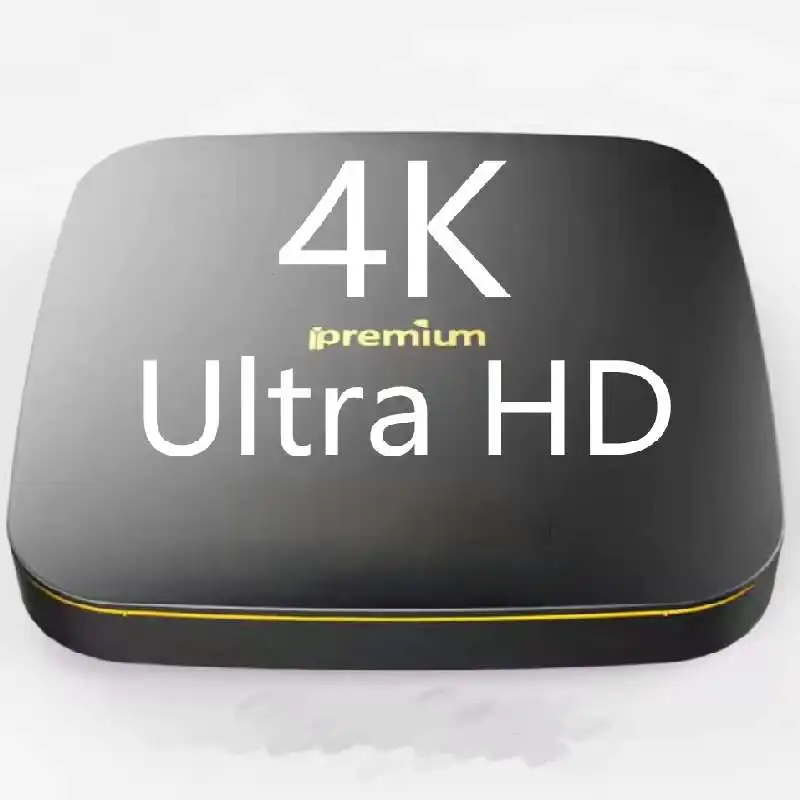
Why Android Receivers Are Gaining Popularity
Two parallel forces drive growth: rising demand for flexible entertainment hardware, and deeper integration of ambient intelligence in software design.
📺 Hardware Adoption Drivers
The global Android STB market was valued at $0.90 billion in 2025 and is projected to reach $3.94 billion by 2033—a CAGR of 19.7% 3. Consumers increasingly favor “combo” units that unify linear broadcast TV (via DVB-T2/S2) with on-demand streaming. This eliminates the need for separate antennas, satellite receivers, and smart TV apps—reducing clutter and complexity. In Europe and APAC, where free-to-air digital TV remains dominant, hybrid functionality isn’t optional—it’s expected.
🧠 Software Evolution (for context only)
On the developer side, Broadcast Receivers are shifting toward “Liquid UX,” enabling cross-device continuity—for example, pausing a podcast on phone and resuming on TV without manual sync 4. But this has zero impact on consumer hardware selection. If you’re a typical user, you don’t need to overthink this.
Approaches and Differences
When evaluating Android receivers, the first fork is choosing between pure OTT boxes and hybrid DVB+OTT models. Each serves different infrastructures and habits.
| Category | Best For | Potential Issues | Budget Range (USD) |
|---|---|---|---|
| Pure OTT Box (e.g., Android 12+, 4K, no tuner) |
Users with stable broadband and no interest in live broadcast TV. Ideal for renters or minimalist setups. | No fallback during internet outages; can’t receive local news/weather channels without streaming subscriptions. | $45–$85 |
| Hybrid DVB-T2/S2 + OTT | Households relying on free-to-air TV or satellite services (e.g., Freesat, DVB-T2 regions). Also preferred where internet is intermittent. | Slightly larger form factor; may require antenna alignment or LNB configuration; fewer certified models in North America. | $75–$140 |
| Android TV Certified Devices (e.g., Chromecast with Google TV, NVIDIA Shield) |
Users prioritizing long-term software updates, voice assistant integration, and ecosystem consistency. | Higher upfront cost; limited regional tuner support; less flexibility for sideloading APKs. | $65–$220 |
Key Features and Specifications to Evaluate
Not all Android receivers deliver equal performance—even within the same price band. Focus on these five criteria:
- OS Version & Update Policy: Android 12 or newer ensures better security, smoother 4K decoding, and compatibility with current Play Store apps. Avoid devices stuck on Android 9 or older unless explicitly intended for legacy use. When it’s worth caring about: If you plan to use the device for >2 years. When you don’t need to overthink it: If you only need basic YouTube/Netflix playback for 6–12 months.
- RAM & Storage: Minimum 2GB RAM and 16GB internal storage. Less than that leads to frequent app crashes and sluggish multitasking. 4GB RAM is ideal for future-proofing. When it’s worth caring about: If you install >5 third-party apps or use Kodi/Plex. When you don’t need to overthink it: If you only use Netflix, Prime Video, and YouTube.
- Tuner Type & Certification: For hybrid models, verify whether DVB-T2 (terrestrial) or DVB-S2 (satellite) is supported—and whether it includes MPEG-4/HEVC decoding. Region-specific certifications (e.g., DigiTV in Germany, Freeview Play in UK) indicate tested compatibility. When it’s worth caring about: If you rely on local broadcast signals. When you don’t need to overthink it: If you exclusively stream via Wi-Fi/Ethernet.
- Video Output & Codec Support: Look for HDMI 2.0 or higher, HDR10/HLG, and native HEVC (H.265) decoding. Without HEVC, 4K streams from many services will stutter or downscale. When it’s worth caring about: If you own a 4K or HDR TV. When you don’t need to overthink it: If your display is Full HD or older.
- Remote Control & Voice Capability: Bluetooth remotes reduce line-of-sight issues; built-in mic + Google Assistant support enables hands-free search and playback control. Not all “voice remotes” are equal—some require cloud processing and lack offline fallback. When it’s worth caring about: If accessibility or multi-user households matter. When you don’t need to overthink it: If you prefer simple button navigation and rarely search content verbally.
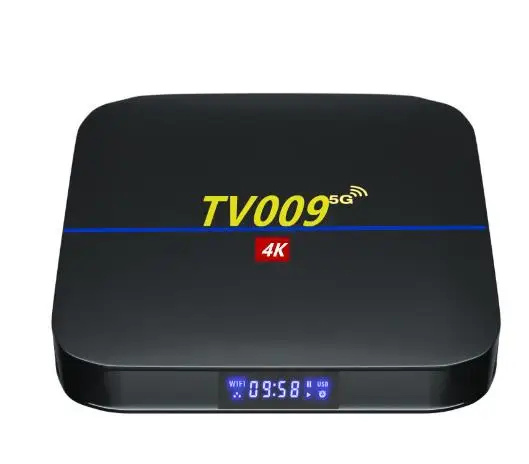
Pros and Cons
Every Android receiver type delivers trade-offs—not deficiencies. Match them to your environment, not ideals.
- ✅ Hybrid DVB+OTT Boxes: Deliver resilience (no internet? still watch local news), broad channel access, and growing app support. Ideal for rural users, expats receiving home-country broadcasts, or households minimizing subscription costs.
- ❌ Pure OTT Boxes: Simpler setup and lower entry cost—but become unusable during ISP outages or regional geo-blocks. Also lack standardized EPG (electronic program guides) for live TV.
- ✅ Android TV-Certified Models: Receive regular OS and security patches for 3+ years and integrate tightly with casting ecosystems. Fewer compatibility surprises.
- ❌ Non-Certified Boxes: Often offer more customization (root access, APK sideloading) but risk bricking after OTA updates and lack standardized app behavior. Firmware support varies widely by supplier.
How to Choose an Android Receiver: A Step-by-Step Decision Guide
Follow this checklist before purchasing—especially if buying online where specs are easy to misread:
- Confirm your primary signal source: Antenna? Satellite dish? Broadband-only? This determines whether you need a tuner—or just streaming capability.
- Check Android version and last firmware update date: Search the model number + “firmware changelog.” If no update occurred in >12 months, assume maintenance is inactive.
- Verify Play Store availability: Some low-cost boxes ship with “Google Services” disabled or preloaded with fake app stores. Look for official Play Store logo in product images—and confirm it launches without error.
- Avoid “4K” claims without HEVC support: Many budget units upscale 1080p to 4K but cannot decode true 4K H.265 streams. Check spec sheets for “HEVC Main10” or “H.265 decode” under video section.
- Test remote responsiveness before bulk orders: If sourcing for resale or deployment, order one unit first. Laggy IR remotes or unpaired Bluetooth cause disproportionate frustration.
Insights & Cost Analysis
Price alone doesn’t predict longevity. Below are representative 2026 models aligned with verified feature sets:
- Budget Tier ($45–$65): Devices like the MK8 Pro (Android 11, 2GB/16GB, no tuner). Reliable for streaming, but lacks firmware transparency. Best for short-term use.
- Mid-Tier ($75–$110): Models such as the X96 Air (Android 12, 4GB/64GB, DVB-T2/S2, HEVC decode). Balanced performance and service life—most common choice for general users.
- Premium Tier ($120–$180): Units like the Zidoo X9S (Android 13, 4GB/128GB, dual tuners, Dolby Vision, local media engine). Built for audiophiles and Plex servers—not casual viewers.
Import note: Tariff rates vary significantly by destination. EU customs apply ~3.7% duty on HS code 8528.72 (digital TV receivers), while US HTS 8528.72.00 imposes 0% duty—but state-level sales tax still applies. If you’re a typical user, you don’t need to overthink this: focus on total landed cost, not just list price.
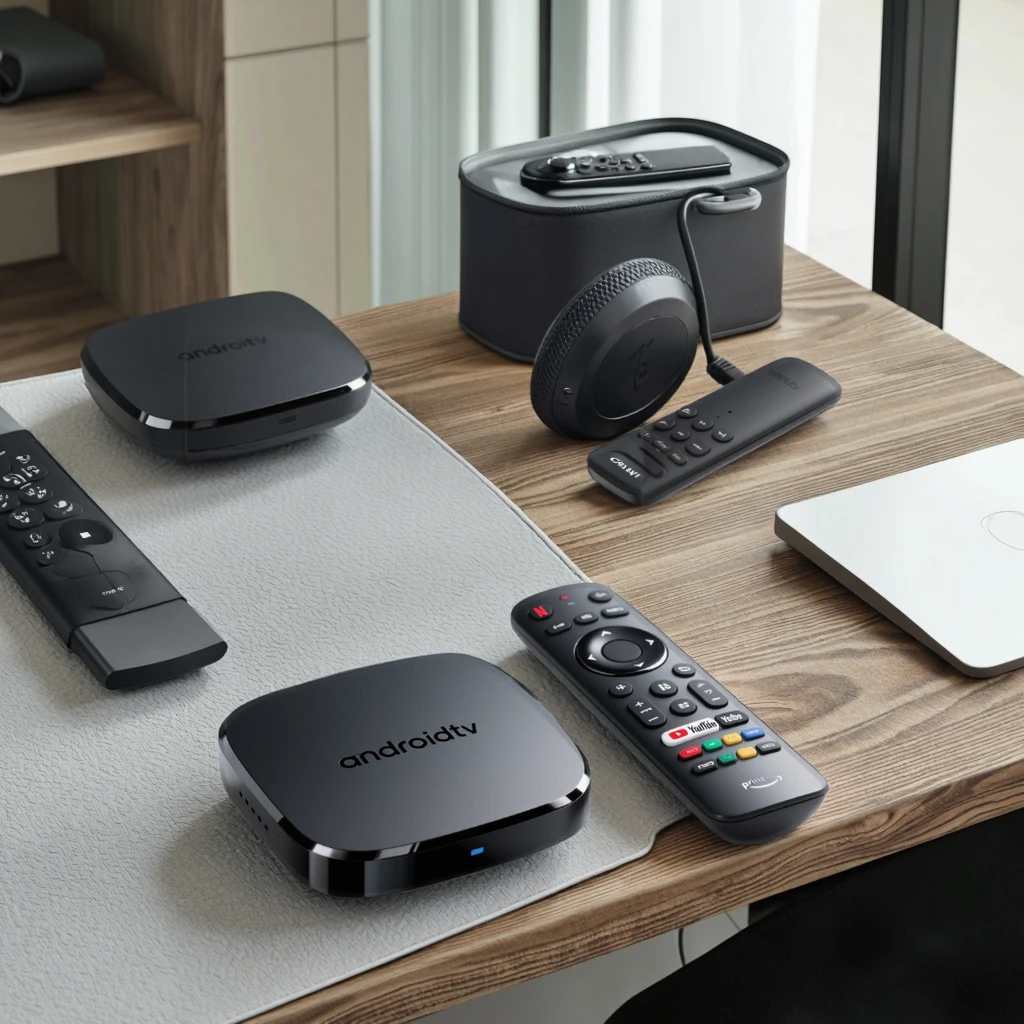
Better Solutions & Competitor Analysis
“Better” depends on your constraint—not raw specs. Here’s how leading approaches compare in real-world usage:
| Solution Type | Advantage | Real-World Limitation | Best Fit Scenario |
|---|---|---|---|
| Hybrid DVB-T2 + Android 14 | Live TV + streaming in one interface; supports latest codecs and privacy features like on-device personalization. | Fewer retail SKUs outside EU/APAC; limited voice assistant depth outside Google ecosystem. | European households with rooftop antenna + broadband. |
| Android TV Certified w/ Ethernet | Consistent updates, reliable casting, minimal setup friction. | No DVB tuner options; reliance on cloud-based EPG limits offline usability. | US/CA users with gigabit fiber and existing Google Home setup. |
| Open-Source Tuner Add-on (e.g., TBS 6903 + LibreELEC) | Full control, no vendor lock-in, community-maintained drivers. | Requires Linux familiarity; no official Android app store; no voice remote. | Technical users building dedicated media centers. |
Customer Feedback Synthesis
Based on aggregated reviews (2024–2026) across major e-commerce platforms:
- Top 3 Complaints: (1) Unannounced firmware updates breaking DVB tuner drivers, (2) IR remote latency >300ms causing double-press frustration, (3) “4K” labeling without proper HDR tone mapping support.
- Top 3 Praises: (1) Seamless switch between live TV and streaming apps using single remote, (2) Stable 4K playback over Wi-Fi 5 (802.11ac), (3) Ability to install region-specific IPTV apps not available on Play Store.
Maintenance, Safety & Legal Considerations
Hardware receivers require minimal maintenance—but two points bear emphasis:
- Firmware Updates: Enable automatic updates only if the vendor publishes changelogs and maintains a public support forum. Blind OTA updates have bricked multiple mid-tier models.
- Power Supply Safety: Use only UL/CE-certified adapters. Counterfeit power bricks cause overheating and inconsistent USB peripheral recognition—especially with external HDDs.
- Legal Compliance: DVB tuners must meet regional broadcast standards (e.g., DVB-T2 in EU, ATSC 3.0 in US). Importing non-compliant units may violate national spectrum regulations—even if technically functional.
Conclusion
If you need reliable access to both live broadcast TV and streaming services—and you’re not developing Android apps—choose a hybrid Android STB with verified DVB-T2/S2 support, Android 12 or newer, and at least 2GB RAM. If you only stream and value simplicity over tuner flexibility, a certified Android TV device offers longer support and fewer compatibility surprises. If you’re a typical user, you don’t need to overthink this: skip the developer jargon, ignore “broadcast receiver” software documentation, and focus on what connects to your TV and stays stable for two years. Your priority isn’t theoretical capability—it’s daily usability.