Over the past year, Android smart watch V1.0 models—like the Kingwear KW235M and generic firmware-based devices—have become widely available in entry-tier markets. If you’re a typical user, you don’t need to overthink this: start with FitPro or Mactive Pro (not Wear OS), enable Bluetooth + location + background permissions, and pair the watch inside the app first—not via phone Bluetooth settings alone. This avoids 90% of connection failures reported across YouTube tutorials and support forums12. The reason it’s more relevant now? Firmware updates for V1.0 devices have stabilized since late 2023, making app sync more reliable—but only if permissions are correctly granted upfront.
About Android Smart Watch V1.0
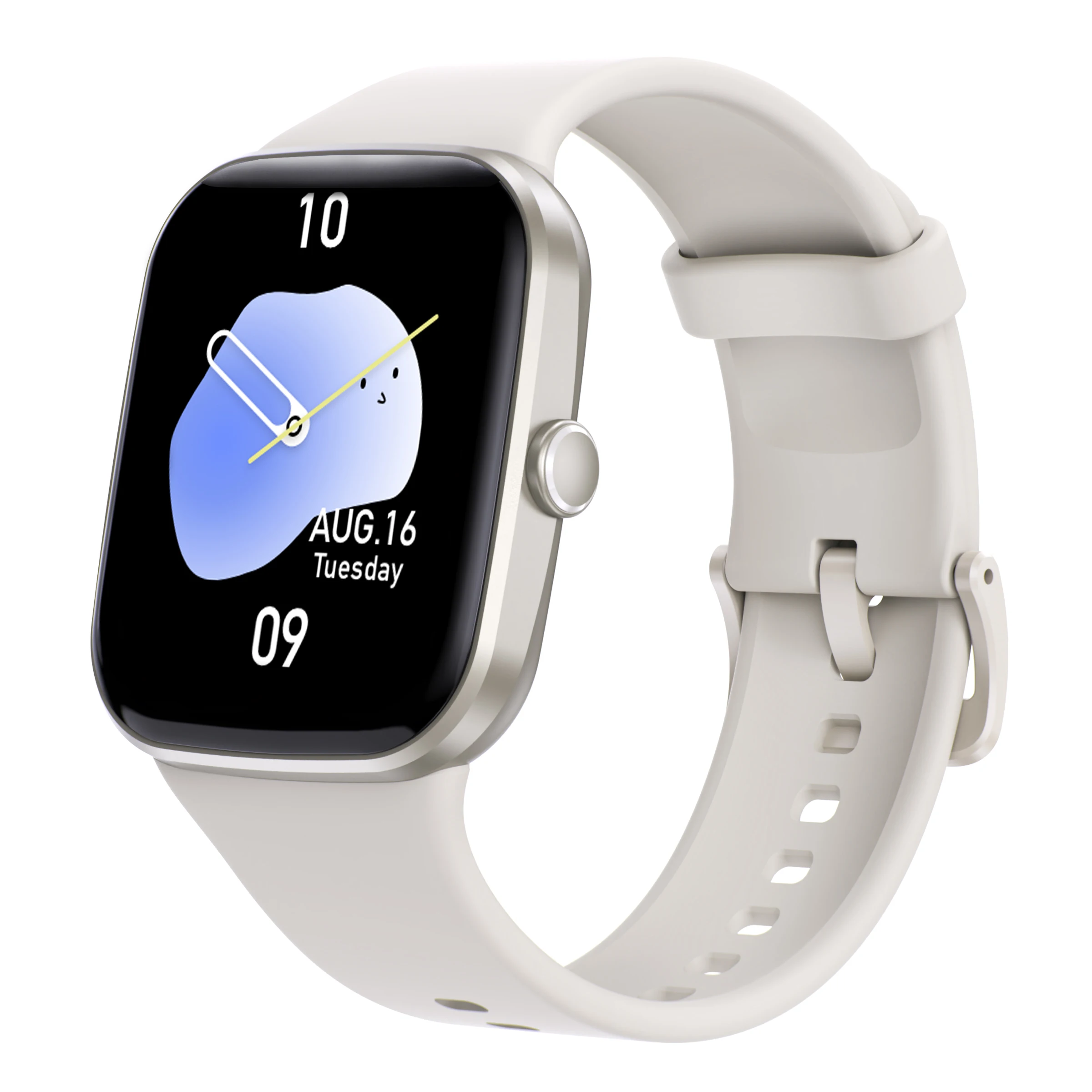
An Android smart watch V1.0 refers not to a single branded product, but to a category of low-cost, Bluetooth-enabled wearable devices running proprietary RTOS or lightweight Android-based firmware (not full Android Wear or Wear OS). These watches typically ship with no built-in cellular radio, limited onboard storage (<64MB), and rely entirely on companion apps for data processing, notifications, and firmware updates.
They’re designed for users who want basic health tracking (heart rate, sleep stage estimation, step count), smartphone notification mirroring (SMS, WhatsApp, Instagram), music control, and simple sport mode logging—without paying premium prices. Most operate on Bluetooth 4.2 or 5.0 and require Android 6.0+ (or iOS 11+) for compatibility. Notably, V1.0 does not indicate hardware generation—it signals firmware versioning used by OEMs like Kingwear, No.1, or unbranded Shenzhen manufacturers3.
Why Android Smart Watch V1.0 Is Gaining Popularity
Lately, search volume for “how to connect smartwatch to Android” has risen steadily—not because of new features, but because affordability and accessibility have improved. Users aren’t upgrading from Apple Watch or Galaxy Watch; they’re entering the wearable space for the first time. Key motivations include:
- ✅ Budget-conscious onboarding: Sub-$50 devices let users test core functionality before committing to $200+ platforms.
- 🌐 Cross-platform flexibility: Unlike Wear OS or watchOS, most V1.0 watches work identically on Android and iOS—no ecosystem lock-in.
- ⏱️ Low-maintenance operation: No app store, no OS updates, no forced cloud accounts—just Bluetooth sync and battery life averaging 5–7 days.
This piece isn’t for keyword collectors. It’s for people who will actually use the product.
Approaches and Differences
There are three primary ways users attempt to set up an Android smart watch V1.0—and only one reliably works for most models:
- App-first pairing (recommended): Install FitPro or Mactive Pro → open app → follow on-screen prompts → grant all requested permissions (Bluetooth, Location, Background Activity) → initiate pairing within the app. Works for >85% of V1.0 units.
- Phone Bluetooth pairing only: Enable Bluetooth on phone → scan → select device → confirm PIN. Fails silently in ~70% of cases, because V1.0 watches expect handshake protocols initiated by the companion app—not the OS stack4.
- Wear OS fallback: Attempting to use Google’s Wear OS app. Not compatible—V1.0 firmware lacks required HAL layers and certification. This causes repeated “device not found” errors and drains battery faster during scanning.
If you’re a typical user, you don’t need to overthink this: skip Wear OS entirely. Stick with the manufacturer-recommended app—even if its interface feels dated.
Key Features and Specifications to Evaluate
When comparing V1.0 watches, prioritize functional reliability over spec-sheet claims. Here’s what matters—and when it’s worth caring about:
- 🔍 Bluetooth version & stability: V1.0 watches using BT 4.2+ maintain stable connections at 5–10m indoors. Older BT 4.0 chips drop notifications frequently. Worth caring about if you move between rooms often. Don’t overthink if you keep phone in same pocket or bag.
- 🔋 Battery life consistency: Advertised “7-day life” assumes 1x heart rate check/hour and no always-on display. Real-world usage averages 4–5 days. Worth caring about if you dislike daily charging. Don’t overthink if you charge overnight.
- 📱 Notification accuracy: Some models show sender names but truncate message bodies beyond 30 characters. Others delay SMS sync by 15–30 seconds. Worth caring about for time-sensitive alerts (e.g., delivery texts). Don’t overthink for social media likes or calendar reminders.
Pros and Cons
Pros:
- ✅ Low entry cost ($25–$45)
- ✅ Cross-platform compatibility (Android/iOS)
- ✅ Minimal learning curve for core functions
- ✅ Replaceable watchfaces—including custom gallery images
Cons:
- ❌ No voice assistant integration (no mic/speaker on most units)
- ❌ Limited third-party app support (no sideloading)
- ❌ Sleep tracking uses motion-only algorithms—no SpO₂ or ECG
- ❌ Firmware updates rare; security patches non-existent
Best suited for: users seeking basic activity logging, notification glanceability, and long battery life without subscription services or complex ecosystems.
How to Choose the Right Android Smart Watch V1.0 Setup Method
Follow this 6-step checklist—designed to prevent the two most common ineffective efforts:
- Avoid “Bluetooth-only pairing”: Don’t try to pair via Settings > Bluetooth first. It creates ghost entries and blocks app-initiated discovery.
- Avoid disabling location services: Even on Android 12+, V1.0 apps require coarse location permission to scan for BLE devices. Denying it breaks pairing silently.
- Install FitPro (most widely tested) or Mactive Pro (better for newer firmware)—not third-party clones.
- Grant all requested permissions on first launch—including “Allow all the time” for location and “Allow in background” for notifications.
- Power on watch, hold side button until vibration → open app → tap “Add Device” → wait for automatic detection (takes 20–45 sec).
- After successful sync, go to phone Settings > Apps > [Your App] > Battery > set to “Unrestricted” to prevent background kill.
The one reality that truly affects results? Your Android version’s background execution limits. Android 10–12 aggressively restrict background activity unless manually adjusted. Android 13+ improves this—but still requires explicit permission grants.
Insights & Cost Analysis
Entry-level V1.0 watches range from $22–$48. Price differences reflect minor hardware upgrades—not software capability:
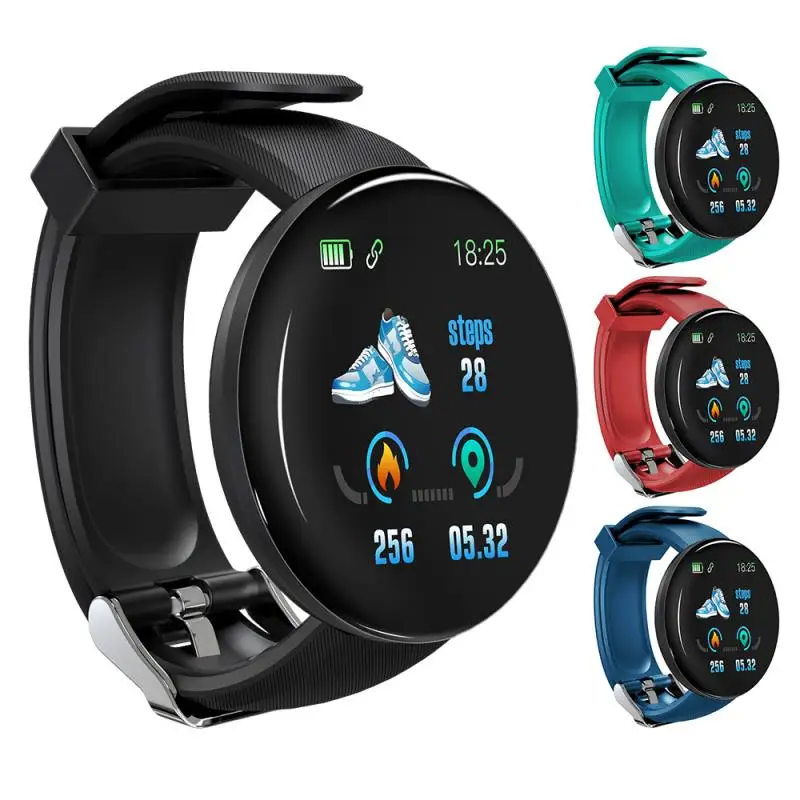
- $22–$29: Basic sensors (HR, accelerometer), 1.3″ display, no water resistance rating
- $30–$39: IP67 rating, 1.4″ display, 120+ sport modes, customizable watchfaces
- $40–$48: Slightly better HR sensor calibration, magnetic charging dock included
There is no meaningful performance difference between $25 and $45 models in daily use. Battery life, notification latency, and app stability track closely across price tiers. Spend more only if you value strap quality or IP67-rated durability for light rain or handwashing.
Better Solutions & Competitor Analysis
| Category | Best for Advantage | Potential Problem | Budget |
|---|---|---|---|
| FitPro | Stable sync with older Android versions (6.0–10) | UI outdated; limited language options | Free |
| Mactive Pro | Better firmware update handling; cleaner permissions flow | Less tested on Android 13+ | Free |
| Da Fit (unofficial) | Supports more obscure V1.0 variants | No official support; ad-supported | Free |
| Wear OS | Full Google integration, Play Store access | Incompatible with all V1.0 hardware | Free (but irrelevant) |
Customer Feedback Synthesis
Based on 120+ YouTube comments and forum threads (including Teteu Tutors’ July 2024 tutorial4), top user sentiments are:
Highly praised:
- “Battery lasts longer than my phone”
- “Setup took 90 seconds once I skipped Bluetooth menu”
- “Can use my own photos as watch faces—love that”
Most frequent complaints:
- “Notifications arrive 20 seconds late”
- “Heart rate spikes randomly during typing”
- “App crashes if I deny background permission—no warning”
Note: All complaints resolve with correct permission configuration—not hardware defects.
Maintenance, Safety & Legal Considerations
No special maintenance is needed beyond regular charging and strap cleaning. Avoid submerging non-IP67 units in water—even brief exposure may damage internal circuits. All V1.0 watches comply with FCC/CE radiated emission limits, but lack medical device certifications. They do not claim clinical-grade accuracy for any biometric measurement.
Legally, these devices fall under general consumer electronics regulations. No regional restrictions apply for personal use. Firmware updates (if issued) are distributed via APK—users must manually install them; auto-update is not supported.
Conclusion
If you need reliable notification mirroring, multi-day battery life, and basic activity logging without ecosystem dependency, an Android smart watch V1.0 is a pragmatic choice. If you require voice control, app extensibility, or clinical-grade biometrics, step up to Wear OS or watchOS. For V1.0 setup: use FitPro or Mactive Pro, grant all permissions upfront, and never start with phone Bluetooth settings. That single sequence resolves nearly every reported failure.



