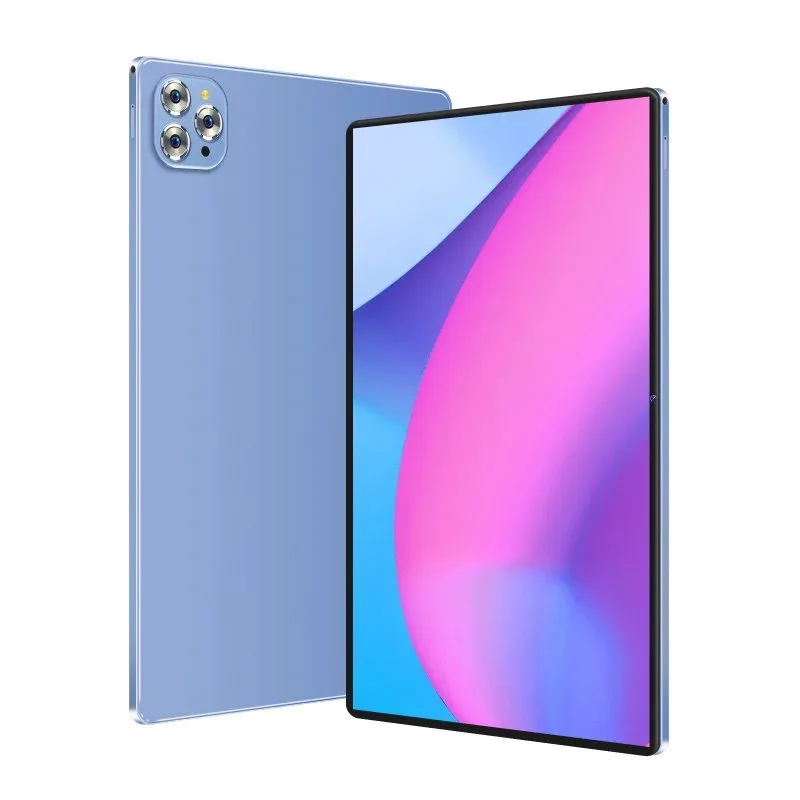
Over the past year, demand for Android tablets without cameras has shifted from niche compliance requirement to a measurable market signal—driven not by preference, but by enforceable policy in SCIFs, R&D labs, and hazardous industrial sites 1. If you’re evaluating a camera-less Android tablet, start here: choose hardware-omitted models—not software-disabled ones—if your use case involves regulated environments, intellectual property protection, or physical security audits. For typical users seeking digital minimalism or classroom focus, verified camera-free builds (e.g., G-Tab T14, Accio T10 Pro) deliver real privacy benefits—but only if paired with verified Android 13/14 firmware and no rear/front lens ports. If you’re a typical user, you don’t need to overthink this. This piece isn’t for keyword collectors. It’s for people who will actually use the product.
About Android Tablets Without Cameras
An Android tablet without camera is not simply a device with disabled camera apps or covered lenses. It refers to a purpose-built device where the camera module is physically omitted at the board level—or removed during manufacturing—eliminating optical pathways, sensor traces, and firmware hooks 2. Unlike consumer tablets (e.g., Samsung Galaxy Tab S9, Lenovo Tab P11), which embed dual cameras even in base SKUs, these units ship with zero imaging hardware—no front-facing aperture, no rear lens housing, and no camera-related driver partitions in the kernel.
Typical use cases include:
- 🔒 Secure government facilities: Contractors entering Sensitive Compartmented Information Facilities (SCIFs) must carry zero-optics devices—even a single lens violates DoD Directive 5200.01 3.
- 🏭 Industrial R&D and manufacturing: Preventing accidental capture of schematics, tooling paths, or proprietary chemical formulations on factory floors 2.
- 🎓 Education & digital wellness: Schools deploying “focus-first” tablets for standardized testing or literacy programs—removing both distraction and surveillance vectors 4.
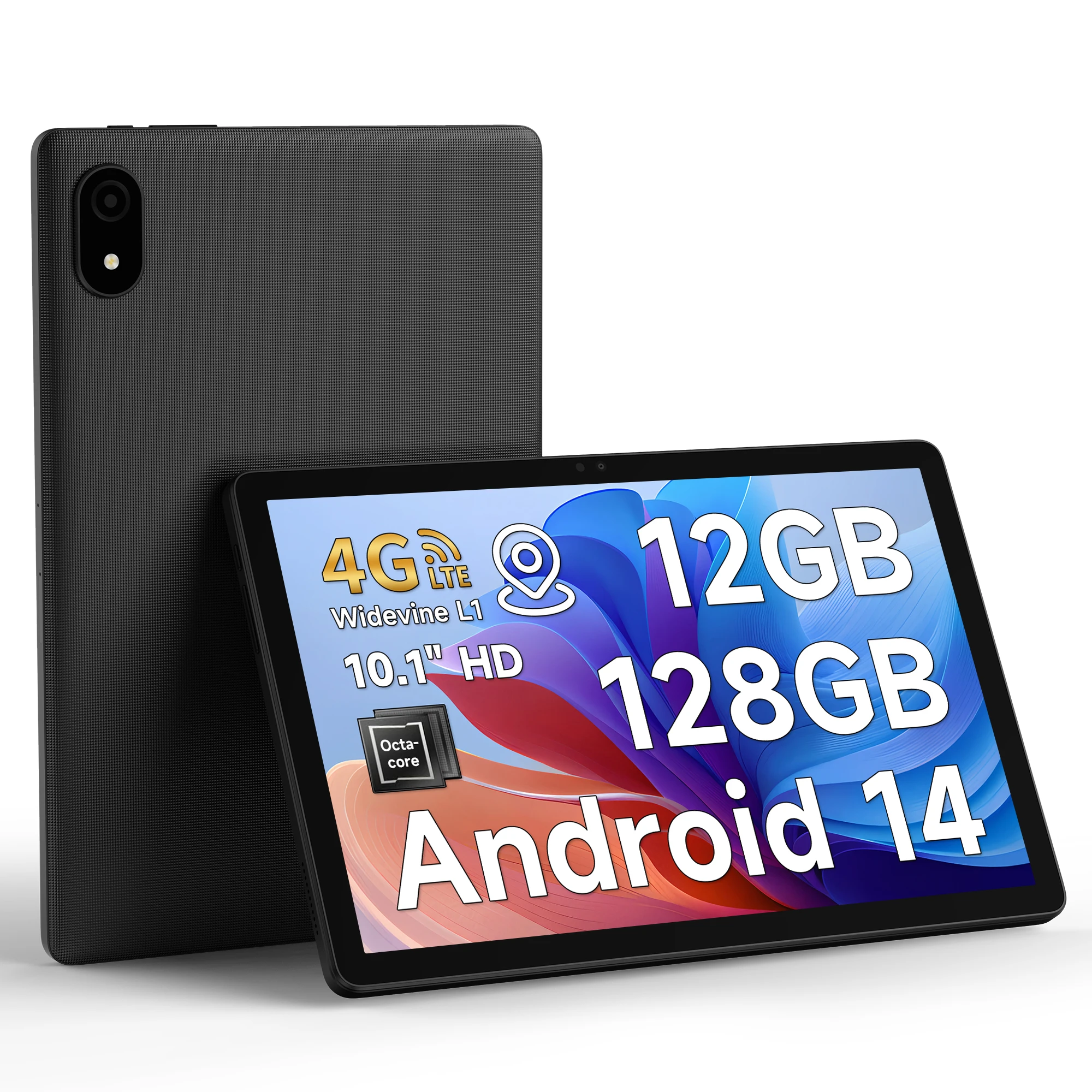
Why Android Tablets Without Cameras Are Gaining Popularity
Lately, two parallel shifts have accelerated adoption: first, regulatory tightening—especially in defense contracting and EU industrial data sovereignty frameworks—and second, rising awareness of software-based camera disabling as fundamentally insecure. Over the past year, Spiceworks community reports show a 300% increase in queries about physical camera removal versus software lockdown for government compliance 5. That’s because disabling via Android settings or MDM profiles leaves sensor drivers intact and can be reversed via ADB or custom recovery—a known bypass vector.
The second trend is operational: ruggedization now routinely accompanies camera omission. IP68 sealing, glove-friendly touchscreens, and hot-swappable batteries aren’t add-ons—they’re baseline requirements for oil rig control rooms or automotive assembly lines 1. When it’s worth caring about: you’re deploying in Class I Div 1 hazardous locations or under NIST SP 800-171 audit scope. When you don’t need to overthink it: you’re using the tablet solely for offline PDF annotation in a home office. If you’re a typical user, you don’t need to overthink this.
Approaches and Differences
Three approaches exist—each with distinct risk profiles:
- ⚙️ Hardware-omitted tablets: No camera sensors, no lens mounts, no camera-related firmware. Verified via teardown photos or manufacturer BOM documentation. Pros: Tamper-proof, audit-ready. Cons: Higher unit cost, limited model variety.
- 🔧 Physically removed units: Consumer tablets modified post-manufacture—sensors desoldered, lens holes sealed. Pros: Lower entry cost. Cons: Voided warranty, potential thermal or structural compromise, no certification validity.
- 📱 Software-disabled tablets: Standard Android tablets with camera permissions revoked, services killed, and app stores restricted. Pros: Widely available, familiar UX. Cons: Not compliant for high-assurance environments; camera can be re-enabled via root or sideloaded APK 2.
When it’s worth caring about: Your organization requires third-party audit evidence (e.g., CMMC Level 2). When you don’t need to overthink it: You want a distraction-free reading device for personal use and trust your own discipline. If you’re a typical user, you don’t need to overthink this.
Key Features and Specifications to Evaluate
Don’t stop at “no camera.” Verify these five dimensions:
- OS Version & Update Path: Android 13 or newer is mandatory for verified SELinux policies and kernel-level camera driver removal. Older versions may retain stub drivers that log errors—raising red flags during forensic scans.
- Physical Inspection Points: Look for absence of lens cutouts, flush bezels, and no IR/flash components near top/bottom edges. Compare against official teardowns—not just marketing renders.
- Ruggedization Certifications: MIL-STD-810G (shock/vibration), IP68 (dust/water), and optional PoE support for fixed kiosk deployments.
- Connectivity Architecture: LTE/5G modems must be isolated from camera subsystems (some early models shared power rails). Check for separate antenna layouts in spec sheets.
- Firmware Attestation: Reputable vendors provide signed attestation reports confirming zero camera driver presence in boot image and system partition 6.
Pros and Cons
✅ Pros: Eliminates optical surveillance risk at source; satisfies strict compliance frameworks (e.g., DFARS 252.204-7012); reduces attack surface for zero-day exploits targeting camera HAL; supports long-term lifecycle management in secure environments.
❌ Cons: Limited app compatibility (e.g., video conferencing tools, AR education apps); no biometric login via face unlock; higher TCO due to specialized manufacturing; fewer repair options outside vendor network.
Best suited for: Military contractors, process engineers, lab technicians, secure edtech deployments. Not suited for: Remote workers needing video calls, creatives using stylus + camera markup, or casual users prioritizing app breadth over assurance.
How to Choose an Android Tablet Without Camera
Follow this 5-step checklist before purchase:
- Confirm compliance scope: Is your use case governed by DoD, NIST, or ISO/IEC 27001? If yes, skip software-only solutions entirely.
- Verify hardware omission: Request BOM excerpts or ask for a photo of the mainboard showing missing camera flex connector points.
- Test boot-time behavior: Boot into recovery mode and check
dmesg | grep -i cameraoutput—should return zero matches. - Avoid “camera cover” SKUs: These are standard tablets with plastic covers—optical path remains intact.
- Check Android version lock-in: Some models ship with Android 12 and promise no future updates—avoid unless your deployment window is <12 months.
One common mistake: assuming all “industrial tablets” are camera-free. Many ruggedized models retain cameras for remote diagnostics—always cross-check datasheets line-by-line.
Insights & Cost Analysis
Pricing reflects assurance level—not raw specs. As of mid-2026:
- Entry-tier (7–8", Android 13, no certification): $220–$340
- MIL-STD-810G + IP68 (10", Helio G99, LTE): $480–$690
- Wall-mount industrial (15.6–21", Android 14, PoE, NFC): $1,100–$2,300
Budget-conscious buyers often overpay for certifications they won’t audit—or underpay and inherit non-compliant firmware. Prioritize verifiable omission over screen size or RAM. When it’s worth caring about: You’ll submit device logs during a CMMC assessment. When you don’t need to overthink it: You’re buying one unit for personal note-taking and value simplicity over compliance paperwork.
| Solution Type | Best For | Potential Issue | Budget Range (USD) |
|---|---|---|---|
| Hardware-omitted (e.g., G-Tab T14) | DoD contractors, R&D labs | Vendor lock-in; limited carrier support$480–$690 | |
| Factory-modified (Accio T10 Pro) | Oil & gas field crews, manufacturing QA | Firmware update delays; no Google Play Services$320–$440 | |
| Open-source Android (GrapheneOS tablet port) | Privacy advocates, developers | No certified rugged variants; steep learning curve$290–$510 | |
| Consumer tablet + physical removal | Short-term pilots, internal testing | Voided warranty; no liability coverage$180–$260 |
Customer Feedback Synthesis
Based on aggregated reviews across Alibaba, Reddit, and Spiceworks (Q1–Q2 2026):
- 👍 Top praise: “Passed our SCIF entrance scan on first try—no lens reflection, no driver alerts.” “Battery lasts 14 hours on LTE with no camera drain.” “Stylus latency is identical to consumer tablets—no performance penalty.”
- 👎 Recurring complaints: “No way to join Zoom meetings without external USB cam (and that defeats the purpose).” “Android Auto doesn’t recognize the device—missing camera HAL breaks handshake.” “Limited regional warranty service centers outside US/EU.”
Maintenance, Safety & Legal Considerations
Maintenance follows standard Android protocols—except camera-related diagnostics are absent by design. No special cleaning agents are needed; standard IPA wipes suffice. Safety-wise, omitting cameras eliminates infrared emitter risks in explosive atmospheres (per IEC 60079-0). Legally, hardware-omitted tablets simplify GDPR Article 5(1)(c) (“data minimisation”) and CCPA “sale” definitions—since no biometric or visual data is collected, processed, or stored. However, they do not exempt users from other obligations (e.g., secure data transmission, encryption-at-rest).
Conclusion
If you need audit-ready assurance in military, energy, or R&D settings, choose a hardware-omitted Android tablet with MIL-STD-810G and Android 14—verified via BOM and boot log. If you need digital minimalism without compliance overhead, a verified camera-free model like the G-Tab T14 (non-rugged variant) offers clean UX and real boundary-setting—without over-engineering. If you’re a typical user, you don’t need to overthink this.
Frequently Asked Questions
No. With no sensor, no driver, and no kernel interface, camera apps fail at initialization—returning “Camera failed to open” or crashing silently. This is intentional and irreversible without board-level modification.
No. Biometric authentication requiring optical input (face/iris) is unavailable. Alternatives include PIN, pattern, fingerprint (if supported separately), or NFC badge tap—depending on model.
Yes—but selectively. Most certified hardware-omitted models ship with AOSP or vendor-hardened forks (e.g., GrapheneOS). A few—like select Accio units—offer Play Store via Google Mobile Services (GMS) certification, confirmed in their official compliance docs.
Three ways: (1) Inspect official teardown photos for missing flex cables and empty sensor footprints; (2) Run adb shell getprop | grep camera—output should be empty; (3) Request the vendor’s signed attestation report listing all removed hardware components.