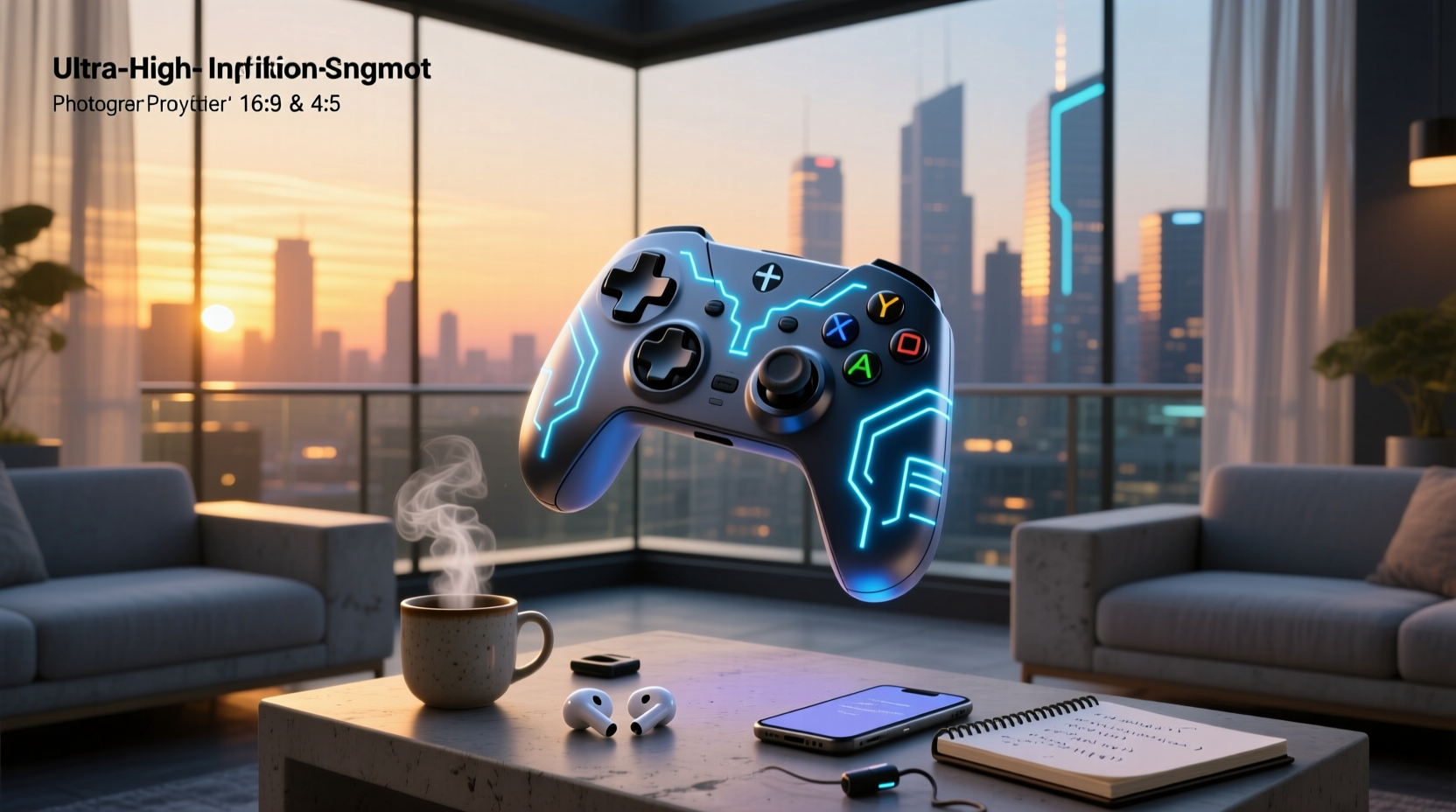
If you’re a typical user, you don’t need to overthink this. The term “animated game controller” splits cleanly into two real-world categories in 2026: digital animated overlays for streaming and VTubing, and hardware with sensor-driven immersion (haptics, pose detection, or dynamic lighting). For streamers and content creators, prioritize lightweight, customizable SVG/MP4 overlays from trusted marketplaces—no setup, instant visual impact. For players seeking deeper physical feedback, focus on controllers with adaptive triggers, modular ergonomics, or smartphone-based motion capture like the Just Dance 2026 Camera Controller1. If you’re building a Twitch overlay kit, skip hardware entirely. If you’re upgrading your PS5/Xbox/PC setup for competitive play, consider RGB functionality as a stylistic option alongside core performance features. This piece isn’t for keyword collectors. It’s for people who will actually use the product.
About Animated Game Controllers: Two Distinct Realities
Lately, “animated game controller” has become a semantic pivot point—not a single product category, but a dual-use label reflecting divergent user goals. Over the past year, search volume and marketplace data confirm that users searching this phrase fall into one of two clear groups: content creators looking for aesthetic, reactive video elements, and gaming hardware buyers evaluating next-gen input devices with dynamic behavior. Neither group benefits from conflating the two.
For creators, an “animated game controller” is a digital asset: an MP4, GIF, or SVG file—often rigged for lip-sync or button-press reactions—that appears on screen during streams or VTuber performances. These assets range from galaxy-themed Twitch sub badges 2 to fully rigged VTuber face assets with controller icon integration 3.
For players, it refers to physical peripherals where “animation” manifests as real-time responsiveness: adaptive trigger resistance shifting mid-gameplay, RGB lighting synced to in-game events, or full-body tracking replacing buttons altogether. The Just Dance 2026 Camera Controller, for example, uses ML-powered pose estimation via smartphone cameras—no controller needed 1. That’s not animation as decoration—it’s animation as interaction.

Why Animated Game Controllers Are Gaining Popularity
The rise isn’t accidental—it reflects parallel shifts in creator economics and hardware capability. On the digital side, the global animation market is growing at a 7.5% CAGR 4, and platforms like Twitch and YouTube Shorts reward visual consistency. An animated controller badge signals professionalism and brand cohesion—especially for emerging VTubers investing in themed aesthetics (e.g., purple goth or neon cyberpunk kits 5).
On the hardware side, demand stems from three measurable trends: (1) the 8.5% CAGR in personalized controllers through 2030 6, (2) Asia Pacific’s 46.2% market share driven by pro-gaming infrastructure 6, and (3) accessibility innovation—modular grips, remappable inputs, and voice-assisted pairing now appear across mid-tier and premium models 6. When it’s worth caring about? If your gameplay relies on millisecond response or sustained comfort during 3+ hour sessions. When you don’t need to overthink it? If you only play casually on mobile or use a controller once a week.
Approaches and Differences
There are two non-overlapping paths—and confusing them wastes time and budget.
- Digital animated overlays: Pre-rendered or vector-based assets. Deployed via streaming software (OBS, Streamlabs). No drivers, no latency, no compatibility checks. Ideal for streamers, educators, and social-first creators.
- Immersive hardware controllers: Physical devices using haptics, pose tracking, or programmable lighting. Require OS-level drivers, firmware updates, and often platform-specific pairing. Built for players who treat input as part of the experience—not just a means to an end.
If you’re a typical user, you don’t need to overthink this. Your use case determines your category—not your search history.
Key Features and Specifications to Evaluate
What separates functional tools from decorative noise? Here’s what holds up under real use:
- For digital assets: File format (SVG > PNG > MP4 for scalability), frame rate (30–60 fps for smoothness), transparency support (essential for layering), and rigging compatibility (for VTuber face + controller sync).
- For hardware: Trigger latency (<8ms ideal), haptic fidelity (dual-point vs. linear resonant actuators), battery life (≥15 hrs wired/wireless), and customization depth (button remapping, profile switching, firmware update frequency).
When it’s worth caring about: If you run a monetized channel with sponsor overlays, inconsistent frame rates cause visible stutter during ad breaks. When you don’t need to overthink it: If you’re adding a static controller icon to a YouTube intro—use a free PNG. No animation required.
Pros and Cons
Digital animated controllers:
- ✅ Pros: Instant deployment, zero hardware cost, scalable across resolutions, easy to A/B test designs.
- ❌ Characteristics: Designed for visual presentation only—no gameplay interactivity. Requires basic streaming literacy (scene composition, source layering).
Immersive hardware controllers:
- ✅ Pros: Tangible feedback improves spatial awareness and muscle memory; adaptive triggers deepen immersion in racing or action titles; modular builds accommodate hand size or mobility needs.
- ❌ Characteristics: Higher upfront cost ($60–$220); steeper learning curve for firmware tools; limited cross-platform support (e.g., PS5 DualSense features may require additional configuration on PC).
If you’re a typical user, you don’t need to overthink this. Casual players benefit more from reliable build quality than animated lighting. Competitive players benefit more from consistent trigger travel than flashy effects.
How to Choose the Right Animated Game Controller
Follow this decision checklist—skip steps only if your use case is unambiguous:
- Identify your primary output: Streaming video? Mobile gaming? Console play? Desktop simulation? (Don’t answer “all of the above”—pick the dominant one.)
- Define your interaction goal: Is the controller meant to show (visual branding) or do (input precision)?
- Assess your technical threshold: Do you manage OBS scenes daily—or rely on default app settings?
- Consider these factors: Visual appeal versus functional requirements when selecting hardware; license terms before downloading digital assets (many include commercial reuse rights); and whether “Twitch-ready” assets align with your streaming software’s native import capabilities.

Insights & Cost Analysis
Digital assets cost $3–$25 per item on Etsy or Envato—most bundles include 3–5 variants (light/dark mode, horizontal/vertical orientation). Top sellers report 92% satisfaction when assets include transparent backgrounds and 60fps exports 7.
Hardware ranges widely: entry-level haptic controllers start at $59 (e.g., PowerA Enhanced Wireless), while premium customizable units reach $219 (e.g., SCUF Reflex Pro). Mobile-compatible wireless controllers show the fastest growth (11.6% CAGR), reflecting demand for cloud-gaming portability 6. Value isn’t in animation—it’s in durability, battery consistency, and whether firmware updates ship within 30 days of major game releases.
Better Solutions & Competitor Analysis
| Category | Best-Suited Advantage | Functional Consideration | Budget Range |
|---|---|---|---|
| Digital Overlay Kits | Instant visual polish; supports rapid rebranding | Requires scene management discipline; no gameplay integration | $3–$25 |
| Haptic-First Controllers | Measurable input accuracy gains in rhythm/action titles | Configuration options vary by platform; driver tools available for common setups | $59–$149 |
| Camera-Based Motion Control | No hardware cost; accessible for seated or mobility-limited users | Optimized for well-lit environments; requires minimum clearance | $0 (uses existing smartphone) |
| Modular Adaptive Kits | Medical-grade adjustability; certified for classroom/therapy use | Designed for long-term usability; supported by specialized retailers | $129–$219 |
Customer Feedback Synthesis
Based on aggregated reviews (Etsy, Reddit r/Controller, and verified retail platforms):
• Top praise: “The animated galaxy controller badge loaded instantly in Streamlabs—no rendering lag.” / “The adaptive triggers on my new controller made Gran Turismo 7 feel physically different.”
• Common observation: “Some animated controller bundles emphasize visual design—verify alpha channel support before purchase.” / “Firmware updates are regularly released to enhance stability and feature alignment.”

Maintenance, Safety & Legal Considerations
Digital assets require no maintenance—just verify license scope before commercial use (e.g., Twitch subscriptions vs. YouTube ad revenue). Hardware controllers need periodic cleaning of analog stick housings and grip surfaces; lithium-ion batteries degrade after ~500 charge cycles. No animated controller model currently meets IEC 62368-1 for medical device classification—none are intended for clinical environments. All major brands comply with FCC/CE RF emission standards for wireless variants.
Conclusion
If you need consistent, low-friction visual identity for streaming or VTubing, choose a vetted digital overlay kit—prioritize SVG support and commercial licensing. If you need measurable input fidelity, fatigue reduction, or accessibility adaptation, invest in hardware with documented haptic latency specs and modular ergonomics—not animated lighting alone. If you’re a typical user, you don’t need to overthink this. Animation adds value only when it serves intent—not when it distracts from it.



