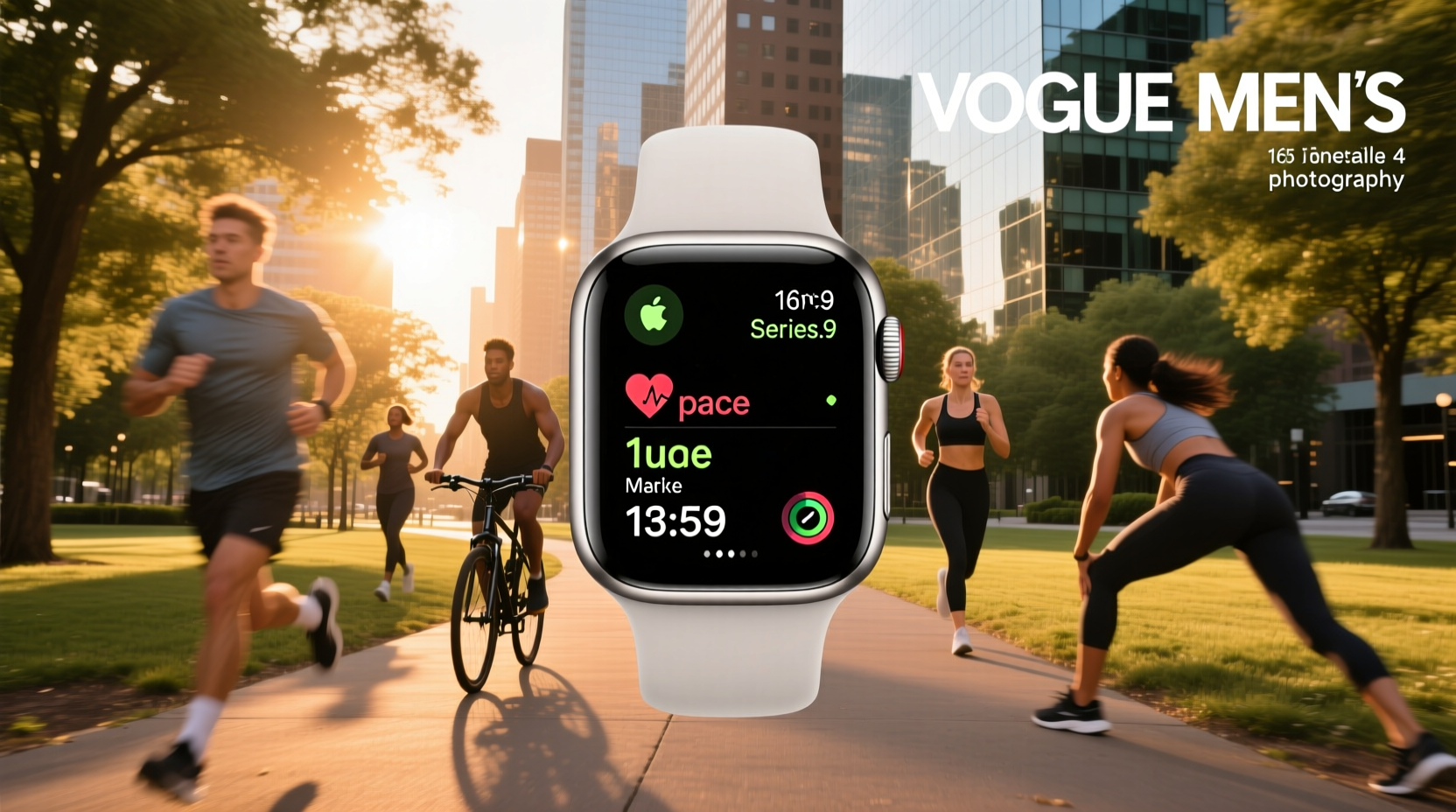
If you’re a typical user, you don’t need to overthink this: Start with Apple’s native Workout app and Health app sync — then add one purpose-built third-party app only if your routine demands specific metrics (e.g., HRV recovery scoring, GLP-1 medication logging, or real-time voice coaching during hiking). Avoid stacking multiple workout trackers — they compete for sensor access, drain battery faster, and rarely improve accuracy. The biggest real-world constraint isn’t hardware capability; it’s consistency of wear and calibration. If your watch slips during movement or sits loosely at rest, no app can fix that.
About Apple Watch Workout Tracking
“Apple Watch workout” refers to the ecosystem of features, sensors, and software that enable users to record, analyze, and adapt physical activity using an Apple Watch — either standalone or in coordination with iPhone, AirPods, Bluetooth heart rate monitors, or other health platforms like WHOOP or Oura. It’s not just about starting a timer. It’s about how reliably the device captures heart rate, motion, GPS, and physiological trends — and how meaningfully those signals translate into actionable feedback.
Typical use cases include:
- Tracking structured gym sessions (strength, HIIT, endurance) with reps, sets, and load
- Monitoring outdoor activities like running, cycling, or hiking with elevation, pace, and route mapping
- Measuring recovery readiness using HRV, sleep staging, and resting heart rate trends
- Logging medication adherence alongside weight and training load (e.g., for users managing metabolic health goals)
This piece isn’t for keyword collectors. It’s for people who will actually use the product.
Why Apple Watch Workout Tracking Is Gaining Popularity
Lately, interest has grown not because Apple Watch sensors improved dramatically — they haven’t — but because developers built smarter layers on top of stable hardware. Two shifts stand out:
- On-watch intelligence: Apps like Hike+ now run AI models directly on the Watch, delivering real-time audio coaching without cloud round-trips — improving latency and privacy1.
- Cross-platform interoperability: Tools like Studio Hub Watch App let Apple Watch users broadcast heart rate to ANT+ studio equipment — bridging a long-standing gap between consumer wearables and commercial fitness infrastructure2.
Users aren’t chasing novelty. They’re seeking continuity: consistent data across devices, reliable alerts when effort drifts, and minimal friction between intention and execution.
Approaches and Differences
There are three main approaches to Apple Watch workout tracking — each with distinct trade-offs:
1. Native Apple Workout + Health App
Pros: Zero setup latency, full HealthKit integration, automatic ring completion, low battery impact, and strong baseline accuracy for heart rate and motion.
Cons: Limited customization (no custom interval timers), no advanced recovery scoring, no medication or GLP-1 logging, and minimal voice guidance.
When it’s worth caring about: You want daily consistency, care about Activity Rings, and train mostly with bodyweight, light resistance, or steady-state cardio.
When you don’t need to overthink it: If you’re not logging strength metrics, tracking recovery biomarkers, or syncing with external gear — stick with native. If you’re a typical user, you don’t need to overthink this.
2. Third-Party Dedicated Apps (e.g., FITIV Pulse)
Pros: Deep HRV analysis, strength training logs with progression charts, GLP-1 dosage and side-effect tracking, multi-device sync (Garmin, WHOOP, AirPods Pro 3rd gen), and broadcast to Peloton/Zwift.
Cons: Higher memory footprint (~467 MB), steeper learning curve, some features require subscription, and occasional sync delays with HealthKit.
When it’s worth caring about: You follow a periodized strength program, monitor recovery closely, or manage weight-related health goals with prescribed medications.
When you don’t need to overthink it: If your primary goal is walking, yoga, or casual cycling — FITIV adds complexity without measurable benefit.
3. Audio-First Coaching Apps (e.g., Hike+)
Pros: Real-time spoken feedback via AirPods, wrist-raised quick stats, fatigue detection, hydration prompts, and fully offline processing.
Cons: iOS-only, limited to hiking/running (no strength or gym mode), no export to TrainingPeaks or Strava, and no long-term trend dashboards.
When it’s worth caring about: You hike or trail-run regularly, rely on auditory cues over visual glances, and prioritize privacy and responsiveness.
When you don’t need to overthink it: If you train indoors, prefer screen-based metrics, or use multiple platforms — Hike+’s specialization becomes a limitation.
Key Features and Specifications to Evaluate
Don’t optimize for feature count. Optimize for signal fidelity and workflow fit. Prioritize these five dimensions:
- Sensor reliability under motion: Does heart rate hold steady during jumping, lifting, or arm-swinging? Apple Watch Series 8/Ultra 2+ show improved optical HR during dynamic movement — but still lag behind chest straps for high-intensity intervals.
- HealthKit write/read permissions: Can the app both pull raw HR/sleep data *and* push workout summaries back? Critical for ring completion and longitudinal trends.
- Battery impact per session: Some apps trigger background location or continuous HR monitoring — cutting usable time from 18h to under 12h. Check settings for “Always On” or “Background Refresh” toggles.
- Export flexibility: Does it support CSV, GPX, or direct sync to Strava/TrainingPeaks? Useful if you cross-train or work with a coach.
- Audio interface robustness: Does voice feedback persist in rain, sweat, or windy conditions? Hike+ uses force-touch menus and crown navigation — avoiding touch dependency1.
Pros and Cons: Balanced Assessment
Best for: Users who value simplicity, consistency, and integration over niche metrics.
Less ideal for: Those requiring clinical-grade HRV interpretation, multi-platform data aggregation, or real-time adaptive coaching outside hiking/running.
Two common misconceptions:
- “More apps = better insight.” False. Overlapping permissions cause sensor contention and inconsistent timestamps.
- “Newer Apple Watch = automatically better workout data.” Not necessarily. Optical HR performance gains plateaued after Series 6; Ultra’s titanium build improves durability, not core sensor resolution.
How to Choose the Right Apple Watch Workout Setup
Follow this 5-step decision checklist — designed to eliminate false trade-offs:
- Define your non-negotiable metric: Is it accurate HR during sprints? Recovery score before leg day? Voice cues on steep trails? One priority anchors the choice.
- Verify device compatibility: FITIV supports AirPods Pro (3rd gen) and Powerbeats Pro 2 for optical HR — but not earlier models. Studio Hub requires ANT+ hardware, not Bluetooth.
- Test battery behavior: Run a 60-minute HIIT session with your candidate app — note remaining charge vs. native app. A 5–8% delta is acceptable; >12% suggests optimization needed.
- Check Health app sync depth: Go to Health → Browse → Heart Rate → Show All Data → tap “Data Sources.” Confirm your app appears and contributes consistently.
- Disable redundant permissions: In Watch Settings → Privacy → Motion & Fitness, turn off “Share with Apps” for any tracker you’re not actively using.
Avoid this pitfall: Installing apps solely because they mention “AI” or “recovery score” — without verifying whether those scores reflect validated models or proprietary heuristics.
Insights & Cost Analysis
Pricing varies by function, not brand:
- Native Apple tools: Free, included with device purchase.
- FITIV Pulse: Free base version; $9.99/month or $79.99/year for full features (HRV analytics, GLP-1 logging, strength planning)3.
- Hike+: Free with optional $4.99/month or $39.99/year for advanced fatigue modeling and custom route alerts.
- Studio Hub Watch App: Free, but requires $199 Studio Hub hardware.
Value isn’t in lowest cost — it’s in avoided friction. For most users, paying $0 for native + $40/year for one specialized tool delivers higher ROI than juggling three free apps that fight for resources.
Better Solutions & Competitor Analysis
| Tool | Best For | Potential Issue | Budget Consideration |
|---|---|---|---|
| Apple Workout App | Daily consistency, ring completion, beginner-to-intermediate routines | Limited recovery insights, no strength progression graphs | Free|
| FITIV Pulse | Strength training + recovery tracking + medication logging | Large install size; subscription required for core features | $79.99/year|
| Hike+ | Hiking/trail running with audio-first coaching | No gym or strength modes; iOS-only | $39.99/year|
| Studio Hub Watch App | Group fitness studio integration (e.g., cycling, HIIT classes) | Requires separate hardware ($199); no solo workout features | $199 + free app
Customer Feedback Synthesis
Based on aggregated App Store reviews (as of Q2 2024):
- Top praise: “Hike+ voice cues kept me from checking my watch mid-climb,” “FITIV’s strength log finally shows my progression visually,” “Studio Hub made my gym class feel seamless.”
- Top complaint: “FITIV drains battery fast if background HR is left on,” “Hike+ doesn’t recognize treadmill runs,” “Studio Hub setup took longer than expected.”
Maintenance, Safety & Legal Considerations
Apple Watch workout features comply with standard consumer electronics safety regulations. No regulatory certification (e.g., FDA clearance) applies — these are general wellness tools, not medical devices. Maintain accuracy by:
- Cleaning the back crystal weekly with a soft, lint-free cloth
- Ensuring snug (but not tight) band fit — especially during dynamic movement
- Updating watchOS and companion apps monthly to receive sensor firmware patches
Note: ECG and blood oxygen features are available only on specific models (Series 4+, Ultra) and may vary by region4. These functions are unrelated to standard workout tracking.
Conclusion
If you need seamless daily tracking and Activity Ring motivation — choose Apple’s native Workout app.
If you log strength metrics, track HRV trends, or manage health goals alongside medication — add FITIV Pulse.
If you hike or run outdoors and rely on audio cues over screen checks — Hike+ delivers unmatched responsiveness.
If you attend studio classes with ANT+ equipment — Studio Hub closes a real interoperability gap.
Everything else is refinement — not necessity.


