If you’re a typical user, you don’t need to overthink this. For small shops or service counters, start with a desktop smart cutter ($240–$550) — it delivers ROI in 2–3 months, supports 30,000+ device templates via cloud, and handles hydrogel, UV, and matte films without inventory risk. Skip the $27,000 kiosk unless you’re operating 24/7 in high-traffic malls or airports. Over the past year, template update speed (now under 48 hours for new phones) and multi-film compatibility have become decisive — not just cutting precision. This piece isn’t for keyword collectors. It’s for people who will actually use the product.
About Automatic Screen Protector Machines
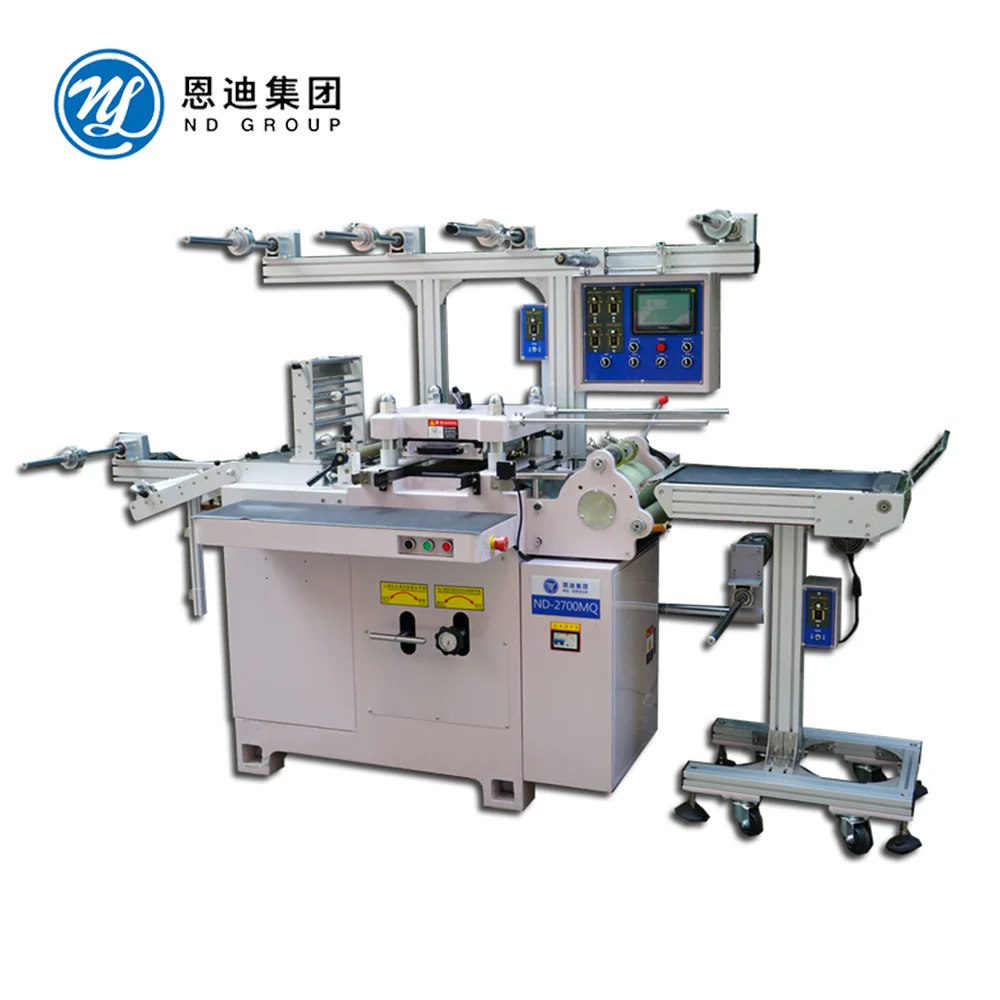
An automatic screen protector machine is a hardware system that either cuts custom-fit protective films on demand or fully automates alignment, cleaning, and application of tempered glass or hydrogel protectors. These machines serve three primary roles: 📱 retail counter support, 🛒 self-service kiosks, and 🎨 personalized accessory creation (e.g., printed back skins). Unlike manual kits, they eliminate human error in alignment, reduce film waste by up to 30%1, and adapt instantly to new devices — no physical stock required.
Why Automatic Screen Protector Machines Are Gaining Popularity
Lately, two structural shifts have accelerated adoption: first, the smartphone screen protector market is projected to hit $56.2 billion globally by 2026, growing at 8.3% CAGR2. Second, consumer expectations have shifted from “just protection” to zero-friction, zero-bubble, same-day fit — especially on curved OLED displays and punch-hole front cameras. Manual application fails here consistently. Hydrogel and UV-curable films now dominate premium segments because they conform reliably to complex geometries1. If you’re a typical user, you don’t need to overthink this: demand for automation isn’t hype — it’s driven by measurable failure rates in manual installation and rising device complexity.
Approaches and Differences
Three distinct categories address different operational scales and customer touchpoints:
| Machine Type | Core Function | When It’s Worth Caring About | When You Don’t Need to Overthink It |
|---|---|---|---|
| Desktop Smart Cutter | Cuts TPU/hydrogel films on demand using laser or blade; requires manual application | You run a repair shop, carrier store, or pop-up booth with <10 daily screen protector requests — and want to eliminate SKU inventory | You’re installing protectors for personal use only, or your volume is under 3 units/week |
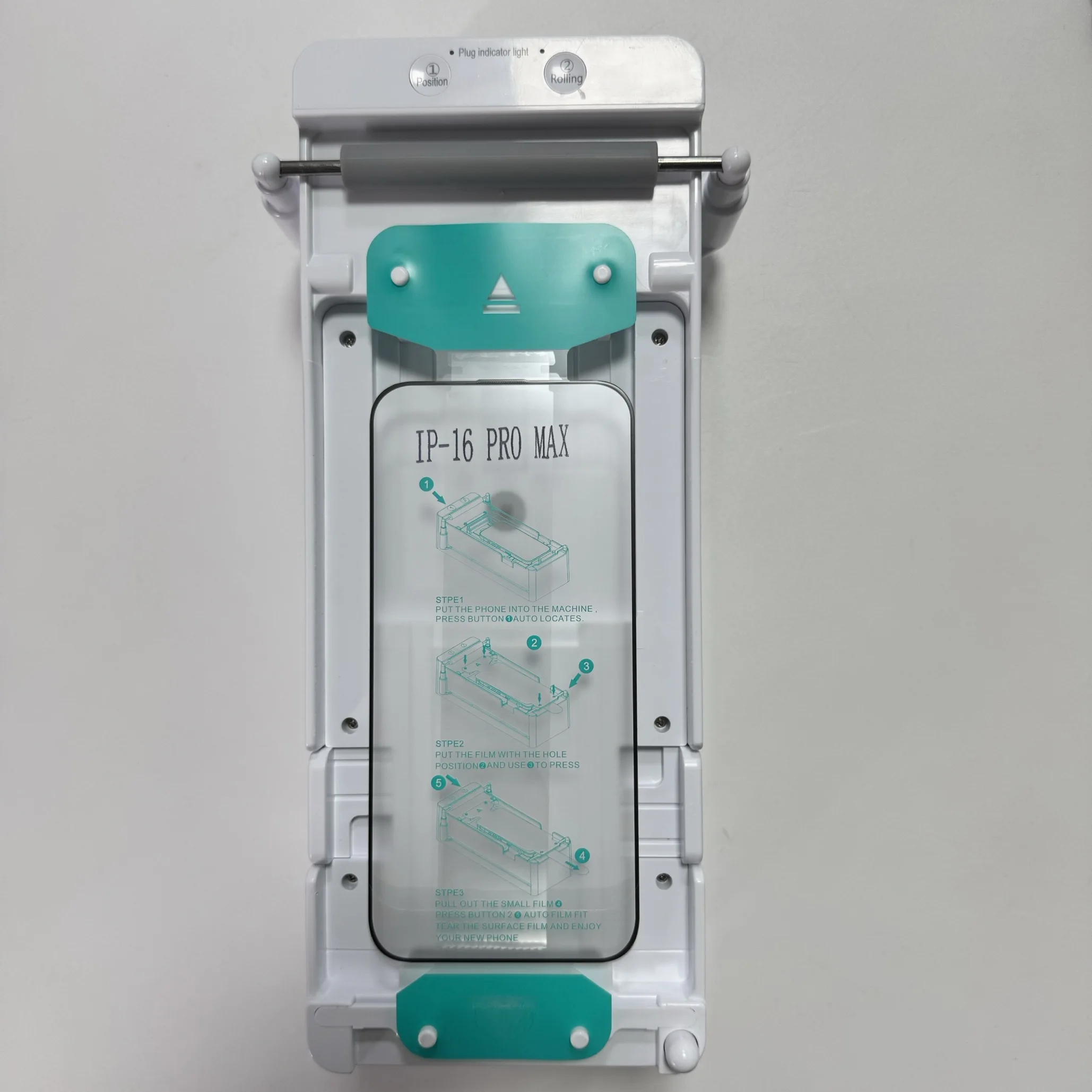
| Integrated Applicator | Automates full workflow: cleaning, positioning, pressing, and bubble removal | You offer premium service packages (e.g., “premium install + warranty”) and charge $15–$25 per install | You already achieve >95% success rate manually and rarely handle curved or foldable screens |
| Autonomous Vending Kiosk | Unmanned, dust-controlled, payment-integrated unit delivering finished install in <90 seconds | You operate in airports, transit hubs, or shopping malls with verified foot traffic >5,000/day | Your location has low dwell time, inconsistent power, or no ability to service hardware weekly |
Key Features and Specifications to Evaluate
Not all machines deliver equal reliability. Prioritize these four functional dimensions — ranked by real-world impact:
- Template database responsiveness: Must update within 24–72 hours of official device launch (e.g., iPhone 16 Pro, Galaxy S25). Delayed updates mean lost early-adopter sales1.
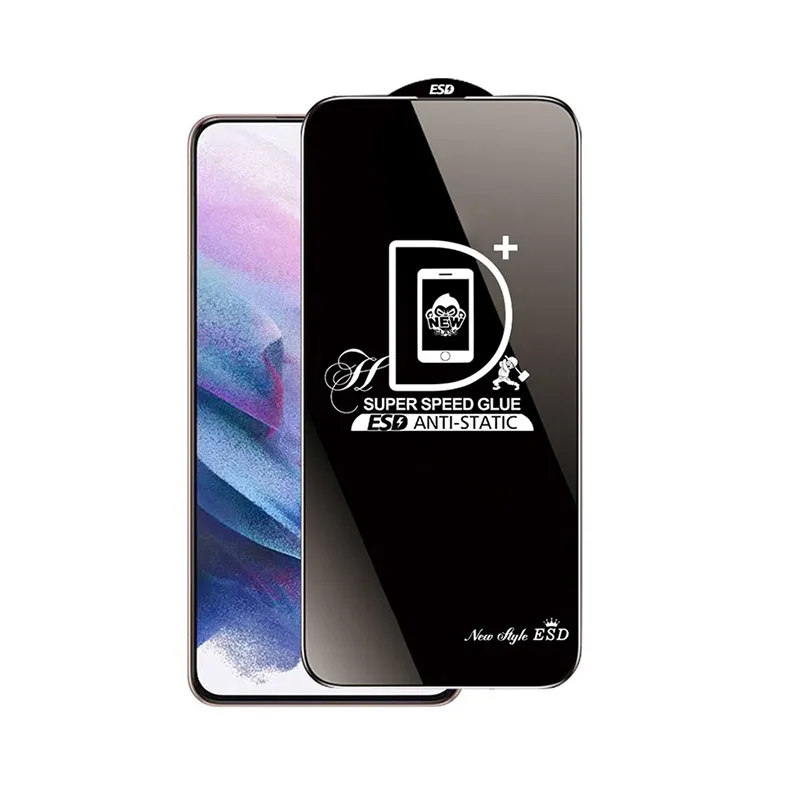
- Film material versatility: Verify support for hydrogel, UV-curable glass, anti-blue light, privacy, and matte finishes — not just standard tempered glass.
- Dust mitigation: Integrated air filtration or enclosed chambers matter most for applicators and kiosks. Desktop cutters skip this — users apply manually in ambient air.
- Calibration stability: Machines using optical alignment (not just edge detection) maintain accuracy across 500+ cycles without recalibration.
Pros and Cons
Desktop smart cutters excel in flexibility and low entry cost but shift labor to the final application step. Integrated applicators raise perceived value and reduce rework but require more floor space and periodic sensor cleaning. Vending kiosks maximize scalability and off-hours revenue but introduce maintenance complexity and higher upfront capital lockup.
They’re not suitable if: your location lacks stable Wi-Fi (cloud templates fail), you lack staff trained in basic mechanical troubleshooting, or your average transaction value is below $8 (kiosk ROI collapses).
How to Choose the Right Automatic Screen Protector Machine
Follow this 5-step decision checklist — designed to prevent common missteps:
- Map your daily volume and device mix: Track actual installs for 30 days. If >70% are iPhones or Samsung flagships, template coverage is less urgent than if you serve niche brands (Xiaomi, Nothing, Fairphone).
- Calculate break-even point: Use supplier-provided labor/time savings data. Example: A $499 cutter saving 3 minutes per install at $22/hr labor = ~$1.10 saved/install → breakeven at ~450 units.
- Test template update latency: Ask vendors to demonstrate how quickly their system added support for the latest device launched in the last 30 days.
- Avoid ‘all-in-one’ claims without modularity: Machines bundling cutting + applying + printing often compromise on one function. Separate systems scale better long-term.
- Confirm software licensing terms: Some vendors charge annual fees for template access or firmware updates — verify total 3-year cost.
Insights & Cost Analysis
ROI varies significantly by deployment model — not just price:
| Machine Type | Avg. Price Range | Estimated ROI Timeline | Key Profit Drivers |
|---|---|---|---|
| Desktop Smart Cutter | $240 – $550 | 2–3 months | Eliminated inventory cost, 30% film waste reduction, faster turnover per customer |
| Integrated Applicator | $800 – $2,500 | 3–4 months | Premium pricing ($18–$25/install), reduced rework labor, brand perception lift |
| Autonomous Vending Kiosk | $7,600 – $27,000 | 3–6 months | 24/7 revenue, zero labor cost per transaction, high-margin add-ons (custom prints, dual-layer kits) |
Note: The $27,000 kiosk figure reflects premium models with dual-chamber dust control, thermal lamination, and integrated receipt printers — not base configurations.
Better Solutions & Competitor Analysis
No single vendor dominates all tiers. What matters is matching capability to use case:
| Category | Suitable Advantage | Potential Problem | Budget Consideration |
|---|---|---|---|
| Cloud-based desktop cutters | Fastest time-to-value; minimal staff training | Limited to flat or mildly curved screens (no foldables) | Lowest barrier: sub-$600 |
| Optical-align applicators | Handles punch-hole, pill-cutout, and ultra-thin bezels reliably | Requires monthly lens cleaning and calibration checks | Moderate: $1,200–$1,900 |
| Modular kiosks | Swap cutting modules for new film types without full replacement | Longer lead times for parts; limited third-party service networks | High: $12,000–$20,000 |
Customer Feedback Synthesis
Based on aggregated reviews (Reddit, Alibaba buyer forums, repair technician communities):
✅ Top 3 praised features: (1) Cloud template speed, (2) Ability to cut non-standard sizes (e.g., gaming tablets), (3) Quiet operation during business hours.
❌ Top 3 recurring complaints: (1) Firmware bugs after OS updates, (2) Inconsistent adhesion on UV films without post-cure UV lamp, (3) Lack of multilingual UI for global deployments.
Maintenance, Safety & Legal Considerations
Routine maintenance includes weekly lint-roller cleaning of optical sensors, monthly firmware updates, and biannual blade replacement for cutters. No regulatory certifications (e.g., FCC, CE) are mandatory for standalone cutters — but kiosks with integrated payment terminals must comply with local PCI-DSS requirements. Dust-free chambers require HEPA filter replacement every 6 months. All machines should be grounded and installed away from direct sunlight to prevent thermal drift in alignment sensors.
Conclusion
If you need fast, scalable, inventory-free screen protector fulfillment for a retail or service counter, choose a desktop smart cutter. If you charge premium install fees and serve devices with complex front camera cutouts, an integrated applicator pays for itself in under 4 months. If you control high-footfall real estate and can commit to weekly hardware checks, a vending kiosk unlocks passive revenue — but only with verified traffic density. If you’re a typical user, you don’t need to overthink this: start small, validate demand, then scale functionally — not speculatively.