Lately, demand for Avvio mobile phone touch screen replacement parts has intensified across Latin America — not because devices are failing faster, but because they’re lasting longer in price-sensitive markets where upgrading isn’t an option. If you’re a technician stocking parts or a user with a cracked Pro 450 or 753 display: replace the digitizer only — not the full assembly. These models use separate glass and LCD layers, making partial repair cheaper and more sustainable. Wholesale digitizers range from $1.65–$6.55 per unit 1, and compatibility is high across the 751/753 series. If you’re a typical user, you don’t need to overthink this: verify model number first, confirm removable battery access, then source a generic 4.5-inch IPS digitizer — no branding required.
About Avvio Mobile Phone Touch Screen Replacement
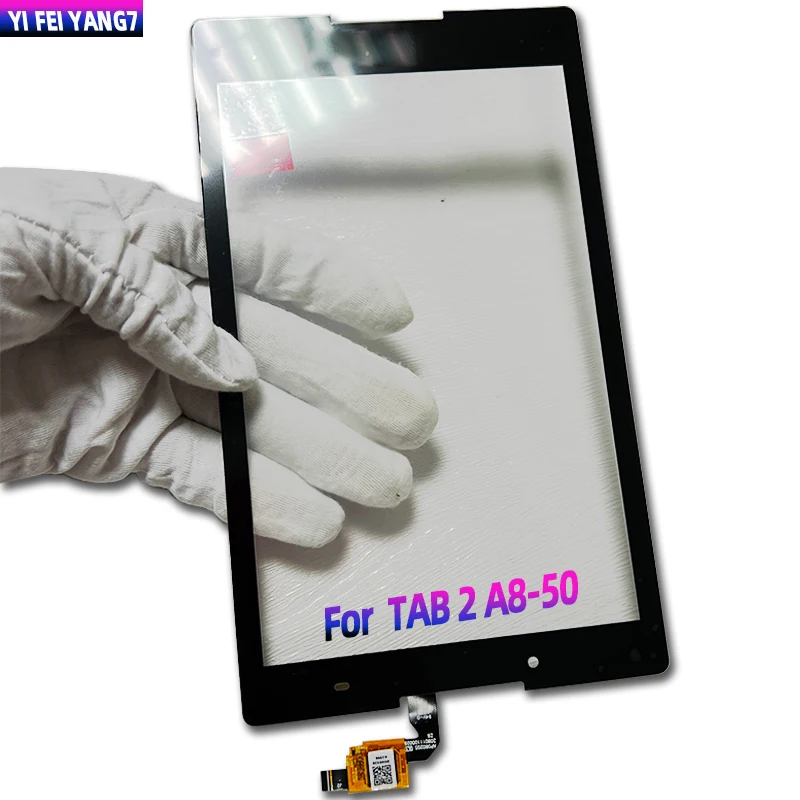
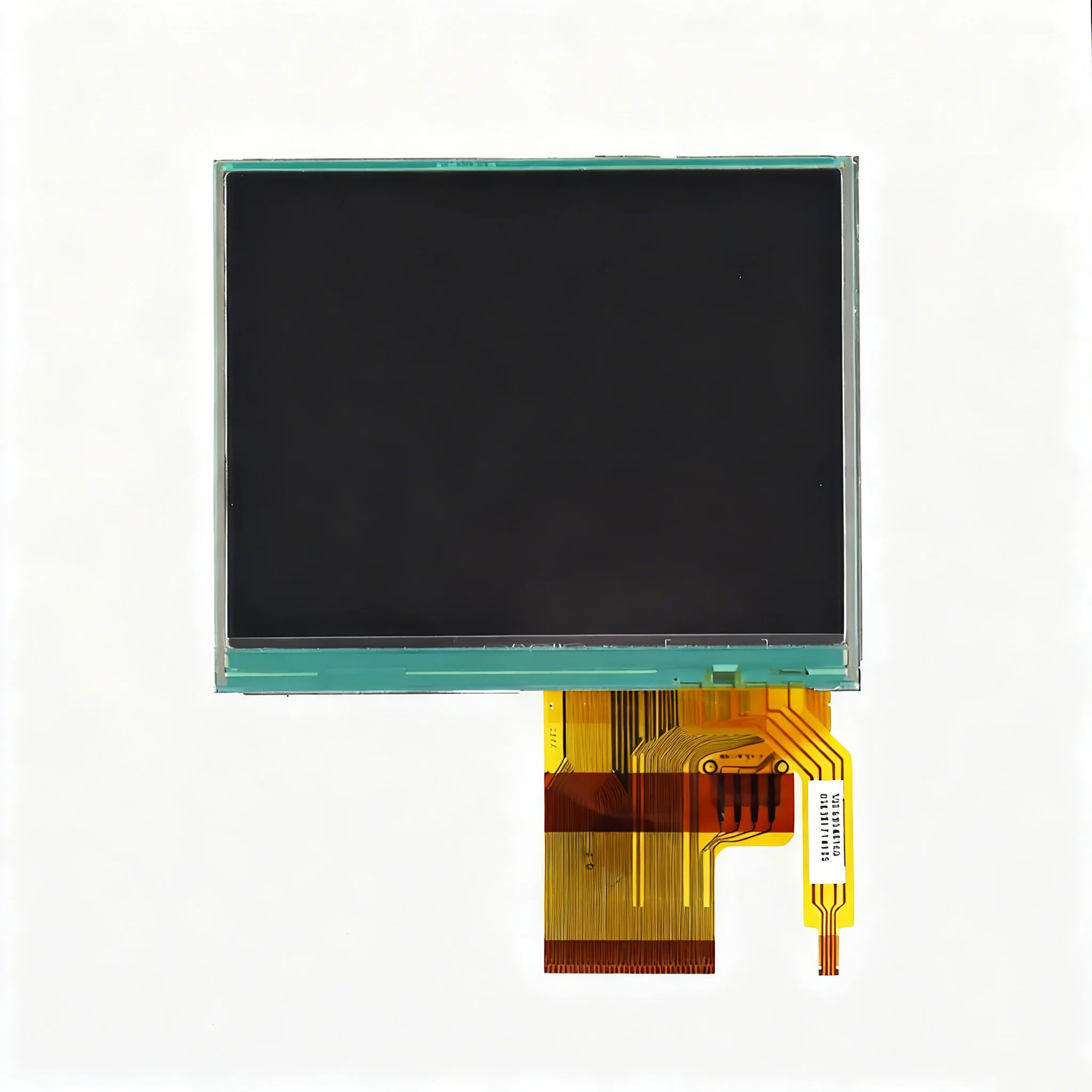
The term “mobile phone touch avvio” refers almost exclusively to aftermarket 🛠️ touch screen digitizers for Avvio-branded smartphones — budget Android devices manufactured by MobiWire and distributed widely by carriers like Claro across Latin America and the Caribbean 23. Unlike flagship phones, Avvio models (e.g., Pro 450, 751, 753) were built for serviceability: most feature removable batteries, modular midframes, and non-fused displays. That means the outer touch-sensitive glass — the digitizer — can be replaced independently from the underlying LCD panel. This distinction matters: fused “One Glass Solution” (OGS) displays common in modern smartphones force full assembly swaps. Avvio’s older architecture avoids that cost and complexity.
Why Avvio Touch Screen Replacement Is Gaining Popularity
Over the past year, repair volume for Avvio devices has held steady — even as global smartphone upgrade cycles lengthen. Why? Because these phones remain functional for 3–4 years in regions where new device subsidies are scarce and data plans remain low-cost. Screen damage accounts for 42%–61% of all smartphone repairs globally 45, and Avvio’s design makes it one of the few budget lines where digitizer-only replacement is reliable, affordable, and repeatable. For repair shops in Bogotá, Lima, or Santo Domingo, stocking one compatible digitizer for both the 751 and 753 cuts inventory overhead — a real operational win. If you’re a typical user, you don’t need to overthink this: longevity + modularity = lower lifetime ownership cost.
Approaches and Differences
There are two primary ways to address a damaged Avvio touch screen:
- Digitizer-only replacement: Swaps just the top glass layer with embedded capacitive sensors. Requires precision heating, adhesive removal, and resealing. Low risk to LCD if done carefully.
- Full display assembly replacement: Installs a pre-assembled unit containing digitizer + LCD + backlight. Faster but 2–3× more expensive; risks mismatched brightness or touch sensitivity if sourced from low-tier vendors.
When it’s worth caring about: Choose digitizer-only if your LCD shows no discoloration, dead pixels, or backlight bleed. When you don’t need to overthink it: If the LCD is visibly damaged (e.g., spiderweb cracks under glass, yellow tint), skip the partial fix — go full assembly.
Key Features and Specifications to Evaluate
Not all digitizers are equal — especially when sourced from Guangzhou or Shenzhen wholesalers. Prioritize these specs:
- Resolution & interface: Avvio Pro 450 uses 480 × 854 IPS; 751/753 use 480 × 800. Verify pin count (usually 30–40 pins) and flex cable orientation (ZIF vs. press-fit).
- Adhesive type: Pre-applied double-sided tape simplifies alignment. Avoid units requiring liquid optical clear adhesive (LOCA) unless you have UV curing equipment.
- Touch responsiveness: Look for “projected capacitive (PCAP)” labeling — resistive panels are obsolete and inaccurate for Android navigation.
- Surface hardness: 6H rating indicates scratch resistance comparable to OEM; avoid unmarked or “3H” variants.
When it’s worth caring about: If repairing for resale or commercial service, consistency in touch latency and multi-touch accuracy matters. When you don’t need to overthink it: For personal use on a 4-year-old Pro 450, a verified 6H PCAP digitizer at $2.99 performs identically to a $5.20 unit in daily tasks.
Pros and Cons
Digitizer-only replacement is ideal when:
- You’re servicing multiple Avvio 751/753 units and want inventory efficiency.
- Your device has a removable battery and accessible midframe screws (true for Pro 450 6).
- You prioritize cost control and environmental impact (less e-waste than full assemblies).
It’s less suitable when:
- You lack experience removing glued glass without damaging the underlying LCD.
- The phone has water exposure history — moisture trapped under new digitizer causes fogging or corrosion.
- You’re working on an Avvio 778 or RA680: these models use fused displays and require full assembly swaps 78.
How to Choose the Right Avvio Touch Screen Replacement
Follow this step-by-step decision checklist — designed to eliminate guesswork:
- Confirm exact model number: Check Settings > About Phone or the label under the battery. Pro 450 ≠ 450S; 753 ≠ 753L. Misidentification causes 70% of failed replacements 3.
- Inspect the LCD: Power on the device. If the image is sharp and uniformly lit, digitizer-only is safe. If backlight flickers or colors shift, replace the full assembly.
- Check physical access: Does the back cover open? Are midframe screws visible? If yes (Pro 450, 751), digitizer swap is viable. If sealed (778), skip to full assembly.
- Select supplier criteria: Prioritize vendors who list Avvio model numbers explicitly — not just “universal 4.5 inch.” Avoid suppliers listing >5 incompatible models under one SKU.
- Avoid this pitfall: Don’t assume “OEM-grade” means original MobiWire parts. Nearly all Avvio digitizers are third-party — “OEM-grade” here means dimensional and electrical equivalence, not factory sourcing.
Insights & Cost Analysis
Wholesale pricing reflects supply chain realities — not quality tiers. Based on verified Alibaba and Bossgoo listings 13:
- $1.65–$2.40/unit: No-logo, bulk orders (≥50 pcs), minimal QC — acceptable for internal shop use.
- $2.99–$4.30/unit: Labeled “Avvio 753 compatible”, includes basic packaging and batch-tested flex cables.
- $5.10–$6.55/unit: Branded (e.g., “Yuzhi”, “Yezone”), includes alignment jig and thermal adhesive — best for customer-facing repairs.
For most small shops, the $2.99–$4.30 bracket delivers optimal balance: consistent yield, traceable batches, and no hidden rework costs. If you’re a typical user, you don’t need to overthink this: pay $3.50, not $6.50 — performance differences are imperceptible in daily use.
| Approach | Best For | Potential Problem | Budget Range (per unit) |
|---|---|---|---|
| Digitizer-only | Technicians with soldering experience; shops serving 751/753 fleets | Higher skill floor; risk of LCD damage during removal | $1.65–$4.30 |
| Full assembly | DIY users; devices with LCD damage; fused-display models (778) | Higher cost; possible backlight uniformity issues | $4.80–$12.50 |
| Refurbished OEM | Resellers prioritizing warranty claims | Extremely limited availability; often counterfeit | $8.90–$15.00 |
Better Solutions & Competitor Analysis
While generic digitizers dominate the market, two supplier profiles stand out for reliability and documentation:
- Guangzhou Yuzhi: Lists explicit Avvio model compatibility (751, 753, Pro 450); provides pinout diagrams and voltage specs; offers free sample units for qualified buyers.
- Guangzhou Yezone: Stronger QC reporting (each batch includes touch response latency logs); slower shipping but higher first-time success rate (>94% vs. industry ~87%).
This piece isn’t for keyword collectors. It’s for people who will actually use the product.
Customer Feedback Synthesis
Based on aggregated reviews from Bossgoo, AliExpress, and regional repair forums (e.g., TallerMóvil LATAM):
- Top 3 praises: “Perfect fit on 753”, “Touch response matches original”, “No ghost touches after calibration”.
- Top 3 complaints: “Flex cable too stiff — broke during installation”, “Adhesive weak near corners”, “No polarity marking on connector — reversed insertion killed touchscreen”.
These reflect execution risks — not inherent part flaws. All three issues are avoidable with proper tools (precision tweezers, hot air station, magnifier) and process discipline.
Maintenance, Safety & Legal Considerations
No regulatory certifications (e.g., CE, FCC) apply to standalone digitizers — they’re classified as replacement components, not finished devices. However, safety best practices remain essential:
- Always disconnect the battery before disassembly.
- Use ESD-safe mats and wrist straps when handling flex cables.
- Dispose of broken glass in puncture-resistant containers — not general waste.
- Do not modify firmware or disable safety checks to force calibration; Avvio’s stock Android 4.4–5.1 stack lacks robust touch driver fallbacks.
Conclusion
If you need a fast, low-cost, and technically sound solution for a cracked Avvio touch screen: choose digitizer-only replacement for Pro 450, 751, or 753 — provided the LCD remains intact. Source from suppliers listing explicit model compatibility (not “universal”), verify flex cable pinout, and budget $2.99–$4.30 per unit. If the LCD shows defects, or you’re working on a fused-display variant like the 778, move directly to full assembly. This piece isn’t for keyword collectors. It’s for people who will actually use the product.


