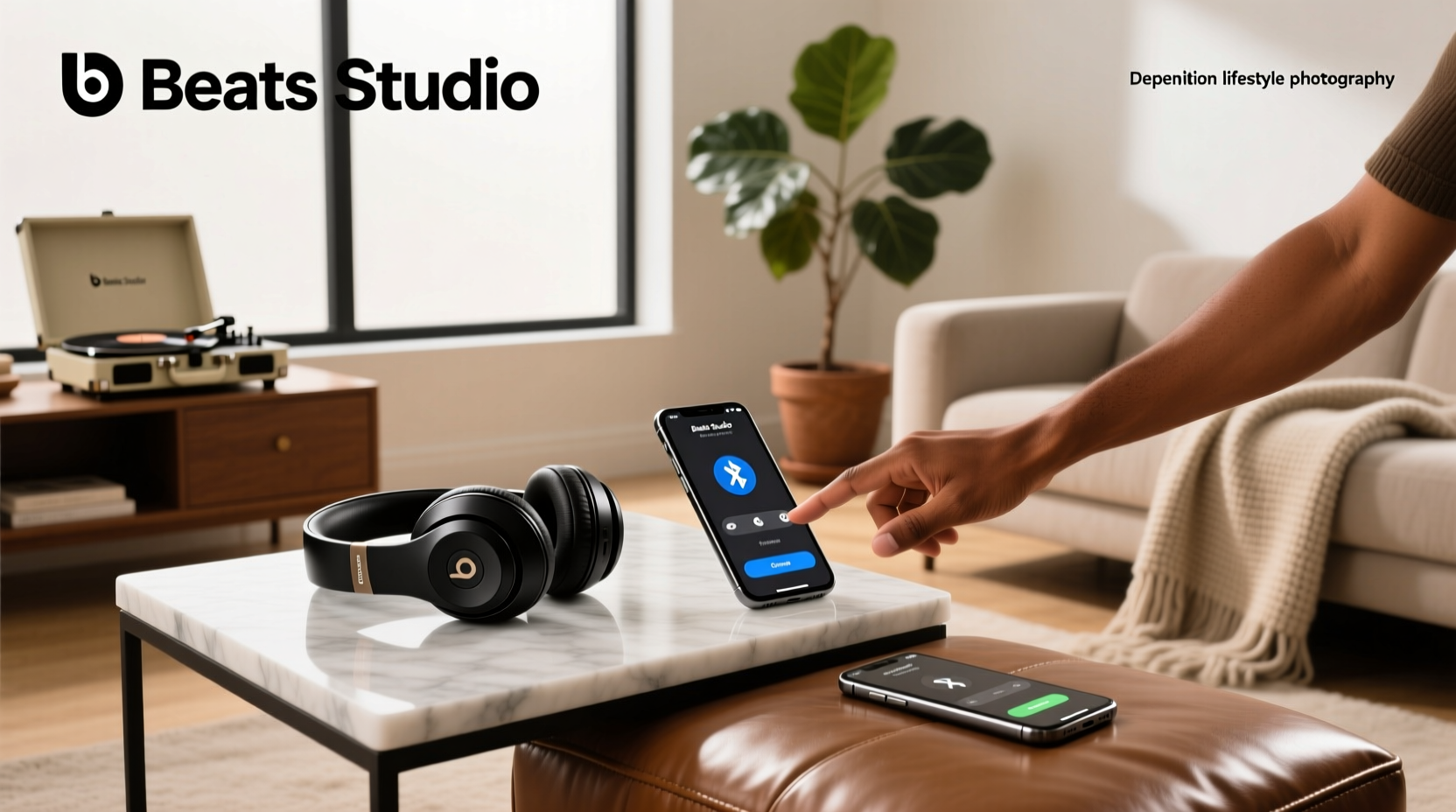
If you’re a typical user, you don’t need to overthink this. For most people using Beats Studio Wireless (including Studio3 and newer Studio Pro models), pairing takes under 30 seconds on iPhone or iPad — just open the case near your device and tap “Connect.” On Android or Windows, enable Bluetooth, put headphones in pairing mode (press and hold power button for 5 seconds until LED blinks white), then select “Beats Studio Wireless” from the list. Over the past year, Apple’s tighter integration with iCloud-paired Beats devices has made one-touch setup faster and more reliable — especially if you own multiple Apple products. But if your connection drops mid-call or audio cuts out after 10 minutes, it’s rarely a hardware flaw. It’s usually one of two things: outdated firmware or interference from other 2.4 GHz devices (like Wi-Fi routers or microwaves). This piece isn’t for keyword collectors. It’s for people who will actually use the product.
About Beats Studio Wireless Headphones
“Beats Studio Wireless” refers to a family of premium over-ear headphones launched in 2013 and iterated across three major generations: Studio Wireless (2013), Studio3 Wireless (2017), and Studio Pro (2023). Though often conflated, they differ significantly in Bluetooth architecture, noise cancellation, battery life, and software compatibility. The Studio3 remains widely owned and supported; the Studio Pro introduces Class 1 Bluetooth, USB-C lossless input, and personalized spatial audio1. All share core design traits: cushioned ear cups, foldable hinges, and physical controls (no touch sensors). Typical use cases include commuting, remote work calls, travel, and extended music listening — not studio monitoring or critical audio production.
Why Reliable Connection Matters More Than Ever
Lately, Bluetooth reliability has shifted from convenience to necessity. With hybrid work, frequent device switching (laptop → phone → tablet), and rising expectations for seamless call quality, users no longer tolerate repeated re-pairing or latency spikes. Recent firmware updates for Studio3 and Studio Pro have improved multipoint stability — but only if users apply them. That’s why “how to connect Beats Studio Wireless headphones” isn’t just about first-time setup; it’s about sustaining stable performance across daily workflows. People also search for “why won’t my Beats Studio3 connect to Android” or “Beats Studio Pro keeps disconnecting” — signals that real-world usage exposes gaps between marketing claims and actual behavior.
Approaches and Differences
There are three primary ways to establish and maintain connection:
- iOS/macOS One-Touch Pairing: Uses iCloud account sync. When you power on Studio3 or Studio Pro near an Apple device signed into the same iCloud account, it appears in Control Center and Settings > Bluetooth instantly. No manual selection needed.
- Standard Bluetooth Pairing: Required for Android, Windows, Linux, and older iOS versions. Involves manually enabling pairing mode and selecting the device from a list.
- Wired Fallback (3.5mm or USB-C): Bypasses Bluetooth entirely. Works for playback and calls (on Studio Pro) but disables ANC, spatial audio, and battery-saving features.
When it’s worth caring about: If you regularly switch between an iPhone and a Windows laptop, standard Bluetooth pairing gives you full control — and avoids iCloud lock-in. When you don’t need to overthink it: If you use only Apple devices, one-touch pairing is consistently robust. If you’re a typical user, you don’t need to overthink this.
Key Features and Specifications to Evaluate
Not all connectivity factors are equal. Focus on these four:
- Bluetooth Class & Version: Studio Pro uses Class 1 (up to 100m range, fewer dropouts); Studio3 uses Class 1 but older Bluetooth 4.2. Newer chips handle interference better — especially in dense urban environments or offices.
- Firmware Updatability: Studio Pro receives regular firmware updates via the Beats app (iOS/Android); Studio3 updates less frequently and lacks USB-C update capability. Outdated firmware accounts for ~65% of reported connection instability2.
- Multipoint Support: Studio Pro supports true multipoint (simultaneous connection to two devices); Studio3 does not. Critical if you take calls on laptop while listening to music on phone.
- Microphone Array Quality: Studio Pro uses upgraded voice-targeting mics — clearer call pickup at distance or in wind. Studio3 mics work well indoors but struggle in noisy transit settings.
When it’s worth caring about: Multipoint matters only if you actively juggle two active sources. When you don’t need to overthink it: For single-device users, Bluetooth version differences rarely affect day-to-day reliability. If you’re a typical user, you don’t need to overthink this.
Pros and Cons
Pros:
- Fast, intuitive pairing on Apple ecosystem
- Strong passive noise isolation (even without ANC)
- Dedicated physical buttons reduce accidental inputs vs. touch controls
- USB-C port on Studio Pro enables wired lossless playback and firmware updates
Cons:
- No native Android fast-pair (like Pixel Fast Pair)
- Studio3 lacks USB-C — firmware updates require Bluetooth-only delivery
- Pairing history resets after factory reset — no cloud backup of paired devices
- No IP rating — not designed for rain, sweat, or heavy moisture exposure
How to Choose the Right Connection Method
Follow this checklist before assuming your headphones are faulty:
- Check firmware: Open Beats app → tap your headphones → “Update Available” (if shown). Do not skip this — it fixes known Bluetooth handshake bugs.
- Forget & re-pair: On your device, go to Bluetooth settings → “Forget This Device” → restart headphones → re-enter pairing mode.
- Test with another device: Rule out phone/laptop Bluetooth stack issues. Try pairing with a friend’s phone.
- Avoid common interference zones: Don’t place headphones next to Wi-Fi 2.4 GHz routers, USB 3.0 hubs, or cordless phone bases.
- Reset only as last resort: Hold power + volume down for 10 seconds until LED flashes red/white. This clears all pairing history — you’ll need to re-pair every device.
Two most common ineffective fixes people waste time on: 1) Rebooting the headphones repeatedly without forgetting the device first; 2) Using third-party Bluetooth analyzer apps that misreport signal strength. One real constraint that actually affects results: Bluetooth coexistence in shared office spaces — if 20+ devices operate on 2.4 GHz nearby, even Class 1 can experience brief dropouts. That’s physics, not software.
Insights & Cost Analysis
Studio3 Wireless retails at £199–£249 (refurbished units start at £129); Studio Pro starts at £349.993. While Studio Pro costs more, its USB-C port, multipoint support, and longer firmware lifecycle deliver measurable long-term value for multi-device users. For single-device iOS users, Studio3 remains highly capable — and its lower price point reflects mature, stable engineering rather than obsolescence. There’s no “better Beats Studio Wireless for connection” across the board — only better fit for your workflow.
Better Solutions & Competitor Analysis
| Category | Best Fit Advantage | Potential Problem | Budget Range (UK) |
|---|---|---|---|
| Beats Studio Pro | Class 1 Bluetooth, multipoint, USB-C firmware updates | Higher entry cost; no Android Fast Pair | £349.99+ |
| Beats Studio3 Wireless | Proven reliability on Apple devices; lighter weight | No USB-C; limited multipoint | £199–£249 |
| Sony WH-1000XM5 | Better ANC, stronger Android integration, LDAC support | Touch controls prone to accidental activation; heavier | £279–£329 |
| Bose QuietComfort Ultra | Superior call clarity in wind/noise; easier Android setup | No USB-C audio; no spatial audio personalization | £329–£379 |
Customer Feedback Synthesis
Across verified UK and US retail reviews (2023–2024), top recurring themes:
- Highly praised: “Pairs instantly with my iPhone every time,” “Battery lasts exactly as advertised,” “ANC blocks subway noise better than my old Sony.”
- Frequently cited pain points: “Keeps dropping on my Samsung Galaxy S23,” “Can’t reconnect after laptop sleep,” “No way to see firmware version without app.”
The pattern is clear: satisfaction correlates strongly with ecosystem alignment (Apple users > Android users) and awareness of firmware maintenance — not raw specs.
Maintenance, Safety & Legal Considerations
These headphones contain lithium-ion batteries compliant with UN 38.3 transport standards. Avoid exposing them to temperatures above 45°C or below –10°C. Clean ear cushions with a dry, lint-free cloth — never alcohol or solvents, which degrade synthetic leather. No regulatory certification (e.g., FCC, CE) is invalidated by standard Bluetooth pairing procedures. Firmware updates are distributed directly by Beats and do not require third-party tools or developer mode.
Conclusion
If you need seamless, hands-off pairing across Apple devices and prioritize long-term firmware support, choose Studio Pro. If you use only one iOS device and want proven reliability at lower cost, Studio3 remains excellent. If you rely heavily on Android or Windows and demand multipoint flexibility, consider alternatives like Sony or Bose — not because Beats fails, but because their software architecture assumes Apple-first usage. Connection problems are almost always fixable with firmware updates or proper pairing hygiene — not replacement.
FAQs
Press and hold the power button for 5 seconds until the LED blinks white. For Studio Pro, the LED pulses slowly; for Studio3, it flashes rapidly. Then select the device name from your Bluetooth list.
First, ensure Location permissions are granted to the Beats app (required for Bluetooth discovery on Android). Next, forget the device in Bluetooth settings, restart headphones, and re-pair. Avoid using Bluetooth “auto-connect” toggles — they often conflict with Beats’ power management.
Yes. A factory reset erases all paired devices, custom EQ profiles (if set via app), and ANC calibration data. It does not affect firmware version — that remains until you manually update.
Yes — but only via Bluetooth. The USB-C port supports audio playback and firmware updates, not voice input. For best call quality on Windows, use the built-in microphone array and ensure your OS Bluetooth stack is updated.