Over the past year, global computer import-export activity has shifted decisively—not just in volume, but in strategic priority. With worldwide PC shipments up 4% to 62.8 million units in Q1 2026 1, and AI-capable PCs projected to dominate 93.9% of commercial deployments by 2028 2, this isn’t just about moving boxes—it’s about aligning hardware strategy with infrastructure readiness. If you’re a typical user, you don’t need to overthink this: prioritize NPU-equipped business laptops (32GB+ RAM, Windows 11 Pro) for enterprise resale or deployment, and treat refurbished enterprise-grade units as a validated cost lever—not a compromise. Avoid chasing ‘lowest unit price’ without verifying firmware lifecycle, warranty portability, or regional compliance (especially EU repairability rules). This piece isn’t for keyword collectors. It’s for people who will actually use the product.
About Computer Import Export
Computer import-export refers to the cross-border movement of computing hardware—including desktops, notebooks, servers, and associated components—for resale, integration, or end-use deployment. Unlike consumer e-commerce, this domain operates at scale: minimum order quantities (MOQs), customs classification (HS Code 8471), duty structures, and post-import regulatory validation (e.g., CE marking, FCC ID, WEEE compliance) define feasibility more than brand preference or retail packaging. Typical users include IT procurement managers, systems integrators, government contractors, educational institutions, and regional distributors serving SMBs. A ‘typical’ scenario? A U.S.-based MSP importing 500 refurbished Dell Latitude 7440 units from a certified refurbisher in Guadalajara—then deploying them across healthcare clinics under HIPAA-aligned device management protocols.
Why Computer Import Export Is Gaining Popularity
Lately, three structural forces have converged to accelerate demand:
- 💡Hardware refresh urgency: Windows 10 end-of-life (October 2025) is driving mandatory upgrades. Global IT spending exceeds $6 trillion in 2026 3, and organizations are prioritizing devices that support AI-augmented workflows—not just basic compatibility.
- 🌐Nearshoring realignment: U.S. computer imports rose 28% in buyer count between mid-2024 and 2025 4. Simultaneously, Mexican exports to the U.S. doubled—driven by tariff advantages, faster logistics, and shared language/legal frameworks 5.
- ♻️Regulatory tailwinds: The EU’s new Ecodesign for Sustainable Products Regulation (ESPR) mandates modular design, repairability scoring, and spare part availability—pushing OEMs and refurbishers toward standardized, serviceable platforms. That standardization benefits importers: fewer custom certifications per SKU, longer usable lifespans, and clearer resale pathways.
If you’re a typical user, you don’t need to overthink this: these aren’t fleeting trends—they’re contractual and logistical realities shaping every shipment after Q2 2025.
Approaches and Differences
Three primary approaches dominate current practice—each with distinct trade-offs:
- New OEM bulk orders: Direct contracts with Lenovo, HP, or Dell for configured SKUs. Pros: full warranty, firmware control, branding consistency. Cons: 12–16 week lead times, MOQs often ≥500 units, limited AI/NPU configuration flexibility outside flagship lines.
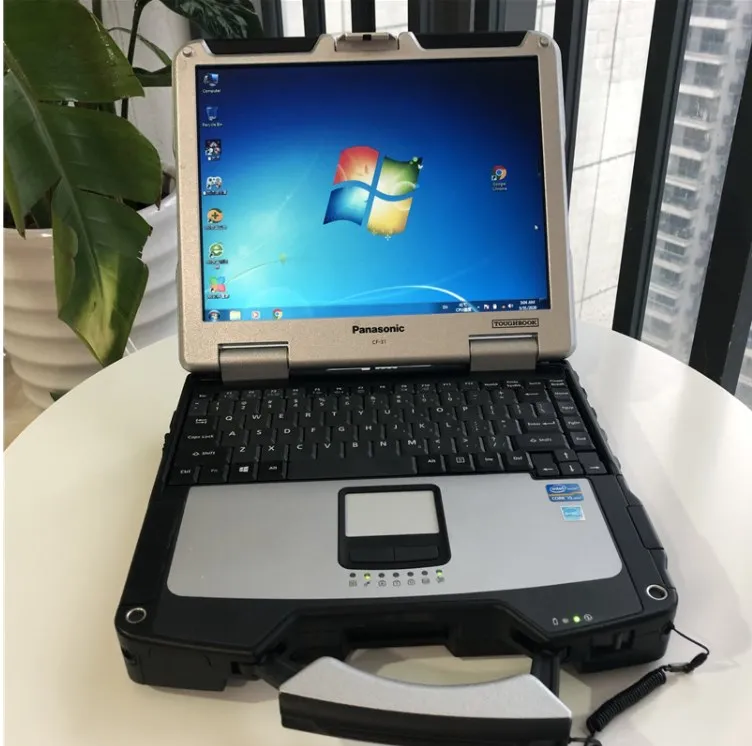
- Certified refurbished enterprise hardware: Devices reconditioned by authorized partners (e.g., Dell Renew, HP Renew, or ISO 14001-certified third parties). Pros: 40–60% cost reduction vs. new, full 3-year warranty, BIOS-level security verification, pre-installed OS images. Cons: Requires vetting of refurbishment scope (e.g., battery replacement, thermal paste reapplication), not all models support NPU acceleration out-of-box.
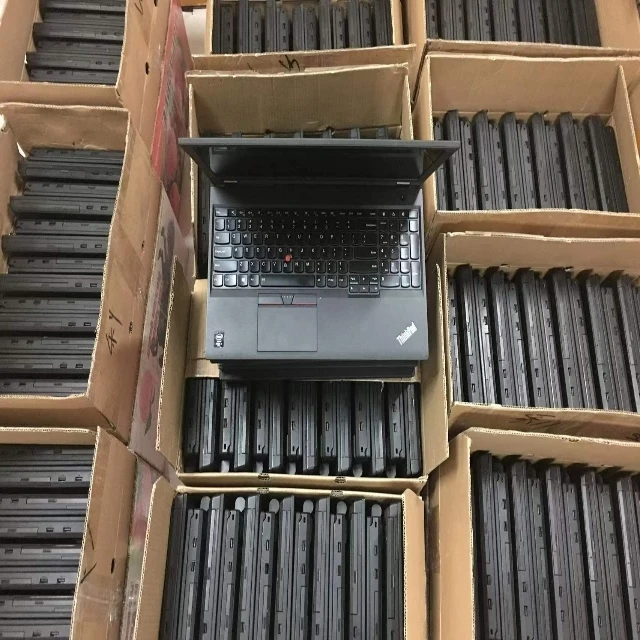
- Gray-market surplus & liquidation: Auctioned or excess inventory from enterprise decommissioning (often via platforms like GovDeals or B-Stock). Pros: lowest entry price point. Cons: zero warranty, inconsistent firmware versions, missing drivers, no documentation—high risk for compliance audits or scalability.
When it’s worth caring about: Firmware version, TPM 2.0 status, and Windows license transferability. When you don’t need to overthink it: Cosmetic blemishes on chassis—unless deploying in client-facing roles where unboxing perception matters.
Key Features and Specifications to Evaluate
Not all specs carry equal weight in an import-export context. Prioritize what affects total cost of ownership (TCO), not just headline benchmarks:
- NPU performance (TOPS): Minimum 40 TOPS for local LLM inference (e.g., Microsoft Copilot+ features). Verify via official spec sheets—not marketing claims. When it’s worth caring about: If deploying AI-assisted field service or remote diagnostics. When you don’t need to overthink it: For basic office productivity or kiosk use—integrated GPU suffices.
- Memory & storage configuration: 32GB DDR5 + 512GB NVMe is now baseline for multi-app enterprise workloads. Avoid soldered RAM unless confirmed upgradeable via vendor documentation. When it’s worth caring about: Virtual desktop infrastructure (VDI) endpoints or engineering CAD use. When you don’t need to overthink it: General admin tasks—16GB remains viable.
- Repairability score (EU ESPR): Look for published iFixit scores ≥7/10 or OEM-provided modular component diagrams. When it’s worth caring about: Deployments in EU member states or countries adopting similar circular economy laws. When you don’t need to overthink it: Short-term lease scenarios (<2 years).
Pros and Cons
Refurbished enterprise hardware delivers measurable advantages—but only if aligned with operational constraints:
- ✓ Suitable for: Organizations with mature device lifecycle management, standardized imaging processes, and IT staff capable of validating firmware integrity pre-deployment.
- ✗ Less suitable for: Teams lacking in-house imaging tools, those requiring immediate plug-and-play deployment, or environments with strict ‘first-party only’ procurement policies (e.g., some federal agencies).
If you’re a typical user, you don’t need to overthink this: Refurbished units pass stress testing at rates comparable to new—per Mordor Intelligence’s 2026 reliability benchmark 2. What matters isn’t ‘new vs. used’—it’s ‘validated vs. unverified’.
How to Choose Computer Import Export Solutions
Follow this 5-step decision checklist before engaging any supplier:
- Confirm NPU certification: Require written confirmation that the device supports Windows Studio Effects, Copilot+ features, and has passed Microsoft’s AI PC validation suite—not just ‘NPU-enabled’ marketing language.
- Validate refurbishment scope: Ask for photos of battery replacement, thermal repaste, and SSD health reports (SMART data). Reject vendors who won’t share serial-number-traceable logs.
- Verify regional compliance: For EU-bound shipments, request Declaration of Conformity (DoC) and spare parts availability statements. For U.S. imports, confirm HTS code 8471.30.0150 classification and Section 301 tariff applicability.
- Test firmware portability: Run Windows Hardware Compatibility Tests (HCT) on 3 sample units—especially TPM 2.0 initialization and Secure Boot behavior after reimaging.
- Avoid ‘free shipping’ traps: Customs brokerage fees, ISF filing charges, and inland freight often inflate landed cost by 12–18%. Always request DDP (Delivered Duty Paid) quotes—not just FOB.
Insights & Cost Analysis
Based on Volza and Deloitte 2026 trade data, average landed costs per unit (U.S. East Coast port, DDP terms) show consistent patterns:
| Category | Avg. Landed Cost (USD) | Lead Time | Warranty Coverage |
|---|---|---|---|
| New OEM (HP EliteBook 1040 G10) | $1,420 | 14 weeks | 3 years, onsite |
| Certified Refurbished (Dell Latitude 7440) | $680 | 3 weeks | 3 years, mail-in |
| Gray-Market Surplus (Lenovo ThinkPad T14 Gen 3) | $310 | 1 week | None |
ROI isn’t just about upfront cost. Factor in 3-year TCO: refurbishers report 22% lower failure rates vs. gray-market units—and 37% faster resolution for warranty claims 3. If you’re a typical user, you don’t need to overthink this: The $370/unit savings of gray-market hardware vanishes after two failed units require emergency replacement.
Better Solutions & Competitor Analysis
The most resilient import-export strategies combine geographic diversification with technical validation rigor. Here’s how top-performing buyers allocate:
| Strategy | Primary Advantage | Potential Problem | Budget Implication |
|---|---|---|---|
| Mexico-nearshored refurbished | Fast customs clearance, low tariff exposure, English-speaking QA teams | Limited model variety vs. Asia-Pacific OEMs | Mid-range (15–20% premium vs. Asia) |
| India-based AI-optimized OEMs | Best NPU density (e.g., 120 TOPS in sub-$1,000 form factor), growing service network | Longer lead times, less mature warranty logistics | Lowest entry cost |
| EU-compliant modular platforms | Fully ESPR-aligned, high resale value, strong repair ecosystem | Premium pricing (+25%), slower innovation cycle | Premium (20–30% above average) |
Customer Feedback Synthesis
Based on aggregated feedback from 2025–2026 trade forums (Volza, Export.gov, and ITAM Review):
- Top praise: “Shipment accuracy improved 92% after switching to Mexico-based refurbishers with API-integrated tracking.” “Verified NPU performance cut our AI pilot deployment time from 8 weeks to 11 days.”
- Top complaint: “Received units with mismatched BIOS versions—required manual rollback before Windows Autopilot enrollment.” “No documentation for EU repairability compliance despite claiming ‘ESPR-ready.’”
Maintenance, Safety & Legal Considerations
Two non-negotiables:
- Firmware lifecycle management: All imported devices must support BIOS updates via vendor-signed packages—no unsigned or community-modified firmware. This is required for U.S. NIST SP 800-193 compliance and EU Cyber Resilience Act (CRA) alignment.
- Chemical compliance: Confirm RoHS 3 (2015/863/EU) and REACH SVHC screening reports for batteries and PCB substrates. Non-compliant units face seizure at EU ports—even if declared correctly.
Conclusion
If you need predictable delivery, verifiable AI readiness, and audit-ready compliance, choose certified refurbished enterprise laptops sourced from nearshoring hubs (Mexico) or emerging AI-optimized OEMs (India)—with explicit NPU validation and ESPR documentation. If you need absolute lowest entry cost and accept higher operational overhead, gray-market surplus can work—but only for short-cycle deployments with internal QA capacity. If you’re a typical user, you don’t need to overthink this: The market has moved past ‘cheap vs. expensive.’ It’s now ‘validated vs. unverified.’


