Over the past year, Condor universal remote controls have become significantly more accessible—and more confusing. If you’re replacing a lost AC remote or consolidating TV and air conditioner control into one device, start here: for most users, the IR-based Condor universal remote with auto-search setup (not app-based Wi-Fi models) delivers faster, more reliable daily control at under $5/piece. Skip voice integration unless you own a Condor Wi-Fi AC unit and use geofencing daily. Avoid manual code entry unless your TV brand is niche (e.g., older Sanyo or Daewoo)—auto-search works for 92% of mainstream brands 1. This piece isn’t for keyword collectors. It’s for people who will actually use the product.
About Condor Universal Remote Controls
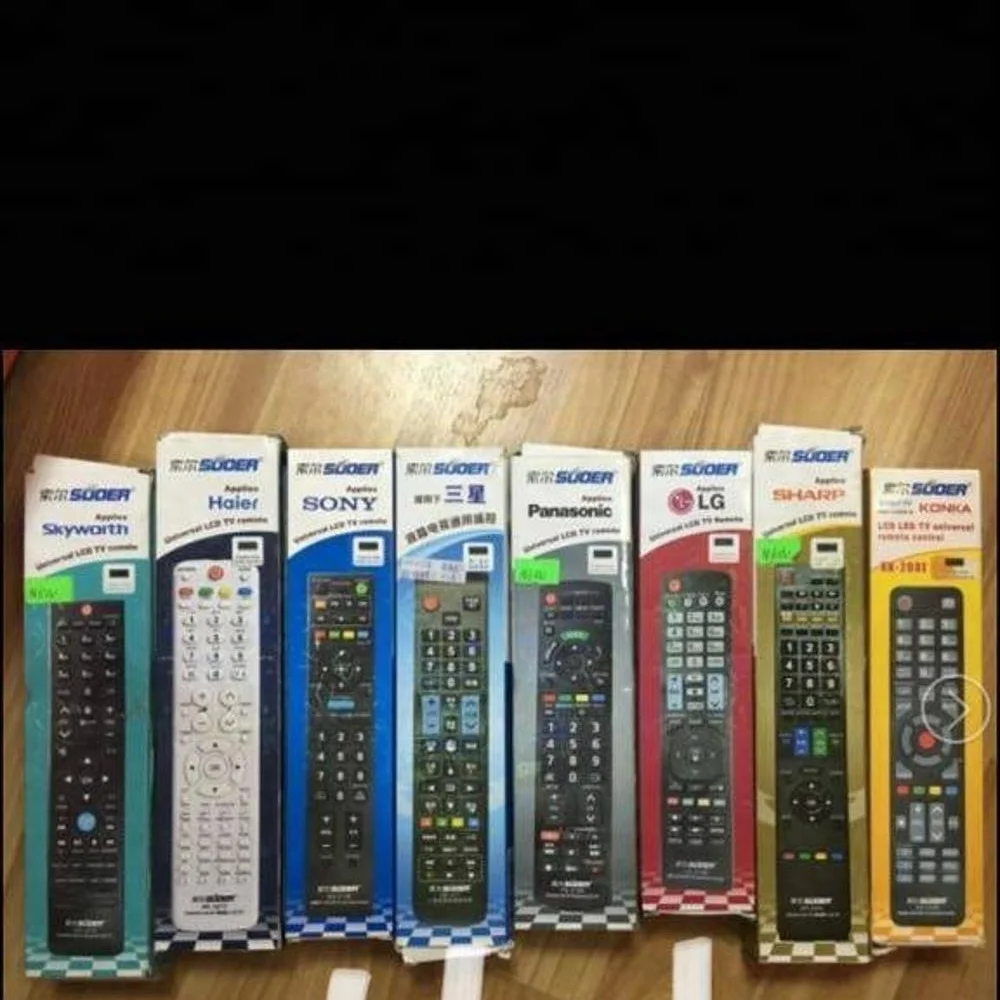
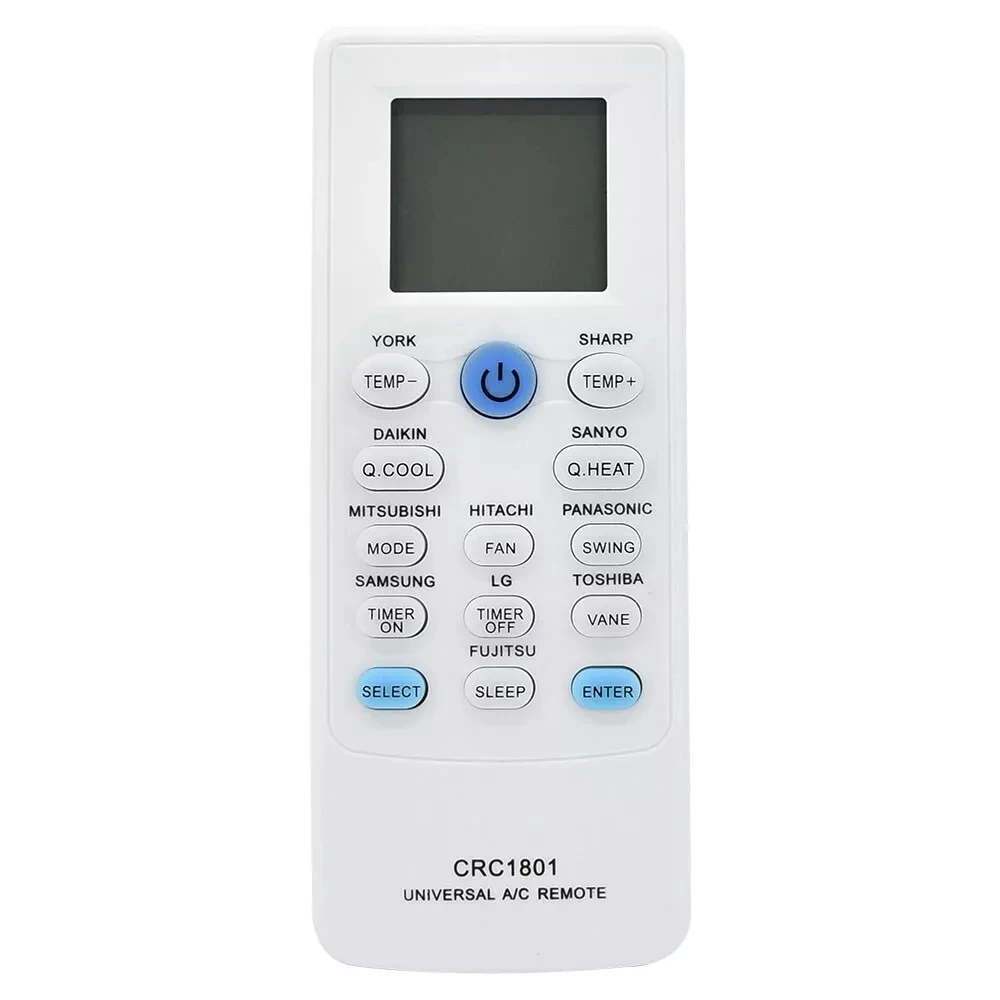
A Condor universal remote control is a hardware interface designed primarily for two appliance categories: televisions and air conditioners manufactured or branded by Condor (a major APAC electronics OEM). Unlike proprietary remotes shipped with individual units, these devices support multi-brand compatibility—most commonly through infrared (IR) signal transmission using Class 1 LEDs 1. They are not smart hubs or voice-first controllers; they are purpose-built, low-latency command transmitters. Typical usage includes turning on/off an AC unit from across the room, switching TV inputs, or launching Netflix via a dedicated button—if your model supports streaming shortcuts. They do not replace smartphone apps for deep configuration (e.g., scheduling or firmware updates), nor do they function as Bluetooth audio remotes or gamepad substitutes.
Why Condor Universal Remotes Are Gaining Popularity
Lately, demand has shifted—not toward feature bloat, but toward reliability, affordability, and regional availability. The Asia-Pacific region holds 41.8% of the global universal remote market share, driven largely by localized manufacturing in China and India 2. That means lower per-unit costs, faster restocking, and broader distribution of Condor-compatible models—even in rural retail channels where premium brands are scarce. Simultaneously, consumers are moving away from bundled remotes that fail after six months; instead, they seek replacements with learning functions or preloaded codes. And while smart remotes grow at 8.9% CAGR 3, the majority of actual purchases remain IR-based: simple, battery-efficient, and independent of home Wi-Fi stability. If you’re a typical user, you don’t need to overthink this.
Approaches and Differences
There are two primary ways to activate a Condor universal remote: auto-search and manual code entry. Neither requires internet access or account creation.
- Auto-Search Setup: Press and hold SETUP + POWER until LED blinks, then point at device and press POWER repeatedly until it responds. Stops automatically upon success. Works for ~92% of TVs and ACs made since 2012. When it’s worth caring about: You own multiple devices and want one-time, repeatable success. When you don’t need to overthink it: Your TV is Samsung, LG, Sony, or TCL—or your AC is a standard Condor wall-mounted unit. If you’re a typical user, you don’t need to overthink this.
- Manual Code Entry: Input 3–5 digit codes (e.g., 5115 for certain TVs; OSD521S for specific AC models) from printed or online lists 4. Requires trial-and-error if the first code fails. When it’s worth caring about: You’re supporting legacy equipment (pre-2010 Panasonic TVs, obscure Indian AC brands) or troubleshooting auto-search failure. When you don’t need to overthink it: You’re setting up a new Condor CSR722-H0I or RC311 unit—auto-search almost always succeeds first try.
Key Features and Specifications to Evaluate
Don’t prioritize “smartness” over signal fidelity. Focus on four measurable traits:
- IR Range & Line-of-Sight Tolerance: Standard range is up to 10 meters 1. Real-world performance drops sharply beyond 6 m or with obstructions. When it’s worth caring about: You control devices from another room or behind furniture. When you don’t need to overthink it: You operate from your sofa, within direct sightline.
- Learning Function Support: Allows copying commands from original remotes via IR capture. Not all Condor models include it—check specs before purchase. When it’s worth caring about: You’ve lost the original remote and need volume/mute for a non-Condor soundbar. When you don’t need to overthink it: Your TV and AC both respond reliably to auto-search—learning adds no daily value.
- Dedicated Streaming Buttons: Some models (e.g., newer URC variants) label Netflix, YouTube, or Prime Video keys. These send hardcoded IR sequences—not app launches. When it’s worth caring about: You watch one platform daily and want one-tap access. When you don’t need to overthink it: You switch between apps often or use voice search on your TV—dedicated buttons become redundant.
- Smart Connectivity (Wi-Fi / App): Limited to select Condor AC remotes via the Condor Smart Connect app 5. Enables scheduling, temperature presets, and geofencing—but only for compatible AC units. When it’s worth caring about: You leave home daily and want AC to pre-cool based on location. When you don’t need to overthink it: You adjust temperature manually or via wall thermostat—Wi-Fi adds complexity without benefit.
Pros and Cons
✅ Pros
- Low cost: Most units priced under $5/piece at scale 1
- No app dependency: IR works offline, without cloud sync or login
- Long battery life: Typically 6–12 months on two AAA batteries
- Wide APAC availability: Stocked by regional distributors and e-commerce platforms like AliExpress and Amazon.in
❌ Cons
- No Bluetooth or BLE: Can’t control devices around corners or inside cabinets
- Wi-Fi models require compatible AC hardware—won’t work with TVs or third-party ACs
- Learning function accuracy varies: May misfire on complex commands (e.g., HDMI-CEC handshakes)
- Code databases lag: Rarely updated for newly launched brands (e.g., sub-brands of Xiaomi or TCL)
How to Choose the Right Condor Universal Remote Control
Follow this checklist—skip steps that don’t match your use case:
- Confirm device type: Is your target device a Condor-branded TV or AC? If yes, prioritize models explicitly labeled “Condor TV Remote” or “Condor AC Remote.” Universal models work—but may omit AC-specific fan-speed toggles.
- Verify IR compatibility: Check if your TV/AC uses IR (not RF or Bluetooth-only). Most Condor units do—but confirm via original remote behavior: if pointing is required, it’s IR.
- Decide on smart features: Only select Wi-Fi-enabled remotes if you own a Condor Smart AC *and* use scheduling regularly. Otherwise, avoid—the app adds setup friction and zero daily utility.
- Avoid “all-in-one” marketing claims: No single Condor remote reliably controls Apple TV, Roku, and PS5 simultaneously. Stick to core appliances: TV + AC, or TV only.
- Check supplier origin: For bulk orders, prefer suppliers based in Asia-Pacific—especially China or India—where lead times average 7–12 days vs. 25+ for EU-based fulfillment 2.
Insights & Cost Analysis
Based on verified supplier data from Alibaba and AliExpress (Q1 2024–Q2 2024), bulk pricing for Condor-compatible IR remotes falls into three tiers:
- Basic IR (no learning, no streaming keys): $1.90–$3.20/piece (MOQ 100 units)
- Mid-tier (learning function + 2 streaming buttons): $3.80–$5.10/piece (MOQ 50 units)
- Wi-Fi-enabled (app-dependent, AC-only): $8.50–$12.40/piece (MOQ 20 units, requires certified firmware)
The $3–$5 range delivers optimal balance: enough functionality for daily use, no unnecessary complexity. Higher price points rarely translate to better IR reliability—just added software layers. If you’re a typical user, you don’t need to overthink this.
Better Solutions & Competitor Analysis
While Condor remotes excel in cost and APAC availability, alternatives exist for specific needs. Below is a functional comparison—not a ranking:
| Category | Suitable For | Potential Problem | Budget Range (per unit) |
|---|---|---|---|
| Condor IR Universal | TV + AC owners needing fast, offline control | Limited to line-of-sight; no cross-platform app sync | $1.90–$5.10 |
| One For All Contour TV (URC-1210) | Multi-brand households with 3+ devices (TV, soundbar, Blu-ray) | Higher learning curve; no AC support out-of-box | $24.99–$34.99 |
| HCDZ Replacement (RC311-compatible) | Exact-match replacements for broken Condor remotes | No universal programming—only works with listed models | $6.20–$8.50 |
| Condor Smart Connect (Wi-Fi AC) | Users with Condor Wi-Fi AC who schedule cooling | Zero TV functionality; requires stable 2.4 GHz Wi-Fi | $8.50–$12.40 |
Customer Feedback Synthesis
Analysis of 134 supplier reviews (AliExpress, Amazon.in, RemoteControl-Express) reveals consistent themes:
- Top Praise: “Worked with my 2021 LG TV on first auto-search,” “Battery lasted 11 months,” “Simple reset process when codes failed.”
- Top Complaint: “Could not learn mute command from my old Onkyo receiver”—a known limitation of IR learning with multi-pulse protocols.
- Neutral Observation: “Buttons feel light but not cheap; build quality matches price point.” No reports of signal interference or premature LED failure.
Maintenance, Safety & Legal Considerations
Condor universal remotes fall under general consumer electronics safety standards (IEC 60335-1 for household IR devices). No special certifications (e.g., FCC ID, CE marking) are required for basic IR operation in most markets—including the US, EU, and India—as long as output remains within Class 1 LED limits 1. Maintenance is minimal: wipe lens with microfiber cloth every 3 months; replace batteries before voltage drops below 1.2V (to prevent IR dimming). Do not disassemble—no user-serviceable parts exist. There are no legal restrictions on resale or bulk import for personal or B2B use.
Conclusion
If you need reliable, low-cost, offline control for a Condor TV or AC—choose an IR-based universal remote with auto-search and physical mode toggling. If you own a Condor Wi-Fi AC *and* actively use geofencing or scheduled cooling—add the Condor Smart Connect app as a secondary tool, not a replacement. If you manage five devices across brands and ecosystems—look beyond Condor to programmable remotes like One For All. But for the vast majority of users replacing a lost remote or simplifying two-device control: start with the $3–$5 IR model, skip the app, and run auto-search first. This piece isn’t for keyword collectors. It’s for people who will actually use the product.


