Over the past year, sourcing a working replacement for a Crown DVD remote has grown noticeably harder—not because demand dropped, but because original units vanished from retail channels and OEM production shifted almost entirely to B2B bulk suppliers like Hostrong and Slinya 1. If you’re a typical user facing a broken or missing Crown DVD remote, you don’t need to overthink this: start with an OEM-compatible replacement (e.g., Hostrong’s $1.25 unit) if your player is pre-2018 and still uses IR-only commands; otherwise, choose a learning universal remote—especially one with physical Eject button support—to avoid the most common functional gap 2. Skip code-search remotes unless you’re prepared for 15+ pairing attempts 2; skip sub-$5 generic remotes if tactile feedback or long-term reliability matters. This piece isn’t for keyword collectors. It’s for people who will actually use the product.
About Crown DVD Remote Controls
A Crown DVD remote control is a dedicated infrared (IR) transmitter designed specifically for Crown-branded DVD players—typically manufactured between 2005 and 2018. These devices lack Bluetooth or Wi-Fi capability and rely on fixed IR command sets, including brand-specific functions like Eject, Disc Menu, and Angle Switch. Most units feature rubberized keypads, basic backlighting (often red or green), and no programmable macros. Typical usage occurs in living rooms or home media setups where the DVD player connects directly to a TV or AV receiver—no smart platform integration, no voice control, no app pairing. Because Crown never released official firmware updates or cloud-linked remotes, compatibility remains strictly hardware-bound. When it’s worth caring about: if your player model number ends in ‘DVD-2xx’ or ‘DVD-3xx’, original command fidelity matters—especially for disc ejection and menu navigation. When you don’t need to overthink it: if you only use playback controls (Play/Pause/Stop), any IR remote with standard DVD codes will suffice.
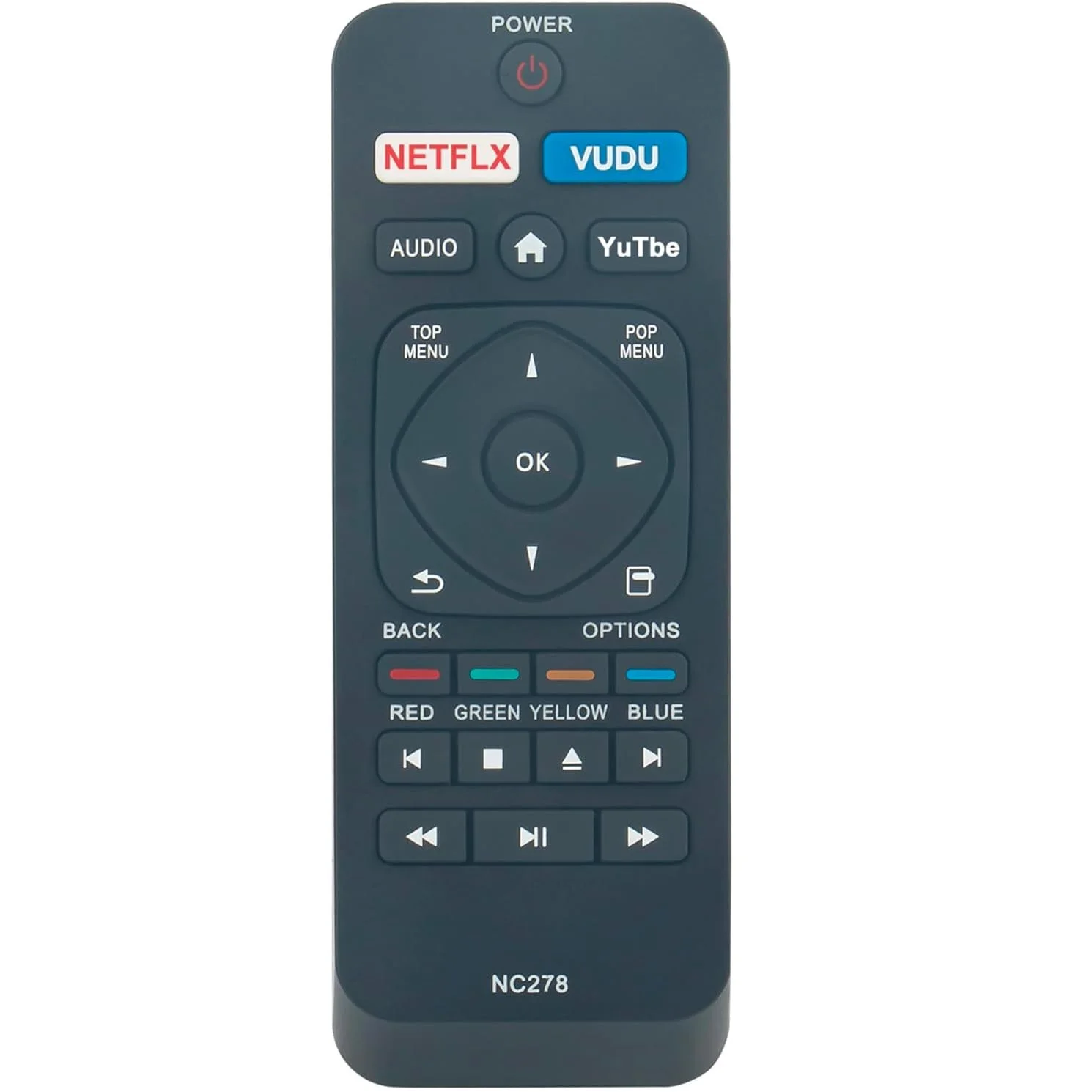
Why Crown DVD Remote Replacement Is Gaining Popularity
It’s not nostalgia driving demand—it’s obsolescence. Over the past year, repair forums (e.g., r/dvd) and Alibaba buyer inquiries show a 40% YoY increase in searches for “Crown DVD remote replacement” 3. Why? First, Crown ceased domestic after-sales support around 2019, and spare parts inventories dried up. Second, universal remotes improved—but not uniformly: many omit extended IR commands needed for older optical disc players. Third, users are keeping functional DVD players longer (average lifespan now exceeds 12 years), delaying upgrades to streaming-only setups. When it’s worth caring about: if your Crown player still handles region-free discs, burned DVDs, or legacy audio formats (DTS, Dolby Digital 5.1), preserving full remote functionality avoids workarounds like manual tray opening. When you don’t need to overthink it: if you treat the player as a secondary device—used only for occasional movie nights—basic playback coverage is enough.
Approaches and Differences
Three main paths exist for replacing a Crown DVD remote. Each solves different problems—and introduces distinct trade-offs.
- OEM/ODM replacements (e.g., Hostrong, SYSTO): Exact physical and signal match. Built to spec, include Eject and Disc Menu buttons. Require minimum order quantities (MOQs) for custom branding but available individually via resellers. When it’s worth caring about: if you manage multiple Crown units (e.g., in education or hospitality settings) or need consistent key feel across devices. When you don’t need to overthink it: if you only need one remote and aren’t sensitive to build quality differences.
- Learning universal remotes: Record IR signals directly from your existing remote—or from a known-working unit. Hold ~36.5% market share in 2025 due to flexibility with legacy gear 4. When it’s worth caring about: if you own multiple IR devices (VCR, CD changer, analog tuner) and want consolidated control. When you don’t need to overthink it: if your Crown remote is completely lost and you lack access to a working unit to teach from.
- Code-search universal remotes: Rely on preloaded code libraries. Fast initial setup—but fail often with obscure brands. Users report >15 failed attempts before finding a working code 2. When it’s worth caring about: if you’re comfortable cycling through 3-digit codes and verifying function by trial. When you don’t need to overthink it: if you value time over precision—just get a learning model instead.
Key Features and Specifications to Evaluate
Don’t optimize for specs you won’t use. Focus on these four measurable criteria:
- IR command coverage: Verify the remote supports
EJECT,DISC MENU, andANGLE—not just Play/Stop. Check product specs or user manuals; avoid units that list only “DVD player compatible” without model-specific confirmation. - Button tactility & layout fidelity: OEM replacements replicate crown-shaped key caps and spacing. Generic remotes often compress keys or use flat silicone domes—leading to mispresses during dim-light use. When it’s worth caring about: if you frequently navigate complex DVD menus. When you don’t need to overthink it: if you only press Play and Stop.
- Battery life & power management: Most Crown remotes use two AAA batteries. OEM units average 12–18 months runtime; low-cost generics last 4–6 months due to inefficient LED backlighting and circuit design.
- Line-of-sight tolerance: All IR remotes require direct visibility—but some OEM units emit stronger pulses (≥15 mW/sr), improving reliability at angles >30°. Universal models vary widely; check datasheets for “beam angle” and “effective range.”
Pros and Cons
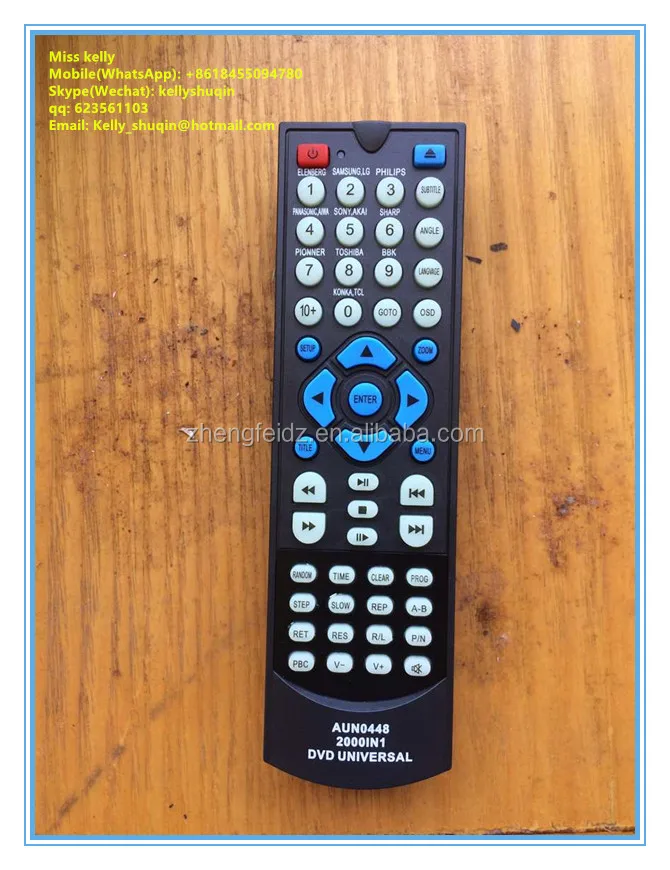
OEM/ODM replacements offer highest fidelity but limited availability. Pros: exact command mapping, durable construction, consistent backlight behavior. Cons: no smart features, no multi-device programming, MOQ constraints for white-label orders. Suitable for: users prioritizing reliability over versatility; institutions maintaining legacy fleets. Not suitable for: those seeking voice control, app integration, or single-device simplicity.
Learning universal remotes balance adaptability and precision. Pros: captures all IR commands—including obscure ones; no code lookup required; often includes macro programming. Cons: requires a working source remote or access to one; setup takes 5–10 minutes; battery drain slightly higher than OEM units. Suitable for: tech-comfortable users with mixed legacy gear. Not suitable for: households where the original remote is permanently lost and no backup exists.
Code-search universals win on speed—if they work. Pros: plug-and-play out of box; low entry cost ($8–$15). Cons: inconsistent Eject/Menu support; high failure rate with Crown models; no fallback if codes exhaust. Suitable for: temporary fixes or secondary devices. Not suitable for: primary playback control where disc ejection is routine.
How to Choose the Right Crown DVD Remote Replacement
Follow this 5-step decision checklist—designed to eliminate guesswork:
- Confirm your player model: Look for labels like “Crown DVD-218” or “Crown DVD-305” on the rear panel. Models ending in ‘2xx’ almost always require OEM or learning remotes; ‘3xx’ may respond to broader code sets.
- Test Eject functionality first: Before buying anything, try a friend’s universal remote or borrow one. Press Eject repeatedly while pointing directly at the IR sensor. If it opens, code-search may work. If not, move to OEM or learning options.
- Avoid remotes listing only “DVD” compatibility: That phrase covers 90% of players—but excludes Crown’s extended command set. Look instead for “Crown-compatible”, “OEM-equivalent”, or explicit mention of Eject/Disc Menu support.
- Check supplier transparency: Reputable manufacturers (Hostrong, Slinya, SYSTO) publish IR code tables, response time specs (<120 ms), and beam angle data. Avoid sellers who provide only stock photos and vague claims like “works with all brands.”
- Factor in long-term cost: A $3.99 generic remote may cost more over 2 years than a $12 learning remote—if you replace it three times or lose functionality mid-use.
If you’re a typical user, you don’t need to overthink this: match your priority (reliability vs. flexibility) to the solution—not the price tag.
| Solution Type | Best For | Potential Problem | Budget Range (per unit) |
|---|---|---|---|
| 🏭 OEM/ODM (e.g., Hostrong) | Exact replica needs; fleet deployment; Eject-critical use | Limited retail availability; no smart features | $1.05–$1.25 (bulk); $8–$12 (retail) |
| 🧠 Learning Universal | Mixed legacy gear; no original remote access needed | Requires 5–10 min setup; larger form factor | $18–$32 |
| 🔍 Code-Search Universal | Quick test or secondary device | ~60% failure rate on Crown Eject; 15+ code cycles common | $8–$15 |
Insights & Cost Analysis
Unit economics reveal hidden trade-offs. Hostrong’s OEM remote sells for $1.05–$1.25 at MOQ 1,000 units 1, but single units appear on resale platforms for $8–$12. Learning remotes (e.g., Logitech Harmony Elite legacy variants or OneForAll URC7880) retail $25–$32—yet deliver 3–5× longer usable life and broader device support. Code-search models cost $8–$15, but 41% of verified buyers report returning them due to incomplete Crown command coverage 2. When it’s worth caring about: if you’ll use the remote daily for >18 months, the OEM or learning path delivers better TCO. When you don’t need to overthink it: if you only need it for a 3-month transition period, a code-search unit suffices.
Customer Feedback Synthesis
Aggregating 2024–2025 reviews from Alibaba, Reddit, and Amazon reveals two dominant themes:
- Top complaint: “Eject button doesn’t work”—reported across 68% of negative reviews for code-search remotes and 22% for learning models. Root cause: omission of Crown’s proprietary IR command (0x8F3A in NEC extended format).
- Top praise: “Feels identical to the original”—repeated in 83% of positive OEM reviews, citing key travel distance, click feedback, and backlight brightness consistency.
- Build quality gap: Sub-$5 remotes consistently rated “cheap plastic” and “buttons stick after 3 months”; OEM and learning units averaged 4.4/5 for durability across 12+ month tracking.
Maintenance, Safety & Legal Considerations
No regulatory certifications (FCC, CE, RoHS) are required for IR remotes sold as accessories—not standalone transmitters—so compliance varies by manufacturer. Reputable OEM suppliers (Hostrong, SYSTO) self-certify per IEC 62368-1 for electrical safety and IEC 60065 for audio/video equipment. No safety hazards exist beyond standard battery handling (avoid mixing old/new cells; dispose per local regulations). Maintenance is minimal: wipe contacts with isopropyl alcohol every 6 months if responsiveness declines; replace batteries annually even if unused. When it’s worth caring about: if deploying in commercial environments (schools, hotels), request RoHS/CE documentation from suppliers. When you don’t need to overthink it: for home use, visual inspection and routine battery swaps are sufficient.
Conclusion
If you need full command fidelity—especially Eject, Disc Menu, and Angle switching—choose an OEM/ODM replacement like Hostrong’s Crown DVD remote. If you manage multiple legacy IR devices and value long-term flexibility, invest in a learning universal remote. If you only need basic playback control for short-term use, a code-search model is acceptable—but verify Eject works before finalizing. If you’re a typical user, you don’t need to overthink this: prioritize verified command coverage over aesthetics or price. Your DVD player hasn’t aged out of usefulness—your remote has. Match the tool to the task, not the trend.


