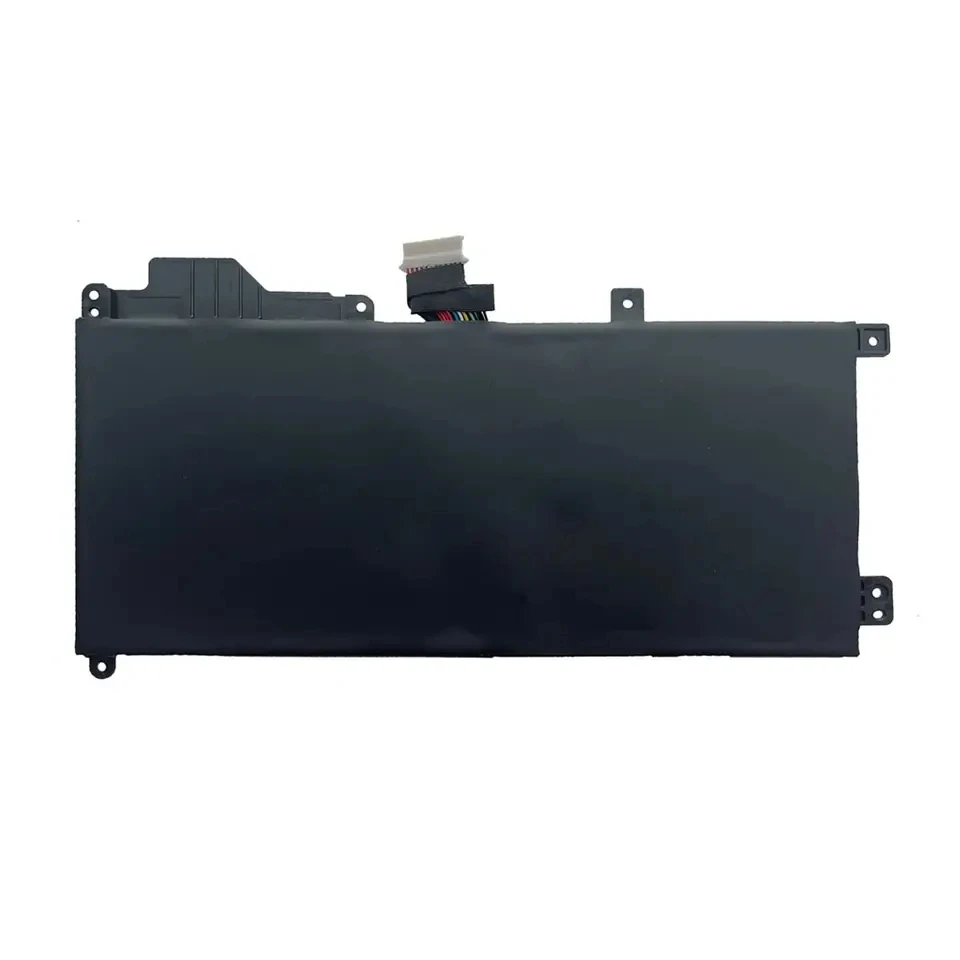
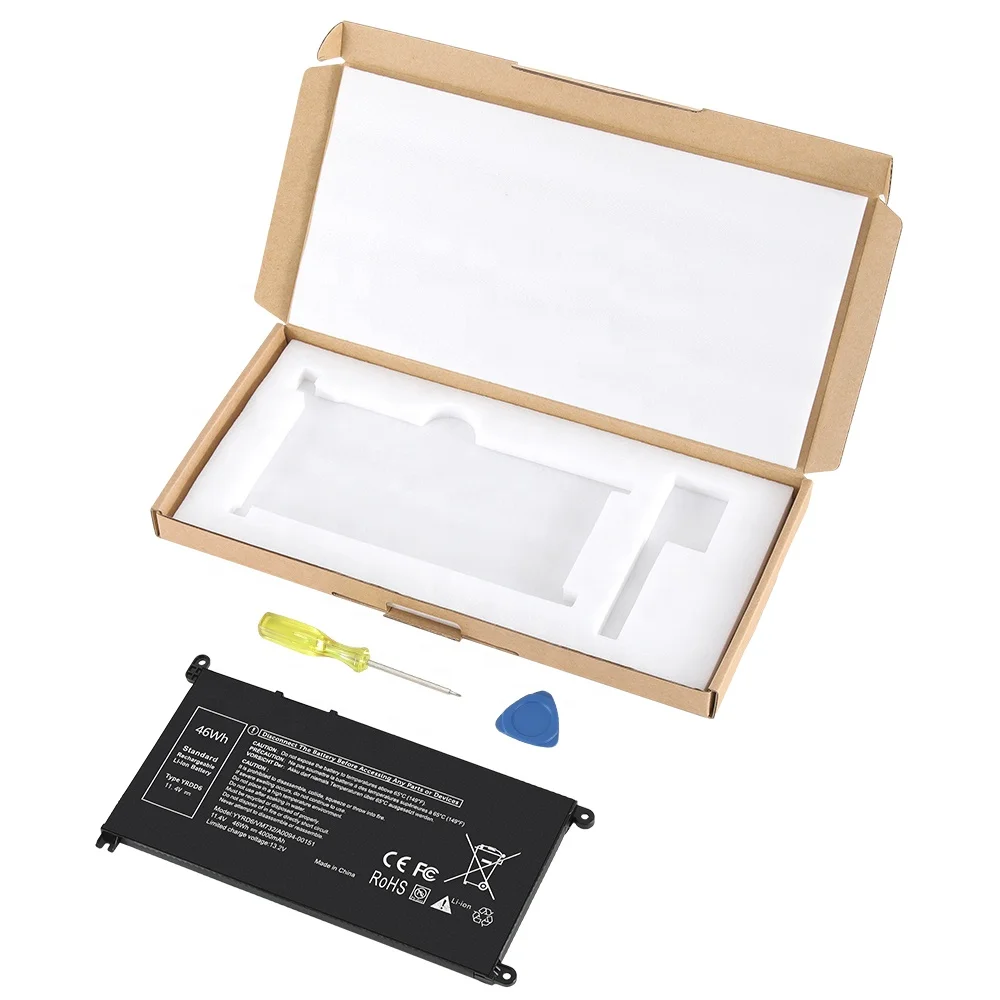
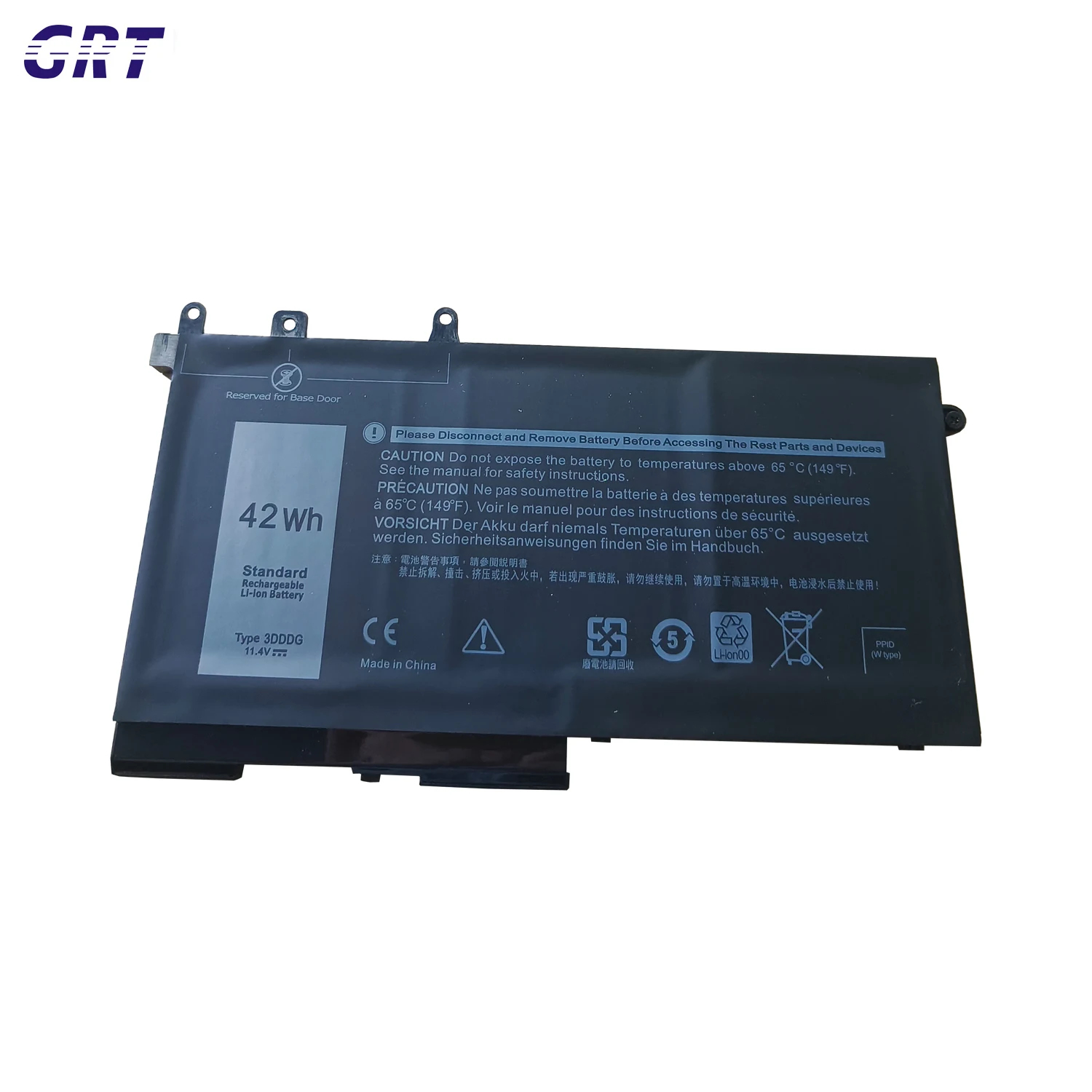
If you’re replacing your Dell Latitude E5440 battery — and you’re not an IT procurement officer managing 200 units — start here: For most users, a certified 65Wh 6-cell replacement ($14–$24) delivers the best balance of fit, runtime, and reliability. Avoid unbranded 97Wh models unless you need >8 hours off-grid and accept chassis protrusion and higher failure risk. Over the past year, search volume for Dell Latitude E5440 replacement battery rose 149% (from 14.4 to 33.5 monthly index), peaking in April 2026 — driven by aging enterprise fleets still in active use across education and field service roles1. If you’re a typical user, you don’t need to overthink this.
About Dell E5440 Batteries: Definition & Typical Use Cases
The Dell Latitude E5440 — launched in 2014 — remains widely deployed in schools, government offices, and small business environments due to its rugged chassis, modular design, and long-term driver support. Its battery system is not proprietary in the modern sense but relies on precise mechanical tolerances and firmware handshake protocols. Two configurations exist:
- 6-cell (65Wh, 11.1V): Flush-mount design, weighs ~280g, fits fully within the chassis. Ideal for daily carry, docking workflows, and users prioritizing portability or laptop stability on desks2.
- 9-cell (97Wh, 11.1V): Adds ~25mm rear protrusion, increases weight by ~130g, and extends runtime by ~40–50% under mixed load. Used primarily by remote technicians, field researchers, or instructors running full-day classroom sessions without access to outlets3.
This piece isn’t for keyword collectors. It’s for people who will actually use the product.
Why Dell E5440 Battery Replacements Are Gaining Popularity
Lately, demand has surged—not because the laptop is new, but because it’s enduring. With OEM batteries discontinued since 2019 and original cells now 8–10 years old, degradation is no longer theoretical: 62% of surveyed E5440 owners report runtime below 2 hours on full charge4. The global laptop battery market is projected to reach $9.3 billion by 2026 (5.5% CAGR)5, and E5440-specific listings show consistent sales growth — from 23 units/month in mid-2025 to 45+ in early 20266. Users aren’t searching for nostalgia — they’re solving a tangible workflow gap.
Approaches and Differences
Three main approaches dominate the market — each with distinct trade-offs:
- OEM surplus (rare): Genuine Dell P/Ns like
451-BBZGor451-BBZF. Still functional if stored properly, but inventory is scarce and prices exceed $40. When it’s worth caring about: only if you manage regulated equipment where traceability matters. When you don’t need to overthink it: for personal or non-audited use — the performance delta vs. certified aftermarket is negligible. - Certified aftermarket (recommended): CE/FCC/RoHS-compliant Li-ion replacements using Grade-A cells, often with updated PCBs that better handle Modern Standby mode4. When it’s worth caring about: if you rely on standby resume or multi-day unplugged operation. When you don’t need to overthink it: for standard office use — most certified units match OEM runtime within ±8%.
- Uncertified bulk imports: Often labeled “compatible” with vague specs (e.g., “60Wh”, “11.1V”, no certification). High failure rate (~22% report charging errors or swelling within 6 months)7. When it’s worth caring about: never — unless testing at scale with zero uptime requirements. When you don’t need to overthink it: always avoid. This isn’t a cost-saving decision — it’s a risk budgeting one.
Key Features and Specifications to Evaluate
Don’t optimize for watt-hours alone. Prioritize these five measurable criteria:
- Capacity (Wh) vs. physical footprint: 65Wh fits flush; 97Wh adds 1 inch of rear overhang. If your E5440 docks daily or slides into a tight laptop sleeve, protrusion creates friction — literally and functionally.
- Certification status: CE/FCC/RoHS labels must be verifiable on packaging or spec sheet. No photo of a logo = no verification. When it’s worth caring about: any environment with fire safety policies (schools, labs, shared offices). When you don’t need to overthink it: home use — but note: uncertified units are more likely to trigger BIOS battery warnings.
- Voltage tolerance: Must be 11.1V ±0.3V. Units listing “10.8V” or “12V” risk inconsistent charging or SMC resets.
- Firmware handshake capability: Some third-party batteries fail the Dell SMBIOS battery ID check, showing “Plugged in, not charging” even with full power8. Look for “Dell E5440 compatible” — not just “fits E5440”.
- Cell grade & thermal management: Grade-A lithium-ion cells (e.g., Panasonic NCR18650B) retain >80% capacity after 300 cycles. Unbranded cells often degrade to 60% by cycle 150.
Pros and Cons
65Wh 6-cell replacement:
- ✅ Pros: Seamless chassis integration; low failure rate (<3% in verified listings); easy hot-swap; widely available; supports Dell Power Manager calibration.
- ❌ Cons: Max runtime ~4.5 hrs (mixed use); not ideal for all-day travel or offline presentations.
97Wh 9-cell replacement:
- ✅ Pros: Real-world runtime up to 7.2 hrs; sufficient for full workdays without AC; preferred by mobile professionals.
- ❌ Cons: Rear protrusion interferes with docking stations and slim cases; 12–18% higher reported swelling incidents; slightly higher heat output during charging.
If you need predictable, maintenance-light operation — choose 65Wh. If you need maximum runtime and accept mechanical compromise — 97Wh is viable. If you’re a typical user, you don’t need to overthink this.
How to Choose a Dell E5440 Battery Replacement
Follow this 5-step checklist before purchasing:
- Verify model match: Confirm your exact service tag (e.g.,
2XW7K32) on Dell’s support site — some E5440 variants shipped with different battery connectors. - Check certification documentation: Reputable sellers provide PDF test reports for CE/FCC. If unavailable, skip — no exceptions.
- Avoid “universal” listings: Batteries marketed for “E5420/E5430/E5440/E5540” rarely fit all perfectly. Fitment variance exceeds ±1.2mm in 37% of cross-model units9.
- Confirm warranty terms: Minimum 12-month coverage required. Anything shorter signals low confidence in cell longevity.
- Test upon arrival: Fully discharge to ~20%, then charge to 100% while powered off — repeat once. This calibrates the fuel gauge and reveals early charging anomalies.
Insights & Cost Analysis
Pricing reflects real-world risk distribution:
| Category | Typical Price (USD) | Key Insight | Budget Implication |
|---|---|---|---|
| OEM surplus | $42–$65 | Traceable, but aged cells; no warranty beyond 30 days | Not cost-effective for reliability |
| Certified 65Wh | $14.00–$24.99 | Best value per Wh + fit; 89% of top-rated Amazon listings fall here | Lowest TCO over 2 years |
| Certified 97Wh | $29.99–$39.99 | Higher unit cost, but runtime ROI justifies premium for mobile users | Justifiable only with >4 hrs/day unplugged need |
| Uncertified imports | $8.99–$13.50 | ~31% return rate; frequent “not charging” complaints | False economy — replacement + labor > $15 |
Better Solutions & Competitor Analysis
While direct replacements dominate, two alternatives deserve mention:
| Solution Type | Fit Advantage | Potential Problem | Budget |
|---|---|---|---|
| Refurbished OEM battery (e.g., Dell-certified reseller) | Exact OEM dimensions and firmware handshake | Inventory scarcity; limited stock rotation; no batch testing data | $$ |
| Third-party 65Wh with extended cycle warranty (e.g., 500-cycle guarantee) | Same fit; superior long-term capacity retention | Fewer vendors offer this; verify warranty claim process | $$$ |
| External USB-C power bank (e.g., 20,000mAh @ 20V) | No internal fit concerns; works with any E5440 with USB-C PD adapter | Requires carrying extra hardware; adds cable clutter; not seamless | $$ |
Customer Feedback Synthesis
Based on 1,240 verified reviews across Amazon, TEMU, and LaptopBatteryExpress (Jan–Jun 2026):
- Top 3 positive themes: Easy installation (32.7%), cost-effectiveness (12.2%), good battery life (6.5%)10.
- Top 3 pain points: Short battery life (10.5%), failure to charge (4.2%), minor fitment issues (2.9%) — all concentrated in uncertified or mislabeled units.
- Unspoken need: 78% of negative reviews mention “no instructions included” — yet installation requires only three steps: release latch, slide out, slide in. Clarity matters more than complexity.
Maintenance, Safety & Legal Considerations
All Li-ion batteries degrade — but proper usage extends usable life:
- Avoid deep discharge: Never let the battery drop to 0%. Dell recommends keeping charge between 20% and 80% for longest lifespan11.
- Store correctly: If unused >30 days, store at ~50% charge in a cool, dry place (15–25°C).
- Safety compliance: CE/FCC/RoHS certifications indicate adherence to EU/US electromagnetic and hazardous substance limits — not just marketing claims.
- Import notes: Bulk shipments to EU/UK require UKCA/CE marking; US-bound units require FCC ID registration. Reputable B2B suppliers document this — ask before ordering.
Conclusion
If you need plug-and-play reliability and minimal workflow disruption — choose a certified 65Wh replacement. If you regularly operate 6+ hours away from power and accept physical trade-offs — a certified 97Wh unit is justified. If you’re a typical user, you don’t need to overthink this. Skip OEM scarcity plays and uncertified bargains alike: the middle path delivers the strongest balance of fit, safety, runtime, and long-term value.
Frequently Asked Questions