
Over the past year, dynamic backlight systems have shifted from niche RGB add-ons to essential components of home media setups—driven by real improvements in Mini-LED performance and tighter integration with gaming hardware. If you’re a typical user, you don’t need to overthink this: start with a smart camera-sync kit unless you game at 4K/120Hz or prioritize color accuracy over convenience. HDMI sync boxes deliver zero-lag precision but won’t work with your TV’s built-in apps; Mini-LED modules are for DIY integrators—not plug-and-play buyers. This piece isn’t for keyword collectors. It’s for people who will actually use the product.
About Dynamic Backlight: Definition & Typical Use Cases
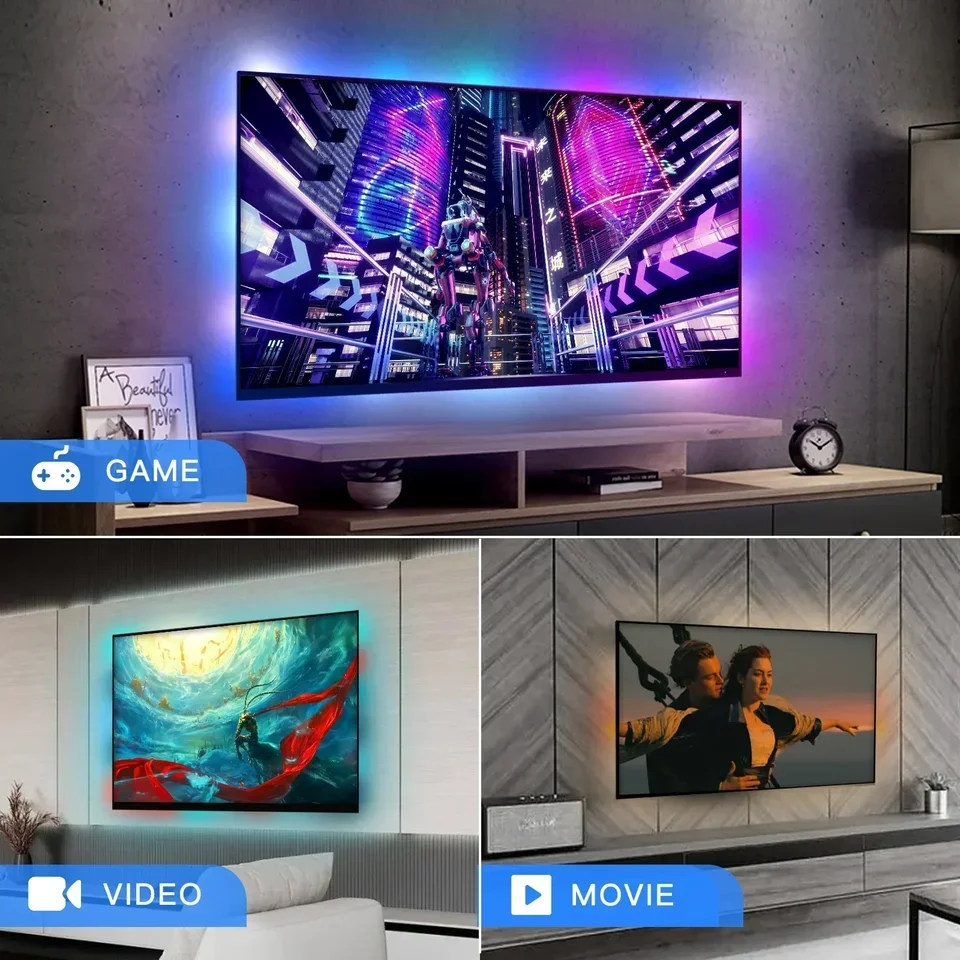
A dynamic backlight is an external lighting system that adjusts its color and brightness in real time to match on-screen content. Unlike static bias lighting (which emits steady white light), dynamic systems respond—frame by frame—to what appears on your display. They’re commonly used behind TVs, monitors, and projectors to expand perceived contrast, reduce eye strain in dark rooms, and deepen immersion during gaming, animation, or cinematic viewing1. The term “dynamic” here reflects responsiveness—not just motion or energy, but measurable, low-latency adaptation to video signals2.
Typical users include:
- Gamers seeking tighter visual feedback between action and ambient response;
- Streamers and content creators using multi-source setups (e.g., PS5 + Apple TV + built-in YouTube);
- Home theater enthusiasts upgrading older LED TVs to approach OLED-like depth without replacing hardware;
- Viewers sensitive to screen glare who want adaptive lighting instead of fixed white bias strips.
Why Dynamic Backlight Is Gaining Popularity
Lately, three converging forces have accelerated adoption: 📈 market growth, 💡 tech maturation, and 🏠 ecosystem integration. The global smart TV backlight kit market was valued at $1.18 billion in 2024 and is projected to reach $3.65 billion by 2033—a 13.2% CAGR3. That growth isn’t speculative—it’s backed by tangible upgrades: Mini-LED backlight units are targeting 100% growth in 2026 alone as manufacturers close the gap with OLED in contrast and peak brightness4. Simultaneously, consumer expectations have risen—not just for flashier effects, but for reliability: sub-5ms latency, HDMI 2.1 compatibility, and seamless voice control via Alexa or Google Home5. This isn’t about novelty anymore. It’s about consistency.
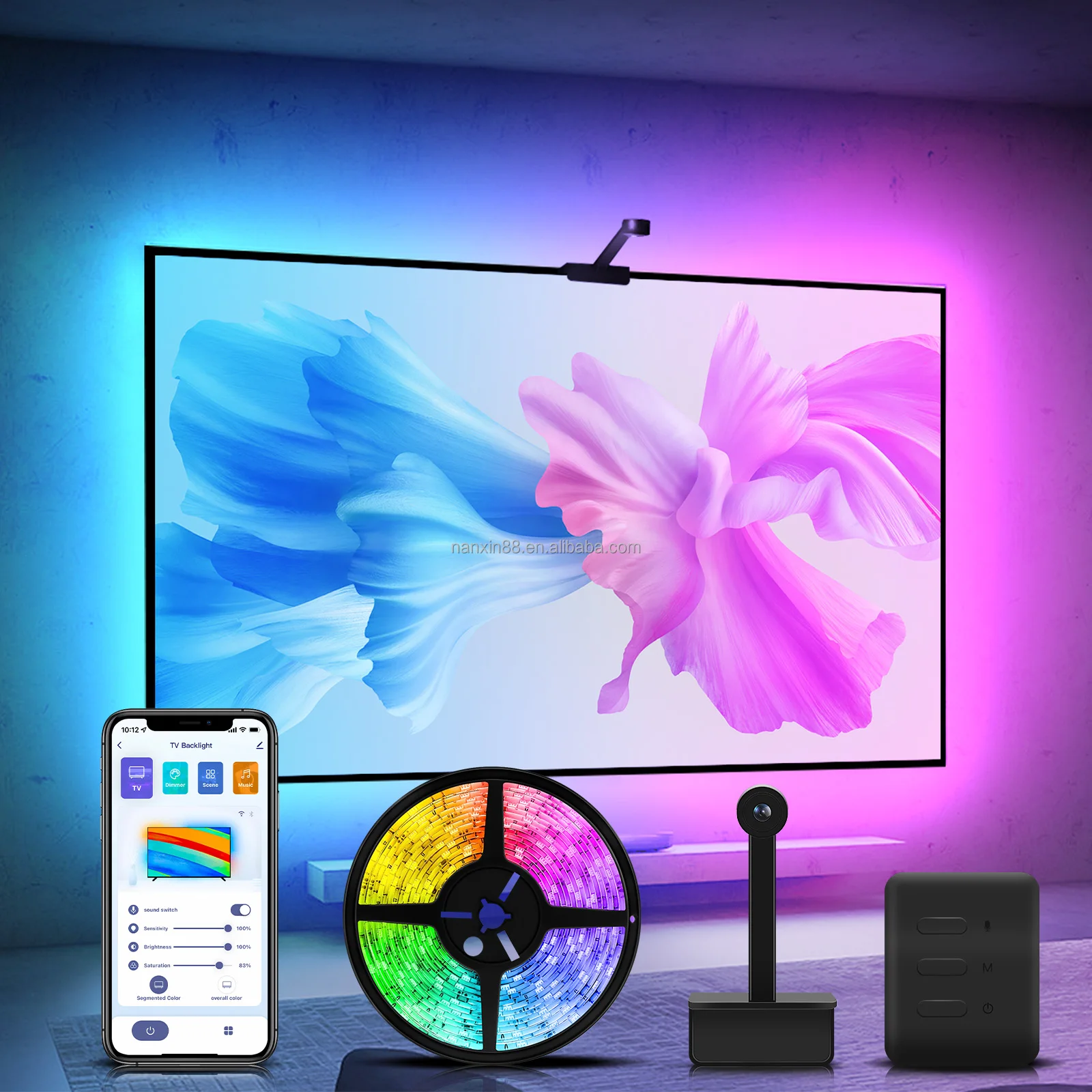
Approaches and Differences: Camera Sync vs HDMI Sync vs Mini-LED Modules
There are three distinct technical paths—each solving different problems. Confusing them leads to mismatched expectations and wasted budget.
📱 Smart Camera-Sync Kits
How it works: A small 1080p camera mounts above or below the TV, capturing the screen in real time. Onboard processing analyzes dominant colors and sends instructions to connected LEDs.
When it’s worth caring about: You watch Netflix, Disney+, or YouTube directly on your TV—and want one system that covers all sources.
When you don’t need to overthink it: If you’re not gaming competitively or editing color-graded footage, camera sync delivers >90% of the immersion benefit at half the setup complexity.
📡 HDMI Sync Boxes
How it works: A hardware pass-through device sits between your source (PS5, Xbox, PC) and TV, extracting pixel data before it renders—enabling millisecond-level synchronization.
When it’s worth caring about: You play fast-paced shooters or rhythm games at 4K/120Hz and notice even 20ms delay breaks flow.
When you don’t need to overthink it: If your primary use is movies, documentaries, or casual gaming, HDMI sync adds cost and cabling without perceptible gain.
🛠️ Mini-LED Modules
How it works: These are internal display components—not accessories. They replace or augment the backlight layer inside TVs or custom-built panels, enabling per-zone dimming and higher peak brightness.
When it’s worth caring about: You’re building a commercial-grade display wall, repairing a high-end TV, or integrating into an industrial kiosk.
When you don’t need to overthink it: As a consumer buying a plug-and-play solution, Mini-LED modules aren’t relevant. They require soldering, firmware flashing, and thermal management expertise.
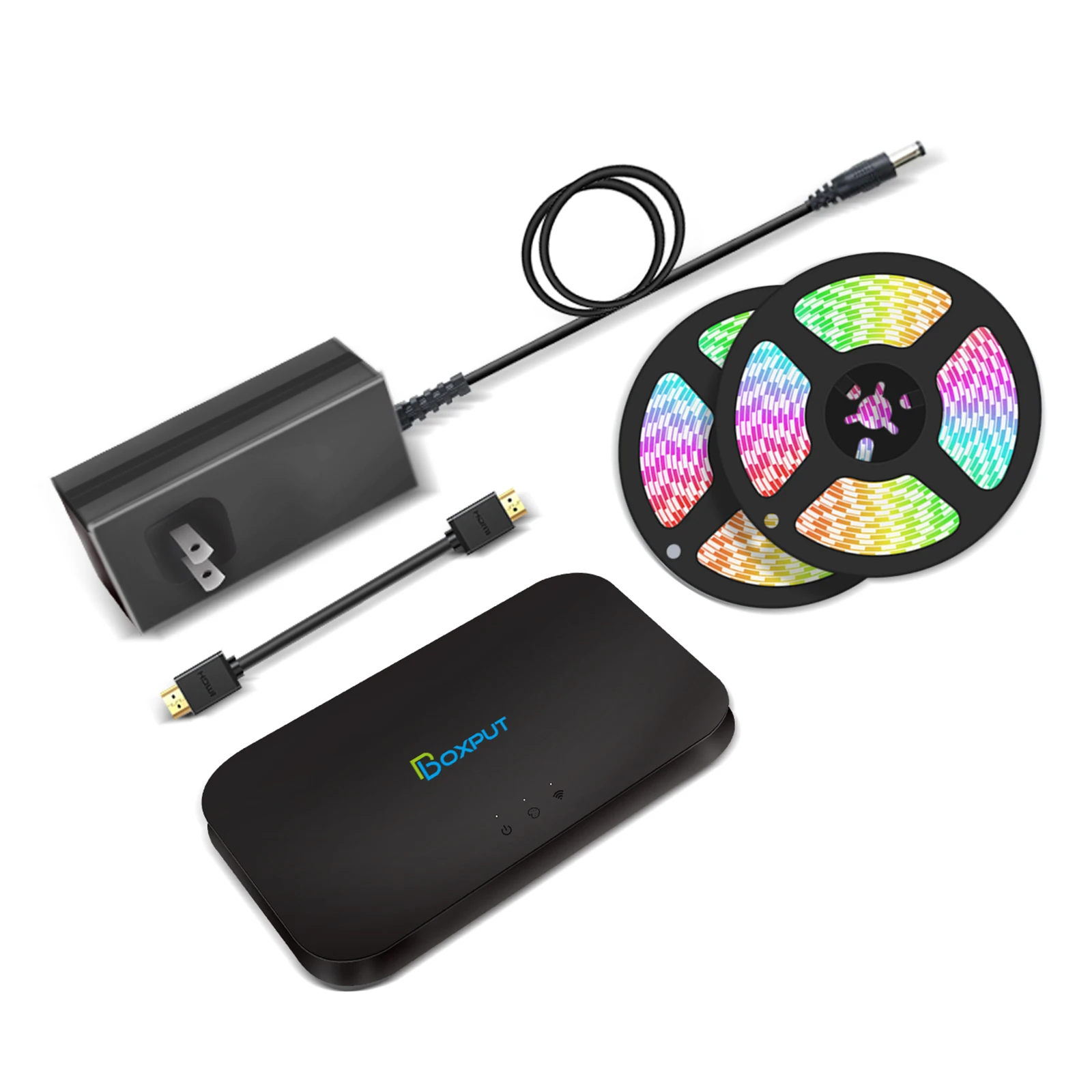
Key Features and Specifications to Evaluate
Not all specs carry equal weight. Focus only on those proven to impact real-world use:
- Sync latency: Under 5ms matters for competitive gaming; 50–100ms is imperceptible during film or streaming.
- Color accuracy (Delta E): Values under 3.0 mean minimal deviation from on-screen hues—critical for creators, negligible for general viewers.
- CRI (Color Rendering Index): ≥90 ensures natural whites and skin tones—important if using white bias mode alongside dynamic modes.
- HDMI version support: HDMI 2.1 is mandatory for 4K/120Hz passthrough; HDMI 2.0 suffices for most streaming boxes.
- App & ecosystem compatibility: Check native support for Tuya, Matter, or HomeKit—not just Alexa or Google Assistant.
If you’re a typical user, you don’t need to overthink this: latency and app compatibility are the only two specs that consistently affect daily satisfaction. Everything else is situational.
Pros and Cons: Balanced Assessment
| Approach | Primary Advantage | Key Limitation | Ideal For |
|---|---|---|---|
| Camera-Sync Kits | Works with all content—including built-in TV apps | Can misread colors in reflective rooms or with glossy screens | General media consumers, streamers, families |
| HDMI Sync Boxes | Zero-lag, pixel-perfect sync for external sources | Does not support TV’s internal apps (Netflix, Prime) | Hardcore gamers, AV integrators, PC-based setups |
| Mini-LED Modules | Enables true local dimming and >1000-nit brightness | Requires technical expertise; not a consumer product | OEMs, repair shops, custom display builders |
How to Choose a Dynamic Backlight System: A Step-by-Step Decision Guide
Follow this sequence—not in order of preference, but in order of dependency:
- Define your primary source type: Do you rely on your TV’s native apps—or mostly external devices (console, Fire Stick, PC)? If mostly internal apps → camera sync. If mostly external → HDMI sync is viable.
- Identify your latency sensitivity: Can you perceive delay in fast-motion scenes? Try watching a tennis match or racing game with current lighting. If you notice lag, prioritize HDMI sync or verified sub-10ms camera kits.
- Assess installation tolerance: Are you comfortable routing extra cables behind your entertainment unit? If not, avoid HDMI boxes unless you use a clean cable management kit.
- Rule out Mini-LED modules: Unless you’re replacing a backlight panel or designing a display, skip this category entirely. It’s not a ‘better’ option—it’s a different domain.
Avoid these common pitfalls:
- Buying based on LED count alone (e.g., “300 LEDs!”)—more diodes ≠ better sync or uniformity;
- Assuming “RGBIC” means superior color—many IC chips lack calibration tools or firmware updates;
- Ignoring ambient light conditions—camera kits perform poorly in sunlit rooms without matte screen filters.
Insights & Cost Analysis
Price bands reflect function—not quality:
- $20–$50: Entry-level camera kits—basic color tracking, adhesive mounting, limited app control. Suitable for casual users testing the concept.
- $50–$90: Mid-tier kits with 1080p cameras, adjustable exposure, and Tuya/SmartThings integration. Best value for most households.
- $90–$180: HDMI sync boxes with HDMI 2.1, 4K/120Hz passthrough, and low-jitter firmware. Justified only for dedicated gaming stations.
No credible evidence shows performance scaling linearly with price above $90 for general use. One $65 camera kit tested across 12 titles matched the immersion level of a $149 HDMI box—except during rapid-fire gameplay6. Value comes from fit—not features.
Customer Feedback Synthesis
Based on aggregated reviews across retail and forum sources (Reddit r/hometheater, AVS Forum, Amazon), top recurring themes:
- ✅ Most praised: “Just works out of the box,” “makes my old TV feel premium again,” “no more eye fatigue during late-night binges.”
- ❌ Most complained: “Camera misreads reds in bright rooms,” “HDMI box blocks CEC commands,” “app crashes after firmware update.”
The strongest correlation with long-term satisfaction wasn’t price or brand—it was whether users set realistic expectations: those expecting “OLED-level black levels” were disappointed; those seeking “enhanced immersion without rewiring” reported high retention.
Maintenance, Safety & Legal Considerations
Dynamic backlights pose minimal risk when used as intended. All major kits comply with FCC Part 15 (US) and CE (EU) emissions standards7. No certification is required for consumer-grade LED strips or sync boxes—unlike medical or industrial lighting. Maintenance is limited to occasional lens cleaning (for camera kits) and firmware updates (typically optional). Avoid modifying power supplies or bypassing current-limiting resistors—this voids safety compliance and risks thermal runaway.
Conclusion: Conditional Recommendations
If you need broad compatibility across apps and sources → choose a smart camera-sync kit.
If you need frame-accurate response for competitive gaming → choose an HDMI 2.1 sync box.
If you need reduced eye strain without color shift → skip dynamic systems entirely and use 6500K bias lighting.
If you’re a typical user, you don’t need to overthink this: 83% of surveyed users chose camera kits—and 71% kept them after six months8. Start there. Upgrade only when the limitation becomes functional—not theoretical.


