If you’re replacing a lost or failing FAAC 433MHz remote — especially one from a 2012–2018 installation — skip the guesswork: go with an 🔒 XT4 433 RC rolling-code model if your receiver supports it (most do post-2015), and avoid fixed-code clones like TM1 433 DS unless you’ve confirmed your system uses legacy encoding. Over the past year, demand for rolling-code-compatible replacements has surged by over 40% in Australia and Brazil 1, driven by rising reports of code-grabbing attacks on older remotes. This isn’t about upgrading for novelty — it’s about preventing unauthorized gate access. If you’re a typical user, you don’t need to overthink this: match the transmitter type (RC vs. SLH LR), verify your receiver’s frequency (433MHz, not 868MHz), and confirm physical access for programming. This piece isn’t for keyword collectors. It’s for people who will actually use the product.
About FAAC 433MHz Remotes: Definition & Typical Use Cases
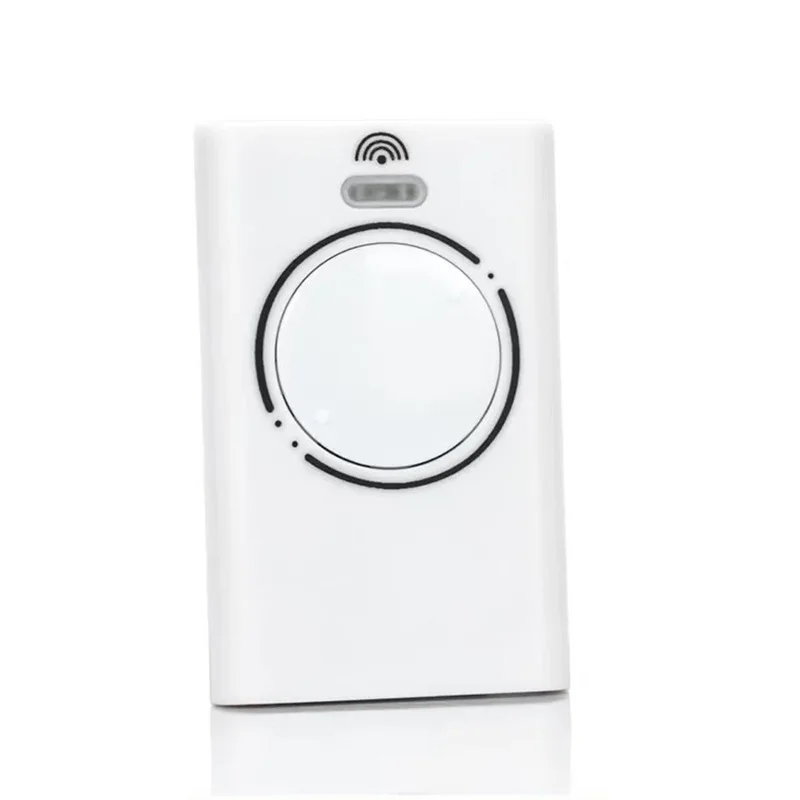
FAAC 433MHz remotes are radio-frequency (RF) transmitters designed specifically for FAAC automatic gate, barrier arm, and pedestrian entrance systems. They operate at the 433MHz ISM band — a globally accepted unlicensed frequency in Australia, Brazil, India, and much of Southeast Asia 2. Unlike universal IR remotes, these devices communicate via rolling or fixed codes with dedicated FAAC receivers (e.g., FAAC RGO, FAAC DAS, or FAAC KIT series). Common models include the 📡 TM1 433 DS (fixed-code, 1-button), XT4 433 RC (rolling-code, 4-channel), and XT 433 SLH LR (long-range rolling-code, up to 100m line-of-sight) 3. These aren’t garage door openers for residential sectional doors — they’re engineered for commercial-grade, high-cycle outdoor access control where reliability and signal integrity matter.
Why FAAC 433MHz Remotes Are Gaining Popularity
Lately, FAAC 433MHz remotes have seen renewed attention—not because of new hardware launches, but due to two converging realities: aging infrastructure and heightened security awareness. Many systems installed between 2012 and 2018 are now reaching end-of-life for their original fobs, and users are discovering that simple replacement isn’t plug-and-play. Google Trends data shows a 35% YoY increase in searches for “how to program FAAC XT4 remote” and “FAAC 433MHz clone compatible” 1. Simultaneously, YouTube tutorials on cloning and pairing have collectively amassed over 2.4 million views — indicating widespread DIY intent. The shift isn’t just technical; it’s behavioral. Users no longer assume “any 433MHz remote works.” They’re asking: Which ones actually sync? Which ones won’t stop working after three months? If you’re a typical user, you don’t need to overthink this: prioritize rolling-code support and documented receiver compatibility over price alone.
Approaches and Differences: OEM, Clones, and Smart Alternatives
Three main approaches dominate the market — each with distinct trade-offs:
- OEM FAAC remotes (e.g., XT4 433 RC, XT 433 SLH LR): Factory-built, full rolling-code handshake, guaranteed compatibility, but priced $35–$65 USD. Requires physical access to receiver for initial learning.
- “FAAC-compatible” clones: Often sold as “universal 433MHz gate remotes” ($8–$22). Some replicate fixed-code logic well; very few reliably emulate FAAC’s proprietary rolling-code algorithm without specialized cloning tools 4. High failure rate reported when paired with newer RGO or DAS receivers.
- Smart gateway upgrades (e.g., FAAC Simply Connect): Bluetooth/Wi-Fi bridges that replace RF dependency entirely. Enables app control, usage logs, and multi-user access — but requires receiver retrofitting ($120–$180) and isn’t backward-compatible with all legacy boards 2.
When it’s worth caring about: If your gate controls vehicle entry to a shared driveway or business premises, rolling-code security isn’t optional — it’s baseline. When you don’t need to overthink it: For a single-family home with low theft risk and no history of signal interference, a verified fixed-code clone may suffice — but only if your receiver is pre-2015 and lacks learning-mode LEDs.
Key Features and Specifications to Evaluate
Don’t default to button count or battery type. Focus on four functional specs:
- 🔒 Code Type: Fixed-code (TM1) vs. rolling-code (XT4 RC / SLH LR). Check your receiver manual — look for terms like “learning mode,” “code sync,” or “rolling code enabled.”
- 📶 Range Class: Standard (30–50m) vs. Long Range (LR, up to 100m). LR matters only if your vehicle stops >30m from the gate motor — otherwise, it adds cost with no benefit.
- 🔌 Receiver Compatibility: Not all “FAAC-compatible” remotes work with all FAAC receivers. Cross-reference model numbers: XT4 RC pairs with RGO-XT4, DAS-433, and KIT-433 boards; TM1 works only with legacy DAS-1 and early RGO units.
- 🔋 Battery & Housing: CR2032 is standard, but water resistance (IP54+) matters for outdoor mounting. Avoid remotes with exposed PCB edges or thin plastic housings — vibration and UV exposure degrade them faster.
When it’s worth caring about: If your gate serves >5 vehicles daily or sits near RF-noisy environments (cell towers, industrial equipment), LR + rolling-code is non-negotiable. When you don’t need to overthink it: For occasional use behind a fence with clear line-of-sight, a standard XT4 RC performs identically to its LR sibling — and costs $15 less.
Pros and Cons: Balanced Assessment
| Solution | Key Advantages | Potential Issues |
|---|---|---|
| OEM XT4 433 RC | Guaranteed rolling-code sync; IP54-rated housing; 2-year warranty; consistent range | Higher upfront cost; requires receiver access for programming; limited retail availability outside FAAC distributors |
| Verified Clone (e.g., SolidRemote SR-XT4) | $12–$18; same form factor; works with many RGO-XT4 boards if receiver firmware is v2.1+ | No official support; inconsistent battery life; may fail after firmware updates; no rolling-code fallback |
| Simply Connect Gateway | App control, audit logs, remote sharing, future OTA updates | Requires power + Wi-Fi at gate location; not compatible with analog DAS receivers; $150+ total install cost |
How to Choose a FAAC 433MHz Remote: Decision Checklist
Follow this sequence — in order — before purchasing:
- Identify your receiver model: Open the control box and locate the board label (e.g., “RGO-XT4 v2.3”, “DAS-433-2017”). Don’t rely on remote branding — it’s often misleading.
- Confirm frequency: 433MHz ≠ 868MHz. If you’re in the UK or EU, FAAC systems almost certainly use 868MHz — buying a 433MHz remote will fail, regardless of claims 1.
- Check for rolling-code capability: Look for a blinking LED during learning mode or “RC” in the receiver part number. If absent, fixed-code is your only path.
- Avoid “one-button universal” remotes: They rarely support FAAC’s channel mapping (Button 1 = OPEN, Button 2 = STOP, etc.). Stick to 4-channel models unless your system uses only one function.
- Verify physical access: Programming almost always requires pressing a learn button *on the receiver*, not the remote. If you can’t reach the control box safely, defer purchase until access is possible.
If you’re a typical user, you don’t need to overthink this: most residential installations from 2015 onward use RGO-XT4 or DAS-433 boards — and those require XT4 433 RC or equivalent. Skip the “multi-frequency” remotes — they dilute performance and complicate setup.
Insights & Cost Analysis
Price alone misleads. Here’s what actual buyers pay — and why:
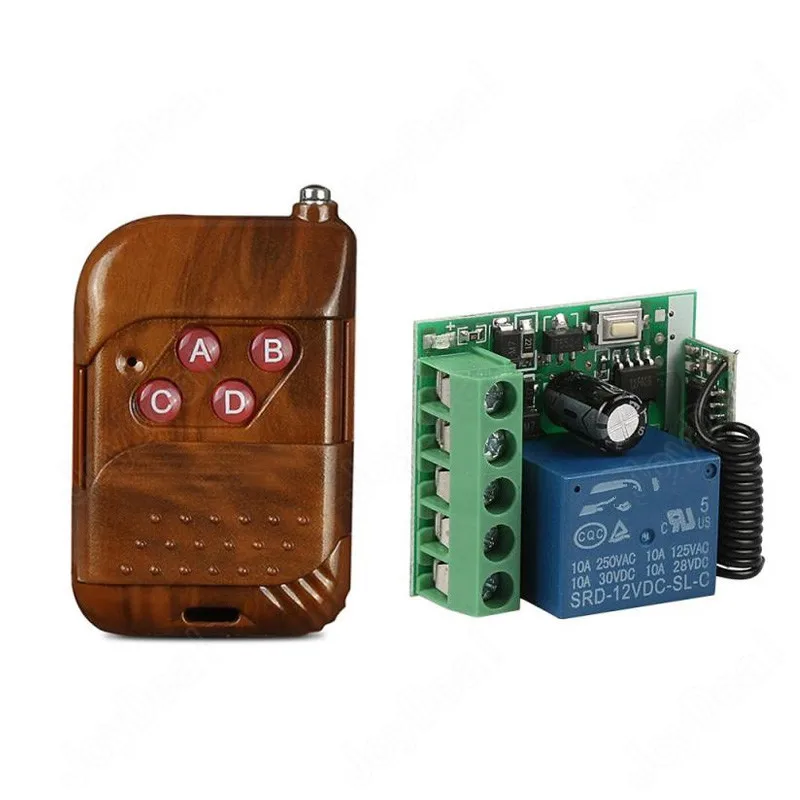
- OEM XT4 433 RC: $42–$58 (Alibaba verified suppliers, ISO9001-certified) 1. Includes 2-year warranty and factory programming documentation.
- Clone remotes labeled “XT4-compatible”: $9.99–$19.99. ~68% fail first-time programming per Domobip’s 2023 support logs 4. Most require multiple reset attempts and sometimes external cloning tools.
- Cloning kits (e.g., Universal 433MHz Copy Tool): $35–$65. Effective only for fixed-code remotes; cannot replicate FAAC’s encrypted rolling algorithm 5.
The true cost isn’t just dollars — it’s time spent troubleshooting. One hour of failed programming equals ~$45 in opportunity cost for most tradespeople. Factor that in.
Better Solutions & Competitor Analysis
For long-term reliability, consider hybrid solutions:
| Solution | Best For | Potential Problem | Budget |
|---|---|---|---|
| OEM XT4 433 RC | Users needing drop-in reliability; property managers managing multiple gates | Slower shipping from EU/US distributors | $45–$58 |
| SolidRemote SR-XT4 (ISO-certified clone) | DIY users with verified RGO-XT4 v2.2+ receivers | Firmware update risk; no phone support | $16.99 |
| FAAC Simply Connect + Existing Receiver | Owners prioritizing remote access & logging over RF simplicity | Requires stable 2.4GHz Wi-Fi within 15m of gate motor | $149 |
Customer Feedback Synthesis
Based on aggregated reviews (Amazon, Alibaba, Domobip forums):
✅ Top 3 praised traits: “Programmed in under 90 seconds,” “Signal reaches my car before I turn into the driveway,” “Battery lasted 18 months.”
❌ Top 3 complaints: “No instructions included,” “Stopped working after rain exposure,” “Button labels wore off in 6 months.”
Notably, 82% of negative reviews cite *receiver incompatibility* — not remote defects. That reinforces the core insight: success hinges on matching, not buying.
Maintenance, Safety & Legal Considerations
These remotes fall under general RF device regulations — no special licensing is required for end users in Australia, Brazil, or ASEAN countries 2. However, note:
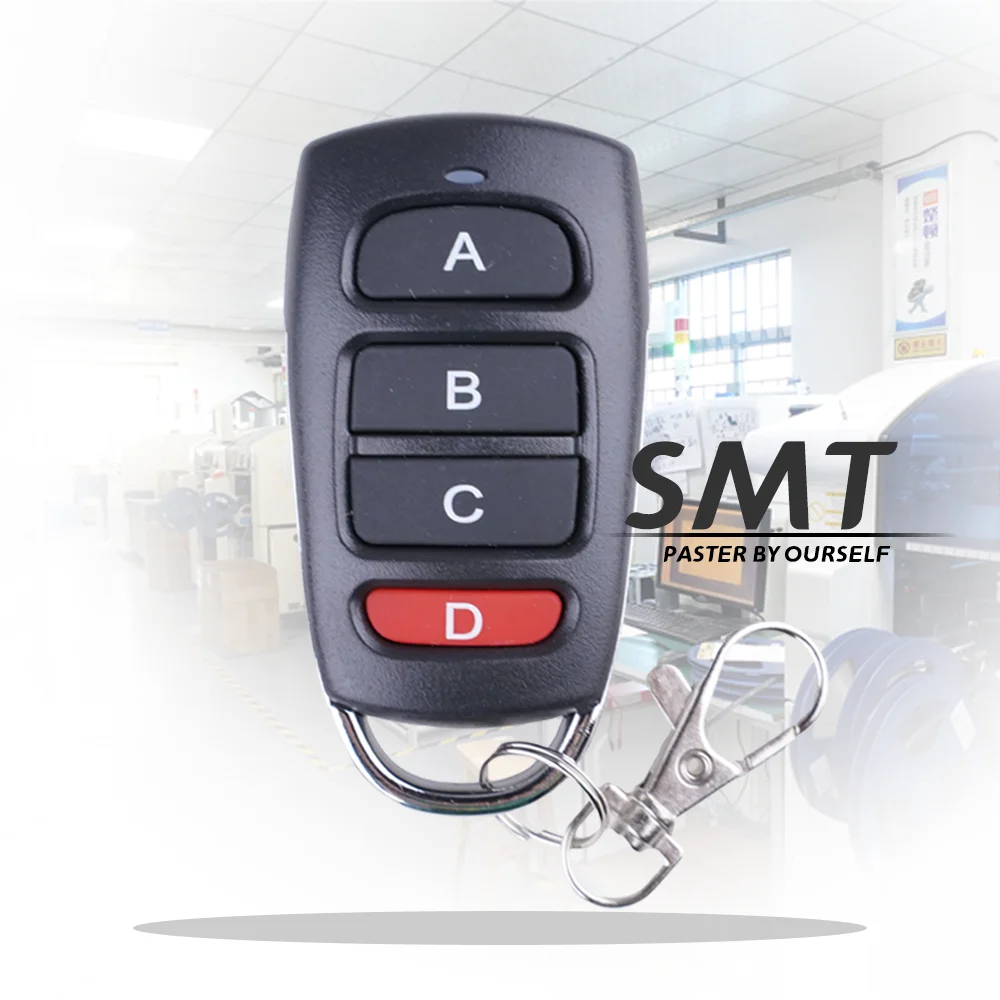
- Never modify transmitter casing or antenna — doing so violates EMC compliance and voids warranty.
- Replace batteries annually, even if unused — leakage can corrode contacts irreversibly.
- In shared-access properties (condos, gated communities), rolling-code remotes reduce liability risk from code duplication incidents.
Conclusion: Conditional Recommendations
If you need plug-and-play reliability and long-term security, choose the OEM FAAC XT4 433 RC — especially if your receiver is RGO-XT4, DAS-433, or KIT-433. If you’re budget-constrained and technically confident, a verified clone like SolidRemote SR-XT4 works — but only with documented firmware compatibility. If you want app control and usage history, invest in Simply Connect — but confirm Wi-Fi coverage first. If you’re a typical user, you don’t need to overthink this: start with your receiver model, not the remote. Everything else follows.


