About Green Laser Pointer Presentation Remotes
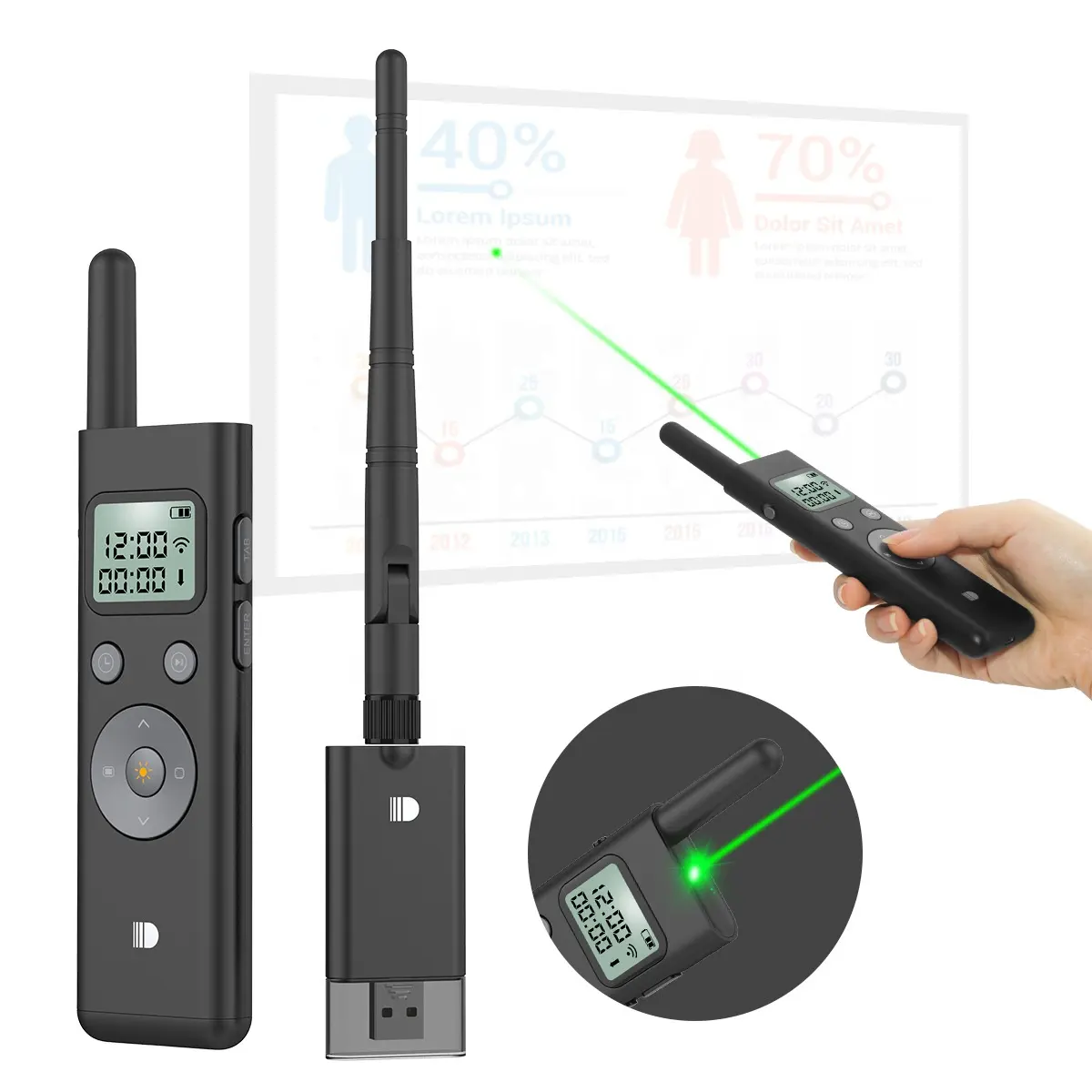
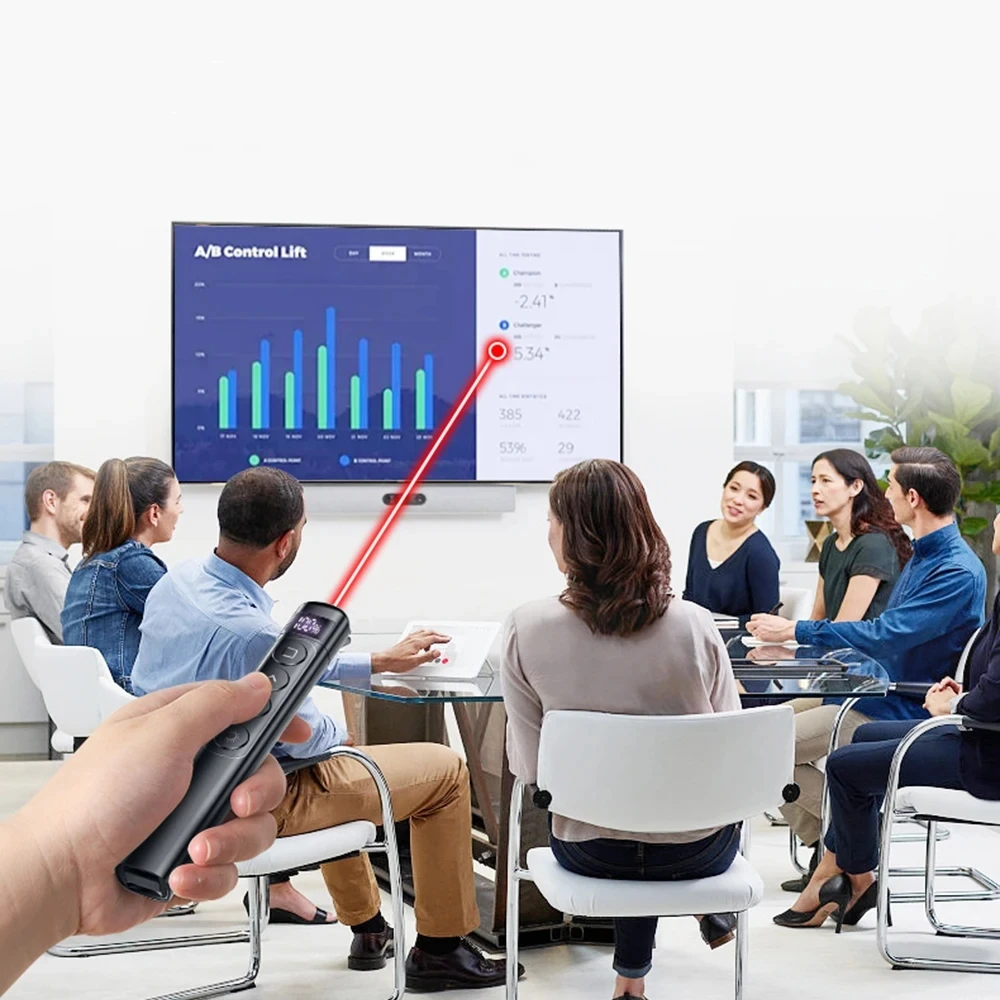
A green laser pointer presentation remote is a handheld wireless device that combines slide navigation (forward/backward), laser pointing (typically 532 nm green light), and increasingly, digital interaction features like screen spotlighting or mid-air gestures. It’s used across corporate boardrooms, university lecture halls, hybrid meeting setups, and trade show booths — anywhere presenters need reliable visual emphasis without stepping away from their speaking position.
Unlike basic clickers, these devices are designed for visibility, responsiveness, and ergonomic continuity. The green wavelength isn’t just brighter — it’s perceptually dominant under ambient light, making it the functional standard for environments where red lasers disappear into glare or screen reflections.
Why Green Laser Pointer Presentation Remotes Are Gaining Popularity
Lately, adoption has accelerated—not due to novelty, but necessity. Three interlocking shifts explain why:
- ✨ Visibility mismatch: Modern LED and OLED screens absorb red laser light, while green remains sharply visible even at 30+ lux ambient illumination. Human photopic vision perceives 532 nm green as ~6× brighter than 650 nm red at equal power output1.
- 💻 Digital interface evolution: Presenters now interact with embedded videos, hyperlinked slides, and live data feeds — tasks where traditional laser pointing falls short. That’s driving demand for “virtual pointers” with on-screen magnification and gesture-based navigation2.
- 🔋 Eco-conscious convenience: USB-C rechargeable batteries have replaced disposable AAAs across mid-to-high-tier models, reducing long-term cost and waste — a shift aligned with enterprise sustainability goals and individual user fatigue from battery swaps3.
If you’re a typical user, you don’t need to overthink this: green visibility matters most when your room has overhead LEDs, windows, or large screens. Everything else is secondary — unless your workflow specifically requires annotation or remote mouse control.
Approaches and Differences
Three functional archetypes dominate the market — each solving distinct problems:
| Type | Core Strengths | Key Limitations |
|---|---|---|
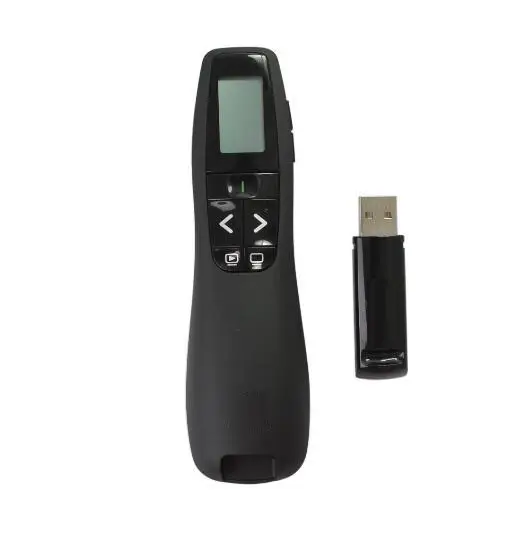
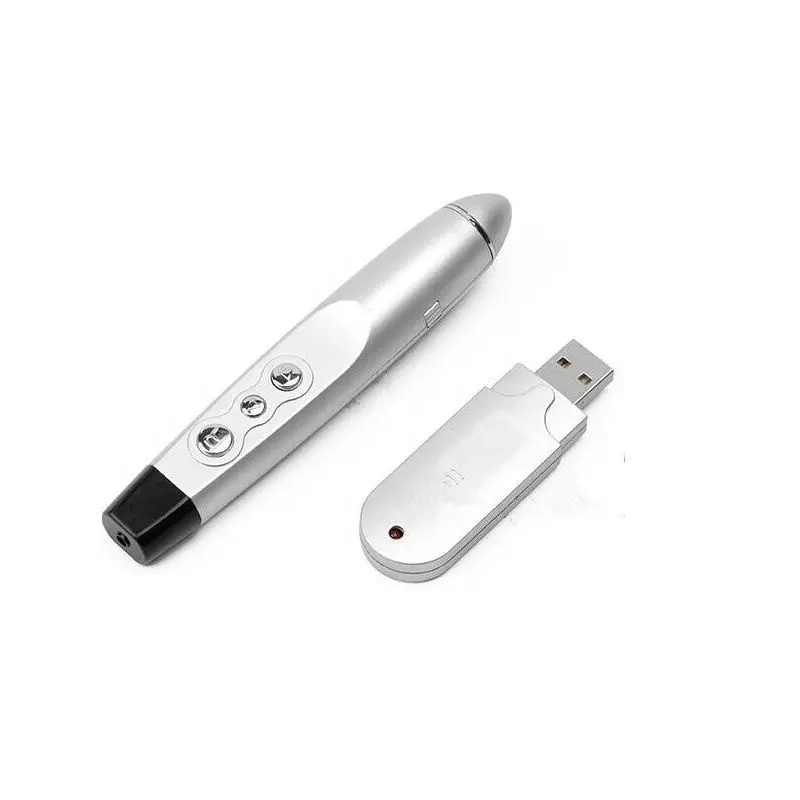
| Basic Green Laser Remote | Low cost ($15–$25), plug-and-play USB receiver, lightweight, reliable slide control | No rechargeability (AAA), no screen feedback, no timer or battery indicator, limited range (~10–15 m) |
| Ergonomic Rechargeable Remote | USB-C charging, LCD battery/timer display, silent tactile buttons, 20+ m range, cross-platform compatibility (Windows/macOS/Android) | No air-mouse or annotation — still laser-only pointing |
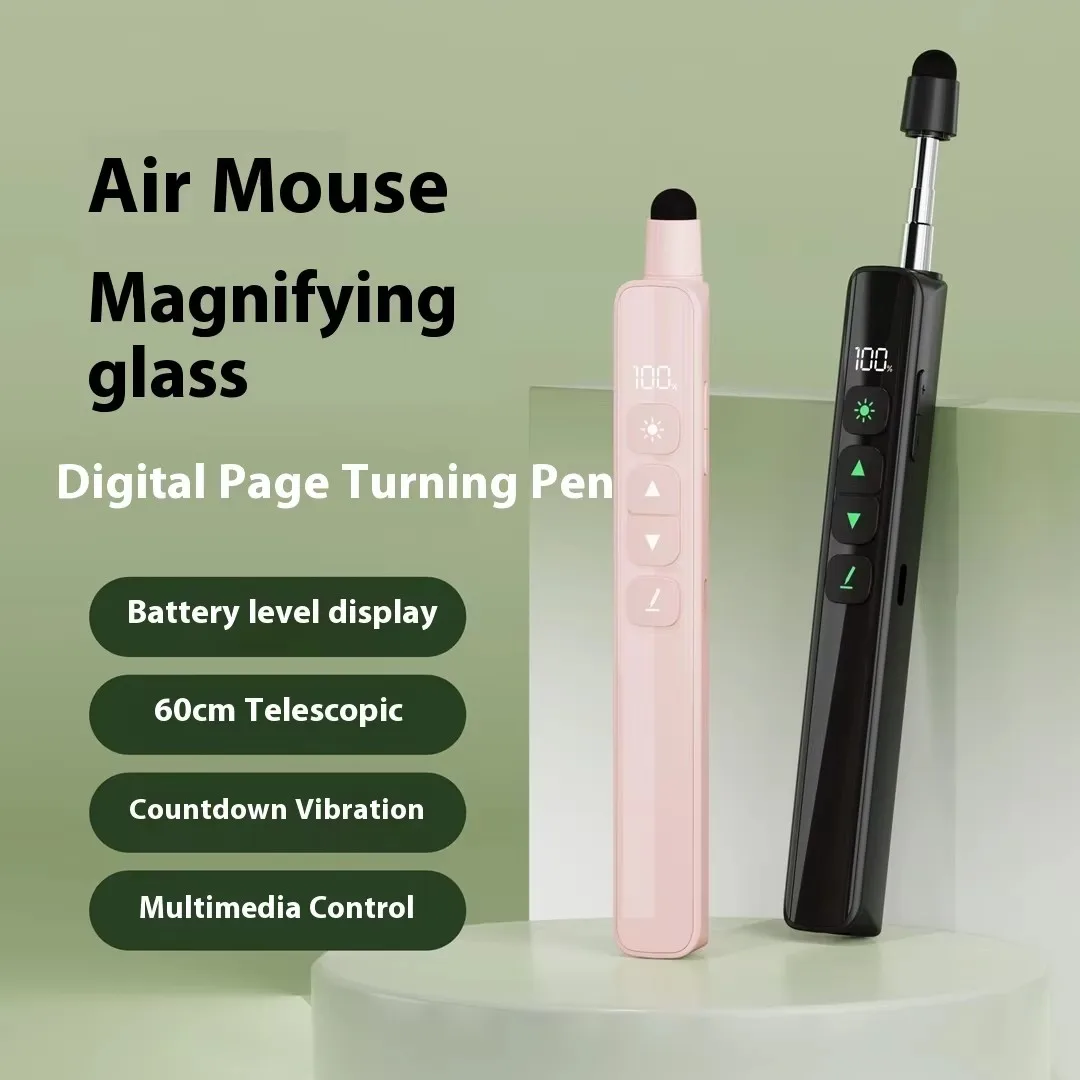
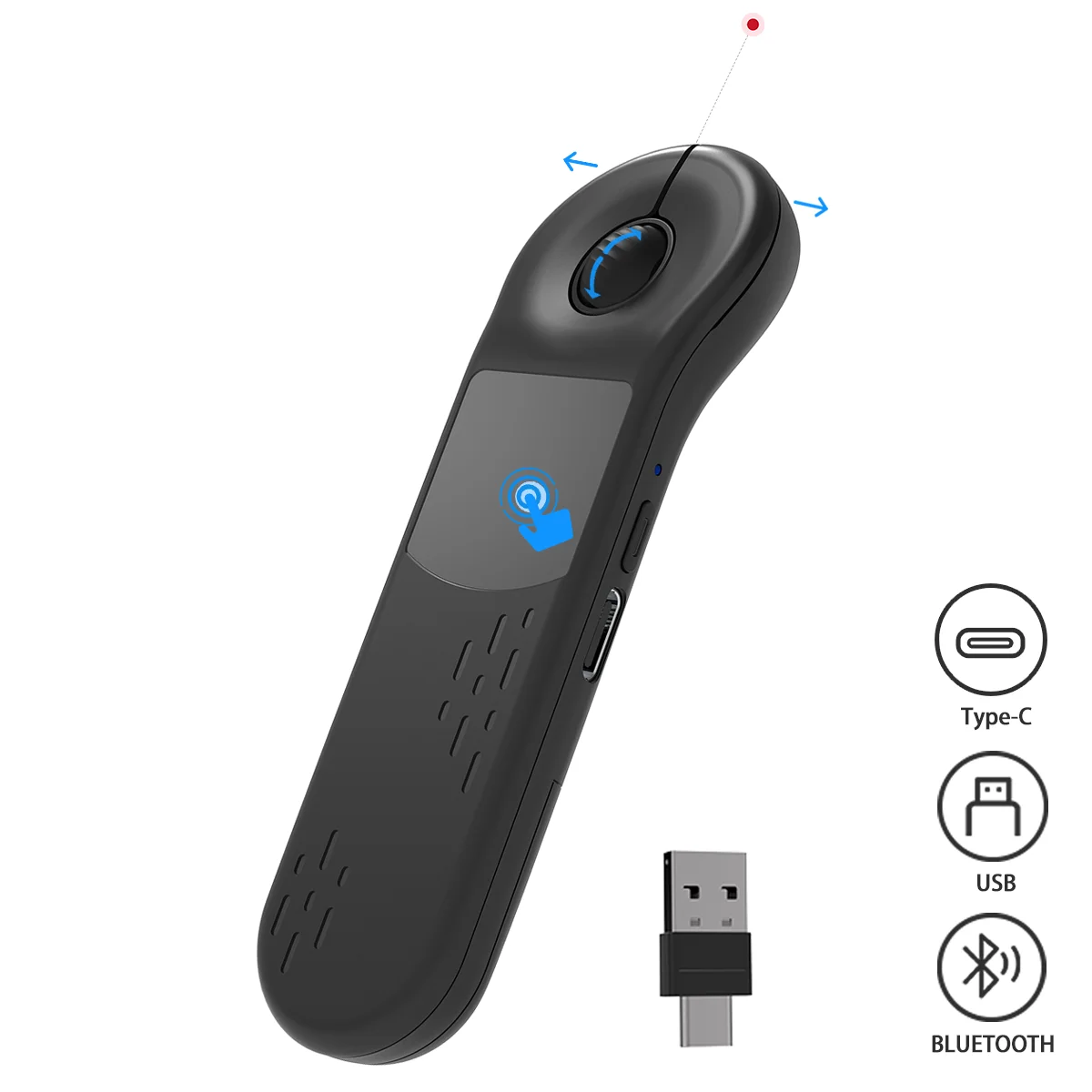
| Digital Presenter (e.g., Logitech Spotlight) | Air-mouse navigation, on-screen spotlight & zoom, gesture-triggered annotations, onboard storage for custom shortcuts | $100+, steeper learning curve, overkill for linear slide decks or static PDFs |
When it’s worth caring about air-mouse functionality: if you frequently pause videos to highlight timestamps, drag elements on interactive dashboards, or navigate nested menus during demos. When you don’t need to overthink it: if your presentations follow a fixed slide sequence and you only point — not manipulate — content.
Key Features and Specifications to Evaluate
Not all specs carry equal weight. Prioritize these — in order — based on real-world impact:
- 🔋 Rechargeability (USB-C): Confirmed by physical port (not micro-USB) and ≥2-hour runtime per charge. When it’s worth caring about: if you present weekly or travel often. When you don’t need to overthink it: if you use it once per quarter and keep spare AAAs.
- 📡 Wireless protocol & range: 2.4 GHz (not Bluetooth) with ≥15 m effective range in open space. Avoid 433 MHz models unless operating in RF-congested venues (e.g., convention centers). When it’s worth caring about: if you move around stage or present from audience seats. When you don’t need to overthink it: if you stay behind a podium in a small room.
- 👁️ Laser wavelength & safety class: 532 nm green, Class 2 (<1 mW output). Avoid Class 3R or higher unless certified for professional venue use — they require training and risk eye exposure. When it’s worth caring about: if presenting in tight quarters or near children/students. When you don’t need to overthink it: if using only in controlled corporate settings with trained staff.
- ⏱️ On-device feedback: Battery % indicator and/or countdown timer visible on device. Reduces presenter anxiety in timed talks. When it’s worth caring about: for high-stakes pitches, academic defenses, or TED-style formats. When you don’t need to overthink it: for internal team updates with flexible timing.
Pros and Cons
Pros:
- ✅ 6× higher perceived brightness than red lasers in lit environments
- ✅ USB-C rechargeability cuts long-term cost and environmental footprint
- ✅ Silent button actuation prevents audio distraction during quiet segments
- ✅ Universal OS compatibility (no driver install needed for Windows/macOS/Android)
Cons:
- ❌ Slightly higher upfront cost vs. red-laser equivalents
- ❌ Green diodes are more temperature-sensitive — may dim briefly after extended use in hot rooms
- ❌ Air-mouse features add complexity without benefit for linear slide decks
- ❌ Some budget models lack firmware update support, limiting future compatibility
This piece isn’t for keyword collectors. It’s for people who will actually use the product.
How to Choose a Green Laser Pointer Presentation Remote
Follow this 5-step decision checklist — designed to eliminate common missteps:
- Confirm your primary environment: Brightly lit? Large screen? Hybrid (camera + projector)? If yes → green laser is non-negotiable. If no → red may suffice.
- Verify USB-C port presence: Not just “rechargeable” — check for physical USB-C input. Avoid micro-USB or proprietary docks.
- Test ergonomics before buying: Look for palm-fit curvature and button placement that avoids thumb cramping after 20 minutes. Silent click is essential for quiet rooms.
- Check OS compatibility notes: Some remotes claim macOS support but lack full function keys (e.g., black screen toggle). Read recent user reviews for confirmation.
- Avoid two common traps: (1) Assuming “wireless” means Bluetooth — most reliable models use dedicated 2.4 GHz receivers; (2) Prioritizing laser power (mW) over visibility — Class 2 green at 1 mW outperforms Class 3R red at 5 mW in real rooms.
If you’re a typical user, you don’t need to overthink this: a $45–$55 ergonomic rechargeable remote hits the sweet spot for 85% of presenters.
Insights & Cost Analysis
Pricing reflects feature stratification — not just brand markup. Here’s what you get at each tier:
| Budget Tier | Mid-Tier | Premium Tier |
|---|---|---|
| $15–$25 Basic green laser + slide control |
$40–$60 USB-C rechargeable, LCD timer, silent buttons, 20 m range |
$100+ Digital pointer, air-mouse, on-board storage, gesture library |
The jump from entry to mid-tier delivers measurable ROI: eliminating battery costs (~$12/year), reducing setup time (no dongle hunting), and cutting pre-talk anxiety (timer + battery %). The premium tier pays off only if you annotate live video or manage multi-source media workflows daily.
Better Solutions & Competitor Analysis
“Better” depends on use case — not raw specs. Below is how top functional categories compare on core dimensions:
| Category | Best For | Potential Issue | Budget |
|---|---|---|---|
| USB-C Rechargeable Green Remote | Most professionals: consistent visibility, low maintenance, quiet operation | Limited to laser + slide control — no annotation | $40–$60 |
| Digital Presenter (e.g., Logitech Spotlight) | Trainers, product demo leads, educators using interactive whiteboards | Learning curve; over-engineered for simple slide shows | $100+ |
| Red-Laser + Bluetooth Remote | Occasional presenters in dim rooms or with small screens | Fails in daylight or LED-lit spaces; Bluetooth latency possible | $20–$35 |
Customer Feedback Synthesis
Based on aggregated reviews across Amazon, Alibaba, and specialty AV forums (2024–2026):45
- Top 3 praised features: battery life (USB-C), silent button feedback, immediate plug-and-play with no software install.
- Top 3 complaints: inconsistent range beyond 15 m in concrete-walled rooms, green laser dimming after 10+ minutes of continuous use, missing macOS black-screen shortcut on some models.
Maintenance, Safety & Legal Considerations
Maintenance: Wipe lens gently with microfiber cloth monthly. Avoid alcohol-based cleaners — they degrade anti-reflective coatings. Store in cool, dry place; lithium batteries degrade faster above 35°C.
Safety: All consumer-grade green laser remotes sold in North America/EU must comply with IEC 60825-1 Class 2 limits (<1 mW). Never point at reflective surfaces, aircraft, or eyes — even Class 2 can cause temporary flash blindness.
Legal note: In the U.S., FDA regulates laser products under 21 CFR 1040.10. Importers and sellers must certify compliance; end users face no registration requirements. No jurisdiction permits handheld >5 mW green lasers for presentation use.
Conclusion
If you need reliable visibility in lit rooms and minimal setup friction, choose a USB-C rechargeable green laser remote with silent buttons and ≥15 m range. If you annotate live video or navigate dynamic dashboards daily, invest in a digital presenter — but only after confirming your software supports its gesture layer. If you present infrequently in dim, small rooms, a red-laser model remains functional — though green is now the default expectation for professionalism.
If you’re a typical user, you don’t need to overthink this: prioritize visibility, silence, and rechargeability — not extra features you’ll rarely use.