If you’re buying a handheld game controller in 2026, prioritize OLED screens (58% adoption), Hall Effect analog sticks (for drift resistance), and sub-400g weight—especially if you play on-the-go. Skip RGB lighting or ultra-low-latency claims unless you’re competing at tournament level. For most users, a $300–$500 hybrid-ready device with full PC/mobile/cloud support delivers better long-term value than premium-only models. Over the past year, the market shifted decisively toward hybrid usage: 72% of owners now expect seamless switching between handheld, docked, and cloud play 12. That’s why compatibility—not just specs—is now the top differentiator.
About Handheld Game Controllers
A handheld game controller is a self-contained input device designed for portable gaming—distinct from console controllers or PC peripherals. It integrates buttons, analog sticks, triggers, and often a screen, enabling gameplay without external hardware. Unlike traditional controllers, modern handhelds function as standalone systems (e.g., Steam Deck OLED, AYANEO Flip) or modular accessories (e.g., detachable Legion Go controllers). Typical use cases include:
- Commuting or travel gaming (67% of sessions occur outside home 3)
- Cloud streaming via Xbox Game Pass or GeForce NOW
- Retro emulation on Linux-based firmware (e.g., ArkOS, EmuDeck)
- Hybrid PC gaming—docked for desktop, undocked for couch or bed
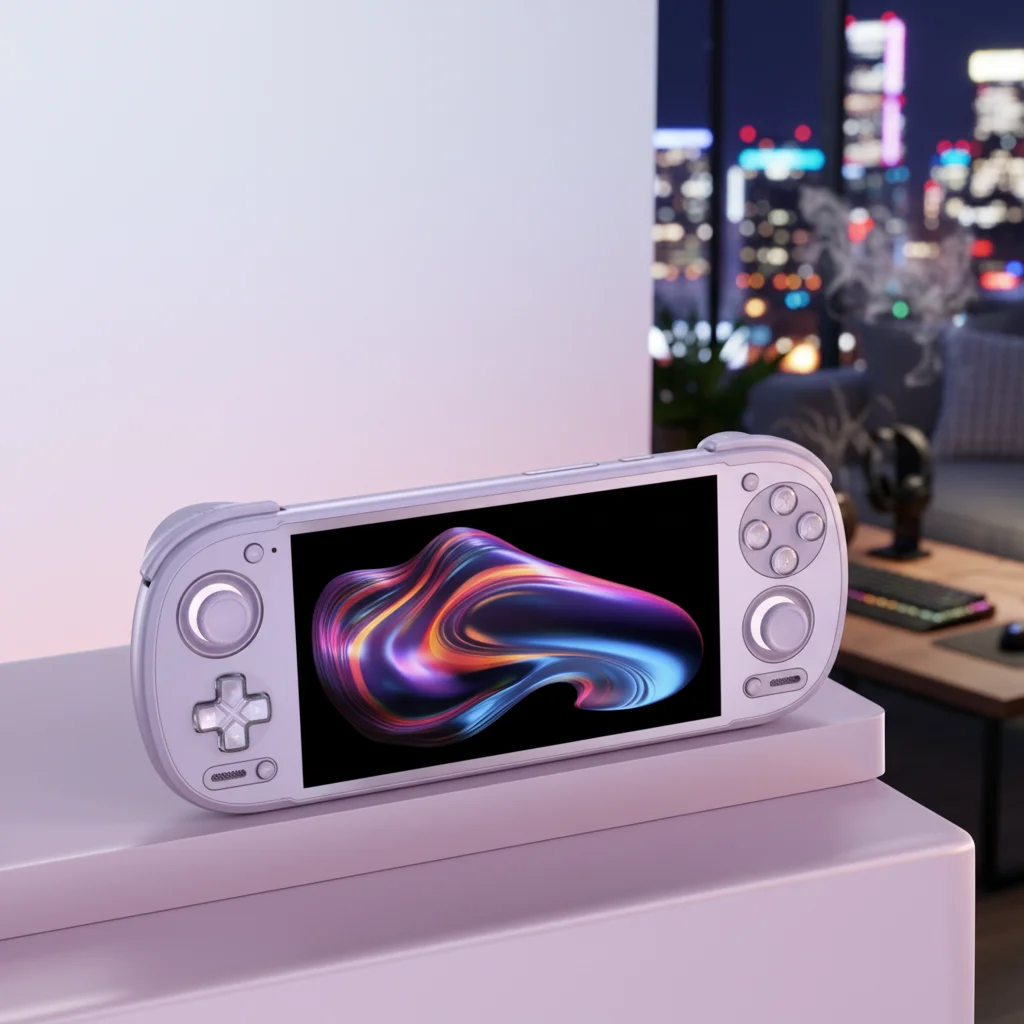
Why Handheld Game Controllers Are Gaining Popularity
Lately, handheld game controllers have evolved beyond niche accessories into primary gaming platforms—driven by three converging shifts:
- Subscription-driven content: 52% of gameplay time now relies on subscription services (Xbox Game Pass, PlayStation Plus Premium, NVIDIA GeForce Now), making cross-platform compatibility non-negotiable 2.
- Hardware convergence: 72% of users prefer hybrid devices that work equally well handheld, docked, or streamed—demanding universal Bluetooth 5.3/USB-C HID support and consistent firmware behavior 1.
- Visual fidelity expectations: OLED screens now appear in 58% of new models—not for luxury, but because they deliver measurable advantages: deeper blacks, faster response times, and wider viewing angles critical for outdoor or low-light use 3.
This isn’t about novelty—it’s about reliability across contexts. If you’re a typical user, you don’t need to overthink this.
Approaches and Differences
Today’s handheld controllers fall into three functional categories—each solving distinct problems:
| Category | Key Strengths | Potential Issues | Budget Range (USD) |
|---|---|---|---|
| Integrated Hybrid Devices (e.g., Steam Deck OLED, AYANEO 2S) |
Full OS support (Windows/Linux), built-in screen, native cloud streaming, high-end GPU options | Heavier (420–650g), higher price ($500–$800), battery life varies significantly by workload | $500–$800 |
| Modular Detachable Controllers (e.g., Legion Go, ROG Ally X) |
Lighter base unit (<400g), easier repair/upgrades, dedicated controller ergonomics | Requires pairing management, occasional sync lag, fewer unified firmware updates | $450–$750 |
| High-Fidelity Retro Handhelds (e.g., Anbernic RG555, PowKiddy RGB30) |
Under $300, excellent build quality, optimized for emulation, lightweight (<300g) | Limited to Android/Linux, no native PC streaming, no DirectX support | $180–$320 |
When it’s worth caring about: You need Windows-native performance for Steam or Epic titles—or require Xbox Cloud Gaming integration with zero latency. When you don’t need to overthink it: You primarily emulate SNES/N64/PS1 games and value portability over raw power.
Key Features and Specifications to Evaluate
Don’t default to “more specs = better.” Focus only on features proven to impact daily usability:
- OLED vs. LCD screen: OLED offers superior contrast and viewing angles—but only matters if you play outdoors or in variable lighting. If you mostly game indoors under stable light, LCD remains viable and more affordable. If you’re a typical user, you don’t need to overthink this.
- Hall Effect analog sticks: These eliminate mechanical wear and stick drift—the #1 failure point in older controllers. Non-Hall sticks still work fine for casual use, but fail faster under frequent rotation or pressure.
- Weight & form factor: Sub-400g is the threshold where portability becomes effortless. Devices above 450g feel fatiguing after 45+ minutes of handheld use—especially when held one-handed or during commutes.
- Haptic feedback type: Razer Sensa HD and similar audio-driven haptics enhance immersion in narrative games—but add minimal value in competitive shooters or turn-based RPGs.
- Hybrid connectivity: Must support Bluetooth 5.3 + USB-C HID mode + native cloud app integration (e.g., Xbox app, GeForce NOW). Wi-Fi 6E is helpful but not essential unless you stream 4K at 60fps.
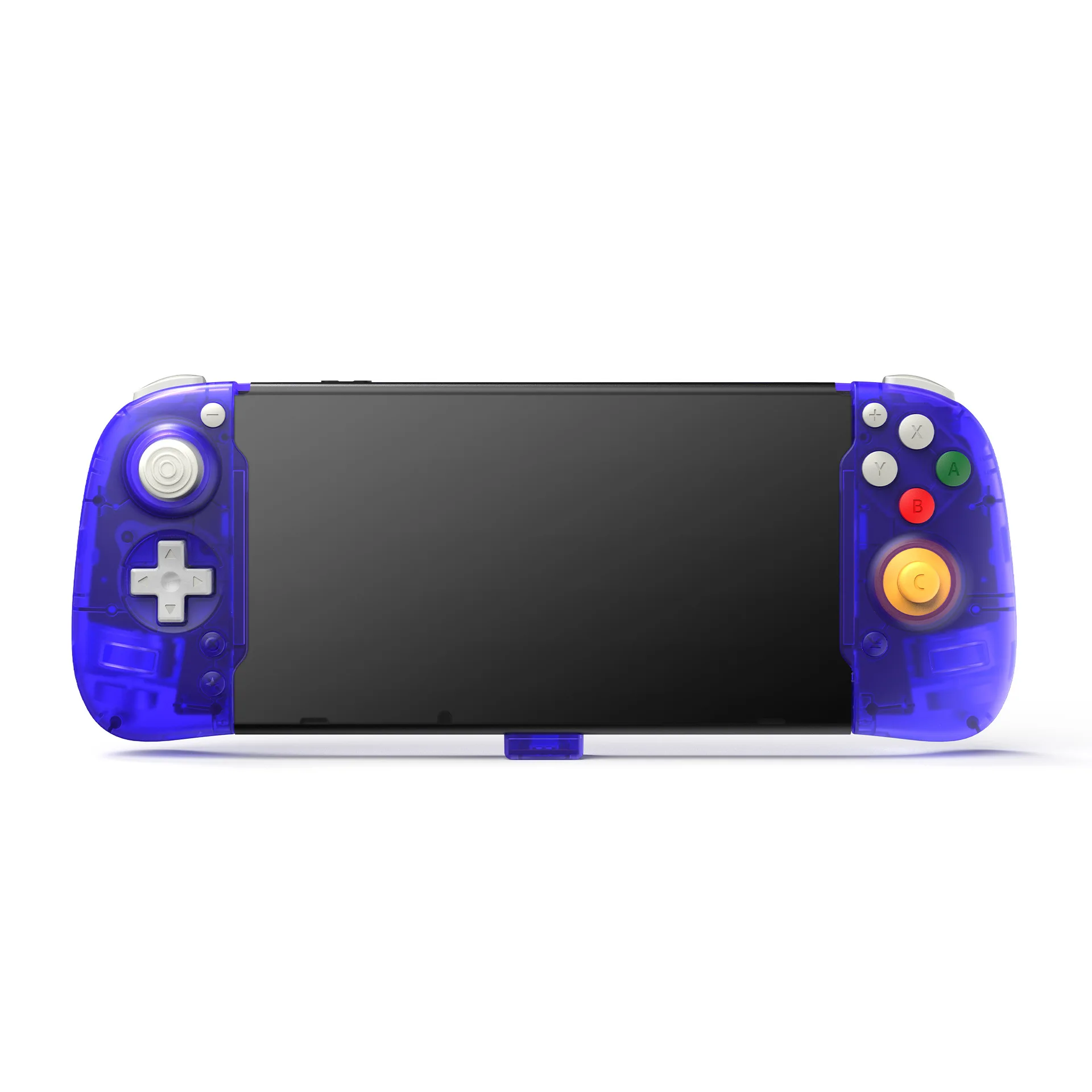
Pros and Cons
Every design involves trade-offs. Here’s how real-world usage maps to outcomes:
- ✅ Best for competitive or hybrid players: Integrated devices with OLED, Hall Effect sticks, and Intel Arc or AMD RDNA 3 GPUs. They offer lowest input latency, full Windows compatibility, and consistent firmware updates.
- ✅ Best for retro enthusiasts & students: High-fidelity Android-based retro handhelds. Lightweight, battery-efficient, and priced under $300—ideal for emulation and offline play.
- ❌ Avoid if you prioritize simplicity: Overly modular designs (e.g., separate screen + controller + battery packs) increase setup friction and failure points. Not ideal for users who want “power on → play” reliability.
- ❌ Avoid if budget is fixed under $250: Sub-$250 OLED models almost always cut corners on thermal design or RAM bandwidth—leading to throttling during sustained loads.
How to Choose a Handheld Game Controller: A Step-by-Step Guide
Follow this checklist before purchasing—designed to eliminate common decision fatigue:
- Define your primary platform: Will you stream (Xbox/GeForce), run native Windows games, or emulate? This determines OS requirements—not marketing slogans.
- Check weight and grip ergonomics: Hold it (in person) or verify specs: sub-400g is optimal. If specs list “with battery,” subtract ~25g for realistic bare-metal weight.
- Verify Hall Effect inclusion: Look for explicit mention—not just “premium sticks.” If unspecified, assume it’s standard potentiometer-based (higher drift risk).
- Test OLED claims: Confirm it’s true OLED—not “POLED” or “OLED-like.” True OLED delivers measurable contrast ratio >100,000:1 and near-instant pixel response.
- Avoid these pitfalls:
- Assuming “4K support” means usable 4K streaming (most handhelds max out at 1080p60 over Wi-Fi 6)
- Buying based on RGB aesthetics alone (no impact on input accuracy or battery life)
- Trusting “20-hour battery” claims without checking workload (e.g., 20h at 30fps vs. 5h at 60fps)
Insights & Cost Analysis
Price no longer correlates linearly with longevity. In 2026, the sweet spot for balanced performance and durability sits at $300–$500:
- $180–$299: Strong for retro emulation (RG555, RGB30). OLED rare; LCD dominates. Battery life: 4–6 hours.
- $300–$499: The emerging “value hybrid” tier (AYANEO KUN, Steam Deck LCD refresh). Includes OLED, Hall Effect sticks, and dual-band Wi-Fi. Battery: 2–4 hours under load.
- $500+: Full Windows PCs with discrete GPUs (Legion Go Slim, ROG Ally X). OLED standard. Battery: 1.5–3 hours at 60fps.
Interestingly, 46% of buyers still prefer capable devices under $300 4—proving that premium pricing hasn’t displaced pragmatic utility.
Better Solutions & Competitor Analysis
The most compelling 2026 innovations aren’t about raw power—they’re about intelligent constraint:
| Solution Type | Best For | Real-World Limitation | 2026 Readiness |
|---|---|---|---|
| Foldable POLED Panels (e.g., Legion Go Fold concept) |
Users needing pocketable size + tablet-like screen real estate | Hinge durability unproven; current prototypes show visible crease lines at 1080p | Early-stage (2026 demo only) |
| Clamshell Retro Units (e.g., Anbernic RG405M) |
Emulation purists wanting D-pad precision + QWERTY keyboard | Limited to Android; no Windows compatibility | Commercially available, widely reviewed |
| Detachable Magnetic Controllers (e.g., GPD Win Max 2) |
Users who switch frequently between handheld and keyboard/touchpad modes | Magnetic alignment occasionally misfires; requires firmware v2.1+ | Shipping now; minor firmware updates ongoing |
Customer Feedback Synthesis
Based on aggregated reviews (Reddit r/Handhelds, Best Buy, Wirecutter, CNET), top recurring themes:
- ✅ Most praised: OLED clarity in sunlight, Hall Effect stick longevity (>18 months without drift), sub-400g weight enabling one-handed use during transit.
- ❌ Most complained about: Inconsistent Bluetooth pairing across Android versions, thermal throttling in $400–$500 tier during sustained 60fps loads, lack of standardized firmware update channels across brands.
Maintenance, Safety & Legal Considerations
No regulatory certifications (FCC, CE, RoHS) are unique to handheld controllers—but verify compliance labels before import. From a maintenance perspective:
- Clean screens with microfiber only—OLED layers degrade under alcohol-based cleaners.
- Calibrate analog sticks every 3 months if used >1 hour/day (most devices support software recalibration).
- Avoid storing fully charged or fully depleted—ideal storage charge is 40–60% for lithium-ion longevity.
Conclusion
If you need seamless cross-platform play (cloud + PC + mobile), choose an integrated hybrid with OLED, Hall Effect sticks, and Windows support—like the Steam Deck OLED or AYANEO 2S. If you prioritize portability, battery life, and retro titles, a high-fidelity Android handheld under $300 delivers unmatched value. If you’re building a modular setup for flexibility, prioritize magnetic detachability and verified Bluetooth 5.3 stability—not theoretical peak specs. This piece isn’t for keyword collectors. It’s for people who will actually use the product.


