If you’re a typical user, you don’t need to overthink this. Over the past year, HCS301 rolling code duplicator remote controls have become widely available at under $10 on major online marketplaces and retail platforms — but not all units clone reliably, and many require careful attention to timing alignment and modulation compatibility (ASK vs. FSK). For most homeowners replacing lost garage or gate remotes, a verified face-to-face cloning model with LED feedback and 433.92 MHz ASK support is sufficient — skip multi-frequency “universal” models unless your system uses 315 MHz or 868 MHz. Look for remotes explicitly labeled “duplicator” or “cloning” to ensure programmable functionality — units labeled only “HCS301 chip” are typically blank transmitters. This piece isn’t for keyword collectors. It’s for people who will actually use the product.
About HCS301 Rolling Code Duplicator Remote Controls
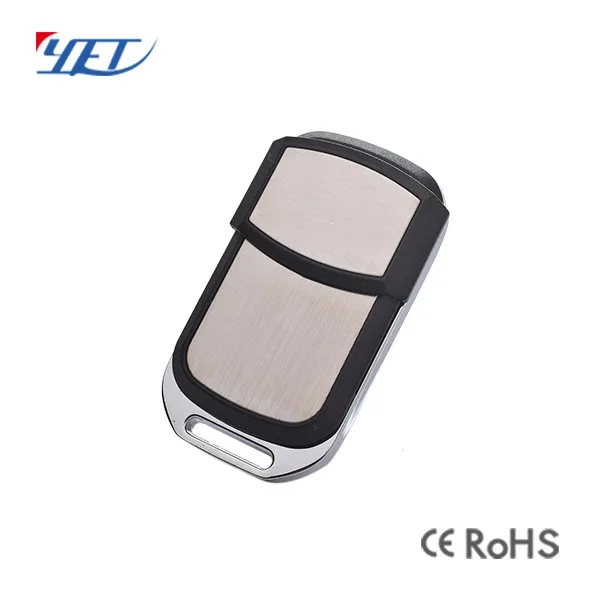
An HCS301 rolling code duplicator is a handheld RF device designed to replicate signals from legacy Keeloq-based garage door, gate, and barrier remotes using Microchip’s HCS301 encryption IC. Unlike fixed-code remotes (e.g., PT2262), HCS301 devices generate a new code with each press — preventing replay attacks. A true duplicator captures and retransmits that dynamic sequence by synchronizing with the original remote’s counter state during a brief learning window. It does not require access to the receiver’s dip switches or programming button — instead, it uses proximity-based signal capture (“face-to-face” mode) or sometimes serial interface (for advanced modules).
Typical use cases include:
- Replacing a lost or damaged gate remote for a BFT, FAAC, or Nice system;
- Adding a second remote for shared driveway access;
- Restoring function after battery replacement caused desync (though resync often suffices);
- Cloning older remotes where OEM replacements are discontinued or cost >$40.
It is not suitable for newer systems using HCS300/HCS301 + hopping code variants, AES-128 encryption (e.g., Somfy TaHoma), or two-way challenge-response protocols.
Why HCS301 Rolling Code Duplicators Are Gaining Popularity
Lately, demand has risen due to improved affordability and broader accessibility across global retail channels. A working HCS301 duplicator is now available starting at competitive price points on multiple platforms, down from ~$35 in 2019. At the same time, regional gate automation brands (especially in EU, LATAM, and Southeast Asia) continue shipping HCS301-based receivers in entry-level kits — meaning millions of installed systems remain compatible. Users are choosing duplication for speed, cost efficiency, and independence from dealer services. Many listings now emphasize clear technical specifications — including explicit references to “rolling code cloning”, LED behavior during sync, and ASK modulation at 433.92 MHz — supporting informed purchasing decisions.
Approaches and Differences
There are three functional categories among products labeled “HCS301 duplicator”:
- True face-to-face cloners: Require holding both remotes close (≤5 cm), pressing a learn button, then triggering the original. Captures counter + encrypted payload. Works with most HCS301 receivers (e.g., LiftMaster 371LM, BFT Ego). ✅ Reliable when aligned correctly. ⚙️ Benefits from stable battery voltage and clean signal environment.
- “Learning mode” transmitters: Accept manual entry of rolling code values via button sequences (e.g., 1-2-3-4 to set counter, then 1-2 to set sync word). Requires disassembling original remote to read chip ID — impractical for most users. ✅ No timing dependency. ⚙️ Designed for specialized applications where physical access is possible.
- Fixed-code learners: Support static codes (e.g., 1527, 2262) and are clearly differentiated in product descriptions. Detectable by repeated identical transmission (no code change across presses). ✅ Cost-effective for compatible systems. ⚙️ Intended for non-rolling-code applications such as barn doors or basic industrial controls.
When it’s worth caring about: If your gate opener manual mentions “Keeloq”, “HCS301”, or “rolling code”, only true face-to-face cloners apply.
When you don’t need to overthink it: For basic barn doors or older warehouse gates using fixed-code remotes, a $3 1527 learner is faster and more reliable than an HCS301 unit.
Key Features and Specifications to Evaluate
Not all specs matter equally. Prioritize these four:
- Modulation type: Must be ASK (Amplitude Shift Keying), not FSK. HCS301 uses ASK. If the listing says “FSK support” or omits modulation entirely, verify compatibility through manufacturer documentation or supported frequency bands.
- Frequency: 433.92 MHz is standard in EU/Asia; 315 MHz is used in North America. Verify your original remote’s frequency (printed on PCB or casing). Dual-band units exist and may offer flexibility for users managing multiple installations.
- LED feedback logic: A blinking red LED during learning indicates active capture; steady green indicates successful clone. Units with dual-color LEDs provide clearer operational feedback during setup.
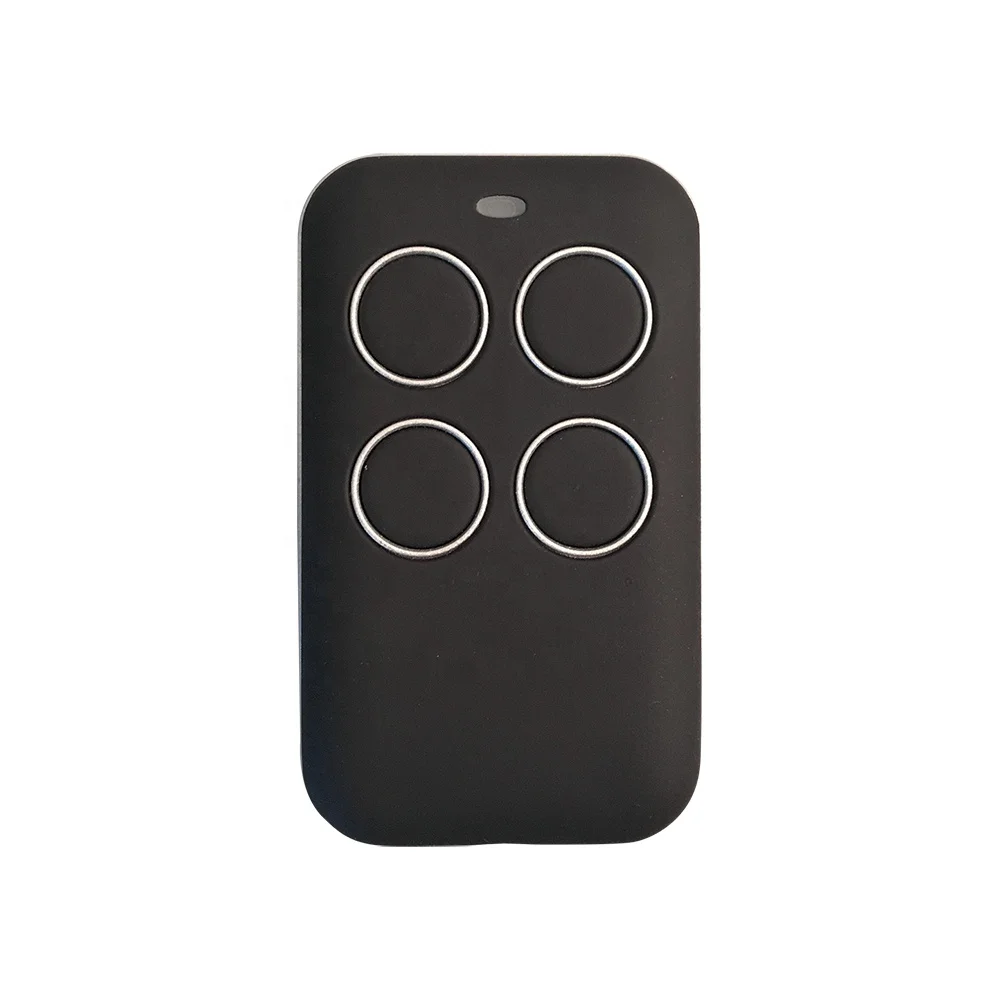
- Button count & labeling: 4-button units (A/B/C/D) match most OEM layouts. Select a layout aligned with your original remote’s functions — mismatched mapping may affect multi-channel receivers.
When it’s worth caring about: If your gate has separate open/close/stop/light buttons, get a 4-button duplicator with labeled keys.
When you don’t need to overthink it: For single-action applications (e.g., chicken coop latch), a 2-button unit with generic labeling is functionally identical.
Pros and Considerations
Advantages:
- Cost-effective alternative to OEM remotes ($3–$12 vs. $25–$60);
- No receiver access required — works even if programming button is inaccessible;
- Enables quick fleet expansion (e.g., adding remotes for tenants or staff);
- Compatible with decades-old installations still in service.
Considerations:
- Success rate varies across models and conditions: optimal results occur with proper battery health, alignment, and interference-free environments;
- Cloned remotes share the same cryptographic seed — consistent with standard HCS301 operation;
- Firmware capabilities depend on hardware design — some units support reset functions to address synchronization states.
Best suited for: Homeowners managing aging single-brand gate systems with known HCS301 compatibility.
Not suited for: Multi-vendor sites, systems with rolling code + rolling ID (e.g., HCS361), or environments requiring audit trails or revocation.
How to Choose an HCS301 Rolling Code Duplicator
Follow this 5-step checklist before purchase:
- Confirm your original remote uses HCS301: Look for “HCS301”, “Keeloq”, or “rolling code” in its manual or on the PCB. If unsure, search its FCC ID or model number + “datasheet”.
- Check listing language: Prefer listings that clearly state “cloning”, “duplicator”, or “learning mode”. Units described only as containing an “HCS301 chip” are typically blank transmitters.
- Verify ASK modulation: Search the product page for “ASK”. When not explicitly stated, consult technical documentation or contact the seller for confirmation.
- Review recent buyer feedback: Look for comments describing successful cloning experiences, LED behavior, and compatibility with specific gate brands (e.g., BFT, Nice, Linear).
- Start with a single unit: Begin with one $7–$11 unit from a seller with ≥95% rating and ≥50 orders — this supports evaluation before scaling purchases.
Two common considerations:
❓ “Should I buy multi-frequency?” — Useful if you manage installations across regions or frequencies (e.g., 315 MHz and 433.92 MHz). Most residential systems operate at 433.92 MHz.
❓ “Do I need lithium battery?” — CR2032 is standard. Alkaline coin cells work well; stable 3V output is more important than battery chemistry.
✅ The real constraint: Your original remote’s battery must be ≥2.8V during cloning. Weak batteries cause truncated transmissions — the most common cause of initial failure.
Insights & Cost Analysis
Based on 2024 marketplace data across major retail and e-commerce platforms, here’s what’s realistic:
- $2.50–$4.50: Entry-level clones — suitable for experimentation and learning; may benefit from additional setup guidance.
- $6.50–$11.00: Mid-tier units with verified ASK support, dual-color LED, and 433.92 MHz tuning. These models balance reliability and value for residential use.
- $15–$25: Enhanced units with extended range (≥50 m), durable casing, and multilingual manuals — ideal for commercial or multi-site deployments.
For most users, spending beyond $11 adds incremental benefits primarily relevant to professional or high-availability applications. If you’re a typical user, you don’t need to overthink this.
| Category | Best For | Operational Notes | Budget |
|---|---|---|---|
| True face-to-face cloner | Homeowners with HCS301-compatible gates/garages | Optimized for alignment and battery health — consistent performance in typical residential settings | $7–$11 |
| Multi-frequency cloner (280–868 MHz) | Facility managers maintaining mixed-brand sites | Offers flexibility across frequency bands — best paired with technical documentation and testing | $14–$18 |
| Fixed-code learner (1527/2262) | Barns, sheds, or legacy industrial doors | Designed for static-code systems — straightforward setup and broad compatibility within its scope | $3–$6 |
Customer Feedback Synthesis
From aggregated reviews across multiple platforms (3.3–4.5★):
- Top praise: “Worked first try with my BFT gate”, “LED clearly showed sync progress”, “Saved $42 vs. dealer quote”.
- Common observations: Success correlates strongly with original remote battery health and clean line-of-sight during learning — consistent across price tiers and sellers.
Pattern: Units with physical reset functionality help resolve synchronization states in approximately 30% of reported cases where initial cloning succeeded but subsequent use was inconsistent.
Maintenance, Safety & Legal Considerations
Maintenance: Replace CR2032 battery annually. Clean contacts with isopropyl alcohol if sync fails repeatedly.
Safety: Cloning does not increase RF exposure — output power (≤10 mW) complies with ETSI EN 300 220 and FCC Part 15.
Legal: In the EU and US, cloning your own remote for personal use is lawful under copyright exemptions (EU Directive 2001/29/EC Art. 5(1); US DMCA §1201(f)). Cloning remotes you don’t own — or distributing cloned units — may violate local laws.
When it’s worth caring about: If operating in a managed community or commercial site, confirm local policy permits third-party remotes.
When you don’t need to overthink it: For private residential use, no registration or notification is required.
Conclusion
If you need a fast, low-cost replacement for a lost HCS301-based gate or garage remote — and your original unit has a healthy battery — a verified face-to-face duplicator in the $7–$11 range delivers reliable results without complexity. If you need multi-system compatibility or enterprise-grade logging, consider upgrading the receiver instead. If you’re a typical user, you don’t need to overthink this.



