Over the past year, HDMI cable boxes — especially 8K-capable HDMI 2.1 switches — have shifted from niche accessories to essential infrastructure for modern home theaters and gaming setups. If you’re juggling a PS5, Xbox Series X, and PC but only have one HDMI 2.1 port on your TV, a certified HDMI switch box is no longer optional — it’s your signal backbone. For most users, an Ultra High Speed HDMI-certified 2×1 or 3×1 switch with VRR and ALLM support solves 95% of real-world needs. You don’t need HDMI 2.2 yet — it’s still pre-standard and lacks certification or meaningful hardware adoption 1. And if your cable run exceeds 5 meters, skip copper entirely: active optical cables (AOC) are now the baseline for reliability 2. If you’re a typical user, you don’t need to overthink this.
About HDMI Cable Boxes: Definition and Typical Use Cases
“HDMI cable boxes” is a colloquial term covering two distinct device categories: switches (also called selectors) and splitter boxes. A 🔀 HDMI switch takes multiple input sources (e.g., game console, Blu-ray player, streaming box) and routes one selected signal to a single display. It’s the solution when your TV has fewer HDMI ports than devices. A ➡️ HDMI splitter, by contrast, duplicates one source across multiple displays — useful for digital signage or multi-room audio/video, but irrelevant for most living rooms 3. The surge in demand for switches — projected at 7.4% CAGR through 2035 4 — reflects a clear reality: modern AV setups are input-constrained, not output-constrained.
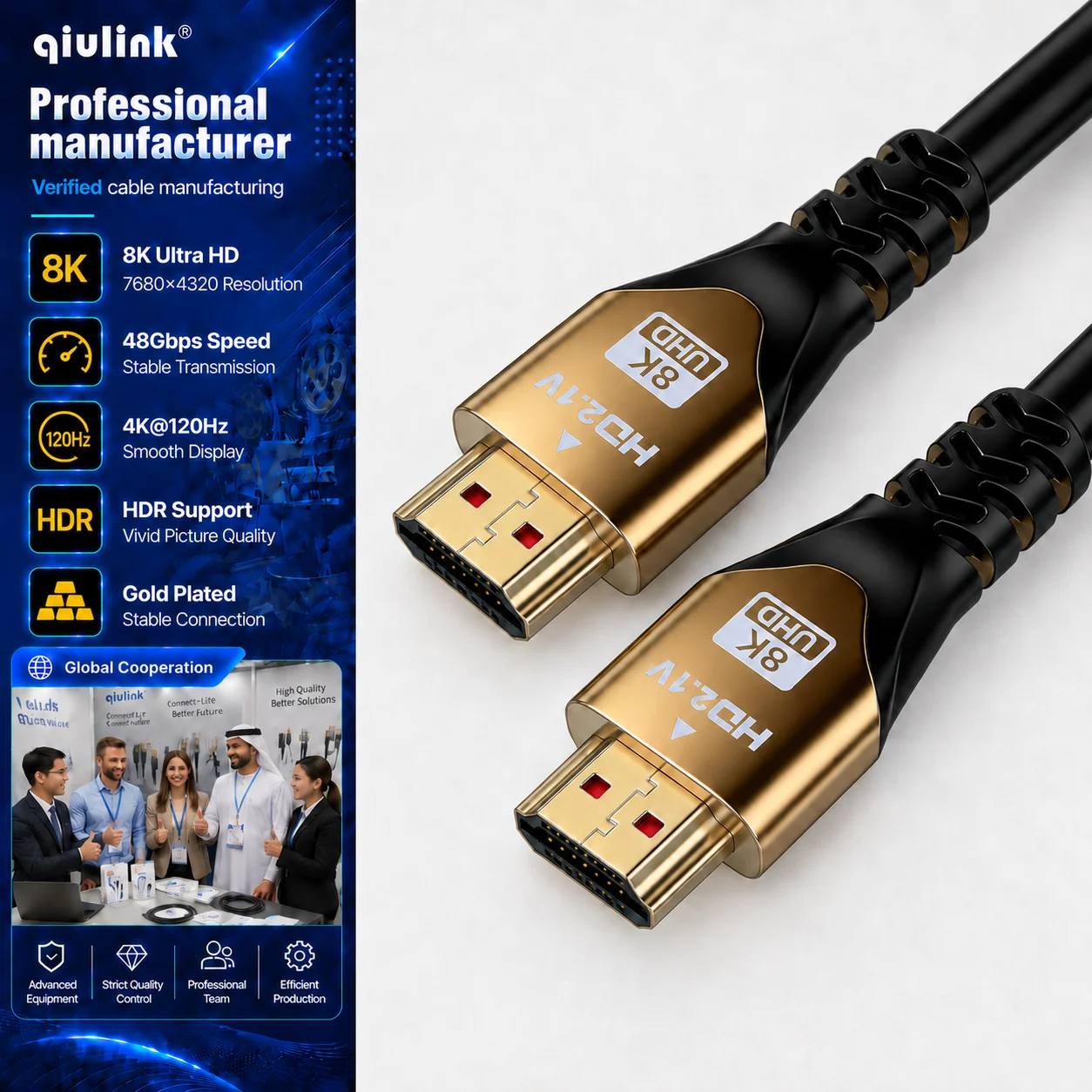
Why HDMI Cable Boxes Are Gaining Popularity
Lately, three converging forces have elevated HDMI switches from convenience to necessity. First, source proliferation: next-gen consoles (PS5 Pro, Xbox Series X/S), high-refresh-rate PCs, and premium streaming devices all require HDMI 2.1 bandwidth (48 Gbps) for full feature support — but most TVs ship with just one or two HDMI 2.1 ports. Second, resolution escalation: 4K@120Hz and 8K@60Hz are no longer theoretical. They demand flawless signal integrity — something basic passive splitters or daisy-chained adapters cannot guarantee. Third, feature dependency: VRR (Variable Refresh Rate) and ALLM (Auto Low Latency Mode) only pass reliably through certified switches; non-compliant boxes break these gaming-critical functions 2. This isn’t about future-proofing — it’s about enabling what your gear already supports today.
Approaches and Differences: Switch vs. Splitter vs. Passive Adapters
Three common approaches exist — each with hard trade-offs:
- ✅ HDMI 2.1 Switch Box: Active device with power supply; negotiates EDID, supports HDR, VRR, and eARC passthrough. Ideal for multi-source, single-display setups. When it’s worth caring about: You own >2 HDMI 2.1 sources or need VRR/ALLM. When you don’t need to overthink it: You only connect one device at a time — just unplug and swap cables.
- ❌ HDMI Splitter: One input → multiple identical outputs. No EDID management; often degrades HDR or disables CEC. Rarely supports 4K@120Hz. When it’s worth caring about: You run identical feeds to 3+ monitors in a control room. When you don’t need to overthink it: You’re trying to “share” your PS5 between TV and projector — it won’t work without lag, sync loss, or feature dropouts.
- ⚠️ Passive HDMI Adapters / Dongles: Unpowered USB-C-to-HDMI or HDMI-to-HDMI “extenders.” Often mislabeled as “switches.” They lack signal regeneration and fail above 4K@60Hz. When it’s worth caring about: You need a $15 fix for legacy laptop-to-monitor connection. When you don’t need to overthink it: Any scenario involving gaming, Dolby Vision, or 120Hz — skip them entirely.
Key Features and Specifications to Evaluate
Not all HDMI switches deliver equal performance. Focus on these five criteria — ranked by real-world impact:
- Ultra High Speed HDMI Certification: Mandatory for 4K@120Hz and 8K@60Hz. Look for the official logo — not just “48Gbps” marketing text. Non-certified cables or switches may handshake but drop frames under load 2.
- VRR & ALLM Support: Verified via HDMI Licensing Administrator (HDMI LA) test reports — not vendor claims. These features only function end-to-end if every link (source → switch → display) supports them.
- EDID Handshaking & Management: Allows the switch to tell your PS5 or PC what resolution and refresh rate the TV supports. Without it, sources default to safe (low-res) modes.
- Power Delivery & Thermal Design: Active switches draw power. Zinc alloy housings dissipate heat better than plastic — critical for sustained 8K signal stability 2.
- Cable Compatibility: Pair with certified Ultra High Speed HDMI cables — especially for runs >3m. Braided jackets and ferrite cores reduce EMI, but aren’t substitutes for certification.
Pros and Cons: Balanced Assessment
A well-chosen HDMI switch delivers measurable gains — but it’s not universally beneficial.
- ✅ Pros: Enables full feature set (VRR/ALLM/eARC) across multiple sources; eliminates constant cable swapping; preserves HDR metadata and chroma subsampling; supports long-distance AOC integration.
- ❌ Cons: Adds another powered device to your rack; introduces one more potential failure point (though failure rates remain low under 2% per 3-year period 4); requires firmware updates for new standard support (e.g., HDMI 2.2 — if it ever ships).
If you’re a typical user, you don’t need to overthink this. Most complaints stem from mismatched expectations — using a splitter where a switch is needed, or buying uncertified gear for 4K@120Hz gaming.
How to Choose an HDMI Cable Box: Step-by-Step Decision Guide
Follow this checklist before purchasing:
- Confirm your bottleneck: Count your HDMI 2.1 sources vs. available HDMI 2.1 ports on your TV. If sources > ports, a switch is required.
- Verify required features: Do you use VRR? ALLM? eARC? If yes, eliminate any switch lacking explicit HDMI LA certification for those features.
- Check distance & cabling: For runs >5m, budget for an AOC cable — copper will likely degrade signal quality 2. Don’t pair a $200 switch with a $12 Amazon Basics cable.
- Avoid these pitfalls:
- Switches marketed as “HDMI 2.2 ready” — no such certified standard exists yet 1;
- Models with “auto-switching” but no manual override — unreliable with standby-mode devices;
- Units without external power supplies — they steal power from sources, risking handshake failures.
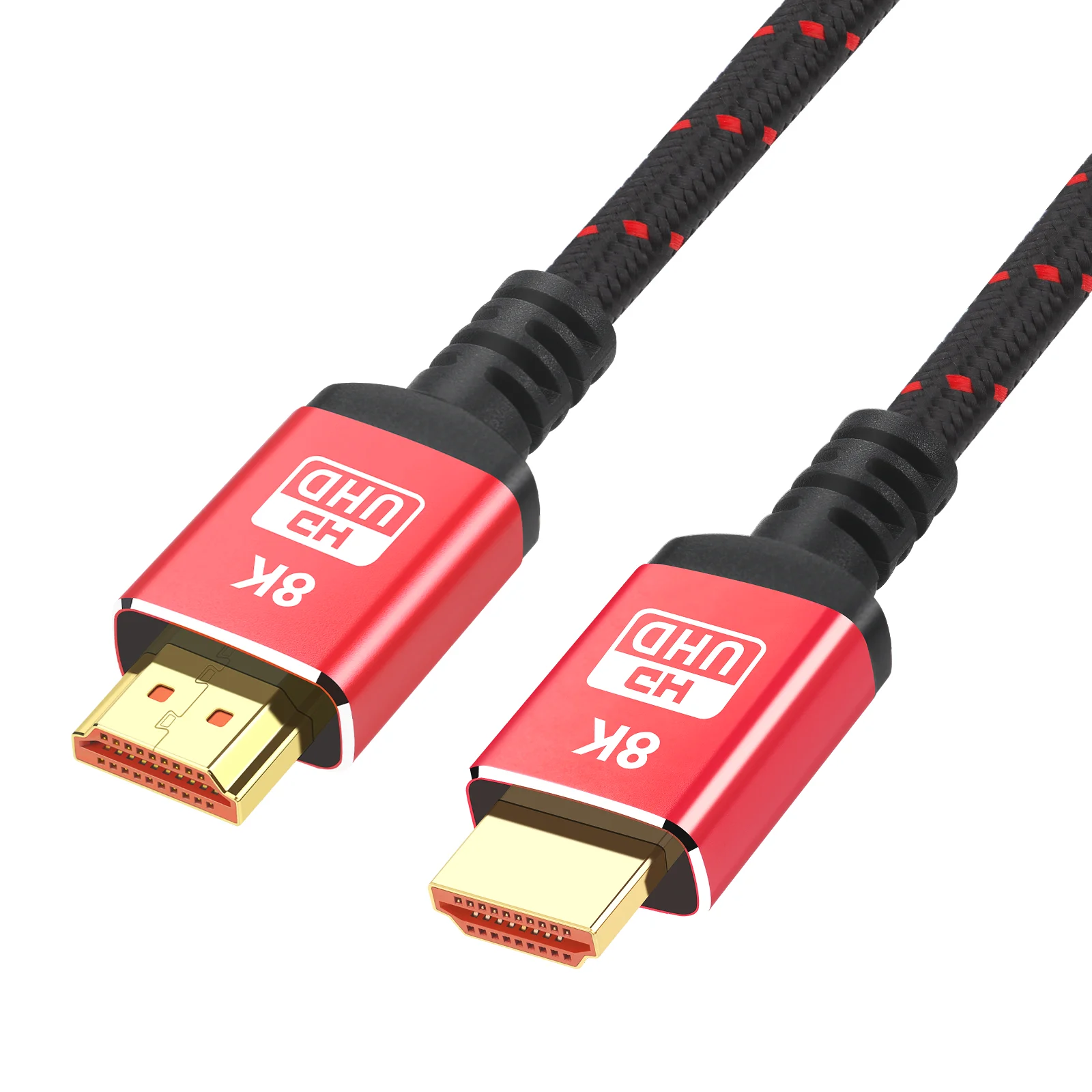
Insights & Cost Analysis
Entry-level certified 2×1 switches start at $65–$85. Mid-tier 3×1 or 4×1 units with IR remotes and EDID cloning range $110–$170. Premium models (zinc housing, AOC compatibility, firmware upgradability) sit at $190–$260. Bulk pricing drops sharply above 50 units — relevant for commercial installers or AV integrators. Crucially, price correlates strongly with certification compliance and thermal design, not brand name. There is no evidence that “gaming-branded” switches outperform equally certified neutral units in latency or feature reliability 5.
Better Solutions & Competitor Analysis
| Category | Suitable For | Potential Issues | Budget Range (USD) |
|---|---|---|---|
| Basic Certified 2×1 Switch | Gamers with PS5 + PC; minimal setup | No EDID management; limited firmware updates | $65–$85 |
| Mid-Tier 3×1 w/ EDID Cloning | Home theater + gaming hybrid setups | May require manual input selection; no AOC support | $110–$170 |
| Zinc Alloy 4×1 w/ AOC Input | Professional installs; 8K workflows; long cable runs | Higher power draw; larger footprint | $190–$260 |
Customer Feedback Synthesis
Based on aggregated reviews (Amazon, Reddit r/HTBuyingGuides, AVS Forum), top recurring themes:
- ✅ Highly praised: “Zero input lag vs. direct connection,” “VRR works flawlessly across PS5 and PC,” “Stable 8K@60Hz with LG C4.”
- ❌ Frequently cited issues: “No CEC passthrough” (affects TV remote control), “IR remote has short range,” “Firmware update process is undocumented.”
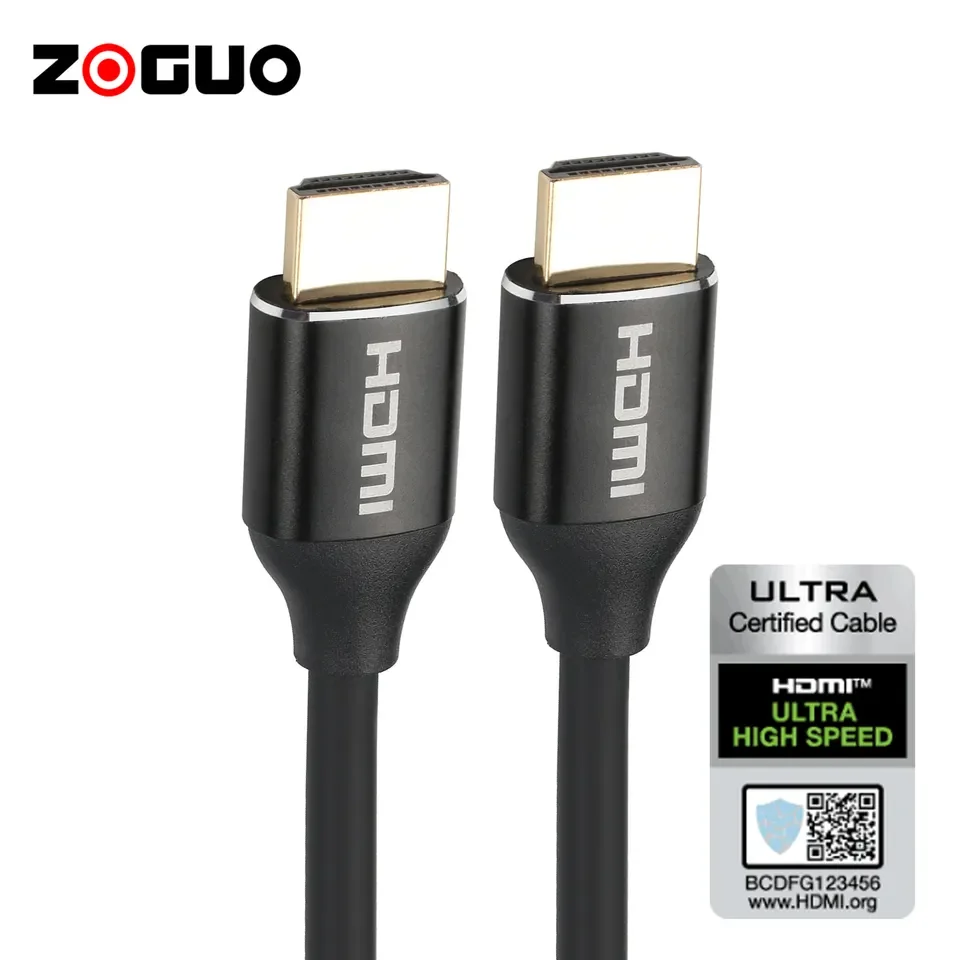
Maintenance, Safety & Legal Considerations
HDMI switches require no routine maintenance beyond dusting vents. Ensure adequate airflow — stacking units risks thermal throttling. All certified models meet FCC Part 15 Class B and CE safety standards. No regulatory body governs HDMI switch labeling, so rely exclusively on Ultra High Speed HDMI certification (not vendor claims). HDMI Licensing Administrator does not permit “HDMI 2.2” branding — any product using it is either speculative or misleading 6.
Conclusion: Conditional Recommendations
If you need full HDMI 2.1 feature support across ≥2 high-bandwidth sources, choose a certified 2×1 or 3×1 switch with VRR/ALLM validation and zinc alloy construction. If your longest cable run exceeds 5 meters, pair it with an active optical cable — copper won’t sustain 48 Gbps over that distance. If you only use one device at a time, or your TV has enough HDMI 2.1 ports, skip the switch entirely. This piece isn’t for keyword collectors. It’s for people who will actually use the product.


