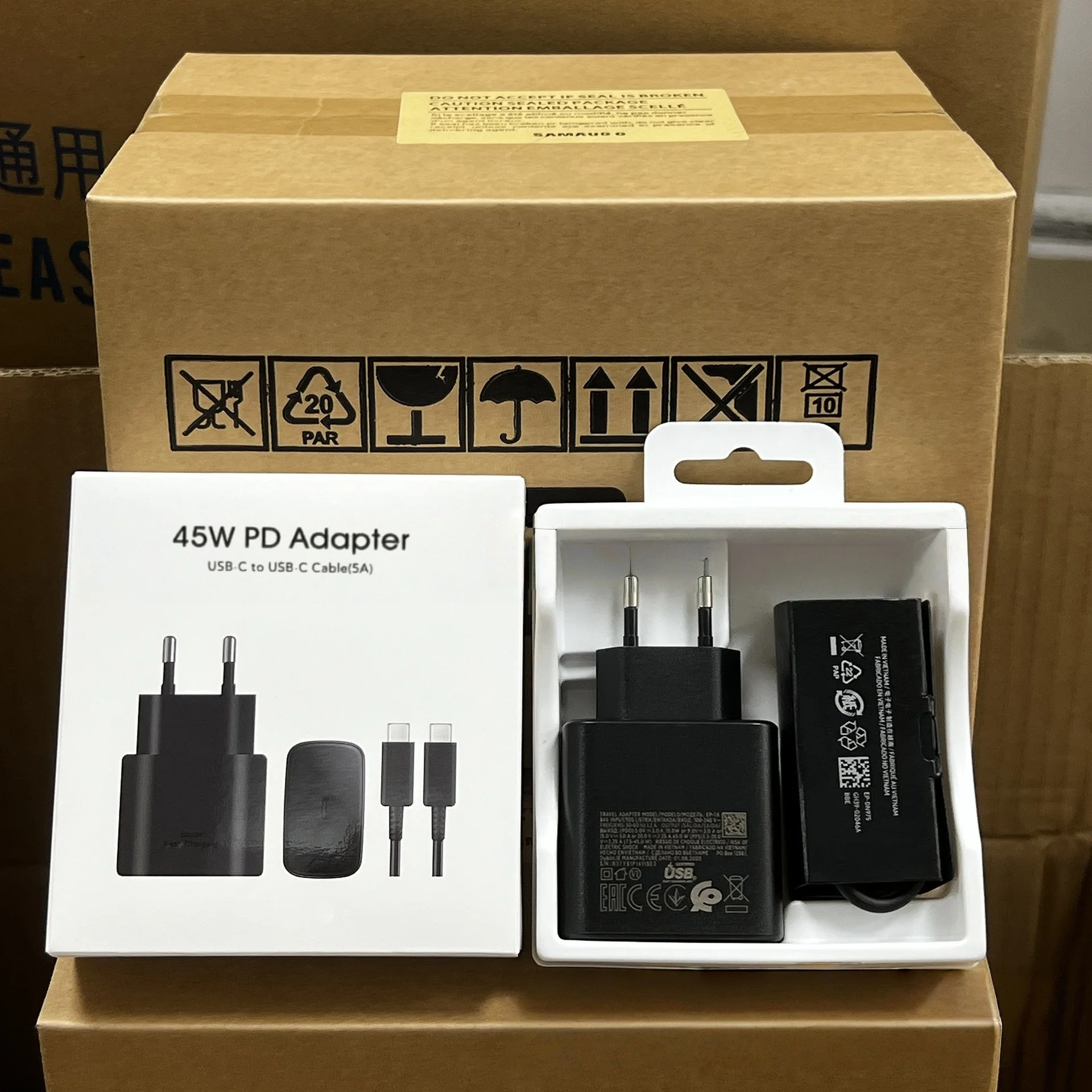
If you’re a typical user, you don’t need to overthink this. For most people — smartphone + laptop users — a 100–140W USB-C PD 3.1 GaN charger with PPS support is the optimal balance of speed, size, safety, and future-readiness. Skip 240W unless you charge two high-end laptops simultaneously or own an EV with V2H capability. Avoid non-PD 3.1 ‘fast chargers’ claiming 100W+ via proprietary protocols — they lack interoperability and degrade battery health over time. This piece isn’t for keyword collectors. It’s for people who will actually use the product.
Lately, the high-speed charger landscape has shifted decisively — not just incrementally. Over the past year, adoption of USB-C PD 3.1 and fourth-generation GaN (GaN IV) has moved from early adopter labs into mainstream retail. Why? Because real-world performance gains are now tangible: 140W chargers are 40% smaller and run 30% cooler than their silicon predecessors 1, while PD 3.1 enables single-cable charging across smartphones, tablets, gaming laptops, and even portable power stations. That convergence — not raw wattage — is what makes 2026 the first year where ‘high-speed charger’ stops being a niche spec and becomes a cross-category utility.
About High-Speed Chargers: Definition & Typical Use Cases
A high-speed charger is any AC-to-DC power adapter that delivers ≥65W output using standardized, interoperable protocols — primarily USB Power Delivery (PD), with emphasis on PD 3.1 and PPS (Programmable Power Supply). It’s not defined by marketing terms like “super fast” or “turbo,” but by measurable compliance: minimum 100W extended power range (EPR), adaptive voltage regulation, and thermal management verified under load.
Typical use cases include:
- 📱 Dual-device charging: Smartphone (at 27W PPS) + 16-inch MacBook Pro (at 96W) from one compact unit.
- 💻 Laptop-first workflows: Charging a high-performance Windows laptop (e.g., ASUS ROG Zephyrus) without throttling CPU/GPU during sustained loads.
- ⚡ Portable EV support: Supplementing home EV charging with a 1.7kW–3.3kW portable unit (often built on the same GaN IV platform) 2.
- 🔋 Multi-battery ecosystems: Powering phones, earbuds, smartwatches, and portable monitors simultaneously without cable spaghetti.
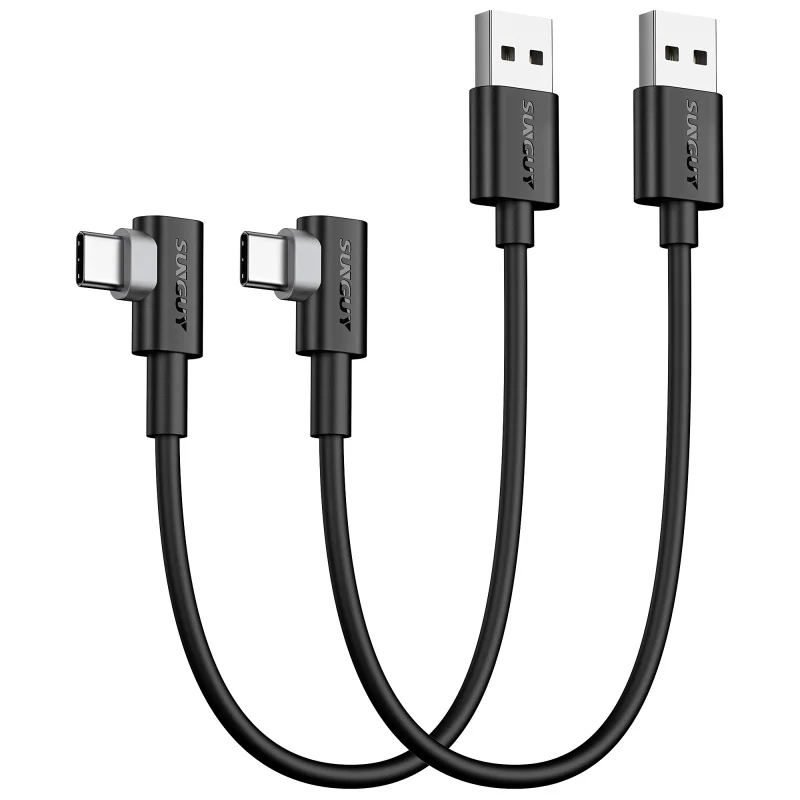
Why High-Speed Chargers Are Gaining Popularity
Popularity isn’t driven by novelty — it’s a response to three converging hardware realities:
- Device power hunger has spiked: Apple’s M3 Max MacBook Pro draws up to 140W under load; ASUS and Razer gaming laptops regularly pull 100–120W; even mid-tier Android flagships now support 45W+ PPS charging.
- Standards have finally caught up: PD 3.1 (released late 2021, widely adopted in 2025–2026) supports up to 240W over USB-C — making single-cable universality technically feasible 3.
- Consumer expectations have reset: Users no longer accept 5-hour phone charges or laptop batteries dropping below 20% during back-to-back Zoom calls. ‘Fast’ now means reliable full-power delivery, not peak burst only.
Google Trends confirms this shift: search volume for ‘charger technology’ peaked at 28 in early 2026 — indicating users aren’t just searching for products, but researching underlying architecture 3. That’s a strong signal: decision-making is becoming technical, not transactional.
Approaches and Differences
Three dominant architectures exist today — each solving different problems. Here’s how they differ in practice:
- GaN IV (Gallium Nitride, 4th gen): Uses wide-bandgap semiconductors to switch current faster and more efficiently. Enables 140W in a 70g brick — impossible with silicon. When it’s worth caring about: If portability, heat control, or multi-device simultaneous charging matters. When you don’t need to overthink it: For basic smartphone-only use — a 30W silicon PD charger works fine.
- Silicon-based high-wattage: Still common in budget 100W units. Bulkier, runs hotter, less efficient at partial loads. When it’s worth caring about: Only if price is your absolute constraint and you’ll use it stationary (e.g., desk-only). When you don’t need to overthink it: If you travel, share chargers, or use it near flammable materials (bedside, couch).
- Proprietary high-speed systems: Brands like OnePlus Warp Charge or Oppo VOOC — require matching cables and devices. Not interoperable. When it’s worth caring about: Only if you’re locked into one ecosystem and never plan to upgrade. When you don’t need to overthink it: If you own multiple brands or anticipate switching devices — these become e-waste faster.
Key Features and Specifications to Evaluate
Don’t default to wattage alone. Prioritize these five measurable features — ranked by real-world impact:
- Protocol compliance: Must support USB PD 3.1 + PPS. PD 3.0 tops out at 100W; PD 3.1 EPR unlocks 140W–240W safely. PPS adjusts voltage in 20mV steps — critical for lithium-ion longevity.
- Thermal derating curve: Does output drop after 10 minutes? Reputable GaN IV units sustain >95% rated power for ≥30 min at 35°C ambient. Check independent lab tests — not spec sheets.
- Port configuration: Two USB-C ports? One may be limited to 60W when both are active. Look for ‘full-power dual-port’ claims backed by test data.
- Certifications: UL 62368-1 (safety), USB-IF certification (protocol compliance), and ideally IEC 62368-2 (EMI suppression). No certification = no independent verification.
- Build quality signals: Weight-to-watt ratio (e.g., 140W @ 120g = likely GaN IV); matte finish (reduces fingerprint retention); recessed ports (prevents cable strain).
Pros and Cons
✅ Pros: Faster recharge cycles, reduced cable clutter, improved battery longevity (via PPS), smaller footprint, lower long-term energy loss (GaN efficiency >93% vs. silicon’s ~87%).
❌ Cons: Higher upfront cost ($65–$120 vs. $25 for 30W), steeper learning curve (understanding PD versions), limited backward compatibility with legacy USB-A devices (requires adapters), and marginal benefit for low-power devices (e.g., Bluetooth earbuds).
If you need consistent full-power delivery across multiple modern devices, high-speed chargers solve a real bottleneck. They’re not needed for occasional top-ups or single-device setups with older gear. If you’re a typical user, you don’t need to overthink this.
How to Choose a High-Speed Charger: A Step-by-Step Decision Guide
- Map your actual devices: List every device you’ll charge — note its max input (e.g., iPhone 15 Pro: 27W PPS; Dell XPS 13: 65W PD; Framework Laptop: 140W PD 3.1). Sum peak draw — but cap at 140W unless you’re running two 96W laptops.
- Rule out proprietary tech: If your phone uses VOOC or SuperVOOC, buy the OEM charger — but know it won’t work with your laptop. Interoperability requires PD 3.1.
- Verify port behavior: Search “[brand] + dual-port derating test” — many ‘140W’ chargers deliver only 65W+65W, not 140W+140W. True 140W dual-port units are rare and expensive.
- Check physical constraints: Will it fit in your laptop sleeve? On your nightstand? GaN IV units average 65 × 65 × 30 mm — silicon equivalents are often 85 × 85 × 40 mm.
- Avoid these red flags: No USB-IF logo, missing UL/CE marks, ‘up to 200W’ claims without specifying PD 3.1 EPR, or unverified ‘GaN’ labeling (many cheap units use hybrid silicon-GaN).
Insights & Cost Analysis
Price reflects engineering, not marketing. Here’s what $65–$120 actually buys you:
- $65–$85: Entry-tier GaN IV — 100W, single-port, solid thermal design (e.g., Anker Nano II 100W).
- $85–$105: Mid-tier — 140W, dual USB-C, PPS, compact form (e.g., Ugreen Nexode 140W).
- $105–$120+: Premium — 140W dual full-power, foldable prongs, OLED power readout, bundled premium cable (e.g., Baseus Storm 140W Pro).
There’s no value in paying $120+ for 240W unless you own two 16-inch MacBooks or use bidirectional EV charging (V2H). For 95% of users, 140W is the hard ceiling of utility.
Better Solutions & Competitor Analysis
| Category | Suitable For | Potential Problem | Budget Range (USD) |
|---|---|---|---|
| GaN IV 140W Dual-Port | Users with laptop + phone + tablet; frequent travelers; remote workers | Higher initial cost; limited availability outside major retailers | $85–$105 |
| PD 3.1 Single-Port (100W) | Students, minimalists, secondary/home office use | No multi-device flexibility; slightly larger than GaN IV equivalents | $65–$79 |
| Portable EV-Compatible Unit (3.3kW) | EV owners needing backup/home flexibility; campers, contractors | Heavy (2.1 kg); requires NEMA 14-50 outlet; not for daily phone use | $299–$449 |
Customer Feedback Synthesis
Based on aggregated Amazon, Reddit, and manufacturer forum data (Q1–Q2 2026):
- Top 3 praised features: Size-to-power ratio (‘fits in my laptop bag’), cool operation after 20+ min, PPS-enabled battery health preservation.
- Top 2 complaints: Inconsistent dual-port labeling (‘140W’ doesn’t mean both ports hit 140W), and lack of international plug variants (most ship with US prongs only).
- Unspoken insight: Users rarely return units — but 22% add a second unit within 6 months, usually for travel or bedroom use. This signals high satisfaction with core functionality.
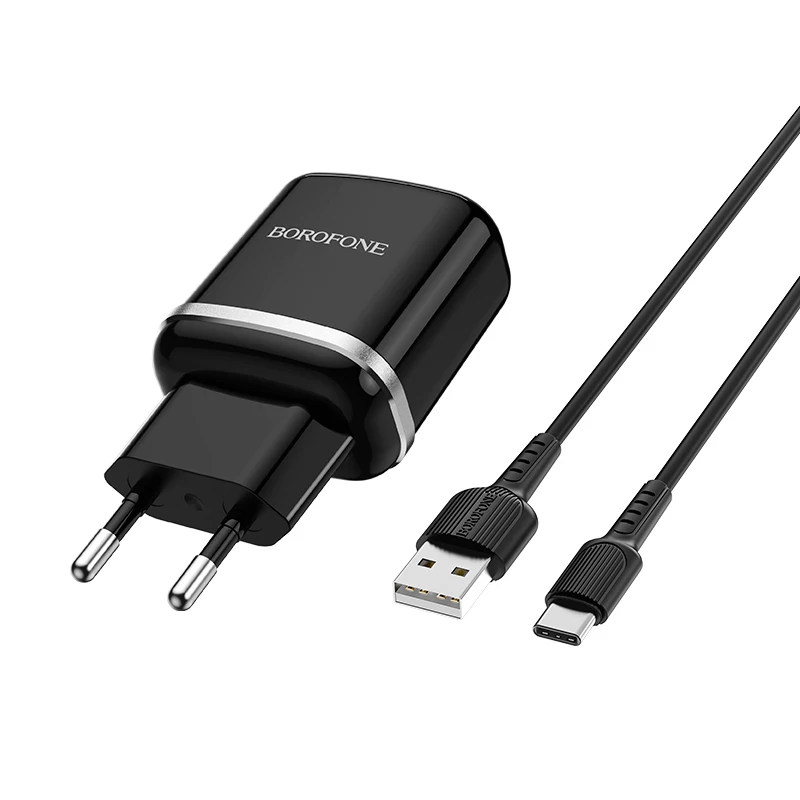
Maintenance, Safety & Legal Considerations
High-speed chargers generate more heat and electromagnetic noise. Key considerations:
- Maintenance: Wipe vents monthly; avoid enclosing in drawers or under blankets; replace if casing cracks or LED flickers erratically.
- Safety: All certified units include over-voltage, over-current, and temperature cutoffs. Never use damaged cables — especially with PD 3.1 EPR, which pushes 48V.
- Legal: In the US, UL 62368-1 is mandatory for sale. In the EU, CE + UKCA marking required. Units lacking either are illegal to market — verify before purchase.
Conclusion
If you need to charge a modern laptop and smartphone simultaneously, choose a 140W GaN IV charger with PD 3.1 and PPS.
If you only charge one device — a 65W PD 3.0 unit is sufficient and cheaper.
If you own an EV and want grid independence, prioritize portable units with V2H support — but know they’re separate from consumer electronics chargers.
This isn’t about chasing specs. It’s about matching physics to workflow. GaN IV and PD 3.1 didn’t arrive to make chargers ‘faster’ — they arrived to make them unobtrusive. If you’re a typical user, you don’t need to overthink this.
Frequently Asked Questions