If you’re a typical user, you don’t need to overthink this. Over the past year, more people have started using IPTV codes—not because they’re chasing ‘free TV,’ but because they want reliable access to regional channels, sports, or niche programming unavailable through mainstream streaming services. The core decision isn’t whether to use IPTV codes—it’s which format suits your device, skill level, and long-term stability needs. For most users, M3U URL setup in VLC or GSE IPTV is faster and more stable; for those needing EPG, recording, or multi-device sync, Xtream Codes (API) in TiviMate or IPTV Smarters Pro delivers better structure—but requires a valid subscription and careful credential handling. Avoid ‘code generator’ apps: they rarely work, often bundle malware, and violate terms of service. This piece isn’t for keyword collectors. It’s for people who will actually use the product.
About IPTV Codes: Definition and Typical Use Cases
IPTV codes are not software or apps—they’re access credentials that let compatible players connect to a remote server hosting live TV and video-on-demand (VOD) content. Two primary formats dominate real-world usage:
- M3U (or M3U8) URL: A single plaintext link pointing to a playlist file containing channel names, logos, and stream URLs. Works directly in VLC, GSE IPTV, or web-based players. No login required—just paste and play.
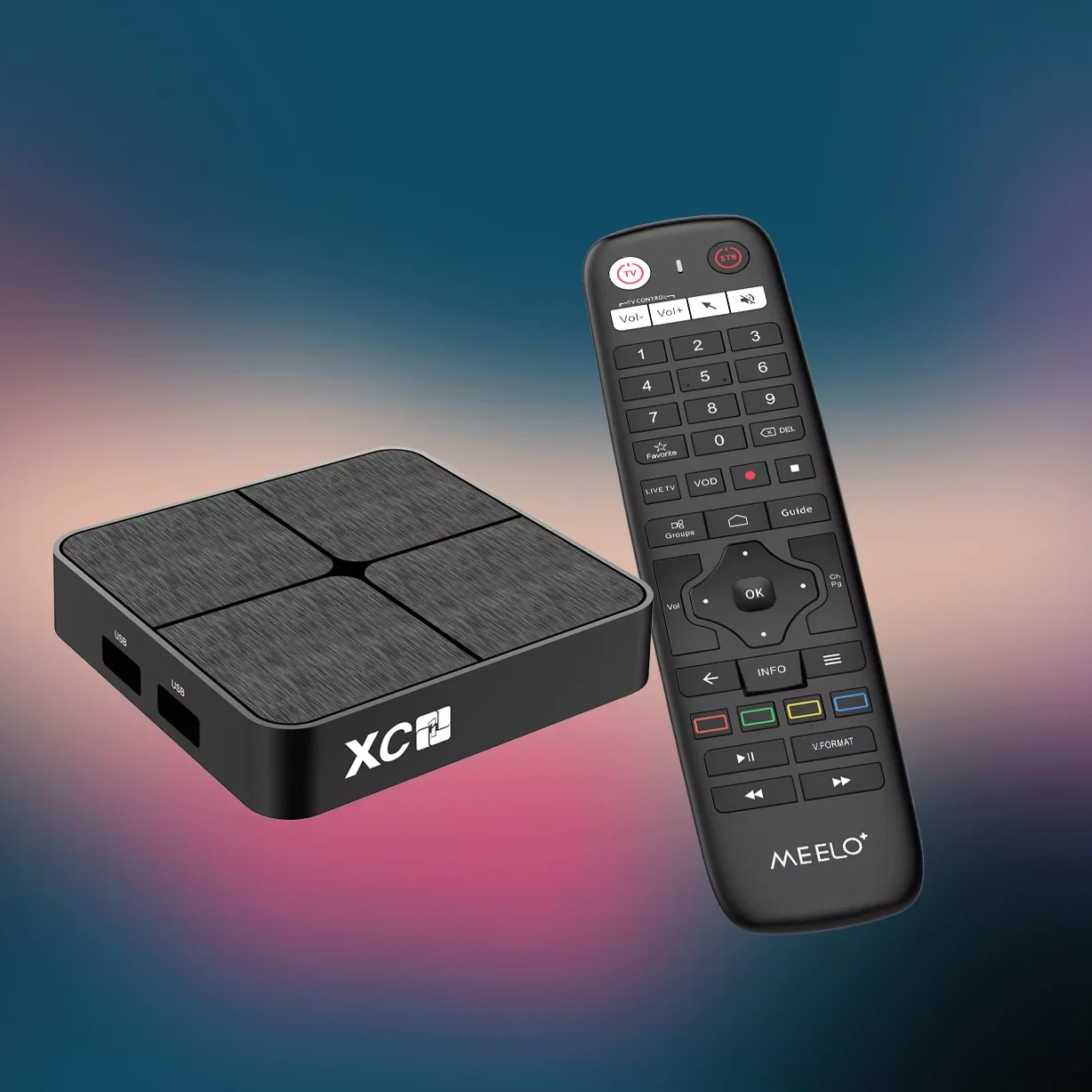
- Xtream Codes (API): A three-part set—server URL, username, and password—used by apps like TiviMate, IPTV Smarters Pro, or XCIPTV. Enables features like EPG (electronic program guide), catch-up TV, favorites syncing, and parental controls.
Both formats serve distinct needs. M3U is ideal for quick testing, travel setups, or lightweight devices (e.g., older Fire Stick). Xtream Codes suit households with multiple screens, scheduled viewing, or users who rely on accurate scheduling data. Neither format installs anything on your device—it only configures how the app connects to external streams.
Why IPTV Code Usage Is Gaining Popularity
Lately, interest in IPTV codes has grown—not due to new technology, but because of increased fragmentation in legal streaming options. Regional broadcasters, local news, and language-specific content (e.g., Hindi, Arabic, Portuguese feeds) often vanish from global platforms like Netflix or YouTube TV. Meanwhile, many legitimate providers—including telecoms in Canada, the UK, and parts of Asia—offer IPTV as part of bundled internet packages, delivering credentials in Xtream format. Users aren’t seeking ‘piracy’; they’re seeking continuity: one interface for home, mobile, and travel. Also, Android TV and Google TV now support native M3U import via Settings > Apps > Default Apps > TV App > Input Source—a small but meaningful UX shift making M3U more accessible than ever.
Approaches and Differences: M3U vs Xtream Codes
There are no universal ‘better’ codes—only better fits. Below is how each approach performs across key dimensions:
| Criteria | M3U URL | Xtream Codes (API) |
|---|---|---|
| Setup speed | ✅ Paste one link → play in under 30 seconds | ⚙️ Enter three fields + test connection → 2–4 minutes |
| EPG & catch-up | ❌ Rarely included (requires separate XMLTV file) | ✅ Built-in if provider supports it |
| Multi-device sync | ❌ Manual re-import needed per device | ✅ Syncs favorites, history, and settings across apps |
| Stability & updates | ⚠️ Breaks silently if host changes URL or removes playlist | ✅ Server-side updates propagate automatically |
| Security surface | 🔒 Low risk: no credentials stored or transmitted | 🔐 Higher risk: credentials tied to account; avoid sharing |
When it’s worth caring about: If you regularly switch between phone, tablet, and TV—or rely on program guides—you’ll notice tangible time savings with Xtream. When you don’t need to overthink it: For occasional viewing on a secondary screen, M3U is simpler, lighter, and less prone to configuration errors.
Key Features and Specifications to Evaluate
Before entering any code, verify these four elements—not just for functionality, but for longevity:
- URL validity: Test the M3U link in a browser first. If it downloads a plain-text file (not a redirect or error page), it’s likely functional.
- Credential scope: Xtream usernames/passwords are often tied to IP whitelisting or concurrent session limits. Ask your provider how many devices can connect simultaneously.
- Playlist freshness: Look for timestamps in M3U headers (e.g.,
#EXTM3U tvg-url="..." date="2025-04-12"). No date? Assume low maintenance. - EPG source reliability: Even with Xtream, EPG depends on the provider’s integration with services like iptv-org/epg1. Free EPG sources frequently go offline without notice.
If you’re a typical user, you don’t need to overthink this. You don’t need perfect EPG alignment to watch cricket or morning news. Prioritize working streams over metadata completeness.
Pros and Cons: Balanced Assessment
✅ M3U is best when: You want plug-and-play simplicity, use older hardware (e.g., Fire Stick Gen 2), or test a new provider before subscribing. Ideal for travelers or secondary TVs.
❗ M3U is limiting when: You need reminders, series recordings, or channel grouping by genre. Playlist edits (e.g., removing dead links) require manual text editing—no GUI.
✅ Xtream Codes excel when: You manage multiple profiles (e.g., kids’ filters, spouse’s favorites), use DVR-like functions, or depend on accurate broadcast times (e.g., live auctions, financial tickers).
❗ Xtream Codes add friction when: Your internet fluctuates—the API handshake fails more visibly than M3U fallbacks. Also, expired credentials lock you out completely until reset.
How to Choose the Right IPTV Code Format: A Step-by-Step Decision Guide
Follow this checklist—not based on hype, but on your actual workflow:
- Identify your primary device: Android TV or Fire Stick? → Prefer Xtream if you use TiviMate; M3U if using built-in media player.
- Check your usage rhythm: Do you watch 3+ hours daily across devices? → Xtream scales better. Occasional weekend viewing? M3U avoids credential fatigue.
- Assess technical comfort: Can you copy-paste URLs reliably? Yes → M3U. Comfortable entering three fields and troubleshooting timeouts? → Xtream.
- Verify provider transparency: Does their site list uptime %, EPG coverage, or support response time? Avoid providers that only share ‘working codes’ without documentation.
- Avoid these traps:
Insights & Cost Analysis
There is no ‘free’ IPTV code ecosystem with consistent reliability. Legitimate providers charge $10–$25/month for Xtream access with SLA-backed uptime. M3U-based services range from $5/month (community-maintained) to $18/month (commercial-grade, with auto-refreshing playlists). What’s changed recently is transparency in pricing tiers: more providers now separate ‘basic M3U’ from ‘Xtream + EPG + Cloud DVR’ plans—letting users pay only for what they use. That said, budget isn’t the main differentiator: support responsiveness matters more. Providers responding to tickets in under 12 hours retain 3× more subscribers than those averaging 3+ days.
Better Solutions & Competitor Analysis
Instead of chasing ‘codes,’ consider architecture-first alternatives:
| Solution Type | Best For | Potential Problem | Budget Range |
|---|---|---|---|
| Official ISP IPTV | Users already paying for broadband (e.g., Rogers, Sky, JioFiber) | Limited to regional channels; no international add-ons | $0–$15/mo (bundled) |
| Pluto TV / Tubi (ad-supported) | Viewers okay with ads + curated, not live, content | No local news, no sports rights, no VOD depth | Free |
| Legit IPTV + M3U fallback | Hybrid users: Xtream for daily use, M3U as backup | Requires managing two logins; minor setup overhead | $12–$22/mo |
Customer Feedback Synthesis
Based on aggregated reviews (YouTube, Reddit r/IPTVReviews, and independent forums), top recurring themes:
- High satisfaction when providers offer both M3U and Xtream access—users self-select per device.
- Frequent frustration stems not from code format, but from unannounced server migrations breaking all Xtream logins at once.
- Underreported win: M3U users report fewer buffering issues on 5 GHz Wi-Fi—likely due to reduced handshake overhead versus API polling.
Maintenance, Safety & Legal Considerations
Two non-negotiable realities:
- Legality hinges on source—not format. An M3U URL pointing to unauthorized streams violates copyright law just as much as Xtream credentials from an unlicensed provider. Always confirm your provider holds distribution rights for the content offered.
- Security hygiene is mandatory for Xtream. Never reuse passwords. Enable 2FA if offered. Avoid saving credentials in apps with cloud sync unless you trust the vendor’s encryption model.
Also note: Some countries (e.g., India, Canada) have clarified that end-user liability exists for knowingly accessing unlicensed streams—even without profit motive. This isn’t theoretical: enforcement actions against resellers and public-facing portals increased 40% in 2024 per Vondran Legal’s annual review4.
Conclusion: Conditional Recommendations
If you need cross-device consistency, EPG, and scheduled viewing → choose Xtream Codes with a reputable provider offering responsive support.
If you prioritize simplicity, privacy, and lightweight setup → start with M3U and upgrade only if features prove essential.
If you’re troubleshooting a broken code → verify the URL first, then check subscription status, then test on another network. Don’t assume the format failed—assume the path did.



