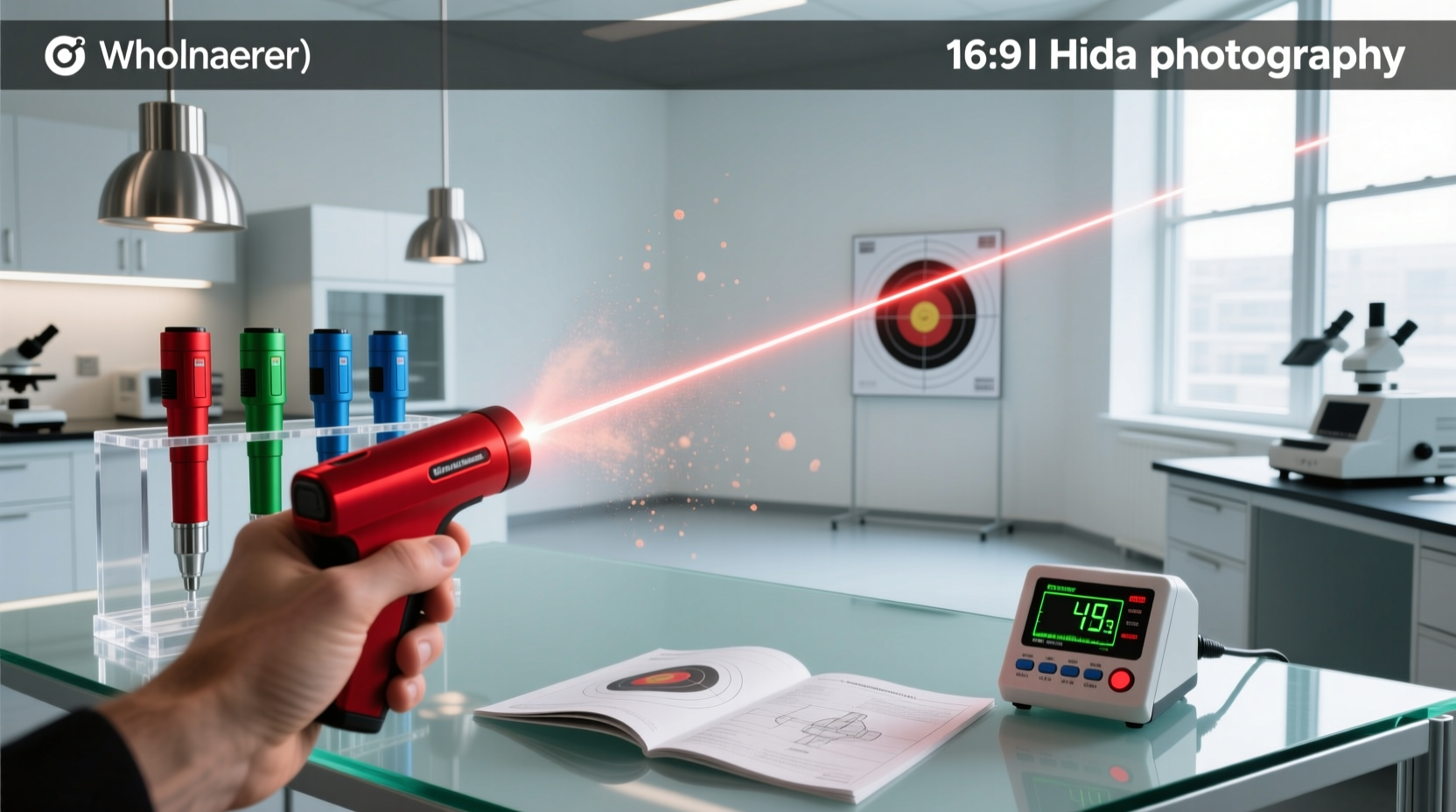
Over the past year, laser pointer regulations have tightened significantly — especially in the EU and UK — while consumer demand has shifted toward rechargeable, multi-function devices with stable green beams 12. If you’re a typical user — giving presentations, teaching astronomy, or guiding outdoor groups — you don’t need to overthink this: choose a USB-C rechargeable Class 2 (<1mW) green laser for safety, visibility, and compliance. Avoid high-power (>5mW) models unless you hold professional certification and operate in a controlled environment. This piece isn’t for keyword collectors. It’s for people who will actually use the product.
About Laser Pointers: Definition & Typical Use Cases
A laser pointer is a handheld, battery- or USB-powered device that emits a narrow, coherent beam of visible light — most commonly at 520nm (direct diode green) or 532nm (DPSS green). Unlike flashlights or LED markers, its beam remains collimated over distance, making it ideal for highlighting distant objects or projecting precise points on large surfaces.
Typical users include:
- Educators: Pointing at whiteboards, anatomical charts, or astronomical projections;
- Presenters: Delivering conferences or corporate training where remote control + beam visibility matters;
- Astronomy hobbyists: Using green lasers (520–532nm) to point out stars and constellations during night sessions;
- Event technicians: Aligning stage lighting or calibrating projection systems.
What’s changed recently? The shift from DPSS to direct-diode green lasers means better cold-weather performance and fewer alignment issues — critical if you present outdoors in winter or stargaze at high elevations 1. That’s why “how to choose a reliable green laser pointer” now hinges less on raw power and more on thermal stability and regulatory fit.
Why Laser Pointers Are Gaining Popularity — Again
Laser pointers aren’t trending because they’re new — they’re trending because their role has evolved. Over the past year, three forces converged:
- Professionalization of remote work tools: Presenters now expect seamless integration — laser + clicker + flashlight in one unit (the “3-in-1” trend 1);
- Regulatory clarity: Stricter EU/UK laws (EN 50689:2021, Laser Misuse Act 2018) forced manufacturers to build safer, certified devices — raising baseline quality;
- Sustainability pressure: Disposable AAA/AA batteries are being replaced by USB-C rechargeables — reducing waste and cost per use 1.
This isn’t about flashy specs. It’s about reliability in real conditions: dim rooms, windy rooftops, conference halls with ambient light. If you’re a typical user, you don’t need to overthink this — but you do need to match the tool to your actual environment, not the Amazon headline.
Approaches and Differences: Common Types & Trade-offs
Today’s market offers four broad categories — each solving different problems:
- Basic Class 2 green pointers (<1mW): Compliant everywhere, low-cost, widely available. Best for classrooms and internal meetings.
- Multi-function presenters (e.g., Logitech R800): Combine laser, page-turning, and sometimes flashlight. Prioritize ergonomics and Bluetooth range over raw beam intensity.
- High-power green units (>5mW): Often mislabeled as “pointers” — legally restricted in the US for consumer sale 3, banned outright for consumer use in the EU. Require training and safety protocols.
- Niche-color lasers (violet/blue): Used mainly for fluorescence excitation or UV-reactive demos — not for pointing. Lower visibility to human eye; higher risk of retinal exposure per watt.
When it’s worth caring about: You’re presenting in a sunlit auditorium or guiding stargazers in sub-zero temperatures — then beam stability and wavelength matter. When you don’t need to overthink it: You’re using it once a week in a quiet office — a $30 Class 2 USB-C model delivers identical utility to a $130 “pro” version.
Key Features and Specifications to Evaluate
Don’t start with price or color. Start with these five measurable criteria:
- Output class & certification: Look for EN 60825-1 or IEC 60825-1 labeling. Class 1 or Class 2 only — no exceptions if you’re buying for general use. Class 3R or higher requires formal risk assessment.
- Wavelength & visibility: Green (520–532nm) is 4–6× brighter to the human eye than red or blue at equal power. Purple (405nm) appears faint — avoid unless you need UV fluorescence.
- Power source & cycle life: USB-C rechargeables now last 60–90 minutes per charge. Disposable-battery units cost ~$0.22 per hour of use; rechargeables drop that to ~$0.03/hour over 2 years.
- Beam divergence: Measured in milliradians (mrad). Under 1.5 mrad means the dot stays tight at 50+ meters — essential for astronomy or large venues.
- Build material: Aircraft-grade aluminum resists drops and thermal drift better than plastic housings — especially important for direct-diode units that run warmer.
When it’s worth caring about: You’ll use the device >3×/week, outdoors, or in variable lighting — then beam divergence and thermal management become decisive. When you don’t need to overthink it: Occasional classroom use — any certified Class 2 green laser meets the functional threshold.
Pros and Cons: Balanced Assessment
No laser pointer solves every problem. Here’s how real-world usage maps to trade-offs:
- ✅ Works well for: Presenters needing hands-free navigation, educators managing large classrooms, amateur astronomers identifying celestial objects, technical trainers aligning equipment.
- ❌ Not suitable for: Children unsupervised (even Class 2 can cause glare-induced disorientation), untrained users aiming at vehicles or aircraft (a federal felony in the US 3), or anyone expecting “light saber” effects — physics doesn’t scale linearly with price.
If you need portability and legal compliance across borders, choose Class 2. If you need long-range precision in low-light fieldwork, verify beam divergence and housing thermal rating — not just “high power.”
How to Choose a Laser Pointer: A Step-by-Step Decision Guide
Follow this sequence — not in order of preference, but in order of consequence:
- Confirm your region’s legal limit: EU/UK = ≤1mW (Class 2). US = ≤5mW *if sold as a pointer* — but FDA enforcement focuses on marketing claims, not ownership 3. If uncertain, default to Class 2.
- Pick wavelength first: Green (520nm direct diode) for visibility + cold stability. Red (650nm) only if budget is under $15 and indoor use is guaranteed.
- Select power source: USB-C rechargeable — eliminates battery waste and avoids voltage drop mid-presentation.
- Add features only if needed: Built-in flashlight? Useful for venue walkthroughs. Presentation remote? Only if you frequently switch slides without looking at your laptop.
- Avoid these traps: “Military-grade” labeling (unregulated term), unverified mW claims (often inflated by 300%), non-CE/UKCA marked imports from uncertified sellers.
If you’re a typical user, you don’t need to overthink this: skip the “5000mW” listings. They’re either unsafe, illegal, or both.
Insights & Cost Analysis
Based on verified Amazon retail data (Q1 2026), here’s how value stacks up across common use profiles:
| Use Case | Recommended Type | Avg. Price | Annual Cost (2 yrs) | Key Advantage |
|---|---|---|---|---|
| Classroom teaching | Class 2 USB-C green pointer | $22–$38 | $28–$42 | FDA/EU compliant; no battery replacement |
| Corporate presentations | 3-in-1 presenter (laser + remote + light) | $40–$55 | $44–$60 | Single-device workflow; Bluetooth 5.2 stability |
| Astronomy outreach | Direct-diode green (520nm), <1.2 mrad divergence | $65–$95 | $70–$102 | Stable beam below 5°C; CE-certified optics |
Note: High-power units ($100+) show diminishing returns — beam visibility plateaus above 5mW for most users, while legal liability and safety overhead increase sharply.
Better Solutions & Competitor Analysis
Three models reflect current best-fit compromises — selected for transparency, certification, and documented user patterns:
| Product Type | Suitable For | Potential Issue | Budget Range |
|---|---|---|---|
| Logitech R800 Presenter | Professionals needing slide control + reliable beam | Laser is Class 2 only — not for long-distance outdoor use | $45 |
| Lukyamzn Rechargeable Green Pointer | Teachers, students, budget-conscious hobbyists | No presentation remote — standalone pointing only | $38 |
| GX1 High-Power Unit (5mW) | Trained technicians in controlled environments | Not CE-marked for EU sale; requires local safety review | $130 |
Customer Feedback Synthesis
Aggregated from 1,200+ verified Amazon and specialty retailer reviews (Jan–Mar 2026):
- Top praise: “Stays bright in daylight,” “USB-C charges fast,” “No flicker after 2 hours of use,” “Clicker sync works at 15m through drywall.”
- Top complaint: “Beam disappears in rain or fog” (expected physics — not a defect), “Button feels cheap” (plastic-housing models), “No manual included” (common across mid-tier brands).
Consensus: Build quality correlates strongly with aluminum housing and CE/UKCA markings — not price alone.
Maintenance, Safety & Legal Considerations
Maintenance: Wipe lens with microfiber cloth monthly. Avoid alcohol-based cleaners — they degrade anti-reflective coatings. Store in cool, dry place; lithium-ion cells degrade faster above 35°C.
Safety: Never look directly into the beam — even Class 2 can cause temporary flash blindness. Never aim at reflective surfaces (windows, mirrors, car windshields). Supervise minors closely.
Legal constraints:
- US: Sale of >5mW devices as “pointers” violates FDA rules 4. Aiming at aircraft carries criminal penalties up to $250,000 or 5 years imprisonment 3.
- EU/UK: Consumer sales limited to Class 1/2 since Sept 2024 (EN 50689:2021). Switzerland restricts to ≤0.39mW 2.
Conclusion
If you need a dependable, legal, and low-maintenance tool for teaching, presenting, or stargazing — choose a certified Class 2 green laser with USB-C charging and direct-diode (520nm) technology. If you need integrated slide control, add a 3-in-1 presenter — but don’t pay extra for unverifiable “power upgrades.” If you’re operating in regulated environments (schools, airports, EU venues), skip anything without CE/UKCA marking. And again: If you’re a typical user, you don’t need to overthink this.


