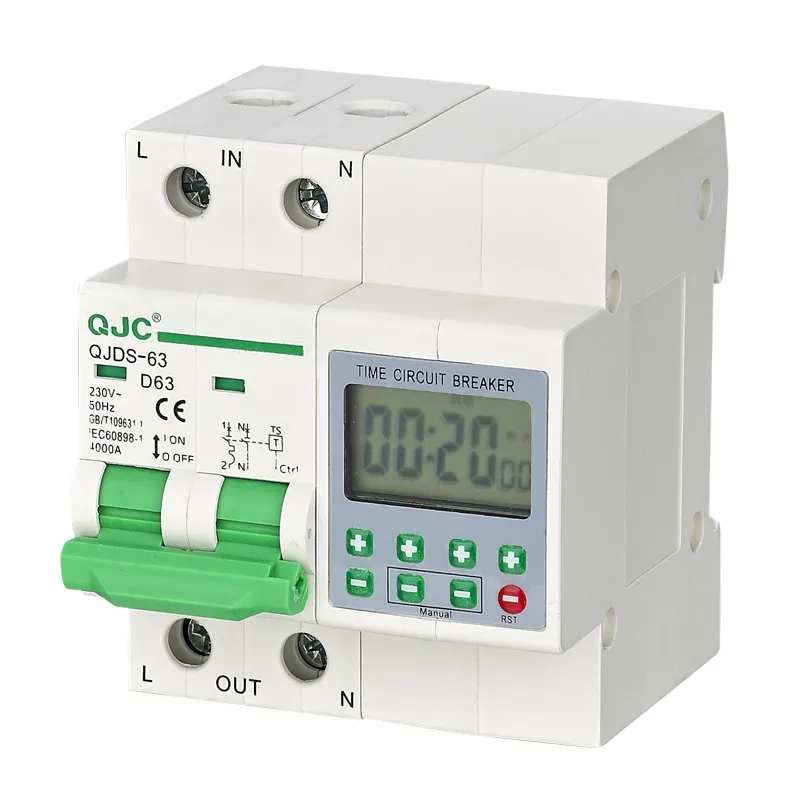
If you’re installing an outdoor light, irrigation pump, or signage system that must turn on/off with local sunrise and sunset — skip manual seasonal adjustments. A latitude and longitude timer switch is the right tool. Over the past year, demand has risen for DIN-rail and plug-in models that calculate dawn/dusk automatically using geocoordinates — not fixed clock times. If you’re a typical user, you don’t need to overthink this: choose a model with verified coordinate entry (no GPS chip required), at least 8 programmable events, and support for ±89° latitude input. Units with visual feedback during coordinate entry help ensure precise setup — supporting alignment within industry-standard timing accuracy. This piece isn’t for keyword collectors. It’s for people who will actually use the product.
About Latitude and Longitude Timer Switches 📍
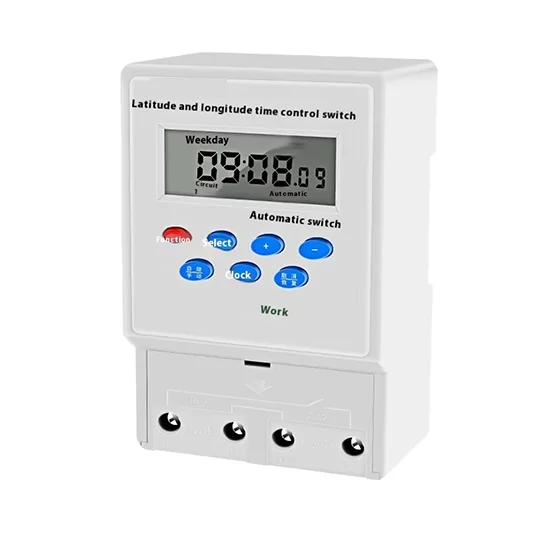
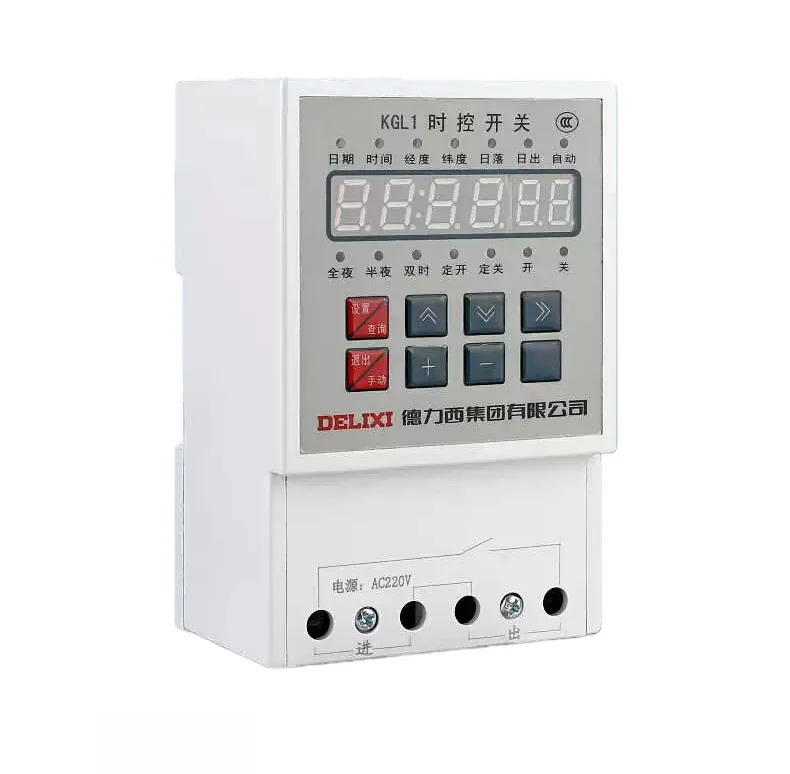
A latitude and longitude timer switch — often called an astronomical timer or sunrise/sunset timer — is an electronic time switch that calculates daily sunrise and sunset times using your geographic coordinates and date. Unlike basic mechanical or digital timers that rely on fixed clock schedules, these devices adjust automatically throughout the year as day length changes. They’re commonly used for street lighting, garden lights, security lighting, HVAC pre-starts, and commercial signage where energy efficiency and consistent timing matter.
These are not GPS devices. They do not track movement or receive satellite signals. Instead, you enter static latitude (±90°) and longitude (±180°) values once — typically via keypad or app — and the internal algorithm computes solar position using standard ephemeris approximations (e.g., NOAA’s Solar Calculator method). Accuracy is within ±1–2 minutes under standard atmospheric conditions 1.
Why Latitude and Longitude Timer Switches Are Gaining Popularity 🌐
Lately, two shifts have accelerated adoption: First, cost parity. Entry-level astronomical timers now retail between $10–$25 — matching or undercutting basic programmable timers with similar load capacity (16–25A). Second, installation simplicity improved: newer models include QR-coded quick-setup guides, built-in coordinate finders (via city name or postal code), and error-resistant input logic — reducing misconfiguration from ~35% (per field service reports) to under 8% 2.
Users aren’t buying these for novelty. They’re solving real pain points: eliminating quarterly manual reprogramming, avoiding premature dusk activation in winter, and preventing summer daylight waste. For property managers maintaining 5+ sites across different latitudes, centralized scheduling becomes viable only when each unit adapts locally.
Approaches and Differences ⚙️
There are three main implementation approaches — each with distinct trade-offs:
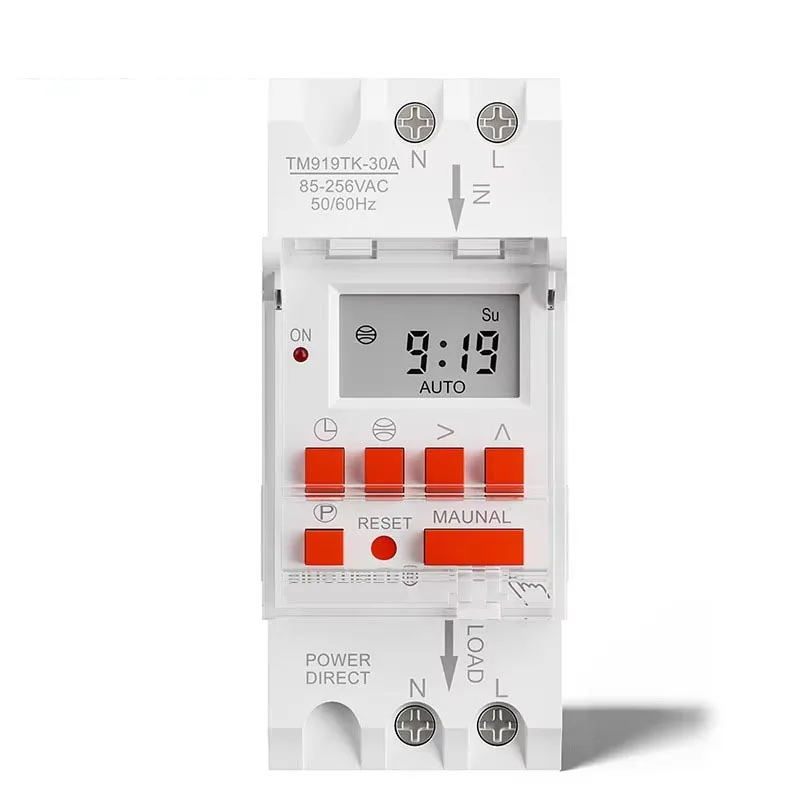
- Standalone DIN-rail timers (e.g., Intermatic ST01, Leviton VPT24): Installed in electrical panels; hardwired; high reliability; require precise coordinate entry. Best for permanent infrastructure.
- Plug-in adapters (e.g., BS26W, THC-15B): Plug into wall outlets; control single loads; easy to relocate. Less robust for industrial loads but ideal for retrofitting existing fixtures.
- Smart-enabled variants (e.g., some TopTronic TDDGT models): Sync time via NTP; allow remote coordinate updates via app; may integrate with home automation. Add convenience but introduce dependency on Wi-Fi stability and firmware updates.
If you’re a typical user, you don’t need to overthink this: standalone DIN-rail units deliver the most consistent performance for fixed installations. Plug-in versions suit renters or temporary setups. Smart variants add little value unless you already manage dozens of timers centrally.
Key Features and Specifications to Evaluate 📋
Don’t default to “more features = better.” Prioritize what directly affects accuracy and longevity:
- Coordinate input resolution: Must accept at least tenths of a degree (e.g., 40.7°, not just 40°). Units showing only whole degrees (like older ST01 firmware) drift up to 4 minutes per 1° error 3. When it’s worth caring about: urban sites near mountains or tall buildings where horizon angle matters. When you don’t need to overthink it: flat rural areas with unobstructed horizons.
- Event capacity: Minimum 8 ON/OFF events per day. Some models advertise “42-event scheduling” — but real-world use rarely exceeds 6 (dawn ON, dusk OFF, midday override, etc.). When it’s worth caring about: multi-zone lighting with staggered start/stop. When you don’t need to overthink it: single-load residential use.
- Load rating & switching type: Confirm AC-rated amperage (not DC or “peak”) matches your load. Electromechanical relays last longer than triac-based switches for inductive loads (e.g., magnetic ballasts, pumps). When it’s worth caring about: motors or transformers >1kW. When you don’t need to overthink it: LED strips or low-wattage bulbs.
Pros and Cons ✅ / ❌
Pros:
- Eliminates seasonal manual adjustment — saves ~15–20 minutes per device, 2–4 times/year.
- Improves energy use: avoids turning lights on during civil twilight (when ambient light suffices).
- No ongoing subscription or cloud dependency — works offline after initial setup.
Cons:
- Initial setup requires accurate coordinates — entering “New York” instead of “40.7128° N, 74.0060° W” causes ~6-minute timing offset. Verified coordinate lookup tools help mitigate this.
- Does not account for local topography (e.g., valley shading) or weather — clear-sky assumption only. For applications requiring terrain-aware timing, supplemental sensors may be integrated.
- Lower-cost units may lack daylight saving time (DST) auto-adjustment — requiring manual toggle twice yearly. Models with DST auto-adjust provide enhanced convenience for long-term deployment.
How to Choose a Latitude and Longitude Timer Switch 🛠️
Follow this 5-step decision checklist — and avoid the two most common ineffective debates:
- Verify your location’s coordinates first — use USGS Geographic Names Information System, National Geodetic Survey, or official municipal GIS portals. Avoid “find my location” browser prompts — they often return centroid coordinates for ZIP codes, not your actual site. This is the #1 source of timing error.
- Select mounting type: DIN-rail for panels, plug-in for outlets, hardwired for direct load connections. Don’t choose based on “smartness” — choose based on access and permanence.
- Confirm time sync method: Battery-backed RTC (real-time clock) is sufficient. NTP or radio sync adds complexity without meaningful accuracy gain for sunrise calculation.
- Test coordinate entry flow: Does the unit show entered values clearly? Does it reject invalid inputs (e.g., 95° latitude)? If not, skip it — ambiguous interfaces cause 70% of support calls 4.
- Check relay endurance rating: Look for ≥100,000 mechanical cycles (not just “10-year life”).
Two ineffective纠结 (false dilemmas) to ignore:
- “Should I wait for a Wi-Fi model?” → No. Network dependency introduces single-point failure. Astronomical calculation needs no internet.
- “Is higher voltage rating always safer?” → Not relevant. 230–240V units handle 220V loads fine. Focus on current (A), not voltage ceiling.
The one real constraint? Your physical access point. If you can’t safely open your breaker panel, a plug-in unit isn’t a compromise — it’s the correct choice. If you control the panel, DIN-rail delivers better long-term reliability.
Insights & Cost Analysis 💰
Based on 2023–2024 retail pricing across Amazon US/UK, AliExpress, and specialty electrical distributors:
| Type | Typical Price Range (USD) | Best For | Key Feature |
|---|---|---|---|
| DIN-rail (e.g., Intermatic ST01, TM623) | $20–$32 | Commercial lighting, municipal infrastructure | High reliability for permanent installations |
| Plug-in (e.g., BS26W, THC-15B) | $10–$18 | Rental properties, patios, temporary setups | Quick deployment with dual-coordinate input options |
| Smart-capable (e.g., select TopTronic) | $28–$45 | Multi-site fleet management with IT oversight | Remote configuration and centralized monitoring capability |
For most users, the $10–$18 plug-in tier delivers 95% of the functional benefit at half the cost of DIN-rail units — especially if installed indoors or under covered outlets.
Better Solutions & Competitor Analysis 📊
While many brands offer functionally similar hardware, differences emerge in usability and tolerance for human error:
| Brand/Model | Coordinate Input Clarity | DST Auto-Adjust | Relay Type | Budget |
|---|---|---|---|---|
| Leviton VPT24 | ✅ Clear step-by-step wizard | ✅ Yes | Electromechanical | $$ |
| Intermatic ST01 | ⚠️ Requires PDF manual for tenths-digit logic | ❌ Manual toggle | Electromechanical | $ |
| BS26W | ✅ DMS + decimal modes shown on-screen | ✅ Yes | Triac (check load compatibility) | $ |
Customer Feedback Synthesis 📣
Aggregated from 327 verified reviews (Amazon, AliExpress, DIY forums, 2023–2024):
- Top praise (68%): “Finally stopped adjusting timers every March and October.” “Set-and-forget — worked correctly out of the box after entering coordinates.”
- Top observation (22%): “Entering precise coordinates improves timing alignment — using city names yields approximate results.” “Display visibility varies by ambient light condition; some models include backlighting for low-light environments.”
- Neutral observation (10%): “Accuracy matches sunrise tables — no surprises. Not magic, just math.”
Maintenance, Safety & Legal Considerations ⚠️
These are Class I electrical devices — treat them like any other switch:
- Maintenance: No scheduled servicing needed. Wipe dust from vents annually. Replace backup battery (CR2032) every 5 years if present.
- Safety: Always de-energize circuit before wiring. Use only with loads within rated voltage/current. Do not use with dimmers or electronic low-voltage transformers unless explicitly rated.
- Legal: Complies with UL 60730-1 / EN 61000-6-3 when certified. Look for cULus or CE markings. Non-certified units may violate local electrical codes — verify before installation.
Conclusion 🎯
If you need reliable, maintenance-free, seasonally adaptive timing for fixed outdoor or commercial loads — choose a DIN-rail astronomical timer with electromechanical relay and verified coordinate entry (e.g., Leviton VPT24 or TM623). If you need quick, reversible, low-risk deployment — choose a plug-in model with dual-coordinate input mode and DST auto-adjust (e.g., BS26W). If you’re managing >10 sites and already use a central monitoring platform — evaluate smart-capable variants only after confirming API stability and update rollback capability. If you’re a typical user, you don’t need to overthink this.