If you’re replacing a broken Z-2300 pod or troubleshooting G560 app lag, skip the guesswork: wired controllers remain the most reliable choice for legacy systems, while modern software-based controls (like G HUB for G560 or Logi Options+ for Z407) offer flexibility—but only if your workflow tolerates occasional latency and logarithmic volume jumps. Over the past year, demand for replacement control pods has surged—not because Logitech launched new hardware, but because aging Z-series speakers (especially Z-2300 and Z-5500) continue functioning flawlessly beyond 10 years, turning their controllers into mission-critical spare parts 12. This isn’t about upgrading—it’s about sustaining what already works. If you’re a typical user, you don’t need to overthink this: match your speaker model first, then verify physical or firmware compatibility before buying. This piece isn’t for keyword collectors. It’s for people who will actually use the product.
About Logitech Speaker Controllers
A Logitech speaker controller is a dedicated hardware interface—or its software equivalent—that manages volume, power, input selection, bass/treble, and (in newer models) lighting or spatial audio settings for Logitech multimedia or gaming speaker systems. Unlike generic remotes or OS-level audio sliders, these controllers are designed for precise, low-latency interaction with specific speaker architectures. Typical usage scenarios include:
- 🎧 Desktop audio setups where users avoid reaching behind monitors or PCs;
- 🎮 Gaming rigs requiring instant mute/volume toggles during voice chat or competitive play;
- 🛠️ Legacy home theater–style systems (e.g., Z-5500) where IR remotes failed or were lost;
- 💻 Hybrid workspaces using Z407 or G560 speakers that rely on Bluetooth pairing and app integration.
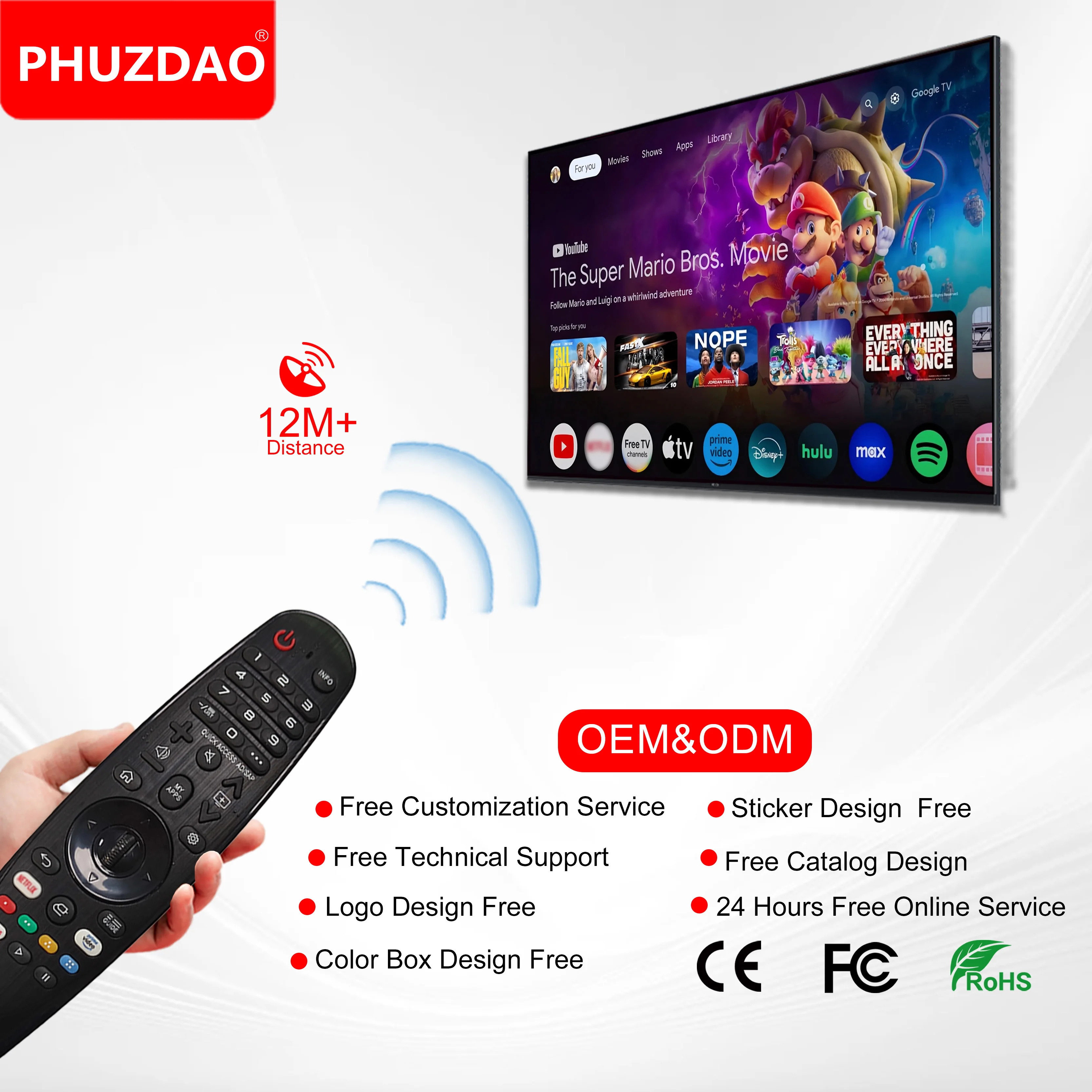
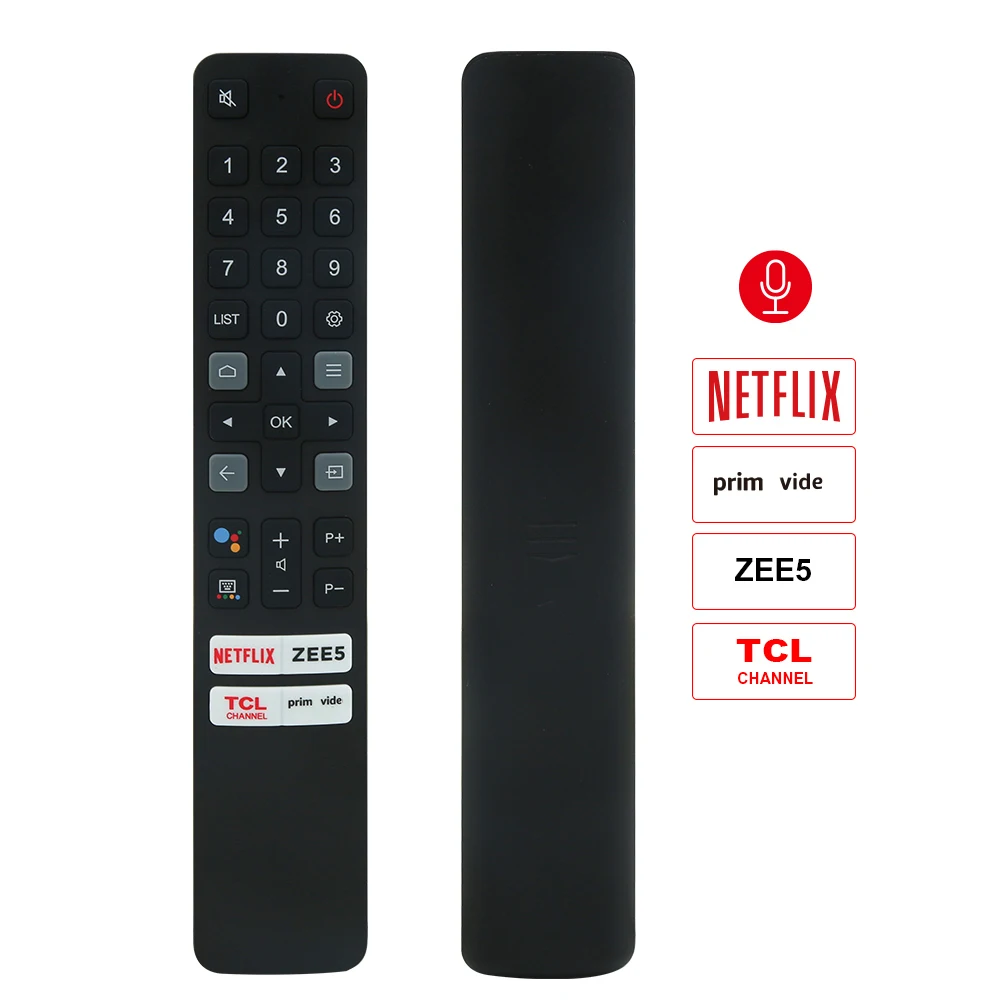
Controllers fall into three functional categories: wired analog pods (Z-2300/Z-5500), IR wireless remotes (Z906, older Z533), and software-driven digital interfaces (G560 via G HUB, Z407 via Logi Options+). Each serves distinct reliability, responsiveness, and upgrade-path needs.
Why Logitech Speaker Controllers Are Gaining Popularity
Lately, interest in Logitech speaker controllers hasn’t spiked due to new product launches—but because of longevity-driven replacement demand and shifting expectations around personalization. The Z-2300 and Z-5500 remain widely used in budget-conscious studios, dorm rooms, and secondary workstations precisely because their drivers and amplifiers age gracefully 3. When their original wired control pods fail, users seek drop-in replacements—not upgrades. Meanwhile, modern users expect more than volume knobs: they want per-app audio profiles, RGB sync, and spatial audio presets. That’s why Logitech shifted toward software-first controls for Z407 and G560: it lowers hardware cost and enables feature updates without new hardware. But this shift introduced new friction points—most notably inconsistent volume scaling and wireless latency 45. If you’re a typical user, you don’t need to overthink this: prioritize stability over novelty unless your workflow benefits from app-based customization.
Approaches and Differences
Three main controller approaches exist across Logitech’s lineup. Here’s how they compare:
| Type | Key Models | Pros | Cons |
|---|---|---|---|
| Wired Analog Pod | Z-2300, Z-5500 | No pairing, zero latency, tactile feedback, plug-and-play | No remote functionality; cable limits placement; discontinued since ~2012 |
| IR Remote | Z906, Z533, Z623 | Wireless convenience; simple battery-powered operation; no software dependency | Line-of-sight required; prone to signal loss; inconsistent button responsiveness; manufacturing-year compatibility issues (e.g., Z906 v1 vs. v2 remotes) |
| Software-Integrated Control | G560 (G HUB), Z407 (Logi Options+) | Per-app profiles, lighting sync, firmware updates, multi-device management | Bluetooth latency (~150–300ms), logarithmic volume curve (too loud too fast), app instability on some Windows versions |
Key Features and Specifications to Evaluate
Don’t optimize for specs—optimize for behavior. Focus on four measurable outcomes:
- Latency under load: Measured in milliseconds between button press and audio response. Wired pods: <5ms. IR remotes: ~30–60ms. Software controls: 150–300ms depending on PC load and Bluetooth stack 4.
- Volume scaling linearity: Does +10% feel like +10%? Wired pods use linear potentiometers. G560 uses logarithmic scaling—so the first 20% of rotation delivers >50% of maximum volume 5. When it’s worth caring about: if you frequently adjust volume mid-call or during quiet scenes. When you don’t need to overthink it: if you mostly use preset levels or mute/unmute.
- Firmware compatibility: Especially critical for Z906 and Z5500 variants. Units manufactured before 2010 may not accept newer replacement remotes—even if physically identical. Check serial number prefixes (e.g., “Z906-01” vs. “Z906-02”) before ordering 2.
- Physical durability: Wired pods use metal shafts and sealed pots; IR remotes use plastic buttons and CR2025 batteries with finite shelf life. Software controls depend entirely on your PC’s Bluetooth adapter health.
Pros and Cons
Each approach suits different priorities:
- ✅ Wired pods suit users who value predictability: engineers, educators, or anyone managing shared lab/desktop setups where consistency matters more than aesthetics. They’re ideal when your speaker is 10+ years old and still performing well—no need to reinvent the stack.
- ⚠️ IR remotes suit users with space constraints but require verifying exact model revision. A mismatched Z906 remote won’t pair—even if it looks identical. If you’re a typical user, you don’t need to overthink this: buy only from sellers who list serial-number compatibility, not just model name.
- 🔄 Software controls suit users who update firmware regularly and tolerate occasional restarts. They unlock features like ambient lighting sync (G560) or USB-C passthrough (Z407), but demand stable Bluetooth drivers and Windows 10/11 22H2+. Not recommended for real-time audio monitoring or low-latency voice workflows.
How to Choose a Logitech Speaker Controller
Follow this step-by-step decision checklist—designed to eliminate common missteps:
- Identify your exact speaker model and manufacturing year. Look for the label on the subwoofer or rear panel—not just “Z906”, but “Z906 v2 (2014)” or “Z5500 Rev B”. Use Logitech’s support page to cross-reference part numbers 6.
- Rule out incompatible sources. Third-party Alibaba or eBay listings often omit firmware version details. Avoid sellers who say “fits all Z906”—they rarely do. Prefer vendors listing serial-number compatibility or offering return policies for mismatches.
- Test latency sensitivity. If you mute/unmute during Zoom calls or stream with live commentary, wired or IR is safer. Software controls introduce perceptible delay—enough to cause awkward overlaps.
- Check your OS and driver stack. G HUB requires Windows 10 1903+, macOS 12+, and updated Bluetooth drivers. Older machines may experience crashes or missing controls 7.
- Avoid assuming universal remotes work. Logitech uses proprietary IR protocols. Universal remotes can’t replicate power-on sequences or bass/treble memory functions reliably.
Insights & Cost Analysis
Price reflects scarcity—not capability:
- Original Z-2300 wired pods: $35–$65 (new old stock, limited supply)
- Z906 IR remotes: $12–$28 (v1 units cheaper; v2 units more reliable but harder to source)
- G560 software control: free (but requires compatible PC and stable Bluetooth)
The highest long-term value lies in preserving legacy hardware: a $45 Z-2300 pod extends a $120 speaker system’s life by another 5–7 years. Conversely, paying $25 for an incompatible Z906 remote wastes time and money. Budget isn’t the bottleneck—it’s verification effort. If you’re a typical user, you don’t need to overthink this: spend 10 minutes checking your subwoofer’s serial label before clicking “Buy Now”.
Better Solutions & Competitor Analysis
While Logitech dominates the mid-tier multimedia space, alternatives exist—but rarely improve core controller reliability:
| Solution | Best For | Potential Problem |
|---|---|---|
| Third-party wired pods (e.g., AliExpress OEM) | Z-2300/Z-5500 owners needing plug-and-play | Inconsistent potentiometer quality; some lack bass/treble memory retention |
| USB-C audio adapters with hardware volume wheels | Users abandoning Logitech entirely for Z407/G560 | No lighting or profile sync; adds cable clutter; no subwoofer power toggle |
| Elgato Wave:3 mic + software mixer | Streamers wanting unified audio control | Overkill for speaker-only use; no bass management; $170 entry point |
Customer Feedback Synthesis
Based on Reddit, YouTube reviews, and Alibaba buyer comments (2023–2024):
✅ Top 3 praised traits: Z-2300 pod’s “tank-like build”, Z906 remote’s “simple mute button”, Z407’s “clean USB-C integration”.
❌ Top 3 repeated complaints: G560’s “volume jumps from whisper to shout”, Z906 remotes failing after 18 months, and Logitech’s lack of public firmware changelogs for controller updates 45.
Maintenance, Safety & Legal Considerations
No safety certifications (e.g., UL, CE) are required for speaker controllers—they’re Class II low-voltage accessories. However, third-party wired pods must use shielded cables to prevent ground-loop hum. Avoid unshielded knockoffs near sensitive audio interfaces. Logitech’s official software (G HUB, Logi Options+) complies with GDPR and CCPA data handling standards; it stores no audio data—only local device configuration. Firmware updates are signed and verified. No legal restrictions apply to replacement purchases, even across regions.
Conclusion
If you need zero-latency, tactile, maintenance-free control, choose a verified wired pod for Z-2300 or Z-5500—and confirm pinout compatibility before purchase. If you need wireless convenience with minimal setup, source a model-matched IR remote for Z906 or Z533, prioritizing sellers who provide serial-number verification. If you need per-app profiles or lighting sync, commit only if your PC meets G HUB’s system requirements and you accept occasional Bluetooth hiccups. Everything else is optimization theater. This piece isn’t for keyword collectors. It’s for people who will actually use the product.