Lately, integrated Android tablet-printer systems have shifted from niche convenience to operational necessity—especially in logistics, field service, and pop-up retail. If you’re evaluating a mobile printer tablet, skip the Bluetooth pairing dance and driver headaches: go with an integrated All-in-One (AIO) unit if your workflow demands sub-2.4-second transaction latency or counter space savings of ~12 inches 1. For warehouse staff scanning and printing manifests on the move, modular handhelds with detachable printers offer better drop resilience—but only if your use case involves frequent repositioning or shared-device rotation. If you’re a typical user, you don’t need to overthink this: prioritize built-in 80mm thermal printing, Android 12+, and Zero Trust–ready firmware over screen resolution or battery capacity beyond 6,000 mAh. This piece isn’t for keyword collectors. It’s for people who will actually use the product.
About Mobile Printer Tablets: Definition & Typical Use Cases
A mobile printer tablet is not a tablet plus a separate portable printer—it’s a single physical device where Android computing, thermal print engine, power management, and connectivity (Wi-Fi, Bluetooth 5.2, optional 4G/LTE) are co-engineered into one chassis. Unlike legacy setups requiring manual pairing, driver installation, or external battery packs, these units operate as unified endpoints.
Typical applications include:
- Retail & Hospitality: Shelf-edge labeling, pop-up kiosks, line-busting checkout, and receipt + loyalty card printing—all within a compact footprint 1.
- Logistics: Real-time manifest printing at delivery stops, barcode/QR label generation, and RFID-enabled package tagging—reducing per-stop latency by up to 2.4 seconds 1.
- Field Service: On-site invoicing, signature capture, and work order printing—eliminating return trips to the office and reinforcing brand professionalism 2.
- Small Business Operations: Mobile POS for food trucks, craft fairs, or home-based services—where portability and plug-and-play reliability outweigh desktop-grade features.
Why Mobile Printer Tablets Are Gaining Popularity
Over the past year, adoption has accelerated—not because of novelty, but because of measurable operational gains. Three drivers stand out:
- Latency elimination: Removing Bluetooth handshaking cuts average transaction time by 1.2–2.4 seconds 1. In high-volume environments (e.g., parcel hubs), that translates to ~300+ extra deliveries per week per device.
- Space consolidation: Integrated units save ~12 inches of counter space—critical for urban storefronts, food trucks, and temporary event booths 1.
- Security maturation: Zero Trust Security frameworks now extend to edge devices, enabling secure credential handling, encrypted print queues, and remote firmware updates without exposing local networks 3.
This isn’t about ‘smart’ for smart’s sake. It’s about reducing friction points where paper meets digital—without introducing new failure modes.
Approaches and Differences: Integrated AIO vs. Modular Handhelds
Two dominant hardware architectures serve distinct workflows. Neither is universally superior—the right choice depends on your movement pattern, durability needs, and software integration depth.
✅ Integrated All-in-One (AIO) Tablets
Examples: SUNMI V3 MIX, GOODCOM GT11, TCANG T101
- Pros: Single-device management, no pairing delays, optimized thermal head alignment, consistent firmware stack, reduced IT overhead.
- Cons: Limited upgrade path (printer and tablet share lifecycle), less shock-resistant than purpose-built handhelds, fixed form factor restricts ergonomics for extended handheld use.
- When it’s worth caring about: You operate from fixed or semi-fixed locations (counters, kiosks, vans), require OCR-driven document routing, or manage fleets via XPM/XCM tools 3.
- When you don’t need to overthink it: Your team prints fewer than 20 receipts/day and uses basic POS apps—entry-level 58mm AIOs under $130 deliver sufficient reliability 4.
✅ Modular Handheld + Docked Printer
Examples: Bixolon XQ-840II, HPRT H58, Zebra ZQ630+ compatible Android tablets
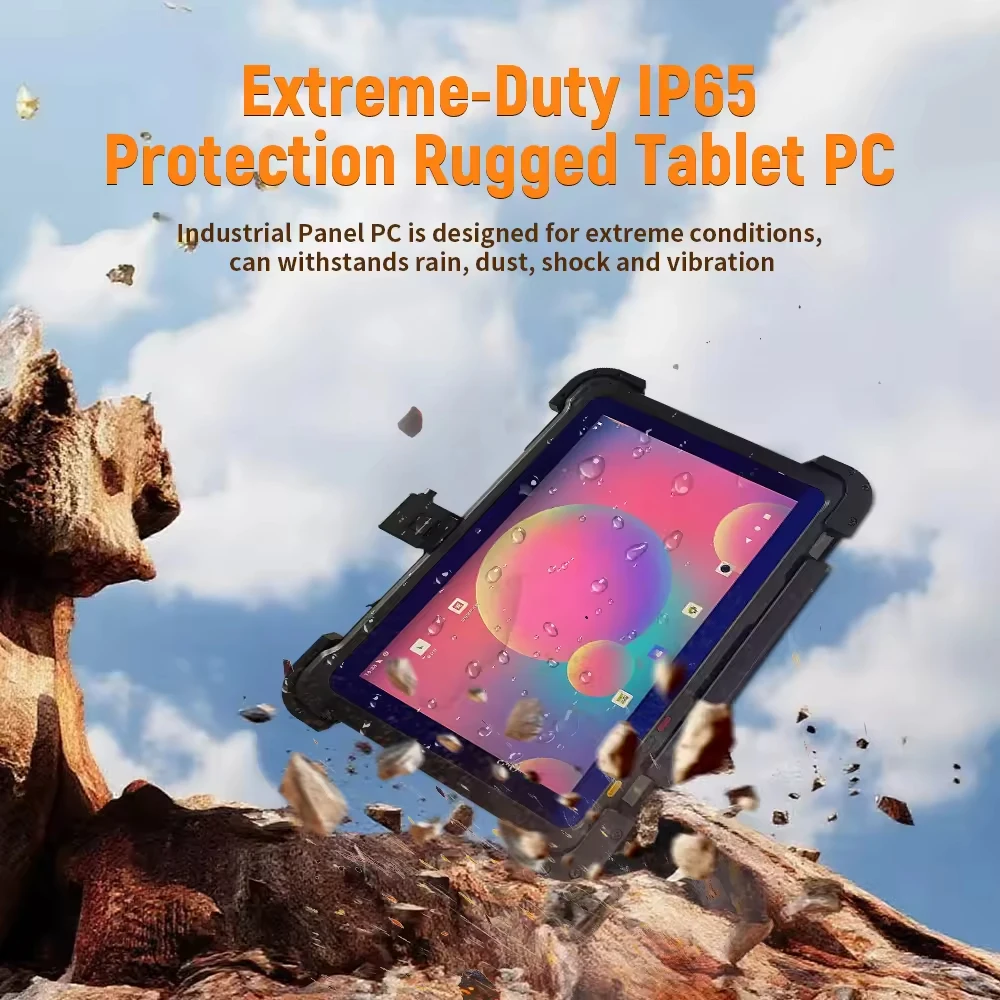
- Pros: Replaceable components, ruggedized builds (IP65/IP67), ergonomic grips, hot-swappable batteries, broader accessory ecosystem (scanners, magnetic stripe readers).
- Cons: Requires driver configuration, potential pairing instability across OS updates, additional cable or cradle dependency, higher total cost of ownership (TCO).
- When it’s worth caring about: Your staff walk 5+ miles daily, scan 100+ barcodes/hour, or operate in dusty/damp environments like warehouses or construction sites.
- When you don’t need to overthink it: You run a seasonal pop-up shop and value simplicity over longevity—integrated units reduce setup time from 20 minutes to under 90 seconds.
Key Features and Specifications to Evaluate
Don’t optimize for specs—optimize for outcomes. Here’s what matters, ranked by real-world impact:
- Print Mechanism & Media Handling: 80mm thermal heads handle standard receipt paper (57–80mm wide) and common label stock. 58mm units suffice for receipts only. Avoid inkjet or impact mechanisms—they add weight, complexity, and failure points. When it’s worth caring about: You print multi-part forms or adhesive labels regularly. When you don’t need to overthink it: You only print single-copy receipts and discard the roll monthly.
- Android Version & Update Policy: Android 11+ is baseline. Android 12+ with vendor commitment to 2+ years of security patches ensures compatibility with modern ERP/CRM SDKs. If you’re a typical user, you don’t need to overthink this.
- Connectivity Stack: Wi-Fi 5 (802.11ac) + Bluetooth 5.2 minimum. Optional 4G LTE adds flexibility for off-grid use—but only if your carrier plan supports embedded SIMs (eSIM) and you’ll use it >15 hours/week away from Wi-Fi.
- Battery Capacity & Runtime: 6,000–7,500 mAh delivers 8–10 hours of mixed use (screen-on + intermittent printing). Higher capacity adds bulk without proportional benefit unless printing >100 receipts/hour continuously.
- OCR & Workflow Integration: Not all units support OCR natively. Look for documented API access to camera + print modules—essential if you plan to auto-route scanned invoices into accounting systems 3.
Pros and Cons: Balanced Assessment
Every architecture introduces trade-offs. Clarity comes from mapping strengths to your constraints—not chasing feature parity.
- Integrated AIOs excel when: Space is constrained, uptime is non-negotiable, and your software stack runs on Android (not Windows IoT or proprietary OS).
- Integrated AIOs struggle when: You require MIL-STD-810G drop testing, need to swap printers independently every 18 months, or rely on Windows-based legacy field service apps.
- Modular setups excel when: Devices endure repeated drops, operate in extreme temperatures (-10°C to 50°C), or must interoperate with existing Zebra/Brother printer fleets.
- Modular setups struggle when: Your IT team lacks bandwidth for device provisioning scripts, or your staff resists multi-step pairing rituals during rush hours.
How to Choose a Mobile Printer Tablet: Decision Checklist
Follow this sequence—no skipping steps:
- Define your primary movement pattern: Fixed station? Mobile cart? Walking route? Backpack carry? Match architecture first.
- Count daily print volume: Under 50 receipts → entry-level AIO. 50–200 → professional AIO or mid-tier modular. 200+ → rugged modular with replaceable printhead.
- Verify software compatibility: Does your POS, WMS, or field service app officially support the device’s Android version and USB/Bluetooth print interface? Don’t assume.
- Test real-world latency: Time a full cycle: open app → select item → generate receipt → print → confirm. Compare integrated vs. paired setups side-by-side.
- Avoid this pitfall: Choosing based on screen size alone. A 10.1" display adds weight and power draw but rarely improves usability for receipt-focused tasks.
Insights & Cost Analysis
Price reflects engineering integration—not just component cost. Here’s how tiers break down (2026 B2B wholesale ranges):
| Category | Suitable For | Potential Problem | Budget (USD) |
|---|---|---|---|
| Entry-Level AIO (5.5"–8", 58mm) |
Retail pop-ups, food trucks, low-volume service desks | Limited OCR support; no 4G; 12-month warranty | $88–$130 |
| Professional AIO (10.1", 80mm, Android 12+) |
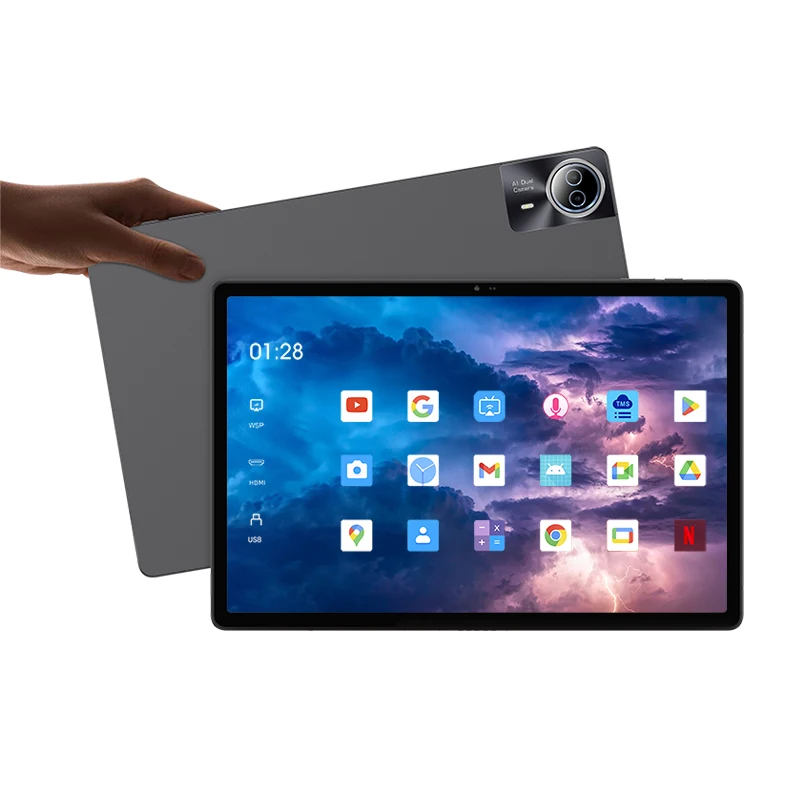
Fixed retail counters, pharmacy front desks, logistics dispatch | Non-rugged; fixed battery; limited accessory expansion | $149–$160 |
| Rugged Modular (IP65+, hot-swap battery, 58/80mm) |
Warehouse floor, field technicians, outdoor events | Higher TCO; requires docking infrastructure; steeper learning curve | $220–$340 |
Note: “Under $150” filters often exclude units with certified thermal print heads or long-term firmware support—verify certifications (e.g., BIS, FCC, CE) before budgeting.
Better Solutions & Competitor Analysis
No single vendor dominates. What separates leaders is consistency—not headline specs.
| Brand / Model | Strength | Limitation | Best Fit |
|---|---|---|---|
| GOODCOM GT11 | Reliable 80mm print, strong local support in APAC | Limited English documentation; slower OTA update cadence | Asian retail chains, cross-border sellers |
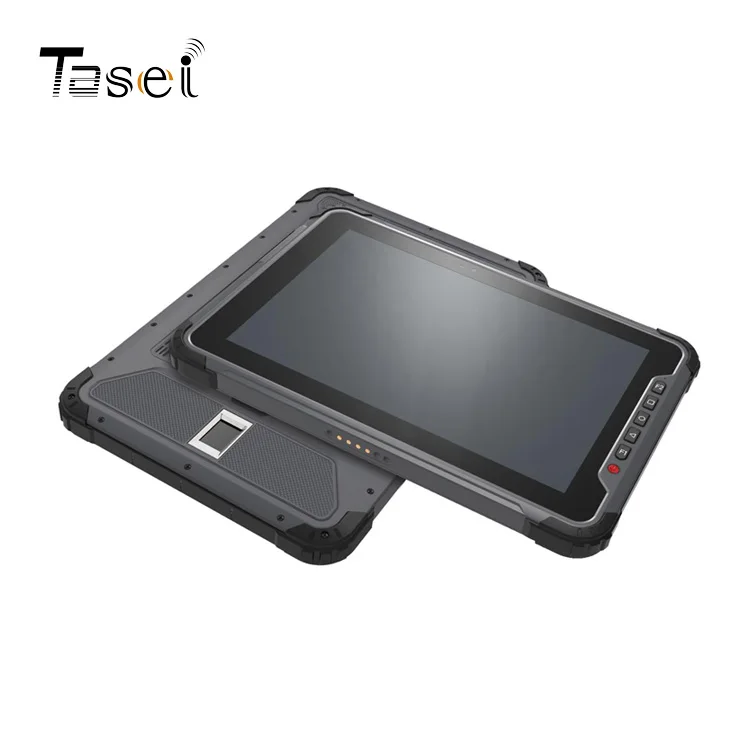
| TCANG T101 | Aggressive pricing; clean Android skin; NFC + 4G standard | Firmware updates infrequent; no enterprise MDM enrollment path | Startups, seasonal vendors, SMBs with light IT |
| SUNMI V3 MIX | Robust SDK, global MDM compatibility, OCR-ready camera | Premium pricing; heavier than competitors | Mid-market logistics, branded field service teams |
Customer Feedback Synthesis
Based on aggregated B2B reviews (Alibaba, Amazon Business, distributor portals):
- Top 3 praises: “No more Bluetooth timeout errors,” “Saved 12 inches on our cramped coffee counter,” “Fleet-wide remote firmware push worked flawlessly.”
- Top 3 complaints: “Printhead replacement requires full unit return,” “Battery degrades noticeably after 14 months,” “OCR misreads handwritten notes—even with good lighting.”
Notably, satisfaction correlates strongly with realistic expectations—not spec sheets. Users who prioritized “print reliability over pixel density” reported 32% fewer support tickets.
Maintenance, Safety & Legal Considerations
Thermal printers require minimal maintenance: periodic roller cleaning (every 3–6 months), avoiding direct sunlight exposure, and using certified thermal paper (non-BPA options available). No consumables beyond paper rolls.
Safety-wise, all listed units meet IEC 62368-1 for electrical safety and EN 60950-1 for older models. No regulatory red flags exist for standard commercial use.
Legally, ensure your chosen unit complies with regional radio frequency regulations (FCC ID in US, CE RED in EU, SRRC in China)—vendors usually list certification numbers in spec sheets. Avoid uncertified gray-market imports; they may fail interference testing in dense wireless environments.
Conclusion: Conditional Recommendations
If you need speed, simplicity, and space savings in a fixed or semi-fixed setting—choose a professional integrated AIO (10.1", 80mm, Android 12+). If you need drop resilience, extreme environment operation, or shared-device flexibility—choose a rugged modular system with documented SDK support. If you’re a typical user, you don’t need to overthink this: start with a $149–$160 AIO, validate it against your actual workflow for 72 hours, then scale.


