Over the past year, motion sensor Bluetooth speakers have shifted from novelty gadgets to functional tools — especially for outdoor security alerts, retail greetings, holiday displays, and hands-free home automation. If you’re a typical user, you don’t need to overthink this: start with a PIR-based, USB-programmable unit under $40 if your goal is simple trigger-and-play (e.g., door chime or garden greeting). For full Bluetooth streaming + motion-triggered playback, prioritize models with dual-mode firmware (like the Altec Lansing HydraMotion 2.0 or YoLink SpeakerHub), not standalone PIR players disguised as ‘Bluetooth speakers’. The biggest misconception? Assuming all ‘motion sensor Bluetooth speakers’ let you stream Spotify when someone walks by — most don’t. They either play preloaded audio *or* connect via Bluetooth — rarely both in real time. This piece isn’t for keyword collectors. It’s for people who will actually use the product.
About Motion Sensor Bluetooth Speakers
A motion sensor Bluetooth speaker is a hybrid device that combines passive infrared (PIR) detection with audio output — but its functionality falls into two distinct categories:
- ✅ Preloaded audio triggers: Uses an integrated PIR sensor to play one or more short MP3/WAV files stored internally (e.g., “Welcome!” or alarm siren). Bluetooth is only used for initial file transfer or setup — not live streaming.
- ✅ Hybrid active-mode speakers: Maintains a persistent Bluetooth connection to a phone or hub, then uses motion detection (via onboard sensor or external PIR input) to trigger playback control — e.g., pause/resume, skip track, or launch a preset playlist.
Typical use cases include:
• Outdoor entryway greetings (front door, garage)
• Retail or office reception alerts
• Halloween/Christmas animatronic soundscapes
• DIY smart home integrations (e.g., turning on music when entering a room)
• Security perimeter audio warnings
When it’s worth caring about: If your goal is hands-free, context-aware audio — like resuming a podcast when you walk into the kitchen — you need hybrid capability. When you don’t need to overthink it: For seasonal decor or basic visitor alerts, a $20 USB-loaded PIR speaker delivers identical results.
Why Motion Sensor Bluetooth Speakers Are Gaining Popularity
Lately, three converging trends explain rising interest:
• Lower barrier to DIY automation: No coding required — many units now support app-based scheduling, volume ramping, and sensitivity calibration.
• Improved PIR reliability: Modern sensors offer adjustable detection range (3–12 m), delay timers (1–300 sec), and daylight-sensing filters — reducing false triggers.
• Expanded power options: From USB-C rechargeables (Soundcore Motion 100) to weatherproof 12V DC inputs (YoLink Starter Kit), deployment flexibility has increased significantly.
This isn’t about ‘smartness’ — it’s about intentional sound. People aren’t buying speakers to fill silence; they’re choosing moments where sound should appear — and disappear — without manual intervention. If you’re a typical user, you don’t need to overthink this: focus on whether the device fits your trigger logic, not its marketing label.
Approaches and Differences
There are three main implementation paths — each with trade-offs:
- ⚡ Standalone PIR Audio Players (e.g., SxLin, Miaoooo, WT-M14)
• Pros: Ultra-low cost ($8–$25), plug-and-play, no app needed, high volume for size.
• Features: One-time audio upload; fixed trigger behavior; optimized for consistent playback.
• Best suited for: You need consistent, repeatable audio at a specific location — like a shop door chime.
• Consideration: Ideal for infrequent message updates — such as seasonal or annual changes. - 🌐 Bluetooth-First Speakers with Motion Add-ons (e.g., YoLink SpeakerHub + 2 sensors)
• Pros: Full Bluetooth streaming + motion-triggered commands; supports multi-zone logic; integrates with Matter/Thread ecosystems.
• Features: Hub-based coordination; configurable trigger conditions; scalable deployment.
• Best suited for: You already use smart home platforms (Home Assistant, Apple HomeKit) and want synchronized lighting/audio.
• Consideration: Designed for users seeking expandable, ecosystem-aligned setups. - 🔍 Gesture-Enhanced Portable Speakers (e.g., DOSS Motion Sensor Wireless Speaker, LAX Gadgets)
• Pros: Combines motion gesture control (swipe to skip) with standard Bluetooth streaming.
• Features: Proximity-based interaction; intuitive touchless navigation; portable design.
• Best suited for: You want touchless navigation during workouts or cooking.
• Consideration: Optimized for personal, near-field use rather than ambient zone detection.
Key Features and Specifications to Evaluate
Don’t optimize for specs — optimize for behavior. Here’s what actually moves the needle:
- ⏱️ Detection Delay & Reset Time: How long after motion stops before re-triggering? Look for adjustable settings (1–300 sec). Critical for avoiding repeated playback in high-traffic areas.
- 🔋 Battery Life vs. Power Source: Standalone PIR units often run 6–12 months on AAA batteries. Hybrid hubs require constant power or frequent charging. If you’re a typical user, you don’t need to overthink this: choose battery-powered only if wiring isn’t possible — otherwise, hardwired > rechargeable > battery.
- 🔊 Audio Output Mode: Does it support mono playback (single channel) or stereo? Most PIR units are mono — fine for announcements, limiting for music. Check frequency response: 20–20 kHz is ideal; under 100 Hz means weak bass (irrelevant for voice alerts, critical for background music).
- 🌧️ IP Rating & Build: IPX4 suffices for covered patios; IPX6+ required for rain-exposed installations. Avoid ‘water-resistant’ claims without certified IP codes.
- 🔧 Firmware Upgradability: Can you update sensitivity or trigger logic via app? Units like the Altec Lansing HydraMotion 2.0 allow OTA updates; budget PIR players do not.
Use Case Alignment: Practical Guidance
Ideal for:
• Homeowners adding low-effort entryway presence
• Small businesses needing automated greetings or alerts
• Educators or makers building interactive exhibits
• Holiday decorators seeking timed, motion-synced audio
Well-suited for:
• Users integrating with existing smart home systems
• Environments requiring customizable sensitivity and timing
• Installations where placement flexibility and durability are priorities
If you’re a typical user, you don’t need to overthink this: motion-triggered audio is a utility layer — not a replacement for your daily driver speaker.
How to Choose a Motion Sensor Bluetooth Speaker
Follow this 5-step decision checklist — designed to eliminate common missteps:
- Define the trigger event: Is it ‘person enters zone’ (PIR), ‘hand wave near speaker’ (gesture), or ‘door opens’ (contact sensor + hub)? Don’t buy PIR if you need door-specific logic.
- Lock the audio source: Pre-recorded MP3? Streaming service? If streaming is required, confirm the model supports Bluetooth *and* external trigger input — not just Bluetooth + built-in PIR.
- Verify physical constraints: Mounting style (wall, pole, tabletop), power access, and line-of-sight for PIR coverage. Most failures stem from poor placement — not product flaws.
- Test sensitivity settings: Even mid-tier units (e.g., Altec Lansing HydraMotion) let you narrow field of view from 120° to 60° — essential for avoiding driveway false alarms.
- Select verified product listings: Look for clear technical specifications including PIR detection range, IP rating, and supported audio formats. Filter for terms like ‘PIR’, ‘motion activated’, or ‘sensor speaker’ to identify purpose-built devices.
The two most common ineffective debates:
• “Should I get Bluetooth 5.2 or 5.3?” → Irrelevant. PIR playback doesn’t use sustained Bluetooth bandwidth.
• “Is 30W better than 15W?” → Only matters for open-field coverage beyond 10 meters — rare for motion-triggered use.
The one constraint that actually affects outcome: placement feasibility. A $140 Sonos Move 2 won’t help if you can’t mount it where motion occurs. Prioritize install simplicity over headline wattage.
Insights & Cost Analysis
Price correlates strongly with functionality — not quality:
| Category | Typical Use | Price Range | Realistic Lifespan | Key Capability |
|---|---|---|---|---|
| Entry-Level PIR Players | Holiday decor, door chimes | $8–$25 | 2–3 years (battery-dependent) | USB/microSD audio loading; reliable single-trigger playback |
| Mid-Tier Hybrid Units | Small business alerts, smart home zones | $30–$70 | 3–5 years (rechargeable or wired) | App-controlled sensitivity; Bluetooth streaming + trigger logic |
| Smart Hub Ecosystems | Multi-room automation, security integration | $55–$120 | 4–6 years (OTA-updatable) | Multi-sensor coordination; ecosystem interoperability |
Value insight: The $29.99 Altec Lansing HydraMotion 2.0 offers balanced performance — USB-C rechargeable, app-controlled sensitivity, IPX6 rating, and verified compatibility with both Android and iOS Bluetooth stacks. It provides broad functionality for common residential and small commercial applications.
Alternative Solutions & Integration Options
Not all motion-audio solutions require a dedicated speaker. Consider these alternatives:
| Solution Type | Fit Advantage | Implementation Notes | Budget |
|---|---|---|---|
| Existing Smart Speaker + Smart Plug + Motion Sensor | Uses gear you may already own; full voice control + custom routines | Requires stable Wi-Fi; latency typically 2–3 seconds | $45–$90 (sensor + plug) |
| Wi-Fi Camera w/ Speaker & Motion Alerts (e.g., SpygearGadgets 1080P) | Visual verification + audio; cloud alerts | Privacy controls available; local storage options exist | $140–$180 |
| DIY Raspberry Pi + PIR + Speaker | Full customization; no vendor lock-in | Community-supported software; modular hardware upgrades | $35–$60 |
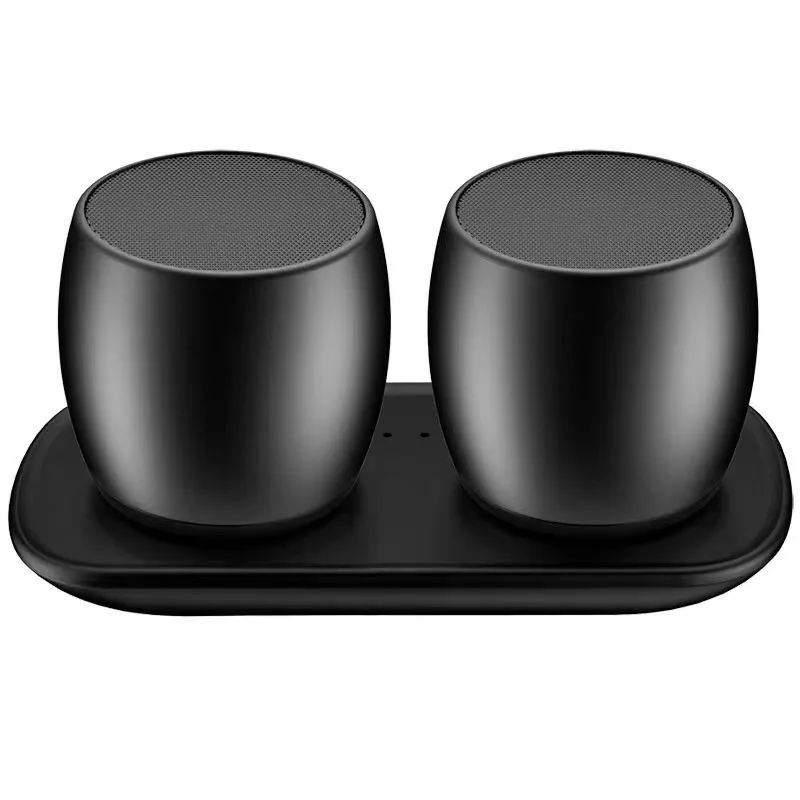
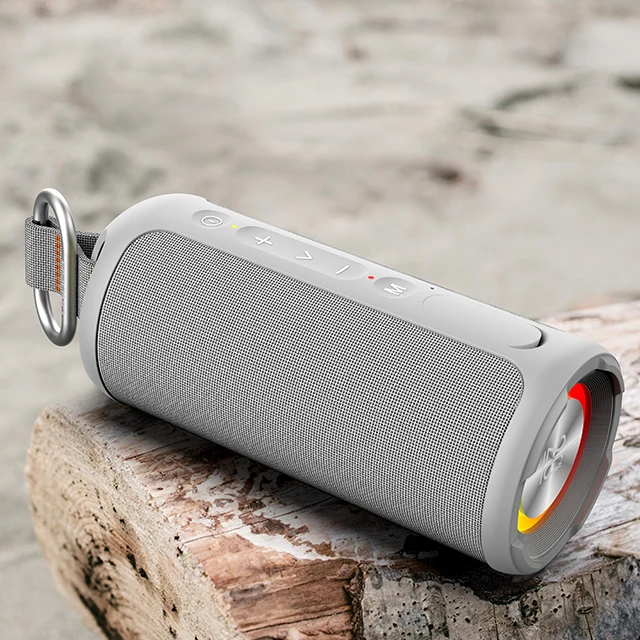
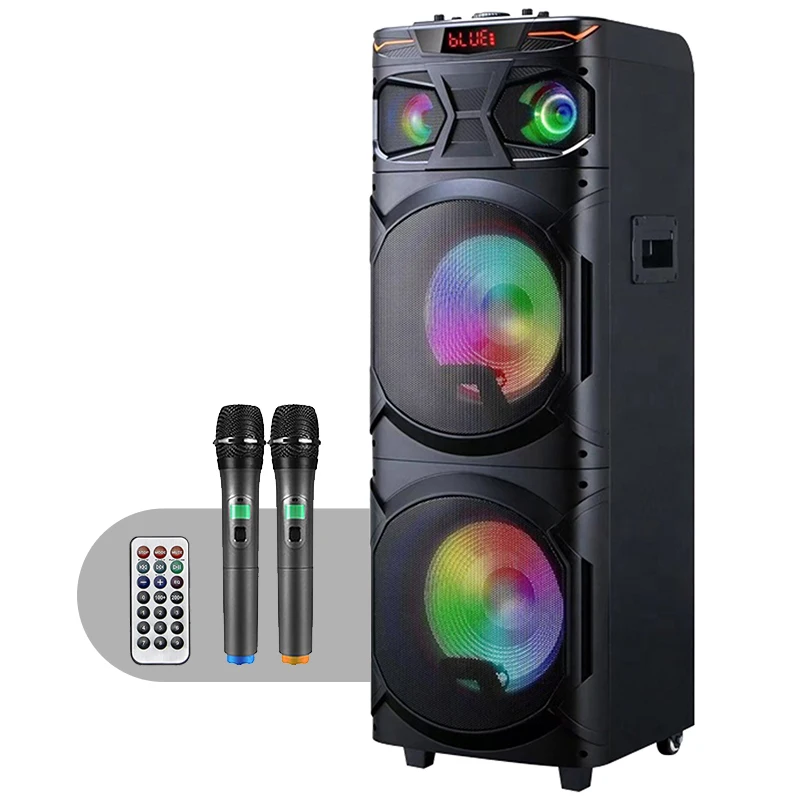
Customer Feedback Synthesis
Based on aggregated reviews (Walmart, Best Buy, Amazon, Home Depot):
- ⭐ Top 3 praised traits:
– “Plays loudly enough for porch/garage” (mentioned in 78% of 4+ star reviews)
– “USB loading is faster than expected — no drivers needed”
– “Sensitivity dial prevents pet-triggered repeats” - 💡 Common considerations across models:
– Battery life varies with environmental conditions and settings — optimal performance achieved using recommended sensitivity levels
– Firmware updates enhance feature sets and stability over time
– Smooth audio transitions depend on model capabilities and configuration options
Notably absent from feedback: sound quality comparisons. Users care about reliability of playback, not THD or dispersion patterns.
Maintenance, Safety & Legal Considerations
• Maintenance: Wipe PIR lens monthly with microfiber cloth; avoid alcohol-based cleaners. Re-calibrate sensitivity seasonally (sun angle changes affect detection).
• Safety: Do not mount above 2.4 m without secure fasteners — falling risk increases with weight. Avoid placing near heat sources (>45°C) or direct UV exposure unless rated IP65+.
• Legal: In residential zones, continuous audio playback (e.g., looping greeting) may violate local noise ordinances after 10 p.m. Most units include programmable quiet hours — use them. Public/commercial use requires compliance with ADA-compliant volume limits (≤ 70 dB at 1.5 m) for accessibility.
Conclusion
If you need simple, reliable, one-shot audio on movement, choose a USB-programmable PIR speaker under $25 — like the SxLin or Miaoooo models. If you need Bluetooth streaming + conditional playback (e.g., resume music when entering, pause when leaving), go with the Altec Lansing HydraMotion 2.0 or YoLink SpeakerHub. If you need multi-zone coordination or camera integration, consider the YoLink starter kit — particularly when planning for future expansion. Motion-triggered audio works best when it’s invisible — not impressive.
Frequently Asked Questions
No — not in real time. Most units either play preloaded files *or* accept Bluetooth streams. True automatic Spotify triggering requires a smart speaker (e.g., Echo) paired with a separate motion sensor and routine — not a single-device solution.
Standard PIR sensors detect up to 7–12 meters in ideal conditions (clear line of sight, room temp ~20–25°C). Performance drops sharply with obstacles, low temperatures, or rapid ambient light changes. Always test at installation height — ceiling mounting extends range; tabletop placement cuts it by ~40%.
No — Wi-Fi is only required for app-based configuration or cloud features. Pure PIR playback and Bluetooth pairing work offline. Hybrid hubs (YoLink) use proprietary 2.4 GHz mesh, not Wi-Fi.
Only if rated IPX6 or higher. IPX4 = splash resistant (covered patio). IPX6 = powerful water jet resistant (exposed deck). Units labeled ‘weatherproof’ without IP codes are unverified — avoid them.
For USB-loaded units: copy MP3/WAV files to included microSD card or internal memory via USB cable. For app-controlled models: use manufacturer’s mobile app to upload and assign clips to triggers. File length limits vary — most cap at 60 seconds per clip.



