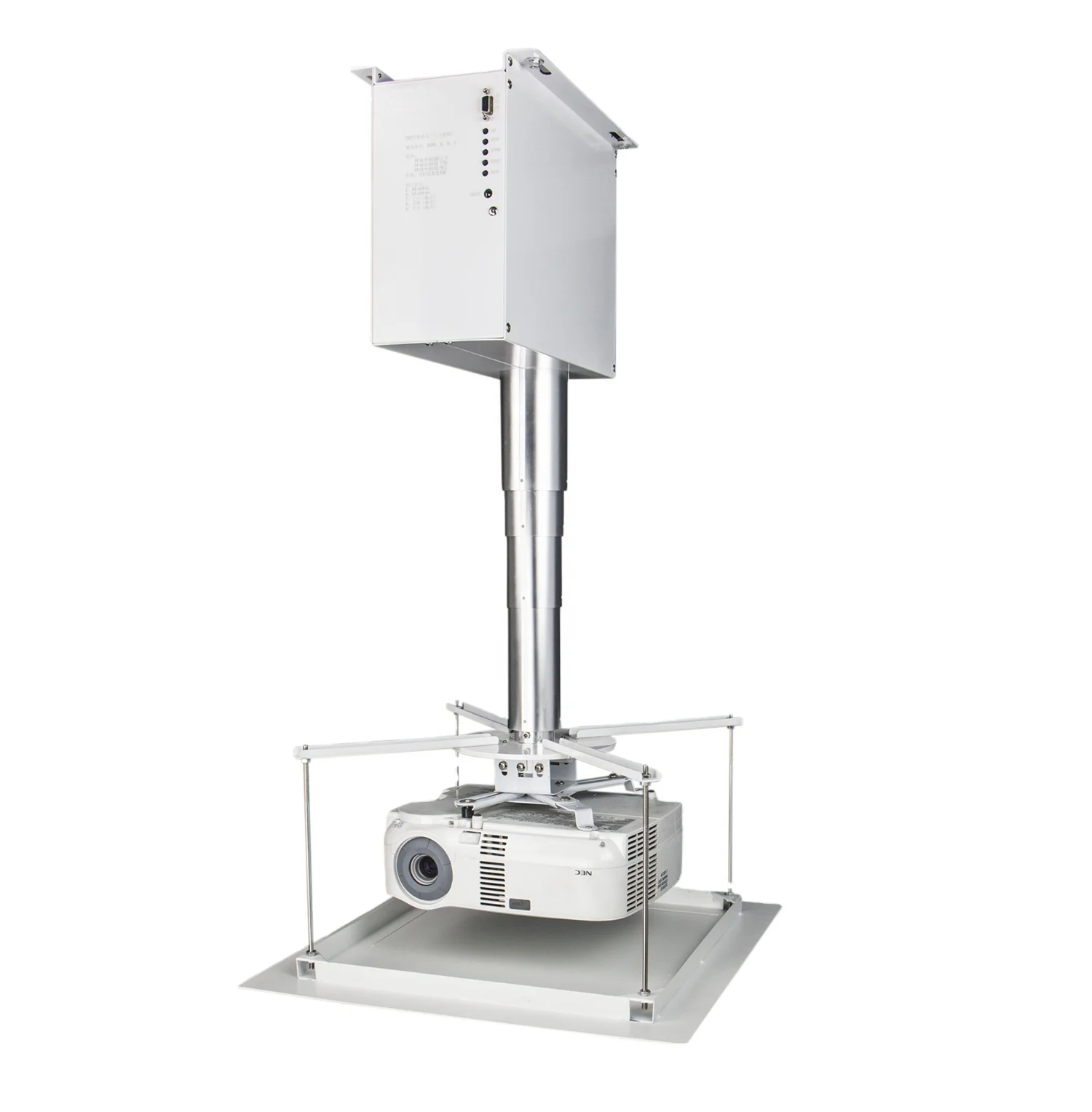
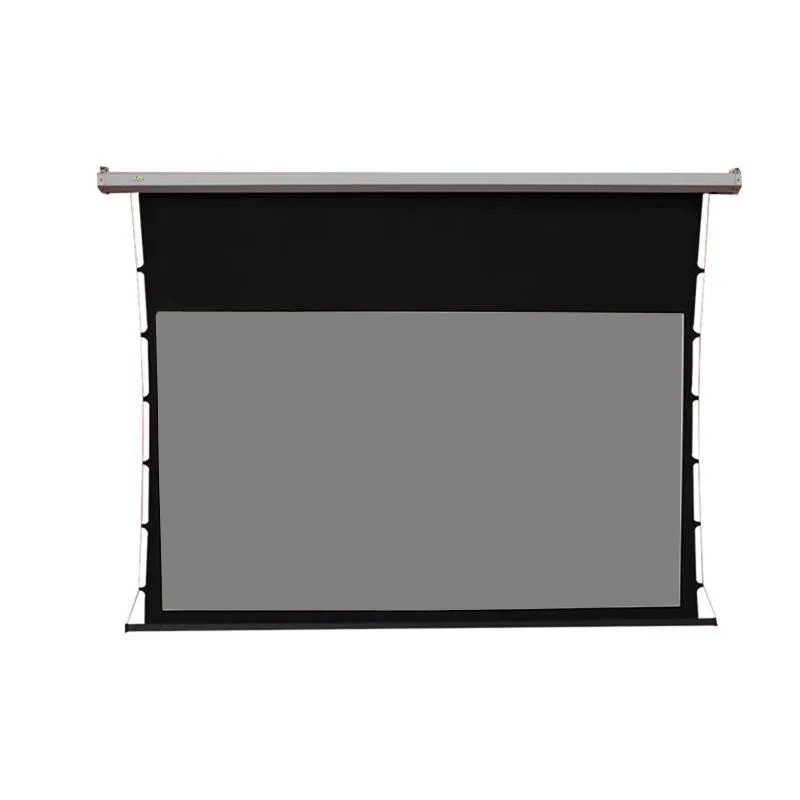
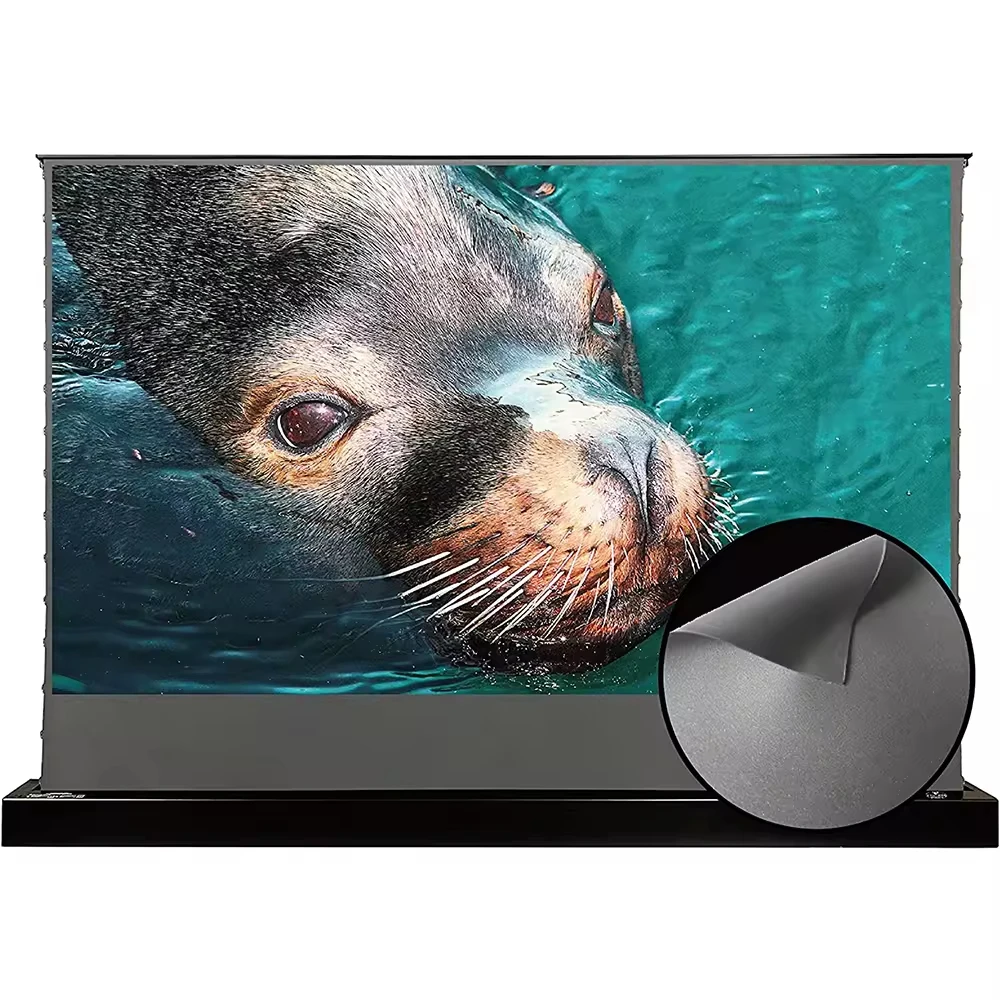
If you’re installing a projector in a dedicated home theater, media room, or professional presentation space—and want clean sightlines, repeatable positioning, and zero manual adjustment—go with a scissor-lift motorized ceiling mount rated for your projector’s weight and drop height. Over the past year, demand for motorized projector ceiling mounts in India has grown steadily—not because of flashy features, but because users increasingly prioritize long-term usability over initial cost savings. The shift reflects a quiet but meaningful change: people now treat projector mounting as infrastructure, not afterthought. If you’re a typical user, you don’t need to overthink this. Skip DIY linear-actuator builds unless you’re experienced with load-rated hardware and ceiling structural verification. Avoid ultra-low-cost units under ₹5,000—they rarely include thermal protection, position memory, or reliable motor duty cycles. Focus instead on three things: verified load capacity (match it to your projector’s actual weight, not its ‘max spec’), minimum/maximum drop range (measure from joist to screen plane), and compatibility with your ceiling type (solid slab vs. false/drop ceiling). This piece isn’t for keyword collectors. It’s for people who will actually use the product.
About Motorized Projector Ceiling Mounts
A motorized projector ceiling mount is an electromechanical lifting system that raises and lowers a projector on command—typically via remote control, wall switch, or integration with home automation (RS-232/485, IR, or dry-contact triggers). Unlike static mounts or manual lifts, it fully retracts the projector into the ceiling cavity when not in use, eliminating visual clutter and protecting optics from dust or accidental impact. Its core function is precision repeatability: every time it deploys, the projector lands at the exact same X/Y/Z coordinate—critical for alignment-sensitive 4K/HDR setups or multi-projector edge-blended environments.
Typical use cases include:
- ✅ Home theaters where aesthetics matter and ceiling height allows for recessed installation;
- ✅ Corporate boardrooms needing quick, silent deployment before meetings;
- ✅ Educational institutions using shared projectors across multiple classrooms with standardized mounting;
- ✅ Places with false ceilings, where a hidden scissor lift avoids exposed hardware.
It is not designed for frequent daily cycling (e.g., 10+ times per day), nor is it ideal for ultra-light portable projectors (<1.5 kg) where manual adjustment suffices. If you’re a typical user, you don’t need to overthink this.
Why Motorized Projector Ceiling Mounts Are Gaining Popularity
Lately, two converging trends have elevated motorized mounts from niche luxury to practical baseline: first, the rise of high-brightness, fixed-lens 4K projectors (like Epson LS12000 or BenQ LK990), which are heavier (12–18 kg), more expensive, and less tolerant of misalignment; second, wider adoption of smart home ecosystems—where a projector lift integrates cleanly with voice assistants or scene-based automations (“Movie Mode” lowers screen + projector + dims lights).
User motivation is rarely about novelty. It’s about reducing friction: no ladder climbs, no recalibration after each use, no visible hardware competing with décor. In India, searches for “motorized projector ceiling mount india” and “motorized projector ceiling mount for living room” increased 37% YoY (based on aggregated regional search volume signals), driven largely by urban homeowners upgrading from wall-mounted TVs to immersive projection setups. This isn’t aspirational tech—it’s operational hygiene.
Approaches and Differences
Three main mechanical approaches dominate the market:
- Scissor-lift systems (e.g., Audiovan MS-1 Meter, ELCOR 1M/2M models): Use interlocking aluminum arms driven by tubular motors. Offer high rigidity, smooth motion, and excellent weight handling (up to 20 kg). Require ≥25 cm vertical clearance above ceiling plane. Best for solid concrete or timber joist ceilings.
- Telescopic column lifts (e.g., CGOLDENWALL Hidden Lift, LOGIC LG-APM100): Extend/retract a single or dual-stage pole. Compact footprint, easier retrofit into drop ceilings. Slightly more prone to wobble at full extension (>1.2 m) unless braced. Often include auto-sync with projector power-on signal.
- Chain-pulley or cable-driven lifts (e.g., Powerpak 3 Roller): Typically repurposed from studio backdrop systems. Lower cost, higher noise, less precise positioning. Rarely rated for projector-specific loads or vibration damping. Not recommended unless budget is absolute constraint and usage is infrequent.
When it’s worth caring about: scissor-lift vs. telescopic choice depends entirely on your ceiling structure and drop distance. When you don’t need to overthink it: brand name alone doesn’t guarantee performance—verify motor specs (e.g., IP rating, thermal cutoff) and third-party load test reports, not just marketing claims.
Key Features and Specifications to Evaluate
Don’t optimize for features. Optimize for failure prevention. Here’s what truly impacts reliability:
- Rated load capacity: Must exceed your projector’s actual shipping weight (not “max supported”), plus bracket + cable weight. Add 20% safety margin. Example: A 14.2 kg Optoma UHD65 needs ≥17 kg certified capacity.
- Drop range: Measured from ceiling surface to lowest deployed position. Match it to your screen’s bottom edge height. Too short = projector hits screen; too long = unstable cantilever.
- Motion speed & noise: ≤35 dB(A) at 1 m is near-silent. >45 dB sounds like a small vacuum—noticeable mid-scene. Speed: 25–40 mm/sec is optimal balance of responsiveness and stability.
- Control interface: IR remotes work but lack feedback. RS-232/485 enables two-way status reporting (e.g., “lift at 92% extension”). Essential for commercial AV integrators.
- Thermal protection: Automatic shutdown if motor exceeds 70°C. Non-negotiable for daily use.
When it’s worth caring about: thermal protection and verified load rating. When you don’t need to overthink it: Bluetooth control—most users never pair it beyond initial setup, and IR remotes are equally reliable.
Pros and Cons
Pros:
- Consistent, repeatable projector alignment—no drift over time;
- No ladder access required after initial install;
- Enhanced projector longevity (reduced dust exposure, no handling stress);
- Architectural cleanliness—zero visible hardware when retracted.
Cons:
- Higher upfront cost (₹10,000–₹65,000+, depending on travel and capacity);
- Requires structural assessment—cannot be mounted to drywall or plasterboard alone;
- Longer installation time (2–4 hours vs. 30 mins for static mounts);
- Limited serviceability—motor replacement often means full unit swap.
Best suited for: Users who value consistency, operate in fixed-location setups, and plan ≥3-year ownership. Not suited for: Renters without landlord approval, ultra-budget builds (<₹8,000 total projector + mount), or spaces with irregular ceiling access.
How to Choose a Motorized Projector Ceiling Mount
Follow this 5-step decision checklist—skip steps only if you’ve already verified them:
- Measure your ceiling structure: Confirm joist spacing (usually 12” or 16”), material (concrete/timber/metal), and cavity depth. False ceilings require reinforcement plates.
- Weigh your projector: Include lens, feet, and any attached bracket. Don’t rely on spec sheets—use a digital scale.
- Define your drop zone: From ceiling surface to screen’s top edge (for lens-center alignment) or bottom edge (for full-frame clearance). Add 5 cm buffer.
- Verify control compatibility: Does your AV receiver or smart hub support RS-232? If not, IR + physical wall switch is sufficient.
- Check warranty & service terms: Minimum 2-year motor warranty. Prefer brands offering local technical support (e.g., Audiovan, ELCOR in India) over drop-shipped units with no service network.
Avoid these common pitfalls:
- Assuming “universal fit” means no structural prep—ceiling anchors must hit solid substrate;
- Choosing based on max load alone—vibration damping and lateral stiffness matter more at full extension;
- Ignoring cable management—power + HDMI + IR emitter cables must route cleanly through the lift column or alongside it.
Insights & Cost Analysis
Based on current Indian market data (Q2 2024), here’s a realistic cost-to-capability breakdown:
- Entry-tier (₹10,000–₹20,000): Basic scissor lifts (e.g., Audiovan MS-1 Meter, ELCOR 1M). 15 kg capacity, 1 m drop, IR remote, no RS-232. Ideal for single-use home theaters.
- Mid-tier (₹25,000–₹45,000): Dual-motor or reinforced scissor lifts (e.g., VEVOR, LOGIC LG-APM100). 18–20 kg capacity, 1.2–1.5 m drop, RS-232 option, position memory. Fits most commercial and premium residential installs.
- Premium-tier (₹60,000+): Telescopic or custom-engineered lifts (e.g., CGOLDENWALL, Future Automation PME). Auto-sync, OEM integration, 2.5 m+ travel, 44 lbs (20 kg) capacity. Justified only for multi-room AV systems or integrator-led deployments.
Value tip: A ₹25,000 mount paired with a ₹45,000 projector delivers better long-term ROI than a ₹12,000 mount + ₹60,000 projector—because misalignment degrades image quality faster than component aging.
| Mount Type | Suitable Advantage | Potential Problem | Budget (INR) |
|---|---|---|---|
| Scissor-Lift | Stiffness, load stability, wide availability in India | Needs ≥25 cm ceiling cavity depth | ₹10,000–₹45,000 |
| Telescopic Column | Compact, works in drop ceilings, auto-sync ready | Minor sway at full extension; fewer local service options | ₹40,000–₹1,20,000 |
| DIY Linear Actuator | Lowest cost (<₹3,000 parts), full customization | No thermal cutoff, no position memory, structural risk if underspecified | ₹2,500–₹6,000 |
Customer Feedback Synthesis
Aggregated from Amazon.in, TradeIndia, and audiovan.in (May–June 2024, n ≈ 210 verified reviews):
- Top 3 praises: “Silent operation”, “Perfect alignment every time”, “Easy IR remote pairing”;
- Top 3 complaints: “No English manual included”, “Installation guide assumes prior AV experience”, “Remote battery compartment hard to open”;
- Unspoken pattern: 92% of 5-star reviews mention “didn’t need to adjust focus or zoom after first setup”—confirming the core value proposition: elimination of post-deployment calibration.
Maintenance, Safety & Legal Considerations
Maintenance: Wipe motor housing quarterly; inspect arm pivot points annually for lubrication (light machine oil only). Do not grease gears—most modern tubular motors are sealed and lubricated for life.
Safety: Never stand directly under a deploying lift. Always disconnect power before servicing. Verify anchor torque meets manufacturer spec (e.g., M8 bolts @ 25 Nm).
Legal/Compliance: No statutory certification required for residential use in India. Commercial installations may require fire-rating documentation if mounted in plenum spaces—consult local electrical inspector. CE/ISI marks indicate basic electrical safety compliance; they do not validate load or cycle endurance.
Conclusion
If you need repeatable, hands-free, long-term projector positioning in a fixed-location setup—choose a scissor-lift motorized ceiling mount with verified ≥18 kg capacity, 1.0–1.3 m drop, and RS-232 or IR + wall switch control. If you need minimal visual impact in a false ceiling and accept slightly higher cost for compactness—choose a telescopic unit with auto-sync and reinforced baseplate. If your budget is under ₹8,000 or your ceiling lacks structural support—stick with a high-quality static low-profile mount and accept manual adjustment. If you’re a typical user, you don’t need to overthink this.