Over the past year, demand for hybrid queue solutions — especially those combining thermal paper tickets with digital backend tracking — has grown steadily across retail, government service centers, and small clinics1. If you’re setting up or upgrading a physical queuing system, start here: choose standard 57mm or 80mm thermal rolls (BPA-free, CE-certified), pair them with a kiosk that supports real-time number sync, and skip custom firmware unless you manage >5 concurrent queues. This isn’t about “best” — it’s about reliability, compatibility, and low maintenance. If you’re a typical user, you don’t need to overthink this.
This piece isn’t for keyword collectors. It’s for people who will actually use the product.
About Paper Ticket for Queue System
A paper ticket for queue system is a physical, numbered receipt dispensed from a self-service kiosk or countertop dispenser. Unlike e-tickets or QR-based check-ins, it provides immediate, tactile confirmation of place-in-line — critical where internet connectivity is unstable, users lack smartphones, or staff need visual queue monitoring. Typical use cases include:
- Local DMV or passport offices requiring auditable, timestamped entry records
- Pharmacies and labs handling walk-in sample drop-offs
- Small banks or credit unions serving older demographics
- Food courts and municipal service desks during peak hours
It’s not obsolete — it’s purpose-built. The core function remains unchanged: assign, track, and call numbers. What’s changed is how tightly paper issuance integrates with analytics, SMS alerts, and multi-channel check-in (e.g., print + WhatsApp + kiosk). That integration — not the paper itself — is where value now lives.
Why Paper Ticket for Queue System Is Gaining Popularity
Lately, paper-based queue systems are seeing renewed adoption — not as a fallback, but as a deliberate choice. Three drivers explain this:
- Resilience over dependency: When Wi-Fi drops or app servers lag, a thermal printer keeps issuing tickets. No login, no battery, no update required.
- Inclusive access: ~27% of adults aged 65+ in OECD countries don’t use smartphones regularly2. A paper ticket removes onboarding friction entirely.
- Regulatory alignment: In sectors like public administration or utilities, auditable paper trails (with timestamps, roll batch IDs, and operator logs) remain easier to validate than ephemeral digital logs.
This isn’t nostalgia — it’s risk mitigation. If you’re a typical user, you don’t need to overthink this.
Approaches and Differences
There are three main ways paper tickets enter a queue system — each with trade-offs:
🔹 Standalone Ticket Dispenser
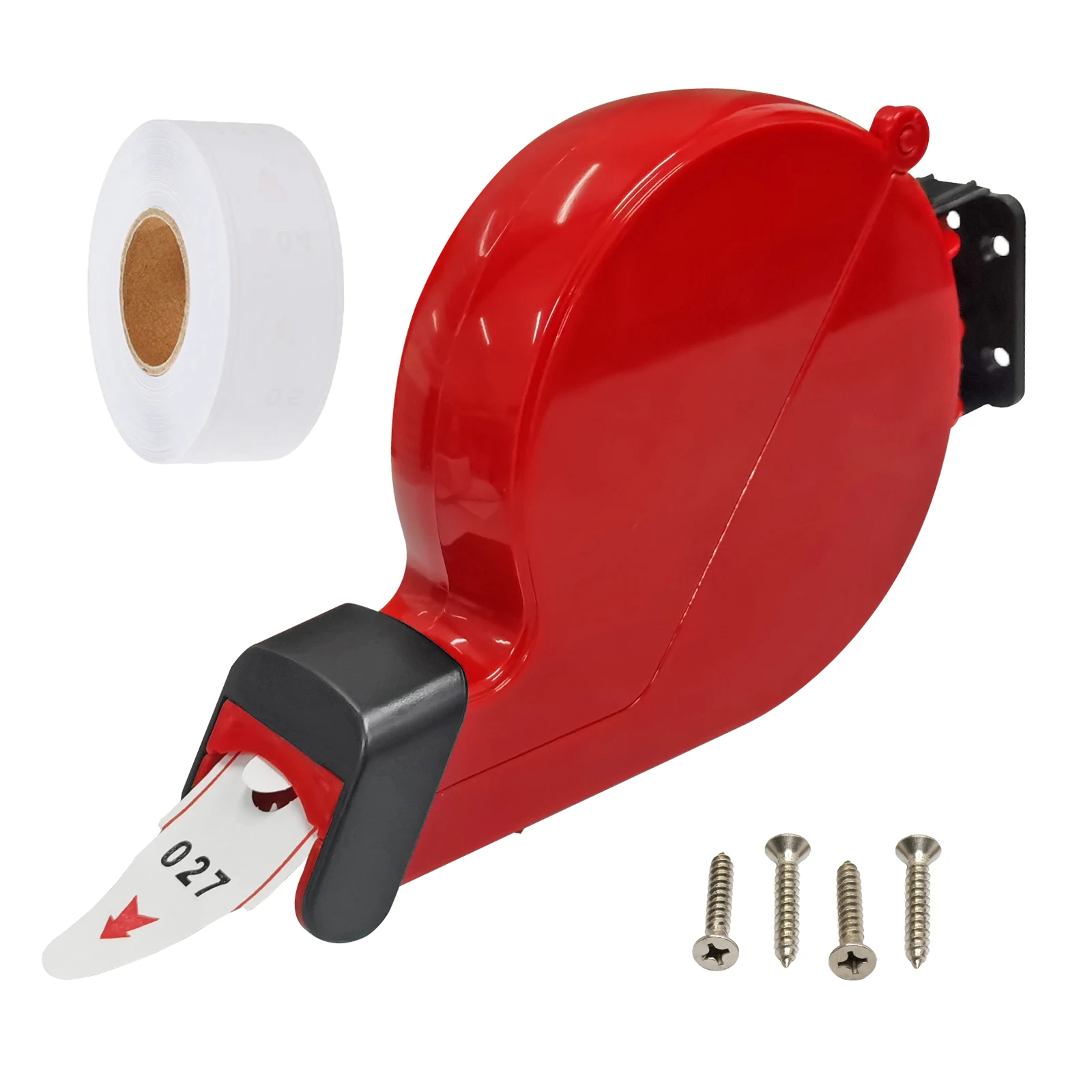
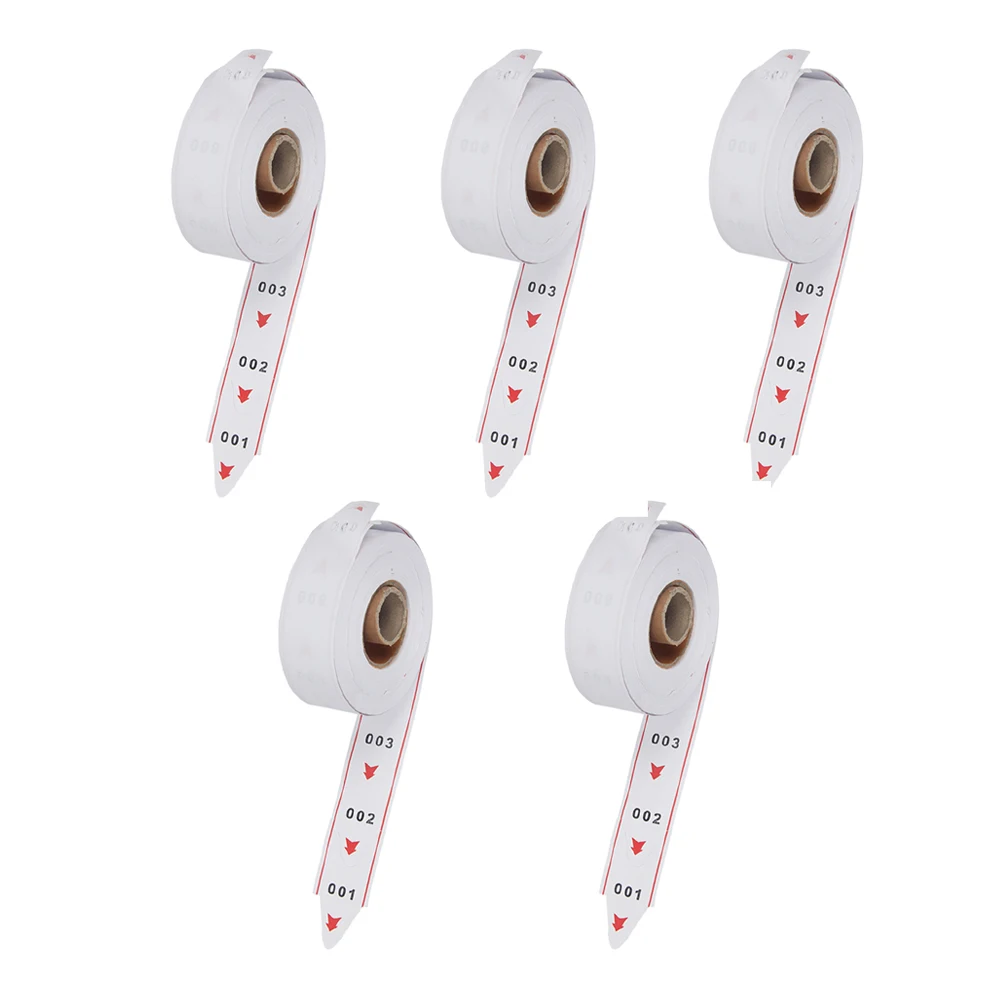
Basic mechanical unit (e.g., 2-digit or 3-digit roll feed). Often bundled with pre-printed rolls (00–99 or 001–999).
- Pros: Under $25; zero setup; works offline; minimal power draw
- Cons: No data capture; no analytics; no caller integration; manual reset required after 999
- When it’s worth caring about: You only need basic numbering and have under 30 daily visitors.
- When you don’t need to overthink it: You’re testing demand before investing in software — or running a pop-up booth.
🔹 Kiosk-Integrated Thermal Printer
Self-service terminal (e.g., Moviik, Impretech Mini T-Ticket) with embedded thermal printer, touchscreen, and cloud sync.
- Pros: Real-time queue dashboard; SMS/WhatsApp notifications; customizable ticket layout; audit log export
- Cons: $299–$1,241 upfront; requires network; thermal paper must match exact width and sensitivity specs
- When it’s worth caring about: You serve >100 people/day and need reporting (e.g., avg wait time, peak hours, staff load).
- When you don’t need to overthink it: You already use a CRM or scheduling tool — look for API-ready models, not proprietary clouds.
🔹 Hybrid Print-and-Scan Gateways
Combines paper ticket issuance with QR code or barcode scanning at service counters (e.g., Skiplino’s QMS with optional thermal add-on).
- Pros: Bridges paper and digital; enables contactless counter verification; reduces mis-calls
- Cons: Requires dual hardware (printer + scanner); adds latency if scanning fails; higher failure rate in low-light or glare-prone areas
- When it’s worth caring about: You operate multiple service windows and want to prevent “number jumping.”
- When you don’t need to overthink it: Your staff manually calls numbers — scanning adds complexity without benefit.
Key Features and Specifications to Evaluate
Don’t optimize for specs — optimize for durability and interoperability. Here’s what actually moves the needle:
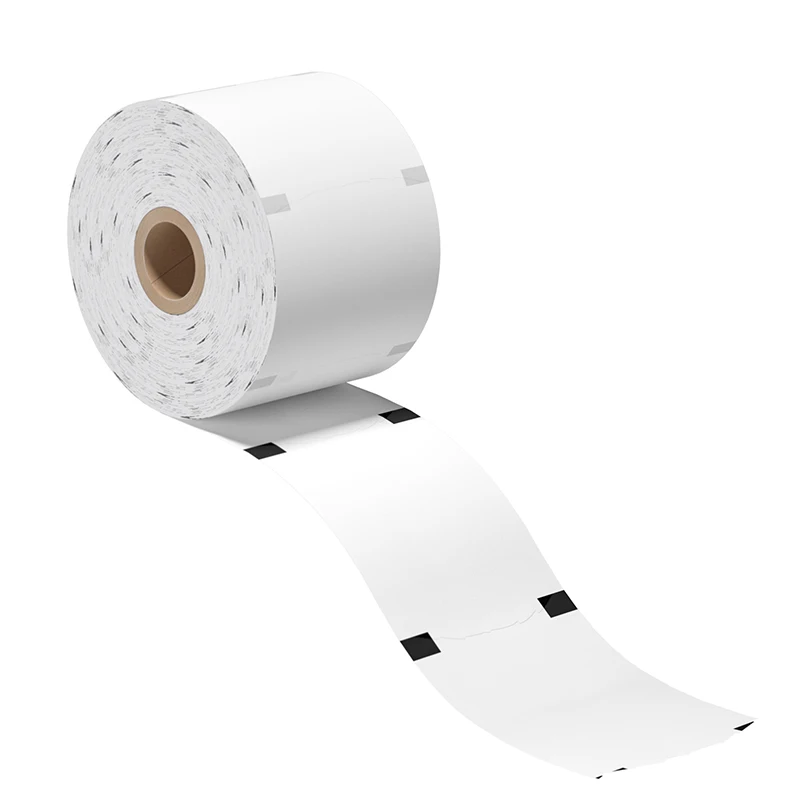
- Roll width & core size: 57mm (most common) or 80mm; inner core diameter usually 12.7mm or 25.4mm. Mismatch = jamming. When it’s worth caring about: You’re replacing legacy hardware — measure existing spool holder first.
- Thermal sensitivity & BPA-free certification: Low-sensitivity paper fades in heat/sunlight; non-BPA options comply with EU REACH and US FDA guidance for frequent-handling items. When you don’t need to overthink it: Indoor, climate-controlled environments — standard thermal paper suffices.
- Print resolution & character clarity: 203 dpi minimum. Faint ‘3’s and ‘8’s cause misreads. Test with your actual font size and number format (e.g., ‘A001’ vs ‘001’).
- Auto-cutter & paper-out detection: Prevents torn tickets and alerts staff before roll depletion. Critical for unattended kiosks.
Pros and Cons: Balanced Assessment
Paper tickets aren’t “low-tech” — they’re appropriately tech. Their strengths and limits follow predictable patterns:
| Scenario | Well-suited | Not well-suited |
|---|---|---|
| User base | High proportion of seniors, limited digital literacy, or intermittent connectivity | Young, mobile-first audiences with reliable 4G/5G and app adoption >90% |
| Scale | 1–4 service points, ≤300 daily transactions | 10+ counters, real-time cross-location routing (e.g., hospital triage) |
| Compliance needs | Auditable, timestamped physical record required by policy | GDPR-heavy workflows where paper creates retention liability |
How to Choose Paper Ticket for Queue System
Follow this 5-step decision checklist — and avoid two common traps:
❌ Trap #1: “We’ll just buy the cheapest rolls online.”
Low-cost thermal paper often lacks consistent sensitivity. Result: faded numbers after 2 hours in ambient light, or jams due to inconsistent thickness. Stick to CE- or RoHS-certified rolls — even if 15–20% pricier.
❌ Trap #2: “We’ll integrate with our existing CRM later.”
Most budget kiosks offer no API or only proprietary cloud sync. If you need data in your internal system, verify REST API support *before* purchase — not after.
✅ Decision Checklist:
- Count concurrent queues needed: 1–2 → standalone dispenser; 3–6 → integrated kiosk; 7+ → enterprise platform with hardware SDK
- Verify printer compatibility: Match roll width, core size, and max print speed (e.g., 80mm/sec) to your kiosk model’s spec sheet — not marketing copy
- Test paper longevity: Expose printed samples to indoor lighting for 48 hrs — if numbers blur or darken, reject the batch
- Confirm failover behavior: What happens when Wi-Fi drops? Does it keep printing? Does it store logs locally?
- Review support SLA: On-site hardware replacement >48 hrs? Skip it. Remote firmware updates? Essential.
Insights & Cost Analysis
Costs fall into three buckets — and scale non-linearly:
- Hardware: Standalone dispensers ($15–$45); mid-tier kiosks ($299–$599); premium units with dual displays and SMS gateway ($999–$1,241)
- Consumables: Thermal rolls average $12–$22 per 2,000-ticket roll (57mm × 30m). Bulk orders (>10 rolls) reduce cost by ~18%
- Software & Support: Cloud plans start at $0 (basic), $299/mo (SME), $399/mo (enterprise). Self-hosted options exist but require IT overhead.
For most small-to-mid operations, the sweet spot is a $449 kiosk + $18/month cloud plan — delivering analytics, remote management, and 99.2% uptime (per vendor-reported field data3). If you’re a typical user, you don’t need to overthink this.
Better Solutions & Competitor Analysis
Three widely available options — compared on interoperability, scalability, and long-term maintainability:
| Product Type | Suitable For | Potential Problem | Budget Range |
|---|---|---|---|
| Moviik Paper+Digital Kiosk | Hybrid environments needing SMS + paper + QR | Limited third-party API documentation; cloud-only analytics | $499–$699 |
| Impretech Mini T-Ticket | Multi-queue sites needing full local control | No built-in SMS; requires external gateway for notifications | €1,241 |
| Skiplino QMS (thermal add-on) | Teams already using Skiplino’s web dashboard | Thermal module sold separately; no standalone paper mode | $299/mo + $199 hardware |
Customer Feedback Synthesis
Based on aggregated reviews (Alibaba, Amazon, and vendor portals), top themes emerge:
- ✅ Frequent praise: “Paper window lets us see roll level without opening the unit”; “No reboots needed in 14 months”; “Ticket numbers stay sharp for 72+ hours indoors.”
- ❗ Common complaints: “Rolls jam if humidity exceeds 65% — no warning label”; “SMS credits expire quarterly, even unused”; “Firmware updates require factory reset.”
Maintenance, Safety & Legal Considerations
Three non-negotiables:
- Storage: Keep thermal rolls in sealed bags, away from UV light and temperatures >35°C. Shelf life drops from 3 years to <6 months under poor conditions.
- Safety: Thermal paper contains leuco dyes — not hazardous in normal handling, but avoid prolonged skin contact during bulk loading. Gloves recommended for >100-roll/month operations.
- Legal: In the EU and UK, BPA-free labeling is mandatory for paper intended for frequent human contact. In the US, FDA does not regulate thermal paper for queue use — but state-level bans (e.g., Connecticut, Minnesota) apply if receipts contain BPA.
Conclusion
If you need audit-ready, offline-resilient, universally accessible queue numbering, paper tickets remain the most predictable solution — especially when paired with modern kiosks that treat paper as one channel among many. If you need cross-location routing, AI-driven wait prediction, or deep CRM integration, paper-first design will constrain you. For 80% of service desks operating 1–4 counters, the optimal path is clear: invest in a certified thermal roll + a cloud-connected kiosk with local failover — then tune, not replace, as needs evolve. If you’re a typical user, you don’t need to overthink this.



