Lately, network installations—especially in home labs, SMB server rooms, and structured cabling upgrades—have shifted toward integrated solutions. Over the past year, demand for patch panels with built-in cable organizers has risen not because of marketing hype, but because users are tired of retrofitting separate cable managers onto rigid metal frames. If you’re a typical user, you don’t need to overthink this: choose a horizontal 1U metal patch panel with rear-mounted D-ring bars or removable cable management rails if your rack depth is ≥30 inches and you run >12 Cat6/6A patch cords. Skip modular “all-in-one” plastic panels unless you’re deploying in low-density wall-mount enclosures (<8 ports) or temporary setups. This piece isn’t for keyword collectors. It’s for people who will actually use the product.
About Patch Panels with Cable Organizers
A patch panel with cable organizer is a standardized 19″ rack-mount hardware unit that combines termination points (typically 12–48 RJ45 keystone jacks) with integrated mechanical structures—like horizontal cable management bars, brush-sealed routing channels, or sliding D-rings—to route, secure, and separate patch cords behind the panel face. Unlike standalone patch panels (which require external cable managers), these units unify two functions into one physical footprint.
Typical use cases include:
- Home lab racks where airflow and visual tidiness matter more than enterprise-grade density;
- SMB offices upgrading from daisy-chained wall outlets to centralized switching;
- Edge deployments in retail or education where installers lack dedicated cabling technicians;
- Renovations where conduit access is limited and rear-cable routing must be self-contained.
It’s not a replacement for full cable management ecosystems (e.g., vertical managers + ladder racks + strain relief). It’s a pragmatic consolidation—designed for clarity, not scalability beyond ~48 ports.
Why Patch Panels with Cable Organizers Are Gaining Popularity
Three observable shifts explain the trend—not just in Egypt, UAE, or North America, but globally across mid-tier infrastructure projects:
- Installation labor cost pressure: Labor now accounts for 60–70% of total cabling project cost 1. Integrating cable management cuts mounting time by ~25% compared to bolting separate components.
- Rack space optimization: With rising adoption of compact switches (e.g., 1U 24-port PoE+) and dense fiber-to-copper transitions, every RU counts. Units like PATCHBOX®’s 0RU Patchcatch eliminate redundant vertical manager height 2.
- User expectation shift: “Neat” is no longer aesthetic—it’s operational. Videos from apalrd’s adventures and Home Network Guy show how tangled rear cables cause port misalignment, accidental disconnections, and thermal buildup behind switches 3.
If you’re a typical user, you don’t need to overthink this: popularity reflects real workflow friction—not feature inflation.
Approaches and Differences
There are three dominant design approaches—and each solves different constraints:
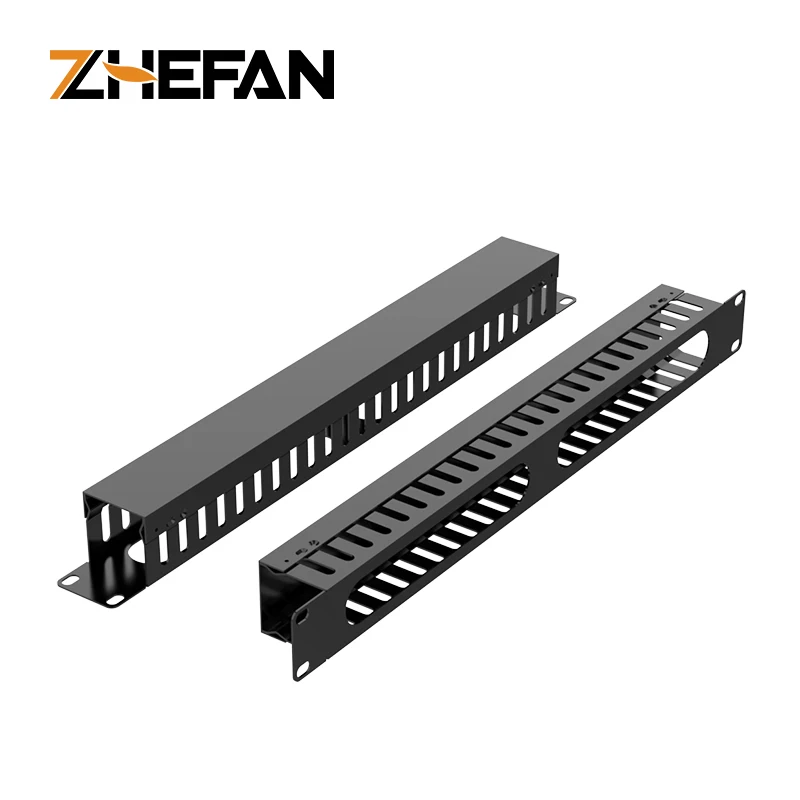
🔧 Horizontal Metal Cable Management (1U Standard)
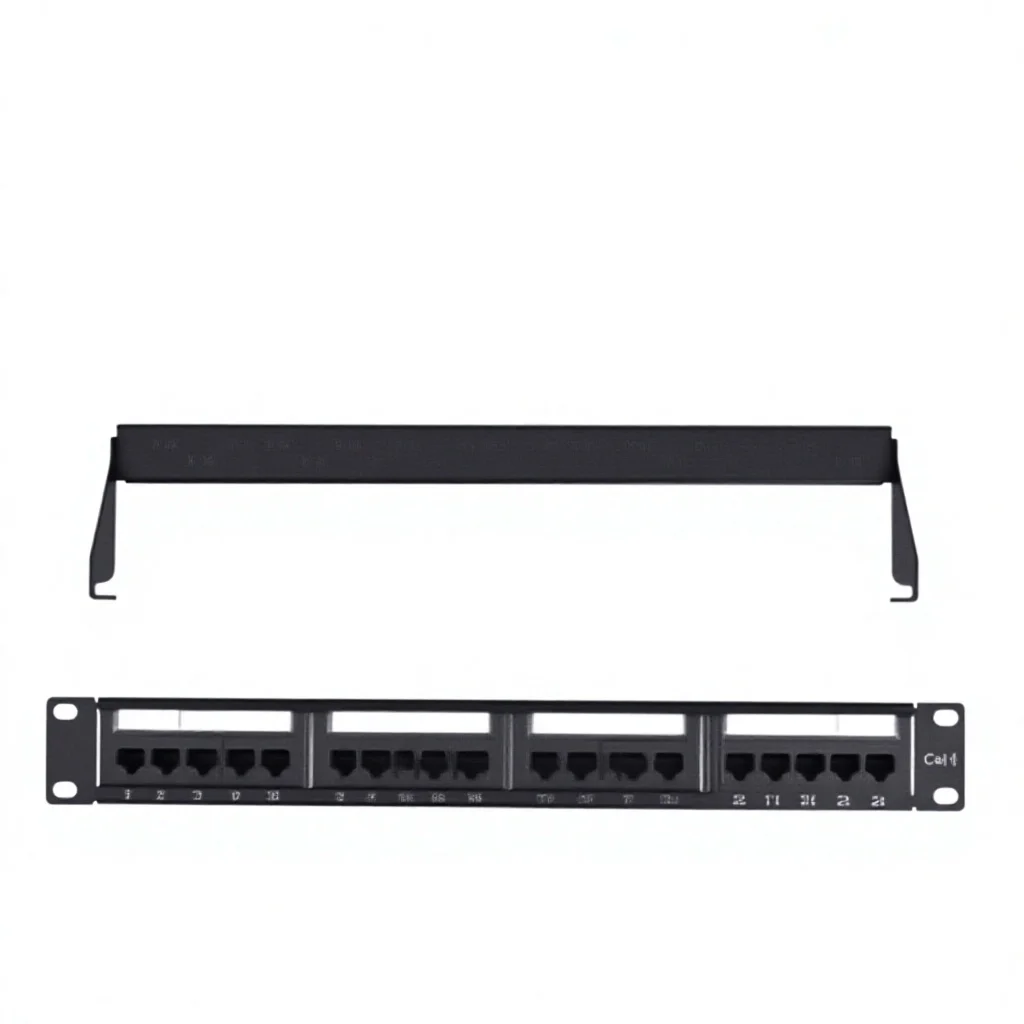
Example: Sama Link 1U Horizontal Metal Cable Manager 4.
- Pros: High rigidity, tool-free D-ring adjustment, compatible with all standard 1U patch panels (including unloaded Hikvision DS-1CP0U24-1U); supports Cat6A bend radius compliance.
- Cons: Requires separate mounting; adds ~1.5” depth; not ideal for shallow racks (<24” depth).
- When it’s worth caring about: You’re installing 24+ ports in a deep rack and plan to re-patch frequently.
- When you don’t need to overthink it: You’re doing a 12-port wall box install or only patching once per year.
🧩 Integrated Removable Faceplates
Example: VCELINK 24-Port Patch Panel with 6-port removable panels 5.
- Pros: Sectional access avoids full panel removal; simplifies troubleshooting; reduces risk of disturbing adjacent runs.
- Cons: Plastic retention clips wear over time; limited compatibility with third-party keystone jacks.
- When it’s worth caring about: You manage mixed-speed networks (Cat5e + Cat6A) and need selective port upgrades.
- When you don’t need to overthink it: All ports use identical category-rated jacks and won’t be re-terminated.
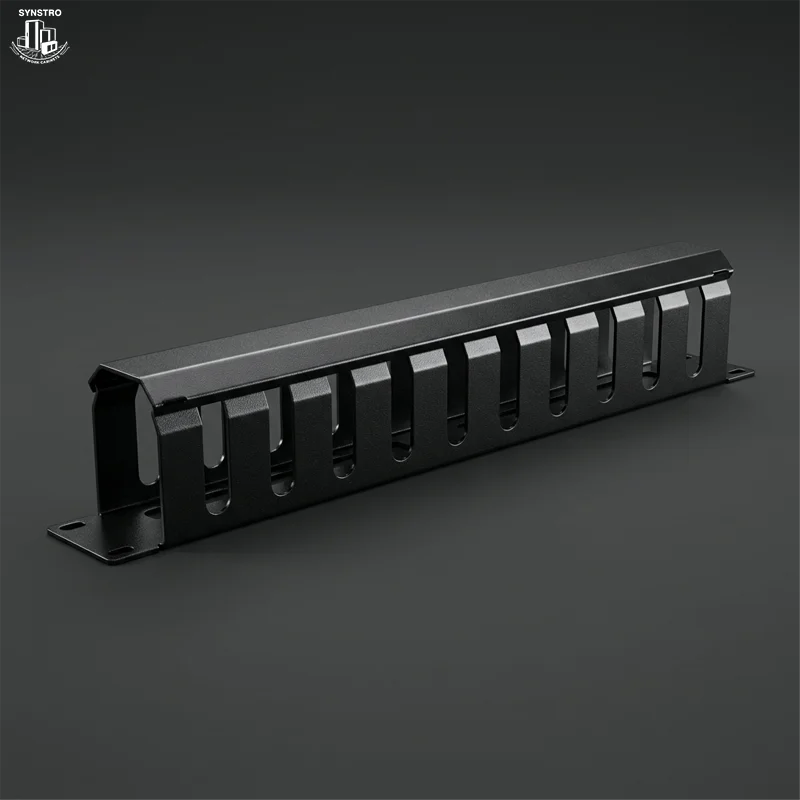
📦 All-in-One Enclosed Units (Brush-Sealed)
Example: Neat-Patch Cable Management Unit 6.
- Pros: Dust and snag protection; pre-aligned routing paths; minimal tools required.
- Cons: Limited airflow behind panel; non-standard depth (often >3.5”); difficult to retrofit non-keystone accessories.
- When it’s worth caring about: Install is in dusty environments (warehouses, workshops) or exposed wall mounts.
- When you don’t need to overthink it: Rack is climate-controlled and fully enclosed.
Key Features and Specifications to Evaluate
Don’t optimize for specs—optimize for consequences. Here’s what moves the needle:
- Rear clearance depth: Minimum 3.5” behind panel face for Cat6A bend radius (≥4x cable diameter). Below 3”, expect kinked conductors and NEXT loss.
- Mounting flexibility: Look for dual-hole patterns (top/bottom) and slotted rails—not fixed screw holes. Enables fine-tuning alignment with switch ports.
- Cable tie point density: ≥1 tie point per 2 ports. Fewer = uneven tension and lateral pull on jacks.
- Keystone compatibility: Verify support for industry-standard 110/120 IDC blocks—not proprietary inserts. Avoid panels locking you into one vendor’s jacks.
- Material thickness: ≥1.2mm cold-rolled steel for 1U panels. Thinner gauges flex under cord weight, causing jack misalignment.
If you’re a typical user, you don’t need to overthink this: material gauge and rear depth matter more than color or branding.
Pros and Cons: Balanced Assessment
✅ Pros:
- Faster deployment—no separate cable manager selection or alignment steps;
- Consistent bend radius enforcement—reduces insertion loss in high-frequency applications;
- Lower long-term maintenance—fewer loose parts to lose or misplace;
- Better airflow predictability—horizontal routing avoids blocking fan intakes.
❌ Cons:
- Less modularity—if one component fails (e.g., broken D-ring), full unit replacement may be needed;
- Narrower upgrade path—can’t swap out cable management for higher-density variants later;
- Potential over-engineering for small-scale use (e.g., 8-port home office).
It’s not universally “better.” It’s better when your installation scale, frequency of changes, and physical constraints match its design intent.
How to Choose a Patch Panel with Cable Organizer
Follow this 5-step checklist—skip steps only if your use case is trivial (≤8 ports, static setup, no rack):
- Measure rack depth first. If <26”, avoid rear-mounted horizontal bars. Opt for front-access brush-sealed units instead.
- Count active ports × 2. That’s your minimum number of cable tie points needed. If spec sheets omit this count, assume inadequate density.
- Verify keystone slot width. Standard is 14.5mm. Panels with <14mm slots won’t accept most Cat6A jacks—even if labeled “6A-ready.”
- Reject any panel without M6 mounting hardware included. Third-party screws often strip threads in thin-gauge rails.
- Test rear access before ordering. Watch installation videos (e.g., Talk On Tech Solutions’ Cat6 rack build 7)—if techs struggle to reach rear fasteners, so will you.
⚠️ Critical Avoidance Point: Don’t buy “pre-loaded” panels with factory-terminated jacks unless you’ve verified exact wire gauge (23 AWG vs. 24 AWG), jacket material (LSZH vs. PVC), and TIA-568-C.2 compliance. Field-terminated keystone systems offer far greater flexibility and traceability.
Insights & Cost Analysis
Based on current regional pricing (Egypt, UAE, US mid-tier distributors):
- Unloaded 24-port 1U panel + separate horizontal cable manager: EGP 485–620 / $120–155
- Integrated 24-port panel with rear D-rings: EGP 590–780 / $145–190
- All-in-one brush-sealed 24-port unit: EGP 820–1,150 / $200–280
The premium for integration is 15–25%. That pays off only if labor savings exceed EGP 200 or if you lack tools/space for secondary mounting. For single-install users, integrated units justify cost via reduced frustration—not ROI calculators.
| Category | Best For | Potential Issue | Budget Range (EGP) |
|---|---|---|---|
| Horizontal 1U Metal Bar | Deep racks, frequent re-patching, Cat6A builds | Requires precise rack depth; adds bulk | 350–485 |
| Removable Faceplate Panel | Mixed-category networks, phased upgrades | Plastic clips degrade; limited jack options | 520–720 |
| Brush-Sealed Enclosed Unit | Dusty/wall-mount environments, low-skill install | Poor airflow; hard to service | 820–1,150 |
Better Solutions & Competitor Analysis
“Better” depends on context—not specs. Consider these alternatives only if your needs fall outside standard patch panel boundaries:
- For ultra-dense 48+ port deployments: Use a standard patch panel + vertical cable manager + horizontal D-ring bar combo. Yes, it’s more parts—but offers field-replaceable components and superior heat dissipation.
- For wall-mounted simplicity: A compact 12-port wall box with integrated finger ducts (e.g., Legrand Egypt’s RJ45 category 5e/6 solutions 8) beats rack gear entirely.
- For future-proofing: PATCHBOX®’s modular system eliminates traditional cable managers altogether—but requires full ecosystem adoption. Not a drop-in replacement.
Customer Feedback Synthesis
Aggregated from FS.com, Amazon, and YouTube comment sections (2024–2025):
- Top 3 praises: “No more fishing cables behind the panel,” “Mounting took half the time,” “Cable tension stays even after 6 months.”
- Top 3 complaints: “D-rings stripped after 3rd repositioning,” “Front label space too small for handwritten IDs,” “No spare M6 screws included.”
- Notably absent: complaints about signal degradation or certification failure—confirming that mechanical integration doesn’t compromise electrical integrity when installed correctly.
Maintenance, Safety & Legal Considerations
No regulatory certifications (e.g., UL, CE) are mandatory for passive patch panels—but reputable vendors list them. What matters practically:
- Maintenance: Wipe dust from brush seals quarterly; inspect D-ring welds annually if subject to frequent re-routing.
- Safety: Never force cables into tight bends behind panels—use minimum 1” radius for Cat6A. Kinked cables generate heat and increase crosstalk.
- Legal: No jurisdiction treats patch panels as regulated equipment—but local fire codes (e.g., UAE Fire & Life Safety Code) may require LSZH jacketing for in-wall runs. Panel housing itself carries no such requirement.
Conclusion
If you need fast, tidy, repeatable patching in a standard-depth rack (≥30”) with ≥12 ports, choose a 1U horizontal metal cable management–integrated patch panel. If you’re installing in shallow cabinets, wall boxes, or low-density edge nodes, go with a brush-sealed all-in-one unit. If your environment demands modular upgrades or mixed cable categories, prioritize removable faceplate designs. Everything else is noise. If you’re a typical user, you don’t need to overthink this.