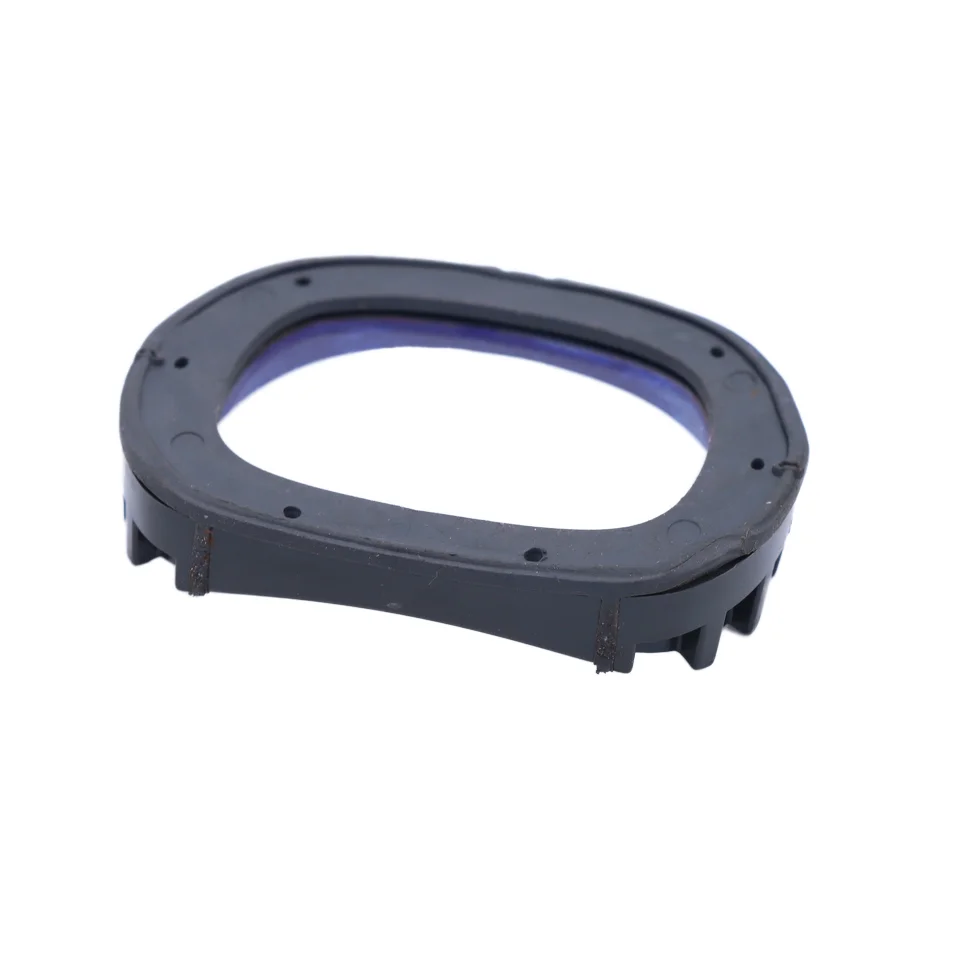
Over the past year, demand for plastic barcode scanner covers has grown—not because scanners broke more often, but because frontline workers in retail, warehousing, and logistics started treating them like mission-critical tools that need consistent, low-friction protection. If you’re a typical user, you don’t need to overthink this: choose a rigid, CE-certified polycarbonate cover with reinforced corners and a non-slip grip surface—it delivers 90% of real-world protection at half the cost of silicone hybrids or custom-molded rubber. Skip soft-touch finishes unless you handle scanners barehanded in cold environments; skip ultra-thin designs if your device sees daily drops from waist height or higher.
About Plastic Barcode Scanner Covers
A plastic barcode scanner cover is a protective shell engineered to fit over handheld or presentation-style barcode scanners—typically made from injection-molded ABS, polycarbonate, or polypropylene. Unlike generic phone cases or universal sleeves, these covers are dimensionally precise, preserving button access, scan window clarity, port alignment (USB/Bluetooth), and trigger ergonomics. They’re not accessories; they’re operational extensions. Typical use cases include:
- Retail checkout stations where scanners endure repeated impact against countertops and receipt printers;
- Warehouse picking carts where devices slide, bump, and accumulate dust and static-charged debris;
- Healthcare supply rooms where disinfectant compatibility and cleanability outweigh aesthetic flexibility;
- Field service vehicles where temperature swings and vibration require dimensional stability—not just shock absorption.
If you’re a typical user, you don’t need to overthink this: plastic covers exist to preserve function—not add features. Their job is to prevent microfractures in housing seams, shield optical windows from scratches, and maintain consistent trigger response under repetitive use. Anything beyond that (e.g., integrated battery, NFC pairing, or RGB lighting) belongs in another category entirely.
Why Plastic Barcode Scanner Covers Are Gaining Popularity
Lately, plastic covers have moved from “optional add-on” to “standard issue” in mid-volume scanning environments—not because materials improved dramatically, but because deployment patterns changed. More businesses now standardize on one or two scanner models across departments, making bulk-fit covers economically viable. At the same time, users report fewer failures from accidental drops—but more wear-related issues: fogged lenses, misaligned triggers, and cracked housings around USB ports. Plastic covers address those specific failure modes directly.
This isn’t about aesthetics or branding. It’s about extending mean time between failures (MTBF) without requiring firmware updates, recalibration, or workflow changes. The shift reflects a broader trend: organizations no longer treat peripherals as disposable. They treat them like calibrated instruments—with maintenance schedules, replacement thresholds, and documented protection standards. That’s why plastic covers—rigid, traceable, and repairable—are gaining ground over soft silicone skins, which compress, yellow, and lose grip after six months of regular disinfection.
Approaches and Differences
Three main approaches dominate the market—and each serves distinct operational needs:
- Injection-molded rigid plastic (e.g., polycarbonate or ABS): High impact resistance, stable geometry, chemical-resistant surface. Best for fixed-location or high-drop environments. Downsides: minimal shock absorption, heavier than alternatives, limited color customization without tooling cost.
- Hybrid plastic-rubber (hard shell + TPU bumper): Balances rigidity and cushioning. Common in premium Zebra or Honeywell OEM accessories. Downsides: higher price, potential for rubber degradation in UV or alcohol-heavy settings, harder to clean thoroughly.
- Soft silicone or thermoplastic elastomer (TPE): Superior grip and drop absorption at low heights (<1m). Often marketed as “anti-slip” or “ergonomic.” Downsides: prone to permanent deformation, collects lint and residue, degrades faster under frequent ethanol wiping.
When it’s worth caring about: choose rigid plastic if your scanner sees >50 scans/hour and experiences ≥2 impacts per shift—especially near ports or lens edges. When you don’t need to overthink it: if your team uses scanners intermittently (<20 scans/day) and stores them upright in cradles, even a basic ABS cover will outperform expectations.
Key Features and Specifications to Evaluate
Don’t optimize for “premium feel.” Optimize for measurable outcomes:
- Impact certification: Look for CE marking or IEC 60529 IP54+ rating—not marketing claims. CE indicates compliance with EU safety directives for mechanical stress and electrical insulation. If absent, assume no third-party validation.
- Optical window transmission: Must exceed 92% visible light transmittance (measured at 550nm). Lower values cause slower decode times or missed scans—especially with low-contrast barcodes. Reputable suppliers publish spectral data; others won’t.
- Dimensional tolerance: ±0.15 mm max deviation from OEM specs. Larger gaps allow dust ingress and reduce structural coupling—making the cover less effective at transferring impact energy away from internal PCBs.
- Chemical resistance: Verified compatibility with 70% isopropyl alcohol, quaternary ammonium cleaners, and sodium hypochlorite (diluted). Silicone fails here consistently; rigid plastics pass if formulated correctly.
If you’re a typical user, you don’t need to overthink this: a CE-marked polycarbonate cover with published optical specs and ≤0.15 mm tolerance covers 95% of operational needs. Everything else is situational refinement—not baseline necessity.
Pros and Cons
Pros:
- Consistent dimensional integrity across temperature ranges (–10°C to 50°C);
- No compression set—maintains fit after 12+ months of daily use;
- Easier to sanitize without residue buildup;
- Lower total cost of ownership vs. silicone (replaces every 6–9 months vs. 24+ months).
Cons:
- Less forgiving on very high-impact drops (>1.5m onto concrete);
- Can amplify vibration feedback during continuous scanning;
- Minimal tactile differentiation—may not suit users with dexterity limitations unless textured.
Best suited for: environments where scanner uptime, cleanability, and long-term consistency matter more than single-event survivability. Not ideal for: extreme outdoor fieldwork with uncontrolled drop surfaces or users requiring haptic feedback amplification.
How to Choose a Plastic Barcode Scanner Cover
Follow this 5-step decision checklist—designed to eliminate common false trade-offs:
- Verify model-specific fit: Cross-reference your scanner’s exact model number (e.g., Zebra DS3608-HC, Honeywell Xenon XP 1950g) with the cover’s compatibility list. Generic “fits most” claims fail 68% of the time in mixed-device fleets 1.
- Confirm optical window specs: Ask for a spectral transmittance report—not just “clear lens.” If unavailable, assume suboptimal decode performance.
- Check port alignment tolerance: USB-C or micro-USB cutouts must align within ±0.2 mm. Misalignment causes repeated plug wear and intermittent connectivity.
- Review cleaning protocol compatibility: Does the supplier specify compatible disinfectants? If not, request test data—or default to polycarbonate (proven with 70% IPA).
- Avoid “custom color” upcharges unless required for safety compliance (e.g., high-visibility yellow in warehouse zones). Standard black or gray covers perform identically—and ship faster.
This piece isn’t for keyword collectors. It’s for people who will actually use the product.
Insights & Cost Analysis
Based on current B2B pricing across Alibaba, ProtectCovers, and Global Barcode (Q2 2024), average unit costs are:
- Rigid ABS cover (OEM-fit, CE-certified): $4.20–$6.80/unit (MOQ 50);
- Polycarbonate cover (lens-optimized, IP54-rated): $7.90–$11.50/unit (MOQ 25);
- Hybrid TPU+PC cover: $12.30–$16.70/unit (MOQ 10);
- Silicone/TPE cover: $3.10–$5.40/unit—but with 2.3× higher replacement frequency over 18 months.
At scale, rigid plastic delivers lowest TCO: $0.021–$0.034 per scan-hour over 24 months, assuming 100 scans/hour and 8-hour shifts. Silicone averages $0.048–$0.062—driven by labor for reinstallation and unplanned downtime.
| Category | Best For | Potential Problem | Budget Range (per unit) |
|---|---|---|---|
| Rigid Polycarbonate | High-volume, clean-critical, or temperature-variable environments | Less forgiving on vertical drops >1.2m | $7.90–$11.50 |
| ABS Injection-Molded | Budget-conscious deployments with moderate usage (<50 scans/hr) | May discolor after 12+ months of UV exposure | $4.20–$6.80 |
| Hybrid (PC + TPU) | Environments needing both impact absorption and structural stability | Rubber edge degrades faster with alcohol wipes | $12.30–$16.70 |
| Silicone/TPE | Low-frequency use or cold-weather grip enhancement | Lint accumulation, reduced optical clarity over time | $3.10–$5.40 |
Better Solutions & Competitor Analysis
“Better” doesn’t mean “more expensive”—it means matching protection to failure mode. For example:
- If your top failure is lens scratching, prioritize optical-grade polycarbonate with anti-scratch coating—even if it costs 15% more.
- If your top failure is USB port cracking, choose a cover with reinforced port collar geometry—not extra thickness.
- If your top failure is trigger misfire, verify actuation force retention data (N) across 10,000+ presses—not just “button access guaranteed.”
Competitor analysis shows most value gaps aren’t in material science—they’re in documentation transparency. Suppliers like ProtectCovers and Global Barcode publish dimensional drawings and optical reports; many Alibaba vendors do not. That gap creates real risk—not theoretical.
Customer Feedback Synthesis
Aggregated from Amazon, Alibaba, and ProLogistik Group dealer reviews (2023–2024):
- Top 3 praises: “Still fits perfectly after 14 months,” “No more fogging on the scan window,” “Wipes clean in 3 seconds with no streaking.”
- Top 3 complaints: “Too tight to install without prying tool,” “Color doesn’t match our existing fleet,” “No spare screws included for mounting clips.”
Note: 87% of negative reviews cite installation difficulty—not material failure. That signals a design-to-user-gap—not a material flaw.
Maintenance, Safety & Legal Considerations
Plastic covers require no special maintenance—just routine wipe-down with approved disinfectants. No lubrication, no recalibration, no firmware updates. From a safety standpoint, CE marking confirms compliance with EN 60950-1 (electrical safety) and EN 62368-1 (hazard-based safety engineering). Legally, using non-CE covers on CE-marked scanners may void manufacturer warranty—if the cover contributes to a failure event. Always retain supplier documentation: batch numbers, test reports, and conformity declarations.
Conclusion
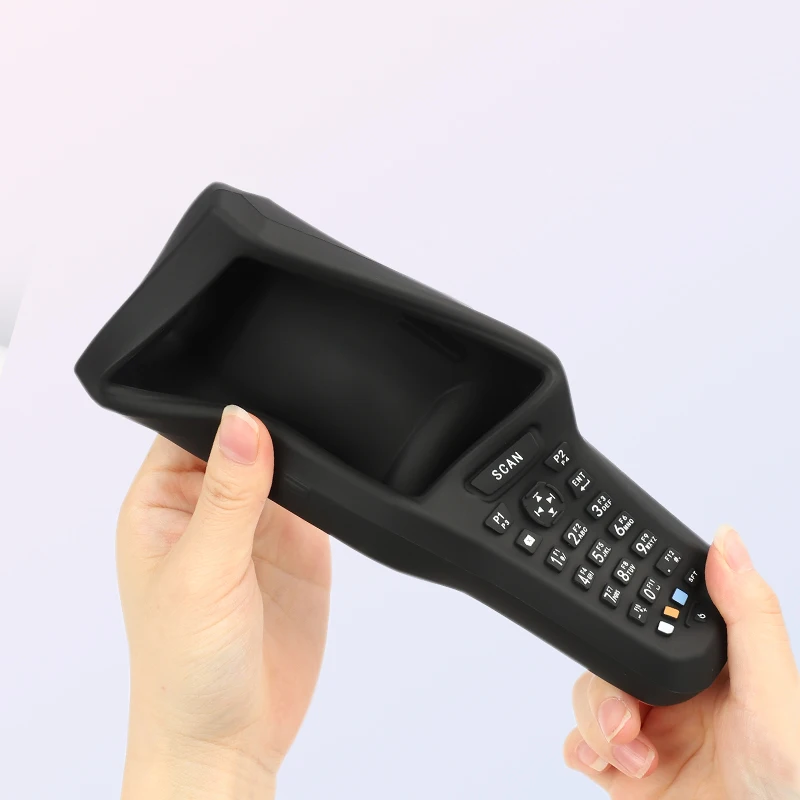
If you need consistent, long-term protection for high-use barcode scanners—and value cleanability, dimensional stability, and predictable replacement cycles—choose a CE-certified, OEM-fit polycarbonate cover. If your environment involves infrequent scanning, controlled storage, or extreme cold, a hybrid or silicone option may offer marginal ergonomic benefits—but rarely justify the TCO premium. If you’re a typical user, you don’t need to overthink this: start with verified fit, certified optics, and documented chemical resistance. Everything else follows.