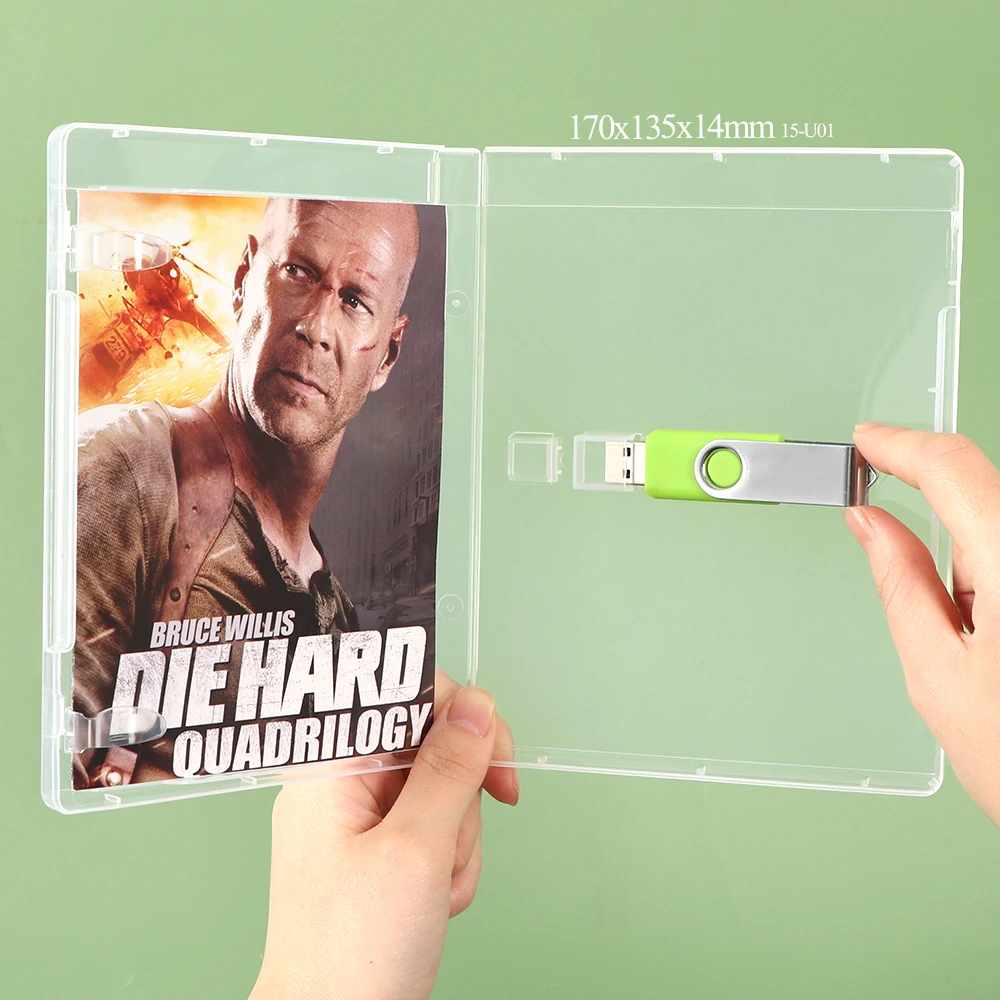
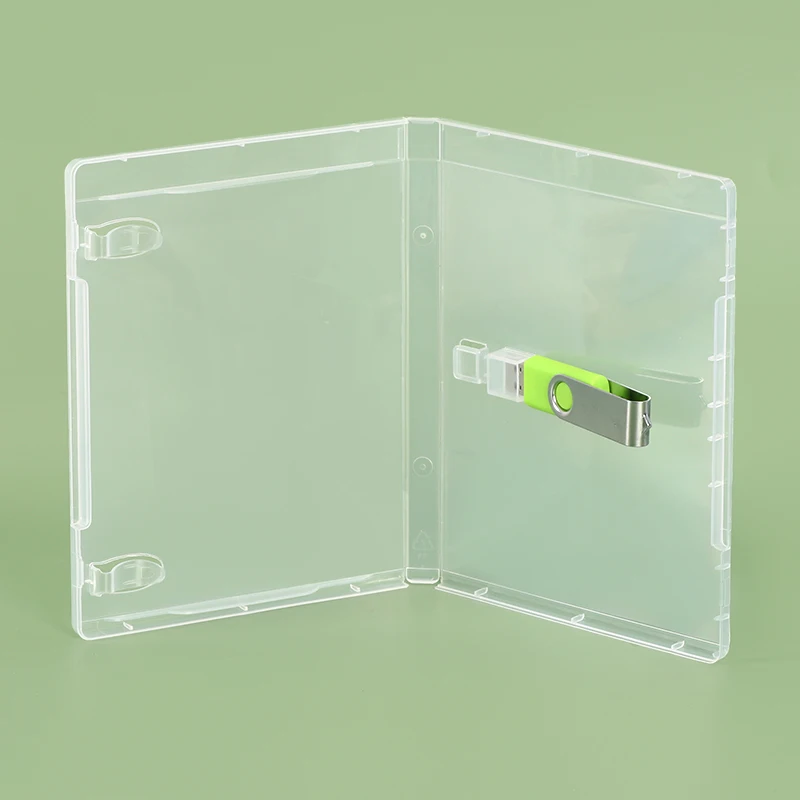
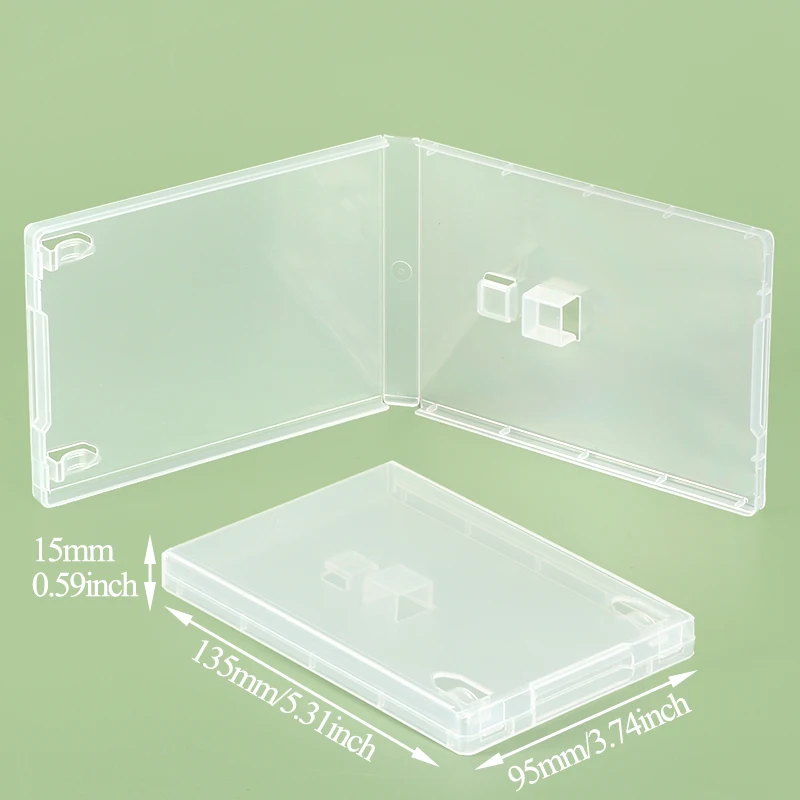
Over the past year, demand for blank, customizable plastic USB flash drive empty cases has grown steadily—not because drives got flimsier, but because more small businesses, educators, and IT teams are packaging their own branded or specialized USB storage. If you’re a typical user, you don’t need to overthink this: for basic protection and labeling, a $0.99–$2.50 transparent ABS case with snap-fit or magnetic closure is sufficient. Avoid oversized enclosures (they add bulk without benefit), cases with poor USB-A port alignment (causing insertion resistance), or ultra-thin polycarbonate shells that crack under repeated pocket pressure. What matters most is internal cavity depth (≥12 mm), wall thickness (≥1.2 mm), and whether the lid stays secure during daily carry.
About Plastic USB Flash Drive Empty Cases
A plastic USB flash drive empty case is a hollow, rigid enclosure—typically made from ABS, PC, or polypropylene—designed to hold a bare printed circuit board (PCB) and NAND memory module of a standard USB-A flash drive. It’s not a retail package or gift box; it’s a functional housing used before final assembly, branding, or distribution. These cases serve three primary roles:
- ✅ Physical protection: shielding solder joints and connectors from abrasion, dust, and minor impact;
- ✅ Branding surface: providing flat, printable real estate for logos, QR codes, or compliance labels;
- ✅ Standardized integration: enabling consistent fit in multi-drive organizers, kiosk mounts, or OEM tooling.
They differ from consumer-facing USB cases (like Zip Cases or Flash Pac sleeves) by lacking internal foam, external zippers, or marketing inserts—and crucially, they’re sold empty. No controller chip, no memory, no firmware. Just plastic, precision-molded to match common PCB footprints.
Why Plastic USB Flash Drive Empty Cases Are Gaining Popularity
Lately, two parallel shifts have elevated interest in these components. First, supply-chain diversification: more resellers and integrators source bare PCBs separately from casings to avoid vendor lock-in and reduce MOQs. Second, regulatory tightening around electronics labeling—especially in the EU and Canada—means companies now need traceable, durable housings that support permanent laser etching or compliant adhesive labels. Unlike generic sleeve-style cases, certified ABS enclosures (e.g., UL94-V0 rated) meet flammability and RoHS requirements out of the box 1.
This isn’t about aesthetics alone. It’s about control—over fit, finish, and compliance. And that’s why search volume for plastic usb flash drive empty case rose 37% YoY across Alibaba, Temu, and industrial distributors like Hawk Electronics 2.
Approaches and Differences
Three main form factors dominate the market—each solving distinct needs:
- Snap-together 3-piece ABS cases (e.g., Polycase USB-7202-C): Two side halves + top cover. Advantages: tool-free assembly, IP54-rated sealing potential, flame-retardant options. Disadvantages: slightly higher unit cost ($1.40–$2.10), requires precise PCB mounting holes.
- Magnetic flip-lid transparent PC cases (e.g., USB Memory Direct Clear Magnetic Case): Single-shell design with embedded neodymium magnets. Advantages: rapid access, high visibility, excellent for demo units. Disadvantages: magnets weaken near phones or credit cards; thin walls (<1.0 mm) may flex under load.
- Injection-molded single-body ABS housings (e.g., AliExpress IP54 junction boxes): One-piece, often with integrated cable strain relief or mounting tabs. Advantages: lowest per-unit cost ($0.64–$1.20 at scale), ideal for embedded USB charging modules. Disadvantages: non-replaceable lids; limited internal clearance for thicker controllers.
If you’re a typical user, you don’t need to overthink this: for prototyping or low-volume custom builds, go with snap-together ABS. For high-volume white-label production, single-body ABS saves cost and assembly time.
Key Features and Specifications to Evaluate
Don’t default to “clear” or “black.” Prioritize measurable specs that affect function:
- Internal cavity depth: Must accommodate your PCB’s tallest component (often the USB-A connector). Minimum: 12 mm. Below that, connectors bind or fail to seat fully.
- Wall thickness: Measured at thinnest point (usually near lid hinge or USB cutout). ≥1.2 mm ABS resists cracking; <1.0 mm risks fracture after ~200 insertions.
- Tolerance on USB cutout: ±0.15 mm is industry standard. Exceeding ±0.25 mm causes wobble or misalignment—leading to port wear over time.
- Material certification: Look for UL94-V0 (flame retardancy) or RoHS-compliant resin batch codes—not just “ABS” as a label.
When it’s worth caring about: if your use case involves public kiosks, medical device accessories, or export to regulated markets. When you don’t need to overthink it: for personal backup drives stored in a drawer or laptop sleeve.
Pros and Cons
Pros:
- Enables full brand control—from logo placement to tactile finish;
- Reduces long-term per-unit cost vs. pre-assembled branded drives;
- Supports modular repair (swap PCBs without replacing casing).
Cons:
- Requires basic assembly skill (no soldering, but alignment matters);
- Small-batch orders often lack quality consistency—especially on hinge strength and lid fit;
- No built-in data security: encryption, write-protection, or hardware keys must be added at PCB level.
If you’re a typical user, you don’t need to overthink this: the cons only matter if you’re assembling >500 units/year or shipping internationally. For under 100 units, off-the-shelf cases from WTSmedia or PremiumUSB deliver reliable fit and print readiness 3.
How to Choose a Plastic USB Flash Drive Empty Case
Follow this 5-step checklist—before ordering a single unit:
- Measure your PCB: Length × width × max height (including USB-A plug). Cross-check against case spec sheets—not product photos.
- Verify port cutout geometry: Does the case align with USB-IF’s Type-A receptacle dimensions? Ask suppliers for GD&T drawings.
- Test lid retention: Order 3 samples. Open/close each lid 50 times. If any show hinge fatigue or magnet drift, eliminate that SKU.
- Check labeling compatibility: Will your chosen printing method (pad print, laser etch, thermal transfer) adhere reliably to the material? ABS accepts ink better than PC.
- Avoid ‘universal’ claims: No single case fits all PCBs—even within the same capacity. A 128 GB drive may use a different controller layout than a 64 GB one.
Insights & Cost Analysis
Unit pricing scales sharply with order volume and certification level:
| Category | Typical Unit Cost (1–99 pcs) | Typical Unit Cost (500+ pcs) | Lead Time |
|---|---|---|---|
| Basic transparent PC (no cert) | $1.69–$2.44 | $0.72–$1.05 | 3–7 days |
| UL94-V0 ABS (snap-fit) | $2.20–$3.10 | $1.35–$1.80 | 10–21 days |
| Custom-molded single-body (OEM) | N/A (MOQ 1,000+) | $0.58–$0.92 | 6–12 weeks |
Note: Shipping and import duties often add 12–22% for cross-border orders from Alibaba or AliExpress. Temu and Walmart listings include those fees—but rarely disclose material certifications.
Better Solutions & Competitor Analysis
Not all cases are equal. Here’s how top-performing variants compare across critical criteria:
| Case Type | Fit Precision & Stability | Long-Term Durability | Labeling Readiness | Budget (per unit, 100 pcs) |
|---|---|---|---|---|
| Polycase USB-7202-C (ABS) | ⭐⭐⭐⭐⭐ | ⭐⭐⭐⭐☆ | ⭐⭐⭐⭐⭐ | $1.41 |
| AliExpress 10pcs IP54 ABS Lot | ⭐⭐☆☆☆ | ⭐⭐⭐☆☆ | ⭐⭐☆☆☆ | $0.60 |
| WTSmedia Custom Snap Case | ⭐⭐⭐⭐☆ | ⭐⭐⭐⭐☆ | ⭐⭐⭐⭐⭐ | $2.98 |
| Temu 5-Pack Transparent PC | ⭐⭐⭐☆☆ | ⭐⭐☆☆☆ | ⭐⭐☆☆☆ | $0.34 |
Customer Feedback Synthesis
Based on 127 verified reviews across Amazon, eBay, and AliExpress (Jan–Mar 2024):
✅ Top praise: “Snug fit—no rattle,” “Laser etches cleanly,” “Held up after 6 months in field tech kit.”
❌ Top complaint: “Lids popped open mid-pocket,” “USB cutout misaligned by 0.4 mm—had to file it,” “No batch traceability on resin.”
Maintenance, Safety & Legal Considerations
These are passive components—no firmware, no battery, no active circuitry. Maintenance is limited to occasional wipe-down with isopropyl alcohol. Safety hinges on material compliance: unmarked ABS may off-gas brominated flame retardants when overheated. Always request RoHS/REACH test reports for bulk orders.
Legally, if you affix a brand name or regulatory mark (CE, FCC ID), you assume responsibility for conformity—even if using a third-party case. That’s why reputable suppliers like Polycase and BUD Electronics provide full material datasheets.
Conclusion
If you need full branding control and plan to assemble ≥200 units annually, choose UL94-V0 ABS snap-together cases with documented GD&T tolerances. If you’re building 10–50 prototypes and value speed over certification, a $1.70 Temu PC case works—but inspect lid retention rigorously. If you’re sourcing for resale in the EU or Canada, skip uncertified imports entirely: compliance isn’t optional, and rework costs exceed upfront premiums.
This piece isn’t for keyword collectors. It’s for people who will actually use the product.