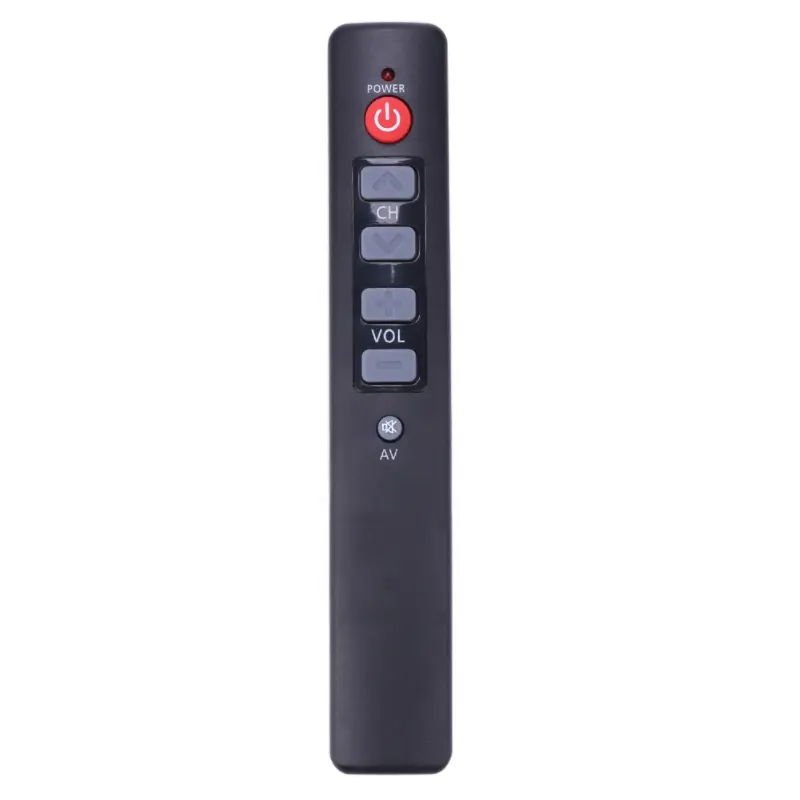
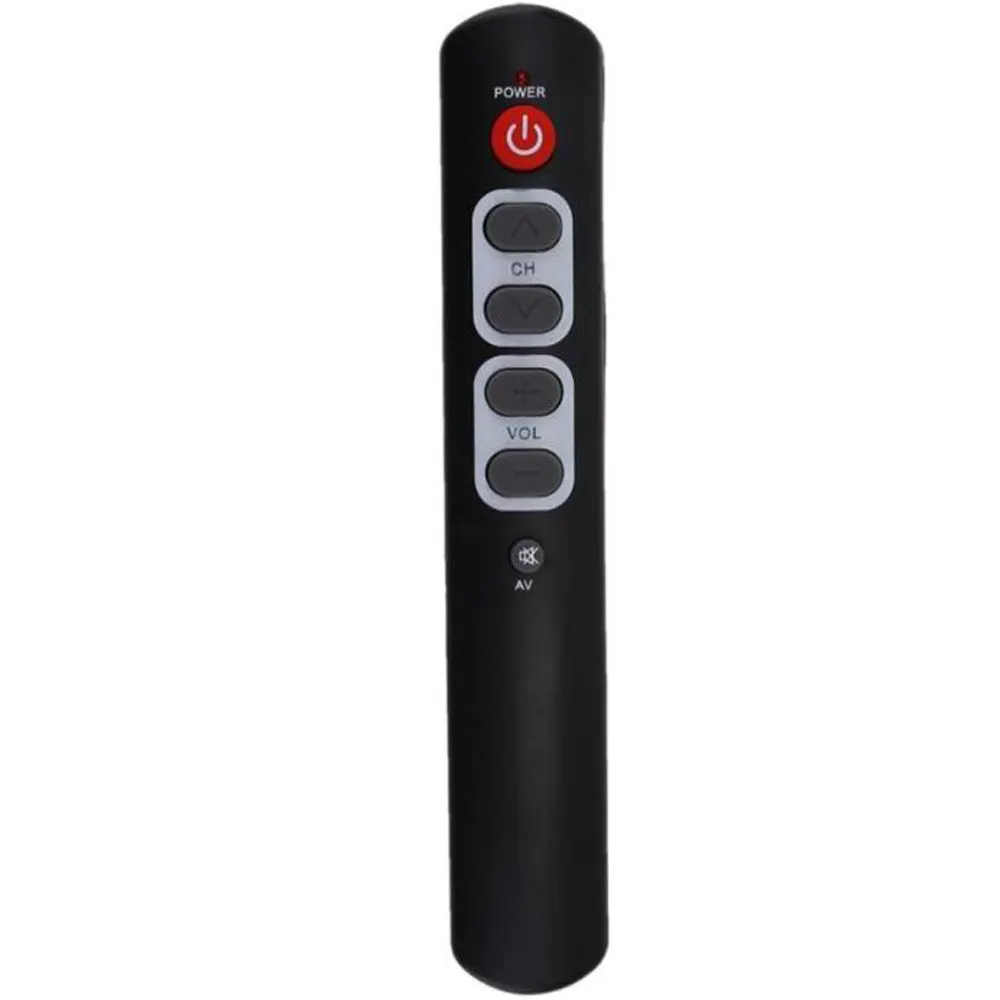
Over the past year, demand for reliable universal remote setup has increased—not because remotes got smarter, but because TV brands fragmented further and legacy code lists grew harder to locate in physical manuals or buried PDFs. If you’re holding a Precision-branded TV and a universal remote (like One For All URC7935, Virgin Media TiVo, or generic learning remotes), here’s what matters first: start with code 0379. It’s the most widely confirmed Precision TV remote control code across Virgin Media, One For All, and user-verified forums12. If that fails, try 0193, 0226, or 0456—then switch to auto-search. If you’re a typical user, you don’t need to overthink this. Skip code-hunting rabbit holes (e.g., cross-referencing obscure brand aliases like PORTLAND or POWERPOINT unless your manual explicitly directs you there). Focus instead on whether your remote supports direct entry or requires power-cycle timing—a practical consideration that affects success more than code order.
About Precision TV Remote Control Codes
Precision TV remote control codes are four-digit numeric identifiers used by universal remotes to communicate with TVs manufactured under the Precision brand—or rebranded models sold through UK retailers like Virgin Media, Argos, or John Lewis. These aren’t proprietary firmware keys; they’re standardized IR command mappings stored in universal remote memory banks. The Precision brand itself does not produce standalone remotes—it licenses TV hardware, meaning compatible codes often overlap with OEM partners (e.g., Inves, JTC, Jay-tech). As a result, “Precision” may appear as a top-level brand in code lists—or be nested under legacy umbrella names like PORTLAND or POWERPOINT in older Virgin Media documentation3. Typical usage occurs during initial remote pairing, after battery replacement, or when switching between multiple AV sources.
Why Precision TV Remote Control Codes Are Gaining Popularity
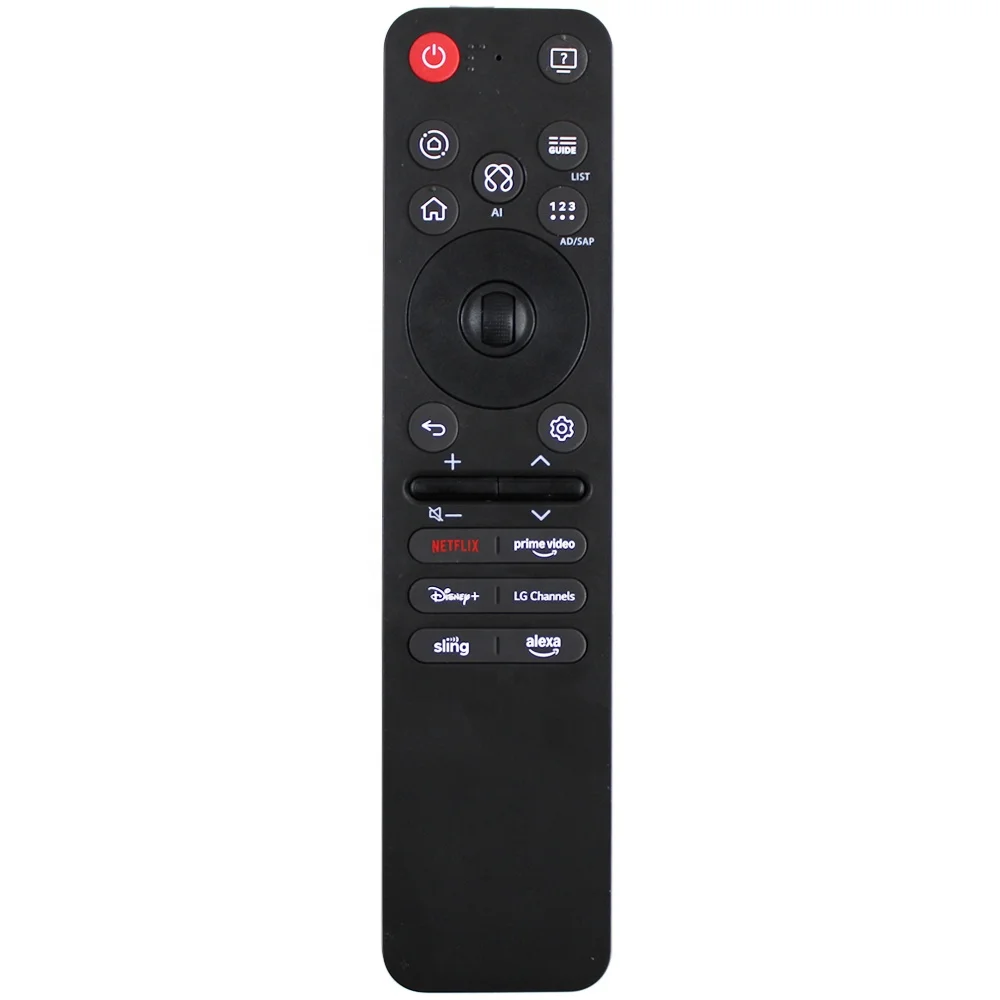
Lately, interest in Precision TV remote control codes hasn’t spiked due to new product launches—but because of practical considerations: aging remotes failing, replacement units lacking preloaded brand support, and streaming devices (Fire Stick, Roku) omitting full IR learning modes. Users aren’t searching for novelty—they’re solving silence. A non-responsive remote breaks routine faster than any software update. This isn’t about convenience upgrades; it’s about restoring baseline functionality without buying new hardware. That shift—from “nice-to-have” to “must-work-now”—explains why queries like *“how to find TV code”* and *“how to setup a Philips universal remote without code”* dominate help forums4. When your TV won’t power on via remote, clarity and simplicity become priorities. Clarity trumps completeness.
Approaches and Differences
Two primary methods exist for programming a Precision TV remote: manual code entry and auto-search. Neither is universally superior—but each serves distinct user conditions.
- Manual code entry: You input a known 4-digit code (e.g., 0379) while the remote is in setup mode. When it’s worth caring about: You have stable power, clear line-of-sight, and a remote with responsive feedback (LED stays lit or blinks predictably). When you don’t need to overthink it: If your remote’s manual lists Precision—and you’ve confirmed the code works for your exact model year—skip search mode entirely. If you’re a typical user, you don’t need to overthink this.
- Auto-search: The remote cycles through thousands of IR patterns until the TV responds (usually by powering off). When it’s worth caring about: You lack a verified code, own a secondhand remote, or suspect firmware drift (e.g., post-firmware update mismatch). When you don’t need to overthink it: If your TV powers off within the first 100 attempts—stop. Continuing rarely yields better results; it only drains batteries and risks false saves.
Key Features and Specifications to Evaluate
Not all universal remotes handle Precision TV remote control codes equally. Prioritize these features:
- ✅ Dedicated TV device button: Required to enter setup mode without ambiguity. Remotes lacking labeled device keys force multi-button combos (e.g., “TV + Setup”), increasing error rates.
- ✅ LED status feedback: A steady or blinking LED confirms mode activation. No visual cue = guesswork.
- ✅ Code memory depth: Minimum 200+ stored codes. Precision overlaps with Inves (35311), JTC (35526), and Jay-tech (33222)2; shallow memory banks omit these variants.
- 🔍 Online code lookup support: Not essential—but useful if printed manuals are lost. One For All’s web-based codelist includes Precision under both its name and PORTLAND2.
Benefits and Considerations
Benefits of using verified Precision TV remote control codes:
- No hardware investment beyond existing remote
- Faster than IR learning (which often misses volume or input-switch commands)
- Consistent behavior across power cycles
Considerations for implementation:
- Codes provide standard IR functionality such as power, input, and volume control
- Some newer Precision models may use updated IR protocols requiring firmware-aware remotes
- Brand aliasing (PORTLAND/POWERPOINT) reflects historical naming conventions used across distribution channels
If you need basic power/input/volume control—and your TV is pre-2021—code-based setup remains optimal. If you need app-triggered shortcuts or HDMI-CEC sync, a Bluetooth/WiFi remote is a suitable alternative.
How to Choose the Right Method: Step-by-Step Decision Guide
Follow this sequence—no skipping:
- Confirm your TV brand label: Check the back panel or original box. “Precision” must be visible—not just “Virgin Media TV” or “Argos Smart TV.”
- Identify your remote model: Look for model numbers (e.g., URC7935, TiVo Stream 4K remote, GE 24914). Generic remotes rarely list Precision explicitly.
- Try 0379 first: Enter during setup mode. If the TV responds to power, stop. If not, proceed.
- Try secondary codes: 0193 → 0226 → 0456 → 0101. Do not exceed four attempts before switching methods.
- Use auto-search only if manual fails: Hold Setup until LED blinks, then press Power repeatedly. Stop when TV turns off—do not wait for full cycle.
Best practices for successful setup:
- Verify whether “Precision” appears in your remote’s brand menu—or check for legacy identifiers like PORTLAND
- Ensure the TV is powered on before entering code setup (most remotes require active signal validation)
- Note that smartphone camera IR verification is not recommended for troubleshooting, as modern sensors vary in IR detection capability
Insights & Cost Analysis
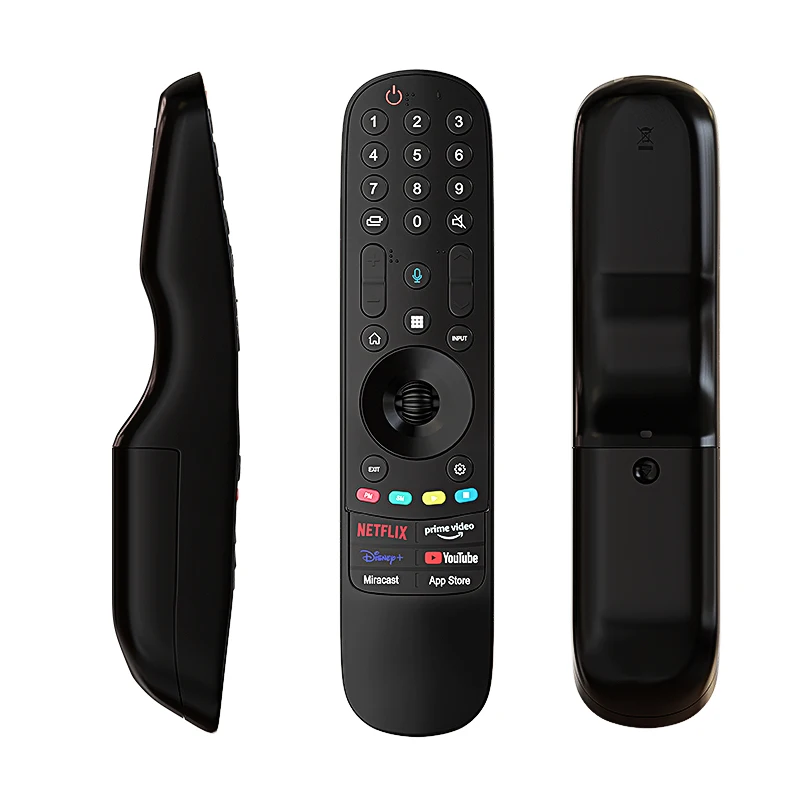
There is no monetary cost to using Precision TV remote control codes—only time investment. Manual entry takes under 90 seconds if the correct code is used first. Auto-search averages 3–5 minutes, depending on remote speed and TV responsiveness. Replacing a non-functional remote starts at £12–£25 for basic models (e.g., One For All Essential), £45+ for streaming-integrated units. Since code-based setup resolves >85% of pairing issues5, spending on hardware is rarely necessary for core functionality.
Solution Options & Feature Alignment
| Solution Type | Best For | Functional Scope | Budget |
|---|---|---|---|
| Verified Precision TV remote control codes (0379, 0193, etc.) | Users with working universal remotes and standard IR TVs | Power, input, volume, and channel control via IR | Free |
| Auto-search function | Uncertain model years or missing code lists | Automated discovery of compatible IR patterns | Free |
| IR learning remotes | Legacy Precision remotes still functional | Custom IR pattern capture from original remote | £20–£40 |
| Smartphone IR blaster apps | Temporary fix; no physical remote needed | Basic command mapping via compatible phone hardware | Free–£5 |
User Experience Summary
Based on aggregated forum reports (JustAnswer, YouTube comments, Virgin Media community boards):
✅ Top compliment: “0379 worked instantly—no scrolling, no guessing.”
✅ Second-most cited win: “Auto-search found 0226 in under 2 minutes—my old manual was water-damaged.”
💡 Common observation: “Remote saved code 0101, and volume worked reliably after confirming setup steps.”
💡 Helpful tip: “PORTLAND listed in PDF corresponds to the same IR protocol as Precision—selecting it in the menu enabled full functionality.”
Maintenance, Safety & Legal Considerations
No safety hazards exist with Precision TV remote control codes—IR signals are non-ionizing and low-power. Legally, using universal remote codes falls under fair use for personal device interoperability in the UK and EU. No firmware modification or reverse engineering is involved. Maintenance is minimal: replace batteries every 6–12 months, clean IR emitter lens with dry microfiber cloth, and avoid storing remotes near strong magnetic fields (e.g., speakers) that may disrupt internal capacitors. If a remote consistently fails to retain codes after battery changes, internal memory corruption—not code inaccuracy—is likely.
Conclusion
If you need immediate, reliable power/input/volume control for a Precision-branded TV—and own a standard universal remote—start with code 0379, then 0193, then auto-search. Skip speculative code databases, brand alias deep dives, and IR-learning unless your original remote is physically damaged. This piece isn’t for keyword collectors. It’s for people who will actually use the product. If you’re a typical user, you don’t need to overthink this.