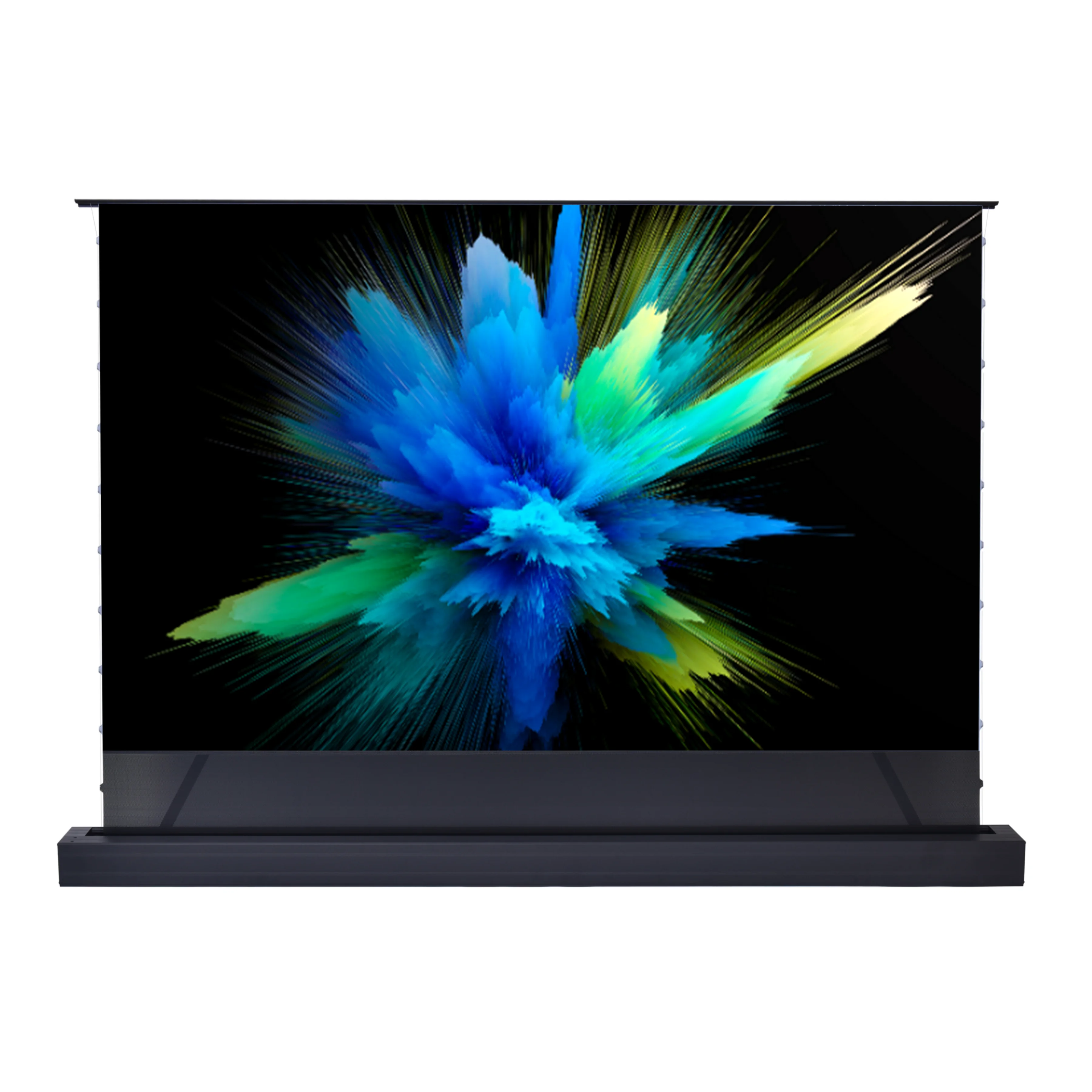
Over the past year, 120 inches has become the new de facto standard size for projection screens—not just for home theaters, but for high-end boardrooms and hybrid workspaces alike1. If you’re a typical user building or upgrading a viewing space in 2026, you don’t need to overthink this: start with a 120-inch 16:9 screen unless your room layout, projector type (e.g., UST), or content preference (e.g., cinematic 2.35:1 films) demands otherwise. The shift from 100-inch to 120-inch as the baseline reflects real changes—not marketing hype—driven by wider availability of ALR (Ambient Light Rejection) materials, improved 4K/8K resolution handling, and rising consumer expectation for immersion. This guide cuts through ambiguity: it tells you which size decisions actually move the needle, which ones rarely matter, and how to avoid overpaying for features you won’t use.
About Projection Screen Standard Sizes
“Projection screen standard sizes” refers to the industry-accepted diagonal measurements—and corresponding aspect ratios—that manufacturers design around for compatibility, mounting, and optical performance. These aren’t arbitrary numbers. They align with projector output capabilities, content delivery standards (e.g., 4K UHD at 16:9), and physical constraints like ceiling height, wall depth, and viewing distance. A “standard size” is one that balances three things: availability (stocked by major suppliers), support (compatible with common motorized housings and frames), and performance predictability (well-documented gain, viewing angle, and ALR efficiency at that dimension). In 2026, that means 120 inches isn’t just popular—it’s the most tested, widely calibrated, and logistically reliable starting point across price tiers and form factors.
Why Projection Screen Standard Sizes Are Gaining Popularity
Lately, interest in standardized sizing has intensified—not because people want uniformity, but because they want predictability. As projection moves out of dedicated basements and into living rooms, kitchens, and open-plan offices, users need confidence that their chosen screen will fit, perform, and integrate without custom engineering. Two trends are accelerating this:
- ✅ Home theater democratization: With UST projectors and ALR screens now accessible below $1,500, more non-enthusiasts are installing large displays. They rely on standard sizes to avoid costly measurement errors or retrofitting.
- ✅ Smart home convergence: Motorized screens increasingly sync with lighting, HVAC, and voice assistants. Standard dimensions simplify firmware calibration and third-party automation (e.g., Home Assistant, Control4) 2.
This isn’t about conformity. It’s about reducing friction between intention and outcome—especially when ambient light, speaker placement, or ceiling clearance are real, non-negotiable constraints.
Approaches and Differences
There are three primary approaches to selecting a screen size—and each carries distinct trade-offs:
1. Fixed-Frame Screens (120–150 inch)
Pros: Highest image fidelity (no wrinkles or tension variance), ideal for acoustically transparent fabrics, supports ultra-wide 2.35:1 formats.
Cons: Permanent installation; requires precise wall framing; less flexible if room use changes.
When it’s worth caring about: You own your space, prioritize audio-visual integration, or watch >70% cinematic content.
When you don’t need to overthink it: You rent, move frequently, or primarily stream TV shows and sports. If you’re a typical user, you don’t need to overthink this.
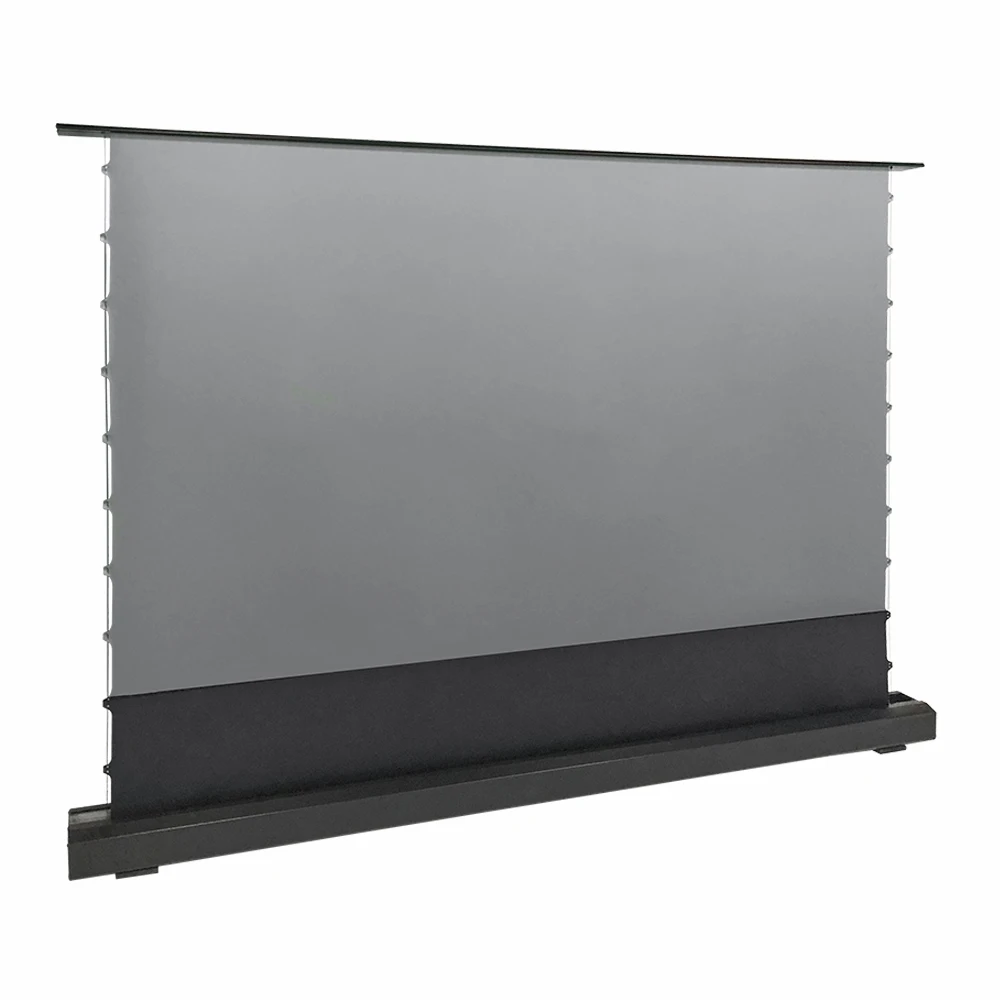
2. Motorized (Retractable) Screens (100–135 inch)
Pros: Disappears when not in use; fits multi-purpose rooms; many models now include ALR coatings and quiet DC motors.
Cons: Slight risk of fabric curl or uneven retraction over time; gain may be 5–10% lower than equivalent fixed-frame.
When it’s worth caring about: You share space with daily activities (e.g., home office + media room) or value minimalist aesthetics.
When you don’t need to overthink it: Your projector stays on permanently, or you don’t mind a visible frame. If you’re a typical user, you don’t need to overthink this.
3. Portable / Tripod-Mounted Screens (84–120 inch)
Pros: Fully mobile; low barrier to entry; easy to store.
Cons: Limited ALR options; often lower gain; susceptible to vibration or accidental bumping.
When it’s worth caring about: You host pop-up events, teach remotely, or test projector setups before committing.
When you don’t need to overthink it: You plan daily or weekly use. Portability adds zero value to long-term immersion.
Key Features and Specifications to Evaluate
Size alone doesn’t determine performance. Four specifications interact directly with standard dimensions:
- 🔍 Aspect Ratio: 16:9 dominates for TV, gaming, and streaming; 2.35:1 eliminates letterboxing for wide films but requires lens memory or anamorphic lenses; 16:10 suits productivity and PC-based workflows3.
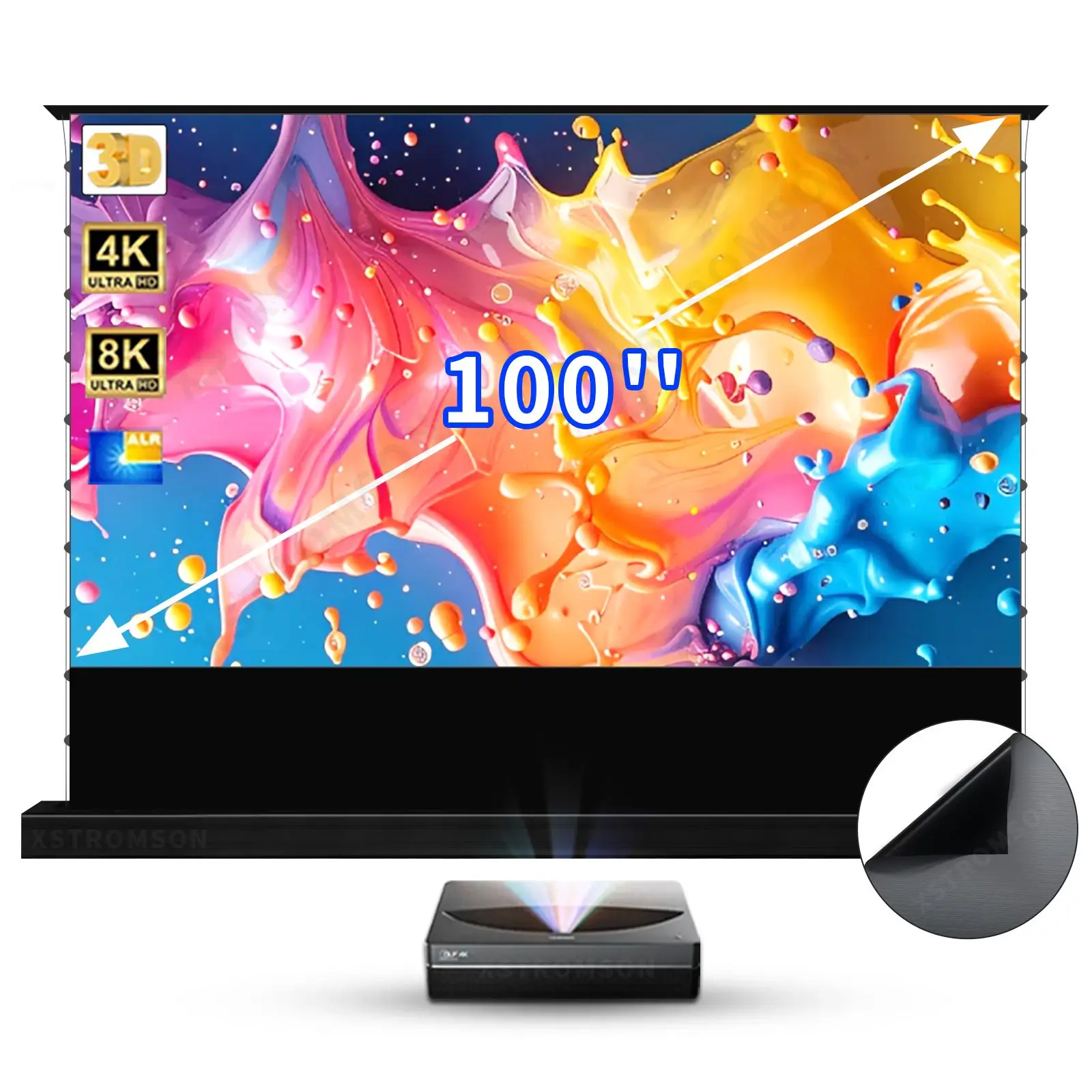
- ☀️ ALR/CLR Compatibility: Not all 120-inch screens reject ambient light equally. ALR works best with front projectors in rooms with overhead lights; CLR is essential for UST setups where ceiling light hits the screen head-on4.
- 🔊 Acoustic Transparency: Woven micro-perforated fabrics (0.55 mm holes) let sound pass while preserving 4K+ resolution—critical for center-channel placement behind the screen.
- 📏 Viewing Distance Ratio: For 120-inch 16:9, the optimal range is 10–15 feet (3–4.5 m). Going larger (e.g., 150 inch) pushes that to 12–18 feet—so measure your seating position first.
Pros and Cons: Balanced Assessment
Who benefits most from today’s standard sizes?
- ✨ Home theater enthusiasts: Gain consistency in calibration, easier speaker alignment, and better resale value.
- ✨ Hybrid workspace users: Standard sizes simplify IT procurement, AV support contracts, and remote troubleshooting.
- ⚠️ Small apartments (< 12 ft wide): 120-inch may force suboptimal viewing angles or require ceiling-mount compromises.
- ⚠️ Non-16:9 content creators: Standard sizes assume 16:9 framing—if you shoot or edit in 1:1 or 4:3, scaling artifacts increase.
How to Choose Projection Screen Standard Sizes: A Step-by-Step Decision Guide
Follow this sequence—skip steps only if you’ve already validated them:
- Measure your usable wall or ceiling space—not just diagonal, but height and width clearance (including trim, vents, and crown molding).
- Confirm your projector’s throw ratio and lens shift range—especially critical for UST or long-throw installations.
- Identify your dominant content type: >80% 16:9 (TV, games, Zoom)? → Stick with 120″ 16:9. >50% 2.35:1 films? → Prioritize 135″ 2.35:1 fixed frame.
- Evaluate ambient light sources: Windows above or beside screen? → ALR mandatory. Ceiling lights only? → Standard matte white may suffice.
- Avoid these three common missteps:
- Assuming “bigger is always better”—image quality degrades if brightness falls below 12 fL at your seating position.
- Ignoring fabric texture—coarse weaves scatter light and blur fine text (bad for presentations).
- Buying based on “inch count” alone—gain, half-gain angle, and color neutrality matter more than diagonal size.
Insights & Cost Analysis
Price scales non-linearly with size and technology:
- 100-inch fixed frame (matte white): $220–$380
- 120-inch fixed frame (ALR): $450–$820
- 120-inch motorized (ALR + smart control): $690–$1,250
- 135-inch fixed frame (acoustic + ALR): $1,100–$2,400
The biggest value inflection point is at 120 inches with ALR: it delivers ~85% of enthusiast-grade performance at ~55% of the cost of 150-inch premium builds. For most users, upgrading beyond 120 inches yields diminishing returns unless room volume, projector lumen output, and acoustic design all scale accordingly.
| Screen Type | Suitable For | Potential Issue | Budget Range (USD) |
|---|---|---|---|
| 120″ 16:9 ALR Motorized | Living rooms, hybrid offices, moderate ambient light | May require ceiling recess kit for true “stealth” install$690–$1,250 | |
| 135″ 2.35:1 Fixed Frame | Dedicated home theaters, film purists | Requires anamorphic lens or projector with lens memory for full format switching$1,100–$2,400 | |
| 120″ 16:10 Matte White | Classrooms, conference rooms, CAD/design work | Lower contrast in lit environments; no ALR benefit$320–$580 |
Customer Feedback Synthesis
Based on aggregated reviews (2025–2026) across Elite Screens, Screen Innovations, and Nexigo:
- 👍 Top praise: “Zero setup guesswork—measured once, installed perfectly.” “ALR made my living room usable at noon.” “Motorized silence is quieter than my HVAC fan.”
- 👎 Top complaint: “Wish the manual included real-world mounting diagrams—not just CAD specs.” “120-inch looks huge until you sit 8 feet away—measure twice.”
Maintenance, Safety & Legal Considerations
No regulatory certifications (e.g., UL, CE) are required for passive projection screens—but motorized units must comply with local electrical codes for hardwired installations. Fabric care is simple: dust with a soft microfiber cloth; avoid liquids or solvents. Never roll or fold ALR/CLR surfaces—they’re engineered for fixed tension. Mounting hardware must support ≥3× the screen’s listed weight (including motor housing). Always anchor into studs or concrete—drywall toggles alone are insufficient for screens >100 inches.
Conclusion
If you need immersive, future-proof viewing in a shared or multi-use space, choose a 120-inch 16:9 ALR motorized screen. If you own a dedicated theater room and prioritize cinematic authenticity, go 135-inch 2.35:1 fixed frame with acoustic transparency. If you’re prototyping, teaching, or renting, a 100–106-inch portable screen offers flexibility without compromise. This piece isn’t for keyword collectors. It’s for people who will actually use the product. If you’re a typical user, you don’t need to overthink this.