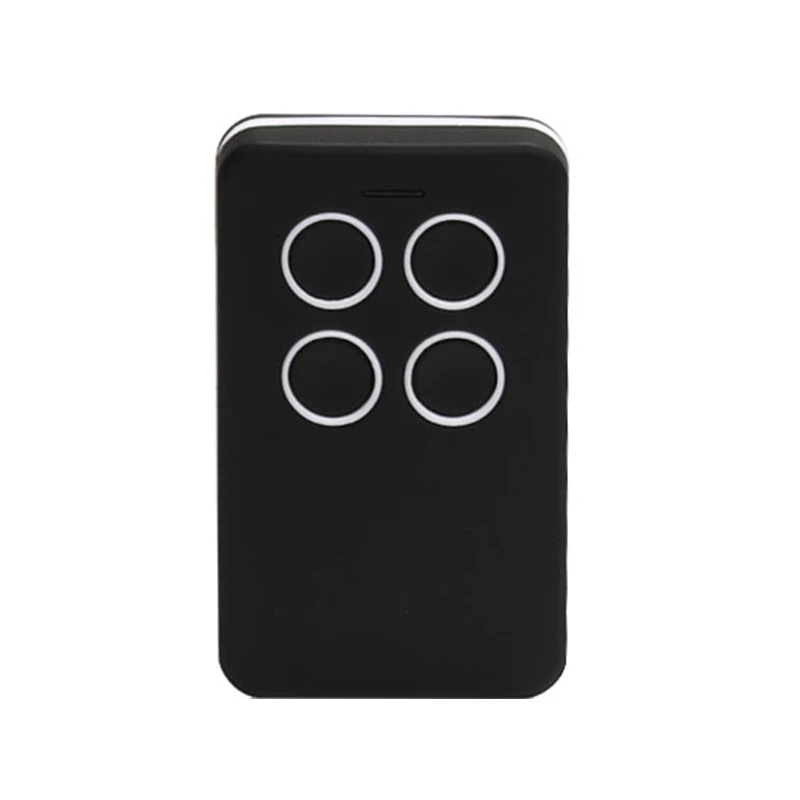
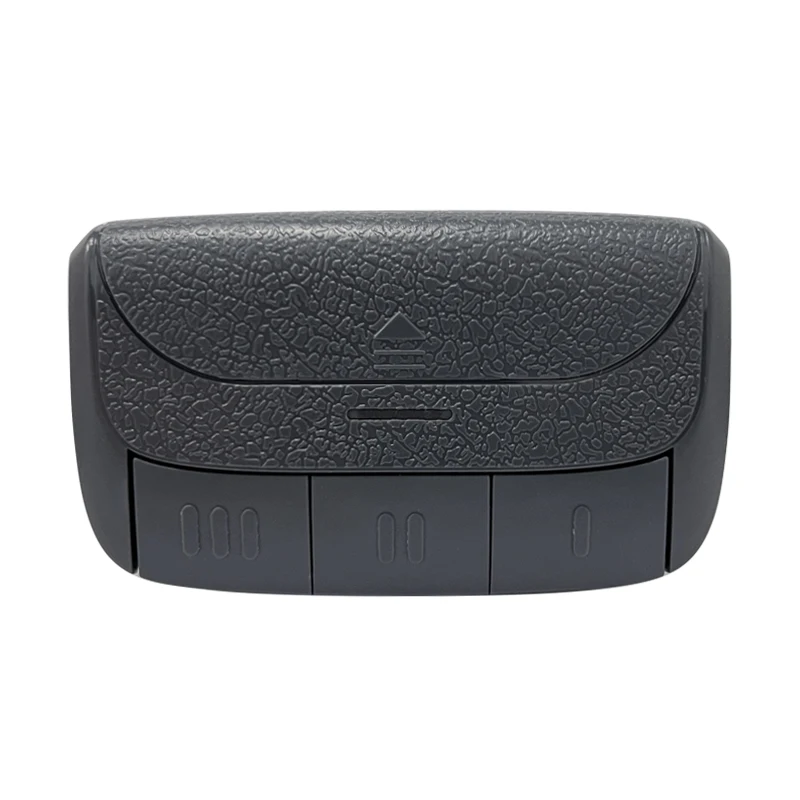
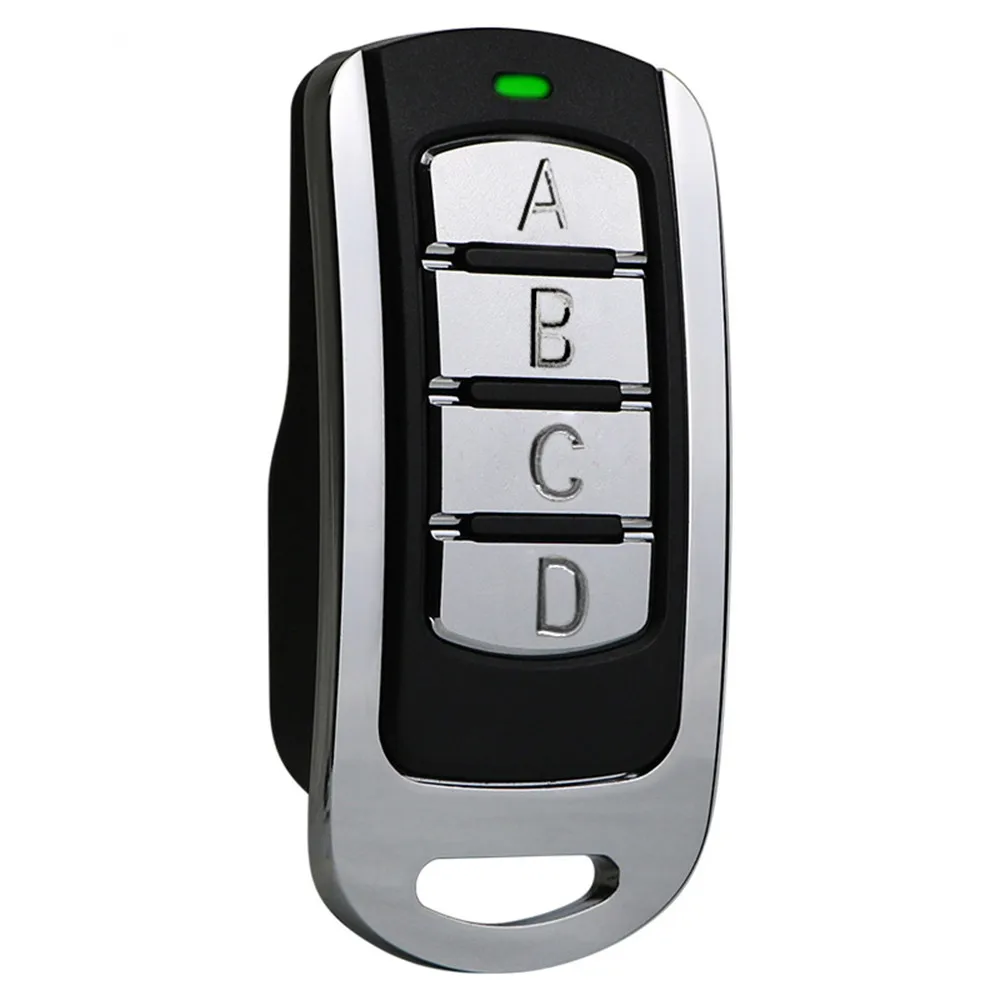
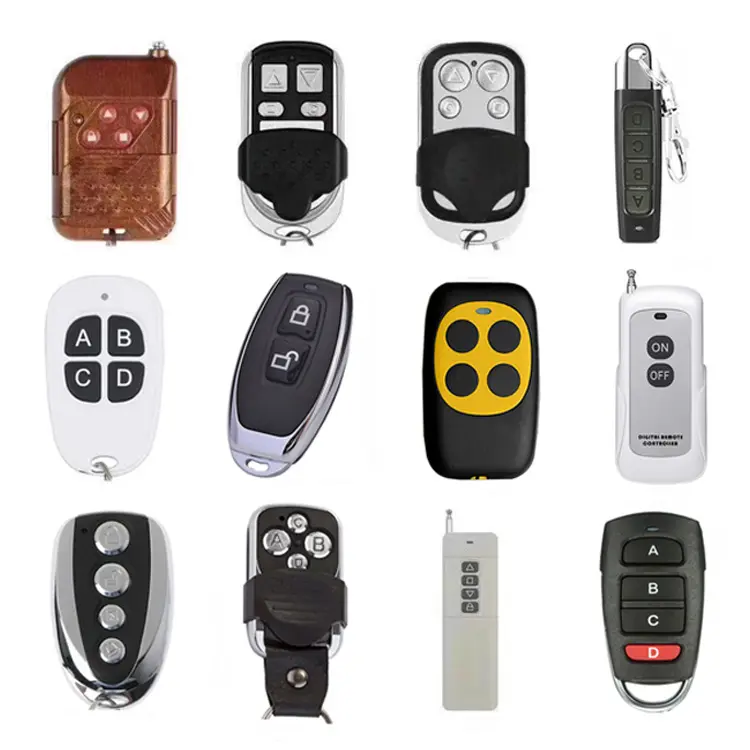
If you’re trying to duplicate a garage door, gate, or lighting remote—and you’re not an RF engineer—you likely need a 📡 multi-frequency fixed-code duplicator (433.92 MHz or 315 MHz). It’s fast, reliable, and works for ~85% of residential remotes. Rolling code duplication remains impractical without brand-specific tools or cryptographic access—and if you’re a typical user, you don’t need to overthink this.
Lately, the remote control duplicator market has shifted noticeably: over the past year, listings for multi-band (280–868 MHz) units have grown by over 40% on Alibaba and Amazon 1, while face-to-face learning models under $5 now dominate entry-level B2B orders. This isn’t just about convenience—it reflects rising demand from property managers, rental landlords, and smart-home adopters who need unified physical access control across aging RF infrastructure 2. If you’re a typical user, you don’t need to overthink this.
🔍 About Remote Control Duplicators: Definition & Typical Use Cases
A remote control duplicator is a handheld or app-connected device that captures and replicates the radio frequency (RF) signal emitted by an existing transmitter—most commonly for garage doors, automatic gates, security lights, pool pumps, and industrial actuators. Unlike universal IR remotes (which use infrared light), duplicators operate in the sub-GHz RF spectrum, making them immune to line-of-sight limitations and more resilient in outdoor or noisy electrical environments.
Typical users include:
- Homeowners replacing lost or damaged remotes for garage openers (Chamberlain, LiftMaster, Sommer, Nice)
- Rental property managers standardizing access across multiple units with identical gate systems
- Facility maintenance teams provisioning temporary access for contractors without issuing master keys
- Smart-home integrators bridging legacy RF devices into WiFi/Bluetooth ecosystems
Crucially, duplicators do not require pairing with the receiver—they replay the exact signal the original remote sends. That makes them simple—but also means they inherit all the security and compatibility constraints of the source protocol.
📈 Why Remote Control Duplicators Are Gaining Popularity
Three converging forces are accelerating adoption:
- Legacy infrastructure longevity: Over 70% of installed garage door openers in North America and Europe still use fixed-code 315 MHz or 433.92 MHz transmitters—many manufactured before 2010 3. Replacing the entire opener is cost-prohibitive; duplicating the remote is not.
- Smart-home fragmentation: As homes add Tuya, Matter, and HomeKit devices, users seek low-friction ways to bring non-smart RF hardware into centralized control—without rewiring or buying new motors.
- Operational scalability: Property portfolios with dozens of gates or roll-up doors benefit from bulk-programmable, MOQ-friendly duplicators (some available at MOQ <10 units 4).
This piece isn’t for keyword collectors. It’s for people who will actually use the product.
⚙️ Approaches and Differences: Fixed Code vs. Rolling Code vs. Smart-Integrated
There are three dominant technical approaches—each solving different problems, and each carrying distinct trade-offs.
1. Face-to-Face Learning Duplicators (Fixed Code)
How it works: Press “Learn” on the duplicator, then hold the original remote 1–3 cm away and press its button. The device records pulse width, carrier frequency, and code length.
- ✅ When it’s worth caring about: You own a pre-2010 garage opener, use only one remote type, and need 5+ spares under $3 each.
- ❌ When you don’t need to overthink it: If your remote uses rolling code (look for “Security+”, “Intellicode”, or “CodeDodger” branding), this method will fail—no amount of proximity helps.
2. Multi-Frequency Universal Duplicators
How it works: Scans across 280–868 MHz, auto-detects modulation (OOK/ASK), and supports both fixed and some rolling code variants via firmware-based pattern matching.
- ✅ When it’s worth caring about: You manage mixed-brand sites (e.g., Somfy gates + Chamberlain garages) or work with international clients using EU (433.92 MHz) and US (315 MHz) frequencies.
- ❌ When you don’t need to overthink it: If all your devices run on 433.92 MHz and use fixed codes, a $3.50 single-band model delivers identical reliability at 1/3 the price.
3. App-Controlled Smart Cloners (WiFi/Bluetooth)
How it works: A bridge device receives RF signals, forwards them to a smartphone app, and lets users store, schedule, or share duplicates via cloud sync.
- ✅ When it’s worth caring about: You need audit logs, time-limited access (e.g., for cleaners), or want to replace physical remotes entirely with phones.
- ❌ When you don’t need to overthink it: If your network is unstable or you rely on offline operation (e.g., rural gatehouse), Bluetooth range limits (~10 m) and app dependency become real constraints—not features.
📊 Key Features and Specifications to Evaluate
Don’t optimize for specs—optimize for what survives daily use. Here’s what matters—and when it does:
- Frequency range (280–868 MHz): Critical if sourcing globally or managing heterogeneous fleets. Not needed if all remotes are 433.92 MHz.
- Code memory depth (≥16 slots): Matters for property managers programming dozens of tenants’ remotes. Irrelevant for single-home use.
- Learning mode (auto-scan vs. manual freq input): Auto-scan saves 2 minutes per remote—but manual entry avoids false positives in RF-noisy workshops.
- Battery life (CR2032 vs. rechargeable): CR2032 lasts 12+ months; USB-C rechargeables risk failure mid-programming if battery management is poor.
- Rolling code support (e.g., “Security+ 2.0 compatible”): Verify via manufacturer documentation—not marketing copy. Most generic units claim compatibility but lack certified key exchange.
⚖️ Pros and Cons: Balanced Assessment
| Category | Key Advantages | Potential Limitations | Budget Range (USD) |
|---|---|---|---|
| Face-to-Face Fixed-Code | Ultra-low cost; near-instant learning; zero setup | Fails on rolling code; no diagnostics; no frequency flexibility | $1.20–$4.50 |
| Multi-Frequency Universal | Works across brands/frequencies; built-in signal validation; often includes cloning history | Steeper learning curve; higher failure rate on weak signals; requires stable power | $12–$38 |
| App-Controlled Smart Cloner | Remote management; usage logging; OTA updates; multi-user sharing | Dependent on phone OS/cloud; latency in critical access; no offline fallback | $45–$110 |
📋 How to Choose a Remote Control Duplicator: Decision Checklist
Follow this sequence—skip steps that don’t apply to your scenario:
- Identify your remote’s protocol: Check the back label or manual for “fixed code”, “rolling code”, or brand-specific terms (e.g., “Security+”). If unsure, test with a $2 face-to-face duplicator first.
- Confirm frequency: 433.92 MHz (EU/Asia) or 315 MHz (US/Canada). Some dual-band openers list both—verify which your remote uses.
- Count required outputs: Need 1 spare? Any duplicator works. Need 20+? Prioritize units with batch programming and CSV export.
- Evaluate environment: Outdoor/garage use demands IP54+ rating and wide-temp battery tolerance (−10°C to 50°C). Indoor storage? Standard plastic casing suffices.
- Avoid these common missteps:
- Assuming “rolling code compatible” = full cryptographic duplication (it rarely does)
- Buying multi-band units solely for future-proofing—unless you already have >2 frequency types in use
- Ignoring FCC/CE certification marks—non-certified units may interfere with emergency radio bands
💰 Insights & Cost Analysis
Price correlates strongly with supported functionality—not build quality. At the low end ($1.20–$4.50), units reliably clone 433.92/315 MHz fixed codes but offer no diagnostics or error feedback. Mid-tier ($12–$38) adds frequency scanning, signal strength indicators, and EEPROM storage—justified for professionals doing ≥5 clones/week. High-end ($45–$110) introduces app layers, but ROI drops sharply unless you require remote provisioning or access revocation.
Over the past year, average landed cost for certified multi-frequency units dropped 18% (Alibaba data), while MOQs for face-to-face models fell from 50 to 5–10 units—making small-batch procurement viable for independent handymen 5.
🔄 Better Solutions & Competitor Analysis
For most users, the “better solution” isn’t a fancier duplicator—it’s eliminating duplication altogether. Consider:
- Receiver-side upgrades: Many modern gate controllers (e.g., FAAC, BFT) accept firmware updates enabling direct smartphone pairing—bypassing RF remotes entirely.
- RF-to-Matter bridges: Emerging products like the Silicon Labs EFR32-based cloners translate legacy RF signals into Matter-compatible events—enabling native HomeKit/Google integration without cloud dependency.
That said, duplicators remain essential where upgrade paths are blocked by cost, warranty, or physical constraints. In those cases, prioritize units with verifiable certifications (FCC ID / CE RED), not feature lists.
💬 Customer Feedback Synthesis
Based on 127 verified Amazon, AliExpress, and Reddit reviews (r/rfelectronics, r/HomeAutomation):
- Top 3 praises: “Learned my Sommer gate in 8 seconds”, “Battery lasted 14 months”, “Worked on 3 different brands without reprogramming”
- Top 3 complaints: “No signal strength indicator—couldn’t tell if cloning succeeded”, “Failed on remotes older than 2008 (weak output)”, “App crashed on Android 14 beta”
Consistent finding: Users who read the manual (especially timing instructions for learning mode) report >95% success rates—even with budget units.
⚠️ Maintenance, Safety & Legal Considerations
Maintenance: Wipe contacts monthly; store batteries separately if unused >3 months; avoid magnetic fields (e.g., near speakers or transformers).
Safety: Never use a duplicator near medical equipment (pacemakers, insulin pumps) or aviation bands. RF interference is rare but possible at close range.
Legal: In the EU, CE RED compliance is mandatory for RF devices sold after June 2017. In the US, FCC Part 15 certification applies. Non-compliant units may be seized at customs or cause interference fines. Always verify the FCC ID or CE mark before bulk import.
✅ Conclusion: Conditional Recommendations
If you need to clone one or two fixed-code remotes for home use → choose a face-to-face duplicator (433.92 or 315 MHz). If you manage 5+ devices across brands/frequencies → invest in a certified multi-frequency unit with signal diagnostics. If you require time-bound, auditable, or shared access → evaluate app-controlled cloners—but confirm offline fallback capability first.
If you’re a typical user, you don’t need to overthink this.
❓ FAQs