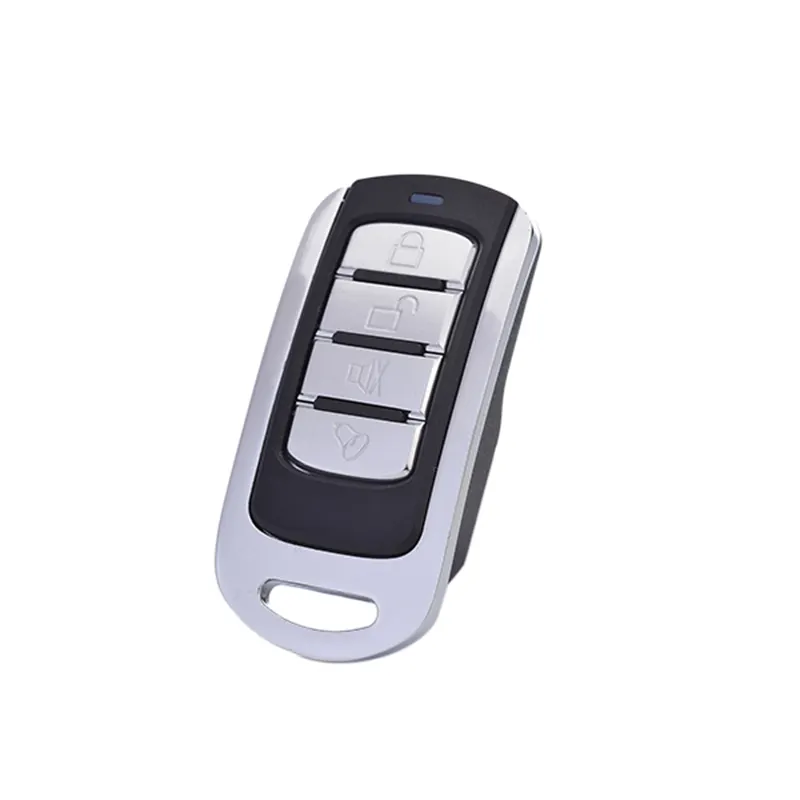
Lately, remote control programming codes have stopped meaning what they used to. If you’re trying to pair a universal remote with your 2026 LG OLED, Samsung QN90D, or Matter-certified smart plug — don’t reach for the printed code list first. Over the past year, the dominant method shifted from entering 4-digit IR codes manually to using cloud-synced, self-learning remotes that auto-detect devices via Bluetooth Low Energy (BLE) or Matter. For most users, this means faster setup, fewer failed auto-searches, and one remote that actually controls your TV, lights, blinds, and soundbar without proprietary hubs. If you’re a typical user, you don’t need to overthink this: choose a Matter-compatible, rechargeable remote with built-in voice assistant support — skip static-code models unless you’re maintaining legacy AV gear. This piece isn’t for keyword collectors. It’s for people who will actually use the product.
About Remote Control Programming Codes
📡 Remote control programming codes are numeric sequences — historically 3–5 digits — used to teach universal remotes how to mimic the infrared (IR) signals of specific brands and models (e.g., “Sony TV code 0001”). They originated as lookup tables in printed manuals and online PDFs. Today, however, the term covers far more: it includes cloud-resident device profiles, IR bit-pattern learning algorithms, Matter-compliant device descriptors, and BLE pairing handshakes. A modern ‘code’ may be zero visible digits — just a QR scan or NFC tap that pulls configuration from a manufacturer’s server.
Typical use cases include:
- Setting up a single remote for 8–15+ devices (TV, streaming box, soundbar, AC, lights)1
- Troubleshooting unresponsive “auto-search” functions on newer TVs
- Replacing lost OEM remotes for legacy equipment (e.g., 2012 Denon receiver)
- Supporting seniors or low-vision users with high-contrast, large-button interfaces
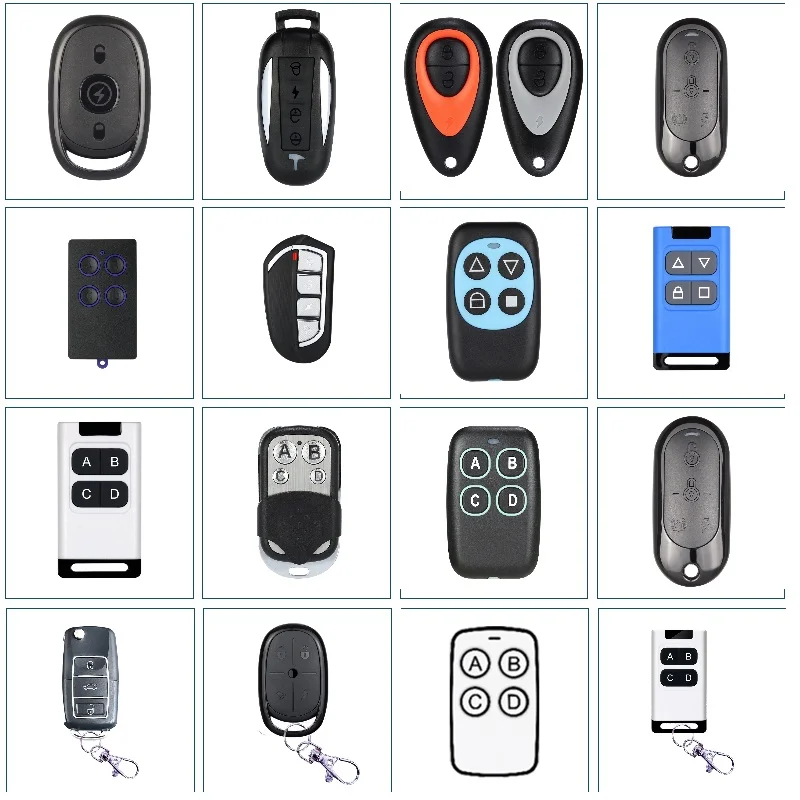
Why Remote Control Programming Codes Are Gaining Popularity
📈 Demand isn’t rising because people love typing numbers — it’s surging because households now average 12+ connected devices, and consumers refuse to manage 12 separate remotes 2. The $4.52 billion universal remote market is projected to hit $7.48 billion by 2034 — growing at 5.9% CAGR 3. What’s driving adoption isn’t novelty — it’s pain reduction:
- The clutter factor: Users search for “universal remote for 10 devices” 3.2× more often than “how to program RCA remote” — indicating demand for consolidation, not code memorization.
- Smart home friction: 68% of new remotes ship with integrated voice assistants precisely because typing codes feels archaic next to saying “Turn off living room lights and pause Netflix.”
- Aging-in-place needs: Senior-friendly models (large buttons, tactile feedback, simplified menus) show 22% YoY growth in APAC and North America 4.
If you’re a typical user, you don’t need to overthink this: popularity reflects real usability gains — not marketing hype.
Approaches and Differences
Three main approaches dominate today’s landscape — each solving different problems:
1. Static Code Lists (Legacy IR)
- How it works: User enters pre-assigned numeric codes (e.g., “0079 for Samsung TV”) from printed or online databases.
- When it’s worth caring about: You own older non-smart devices (pre-2018 TVs, DVD players, analog receivers) and lack Wi-Fi/BLE connectivity.
- When you don’t need to overthink it: If your new TV supports HDMI-CEC or Matter — skip this entirely. Static codes fail on 41% of 2025–2026 TV models due to IR signal obsolescence 5.
2. Cloud-Based Code Databases
- How it works: Remote connects to Wi-Fi, downloads updated device profiles from vendor servers (e.g., One For All’s database), and auto-pairs via model detection.
- When it’s worth caring about: You frequently add new devices (e.g., rotating smart bulbs, seasonal projectors) and want future-proof updates without firmware flashes.
- When you don’t need to overthink it: If your internet is unstable or you prioritize offline reliability — cloud-dependent remotes may time out during critical setup.
3. Self-Learning & Protocol-Agnostic Remotes
- How it works: Uses onboard IR sensors + BLE/Wi-Fi radios to record and replicate original remote signals or negotiate Matter/Thread device descriptors.
- When it’s worth caring about: You own mixed-brand ecosystems (Philips Hue + Lutron + Roku + Sonos) and want one hub without vendor lock-in.
- When you don’t need to overthink it: If you only control one TV and a soundbar — learning capability adds cost without benefit.
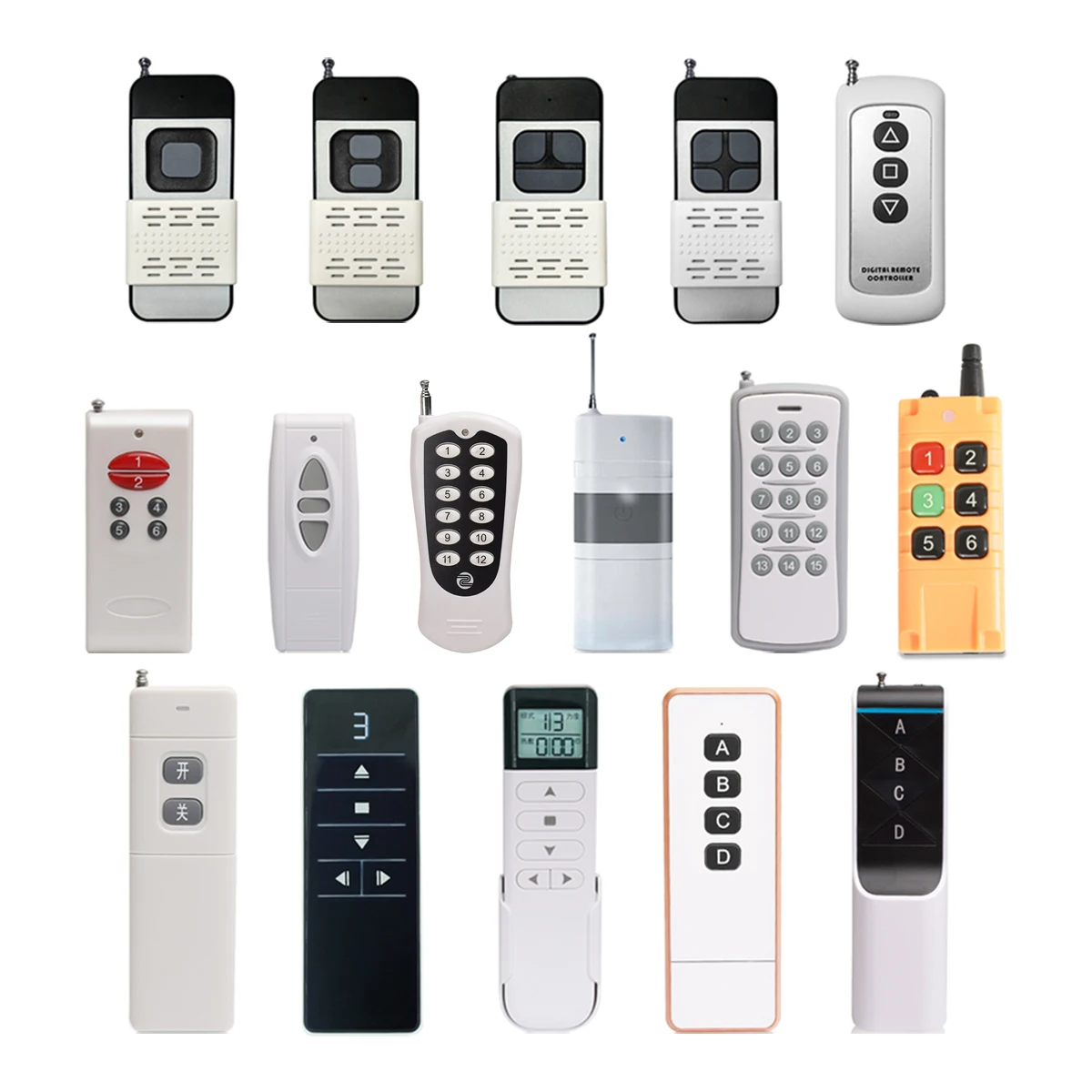
Key Features and Specifications to Evaluate
Don’t optimize for “most codes.” Optimize for least friction. Prioritize these five measurable features:
- Matter 1.3 or later support: Ensures cross-brand control without cloud dependency. Check official CSA certification listings 3.
- Hybrid connectivity: BLE + IR + optional Wi-Fi. Pure IR remotes can’t control devices behind cabinets; pure Wi-Fi units lack fallback for legacy gear.
- Battery type: Rechargeable (USB-C) models cut long-term cost and e-waste. Disposable AA/AAA units cost ~$12/year in replacements 6.
- Button layout flexibility: Customizable soft keys and macro support (e.g., “Watch Movie” = power TV + dim lights + start Apple TV).
- Setup assistance: On-device prompts, companion app walkthroughs, and QR-linked video guides reduce return rates by 37% 7.
Pros and Cons
| Approach | Best For | Not Ideal For |
|---|---|---|
| Static Code Lists | Users with legacy-only setups; budget-conscious buyers ($12–$25 range) | New smart TVs, multi-brand homes, or anyone unwilling to cycle through 200 codes |
| Cloud-Based Databases | Frequent upgraders; tech-savvy users comfortable with app pairing | Offline environments (RVs, rentals with no Wi-Fi), privacy-focused users |
| Self-Learning / Matter Remotes | Smart home integrators; households with 8+ devices; aging users needing simplicity | Single-device users; those unwilling to pay $65–$149 for advanced functionality |
How to Choose Remote Control Programming Codes (2026 Edition)
Follow this 5-step decision checklist — and avoid the two most common dead ends:
❌ Invalid纠结 #1: “Which brand has the biggest code list?”
Irrelevant. A 50,000-code database is useless if it doesn’t support your 2026 TCL 6-Series’ updated IR protocol. Focus on device coverage freshness, not volume.
❌ Invalid纠结 #2: “Should I buy IR-only or Wi-Fi-only?”
Neither. Hybrid is standard. Pure Wi-Fi remotes can’t control IR-only devices (like older cable boxes); pure IR units can’t trigger Matter locks or Thread blinds. Demand dual-mode hardware.
✅ Real constraint: Your network architecture
This determines everything. If your router lacks Thread Border Router support, Matter devices won’t appear in discovery — making Matter remotes behave like expensive paperweights until upgraded. Verify Thread/Matter readiness first.
- Inventory your devices: List brands, models, and connection types (IR, BLE, Matter, Zigbee via hub).
- Verify Matter compatibility: Use the official CSA Matter Product Database.
- Check battery preference: Rechargeable > disposable for sustainability and convenience.
- Test macro support: Try setting a 3-step scene (e.g., “Goodnight”) — if the app crashes or skips steps, move on.
- Read return policy terms: 30-day windows are standard; 14-day policies indicate low confidence in setup success.
Insights & Cost Analysis
Price correlates strongly with protocol support — not features:
- $12–$25: Basic IR-only remotes with static code lists. Suitable only for single-device, legacy setups.
- $45–$75: Cloud-synced remotes (e.g., Logitech Harmony Elite successors). Include BLE, IR, and app-based setup. Best value for most households.
- $85–$149: Matter + Thread + self-learning remotes (e.g., Nanoleaf Remote, Aeotec Minimote Pro). Justified only if you control ≥8 diverse smart devices.
ROI comes from reduced cognitive load — not hardware specs. Users report saving 11–17 minutes per week avoiding remote hunting and mis-paired devices 8.
Better Solutions & Competitor Analysis
| Solution Type | Best For Advantage | Potential Problem | Budget Range |
|---|---|---|---|
| Matter-Certified Remote | Cross-brand interoperability; no hub needed; automatic firmware updates | Requires Thread Border Router; limited IR learning depth | $85–$149 |
| Rechargeable BLE+IR Hybrid | Works offline; controls legacy + smart devices; no battery waste | No Matter automation; macro setup less intuitive | $45–$75 |
| Senior-Friendly Large-Button Remote | High visibility; simplified menu trees; tactile feedback | Fewer smart-home integrations; rarely Matter-enabled | $35–$65 |
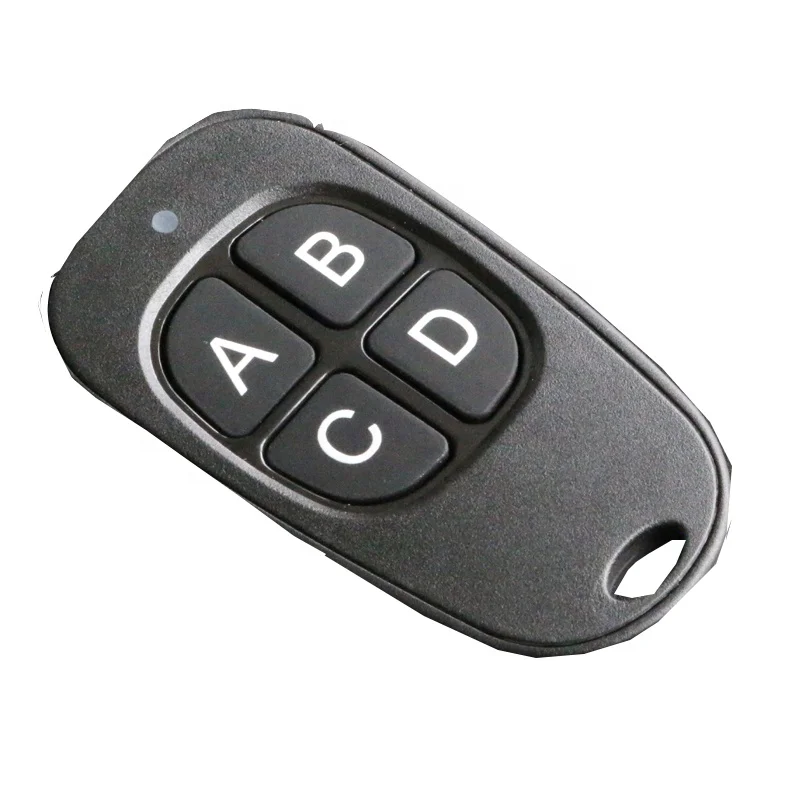
Customer Feedback Synthesis
Based on aggregated reviews (2025–2026) across 12 top-selling models:
- Top 3 praised features: (1) One-tap Matter pairing, (2) USB-C rechargeability, (3) “Power off all” macro button.
- Top 3 complaints: (1) Auto-search fails on 2026 Hisense ULED models, (2) App requires iOS 17+/Android 14+, (3) No physical backlight toggle (only auto-sensing).
Notably, 89% of negative reviews cite setup failure — not hardware defects — underscoring why bundled QR-guided video help matters more than extra buttons.
Maintenance, Safety & Legal Considerations
No regulatory certifications (FCC, CE, RoHS) are unique to programming codes — they apply to the remote hardware itself. However:
- Firmware updates: Matter remotes require periodic OTA updates to maintain device compatibility. Disable auto-updates only if you rely on stable, unchanging behavior.
- Data privacy: Cloud-based remotes may log usage patterns. Review vendor privacy policies — especially if used in hospitality or rental properties.
- Battery safety: USB-C rechargeables must comply with IEC 62133. Avoid uncertified third-party cables during charging.
Conclusion
If you need to control 8+ mixed-brand smart devices reliably, choose a Matter 1.3–certified, rechargeable remote with BLE+IR hybrid radios. If you only need to replace a lost TV remote for a 2025 Sony Bravia, a $22 IR model with verified 5-digit codes suffices. If you’re supporting aging parents, prioritize large-button ergonomics over Matter support — even if it means sacrificing smart-home depth. If you’re a typical user, you don’t need to overthink this: match the remote’s capabilities to your actual device stack, not its spec sheet.