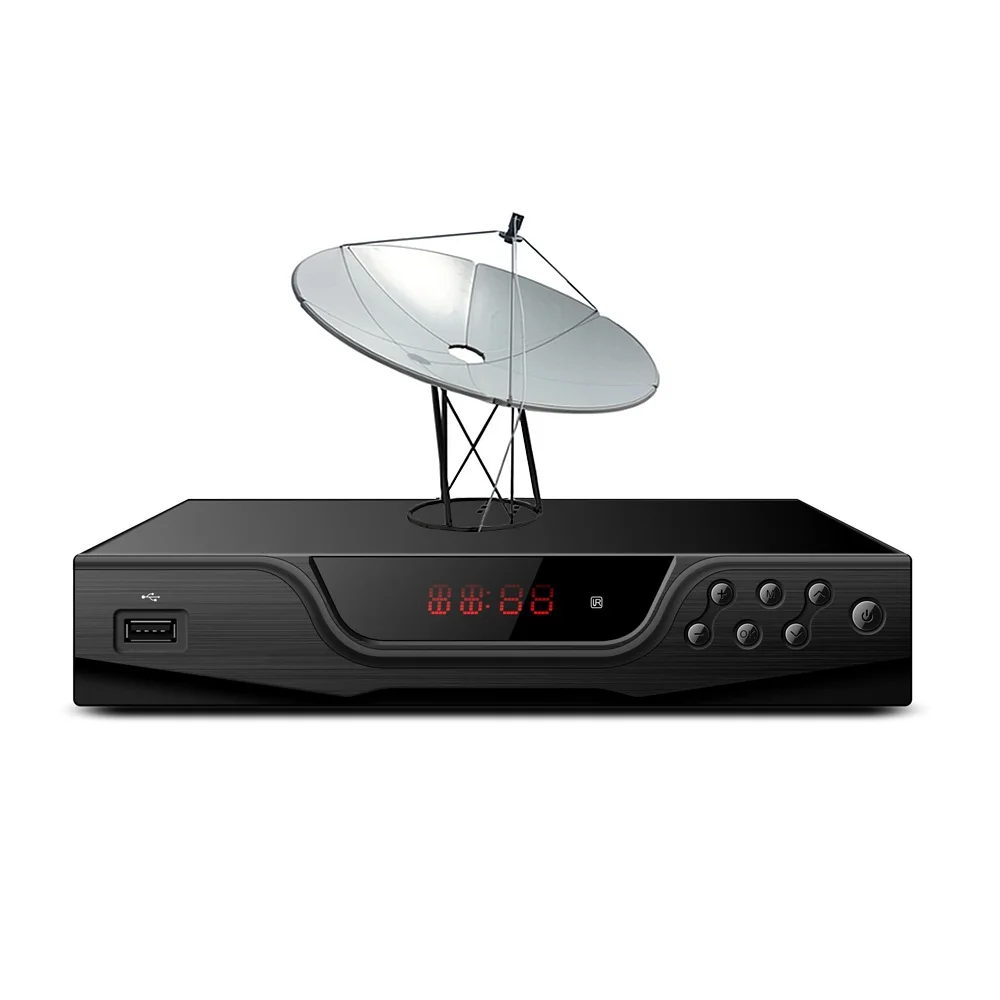
About Satellite TV Channels Decoders
A satellite TV channels decoder—also called a satellite receiver or set-top box—is a hardware device that receives signals from a satellite dish, demodulates and decodes them (often from DVB-S/S2 standards), and outputs video/audio to your TV via HDMI or SCART. It is essential for watching any satellite-delivered content, whether free-to-air (FTA) broadcasts or subscription services like Sky or Dish Network. Unlike terrestrial TV tuners or streaming sticks, satellite decoders handle high-frequency RF signals from an LNB and perform complex signal processing—including blind scanning, symbol rate tuning, and conditional access for encrypted streams.
Typical users include: rural residents with limited broadband; expatriates seeking native-language programming; cord-cutters prioritizing live news/sports; and hobbyists tracking international broadcast feeds. They rarely want complexity—they want predictable channel discovery, stable playback, and minimal reconfiguration after power loss or firmware updates.
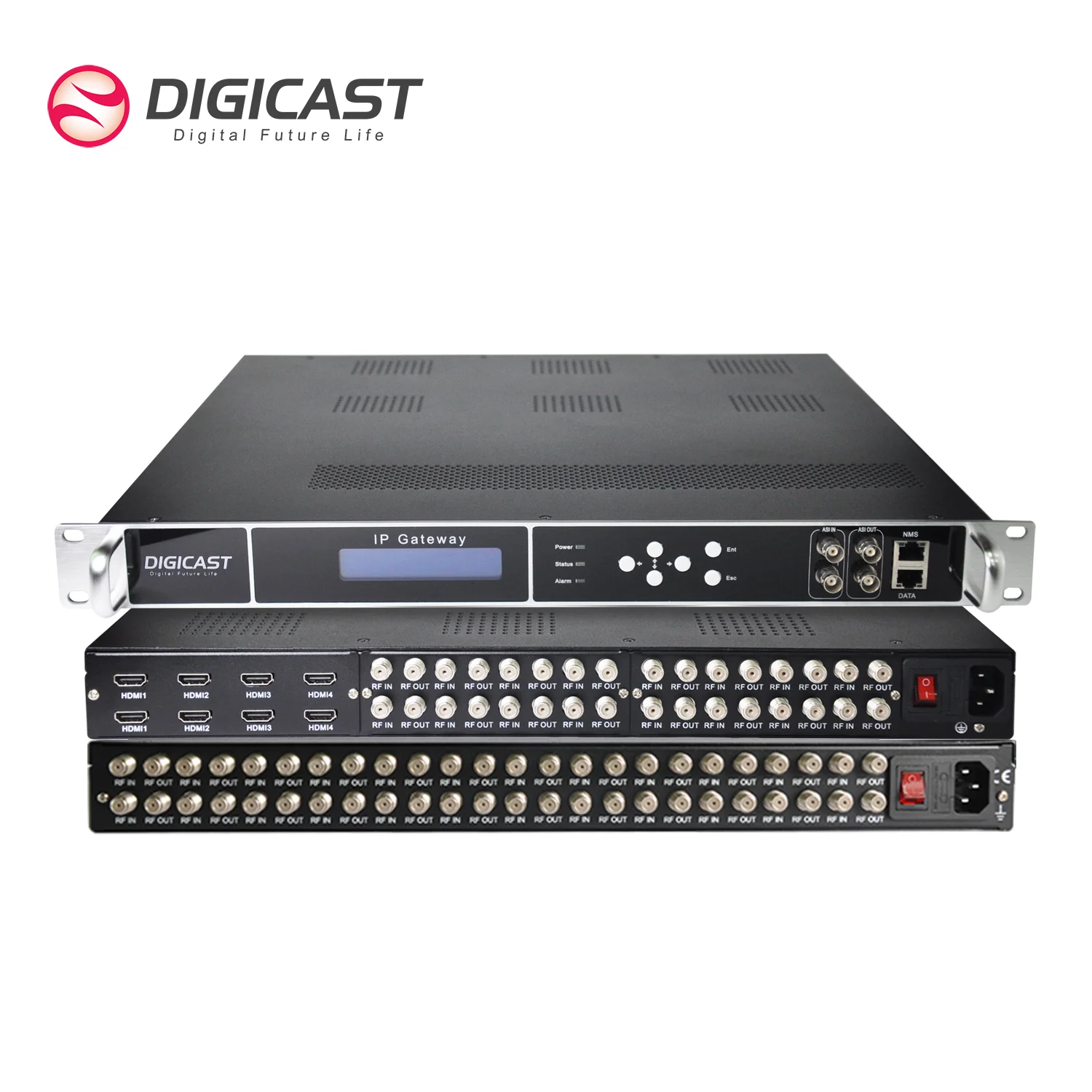
Why Satellite TV Channels Decoders Are Gaining Popularity
Lately, satellite TV channels decoders are gaining renewed attention—not because of nostalgia, but because of three measurable shifts: (1) rising global subscription fatigue, especially in multi-provider markets; (2) improved affordability and reliability of modern DVB-S2 receivers (many now under $60 USD); and (3) broader availability of FTA content on major orbital positions, including HD news, religious, educational, and minority-language channels across Europe, Africa, Asia, and Latin America.
This isn’t about replacing streaming. It’s about redundancy. When internet outages hit—or when a local broadcaster restricts online access to live events—satellite remains operational. And unlike IPTV resellers, FTA satellite requires no account, no login, and no third-party server dependency. If you’re a typical user, you don’t need to overthink this: if your priority is dependable, license-free access to live linear TV, satellite still delivers where other platforms falter.
Approaches and Differences
Not all satellite TV channels decoders serve the same purpose. The core distinction lies in signal source compatibility and decoding capability:
- ✅ Standard FTA Satellite Receivers (e.g., Koqit V5H, Strong SRT 4950H): Support DVB-S/S2 only. Ideal for pure satellite reception. Low power draw, fast boot, minimal firmware bloat.
- 🌐 Hybrid DVB-S2/T2 Receivers (e.g., some GT Media models): Accept both satellite and terrestrial antenna inputs. Useful if you also receive local DVB-T2 broadcasts—but adds complexity in menu navigation and scan logic.
- 📺 Android TV Boxes with DVB-S2 Tuners: Combine satellite decoding with app ecosystems (YouTube, Netflix). Convenient for hybrid viewers—but often sacrifice signal stability, boot speed, and long-term firmware support for satellite-specific features.
When it’s worth caring about: You rely on consistent signal lock during weather fluctuations, or you frequently switch between satellites (e.g., Astra 19.2°E and Hotbird 13°E). Then, dedicated FTA receivers consistently outperform hybrid or Android-based units in blind scan accuracy and LNB voltage control.
When you don’t need to overthink it: You only watch one satellite position, use a fixed dish, and care more about HDMI output quality than advanced tuning. A mid-tier FTA receiver handles this effortlessly.
Key Features and Specifications to Evaluate
Focus on four functional categories—not marketing claims:
- 🔍 DVB Standard Support: Confirm DVB-S2 (mandatory), plus DVB-S2X if receiving newer beams (e.g., Eutelsat Quantum). Avoid units listing only “DVB-S”—they won’t decode most modern HD/HEVC feeds.
- ⚡ H.265/HEVC Decoding: Required for HD/4K FTA channels using modern compression. If your target satellite broadcasts HEVC (common on Eutelsat 16A), non-HEVC decoders will show blank screens or error messages—even with strong signal.
- 📌 LNB Power & DiSEqC Support: Must supply 13/18V and 22kHz tone switching. DiSEqC 1.0+ enables multi-satellite switching via motorized or multi-LNB setups. Verify compatibility with your LNB model (e.g., Universal, Linear, Circular).
- 💾 USB Recording & PVR: Not essential for casual viewing—but critical if you record live sports or news. Look for ‘time-shift’ or ‘PVR’ labels—and test whether recordings play back reliably on external drives (some units only support FAT32-formatted USB 2.0 sticks).
If you’re a typical user, you don’t need to overthink this: H.265 and DVB-S2 are baseline requirements in 2024. Everything else is situational.
Pros and Cons
✔️ Best for: Users with stable dish alignment, interest in international FTA content, preference for zero-monthly-cost TV, and tolerance for occasional manual scan updates.
❌ Not ideal for: Viewers expecting plug-and-play channel guides (EPG data is often incomplete or region-limited), those needing integrated voice search or app ecosystems, or households with weak/no dish infrastructure (satellite TV receivers cannot function without a properly aligned dish and LNB).
How to Choose a Satellite TV Channels Decoder: A Practical Decision Checklist
Follow this sequence—skip steps only if you’ve already confirmed the prerequisite:
- Verify your dish/LNB setup first. No decoder fixes misalignment or incompatible LNBs. Use a signal meter (like the GT Media V8 Finder Max 2) before buying a decoder.
- Identify your target satellite(s). Check resources like LyngSat or KingOfSat for available FTA channels on your orbital position—and confirm whether they use DVB-S2 + H.265.
- Select decoder type: FTA-only if you only need satellite; hybrid only if you also use terrestrial antennas; avoid Android-based unless you regularly stream and watch satellite—and accept trade-offs in stability.
- Avoid these common traps: “All channels included” claims (no legal decoder delivers pay-TV without authorization); “4K ready” without H.265 decoding (meaningless for satellite); Wi-Fi listed without specifying whether it supports client mode (most do not—don’t expect OTA firmware updates over Wi-Fi).
Insights & Cost Analysis
Entry-level FTA receivers now range from $35–$75 USD. Mid-tier models with dual USB, H.265, and DiSEqC 1.2 hover at $65–$110. High-end units with 4K upscaling, built-in Wi-Fi (client mode), and robust PVR sit above $130—but offer diminishing returns for standard FTA use.
Realistic value threshold: $55–$85. Units in this band (e.g., Koqit V5H, GT Media V8X) deliver full DVB-S2/H.265 support, stable firmware, and responsive customer documentation. Below $40, expect inconsistent H.265 decoding or missing DiSEqC options. Above $120, you’re paying for features most FTA viewers never activate.
Better Solutions & Competitor Analysis
| Decoder Type | Best For | Potential Problem | Budget Range (USD) |
|---|---|---|---|
| Basic FTA (e.g., Koqit V5H) | Single-satellite FTA viewing, budget-conscious users, stable daily use | No terrestrial input; limited EPG depth | $38–$59 |
| Hybrid DVB-S2/T2 (e.g., Strong SRT 7404) | Users with both satellite dish and rooftop antenna; regional broadcast diversity | Slower channel switching; menu complexity increases error rate for beginners | $75–$105 |
| Android + DVB-S2 (e.g., X96Q variants) | Viewers who equally rely on YouTube, satellite news, and local apps | Firmware updates may drop satellite drivers; HEVC playback often unstable | $85–$140 |
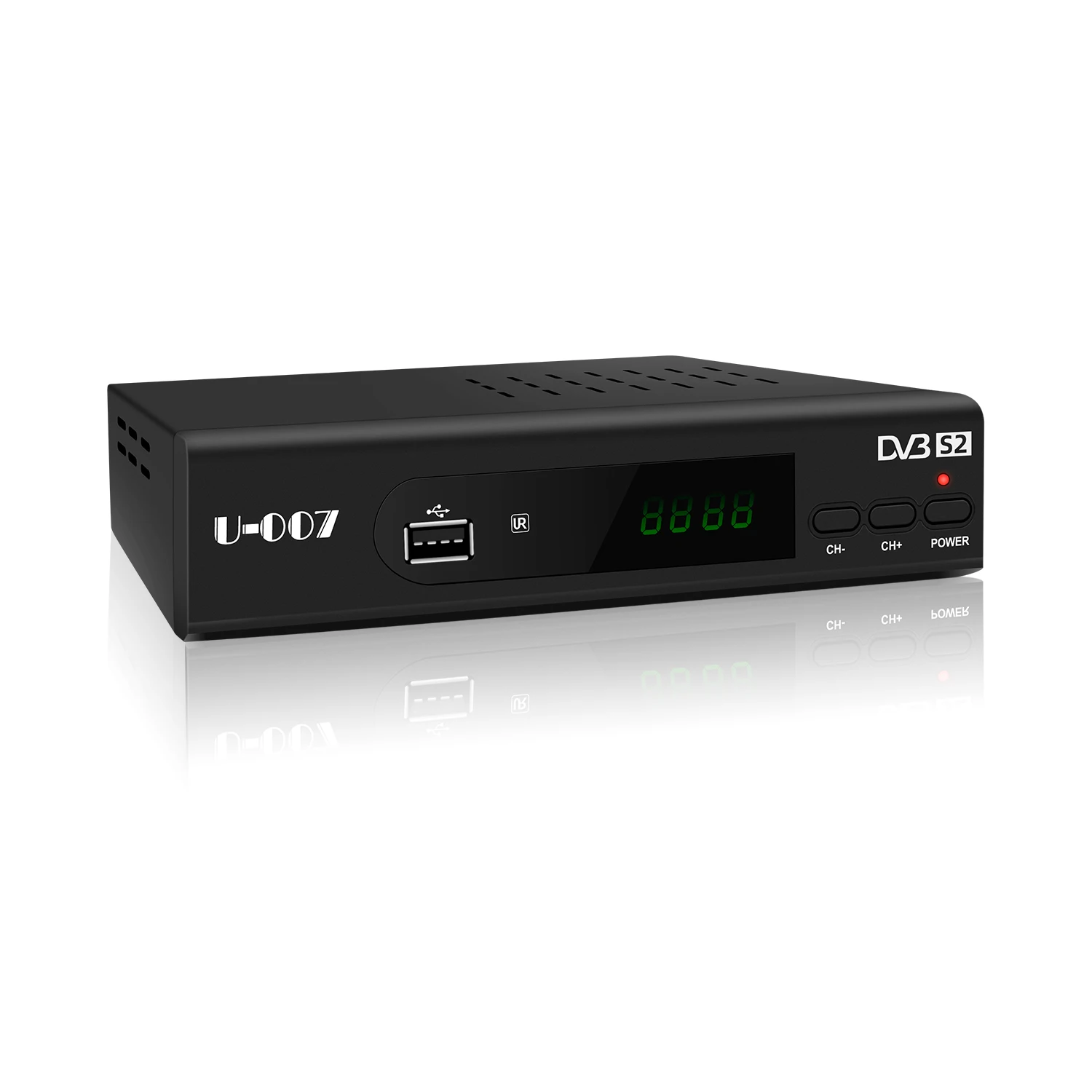
Customer Feedback Synthesis
Based on aggregated reviews across Amazon, Walmart, and independent forums (2023–2024):
Top 3 praises: fast blind scan success rate (>90% on aligned dishes), intuitive remote layout, reliable USB recording to FAT32 drives.
Top 3 complaints: incomplete or outdated EPG data (especially for non-European satellites), lack of multilingual on-screen menus beyond English/Spanish, and inconsistent firmware update channels (some brands post updates only on Chinese-language forums).
Maintenance, Safety & Legal Considerations
These devices require minimal maintenance: occasional dusting, firmware updates (when explicitly released by the manufacturer), and cable inspection for corrosion or bending. No internal servicing is recommended or supported.
Legally, receiving Free-to-Air satellite broadcasts is permitted in most countries—including the U.S., UK, Canada, Australia, and EU member states—as long as no encryption is circumvented. Decoders marketed for “PowerVu”, “Biss”, or “Conax” decryption without authorization fall outside legal use in many jurisdictions 3. This piece isn’t for keyword collectors. It’s for people who will actually use the product.
Conclusion
If you need dependable, low-cost access to live global TV without subscriptions, choose a dedicated DVB-S2/H.265 FTA satellite TV channels decoder—like the Koqit V5H or GT Media V8 Finder Max. If you require simultaneous satellite and terrestrial input, a hybrid unit makes sense—but only if you routinely use both sources. If you prioritize app integration over broadcast reliability, weigh Android-based options carefully: their convenience comes with real trade-offs in signal consistency and long-term support. If you’re a typical user, you don’t need to overthink this: verify your dish first, match the decoder to your satellite’s technical profile, and skip feature bloat. That’s how you get stable, sustainable TV—not just another box that gathers dust.