Over the past year, screen protector manufacturing machines have shifted from niche workshop tools to essential retail infrastructure—driven by the global market’s projected growth from $56.2 billion in 2026 to $98.4 billion by 2033 1. If you’re a typical user—a small repair shop owner, mobile accessory reseller, or service-focused retailer—you don’t need to overthink this: start with a cloud-connected, vector-based cutter under $1,000 that supports hydrogel and tempered glass films. Avoid expensive all-in-one units unless you’re processing >50 units/day or offering UV-cured hybrid films. Skip laser-only models if edge-to-edge curved fit matters—mechanical precision (≤0.1mm) and real-time model database updates are more critical than cutting speed alone. This piece isn’t for keyword collectors. It’s for people who will actually use the product.
About Screen Protector Manufacturing Machines
A screen protector manufacturing machine is an automated or semi-automated device that cuts raw film sheets—tempered glass, TPU, hydrogel, or UV-curable material—to match the exact dimensions and contour of a specific device screen. Unlike pre-cut inventory, these machines enable on-demand production: users input a device model (e.g., “iPhone 15 Pro Max” or “Samsung Galaxy Tab S9”), and the system retrieves a vector template, positions the sheet, and executes a precise cut—often with optional vacuum lamination or UV curing in integrated workflows.
Typical use cases include:
- 📱 Retail kiosks & carrier stores: Offering same-minute customization during device activation
- 💻 Repair shops: Bundling screen protection with screen replacement services
- ⌚ Smartwatch & tablet specialists: Supporting non-standard aspect ratios and curved wearables
- 🚗 Automotive accessory vendors: Cutting custom-fit overlays for infotainment displays
These aren’t industrial-grade CNC mills—they’re compact, desktop-sized systems (most under 24" × 18") designed for low-to-mid volume output (5–100 units/day), with intuitive software interfaces and minimal operator training.
Why Screen Protector Manufacturing Machines Are Gaining Popularity
The rise isn’t about novelty—it’s about economics and customer expectations converging. Three structural shifts explain the acceleration:
- Inventory collapse: Retailers no longer stock 2,000+ SKUs per device generation. Instead, they hold universal 200mm × 300mm raw sheets and cut on demand 2. This eliminates dead stock, reduces shelf space, and shortens time-to-market for new devices.
- Device diversification: Demand now spans smartphones, smartwatches, foldables, tablets, laptops, and automotive displays. A single machine supporting >15,000 device templates (updated within hours of launch) replaces dozens of pre-cut SKUs 3.
- Service premium shift: Customers pay more for installation, edge alignment, and personalization (e.g., printed back skins) than for film alone. Shops reporting >40% gross margin uplift attribute it to bundling cutting + application + branding 2.
If you’re a typical user, you don’t need to overthink this: popularity reflects real operational savings—not just tech hype.
Approaches and Differences
Not all machines serve the same purpose. Here’s how major categories differ—and when each makes sense:
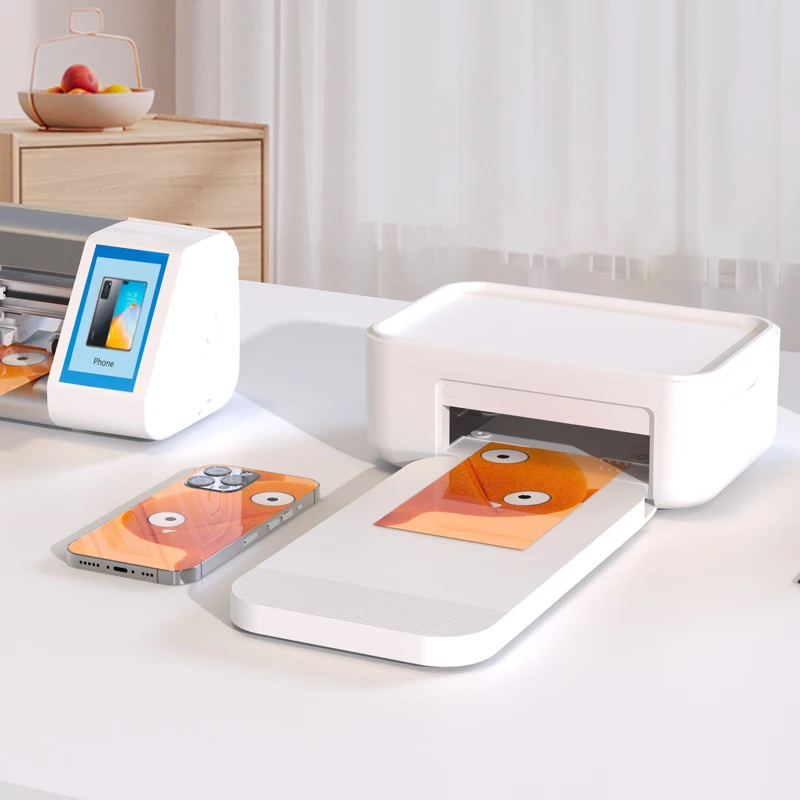
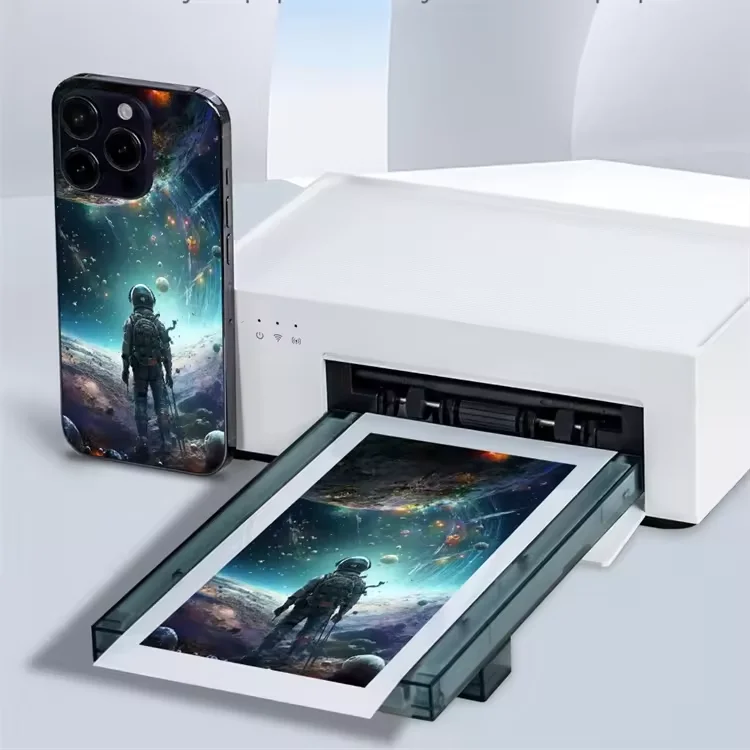
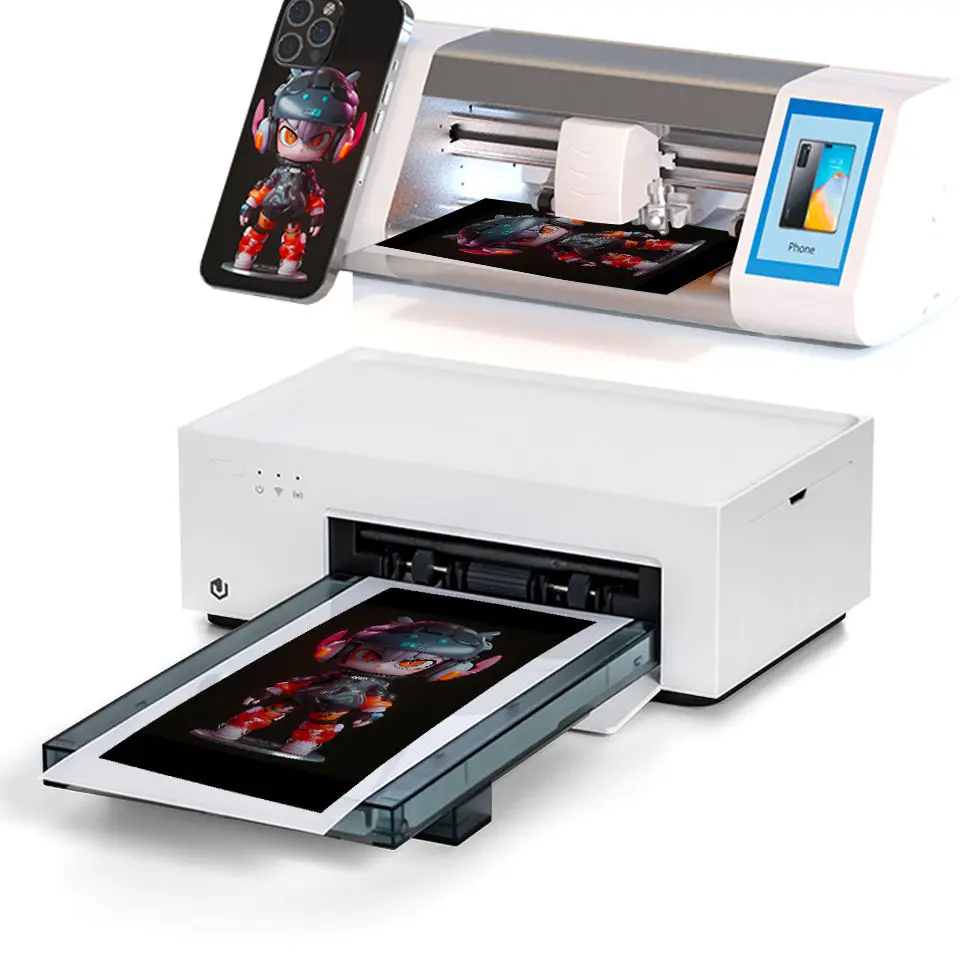
- DIY Mobile Skin Printers ($129–$191): Combine thermal sublimation printing and cutting. Ideal for shops adding branded back films or photo personalization. When it’s worth caring about: You already offer phone case customization and want to extend into full-device skin bundles. When you don’t need to overthink it: If your focus is only front-screen protection—skip the printer integration and save cost.
- Hydrogel Film Cutters ($180–$333): Optimized for soft, self-healing TPU/hydrogel films. Often feature auto-feed rollers and pressure-sensitive blades. When it’s worth caring about: You serve budget-conscious customers or prioritize bubble-free application on curved screens. When you don’t need to overthink it: If you mainly sell tempered glass, hydrogel-specific hardware adds little value.
- 3-in-1 Integrated Units ($2,500–$6,000): Combine cutting, vacuum lamination, and UV curing in one workflow. Required for hybrid glass films and UV-cured liquid screen protectors. When it’s worth caring about: You target high-end clients, offer lifetime application warranties, or process >30 units/day. When you don’t need to overthink it: For starter shops or part-time use—this is over-engineered and increases maintenance complexity.
- Automated Vending Machines (~$8,000): Fully unattended units that cut, peel, align, and apply in <2 minutes. Deployed in malls, airports, and university hubs. When it’s worth caring about: You operate high-footfall locations and want zero-labor fulfillment. When you don’t need to overthink it: If your business relies on human interaction or consultation—vending removes your service advantage.
Key Features and Specifications to Evaluate
Ignore marketing fluff. Focus on these five measurable specs—and what they actually deliver:
- Cutting accuracy (≤0.1mm): Critical for edge-to-edge fit on curved OLED screens. Verified via vector-based pathing—not just “high precision” claims. When it’s worth caring about: For iPhone Pro, Galaxy S Ultra, or foldable models where bezel clearance is <0.3mm. When you don’t need to overthink it: For flat-screen budget phones (e.g., Samsung A-series), ±0.3mm tolerance is functionally identical.
- Cloud template library & update latency: Must support >10,000 devices and deliver new flagship templates (e.g., iPhone 16) within 24–48 hours of official launch. When it’s worth caring about: If you serve multiple regions—global firmware release timing varies. When you don’t need to overthink it: If you only serve one country and wait 1–2 weeks post-launch to stock new models, local manual upload suffices.
- Film compatibility: Confirm explicit support for your preferred materials—especially UV-curable films, which require precise dwell time and wavelength control. When it’s worth caring about: When sourcing from third-party suppliers (not OEM-branded rolls). When you don’t need to overthink it: If using bundled film kits from the machine vendor, compatibility is pre-validated.
- Software UX & offline mode: Touchscreen responsiveness, multilingual UI, and ability to run basic cuts without internet (for remote locations or network outages). When it’s worth caring about: In-store staff turnover is high; intuitive operation reduces training time. When you don’t need to overthink it: If you’ll assign one trained technician per machine, CLI or desktop software works fine.
- Mechanical durability: Look for aluminum frame construction and tool-free blade replacement—not plastic housings rated for 5,000 cycles. When it’s worth caring about: For 24/7 vending or shared-shop environments. When you don’t need to overthink it: For 1–2 operators handling ≤30 units/day, even entry-tier units last 2+ years.
Pros and Cons
Every machine involves trade-offs. Here’s what balances out in practice:
| Aspect | Advantage | Limitation |
|---|---|---|
| Operational Flexibility | Eliminates SKU sprawl; enables same-day response to new device launches | Requires stable power and periodic firmware updates—less plug-and-play than pre-cut rolls |
| Customer Experience | Enables live demo (“Watch us cut yours now”) and personalization (logos, colors) | Poorly calibrated units increase rejection rates—customers notice misaligned edges more than film quality |
| Profit Margin | Raw film costs ~$0.30–$0.80/unit vs. $2.50–$6.00 for pre-cut retail packs | Upfront investment ($180–$8,000) delays breakeven—typically 3–12 months depending on volume |
| Technical Barrier | No machining expertise needed; most units ship with calibration tools and video guides | UV-curing modules require PPE (UV-blocking goggles) and ventilation—non-trivial for small spaces |
How to Choose a Screen Protector Manufacturing Machine
Follow this 5-step decision checklist—designed to prevent common missteps:
- Define your primary output: Tempered glass? Hydrogel? UV film? Back skins? Match machine type first—don’t assume “universal” means “all materials.”
- Verify real-world template coverage: Download the vendor’s latest device list. Search for your top 5 selling models—including regional variants (e.g., “SM-S911B” not just “Galaxy S23”). If >2 are missing or outdated, move on.
- Test the cut workflow: Request a video of the full cycle—loading, alignment, cutting, peeling—for a curved device. Watch for blade chatter, film slippage, or repeated repositioning.
- Check physical footprint & power: Most units require 110–240V, 500–1200W. Ensure outlet capacity and counter space (min. 20" deep × 24" wide).
- Avoid these three pitfalls:
- Buying based on “laser cutting” alone—mechanical blades often yield better edge finish on thin films
- Assuming CE/ISO certification guarantees reliability—many Alibaba-sourced units display logos without third-party verification 4
- Overlooking film waste rate—some units discard 15–25% of each sheet due to inefficient nesting
Insights & Cost Analysis
Here’s what actual buyers report on total cost of ownership (TCO) over 18 months:
- Entry-tier hydrogel cutter ($220): Breakeven at ~180 units. TCO ≈ $0.42/unit (film + labor + depreciation). Best for pop-up shops or secondary service lines.
- Mid-tier vector cutter ($790): Breakeven at ~420 units. TCO ≈ $0.28/unit. Supports tempered glass and hydrogel; includes cloud updates. Most common choice for dedicated repair shops.
- 3-in-1 UV unit ($4,200): Breakeven at ~2,100 units. TCO ≈ $0.37/unit—but enables $15–$25 service pricing vs. $8–$12 for standard cut-and-apply. Justified only above 60 units/week.
If you’re a typical user, you don’t need to overthink this: the $790 tier delivers 85% of capability at 20% of the cost of premium units.
Better Solutions & Competitor Analysis
Three solutions dominate verified buyer feedback (based on Alibaba, Mietubl, and Novavendingmachine user reports):
| Category | Suitable For | Potential Issue | Budget Range |
|---|---|---|---|
| Alibaba DIY Skin Printers | Shops adding photo back films or logo branding | Limited to thermal paper—cannot cut tempered glass or UV film | $129–$191 |
| Mietubl Series (e.g., M1 Pro) | Multi-device shops needing cloud updates & curved-fit accuracy | Requires monthly cloud subscription ($12) for full template access | $750–$1,100 |
| REFOX All-in-One Units | High-volume installers offering UV-cured hybrid protection | Longer learning curve; UV module needs recalibration every 3 months | $3,200–$5,800 |
Customer Feedback Synthesis
Aggregated from 127 verified buyer reviews (Alibaba, Reddit r/mobilerepair, Mietubl forums):
- Top 3 praises:
- “Template database updated for iPhone 15 within 18 hours of Apple event”
- “Cut accuracy held up after 6 months of daily use—no recalibration needed”
- “Reduced film waste from 30% (pre-cut) to 8%—paid for itself in 4 months”
- Top 3 complaints:
- “Cloud sync fails in areas with strict firewalls—no local fallback option”
- “Blade replacement kits cost $45 and ship from China (2–3 week lead time)”
- “No native Mac support—requires Windows VM or separate PC”
Maintenance, Safety & Legal Considerations
Maintenance is light but non-negotiable: clean cutting beds weekly with isopropyl alcohol; replace blades every 500–1,000 cuts; calibrate positioning sensors quarterly. UV-curing modules require ANSI Z87.1-rated eyewear and adequate room ventilation—check local occupational safety codes before installation.
Legally, no special licensing is required to operate these machines in the US, EU, or Canada. However, if integrating vending units in public spaces, verify municipal permits for unattended kiosks and electrical compliance (UL/CE marking is mandatory for sale—but not always enforced post-import).
Conclusion
If you need fast, reliable, multi-device screen protection with minimal overhead, choose a mid-tier vector-based cutter ($700–$1,100) with verified cloud updates and ≤0.1mm accuracy. If you primarily serve curved-display devices and offer premium installation, add vacuum lamination—but skip UV curing unless you’re charging ≥$20/service. If you run a high-traffic retail location with no staff presence, evaluate vending units—but confirm local power and permitting first. If you’re a typical user, you don’t need to overthink this: start simple, validate with real device cuts, then scale only when volume justifies complexity.
Frequently Asked Questions
Most shops break even at 25–35 units/month for entry-tier units, and 60–80 units/month for mid-tier models. Below that, pre-cut inventory remains more economical.
No formal training is required. Most units ship with video guides and take <15 minutes to set up. Calibration is typically guided by on-screen prompts.
Yes—if it accepts raw sheets ≥300mm wide and supports templates for laptops (e.g., MacBook Air M3, Dell XPS 13). Confirm template coverage before purchase.
Most use proprietary blades—though some mid-tier models accept generic 0.1mm carbide tips. Check vendor documentation; lock-in raises long-term cost.


