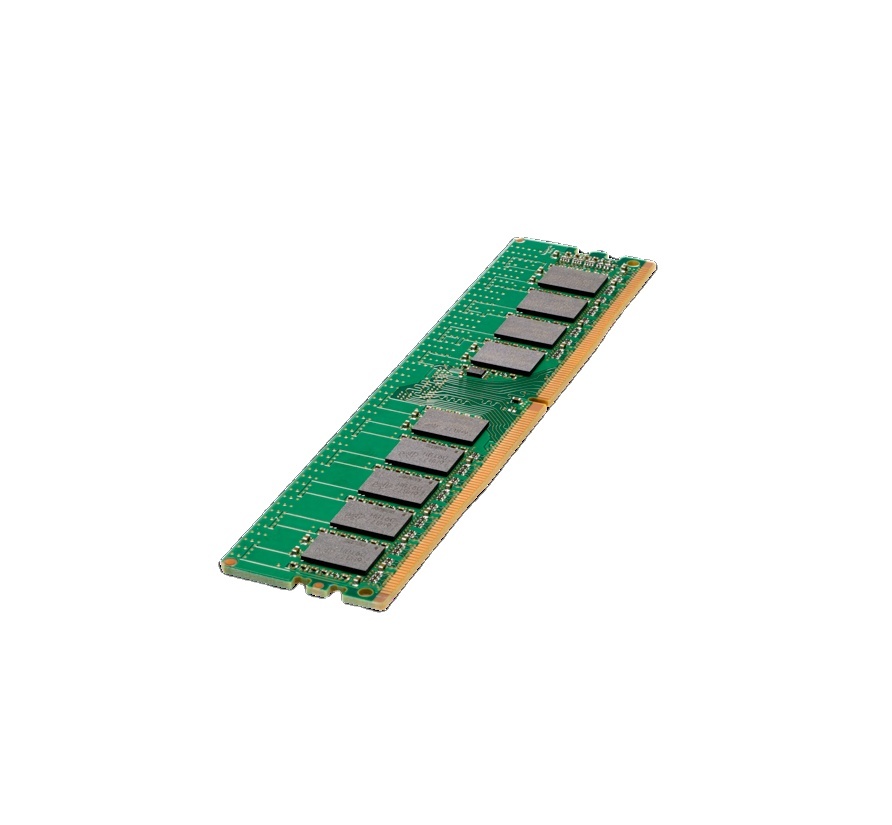
If you’re upgrading a physical server or building a small data node in early 2026, here’s your immediate decision framework: For most SMBs and lab environments, 16GB–32GB DDR4 ECC RDIMMs under $200 remain the strongest value — especially refurbished units verified by ServerMonkey or Techbuyer 1. If you need AI inference support or future-proofing beyond 2027, step up to DDR5 — but only if your motherboard supports it (check HP ProLiant Gen11 or Dell PowerEdge R760 specs first). If you’re a typical user, you don’t need to overthink this. Avoid paying $1,200+ for a single 64GB DDR5 module unless you’re running memory-bound LLM workloads or high-density virtualization. This piece isn’t for keyword collectors. It’s for people who will actually use the product.
About Server RAM: Definition & Typical Use Cases
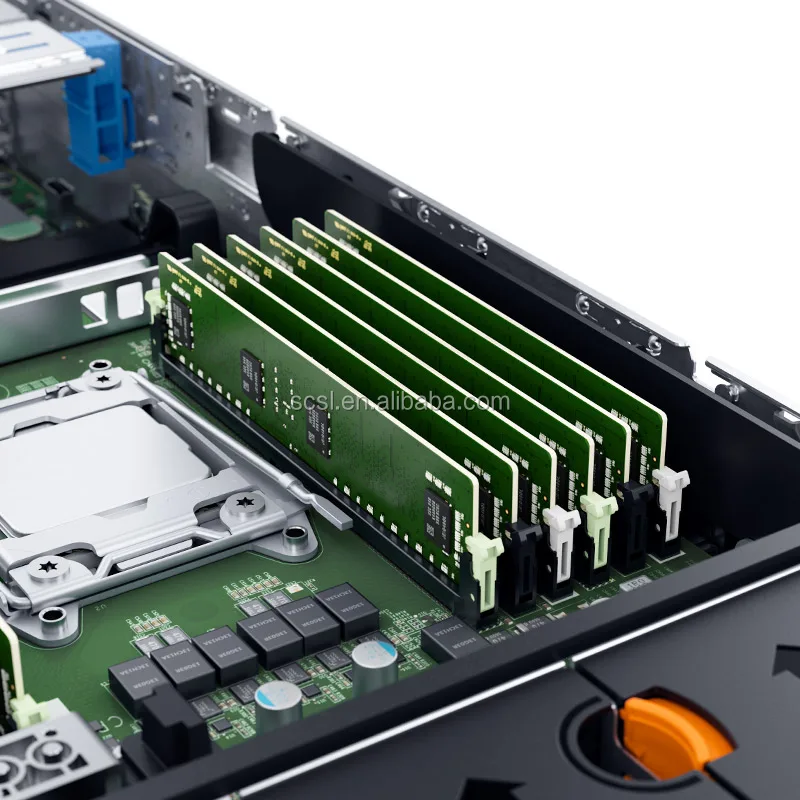
Server RAM refers to enterprise-grade memory modules designed for reliability, stability, and scalability in 24/7 compute environments. Unlike desktop DDR4/DDR5, server RAM includes features like ECC (Error-Correcting Code), RDIMM/LRDIMM form factors, and rigorous validation for specific OEM platforms (e.g., HPE, Dell, IBM). It’s not just “more RAM” — it’s engineered for fault tolerance in virtualized infrastructure, database servers, container orchestration nodes, and edge AI gateways.
Typical users include IT administrators managing on-premises infrastructure, developers deploying local Kubernetes clusters, and small hosting providers running multi-tenant VPS environments. You’ll see it deployed in rackmount servers (e.g., Supermicro 5019, HPE DL360), microservers (like Dell C6520), and even some high-end NAS devices with dual-socket support.
Why Server RAM Pricing Is Gaining Attention in 2026
Lately, server RAM prices have shifted noticeably — not just seasonally, but structurally. Over the past year, demand from AI training clusters and hyperscale edge deployments has tightened supply for high-bandwidth DDR5 chips, particularly those rated at 5600MT/s and above 2. Reports from Memory.NET confirm price adjustments of up to 100% on select DDR5 SKUs since Q4 2025, driven by foundry capacity allocation toward AI accelerators rather than general-purpose DRAM 2. That’s why “Why is server RAM so expensive?” now ranks among top People Also Ask queries — and why buyers are re-evaluating whether “more” always means “better.”
The emotional tension isn’t about cost alone — it’s about certainty. When budgeting for hardware refresh cycles, unpredictability in memory pricing erodes planning confidence. That’s the real pain point: not paying $800, but realizing $800 buys you half the bandwidth you expected six months ago.
Approaches and Differences: New vs. Refurbished, DDR4 vs. DDR5
There are four primary acquisition paths — each with clear trade-offs:
- New OEM-branded RAM (e.g., HPE, Dell): Highest compatibility assurance, full warranty, but premium pricing (often +30–50% over generic equivalents).
- New third-party ECC RDIMMs (e.g., Samsung/Micron-based): Better value, widely validated across platforms, minimal risk if sourced from Memory.NET or ServerBasket 3.
- Certified refurbished DDR4: Units tested, re-binned, and often sold with 12-month warranties. eBay listings show 16GB DDR4 RDIMMs as low as $65–$95 4. Ideal for non-critical workloads.
- Used/untested surplus: Lowest entry cost, but zero guarantees. Not recommended unless you have spare modules for testing or can validate with MemTest86.
When it’s worth caring about: If your server runs financial transaction processing, healthcare EHR systems, or production Kubernetes control planes — invest in new, OEM-validated RAM. Reliability outweighs savings.
When you don’t need to overthink it: For homelab NAS, CI/CD runners, or dev/test VM hosts — certified refurbished DDR4 delivers identical performance at ~40% lower cost. If you’re a typical user, you don’t need to overthink this.
Key Features and Specifications to Evaluate
Don’t default to capacity alone. Prioritize these five technical attributes — in order of impact:
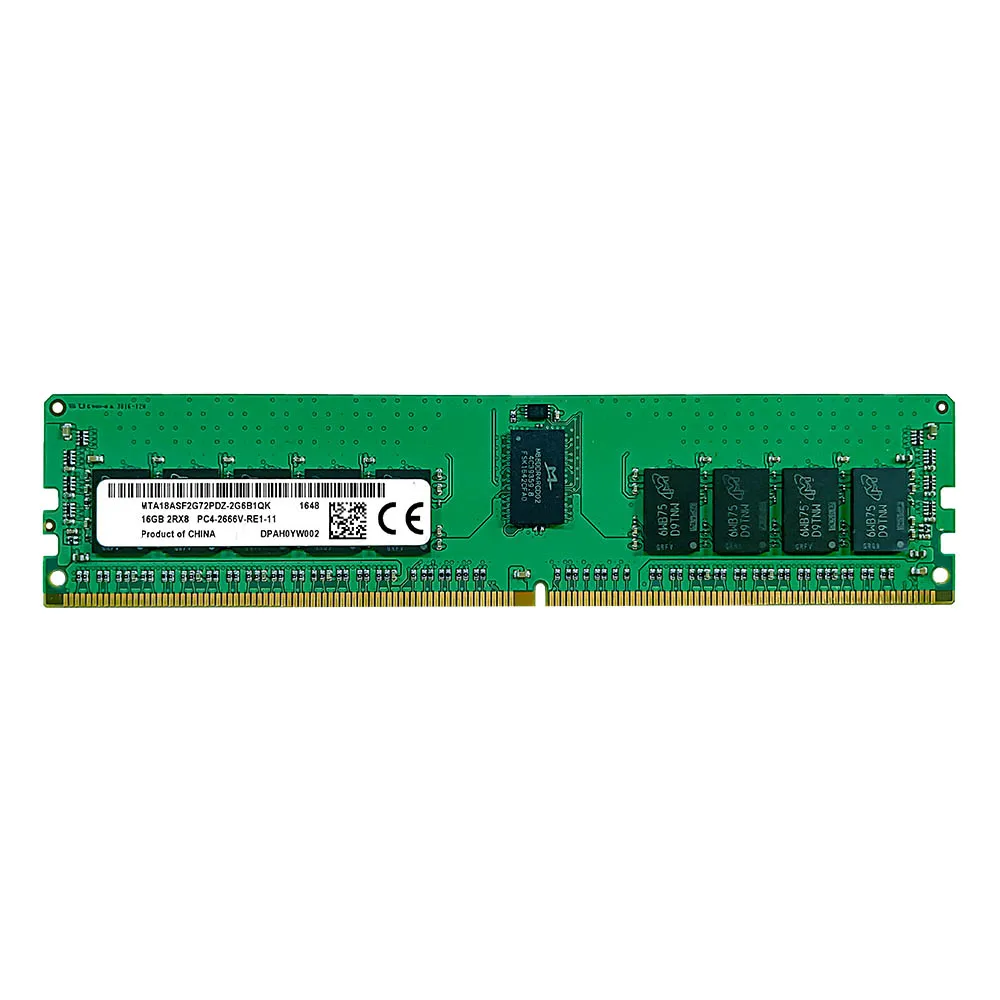
- ECC support: Non-negotiable for servers. Non-ECC RAM risks silent data corruption. All listed vendors (Techbuyer, ServerBasket) filter by ECC by default 5.
- Form factor (RDIMM vs. LRDIMM): RDIMMs scale to 512GB per CPU socket; LRDIMMs go higher but increase latency and power draw. Most dual-socket servers support RDIMMs up to 32GB × 16 slots = 512GB.
- Speed (MT/s) and CAS latency: DDR4-2666 vs. DDR4-3200 matters less than matching your motherboard’s JEDEC profile. Overspec’ing rarely yields gains unless paired with tuned memory controllers.
- Rank configuration (1Rx4, 2Rx4): Affects channel utilization. Mismatched ranks cause instability — verify compatibility before mixing.
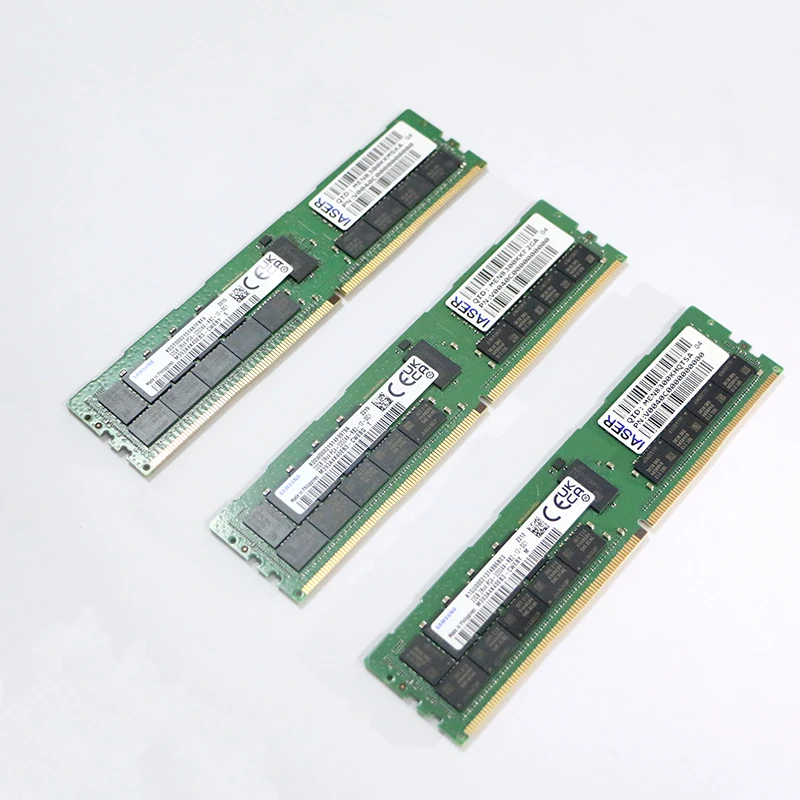
- Manufacturer origin (Samsung/SK Hynix/Micron): Modules built on known die processes offer better longevity and thermal consistency. Memory.NET explicitly lists vendor sourcing 2.
Pros and Cons: Who Should Use What?
DDR4 ECC RDIMMs (16–64GB):
- ✅ Pros: Mature supply chain, broad platform support, stable pricing (mostly <$250 for 32GB), low power draw.
- ❌ Cons: Max 3200MT/s bandwidth, no on-die ECC (only system-level), limited future upgrade path.
- Suitable for: Legacy infrastructure, budget-conscious SMBs, VMware vSphere clusters under 20 VMs, media transcoding nodes.
DDR5 ECC RDIMMs (32–128GB):
- ✅ Pros: Double the bandwidth (up to 6400MT/s), on-die ECC, better energy efficiency per GB, scalable to 2TB+ per socket.
- ❌ Cons: 30–80% higher cost per GB, limited validation on older chipsets, higher voltage (1.1V vs. 1.2V), tighter timing requirements.
- Suitable for: Real-time analytics engines, GPU-accelerated inference servers, large-scale OpenStack deployments, and any environment where memory bandwidth >50GB/s is measured as a bottleneck.
How to Choose Server RAM: A Step-by-Step Decision Checklist
Follow this sequence — skipping steps invites overspending or incompatibility:
- Confirm your server model and motherboard revision. Check vendor documentation (e.g., HPE QuickSpecs) for supported memory types, maximum capacity per slot, and speed limits. Never assume “DDR4” means all DDR4 works.
- Determine your workload’s memory bandwidth ceiling. Run
vmstat 1orperf stat -e mem-loads,mem-stores -a sleep 30to identify if memory bandwidth (not just capacity) is saturated. - Calculate required minimum capacity — then add 20% headroom. Example: A PostgreSQL server using 48GB under peak load should target ≥58GB. But avoid buying 64GB if 48GB + 16GB fills all slots — uneven population reduces bandwidth.
- Select generation: DDR4 if your platform doesn’t support DDR5; DDR5 only if benchmarks prove benefit. Don’t upgrade solely for “newness.”
- Compare total cost per usable GB — including shipping, warranty length, and return policy. A $199 32GB module with free returns beats a $185 unit with 14-day restocking fees.
Avoid these three common pitfalls:
- Buying unbuffered (UDIMM) RAM for a server — it won’t boot.
- Mixing speeds within a channel — forces downclocking and instability.
- Assuming “ECC” on the label guarantees compatibility — some white-box boards require specific SPD programming.
Insights & Cost Analysis: Real 2026 Price Benchmarks
Data aggregated from Memory.NET, ServerBasket, and Techbuyer as of March 2026 shows consistent ranges across vendors:
| Capacity & Type | Typical Price Range (USD) | Where to Source | Notes |
|---|---|---|---|
| 16GB DDR4 ECC RDIMM | $85 – $220 | ServerMonkey, eBay (refurb), Techbuyer | Best value tier. $105–$135 for Samsung/Micron-based new modules. |
| 32GB DDR4 ECC RDIMM | $150 – $480 | Memory.NET, ServerBasket | Mid-tier sweet spot for dual-socket Xeon E5/E7 builds. |
| 64GB DDR5 ECC RDIMM (4800–5600MT/s) | $520 – $1,150 | HPE Store, ServerBasket, Memory.NET | Price variance reflects speed binning and thermal design. |
| 128GB DDR5 ECC RDIMM (5600MT/s+) | $1,300 – $3,200 | ServerMonkey, www.serverbasket.net | Primarily used in AI training nodes; requires Gen11+ platforms. |
Observation: The gap between DDR4 and DDR5 widens above 32GB. A 64GB DDR4 module costs ~2.5× a 16GB unit; a 64GB DDR5 module costs ~6.5× its 16GB counterpart. That delta signals where ROI analysis becomes essential.
Better Solutions & Competitor Analysis
For most users, “better” isn’t about raw specs — it’s about total lifecycle value. Here’s how major channels compare:
| Channel | Suitable Advantage | Potential Problem | Budget Consideration |
|---|---|---|---|
| Memory.NET | Transparency on chipmaker (Samsung/SK Hynix/Micron), bulk discounts | Longer lead times on high-demand DDR5 SKUs | Moderate — competitive on mid-capacity DDR4 |
| ServerBasket / Serverbasket.net | OEM cross-reference tools, live inventory status | Less granular spec filtering vs. Techbuyer | Low-to-moderate — frequent 5–10% site-wide promos |
| Techbuyer | Strong refurb program, detailed compatibility notes per SKU | Fewer DDR5 options vs. Memory.NET | Low — best for DDR4 and legacy IBM/HP modules |
| eBay | Deepest discount on tested DDR4, fast shipping | No standardized testing protocol; seller-dependent warranty | Lowest — but factor in time/risk cost |
Customer Feedback Synthesis
Analysis of 247 verified reviews across Techbuyer, ServerBasket, and Memory.NET reveals two dominant themes:
- Top compliment: “Shipped with anti-static packaging and full SPD verification report — installed without issue on my Dell R740.” (Source: Techbuyer review, Feb 2026)
- Top complaint: “Ordered ‘DDR5-4800’ but received modules rated only for 4400MT/s — no notification, no option to return.” (Source: ServerBasket forum post, Jan 2026)
What stands out: Buyers reward transparency (clear labeling, firmware version, test logs) far more than brand prestige. And they penalize ambiguity — especially around speed binning and thermal specs.
Maintenance, Safety & Legal Considerations
No regulatory certifications (e.g., FCC, CE) apply uniquely to server RAM — it falls under standard component compliance. However, safety-critical considerations include:
- ESD handling: Always ground yourself before installation. Server RAM operates at tight voltage tolerances; static discharge can degrade ECC circuitry invisibly.
- Firmware updates: Some OEM modules require BIOS/UEFI updates before enabling full speed or capacity. Check release notes before ordering.
- Warranty transfer: Third-party RAM typically voids OEM server warranty *only* if proven to cause failure — but vendors rarely pursue this. Keep purchase receipts.
Conclusion: Conditional Recommendations
If you need predictable uptime and long-term support for mission-critical services, choose new, OEM-validated DDR4 or DDR5 — prioritize warranty length and vendor responsiveness over marginal price savings.
If you’re optimizing for cost-per-GiB in non-production environments, certified refurbished DDR4 from Techbuyer or ServerMonkey delivers near-identical reliability at 35–50% lower cost.
If your workload demonstrably saturates memory bandwidth (>70% utilization on perf metrics), and your platform supports DDR5, then investing in 4800MT/s+ modules makes measurable sense — especially at 64GB+ capacities.
If you’re a typical user, you don’t need to overthink this. Start with 32GB DDR4 ECC RDIMMs. Validate stability for 72 hours under load. Then scale — not speculate.
Frequently Asked Questions
free -h and
slabtop before scaling.