If you’re upgrading an older TV or want more control than your built-in smart platform offers, a smart box internet TV decoder is the fastest, most cost-effective path to streaming freedom. Over the past year, demand has risen sharply—not because new TVs got worse, but because users realized that what they actually watch (not just where it’s hosted) determines real value. For most people, the Xiaomi TV Box S (2nd Gen) or a well-reviewed Android TV box with 2GB RAM, 4K HDR support, and Google TV delivers everything needed—no premium price tag required. Skip voice remotes unless you regularly search across multiple apps; skip 4GB+ RAM unless you plan to install dozens of apps or games. If you’re a typical user, you don’t need to overthink this.
About Smart Box Internet TV Decoder
A smart box internet TV decoder is a compact external device that connects to your TV via HDMI and to your home network via Wi-Fi or Ethernet. It decodes digital streaming signals, runs full operating systems (like Android TV or Fire OS), and hosts apps such as Netflix, YouTube, Disney+, local live TV services, and even web browsers. Unlike built-in smart TV platforms—which often run outdated software, lack app flexibility, or throttle performance—it functions as a dedicated, upgradable media hub.
Typical use cases include:
- Turning a 5–10-year-old non-smart TV into a fully functional streaming center
- Bypassing sluggish or region-locked smart TV interfaces
- Accessing global content libraries not available on regional firmware
- Using one interface across multiple TVs (portability)
This piece isn’t for keyword collectors. It’s for people who will actually use the product.
Why Smart Box Internet TV Decoder Is Gaining Popularity
Lately, two quiet shifts have made smart box internet TV decoder adoption more practical than ever. First, hardware costs have stabilized: entry-level models now reliably deliver 4K decoding and smooth Android TV performance at under ₱1,200 in markets like the Philippines 1. Second, software maturity matters more than raw power—Google TV’s unified search, consistent updates, and intuitive navigation reduce friction far more than extra CPU cores ever could.
Users aren’t chasing specs—they’re solving real problems: “Why does my TV take 12 seconds to open Netflix?” “Why can’t I install HBO Go?” “Why does my ‘smart’ TV only show ads instead of content?” A smart box internet TV decoder answers all three directly—and does so without requiring a full TV replacement.
Approaches and Differences
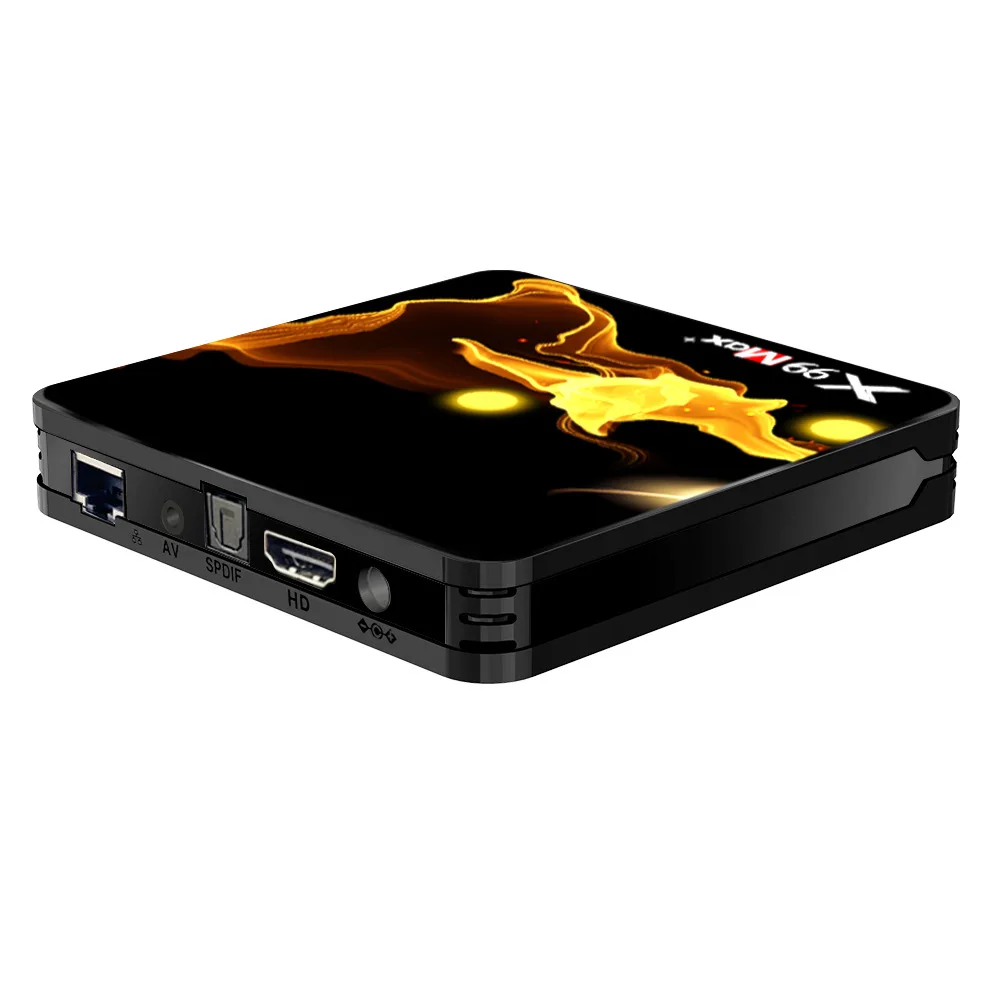
Three main categories dominate the market: generic Android TV boxes, branded Android-based devices (e.g., Xiaomi), and ecosystem-specific boxes (Fire TV, Roku). Each serves different priorities.
- Generic Android TV boxes (e.g., MXQ Pro 4K): Low cost (₱700–₱1,200), wide app compatibility, but inconsistent firmware updates and variable Wi-Fi stability. When it’s worth caring about: Budget is strict and you’ll primarily stream mainstream apps. When you don’t need to overthink it: You won’t install APKs or rely on long-term security patches.
- Branded Android TV boxes (e.g., Xiaomi TV Box S 2nd Gen): Better thermal management, certified Google TV interface, reliable OTA updates, and tighter hardware-software integration. When it’s worth caring about: You expect 2+ years of daily use without lag or crashes. When you don’t need to overthink it: You’re not building a media server or running Kodi add-ons nightly.
- Ecosystem boxes (e.g., Fire TV Stick 4K Max, Roku Express): Simpler setup, strong voice search, and deep integration with Amazon or Roku services—but limited access to Google Play Store or third-party APKs. When it’s worth caring about: You already subscribe to Prime Video and prefer hands-off maintenance. When you don’t need to overthink it: You don’t need Google Assistant, YouTube Music, or Android-exclusive apps like VLC or Plex.
If you’re a typical user, you don’t need to overthink this.
Key Features and Specifications to Evaluate
Not all specs carry equal weight. Here’s what moves the needle—and what rarely does:
- ⚡Processor & RAM: A quad-core Cortex-A53 or better + 2GB RAM handles 4K streaming smoothly. 4GB helps only if you multitask heavily or sideload many apps. When it’s worth caring about: You run multiple background apps or use screen mirroring often. When you don’t need to overthink it: You open one app at a time and restart occasionally.
- 🌐Wi-Fi & Connectivity: Dual-band (2.4GHz + 5GHz) Wi-Fi is essential for stable 4K. Bluetooth 5.0+ enables reliable remotes and headphones. When it’s worth caring about: Your router is >5m from the TV or walls interfere. When you don’t need to overthink it: You’re using Ethernet or sit within 3m of a clean 5GHz signal.
- ✨Video & Audio Output: Look for HDMI 2.0+, HDR10+, Dolby Vision, and Dolby Atmos passthrough—not just “4K support.” When it’s worth caring about: You own a high-end soundbar or OLED TV and care about color accuracy and dynamic range. When you don’t need to overthink it: You watch mostly on a mid-tier LED TV with basic speakers.
- 🔍Voice Remote & Search: Built-in mic + Google Assistant or Alexa makes content discovery faster—but only if your internet is stable and your accent matches training data. When it’s worth caring about: You frequently search across Netflix, YouTube, and local apps simultaneously. When you don’t need to overthink it: You use typed search or navigate via app icons.
Pros and Cons
Pros:
- ✅One-time purchase—no recurring fees beyond app subscriptions
- ✅Upgrades older TVs without replacing them
- ✅Greater app choice and customization than most built-in platforms
- ✅Portable—works across rooms or during travel
Cons:
- ❗Requires separate remote management (battery, pairing)
- ❗No universal remote learning—may conflict with existing IR setups
- ❗Some budget models ship with preloaded adware or bloatware
- ❗Not all support automatic firmware updates—manual checks may be needed
It’s ideal if you prioritize flexibility, longevity, and cross-platform access. It’s less ideal if your current TV works well, you dislike managing extra devices, or you rely exclusively on one ecosystem (e.g., Apple TV for AirPlay).
How to Choose a Smart Box Internet TV Decoder
Follow this 5-step checklist before buying:
- Confirm your TV has an HDMI port and supports HDCP 2.2 (required for most 4K DRM-protected streams).
- Test your Wi-Fi signal strength at the TV location—if weak, prioritize Ethernet support or consider a mesh node first.
- Decide whether you need Google TV or are fine with Fire OS/Roku OS—this dictates app availability and voice assistant compatibility.
- Avoid models listing “Android 9” or older without confirmed update paths—older versions lack security patches and modern codec support.
- Check return policy and warranty length—many generic boxes offer only 3–6 months; branded units typically cover 12–24 months.
Two common, unnecessary纠结 points:
- “Should I wait for Android 13?” — No. Android 12 is mature, widely supported, and functionally identical for streaming. Waiting adds zero real-world benefit.
- “Do I need 64GB storage?” — Almost never. Most apps use <500MB; system + cache rarely exceeds 8GB. 8GB internal storage is sufficient for 95% of users.
The one constraint that truly affects outcome? Your home network infrastructure. A powerful box can’t compensate for a congested 2.4GHz channel or outdated router. Fix connectivity first—then optimize the box.
| Category | Best For | Potential Issues | Budget Range (PHP) |
|---|---|---|---|
| Generic Android TV Box | Budget-first users; basic streaming only | Inconsistent updates; weaker Wi-Fi; possible bloatware | ₱700–₱1,200 |
| Xiaomi TV Box S (2nd Gen) | Balance of reliability, features, and value | Limited regional warranty support; no official local service centers | ₱2,200–₱2,800 |
| Fire TV Stick 4K Max | Amazon Prime users; simplicity over flexibility | No Google Play Store; limited sideloading options | ₱2,500–₱3,000 |
| Roku Express 4K+ | First-time streamers; minimal setup | Fewer advanced audio/video settings; no Bluetooth audio out | ₱2,300–₱2,700 |
Insights & Cost Analysis
Over the past year, average street prices for capable models have held steady—but value density improved. The MXQ Pro 4K remains viable at ₱899, but its lack of official Google certification means some apps (e.g., Disney+) may not launch correctly 2. Meanwhile, the Xiaomi TV Box S (2nd Gen), priced at ₱2,499, includes certified Google TV, Dolby Vision, and 24-month firmware support—making it the strongest per-peso performer for users who want assurance, not just affordability.
Monthly cost comparison? Zero. Unlike subscription-based set-top boxes, a smart box internet TV decoder incurs no ongoing fee—only your existing app subscriptions apply.
Customer Feedback Synthesis
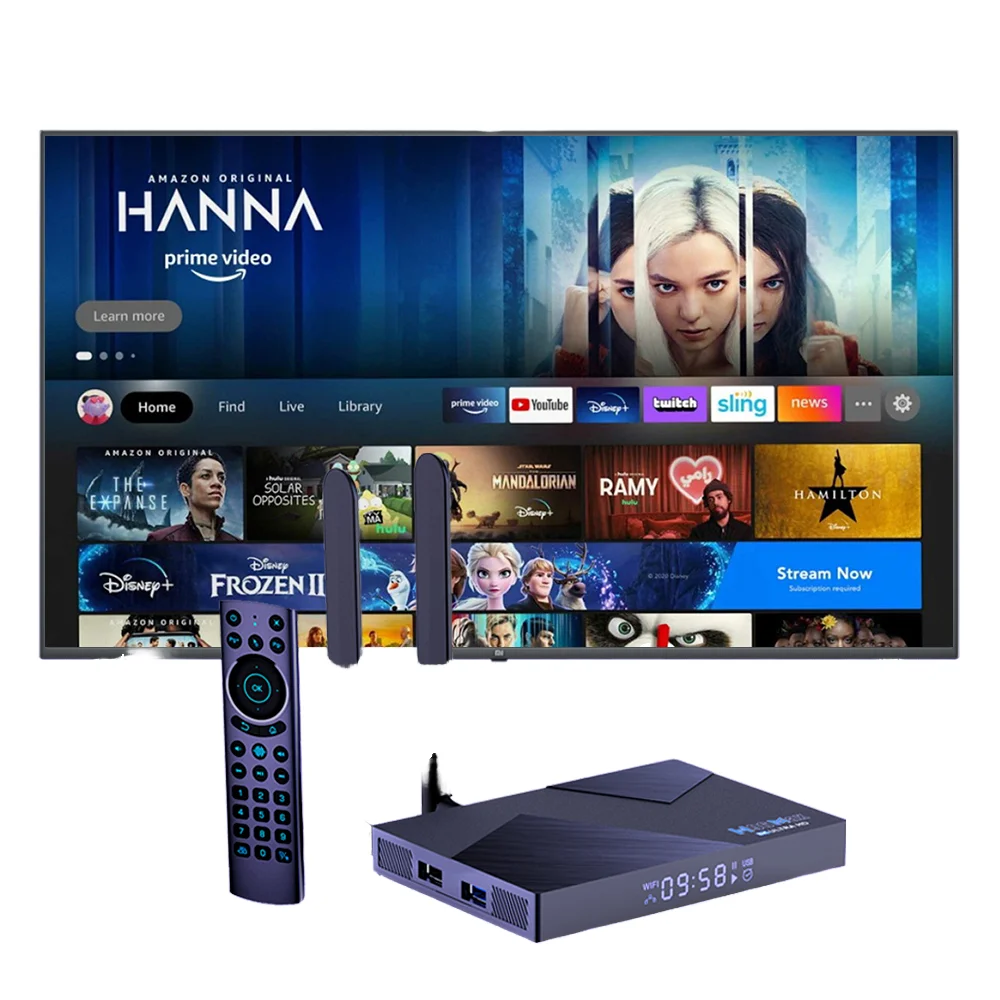
Based on aggregated reviews across Shopee PH, YouTube commentary (e.g., The Chris Review, Feb 2026 3), and forum discussions:
- Top 3 praised traits: Fast app launch times, responsive remote, seamless 4K playback with HDR
- Top 3 complaints: Occasional Wi-Fi dropouts (especially on crowded 2.4GHz bands), confusing initial setup for non-tech users, inconsistent voice recognition in noisy rooms
- Underreported win: Most users report longer lifespan than built-in TV platforms—especially on older sets where native firmware hasn’t received updates since 2019.
Maintenance, Safety & Legal Considerations
These devices require minimal upkeep: occasional reboots (every 2–3 weeks), firmware updates (when prompted), and dusting vents every few months. No special cooling or surge protection is needed beyond standard household practices.
Legally, using a smart box internet TV decoder to access licensed streaming services (Netflix, YouTube, etc.) is fully permitted. Installing third-party apps that facilitate unauthorized access to copyrighted content violates terms of service—and may expose users to malware or legal risk. Always verify app sources: stick to Google Play Store, official manufacturer channels, or verified APK repositories.
Conclusion
If you need full app flexibility, future-proof streaming, and control over your interface, choose a certified Android TV box like the Xiaomi TV Box S (2nd Gen). If you prioritize simplicity, voice-first interaction, and tight Amazon integration, go with Fire TV. If you want zero learning curve and broad app support without Google dependence, Roku remains a safe bet. If you’re a typical user, you don’t need to overthink this.



