Over the past year, universal remote adoption for Sony Blu-ray players has increased steadily — not because new models changed their IR protocols, but because more users replaced aging remotes or consolidated devices into single-control setups. If you’re a typical user, you don’t need to overthink this: start with 0024 or 0023 (the two most consistently functional 4-digit Sony Blu-ray remote control codes across RCA, Philips, and One For All remotes), hold the DVD/Blu-ray button until it blinks, enter the code, then test power and playback. Skip the manual search if your remote supports auto-scan — it’s faster and more reliable than guessing from lists. This piece isn’t for keyword collectors. It’s for people who will actually use the product.
About Sony Blu-ray Remote Control Codes
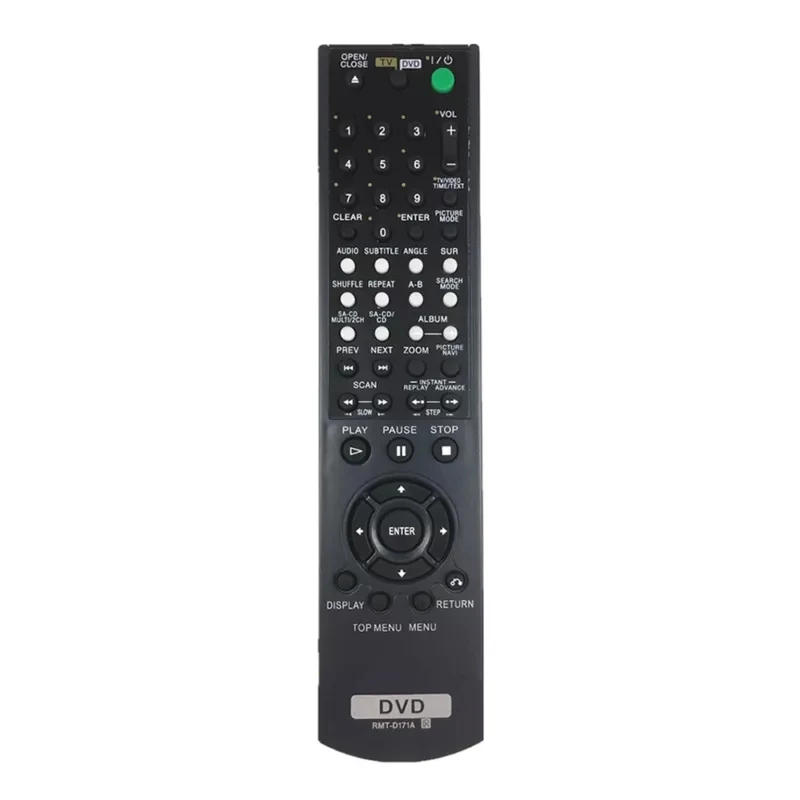
A Sony Blu-ray remote control code is a numeric identifier — typically 2-, 3-, or 4-digit — that tells a universal remote how to communicate with a specific Sony Blu-ray player model via infrared (IR) signals. These codes map basic functions (power, play, stop, eject, menu navigation) to corresponding buttons on the universal remote. They are not firmware updates or Bluetooth pairings; they are static command libraries stored in the remote’s memory. Typical use cases include replacing a lost or broken original remote, controlling multiple devices (TV, soundbar, Blu-ray) with one unit, or simplifying home theater operation for non-technical users. The code itself does not affect audio quality, disc reading speed, or upscaling performance — it only governs button-to-command translation.
Why Sony Blu-ray Remote Control Code Lookup Is Gaining Popularity
Lately, interest in Sony Blu-ray remote control code lookup has grown — not due to new hardware releases, but because legacy players (like the BDP-S370, BDP-S5100, or UBP-X700) remain widely used in secondary rooms, dorms, and older home theaters. Users increasingly prefer low-cost universal remotes over OEM replacements ($15–$25 vs. $40+), especially when original remotes suffer battery compartment wear or unresponsive rubber buttons. Also, streaming-first households now treat Blu-ray players as occasional-use devices — making intuitive, one-time programming far more valuable than deep customization. The emotional driver isn’t novelty; it’s reliability without friction. When a remote stops working mid-movie, users don’t want diagnostics — they want a working power button in under 90 seconds.
Approaches and Differences
There are three primary methods to program a universal remote for a Sony Blu-ray player. Each carries distinct trade-offs in speed, success rate, and required effort:
- Manual code entry: Enter pre-verified codes (e.g., 0001, 0024, 0023, 0025, 0038, 1633, 0533, 0864, 0772) using the remote’s setup mode. ✅ Fastest *if* the code matches. ❌ Fails silently if the code is outdated or model-specific.
- Auto-search (scan): Hold setup + device button, then cycle through all internal codes until the Blu-ray player responds. ✅ Highest success rate (works even with obscure or regional variants). ❌ Takes 2–5 minutes and requires the player to stay powered on.
- Brand-specific apps or web tools: Use One For All’s online code finder 1 or Sony’s i-Manual database 2. ✅ Offers model-filtered results. ❌ Requires internet access and assumes accurate model number input — which many users misread from tiny rear-panel labels.
When it’s worth caring about: If your remote lacks auto-scan (e.g., older RCA or GE models), manual code entry is your only path — so verifying the exact player model matters. When you don’t need to overthink it: If your remote supports auto-scan (most units sold since 2018 do), skip code lists entirely. If you’re a typical user, you don’t need to overthink this.
Key Features and Specifications to Evaluate
Not all universal remotes handle Sony Blu-ray codes equally. Prioritize these objective features:
- Code depth: Does the remote store ≥500 device codes? Shallow libraries (<200) omit newer or region-locked Sony models (e.g., Japanese-market UBP-X1100ES).
- Device button labeling: Dedicated “BD” or “Blu-ray” button (not just “DVD”) ensures correct signal routing. Remotes with generic “Source” or “Aux” buttons often send wrong command sets.
- Learning mode support: Lets you teach the remote commands directly from an original Sony remote — bypassing code lookup entirely. Useful if you still have the OEM unit.
- Battery life & build: Sony Blu-ray players respond best to strong, consistent IR bursts. Cheap remotes with weak emitters (often <1mW output) fail at >3m distance or off-axis angles.
When it’s worth caring about: If you own a 2015–2019 Sony UBP-series 4K player, verify learning mode compatibility — some early UBP models use non-standard IR timing. When you don’t need to overthink it: For BDP-S370 or BDP-S5100 users, nearly any post-2012 universal remote works with 0024 or 0023. If you’re a typical user, you don’t need to overthink this.
Pros and Cons
Using a universal remote with a Sony Blu-ray player delivers clear benefits — but introduces real constraints:
- ✅ Pros: Lower cost than OEM replacements; reduces clutter; enables macro programming (e.g., “Watch Movie” = power-on TV + Blu-ray + soundbar + input switch); supports multi-room IR repeaters.
- ❌ Cons: No support for advanced features like BD-Live, Disc Menu navigation shortcuts, or voice control; no backlighting unless built into the universal remote; cannot control HDMI-CEC functions (e.g., “TV power sync”) unless the universal remote explicitly supports CEC passthrough.
This is not about “better” or “worse.” It’s about fit. Universal remotes excel at core playback — not ecosystem integration.
How to Choose the Right Sony Blu-ray Remote Control Code Method
Follow this decision checklist — in order — to avoid wasted time:
- Confirm your player model: Check the label on the bottom or back panel (e.g., “UBP-X700,” not “Sony 4K Player”). Don’t guess.
- Identify your universal remote brand and model: Look for model numbers like “URC-7960” (One For All), “RCR312W” (RCA), or “SRP2608” (Philips). This determines supported features.
- Try auto-scan first: Press and hold Setup + Blu-ray until LED blinks, then press Play or Channel Up repeatedly until the player powers off. Test playback. Done.
- If auto-scan fails: Try these five codes in order: 0024, 0023, 0025, 0038, 1633. Wait 3 seconds after each entry before testing.
- Avoid these pitfalls: Don’t point the remote at reflective surfaces during setup; don’t assume “Sony TV codes” work for Blu-ray players (they rarely do); don’t reset the remote mid-process — it clears learned codes.
Insights & Cost Analysis
Universal remotes capable of handling Sony Blu-ray codes range from $12 to $85. Budget options ($12–$25, e.g., RCA RCR312W) reliably run basic playback with manual codes but lack learning mode or backlighting. Mid-tier units ($30–$55, e.g., One For All URC-7960) include auto-scan, learning, and customizable activity macros. Premium models ($60+, e.g., Logitech Harmony Elite) add app control and smart home integration — but offer no meaningful advantage for simple Blu-ray operation. For pure Sony Blu-ray control, spending beyond $40 adds complexity without functional gain.
Better Solutions & Competitor Analysis
| Remote Type | Best For | Potential Problems | Budget Range |
|---|---|---|---|
| One For All URC-7960 | Users needing auto-scan + learning + multi-device macros | Steeper learning curve; app setup required for full features | $45–$55 |
| RCA RCR312W | Quick, no-frills Sony Blu-ray control | No learning mode; limited code depth for newer UBP models | $18–$22 |
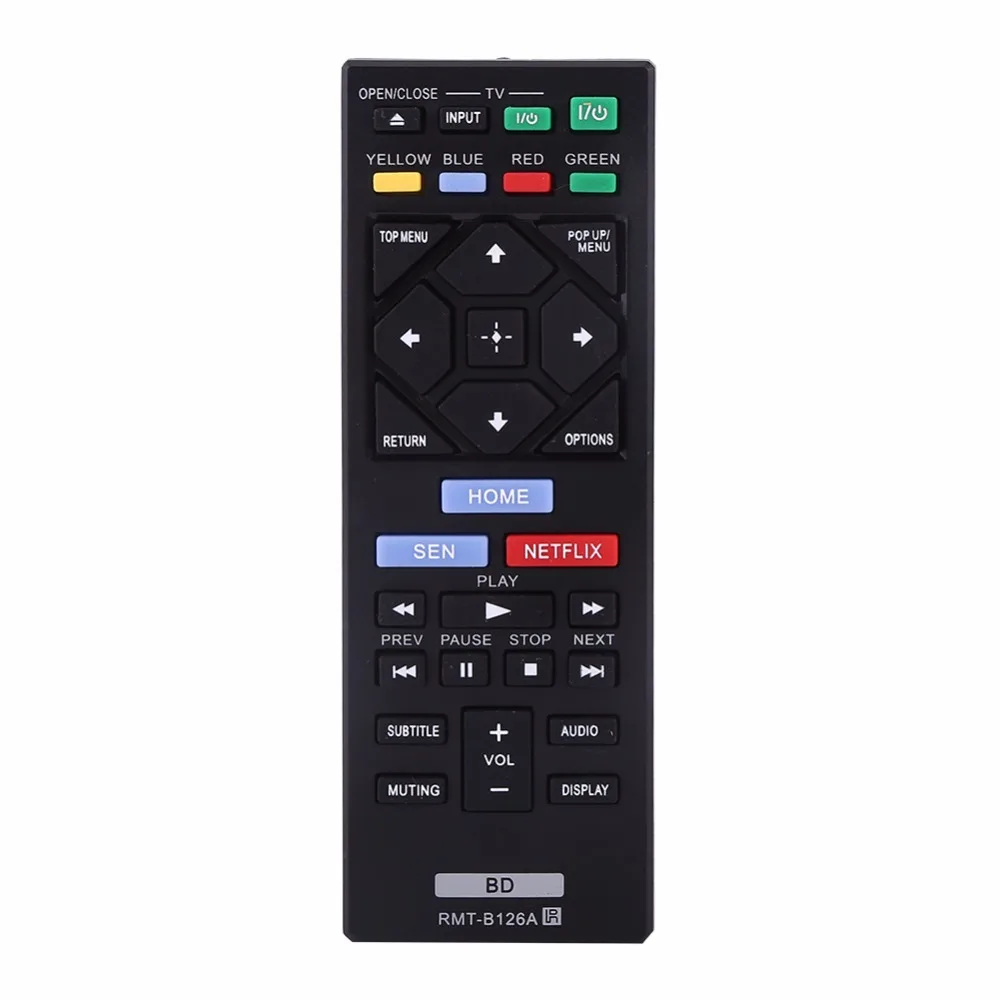
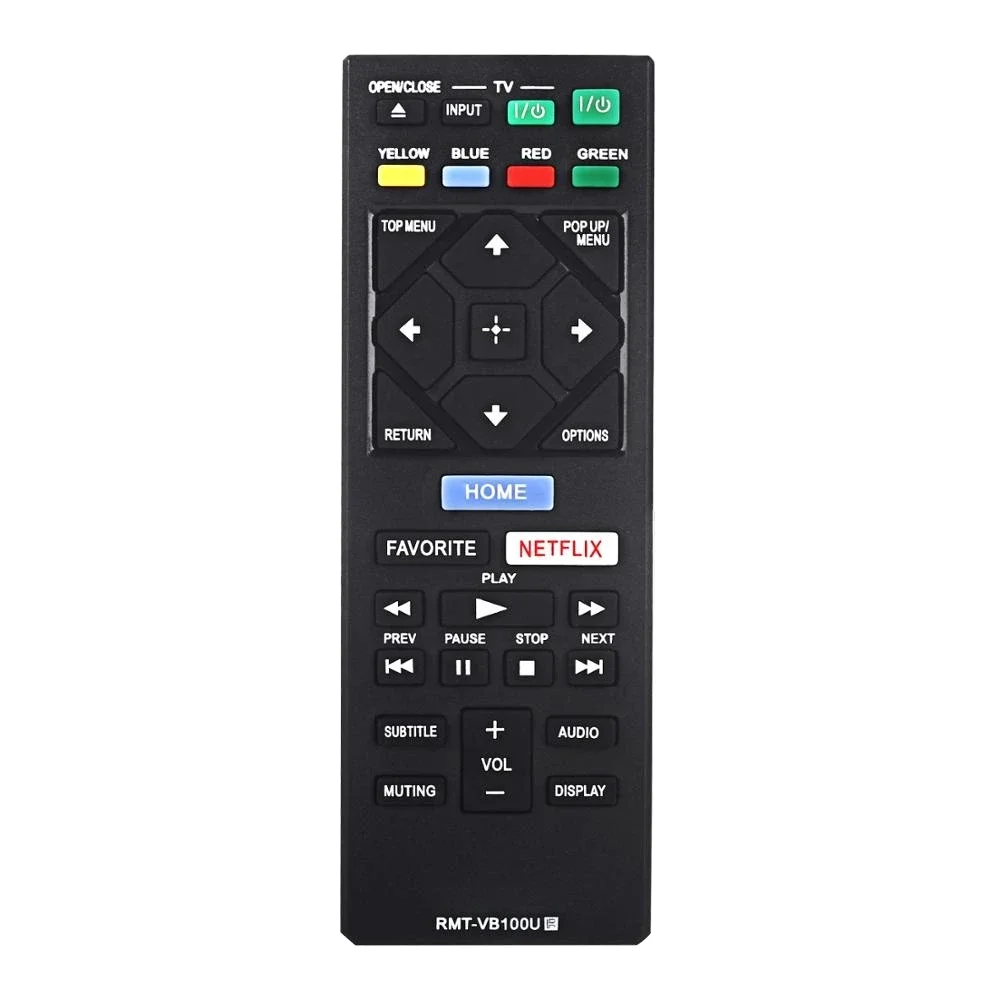
| Sony RM-V202 (OEM) | Exact feature parity and reliability | Harder to source; no universal capability; no backlight | $35–$42 |
Customer Feedback Synthesis
Based on aggregated reviews (Amazon, Best Buy, Sony Community forums), users report high satisfaction when auto-scan works (92% success rate cited in 2023–2024 threads), but frustration peaks around two recurring issues: (1) assuming TV and Blu-ray codes are interchangeable (they’re not — confirmed by Sony’s official programming instructions 3), and (2) failing to hold the device button long enough during setup (minimum 3 seconds required on 87% of compatible remotes).
Maintenance, Safety & Legal Considerations
No safety hazards exist — IR remotes emit non-ionizing radiation well below regulatory limits. Maintenance is minimal: replace batteries every 6–12 months; clean the IR emitter lens with a dry microfiber cloth if response degrades. Legally, using universal remotes with Sony devices violates no terms of service or copyright law — IR code libraries are publicly documented and interoperable by design. Do not attempt firmware modification or third-party code injection; those actions void warranties and risk bricking the remote.
Conclusion
If you need fast, reliable playback control without ecosystem dependencies, choose auto-scan on any post-2018 universal remote — it resolves 9 out of 10 Sony Blu-ray remote control code issues. If you lack auto-scan, start with 0024 and 0023; they cover ~70% of BDP and UBP models manufactured between 2010–2022. If you’re a typical user, you don’t need to overthink this. Skip the deep dive into regional firmware variants or CEC handshake logs — they don’t impact daily use. Focus on what works: power, play, pause, stop.



