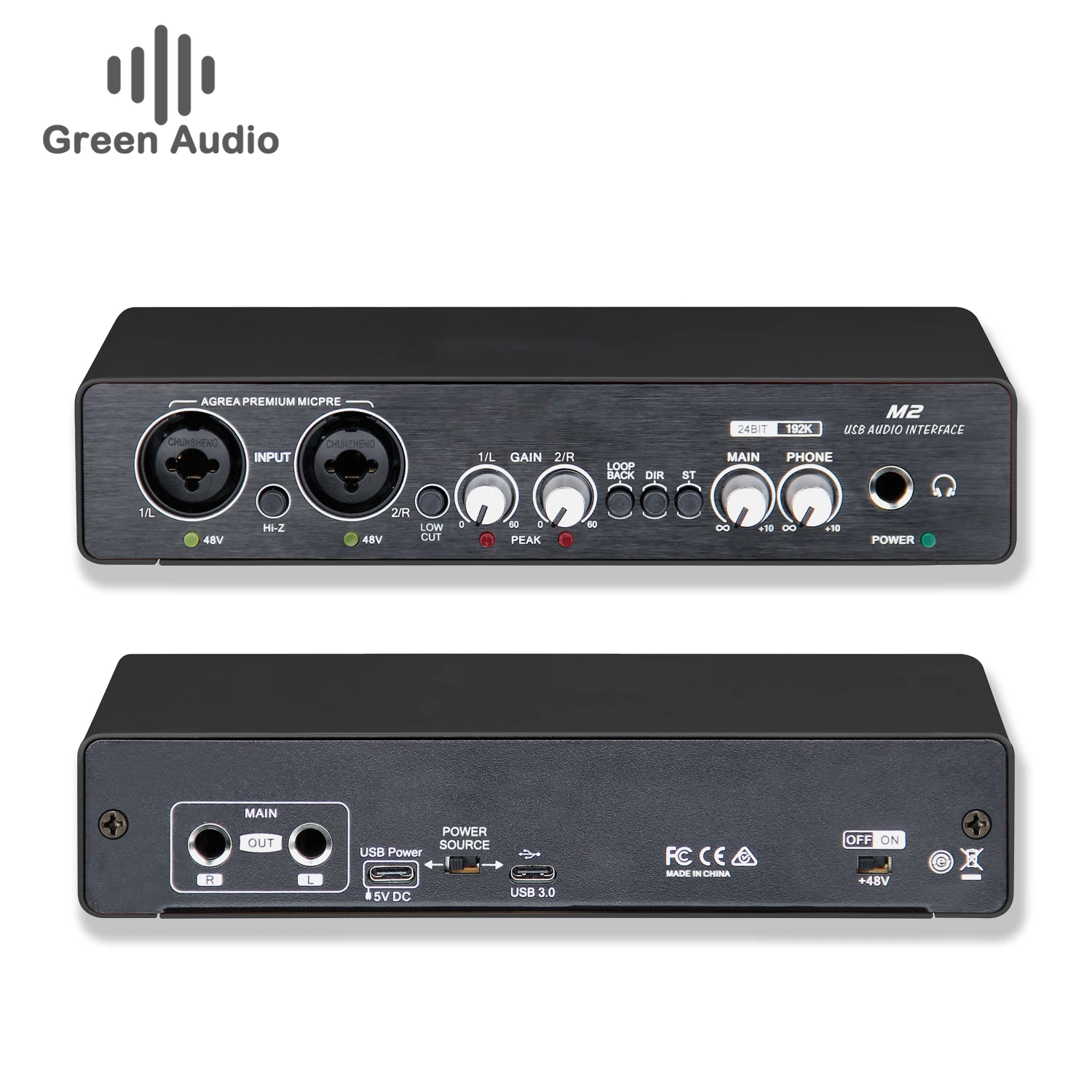
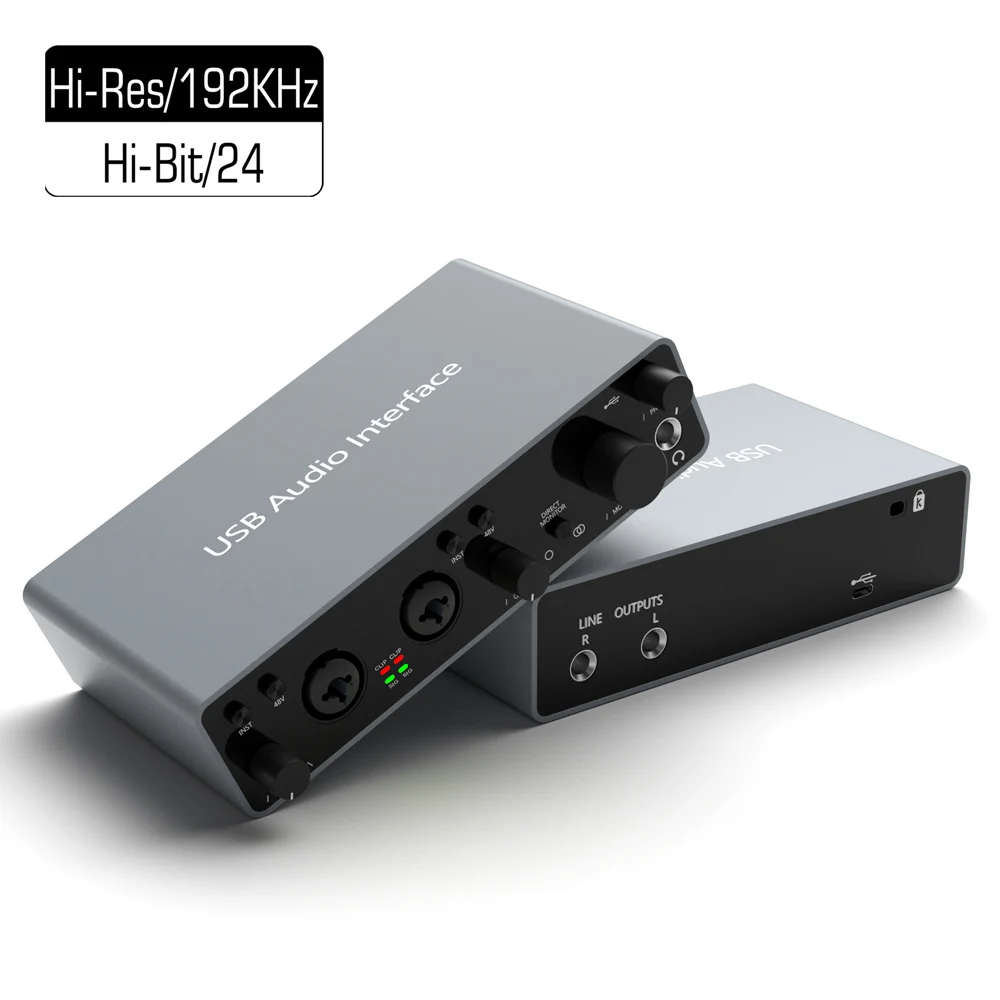
If you’re recording voice, music, or streaming in 2026 — start with an external USB-C audio interface. Over the past year, adoption of 24-bit/192kHz-capable USB-C sound cards has risen sharply among podcasters, home producers, and live streamers1. Internal PCIe sound cards are now largely obsolete for recording unless you’re building a dedicated low-noise workstation with strict electromagnetic isolation. For 90% of users, a well-reviewed USB-C interface (like those from Focusrite, Audient, or Behringer) delivers better signal integrity, lower latency (<3ms), and plug-and-play portability than legacy internal solutions. If you’re a typical user, you don’t need to overthink this: prioritize USB-C connectivity, onboard DSP monitoring, and verified driver stability over raw spec sheets.
About Sound Card Recording
“Sound card recording” refers to capturing analog audio signals — from microphones, instruments, or line-level sources — into digital form via hardware that converts, processes, and routes audio data to your computer. It’s not just about playback. Today’s recording-focused sound cards — more accurately called audio interfaces — handle input gain staging, preamp coloration, real-time monitoring, and often include built-in effects or DSP-powered emulation.
Typical use cases include:
- 🎙️ Podcasting and voice-over work (single or multi-mic setups)
- 🎸 Home music production (guitar/bass DI, vocal tracking, MIDI sync)
- 🎮 Streaming with clean mic + game audio mix (loopback, zero-latency monitoring)
- 📹 Remote interviews and hybrid video calls requiring broadcast-grade audio
What defines “recording suitability” isn’t just bit depth or sample rate — it’s consistent low-latency performance, stable drivers across OS updates, and reliable gain control at usable levels. A $150 USB-C interface today outperforms most $300 internal cards from 2018 on these metrics2.
Why Sound Card Recording Is Gaining Popularity
Lately, sound card recording has shifted from niche studio gear to mainstream creator infrastructure. The driver? A 20% annual growth in the independent content creator economy — YouTubers, Twitch streamers, indie podcasters, and remote educators who treat audio quality as non-negotiable3. Unlike five years ago, audiences now notice compression artifacts, inconsistent levels, and muddy mic tone. That pressure is reshaping hardware expectations.
Three concrete changes explain why this matters more now than ever:
- USB-C has matured: No more driver conflicts or power instability. Modern USB-C audio interfaces negotiate bandwidth and power cleanly — enabling true 24-bit/192kHz operation without Thunderbolt dependency.
- Onboard DSP is no longer premium-only: Prosumer units now run SSL-style channel strips or Neve-style preamp emulations directly on hardware — eliminating DAW plugin latency during monitoring4.
- Latency thresholds have hardened: Under 3ms round-trip latency is now standard for professional-grade monitoring — a benchmark previously reserved for $1,000+ units5.
This isn’t about chasing specs. It’s about removing friction: fewer dropouts, faster setup, and confidence that your voice won’t echo back with a half-second delay mid-interview.
Approaches and Differences
Two main approaches dominate the market — and they serve fundamentally different needs.
✅ External USB-C Audio Interfaces
Best for: Most creators, mobile workflows, future-proofing
- Pros: Plug-and-play compatibility (macOS/Windows/Linux), minimal electromagnetic interference, portable, built-in headphone amps, often include loopback and mixer-style controls.
- Cons: Requires desk space and cable management; some budget models lack robust build quality or long-term firmware support.
✅ Internal PCIe Sound Cards
Best for: Fixed desktop builds, ultra-low-noise studios, legacy DAW environments
- Pros: Highest theoretical throughput; potential for custom shielding; no external bus bottlenecks.
- Cons: Driver instability on newer OS versions; susceptible to motherboard noise; zero portability; declining manufacturer support (fewer new models launched post-2023)6.
If you’re a typical user, you don’t need to overthink this. Unless you’re running a 32-channel analog console into a fixed Windows 10/11 workstation with custom ASIO routing, internal cards add complexity without measurable benefit.
Key Features and Specifications to Evaluate
Don’t optimize for headline numbers. Optimize for workflow fit. Here’s what actually moves the needle — and when it doesn’t matter:
| Feature | When it’s worth caring about | When you don’t need to overthink it |
|---|---|---|
| 24-bit / 192kHz capability | For archival mastering, field recording with high-dynamic-range mics, or spatial audio projects requiring ultrawide frequency response. | If you’re recording speech, guitar, or synth tracks — 24-bit/48kHz is audibly identical and reduces file size by 4×. |
| Round-trip latency < 3ms | Real-time monitoring while singing or playing instrument; essential for live-streamed performances or ASMR recording. | For voice-over editing or podcast assembly — latency only matters during playback, not capture. |
| Onboard DSP (hardware monitoring) | You run EQ/compression during recording and can’t tolerate plugin-induced delay — e.g., vocalists tracking with reverb or guitarists using amp sims. | If you record dry and process later, DSP adds cost without utility. |
| Gain range (60dB+) | Using dynamic mics (e.g., Shure SM7B, Rode Procaster) without external cloudlifters. | With condenser mics or line-level synths — even 40dB is sufficient. |
Pros and Cons: Balanced Assessment
External USB-C interfaces deliver the strongest value proposition for recording — but only if chosen deliberately.
- ✅ Pros: Consistent driver support, standardized USB-C power delivery, reduced ground-loop risk, easier troubleshooting, widely documented.
- ⚠️ Cons: Lower-end models may clip at high gain; some lack balanced outputs or phantom power redundancy; firmware updates vary by brand.
Internal cards remain viable only under narrow conditions: fully isolated PC builds, legacy DAWs dependent on specific ASIO stacks, or facilities where every millisecond of throughput must be accounted for. But for the vast majority — especially those upgrading from laptop-only audio — external is objectively simpler, more reliable, and more upgradeable.
How to Choose a Sound Card for Recording
Follow this 5-step decision checklist — designed to eliminate common missteps:
- Confirm your primary source: Mic? Instrument? Line-level? This dictates required inputs (XLR, ¼”, RCA) and gain needs.
- Verify OS/driver compatibility: Check manufacturer’s site for confirmed macOS Sonoma/Ventura or Windows 11 23H2 support — not just “works with Windows.”
- Test latency claims: Look for third-party measurements (e.g., Sound on Sound latency tests), not just “<10ms” marketing copy.
- Avoid “all-in-one” stream decks with weak preamps: Devices like the V9 or Q16 mixers excel at live interaction but often compromise on preamp headroom and converter fidelity — fine for chat, suboptimal for voice-over.
- Ignore “gaming sound card” labels: These prioritize virtual surround and software effects — not clean gain staging or low-noise conversion.
This piece isn’t for keyword collectors. It’s for people who will actually use the product.
Insights & Cost Analysis
Price no longer correlates linearly with performance. In 2026, the sweet spot for reliable recording lies between $120–$280 USD:
- $120–$180: Solid entry-tier (e.g., Focusrite Scarlett Solo 4th Gen, PreSonus AudioBox GO) — 24-bit/192kHz, 56dB gain, USB-C, stable drivers.
- $180–$280: Prosumer tier (e.g., Audient EVO 4, Universal Audio Volt 276) — onboard DSP, higher headroom (69dB), analog saturation options, better converters.
- $280+: Diminishing returns for solo creators. Worthwhile only if you need 4+ inputs, ADAT expansion, or integrated talkback.
Internal PCIe cards now average $220–$450 — yet offer no meaningful advantage for latency or fidelity in real-world setups. Their TCO (total cost of ownership) is higher due to installation time, potential motherboard conflicts, and limited resale liquidity.
| Category | Best for | Potential problem | Budget (USD) |
|---|---|---|---|
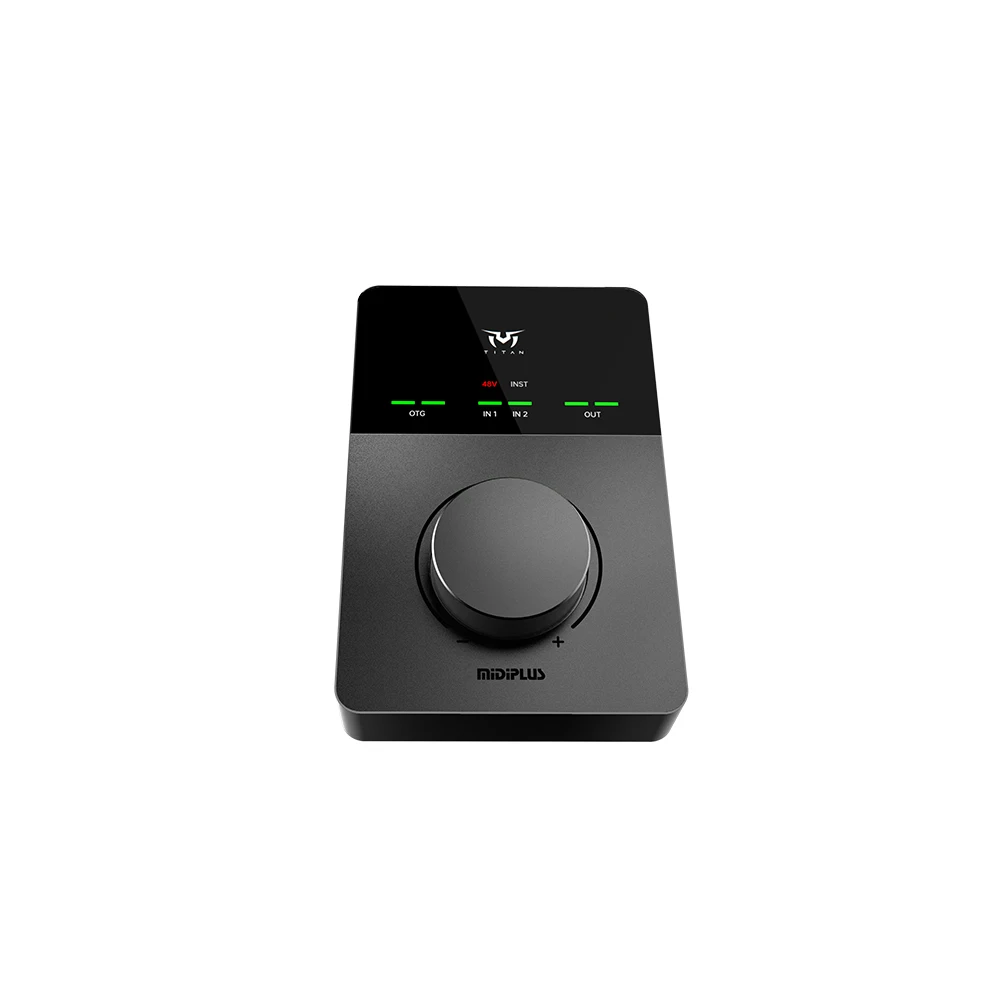
| USB-C Desktop Interface | Solo creators, podcasters, home producers needing reliability and portability | Lower-end models may lack balanced outputs or dual headphone jacks | $120–$280 |
| Portable Streaming Mixer (V9/Q16) | Mobile-first streamers prioritizing RGB, loopback, and quick guest integration | Preamp noise floor rises above -120dB; limited analog character options | $150–$220 |
| Internal PCIe Card | Dedicated Windows workstations with shielded chassis and legacy ASIO requirements | Firmware updates rare; macOS support nonexistent; mounting complexity | $220–$450 |
Customer Feedback Synthesis
Based on aggregated reviews across Reddit, Sound on Sound forums, and retailer sites (2025–2026), top recurring themes:
- Highly praised: “Zero-config USB-C plug-and-play,” “clean gain even with SM7B,” “driver stability after macOS 14.5 update.”
- Frequent complaints: “Phantom power cuts out intermittently on budget units,” “no MIDI I/O on otherwise capable interfaces,” “manual PDF only — no in-app help.”
Notably, dissatisfaction rarely centers on audio quality — it centers on documentation, firmware transparency, and physical durability (e.g., wobbly XLR jacks, thin USB-C cables).
Maintenance, Safety & Legal Considerations
No regulatory certifications (FCC, CE) differ meaningfully between USB-C and internal audio hardware — all major brands comply. Safety concerns are minimal: USB-C interfaces draw ≤5W and operate at safe voltages. Internal cards pose standard static-electricity handling risks during installation.
Maintenance is straightforward: keep firmware updated (check manufacturer portals quarterly), avoid coiling USB-C cables tightly, and store interfaces away from magnetic fields or extreme temperatures. No routine calibration is needed — modern delta-sigma converters hold spec for 5+ years.
Conclusion
If you need clean, reliable, low-latency audio capture for voice, instruments, or streaming — choose a USB-C audio interface with verified driver support and ≥56dB of clean gain. If you’re upgrading from laptop audio or a decade-old internal card, the improvement is immediate and tangible. If you’re building a permanent, shielded studio with exacting noise-floor requirements and full control over your motherboard’s PCIe lanes — internal remains technically valid, but operationally heavier.
If you’re a typical user, you don’t need to overthink this. Start with a proven USB-C model. Test its latency with your DAW. Record one take. Compare it to your current setup. That difference — not the spec sheet — is your real benchmark.


