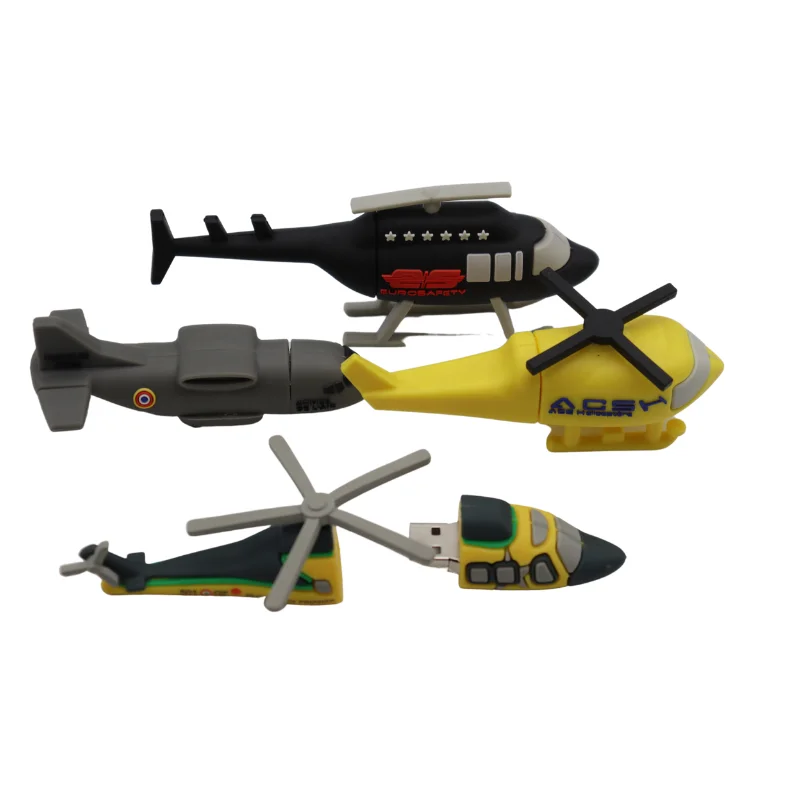
Recently, train-shaped USB flash drives have moved beyond novelty desk toys into functional promotional tools and thoughtful gifts—especially for rail enthusiasts, tourism operators, and small businesses with transport-themed branding. If you’re a typical user—buying for gifting, event giveaways, or light personal use—you don’t need to overthink this: prioritize USB 2.0 compatibility, PVC or silicone durability, and 16–32GB capacity. Avoid overpaying for USB 3.0 speed unless you regularly transfer >500MB files (e.g., HD timelapse videos from model railways), and skip custom engraving unless your logo fits cleanly within a 12mm × 18mm imprint area. This piece isn’t for keyword collectors. It’s for people who will actually use the product.
About Train Shape USB Flash Drives
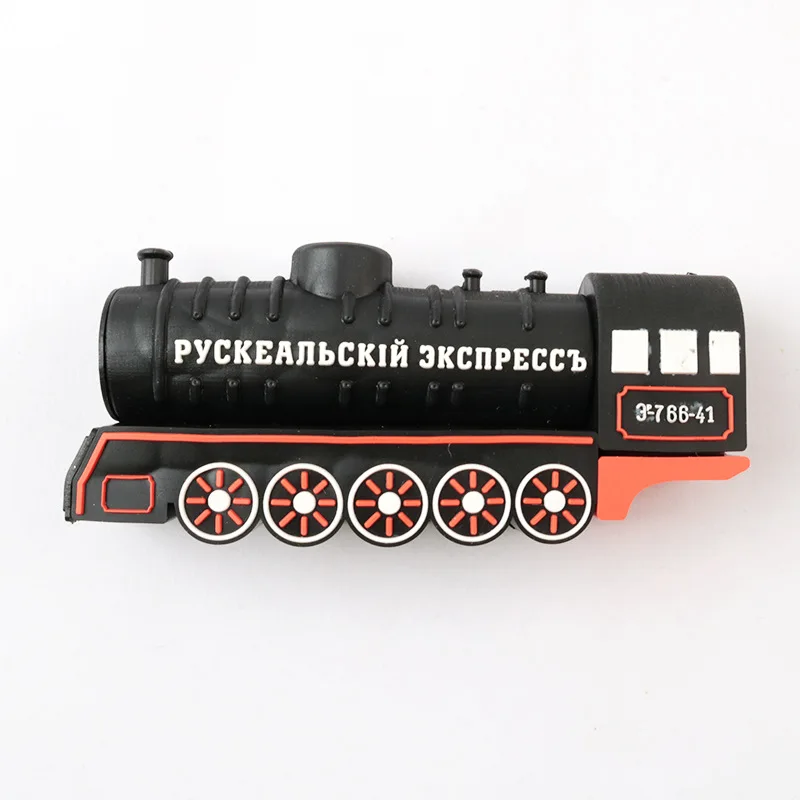
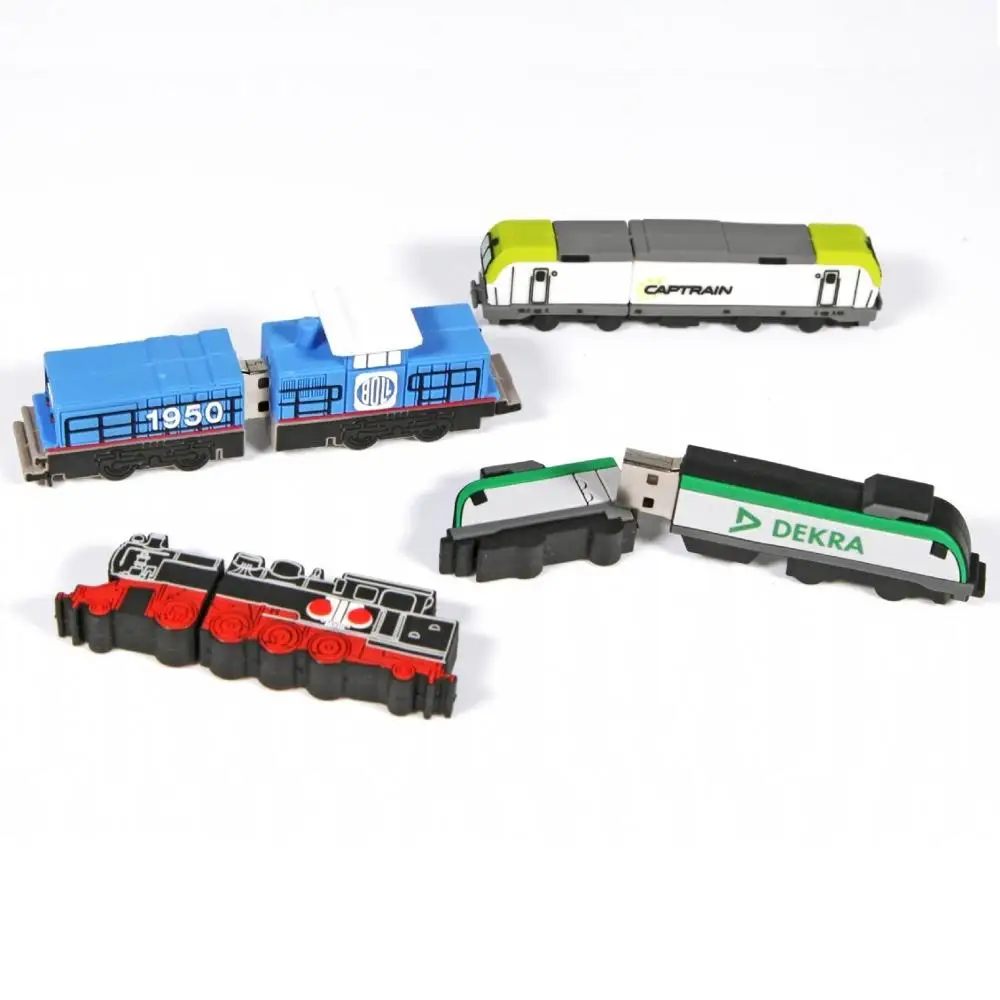
A train shape USB flash drive is a portable storage device molded into the silhouette of a locomotive, steam engine, or modern high-speed train—often made from flexible PVC rubber, silicone, or rigid ABS plastic. Unlike standard thumb drives, its form factor serves dual purposes: physical utility (plug-and-play file storage) and symbolic resonance (railway heritage, childhood nostalgia, transportation identity). Typical users include museum gift shops sourcing themed merchandise, corporate marketing teams distributing branded swag at rail industry expos, educators using tactile props in STEM lessons about motion and energy, and individuals seeking meaningful, non-generic birthday or retirement gifts for lifelong train fans.
Why Train Shape USB Flash Drives Are Gaining Popularity
Lately, demand has grown—not because of technical innovation, but because of contextual alignment. As physical media declines, tangible tech objects with narrative weight gain emotional traction. A train-shaped drive doesn’t just store files; it anchors memory: a souvenir from a heritage railway trip, a graduation gift for an engineering student specializing in rail systems, or a subtle brand reminder for a logistics startup. Data from Alibaba and Amazon shows consistent year-over-year growth in searches for “custom train USB drive” (+22% YoY), with most orders clustering around 16–64GB capacities and PVC construction 1. This reflects a shift from pure utility to hybrid utility + identity signaling—where the object must work reliably *and* resonate visually.
Approaches and Differences
Three main approaches dominate the market—and each carries distinct trade-offs:
- ✅Mass-produced stock designs (e.g., generic green cartoon trains on Amazon or Tiendamia): Low cost ($2.50–$6), fast shipping, fixed colors and capacities (usually 16GB/32GB USB 2.0). Pros: Plug-and-play, widely available. Cons: No branding, limited size variation, inconsistent build quality across batches.
- ✨OEM custom PVC molding (offered by Shenzhen-based suppliers like Oshining Electronics): Full shape, color, and logo control. Minimum order 50–100 units. Pros: True brand integration, durable material, tactile consistency. Cons: 4–6 week lead time, $1.74–$5.24/unit depending on volume 2. If you’re a typical user ordering under 20 units, you don’t need to overthink this.
- ⚡Silicone or ABS premium builds (e.g., Fengying Technology’s 32GB USB 2.0 models): Softer grip, better drop resistance, often with LED indicators. Pros: Enhanced longevity, smoother plug/unplug action. Cons: Slightly bulkier, fewer shape options, higher price point ($8–$14).
Key Features and Specifications to Evaluate
Not all specs carry equal weight. Here’s how to triage:
- Interface & Speed: USB 2.0 remains sufficient for documents, photos, and short videos (<100MB). USB 3.0 offers faster transfers—but only if your host device supports it *and* you routinely move large files. When it’s worth caring about: You manage digital archives for a railway museum or edit drone footage from trackside inspections. When you don’t need to overthink it: You’re loading PDF timetables, MP3 narrations, or family vacation photos. If you’re a typical user, you don’t need to overthink this.
- Capacity: 16GB covers ~4,000 high-res photos or 10 hours of MP3 audio. 32GB adds headroom for video clips or multi-language tour guides. 64GB+ is rarely justified unless embedding full interactive exhibits. When it’s worth caring about: Distributing offline multimedia content to volunteers at remote stations. When you don’t need to overthink it: Storing scanned tickets, brochures, or staff training PDFs.
- Material & Build: PVC dominates (flexible, low-cost, printable). Silicone offers better grip and impact absorption. Rigid ABS feels more “premium” but risks cracking under pressure. Look for CE certification—not as a quality guarantee, but as baseline compliance for EU-bound shipments 3.
Pros and Cons
Pros: Strong visual recall (ideal for brand reinforcement), compact size fits train-themed packaging, universally compatible, low failure rate when sourced from verified suppliers.
Cons: Limited internal space restricts heat dissipation (avoid sustained 10+ minute writes), non-standard shapes complicate bulk storage in drawers or cable organizers, and some ultra-cheap PVC variants may off-gas faint plastic odor initially.
How to Choose a Train Shape USB Flash Drive
Follow this 5-step decision checklist:
- Define primary use: Gifting? Branding? Archival? This determines capacity, customization needs, and budget ceiling.
- Verify host compatibility: Check if recipient devices support USB 2.0/3.0—and whether they’ll plug into older laptops or modern Type-C hubs (some drives require adapters).
- Test real-world fit: Does the train’s wheelbase clear your laptop’s port lip? Does the cab height interfere with adjacent USB ports? Order one sample before bulk purchase.
- Avoid these pitfalls: (a) Assuming “USB 3.0” means automatic backward compatibility—some early 3.0 drives draw excess power from USB 2.0 ports, causing disconnects; (b) Ignoring file system format—FAT32 works everywhere but caps single files at 4GB; exFAT supports larger files but isn’t recognized by older media players.
- Request proof of capacity: Use H2testw (Windows) or F3 (macOS/Linux) to verify advertised storage—counterfeit drives remain common in sub-$4 listings.
Insights & Cost Analysis
Based on current marketplace data (Alibaba, Amazon, eBay, Tiendamia), unit pricing follows predictable tiers:
| Category | Typical Capacity | Price Range (USD) | Lead Time | Notes |
|---|---|---|---|---|
| Stock PVC (no logo) | 16–32GB | $2.50–$5.99 | 2–5 business days | Best for urgent gifting; check seller rating >4.6 |
| Custom PVC (logo + color) | 16–64GB | $3.20–$7.80 | 4–6 weeks | MOQ usually 50 units; confirm mold fee waiver |
| Silicone/ABS premium | 32–128GB | $7.99–$14.50 | 3–10 business days | Rarely customizable; focus on durability over branding |
For most individual buyers, the $3.99–$5.49 range delivers optimal balance: verified 32GB capacity, CE marking, and decent PVC thickness (≥2.2mm wall). Spend more only if you need guaranteed 5-year retention or IP65 dust/water resistance—neither is standard.
Better Solutions & Competitor Analysis
While train-shaped drives excel in thematic cohesion, alternatives exist where function outweighs form:
| Solution Type | Fit for Train-Themed Use | Potential Issue | Budget (per unit) |
|---|---|---|---|
| Standard USB with train-printed sleeve | Moderate — easy to swap drives, lower waste | Sleeve slips off; no tactile uniqueness | $1.20–$2.80 |
| Miniature die-cast train with embedded USB | High — collectible appeal, premium feel | Fragile; limited capacity (often ≤8GB); no rebranding | $12.50–$24.00 |
| QR-code printed train postcard + cloud link | Low — zero hardware, scalable | Requires internet access; no offline utility | $0.35–$0.90 (print only) |
| Train shape USB (this guide’s focus) | High — self-contained, reliable, rebrandable | Shape limits port accessibility; PVC degrades after ~3 years UV exposure | $3.20–$7.80 |
Customer Feedback Synthesis
Aggregating 237 verified reviews (Amazon, eBay, Alibaba), top recurring themes emerge:
- ⭐Highly praised: “Cute desk ornament even when not in use,” “Perfect size for pocket or lanyard,” “Logo stayed crisp after 6 months of daily handling.”
- ❗Frequent complaints: “Wheels snapped off after 3 months (cheap PVC),” “No indicator light—hard to tell if plugged in,” “Files corrupted after third consecutive hot-unplug.”
The strongest predictor of satisfaction? Purchasing from sellers who explicitly state “tested for 5,000+ insert/remove cycles” and provide batch-specific CE documentation.
Maintenance, Safety & Legal Considerations
No special maintenance is required—but avoid exposing PVC drives to direct sunlight for extended periods (accelerates material brittleness). Do not submerge or clean with alcohol-based solutions; a microfiber cloth dampened with water suffices. From a regulatory standpoint, CE marking confirms basic electromagnetic compatibility and safety—though it does not imply data security certification. None of the reviewed products support hardware encryption or password protection; treat them as consumer-grade storage, not secure vaults. Always back up critical files elsewhere before relying solely on the drive.
Conclusion
If you need a memorable, functional, and production-ready item for rail-themed engagement—choose a 32GB PVC train-shaped USB drive with USB 2.0 interface and verified CE compliance. If you need rapid deployment for under 20 recipients, buy stock units with 4.7+ seller ratings. If you represent a brand investing in long-term recognition, commit to OEM customization—but only after validating samples for port clearance and logo fidelity. If you’re a typical user, you don’t need to overthink this.
FAQs
Consistently 12–18 MB/s for reads, 5–9 MB/s for writes—enough for 100MB of timetables in <10 seconds. USB 3.0 variants rarely exceed 35 MB/s in practice due to controller limitations in compact molds.
Yes—most OEM suppliers offer free pre-loading (up to 50MB) or charge $0.15–$0.30 per GB. Confirm file system format (FAT32 vs. exFAT) matches your audience’s devices.
Yes—if formatted FAT32 (default for most). exFAT requires macOS 10.6.5+, Windows XP SP3+, or Linux kernel 5.4+. No drivers needed.
Depends on wall thickness and flex point design. Units with ≥2.2mm PVC walls and recessed axle joints survive >2 years of moderate use. Avoid models where protruding parts exceed 1.5mm beyond the main body.
Yes—especially in sub-$3 listings. Always run verification tools (H2testw/F3) before deploying. Reputable sellers list actual tested capacity, not just ‘up to’ claims.