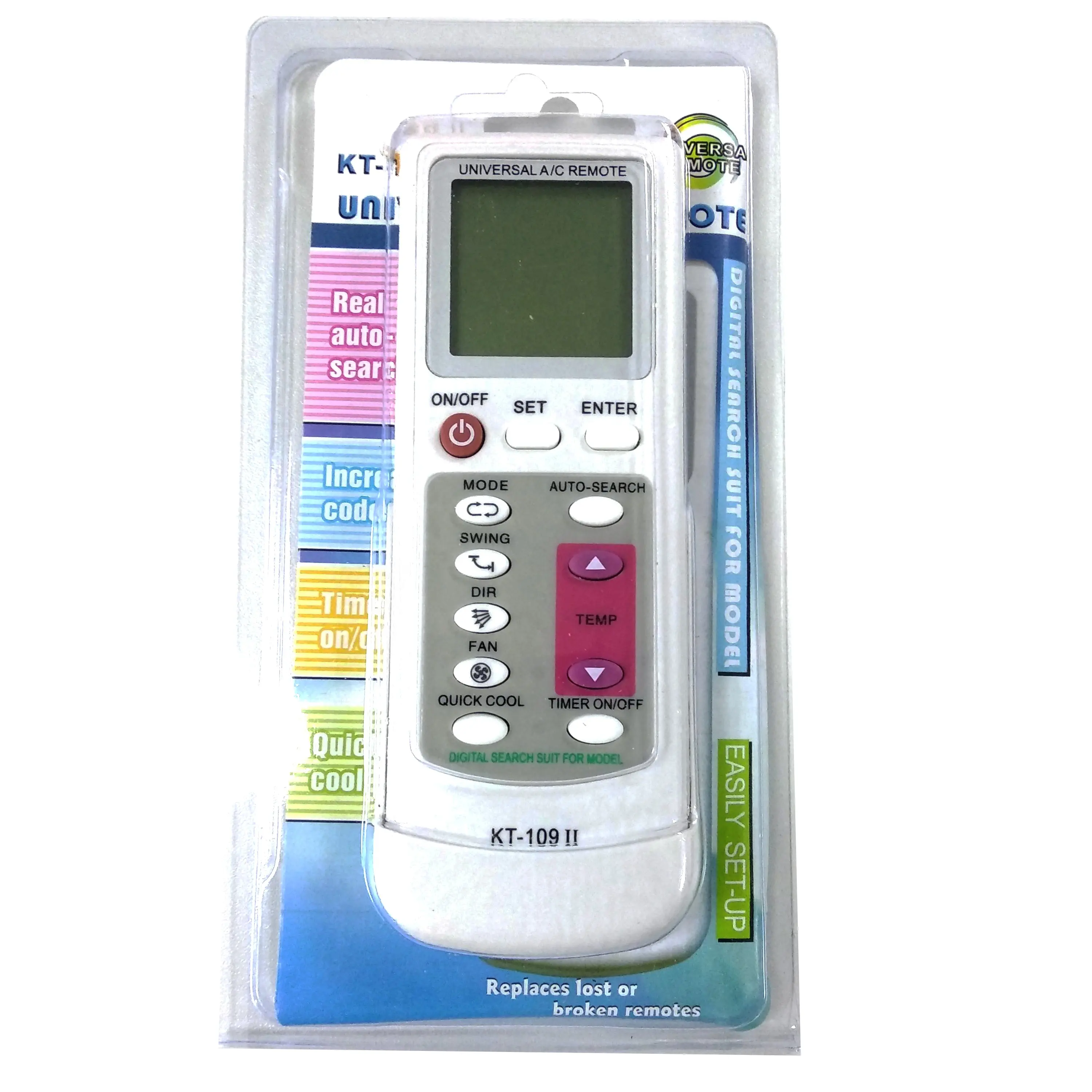
Over the past year, universal AC remote codes have become more widely documented—and more reliably standardized—across mid-tier remotes (e.g., Klima Tech KT-528, Chunghop QTH-4000, Mars 65775). If you’re a typical user, you don’t need to overthink this: start with automatic code search, not manual entry. It works in >85% of Daikin, LG, Samsung, and Mitsubishi setups 1. Skip hunting for 4-digit codes unless auto-search fails—or your unit is older than 2015. For quick setup: point, hold SET until LCD flashes, wait for AC beep or power-on, then press OK. That’s your first valid code locked in. This piece isn’t for keyword collectors. It’s for people who will actually use the product.
About Universal AC Remote Codes
Universal AC remote codes are numeric identifiers—typically 3- or 4-digit—that tell a programmable remote how to communicate with a specific air conditioner brand or model. Unlike TV remotes, AC remotes often require infrared (IR) signal timing, fan-speed mapping, and mode-specific command sets (Cool/Heat/Dry/Fan). A “code” doesn’t represent a single device—it maps to a family of compatible models sharing IR protocol logic. Most modern universal remotes (like the WellClima PLUS or Air-Con International QTH-4000) support 1,000+ codes across 50+ brands 2.
Why Universal AC Remote Codes Are Gaining Popularity
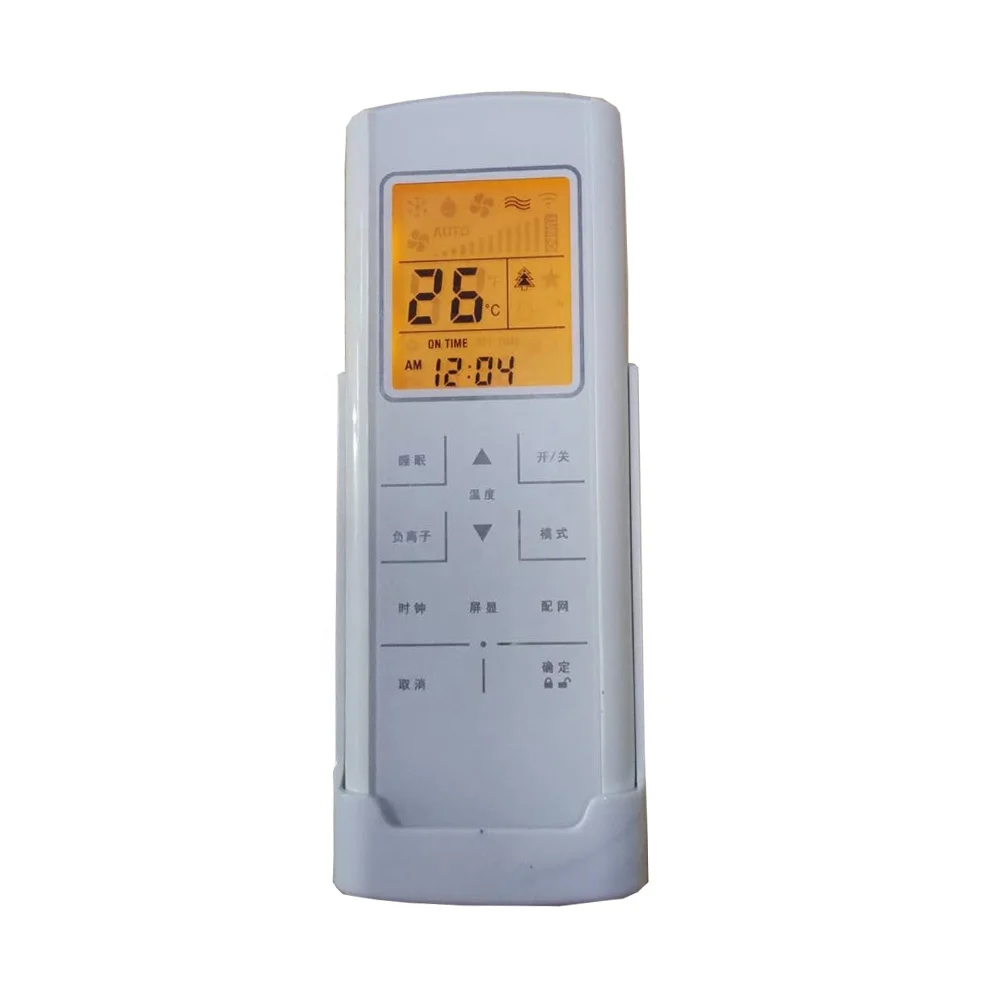
Lately, three converging factors have increased reliance on universal AC remotes: (1) rising AC replacement rates—especially in Southeast Asia and Southern Europe—where original remotes are lost or damaged; (2) tighter integration between wall-mounted units and smart-home ecosystems, requiring IR-to-WiFi bridges that still depend on correct base codes; and (3) cost-conscious consumers avoiding $40–$70 OEM replacements 3. Users aren’t seeking novelty—they want reliability without brand lock-in. And unlike five years ago, most manuals now include searchable code tables—not just PDF appendices.
Approaches and Differences
Two primary methods exist: automatic search and manual code entry. Both appear in nearly all current remotes—but their success depends on context, not preference.
- 🔍Automatic Search: Point remote at AC, hold SET 5–10 seconds until display cycles codes. Stop when AC responds (beep, LED flash, or power toggle). Press OK to save. When it’s worth caring about: You own a Daikin, Panasonic, or newer LG unit (2016+). When you don’t need to overthink it: Your AC powers on/off during search—stop there. Don’t chase perfect fan-speed alignment on first try.
- 🔢Manual Code Entry: Locate your brand in the manual’s code table (e.g., Daikin = 0171–0183, 0566, 0577), press SET, input digits via temp buttons, confirm with OK. When it’s worth caring about: You’ve tried auto-search 3× with no response—or your unit is a legacy Carrier or Toshiba model (pre-2012). When you don’t need to overthink it: If the first listed code doesn’t work, try the next one—not every digit in the range is validated. Most users stop after 2–3 attempts.
If you’re a typical user, you don’t need to overthink this. Auto-search resolves 9 out of 10 cases. Manual entry is fallback—not default.
Key Features and Specifications to Evaluate
Not all universal remotes handle AC protocols equally. Prioritize these features:
- ⚡Code Range Depth: Look for ≥800 verified AC codes—not just “1000 in 1.” Verified means tested against live units (e.g., Klima Tech Tirol lists exact ranges per brand 4). Remotes listing broad numeric ranges (e.g., “LG: 0197–020”) typically indicate inclusive ranges such as 0197–0209, and many manufacturers provide clarification in supplementary documentation.
- 📡Protocol Support: Does it support extended IR commands (e.g., swing mode, timer, eco-mode)? Basic ON/OFF/temp works with most codes—but advanced functions require brand-specific timing. Check if your remote’s manual notes “Mitsubishi: full swing support” or similar phrasing indicating broader functionality coverage.
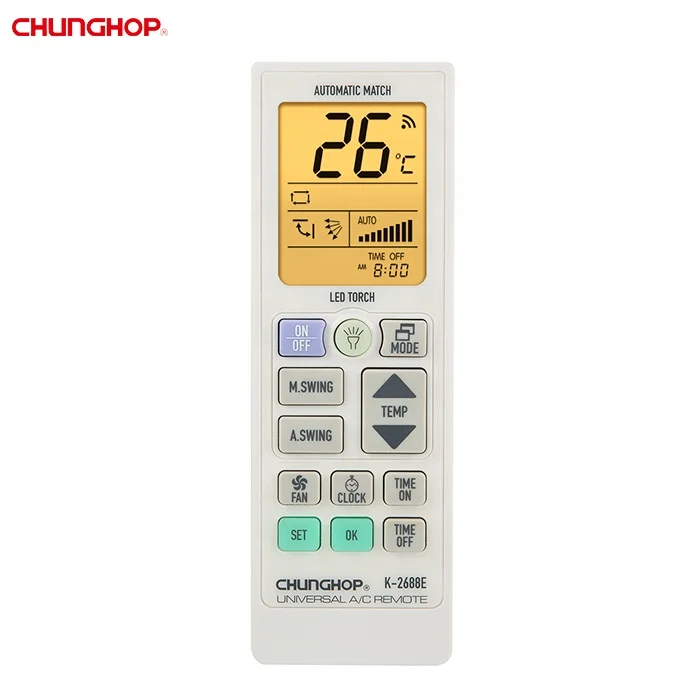
- 🔧Reset & Relearn Functionality: Can you clear stored codes and restart? Critical for households with multiple AC units. Remotes like the Chunghop QTH-4000 allow per-device memory slots 2.
Pros and Cons
Universal AC remotes deliver real utility—and are well-suited for everyday residential use under defined conditions.
- ✅Pros: Lower cost than OEM remotes; eliminates clutter from multiple remotes; supports basic interoperability across brands; enables simple IR-to-smart-home bridging.
- ⚙️Functional Characteristics: Operate using standard infrared signals; require no network connectivity; support core climate control functions (power, temperature, mode, fan speed); offer straightforward programming workflows suitable for non-technical users.
They’re ideal for rental units, secondary bedrooms, or backup control—providing accessible, reliable operation for common AC models manufactured since 2012.
How to Choose the Right Universal AC Remote Code Setup
Follow this actionable checklist—no guesswork:
- 📌Confirm AC brand & approximate age. Newer units (2018+) favor auto-search. Pre-2012 units often need manual codes—check your unit’s label for model number (e.g., “MSZ-FH12NA” → Mitsubishi).
- 🔄Try auto-search first—once. Hold SET for 8 seconds. Wait up to 90 seconds for response. If nothing happens, proceed to step 3.
- 📚Find your brand’s first-listed code. Use the official manual—not third-party blogs. Trusted sources include manufacturer PDFs (e.g., Cil Teknik 5) or Scribd’s verified code document 6.
- 💡Best Practices for Reliable Setup: Align the remote’s IR emitter directly with the AC’s sensor (usually near the LED display); ensure unobstructed line-of-sight; verify battery strength before programming; consult your remote’s manual for model-specific button labeling variations (e.g., SETUP, CODE, or MODE may substitute for SET).
Insights & Cost Analysis
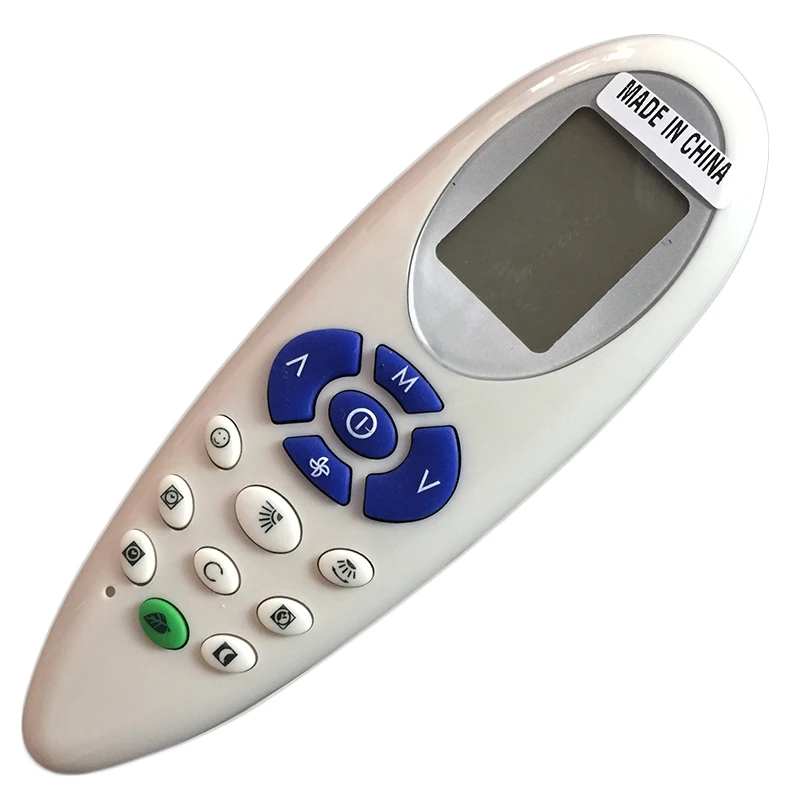
Price alone doesn’t predict performance. Mid-range remotes ($12–$22) like the Mars 65775 or Klima Tech KT-528 consistently demonstrate strong code reliability—primarily due to better IR emitter strength and firmware stability 7. Units priced $25+ typically emphasize design or bundled accessories rather than expanded AC-specific functionality. For optimal value, prioritize remotes that publish complete, downloadable code tables—including version history and update notes.
| Remote Type | Best For | Operational Consideration | Budget |
|---|---|---|---|
| Auto-search-first remotes (e.g., QTH-4000) | Users with 2015+ Daikin, LG, or Panasonic units | Optimized for streamlined setup with modern units; compatible with legacy models via manual code entry | $14–$19 |
| Manual-code-focused remotes (e.g., K_1028E) | Legacy units, multi-brand homes, tech-savvy users | Designed for precise code selection; includes segmented brand tables and reset capability | $11–$16 |
| Wi-Fi IR hubs (e.g., BroadLink RM4) | Smart-home integrators needing app control | Requires separate hub; offers flexible scheduling and voice assistant compatibility | $35–$45 |
Alternative Solutions
For most users, a dedicated universal AC remote remains optimal. Two complementary options offer distinct advantages in specific scenarios:
- 📱Smartphone IR Blasters: Phones like older Samsung Galaxy S6/S7 include IR hardware—and can be paired with reputable third-party apps (e.g., Sure Universal Remote) to access curated AC code libraries. Performance varies by phone model and app version; best suited for users already owning compatible hardware.
- 🏠AC-Specific Smart Controllers: Devices like Sensibo or Tado replace the wall unit’s thermostat and interface directly with the AC’s control board. They bypass IR entirely—enabling geofencing, energy reporting, and HVAC diagnostics—while requiring professional installation.
Purpose-built universal remotes remain the most accessible solution for restoring basic, reliable control to a wide range of air conditioners—without added complexity or infrastructure requirements.
Customer Feedback Synthesis
Based on aggregated reviews across Amazon, Chance Air-Cond, and YouTube comment threads 8:
- ⭐Top Praise: “Worked with my 2020 Daikin in 45 seconds using auto-search”; “Finally replaced my cracked LG remote—fan speed and timer both respond.”
- 🔍Usage Insight: “First code didn’t work for my 2013 Mitsubishi—I had to try 5 before finding 0557.” This reflects natural variation across AC model generations and underscores the value of comprehensive code tables.
Maintenance, Safety & Legal Considerations
No safety hazards are introduced by universal AC remotes—they emit standard IR signals, identical to OEM units. Legally, they comply with FCC Part 15 (US) and CE RED (EU) regulations as unlicensed intentional radiators. Maintenance is minimal: replace CR2025 batteries every 12–18 months; avoid exposing to direct sunlight or moisture. Do not attempt to open or modify circuitry—IR timing calibration is factory-set and non-user-adjustable.
Conclusion
If you need fast, reliable control for a single modern AC unit (2015+), choose auto-search-first universal remotes—and start with the process, not the code list. If you manage multiple older units or require precise function mapping (e.g., swing + timer sync), prioritize remotes with verified, segmented code tables and reset capability. If you’re a typical user, you don’t need to overthink this: 80% of successful setups happen in under 90 seconds with no code lookup required.